Anthony Chan
Priyadarshini Vijayakumar
Intuit Developer Relations
Intuit Developer Group
Deep Drive:
QuickBooks API & Intuit Developer Platform
Topics
Developer Account
Developer Tools
APIs
Best practices
TroubleshootingTips
Publishing Process
2
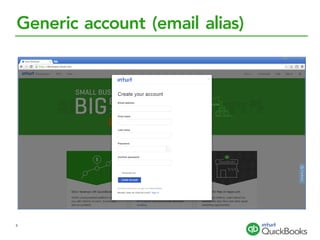
Generic account (email alias)
3
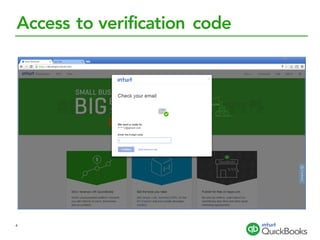
Access to verification code
4
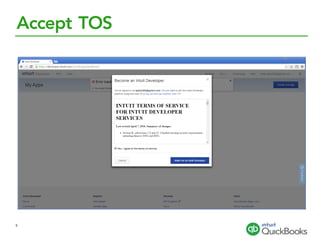
Accept TOS
5
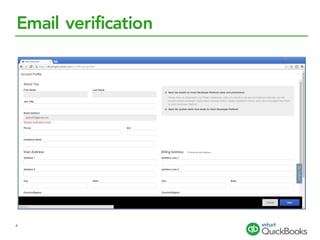
Email verification
6
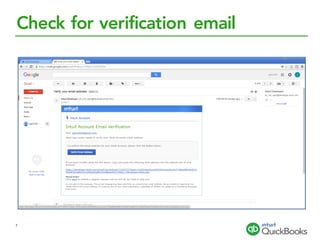
Check for verification email
7
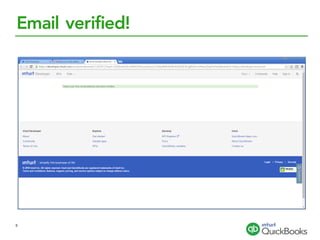
Email verified!
8
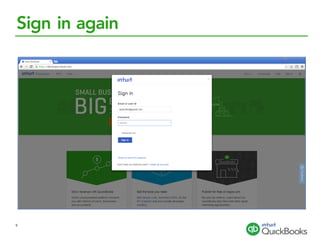
Sign in again
9
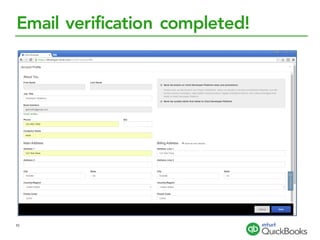
Email verification completed!
10
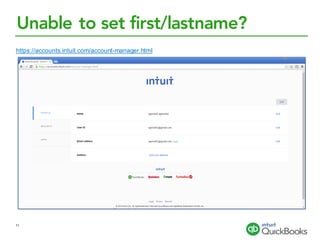
Unable to set first/lastname?
https://accounts.intuit.com/account-manager.html
11
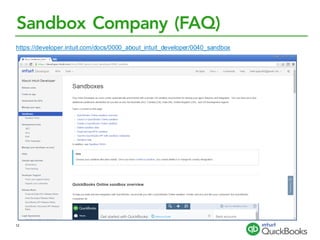
Sandbox Company (FAQ)
https://developer.intuit.com/docs/0000_about_intuit_developer/0040_sandbox
12
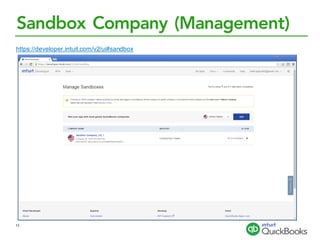
Sandbox Company (Management)
https://developer.intuit.com/v2/ui#sandbox
13
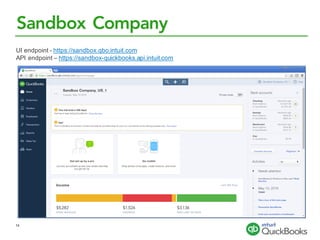
Sandbox Company
UI endpoint - https://sandbox.qbo.intuit.com
API endpoint – https://sandbox-quickbooks.api.intuit.com
14
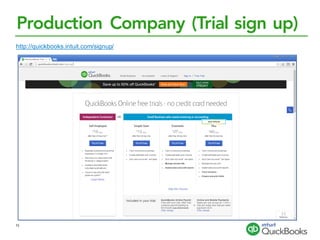
Production Company (Trial sign up)
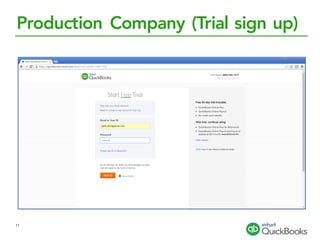
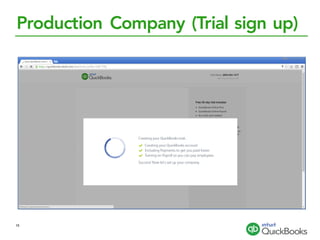
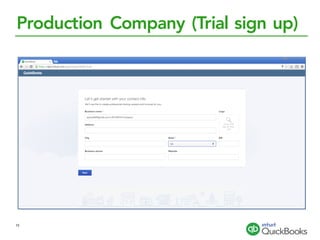
http://quickbooks.intuit.com/signup/
15
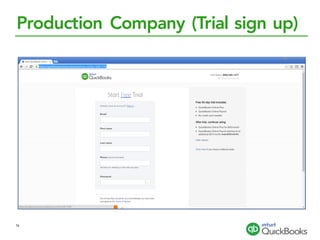
Production Company (Trial sign up)
16
Production Company (Trial sign up)
17
Production Company (Trial sign up)
18
Production Company (Trial sign up)
19
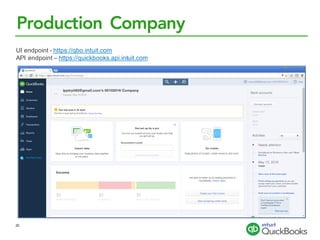
Production Company
UI endpoint - https://qbo.intuit.com
API endpoint – https://quickbooks.api.intuit.com
20
Developer Tools (API Explorer)
https://developer.intuit.com/v2/apiexplorer?apiname=V3QBO#?id=Account
21
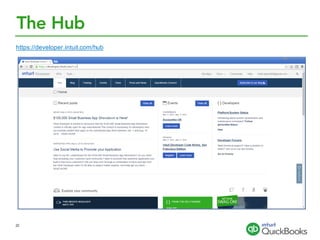
The Hub
https://developer.intuit.com/hub
22
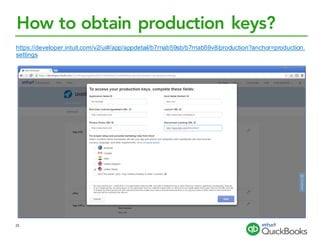
How to obtain production keys?
https://developer.intuit.com/v2/ui#/app/appdetail/b7rnab59sb/b7rnab59v8/production?anchor=production.
settings
23
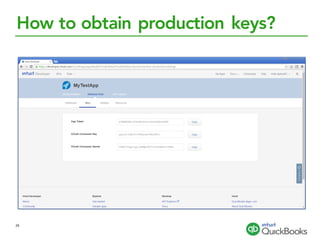
How to obtain production keys?
24
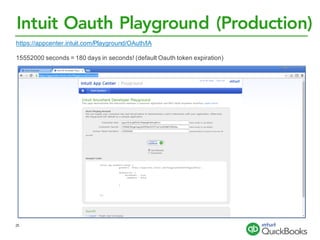
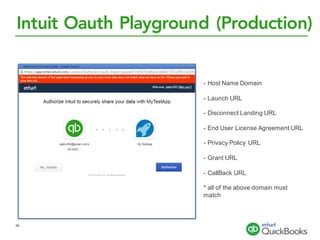
Intuit Oauth Playground (Production)
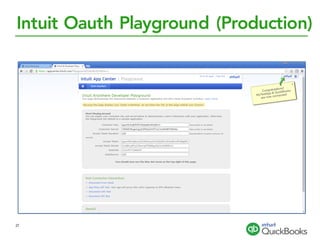
https://appcenter.intuit.com/Playground/OAuth/IA
15552000 seconds = 180 days in seconds! (default Oauth token expiration)
25
Intuit Oauth Playground (Production)
- Host Name Domain
- Launch URL
- Disconnect Landing URL
- End User License Agreement URL
- Privacy Policy URL
- Grant URL
- CallBack URL
* all of the above domain must
match
26
Intuit Oauth Playground (Production)
27
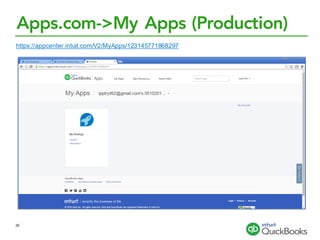
Apps.com->My Apps (Production)
https://appcenter.intuit.com/V2/MyApps/123145771868297
28
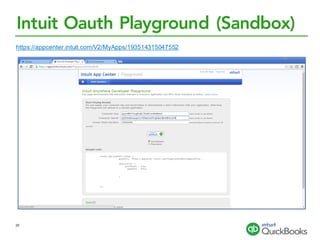
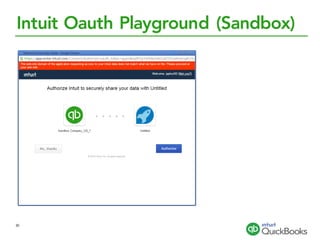
Intuit Oauth Playground (Sandbox)
https://appcenter.intuit.com/V2/MyApps/193514315047552
29
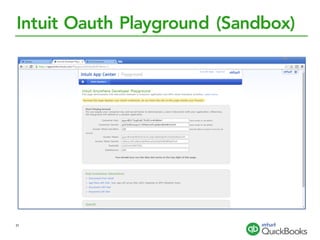
Intuit Oauth Playground (Sandbox)
30
Intuit Oauth Playground (Sandbox)
31
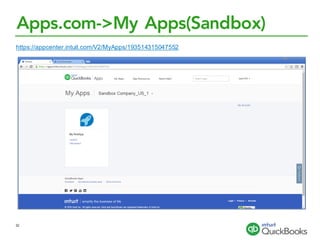
Apps.com->My Apps(Sandbox)
https://appcenter.intuit.com/V2/MyApps/193514315047552
32
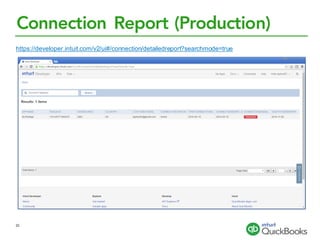
Connection Report (Production)
https://developer.intuit.com/v2/ui#/connection/detailedreport?searchmode=true
33
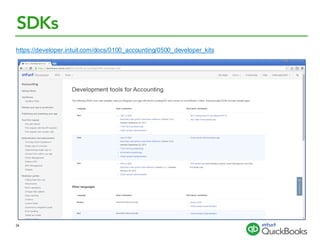
SDKs
https://developer.intuit.com/docs/0100_accounting/0500_developer_kits
34
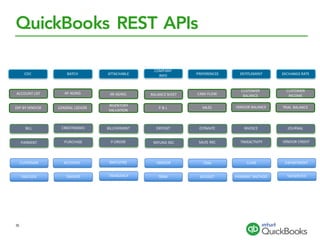
QuickBooks REST APIs
CUSTOMER ACCOUNT EMPLOYEE VENDOR ITEM DEPARTMENTCLASS
TAXCODE TAXRATE TAXAGENCY TERM BUDGET PAYMENT	METHOD
BILL CREDITMEMO BILLPAYMENT DEPOSIT ESTIMATE JOURNALINVOICE
PAYMENT PURCHASE P.ORDER REFUND	REC SALES	REC TIMEACTIVITY VENDOR	CREDIT
ACCOUNT	LIST AP	AGING AR	AGING BALANCE	SHEET CASH	FLOW
CUSTOMER	
INCOME
CUSTOMER	
BALANCE
EXP	BY	VENDOR GENERAL	LEDGER
INVENTORY	
VALUATION
P	&	L SALES VENDOR	BALANCE TRIAL	BALANCE
TAXSERVICE
CDC BATCH ATTACHABLE
COMPANY
INFO PREFERENCES EXCHANGE	RATEENTITLEMENT
35
Data Integration Best Practices
36
❏CRUD	+	Query
❏sync	Token	
❏Read	before	Update
Data Integration Best Practices
37
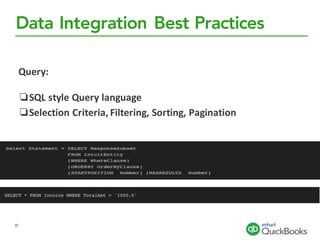
Query:
❏SQL	style	Query	language	
❏Selection	Criteria,	Filtering,	Sorting,	Pagination
Data Integration Best Practices
38
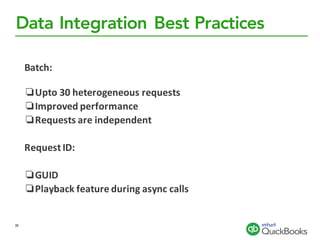
Batch:
❏Upto 30	heterogeneous	requests
❏Improved	performance
❏Requests	are	independent	
Request	ID:
❏GUID	
❏Playback	feature	during	async calls
Data Integration Best Practices
39
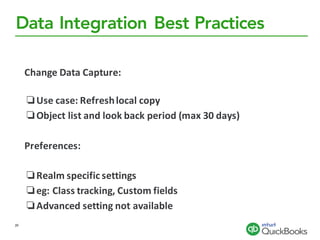
Change	Data	Capture:
❏Use	case:	Refresh	local	copy
❏Object	list	and	look	back	period	(max	30	days)	
Preferences:
❏Realm	specific	settings
❏eg:	Class	tracking,	Custom	fields
❏Advanced	setting	not	available
Data Integration Best Practices
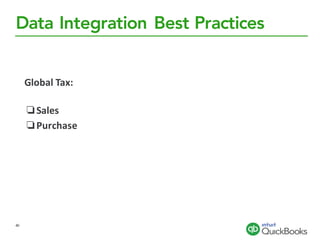
Global	Tax:
❏Sales
❏Purchase
40
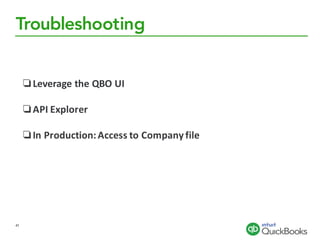
Troubleshooting
❏Leverage	the	QBO	UI
❏API	Explorer	
❏In	Production:	Access	to	Company	file	
41
Publishing (Advantage 1)
Listed on Apps.com!
42
Publishing (Advantage 2)
1.4 million QBO subscribers can find your app within QuickBooks Online!
43
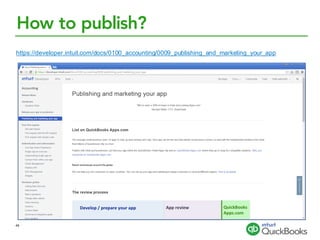
How to publish?
https://developer.intuit.com/docs/0100_accounting/0009_publishing_and_marketing_your_app
44
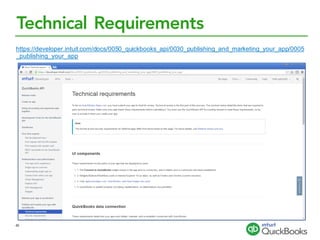
Technical Requirements
https://developer.intuit.com/docs/0050_quickbooks_api/0030_publishing_and_marketing_your_app/0005
_publishing_your_app
45
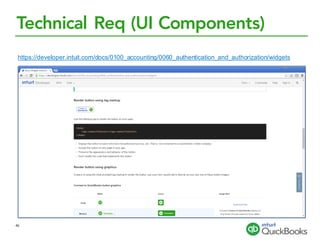
Technical Req (UI Components)
https://developer.intuit.com/docs/0100_accounting/0060_authentication_and_authorization/widgets
46
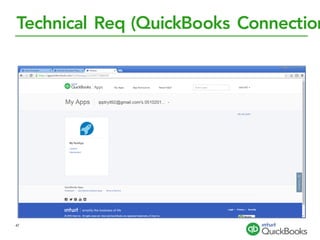
Technical Req (QuickBooks Connection
47
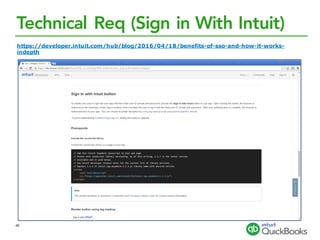
Technical Req (Sign in With Intuit)
https://developer.intuit.com/hub/blog/2016/04/18/benefits-of-sso-and-how-it-works-
indepth
48
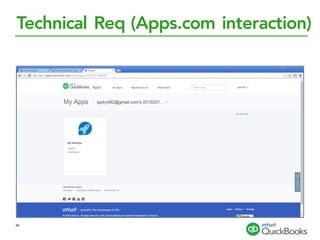
Technical Req (Apps.com interaction)
49
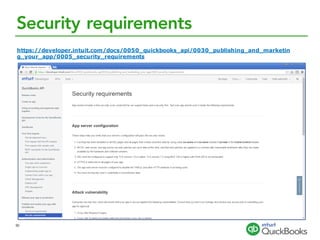
Security requirements
https://developer.intuit.com/docs/0050_quickbooks_api/0030_publishing_and_marketin
g_your_app/0005_security_requirements
50
Marketing requirements
https://developer.intuit.com/docs/0050_quickbooks_api/0030_publishing_and_marketin
g_your_app/0006_complete_the_marketing_review
51
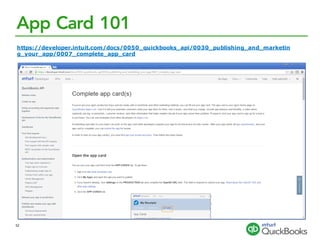
App Card 101
https://developer.intuit.com/docs/0050_quickbooks_api/0030_publishing_and_marketin
g_your_app/0007_complete_app_card
52
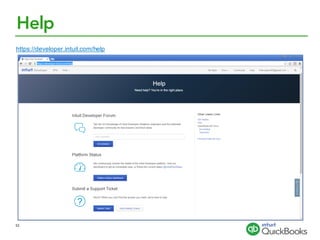
Help
https://developer.intuit.com/help
53
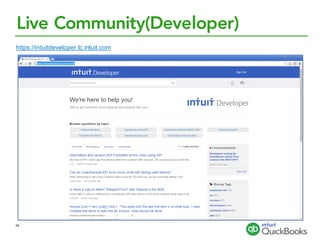
Live Community(Developer)
https://intuitdeveloper.lc.intuit.com
54
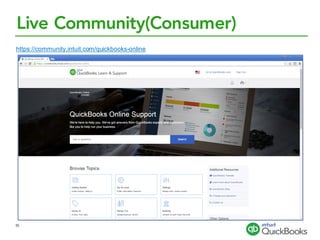
Live Community(Consumer)
https://community.intuit.com/quickbooks-online
55
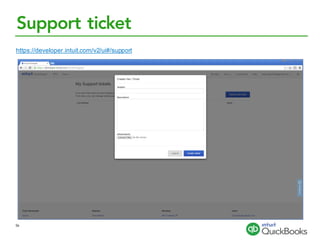
Support ticket
https://developer.intuit.com/v2/ui#/support
56
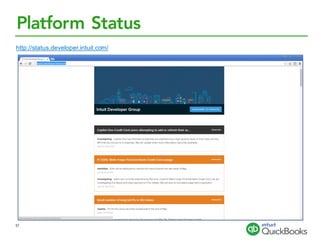
Platform Status
http://status.developer.intuit.com/
57

Deep Dive on the QuickBooks Online API and Intuit Developer Platform