HOW I PROTECT
IMPORTATNT DATA ON MY DEVICE
WITHOUT SPENDING MONEY ON SOFTWARES.
PRESENTED BY: VIJAY KUMAR
VIJAY KUMAR
AGENDA OF THIS WEBINAR
Overview on Data Protection
What is more important
‘Data vs. Money’?
Where should you put your
important DATA?
What are the critical chances
to lose data?
VIJAY KUMAR
EFS Encrypting Files System
Case studies of losing data
circumstances.
Back up efs certificate or key
and How to use it.
EFS Data Recovery
AGENDA OF THIS WEBINAR
Bitlocker Drive Encryption
System Requirements
Turn on bitlocker
Turn on bitlocker without TPM
Turn on bitlocker GO
Quick access to Manage
bitlocker
Turn off bitlocker
VIJAY KUMAR
Free software for Encryption
Veracrypt – Overviews
8 Reasons you should use
Veracrypt
Veracrypt Traveler Disk
Create a Encrypted Container
Encrypt Non-System Partition

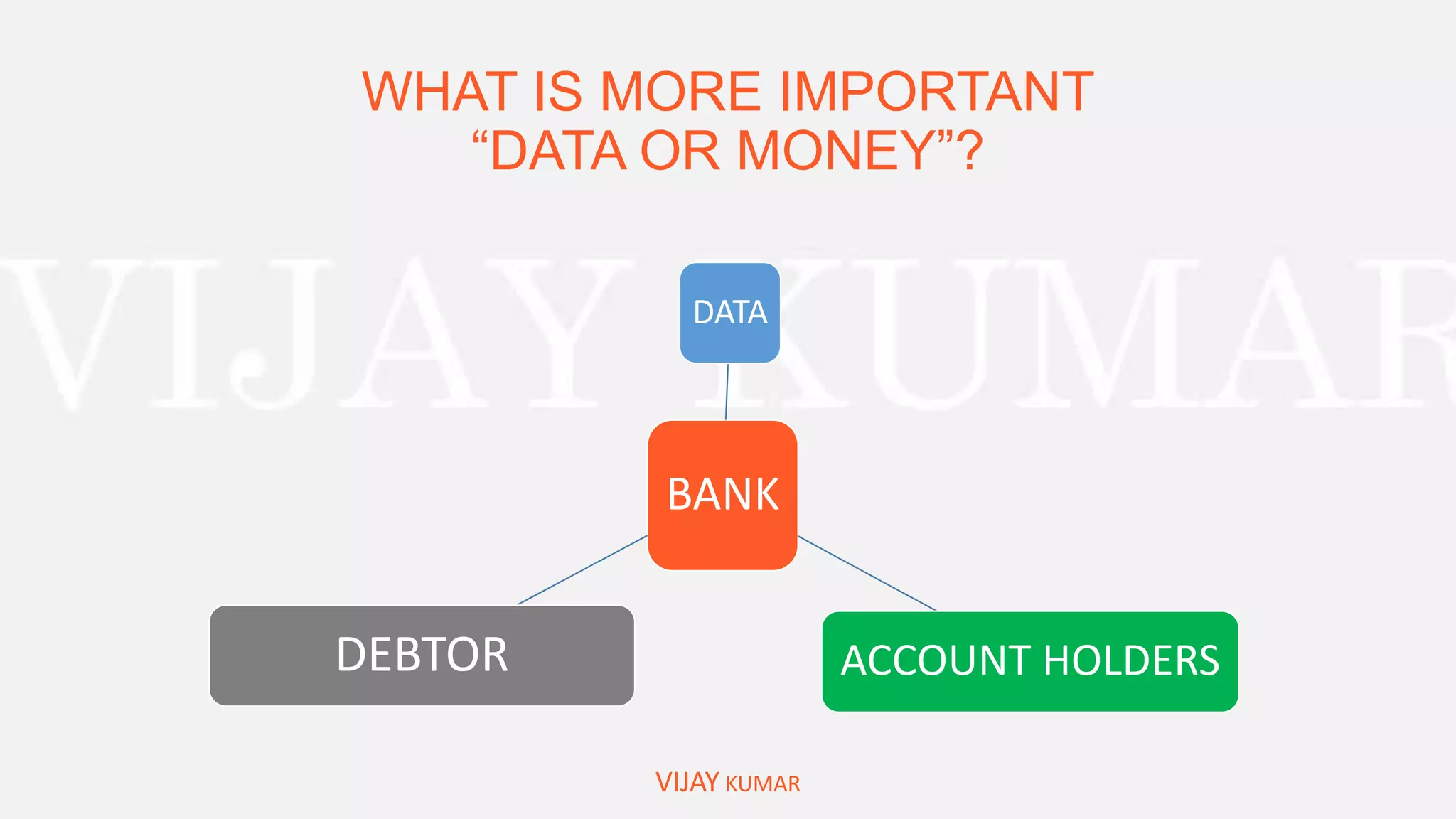
WHAT IS MORE IMPORTANT
“DATA OR MONEY”?
BANK
DATA
ACCOUNT HOLDERSDEBTOR
VIJAY KUMAR
Yours
“IMPORTANT DATA”
VIJAY KUMAR
• Documents belong to your identity
• Your bank documents.
• Your office documents.
• Documents consist sensitive information.
• Research Papers.
• Private Images or Videos
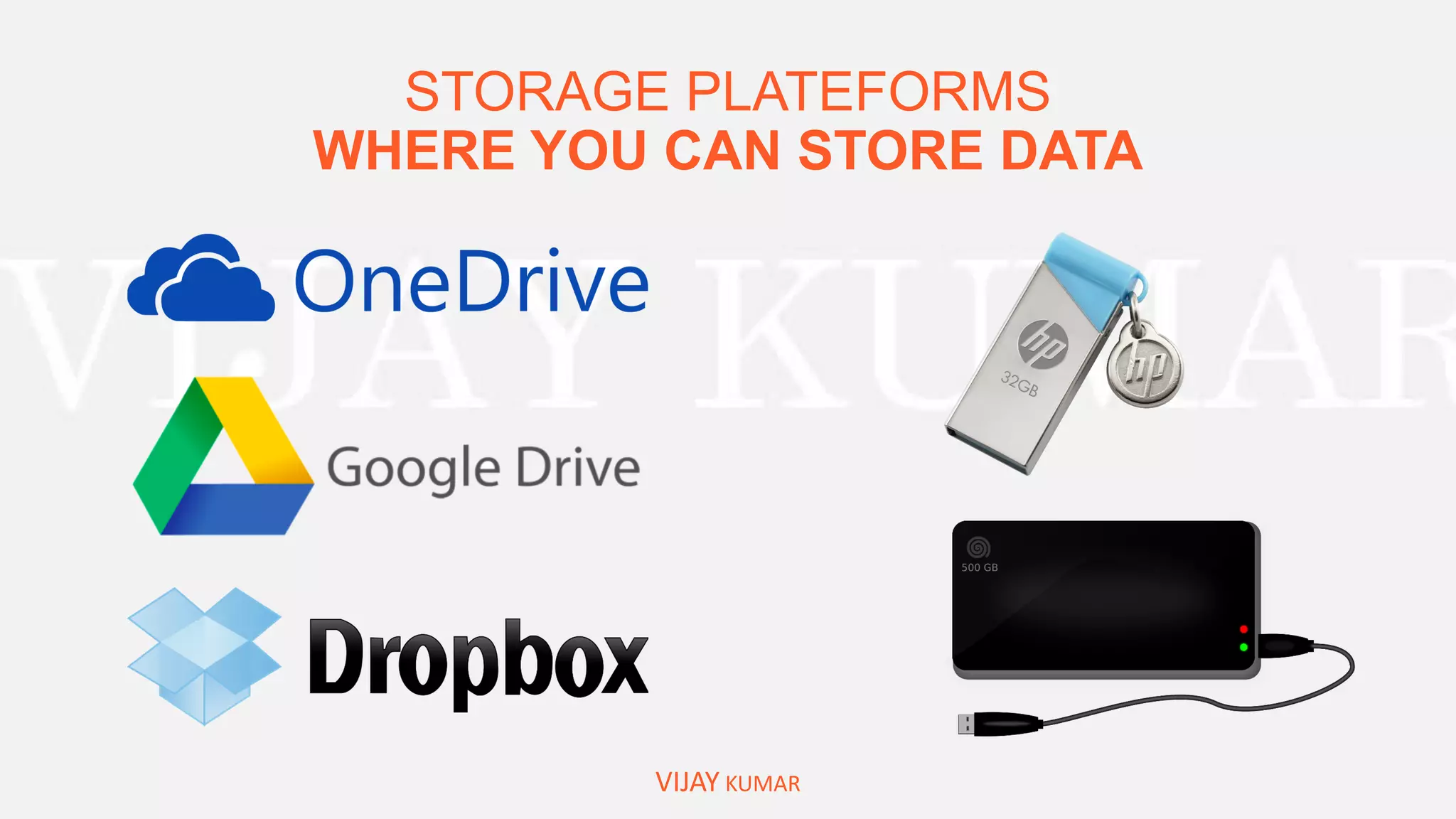
STORAGE PLATEFORMS
WHERE YOU CAN STORE DATA
VIJAY KUMAR
WHAT ARE THE CAUSES OF
DAMAGE/LOST YOUR DATA?
VIJAY KUMAR
Physical Access of Storage Media
Lost/Stolen External Storage Media
Access of your Computer/Laptop – Local Data
System Failure
HOW CAN WE PREVENT
MISSUSE OF LOST DATA
VIJAY KUMAR
ENCRYPTION OF FILES/FOLDERS AND DEVICES
METHODS TO
ENCRYPT DATA IN WINDOWS
VIJAY KUMAR
 Encrypting File System [EFS] for files and folders
 Bitlocker to Encrypt Drive/System Drive
 Other Free third party Software's
OVERVIEW ON
“ENCRYPTING FILE SYSTEM [efs]”
VIJAY KUMAR
Microsoft Encrypting File System (EFS) is an integral part of Microsoft Windows operating systems
that enables users to protect their files against unauthorized access even from those who gain
physical access to the hard disk or the computer that contains the encrypted files. Windows XP,
2003, Vista, Windows 7, Windows 8, Windows 8.1, Windows 10, Windows Server 2008, Windows
Server 2012
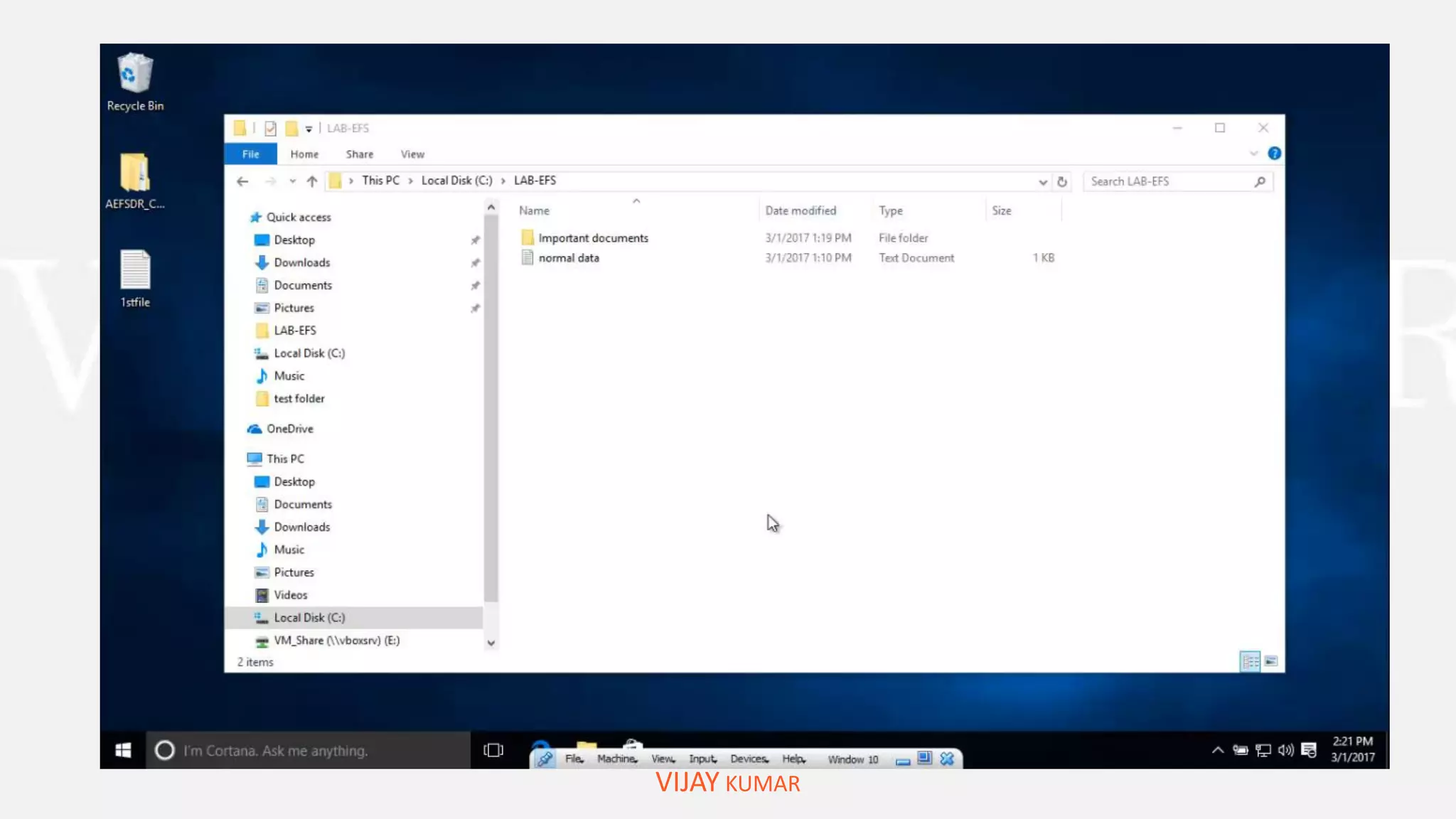
HOW TO
“ENCRYPT FILES/FOLDERS by EFS ”
VIJAY KUMAR
And Backup Certificate key
DEMOSTRATION:
VIJAY KUMAR
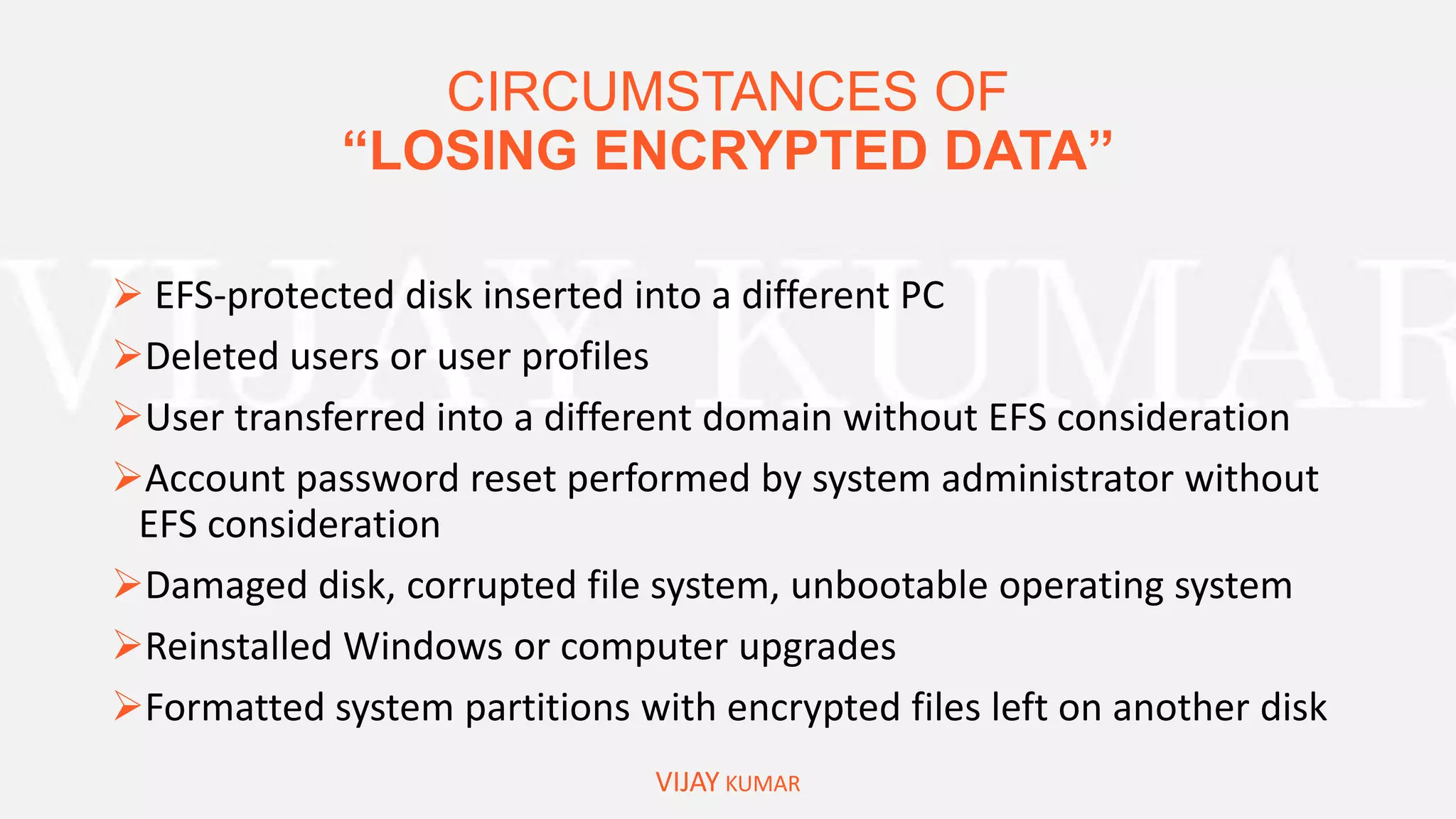
CIRCUMSTANCES OF
“LOSING ENCRYPTED DATA”
VIJAY KUMAR
 EFS-protected disk inserted into a different PC
Deleted users or user profiles
User transferred into a different domain without EFS consideration
Account password reset performed by system administrator without
EFS consideration
Damaged disk, corrupted file system, unbootable operating system
Reinstalled Windows or computer upgrades
Formatted system partitions with encrypted files left on another disk
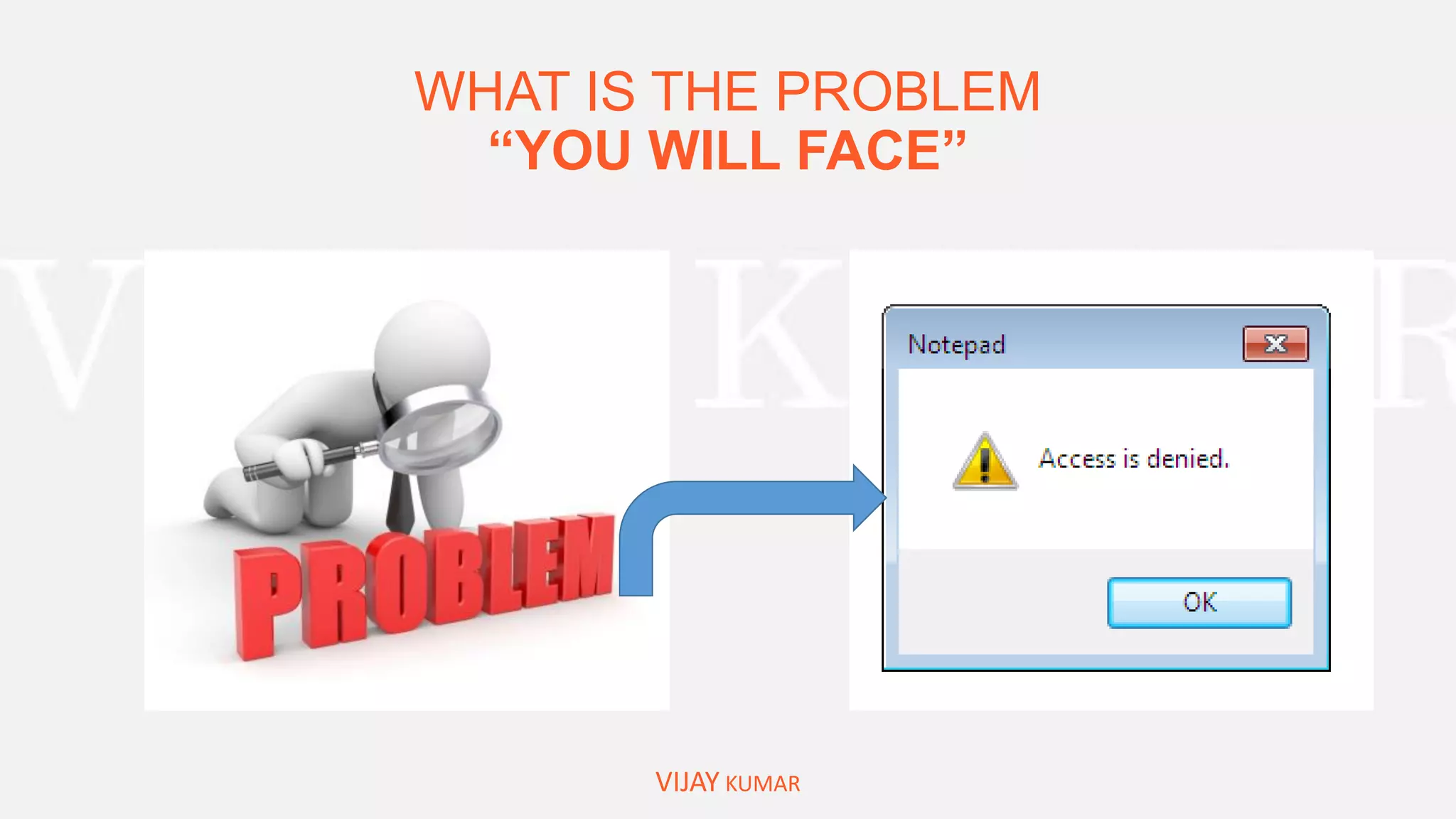
WHAT IS THE PROBLEM
“YOU WILL FACE”
VIJAY KUMAR
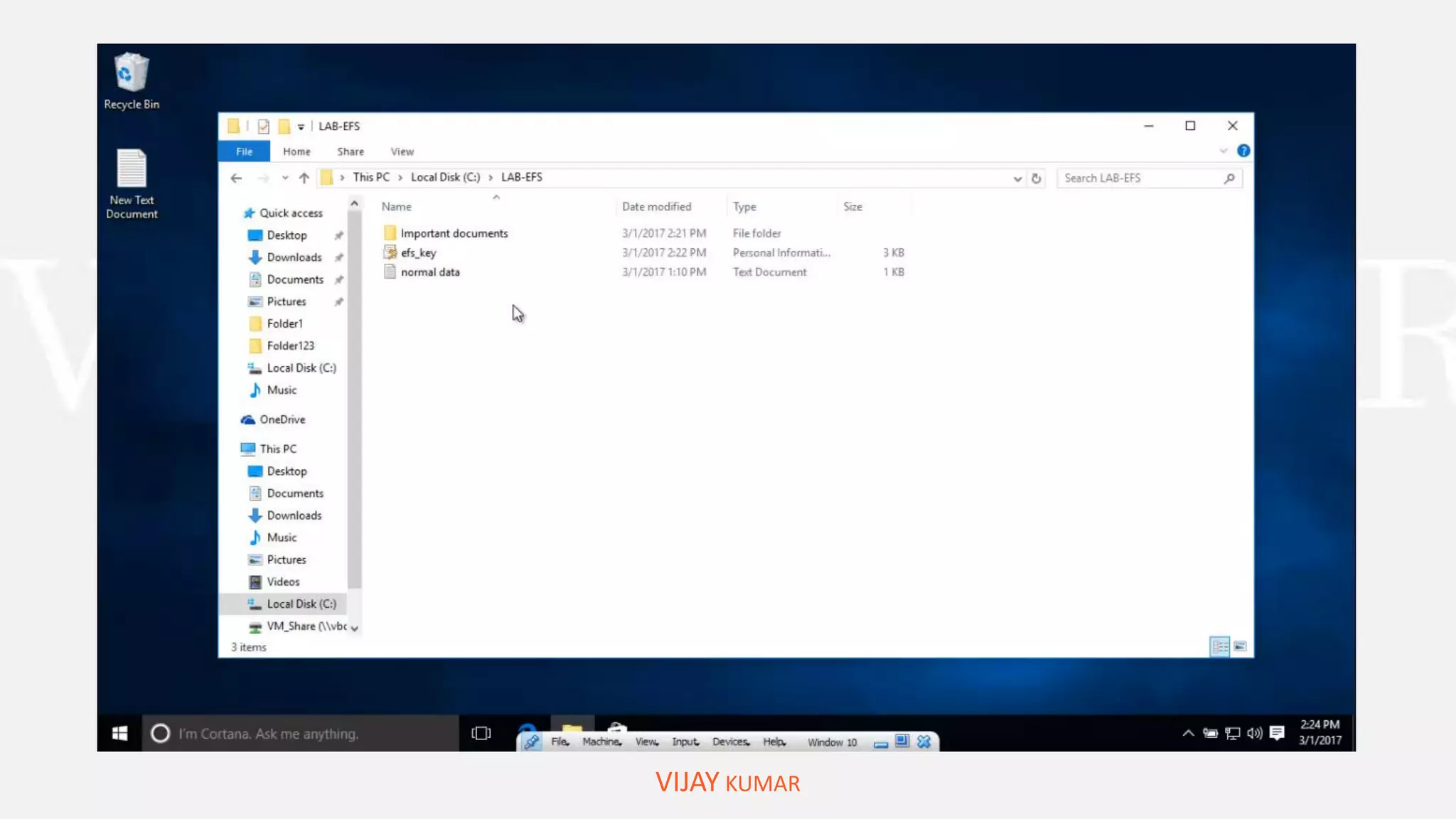
WHAT IS NEXT
“RESTORE EFS CERTIFICATE OR KEY”
VIJAY KUMAR
Solve “Access is denied” problem
DEMOSTRATION:
VIJAY KUMAR
OVERVIEW ON BITLOCKER
VIJAY KUMAR
BitLocker provides you most protection of your data used way trusted platform module
TPM version 1.2 a letter the TPM is a hardware component installed while computer manufacturers
in the computer.
BITLOCKER:
“SYSTEM REQUIREMENTS”
VIJAY KUMAR
• Your PC is hard drive must have to partition and The drive must be formatted with the NTFS file
system.
• The drive must be not encrypted by differ operating system or another encrypted software.
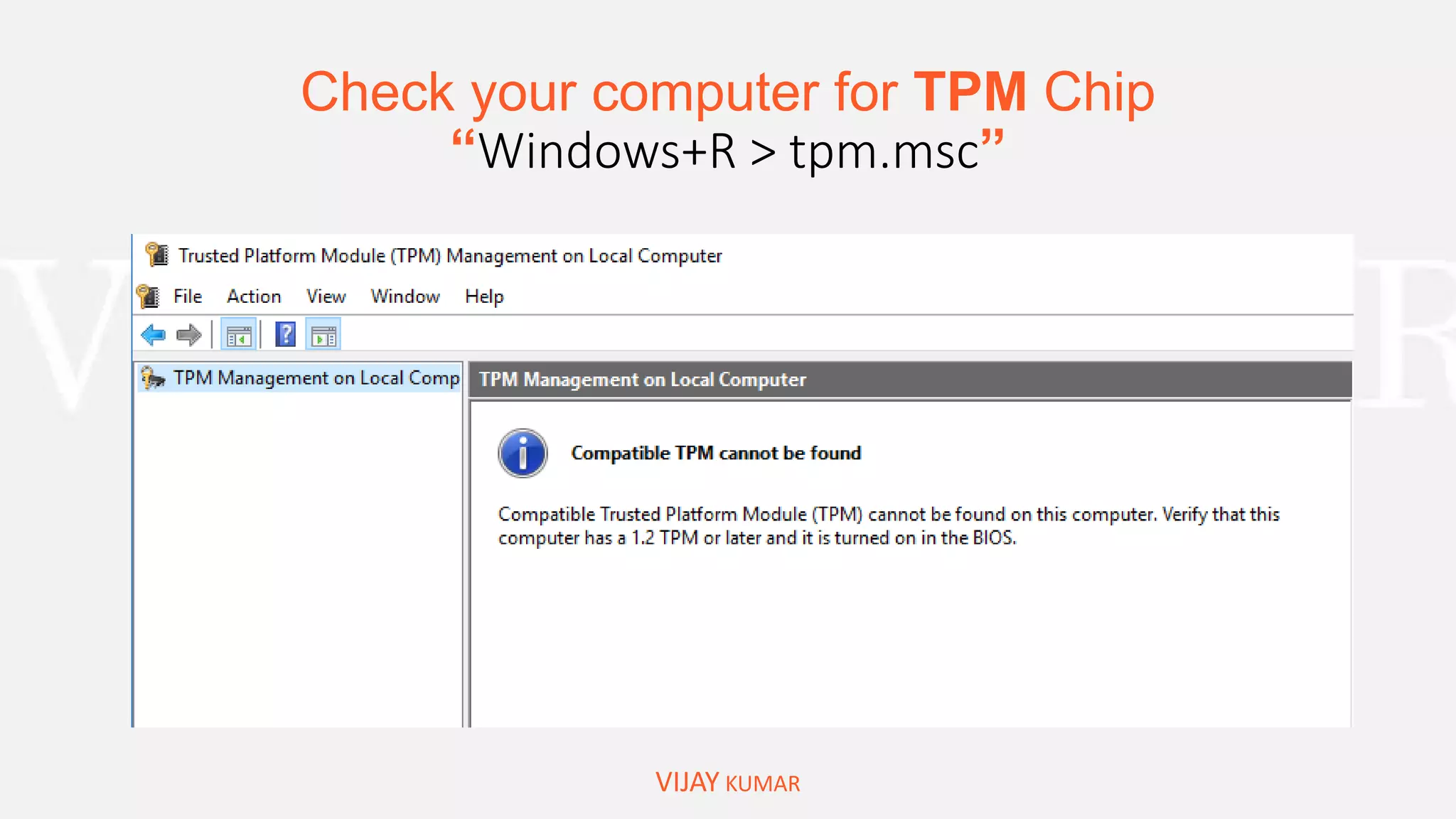
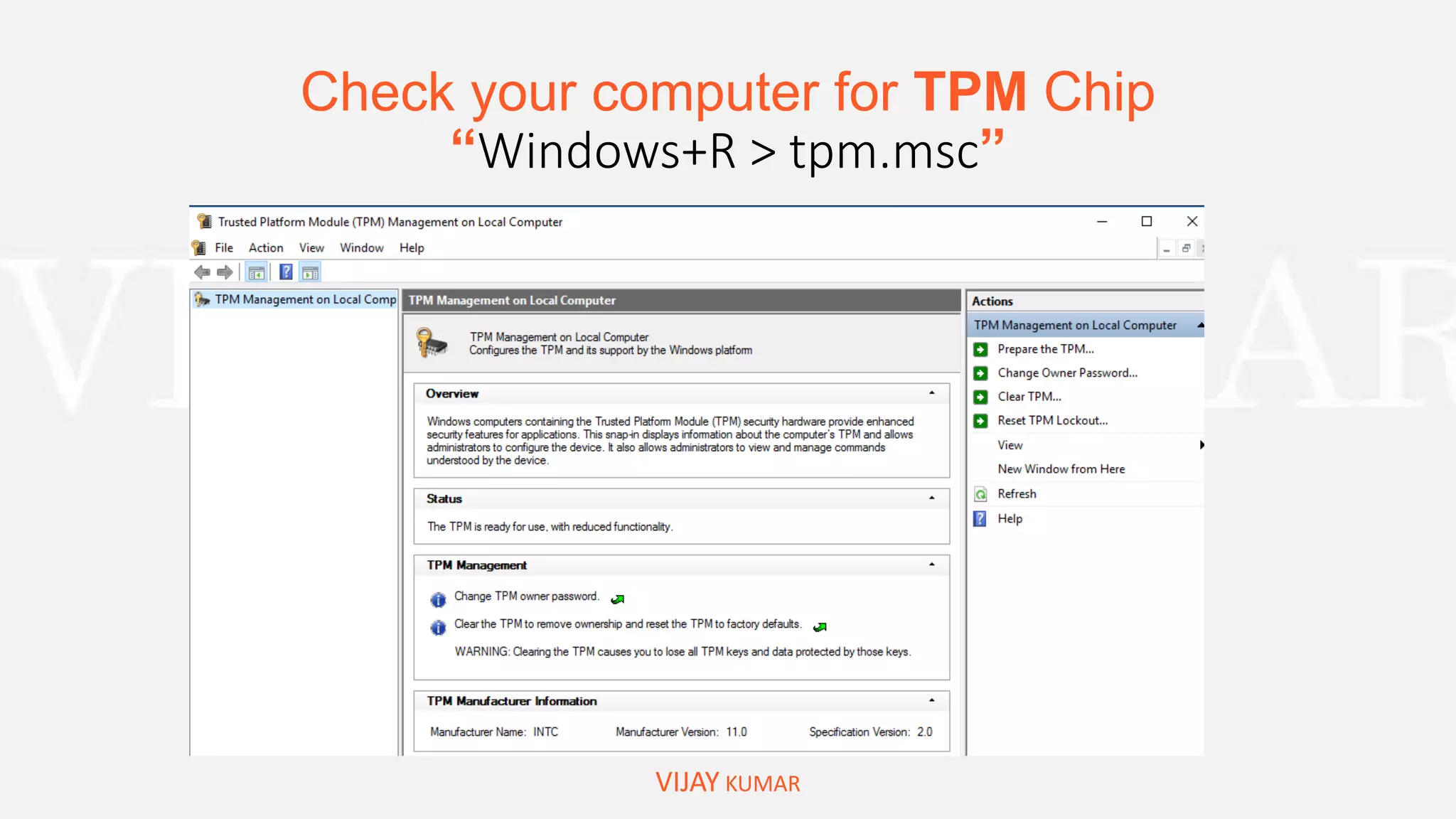
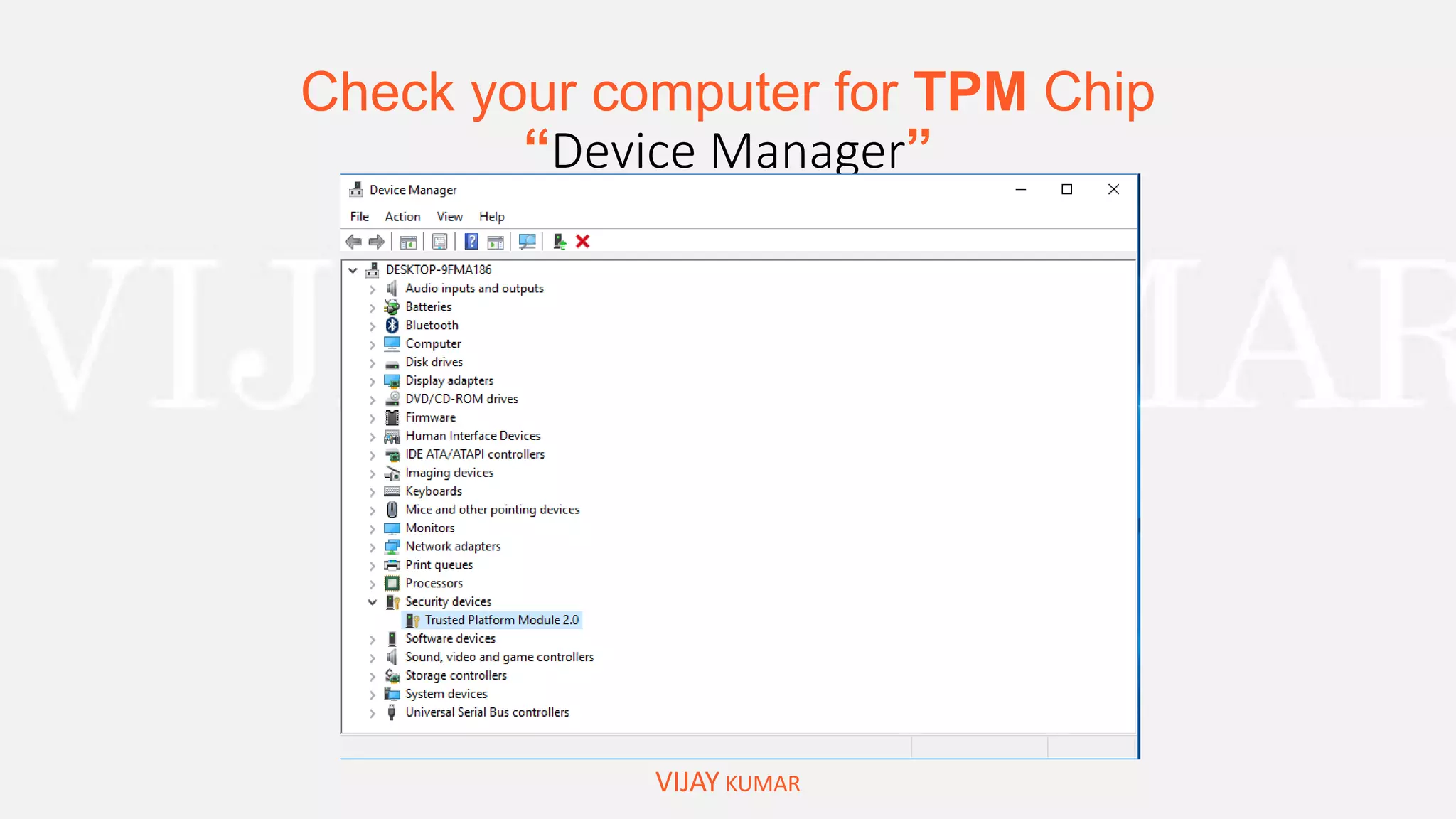
• The computer must have a TPM version 1.2 or later if your computer does not have EPL you can
still enable BitLocker with the requirement of removal device to save startup key.
• A computer with TPM must have TCG trusted computing group complaint BIOS
• Keep your computer connected with uninterrupted power supply throughout the entire process
because this process is time-consuming depending the amount of data and drive size
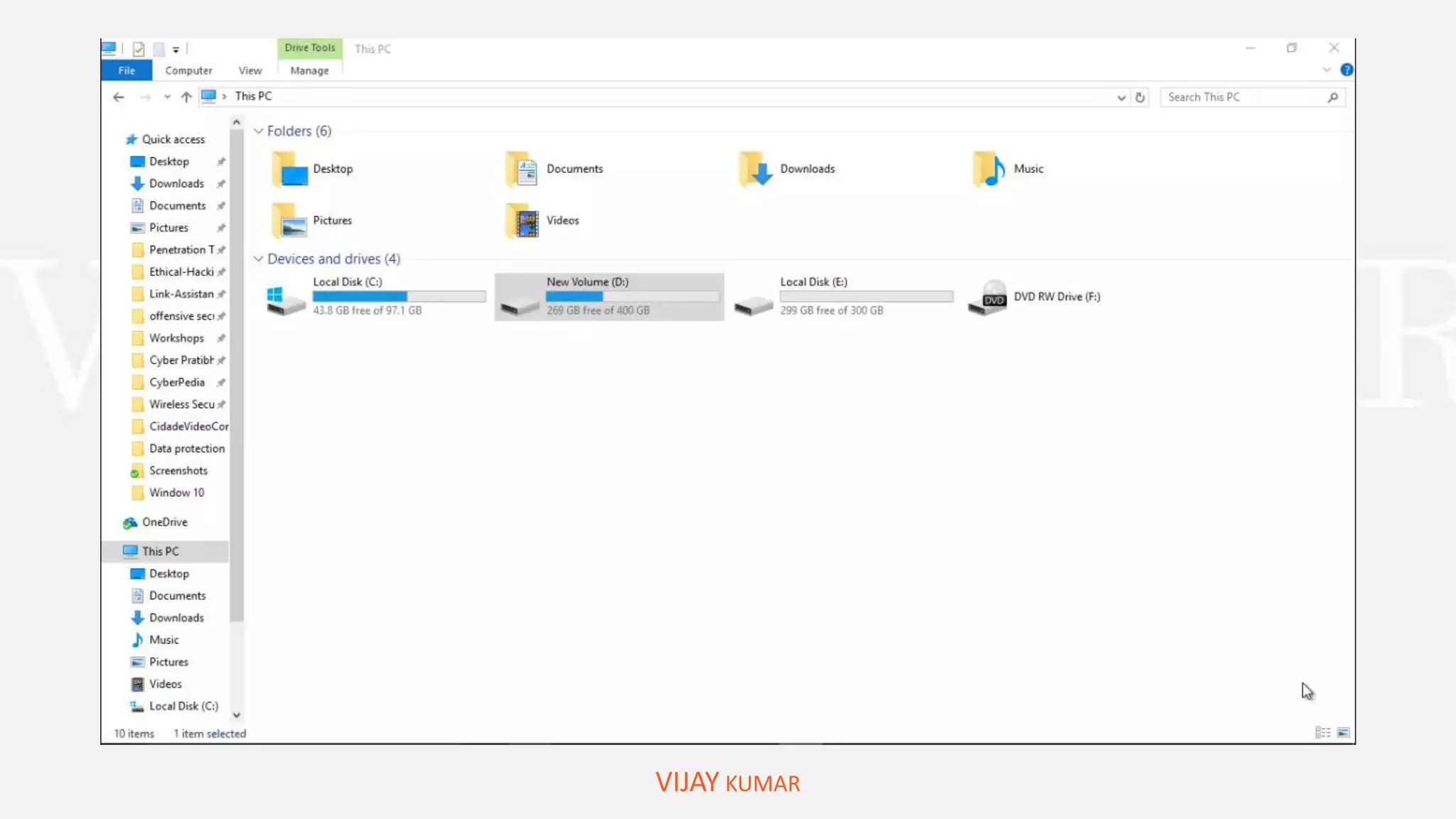
Check your computer for TPM Chip
“Windows+R > tpm.msc”
VIJAY KUMAR
Check your computer for TPM Chip
“Windows+R > tpm.msc”
VIJAY KUMAR
Check your computer for TPM Chip
“Device Manager”
VIJAY KUMAR
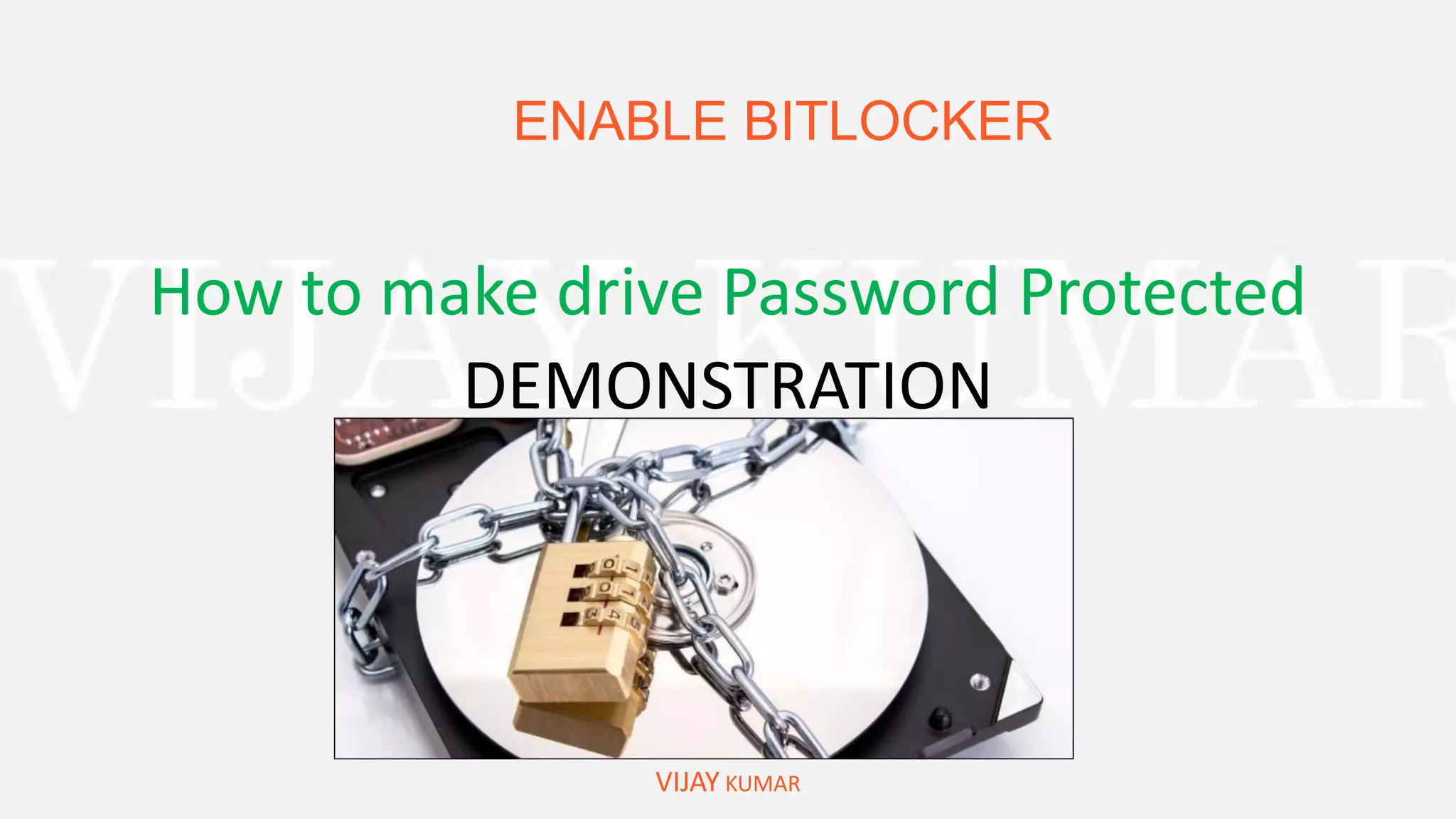
ENABLE BITLOCKER
VIJAY KUMAR
How to make drive Password Protected
DEMONSTRATION
VIJAY KUMAR
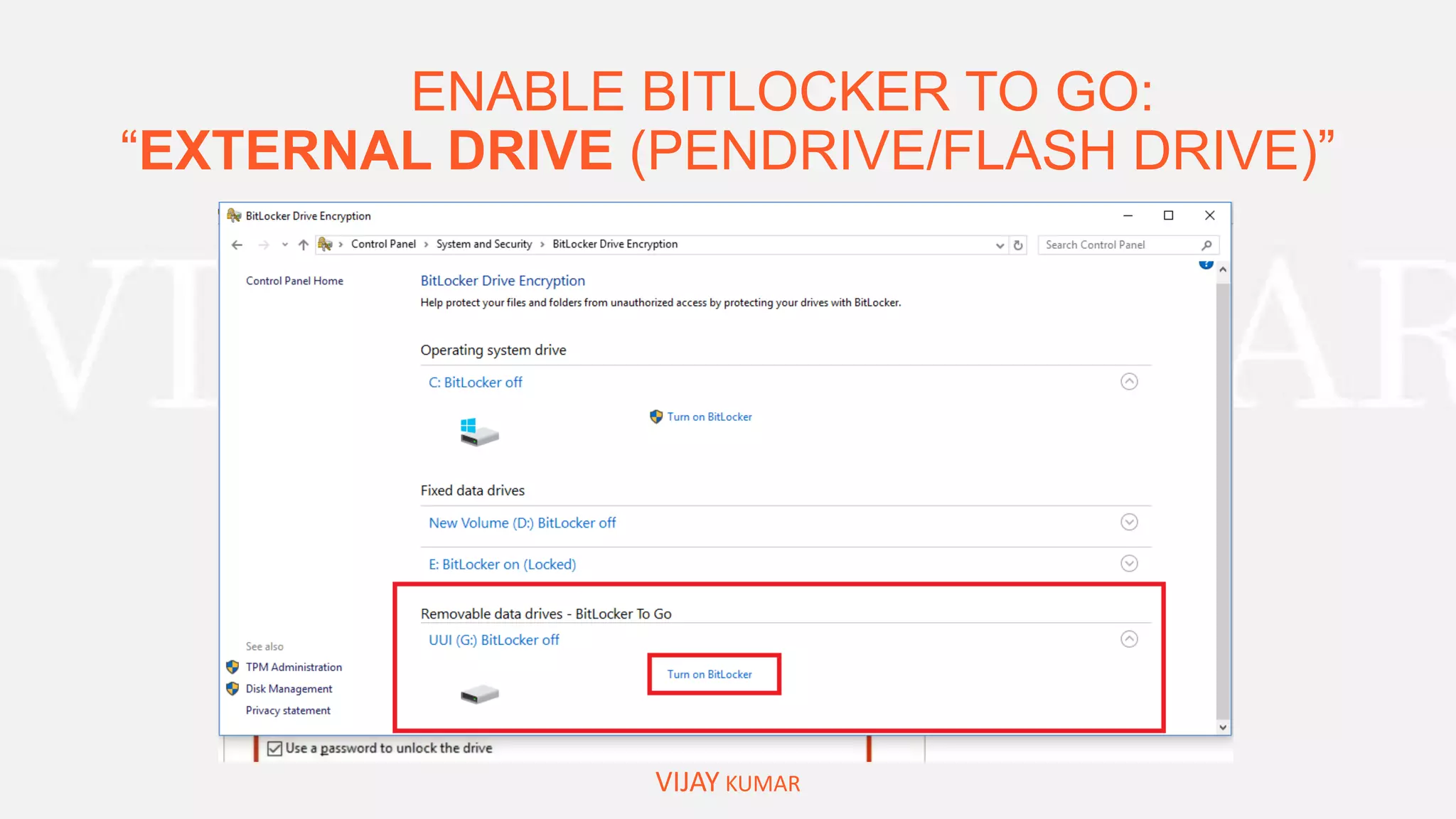
ENABLE BITLOCKER TO GO:
“EXTERNAL DRIVE (PENDRIVE/FLASH DRIVE)”
VIJAY KUMAR
ENABLE BITLOCKER TO GO:
“EXTERNAL DRIVE (PENDRIVE/FLASH DRIVE)”
VIJAY KUMAR
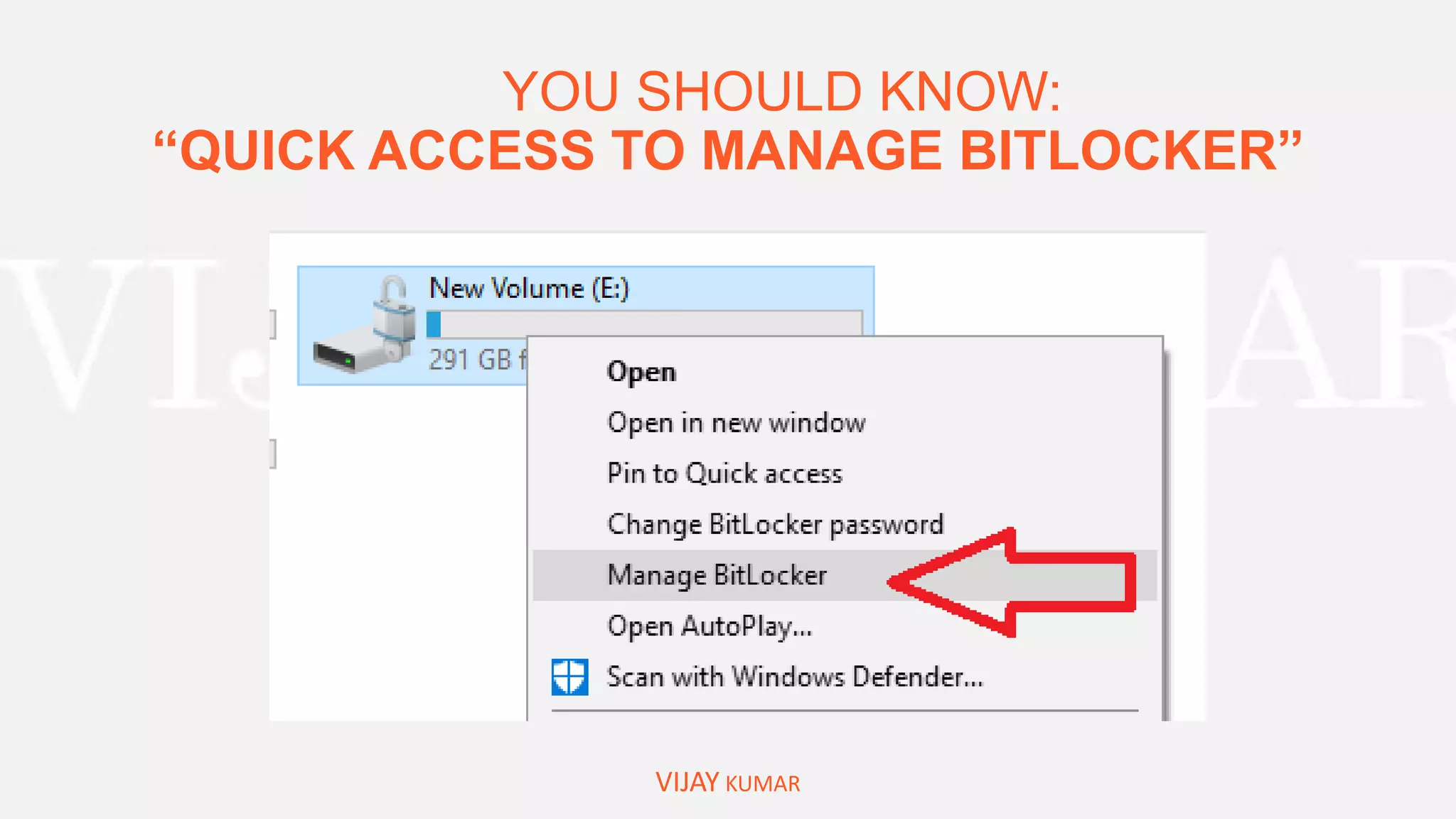
YOU SHOULD KNOW:
“QUICK ACCESS TO MANAGE BITLOCKER”
VIJAY KUMAR
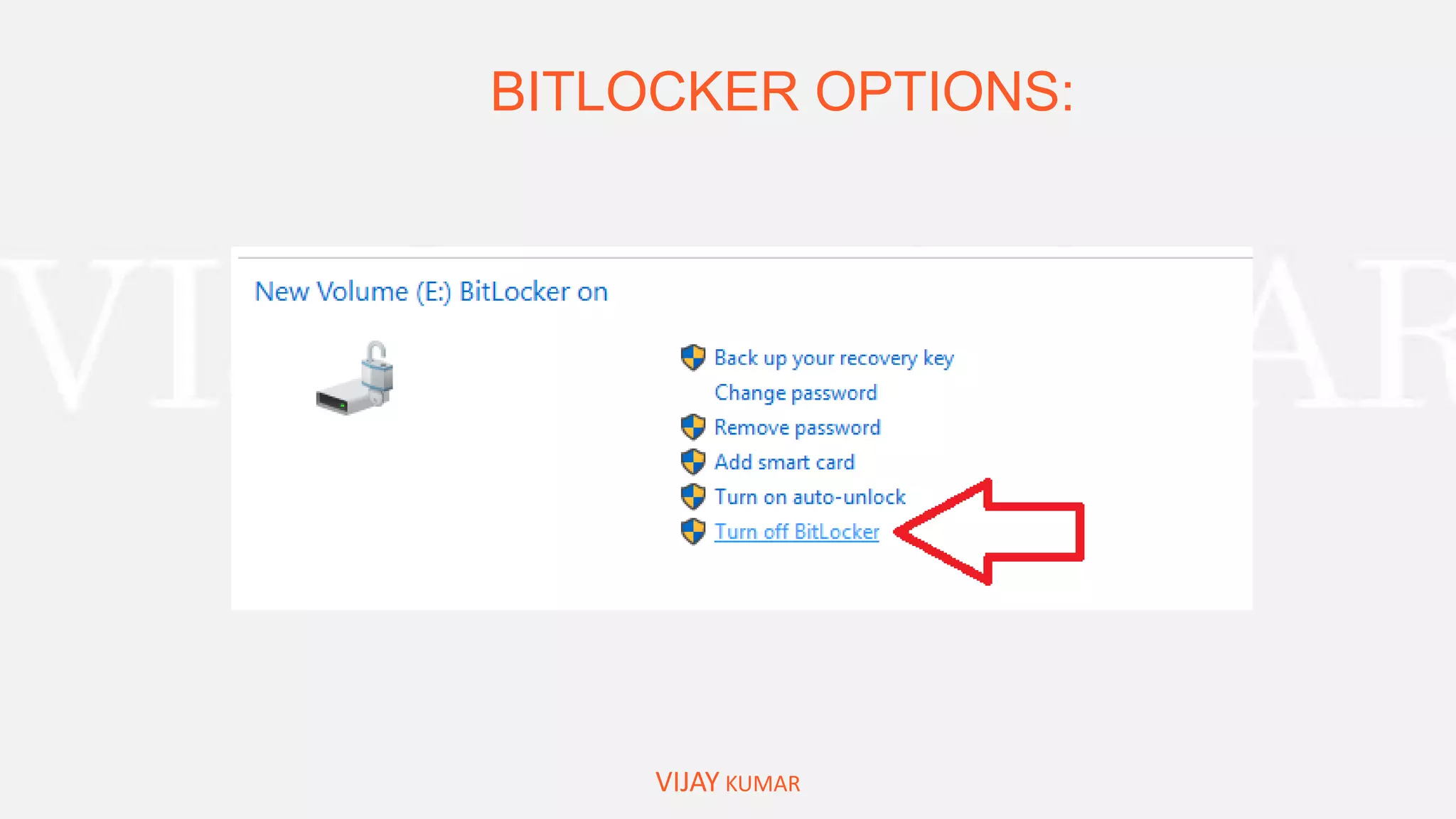
BITLOCKER OPTIONS:
VIJAY KUMAR
FREE SOFTWARE FOR ENCRYPTION:
VIJAY KUMAR
VERACRYPT
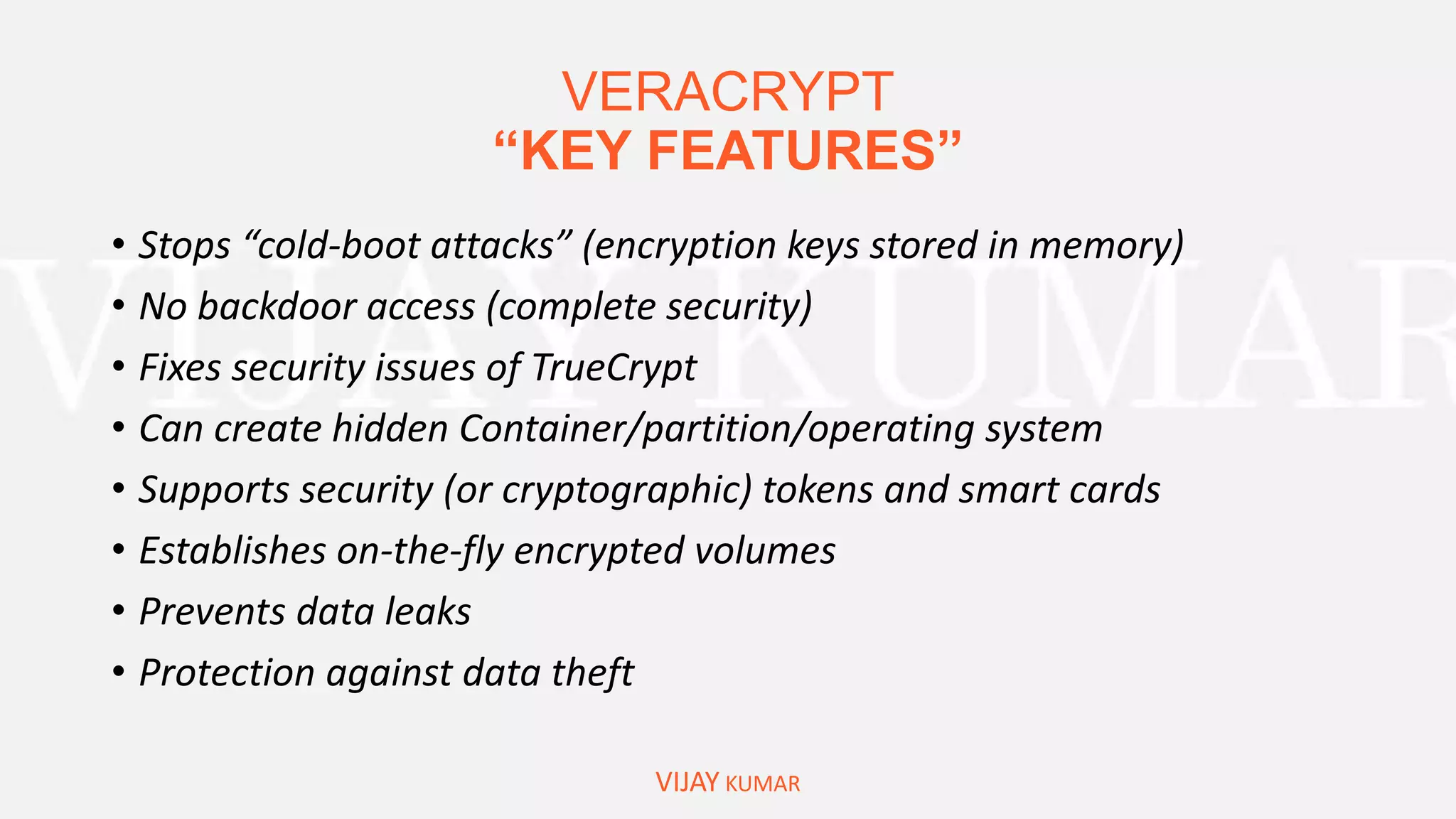
“KEY FEATURES”
VIJAY KUMAR
• Stops “cold-boot attacks” (encryption keys stored in memory)
• No backdoor access (complete security)
• Fixes security issues of TrueCrypt
• Can create hidden Container/partition/operating system
• Supports security (or cryptographic) tokens and smart cards
• Establishes on-the-fly encrypted volumes
• Prevents data leaks
• Protection against data theft
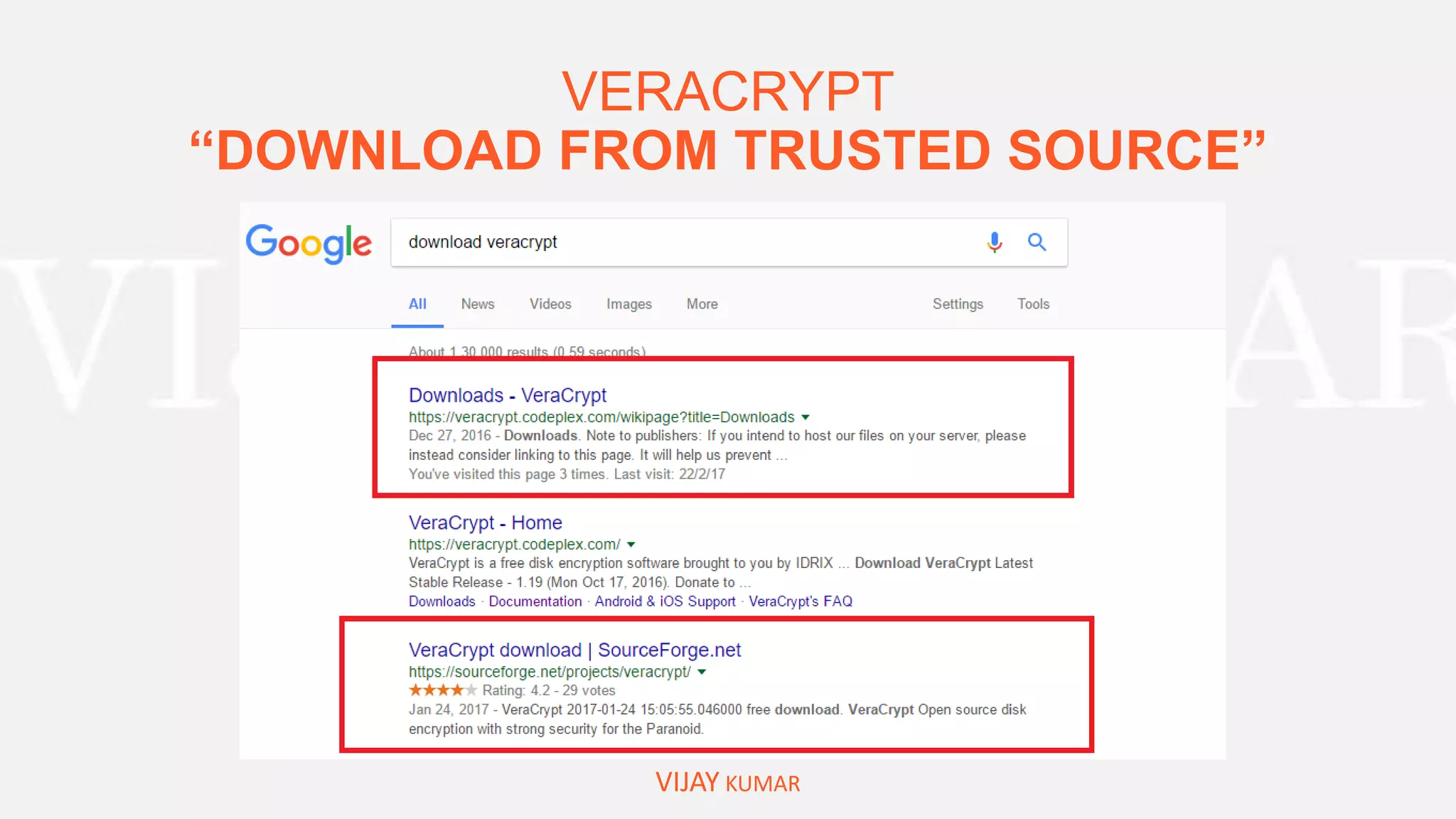
VERACRYPT
“DOWNLOAD FROM TRUSTED SOURCE”
VIJAY KUMAR
VERACRYPT
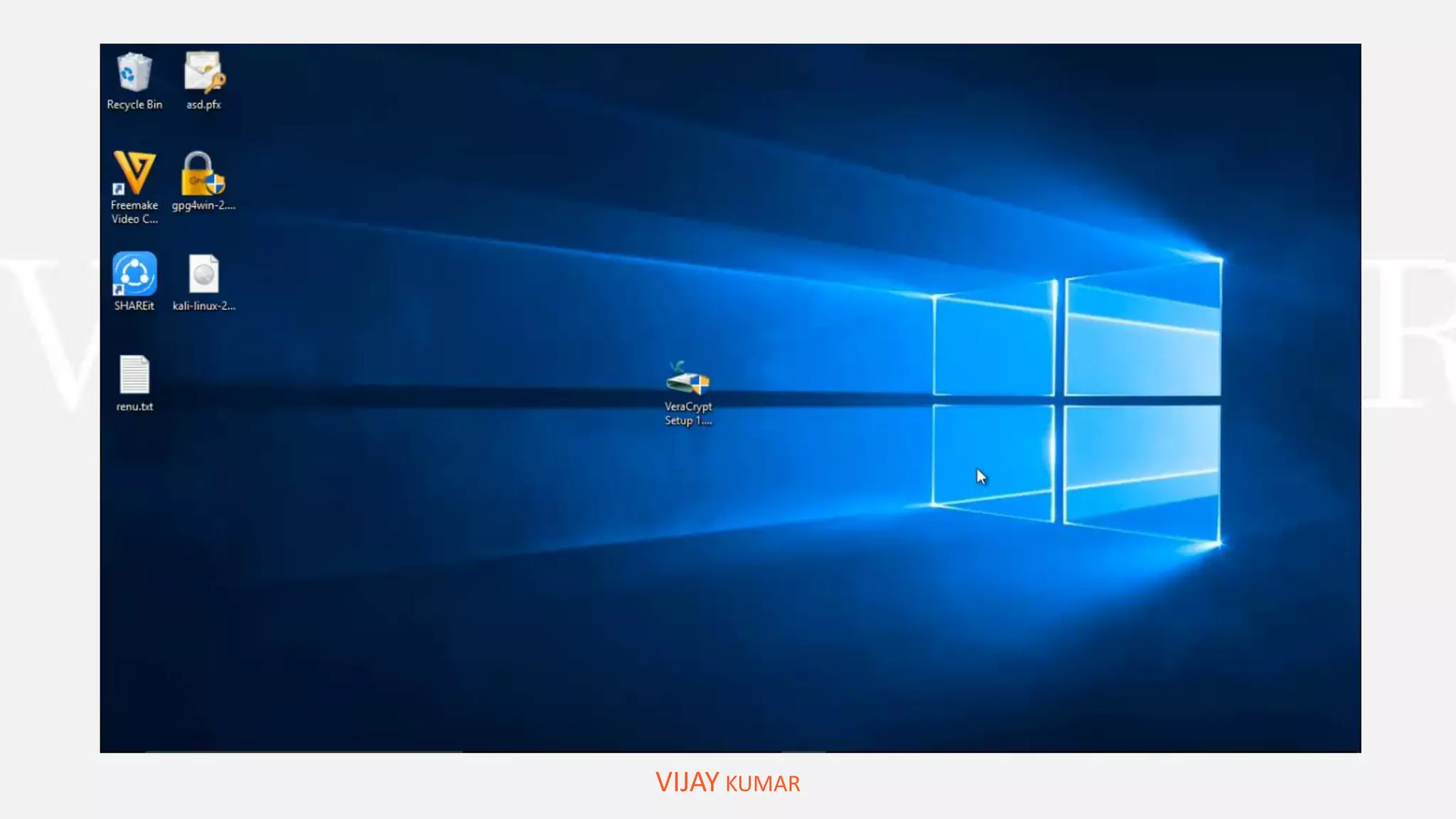
“INSTALLATION & PORTABLE INSTALLATION”
VIJAY KUMAR
EQUIPPED YOUR WINDOWS WITH ADVANCE ENCRYPTION SOFTWARE
DEMONSTATION
VIJAY KUMAR
VERACRYPT
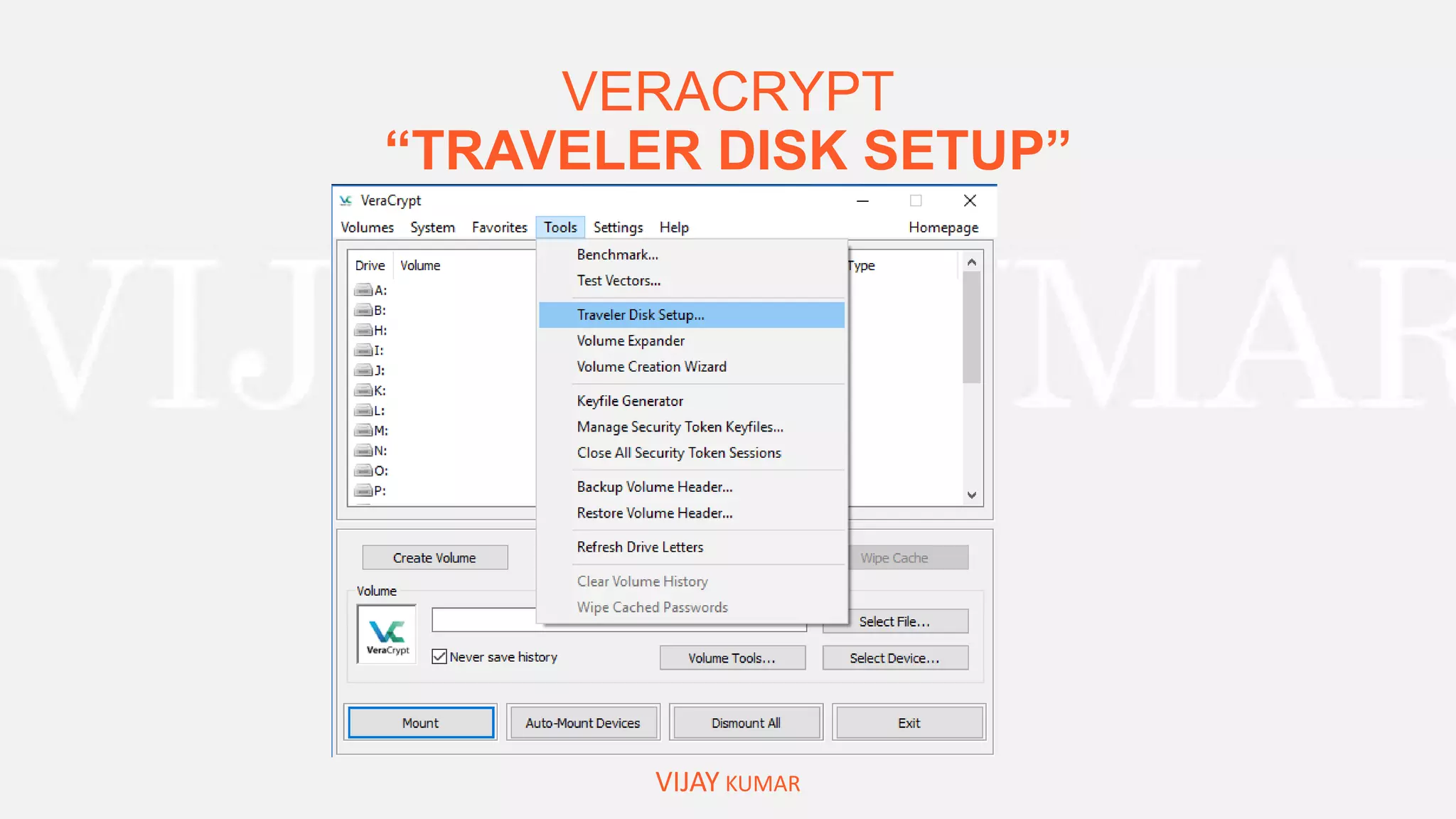
“TRAVELER DISK SETUP”
VIJAY KUMAR
NOW VERACRYPT IN YOUR PENDRIVE/FASH DRIVE
VERACRYPT
“TRAVELER DISK SETUP”
VIJAY KUMAR
VERACRYPT
“TRAVELER DISK SETUP”
VIJAY KUMAR
VERACRYPT
“CREATE FIRST ENCRYPTED CONTAINER”
VIJAY KUMAR
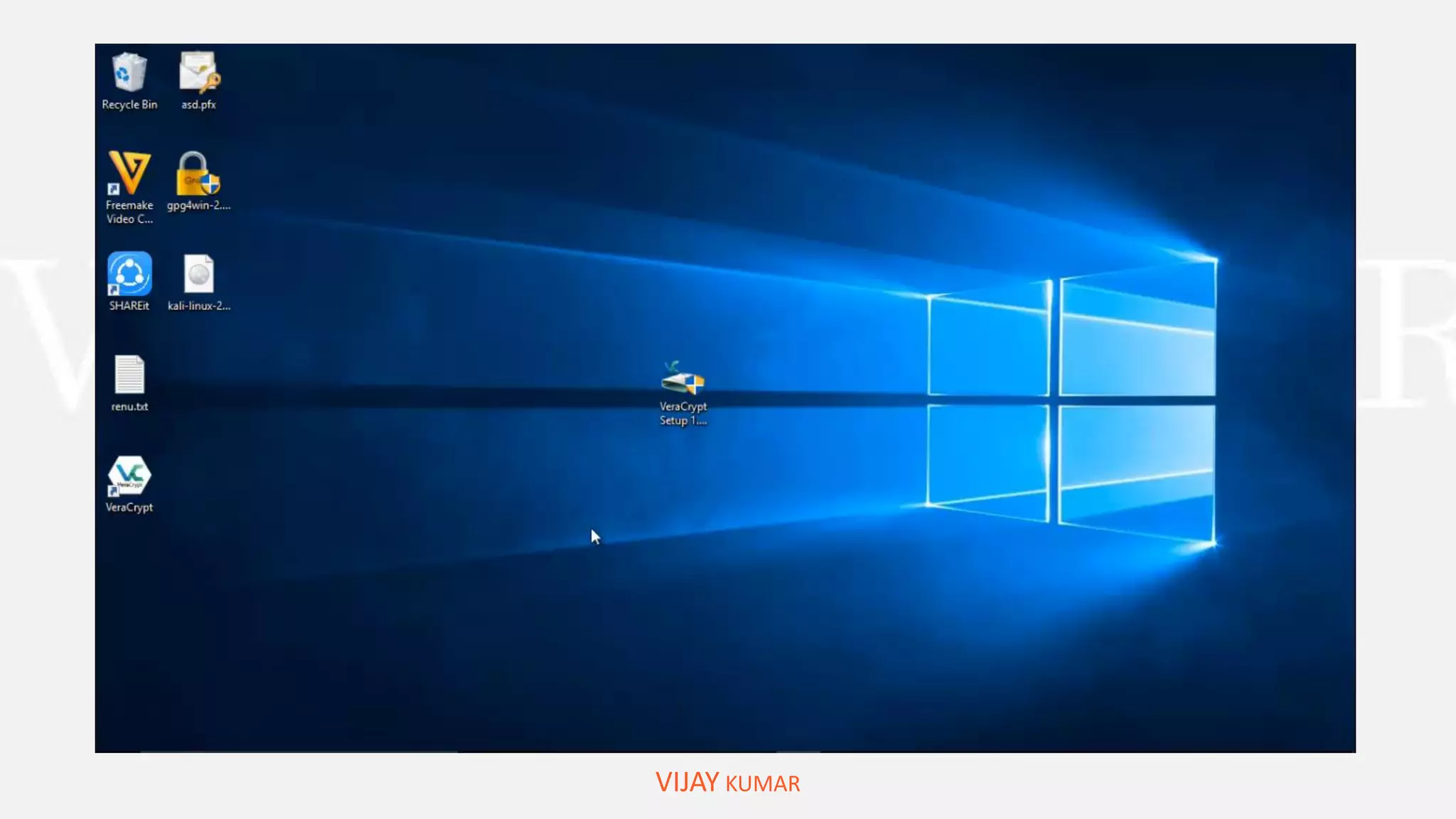
HOW TO USE ENCRYPTED CONTAINER CREATED BEFORE
DEMONSTATION
VIJAY KUMAR
VERACRYPT
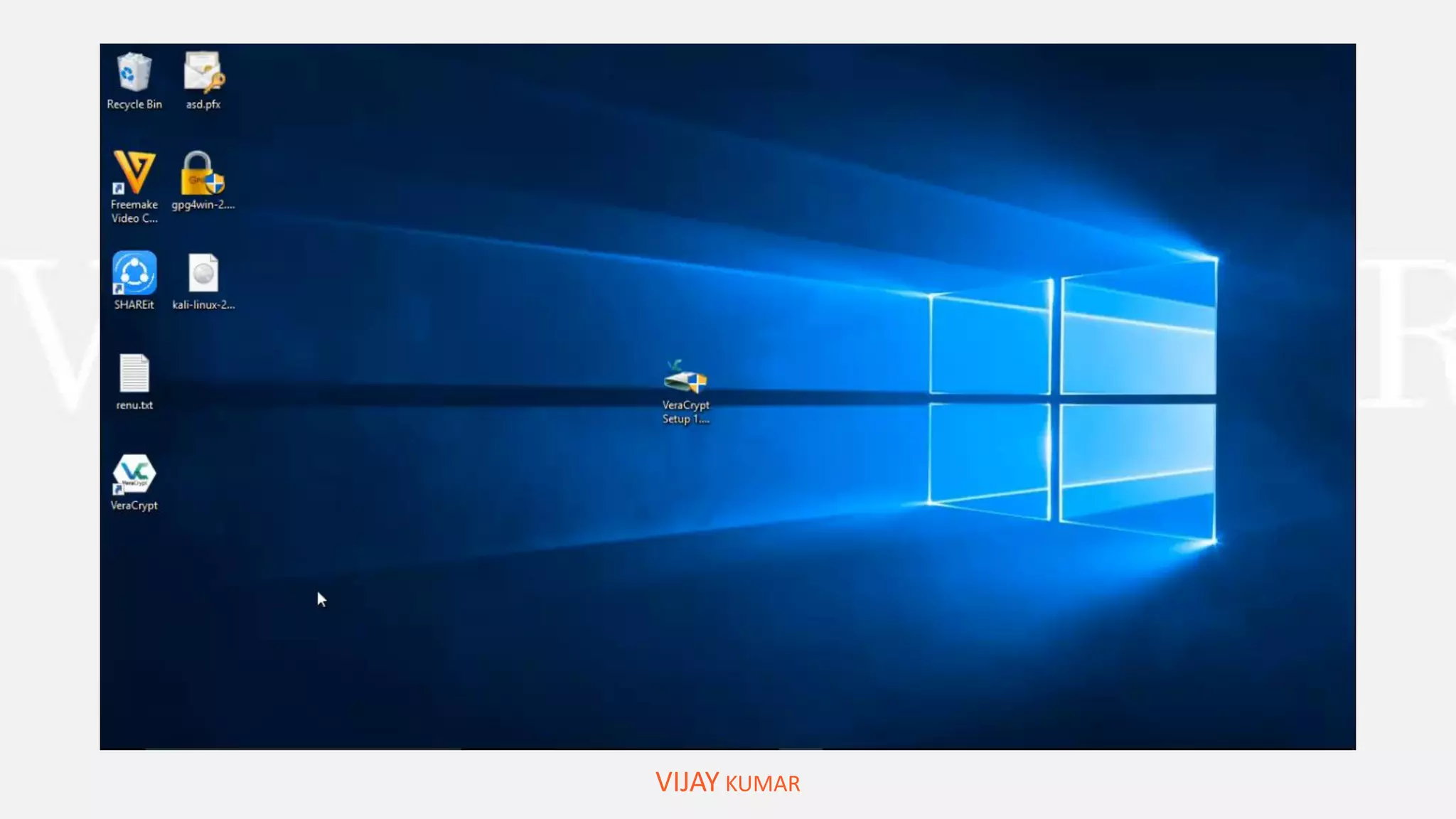
“ENCRYPT NON-SYSTEM PARTITION”
VIJAY KUMAR
DEMONSTRATION
VIJAY KUMAR
VERACRYPT
“ENCRYPT SYSTEM PARTITION”
VIJAY KUMAR
Do you have any question?
“WRITE IN COMMENT BOX”
VIJAY KUMAR
WRITE US:
feedback@cyberpratibha.com

Data protection in windows

  • 1.
    HOW I PROTECT IMPORTATNTDATA ON MY DEVICE WITHOUT SPENDING MONEY ON SOFTWARES. PRESENTED BY: VIJAY KUMAR VIJAY KUMAR
  • 2.
    AGENDA OF THISWEBINAR Overview on Data Protection What is more important ‘Data vs. Money’? Where should you put your important DATA? What are the critical chances to lose data? VIJAY KUMAR EFS Encrypting Files System Case studies of losing data circumstances. Back up efs certificate or key and How to use it. EFS Data Recovery
  • 3.
    AGENDA OF THISWEBINAR Bitlocker Drive Encryption System Requirements Turn on bitlocker Turn on bitlocker without TPM Turn on bitlocker GO Quick access to Manage bitlocker Turn off bitlocker VIJAY KUMAR Free software for Encryption Veracrypt – Overviews 8 Reasons you should use Veracrypt Veracrypt Traveler Disk Create a Encrypted Container Encrypt Non-System Partition 
  • 4.
    WHAT IS MOREIMPORTANT “DATA OR MONEY”? BANK DATA ACCOUNT HOLDERSDEBTOR VIJAY KUMAR
  • 5.
    Yours “IMPORTANT DATA” VIJAY KUMAR •Documents belong to your identity • Your bank documents. • Your office documents. • Documents consist sensitive information. • Research Papers. • Private Images or Videos
  • 6.
    STORAGE PLATEFORMS WHERE YOUCAN STORE DATA VIJAY KUMAR
  • 7.
    WHAT ARE THECAUSES OF DAMAGE/LOST YOUR DATA? VIJAY KUMAR Physical Access of Storage Media Lost/Stolen External Storage Media Access of your Computer/Laptop – Local Data System Failure
  • 8.
    HOW CAN WEPREVENT MISSUSE OF LOST DATA VIJAY KUMAR ENCRYPTION OF FILES/FOLDERS AND DEVICES
  • 9.
    METHODS TO ENCRYPT DATAIN WINDOWS VIJAY KUMAR  Encrypting File System [EFS] for files and folders  Bitlocker to Encrypt Drive/System Drive  Other Free third party Software's
  • 10.
    OVERVIEW ON “ENCRYPTING FILESYSTEM [efs]” VIJAY KUMAR Microsoft Encrypting File System (EFS) is an integral part of Microsoft Windows operating systems that enables users to protect their files against unauthorized access even from those who gain physical access to the hard disk or the computer that contains the encrypted files. Windows XP, 2003, Vista, Windows 7, Windows 8, Windows 8.1, Windows 10, Windows Server 2008, Windows Server 2012
  • 11.
    HOW TO “ENCRYPT FILES/FOLDERSby EFS ” VIJAY KUMAR And Backup Certificate key DEMOSTRATION:
  • 12.
  • 13.
    CIRCUMSTANCES OF “LOSING ENCRYPTEDDATA” VIJAY KUMAR  EFS-protected disk inserted into a different PC Deleted users or user profiles User transferred into a different domain without EFS consideration Account password reset performed by system administrator without EFS consideration Damaged disk, corrupted file system, unbootable operating system Reinstalled Windows or computer upgrades Formatted system partitions with encrypted files left on another disk
  • 14.
    WHAT IS THEPROBLEM “YOU WILL FACE” VIJAY KUMAR
  • 15.
    WHAT IS NEXT “RESTOREEFS CERTIFICATE OR KEY” VIJAY KUMAR Solve “Access is denied” problem DEMOSTRATION:
  • 16.
  • 17.
    OVERVIEW ON BITLOCKER VIJAYKUMAR BitLocker provides you most protection of your data used way trusted platform module TPM version 1.2 a letter the TPM is a hardware component installed while computer manufacturers in the computer.
  • 18.
    BITLOCKER: “SYSTEM REQUIREMENTS” VIJAY KUMAR •Your PC is hard drive must have to partition and The drive must be formatted with the NTFS file system. • The drive must be not encrypted by differ operating system or another encrypted software. • The computer must have a TPM version 1.2 or later if your computer does not have EPL you can still enable BitLocker with the requirement of removal device to save startup key. • A computer with TPM must have TCG trusted computing group complaint BIOS • Keep your computer connected with uninterrupted power supply throughout the entire process because this process is time-consuming depending the amount of data and drive size
  • 19.
    Check your computerfor TPM Chip “Windows+R > tpm.msc” VIJAY KUMAR
  • 20.
    Check your computerfor TPM Chip “Windows+R > tpm.msc” VIJAY KUMAR
  • 21.
    Check your computerfor TPM Chip “Device Manager” VIJAY KUMAR
  • 22.
    ENABLE BITLOCKER VIJAY KUMAR Howto make drive Password Protected DEMONSTRATION
  • 23.
  • 24.
    ENABLE BITLOCKER TOGO: “EXTERNAL DRIVE (PENDRIVE/FLASH DRIVE)” VIJAY KUMAR
  • 25.
    ENABLE BITLOCKER TOGO: “EXTERNAL DRIVE (PENDRIVE/FLASH DRIVE)” VIJAY KUMAR
  • 26.
    YOU SHOULD KNOW: “QUICKACCESS TO MANAGE BITLOCKER” VIJAY KUMAR
  • 27.
  • 28.
    FREE SOFTWARE FORENCRYPTION: VIJAY KUMAR
  • 29.
    VERACRYPT “KEY FEATURES” VIJAY KUMAR •Stops “cold-boot attacks” (encryption keys stored in memory) • No backdoor access (complete security) • Fixes security issues of TrueCrypt • Can create hidden Container/partition/operating system • Supports security (or cryptographic) tokens and smart cards • Establishes on-the-fly encrypted volumes • Prevents data leaks • Protection against data theft
  • 30.
  • 31.
    VERACRYPT “INSTALLATION & PORTABLEINSTALLATION” VIJAY KUMAR EQUIPPED YOUR WINDOWS WITH ADVANCE ENCRYPTION SOFTWARE DEMONSTATION
  • 32.
  • 33.
    VERACRYPT “TRAVELER DISK SETUP” VIJAYKUMAR NOW VERACRYPT IN YOUR PENDRIVE/FASH DRIVE
  • 34.
  • 35.
  • 36.
    VERACRYPT “CREATE FIRST ENCRYPTEDCONTAINER” VIJAY KUMAR HOW TO USE ENCRYPTED CONTAINER CREATED BEFORE DEMONSTATION
  • 37.
  • 38.
  • 39.
  • 40.
  • 41.
    Do you haveany question? “WRITE IN COMMENT BOX” VIJAY KUMAR WRITE US: feedback@cyberpratibha.com