SOFTWARE TOOLS FOR 
ENCRYPTION 
B Y : CL I FORD JOHN R EANDINO
SOFTWARE TOOLS FOR 
PEN DRIVE
ROHOS MINI DRIVE
ROHOS MINI DRIVE 
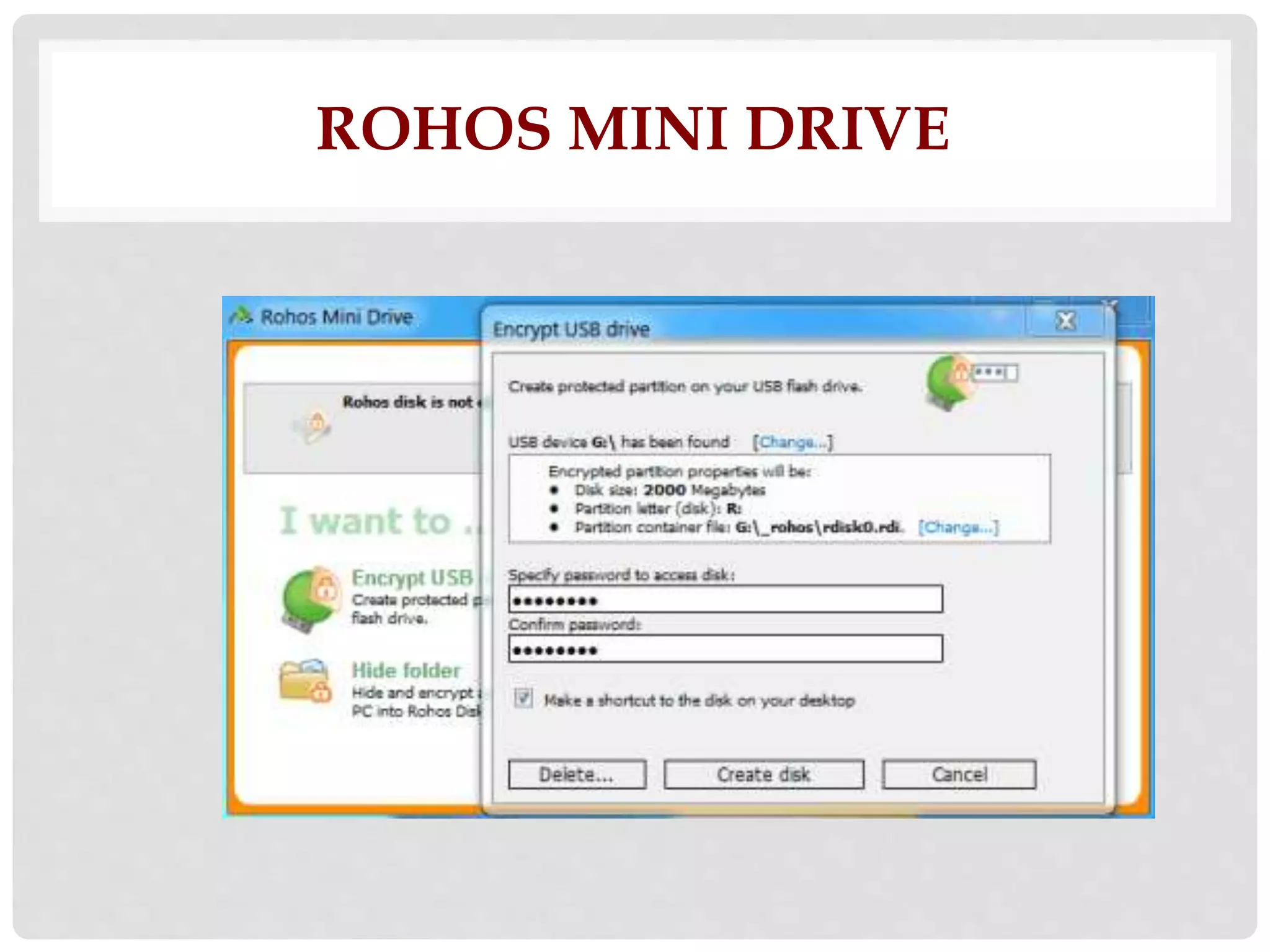
• is a free software to protect USB flash drive with 
password. Your data on the USB flash drive is 
secured by creating hidden and encrypted 
partitions. To use it, run the program and select 
Encrypt USB drive and enter a password and it will 
create an encrypted partition on the USB drive. You 
can access the stored data by providing the right 
password.
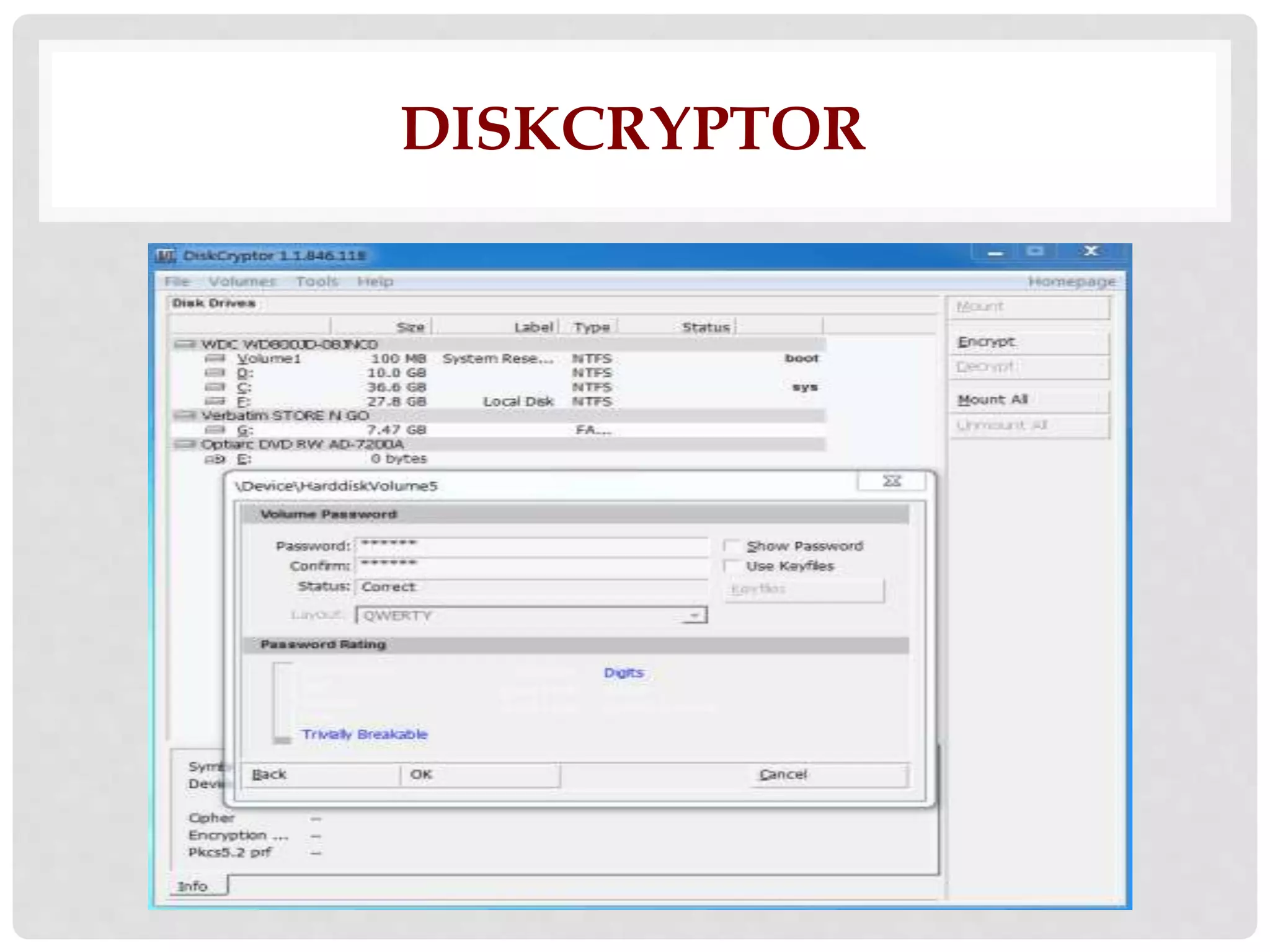
DISKCRYPTOR
DISKCRYPTOR 
• is a free and easy to use open source disk 
encryption software. It can encrypt all disk partitions 
of your hard drive, USB storage devices and CD-ROM 
drives. It supports both FAT and NTFS file 
systems. It can encrypt your drives using AES, 
Twofish, or Serpent algorithms. You can encrypt any 
drive including USB flash drive by providing the 
password of your choice.
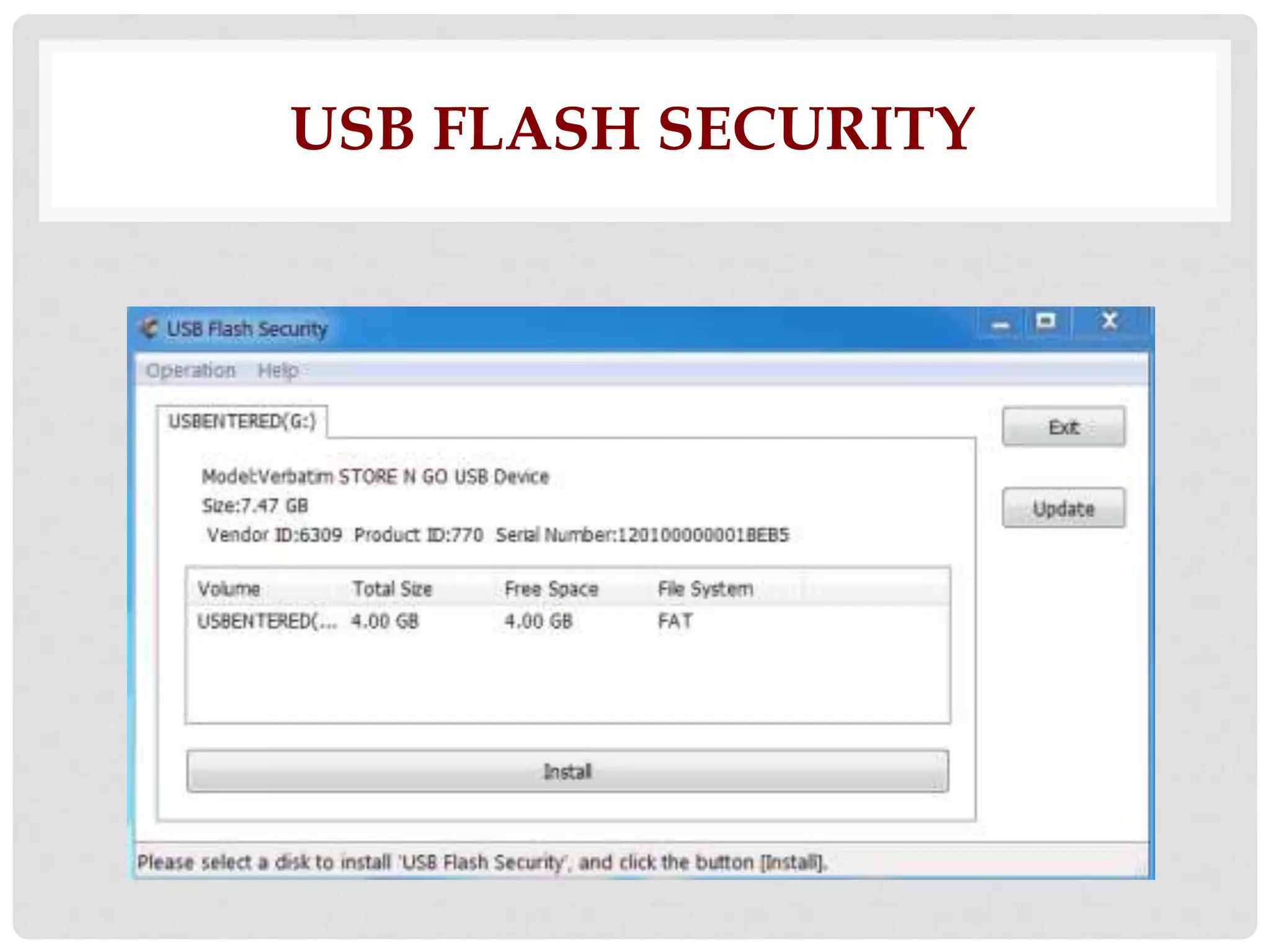
USB FLASH SECURITY
USB FLASH SECURITY 
• is a free software to secure your data on USB Flash 
Drive. You can easily secure files on USB drive by 
adding password protection and encryption. Once 
installed you only need to provide the correct 
password to access your files on the USB drive. It 
supports up to 4 GB USB flash drive in the free 
version. It is very easy to use.
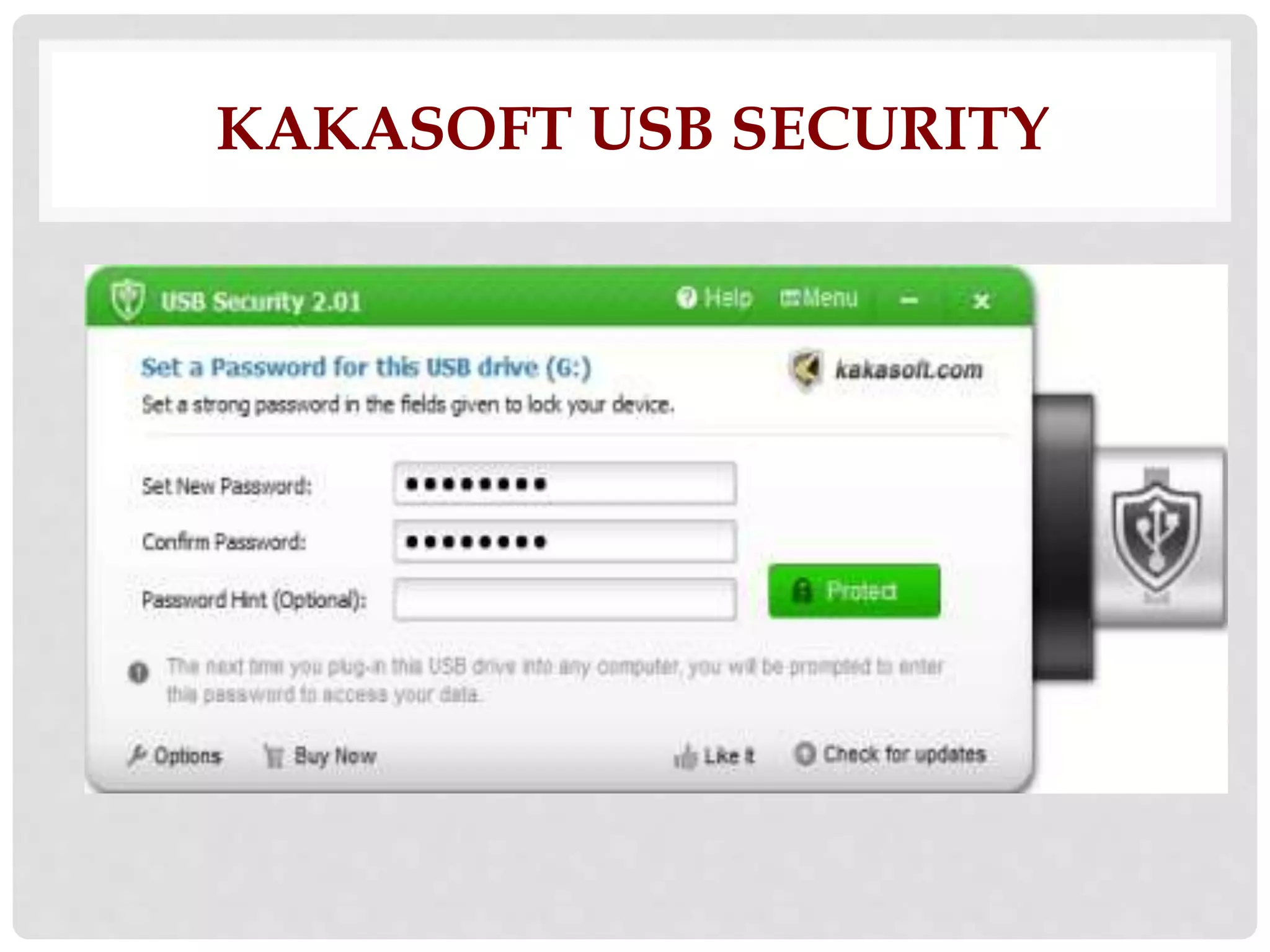
KAKASOFT USB SECURITY
KAKASOFT USB SECURITY 
• is a simple and easy to use USB protection and 
encryption software. It lets you to protect files or 
folders on your USB drive with password. First add 
files or folders to the USB flash drive and then run this 
software, it will installs the USBSecurity executable 
file on your pen drive and hide all the files and 
folders on it. To unprotect or see the contents of the 
USB disk you need to provide the right password.
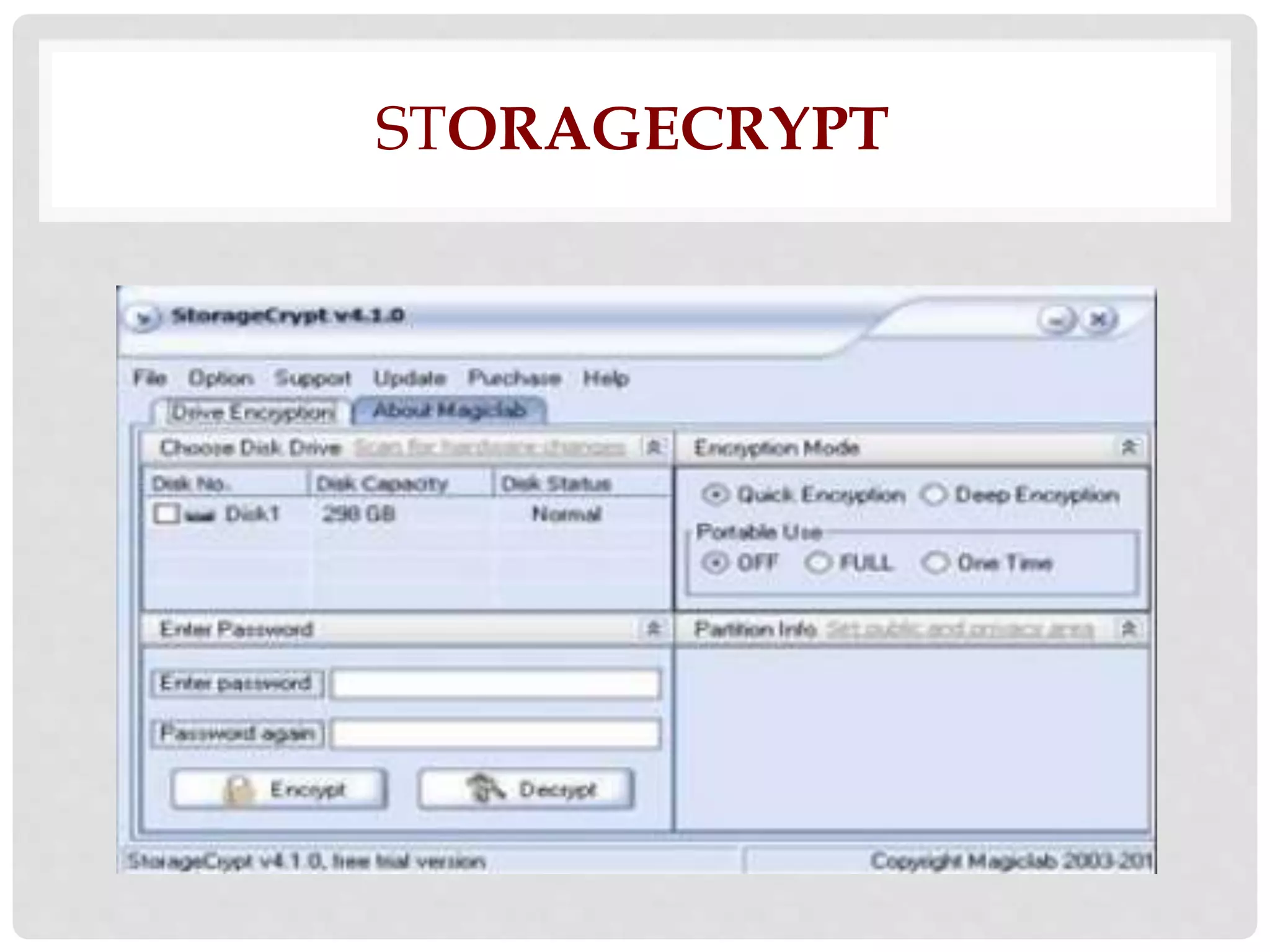
STORAGECRYPT
STORAGECRYPT 
• is a free software for USB drive encryption. It lets you 
encrypt and password protect your removable 
drives including USB drive, firewire drive, and flash 
cards etc. It uses 128 bit AES encryption technique 
for security. You can set passwords which can be 
maximum of 50 characters. It is a portable software 
and easy to use.
DCCEXPLORER
DCCEXPLORER 
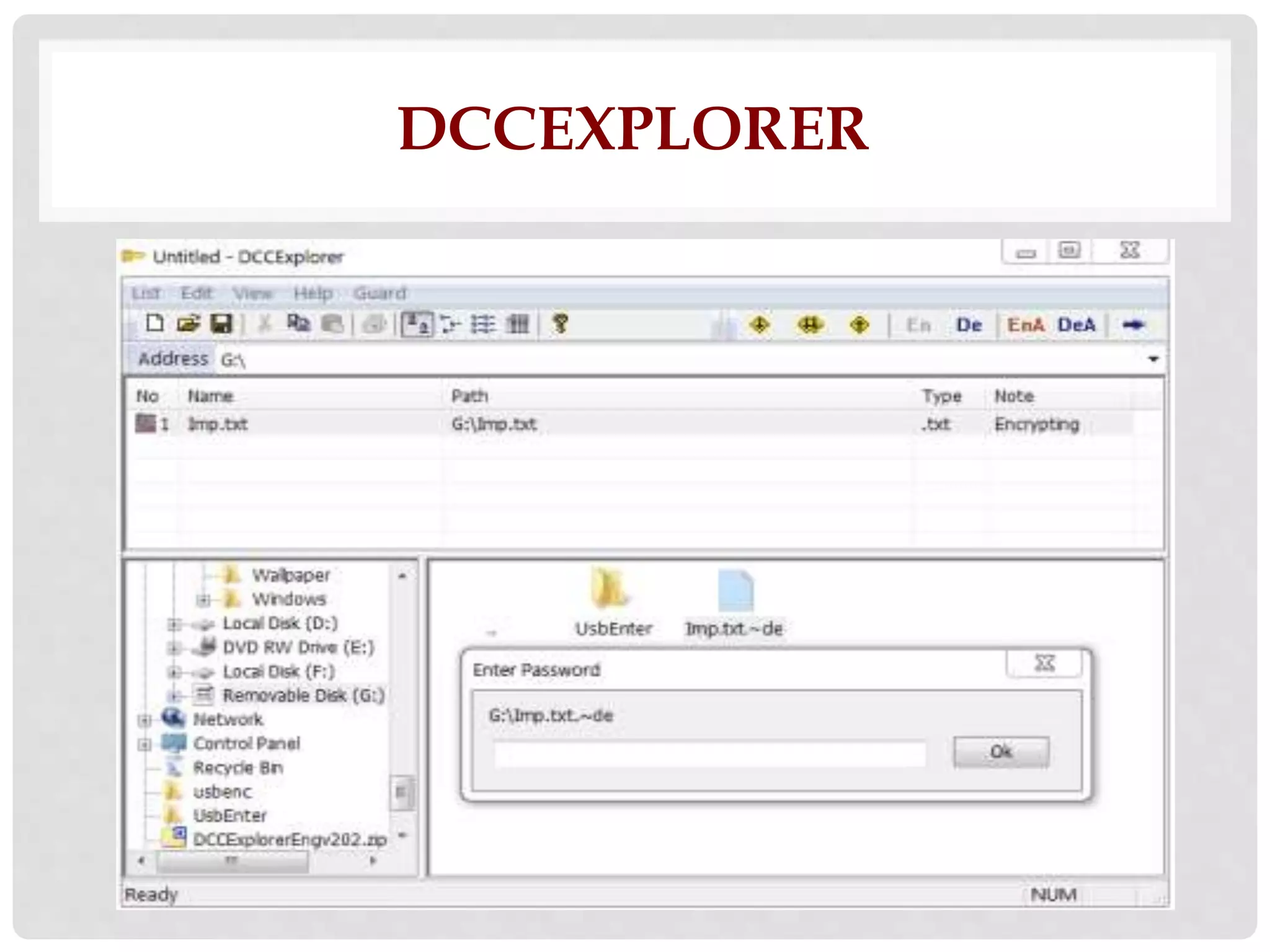
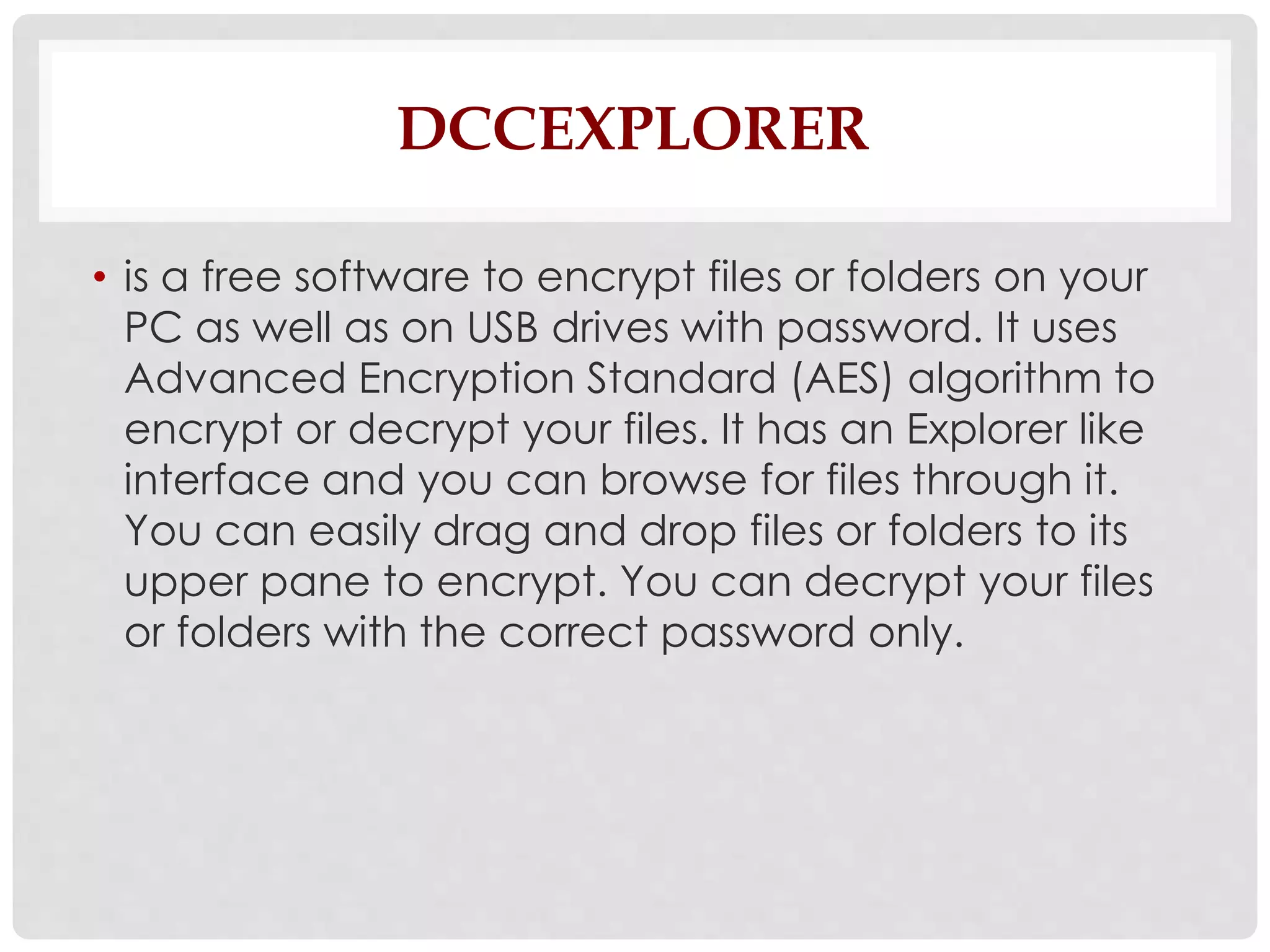
• is a free software to encrypt files or folders on your 
PC as well as on USB drives with password. It uses 
Advanced Encryption Standard (AES) algorithm to 
encrypt or decrypt your files. It has an Explorer like 
interface and you can browse for files through it. 
You can easily drag and drop files or folders to its 
upper pane to encrypt. You can decrypt your files 
or folders with the correct password only.
SOFTWARE TOOLS FOR 
FILES
7-ZIP (WINDOWS)
7-ZIP 
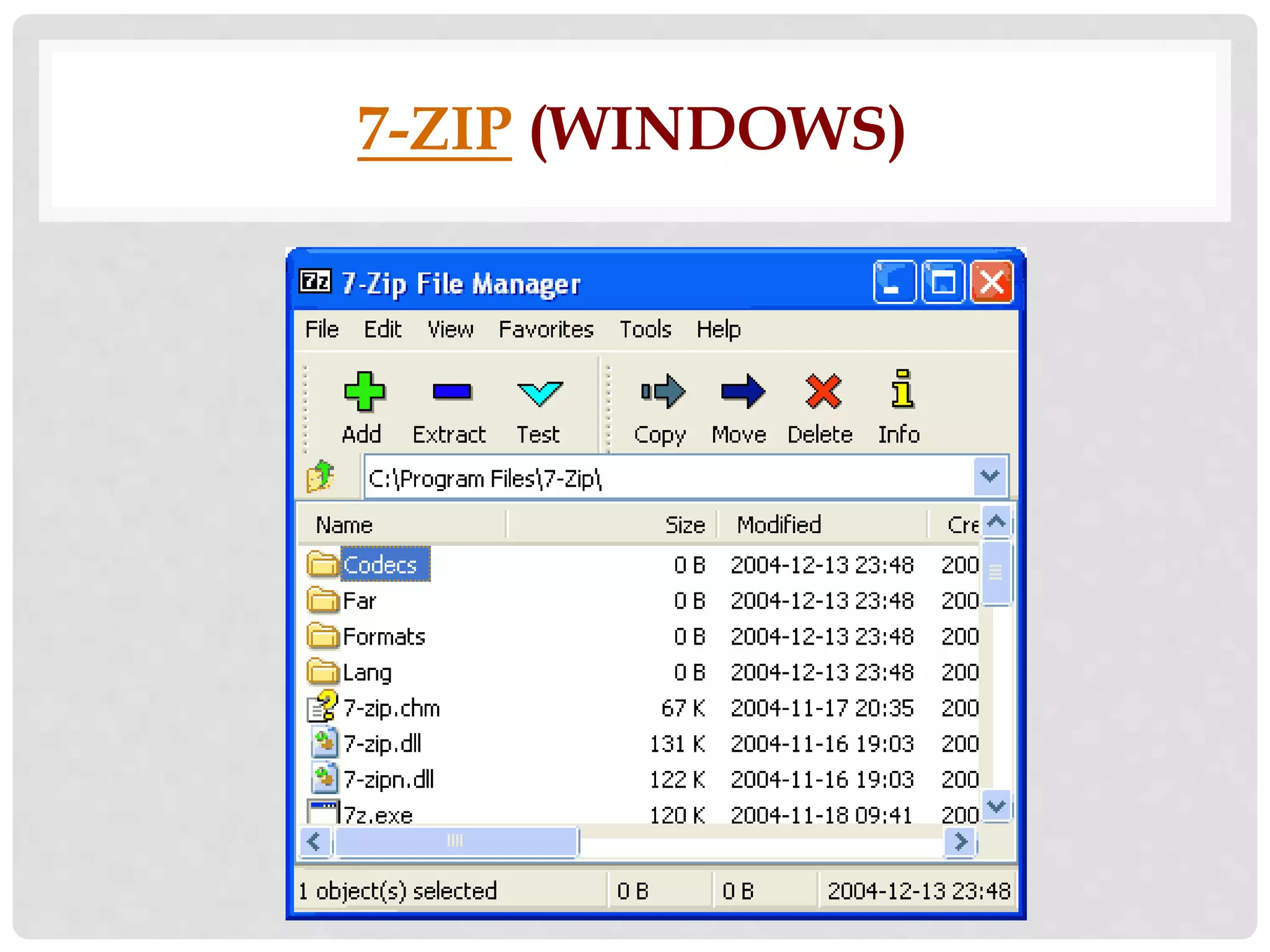
• is open source software under the GNU LGPL 
license. 7-Zip has ZIP container-based AES-256 
encryption. You can easily create a compressed 
archive of files and add a password to it.
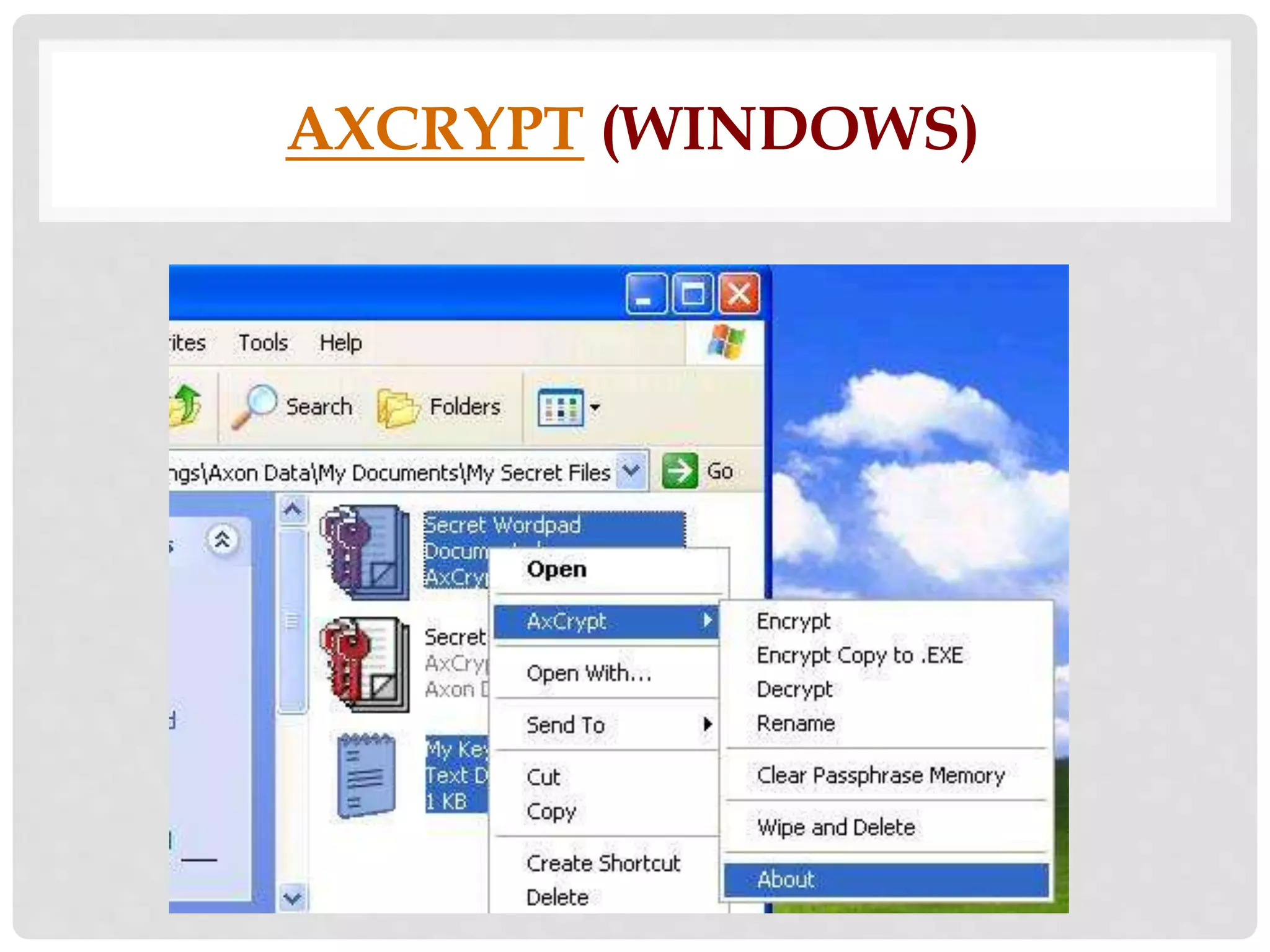
AXCRYPT (WINDOWS)
AXCRYPT 
• is an open source file encryption 
software that lets you compress, 
encrypt, decrypt, store, send, and 
work with individual files. It works 
with the Windows shell and it uses 
AES-256 encryption.
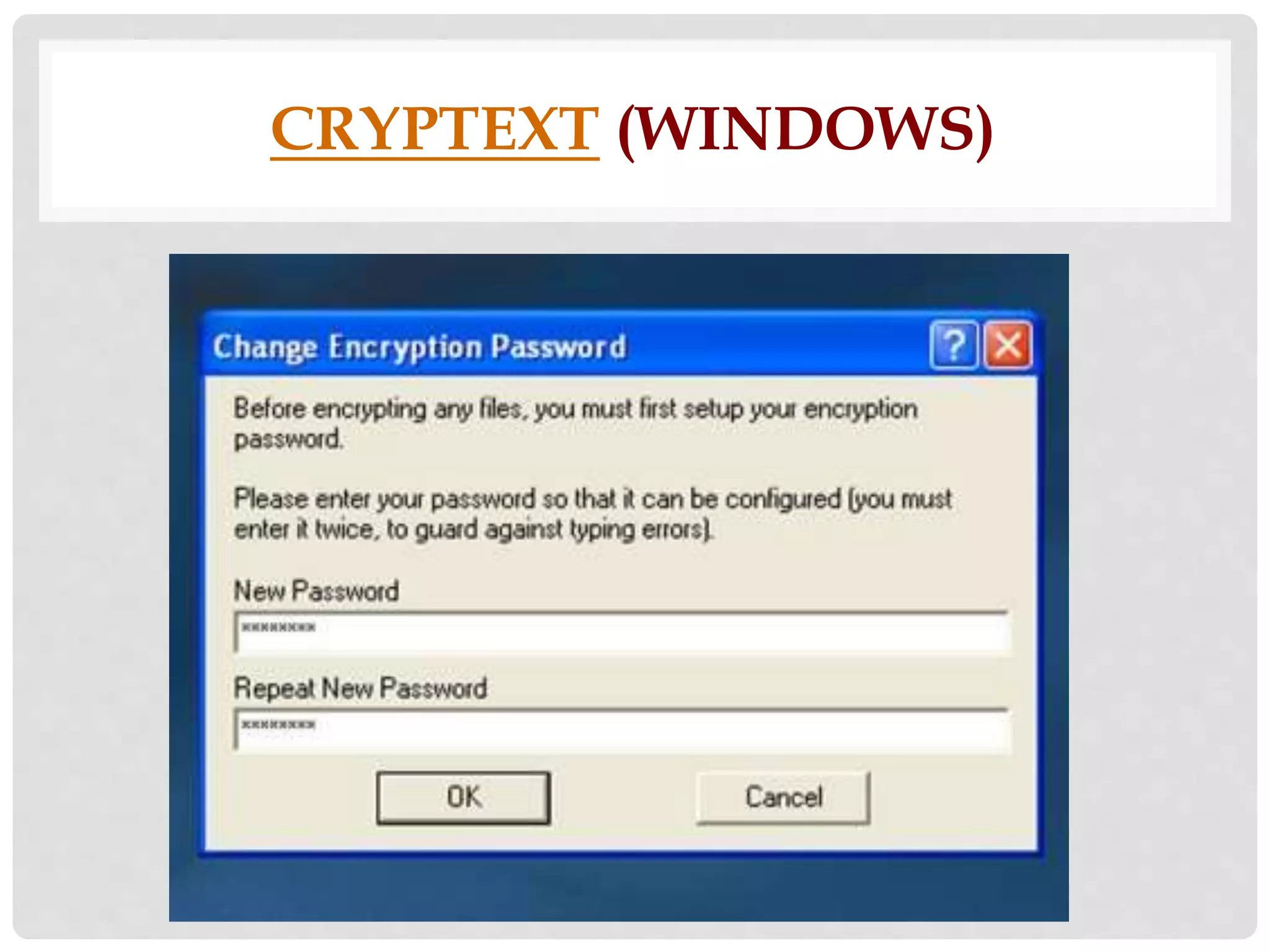
CRYPTEXT (WINDOWS)
CRYPTEXT 
• lets you decode and encode 
files with a combined 
technology of SHAa1 and 
RC4. It locks files with a 160-bit 
password-protected keyword.
DISK UTILITY (MAC)
DISK UTILITY (MAC) 
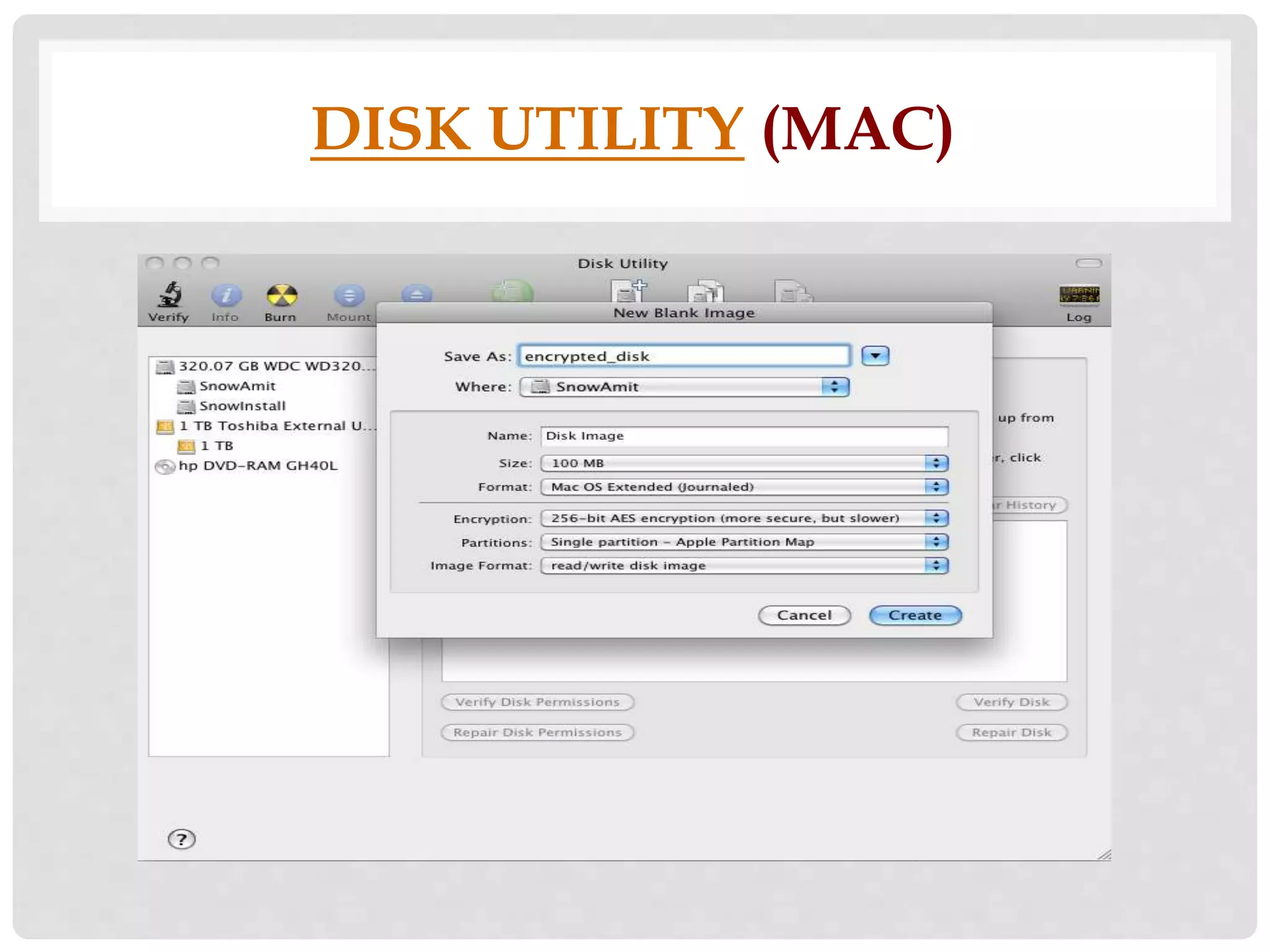
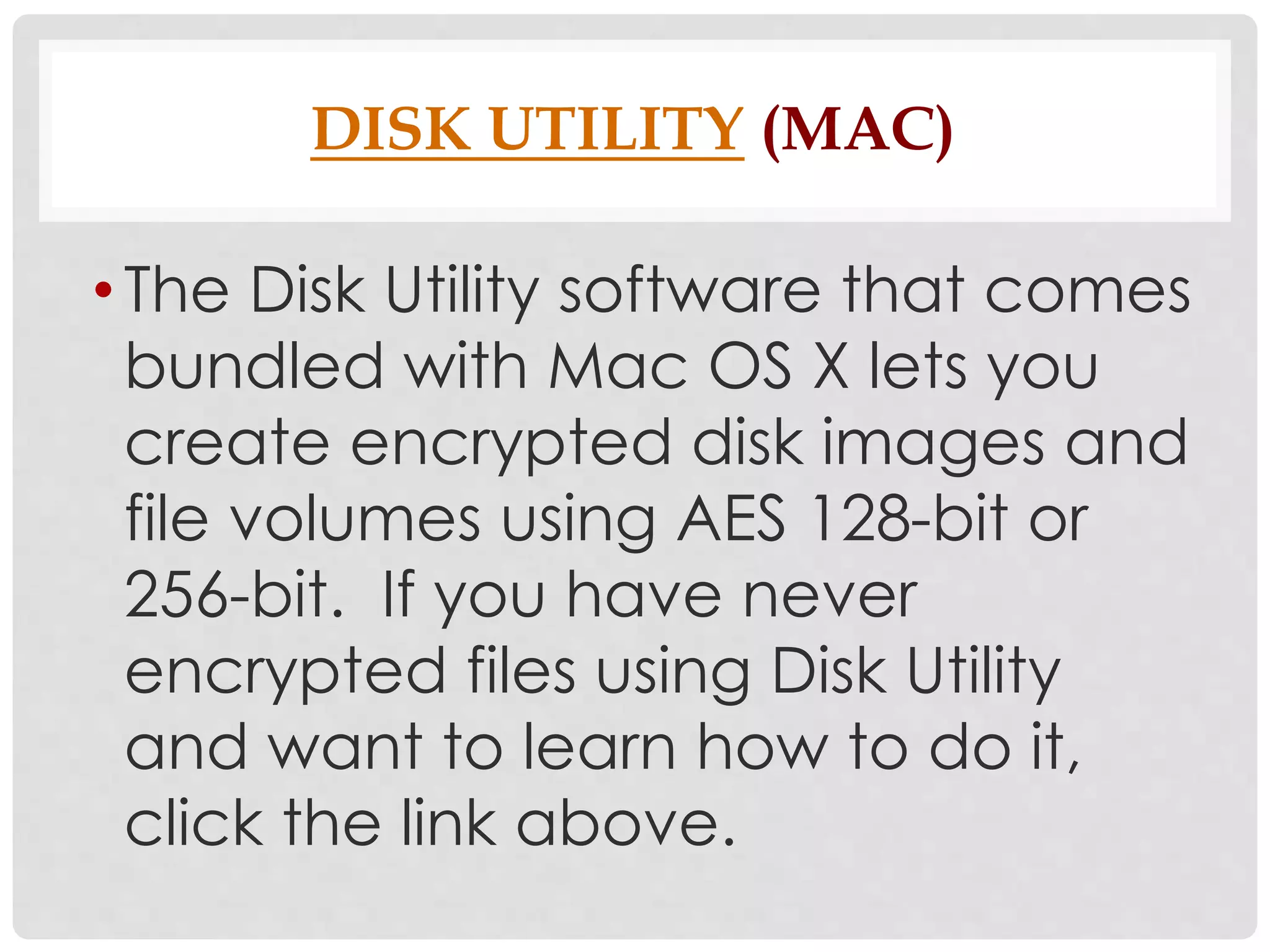
• The Disk Utility software that comes 
bundled with Mac OS X lets you 
create encrypted disk images and 
file volumes using AES 128-bit or 
256-bit. If you have never 
encrypted files using Disk Utility 
and want to learn how to do it, 
click the link above.
DSCRYPT (WINDOWS)
DSCRYPT 
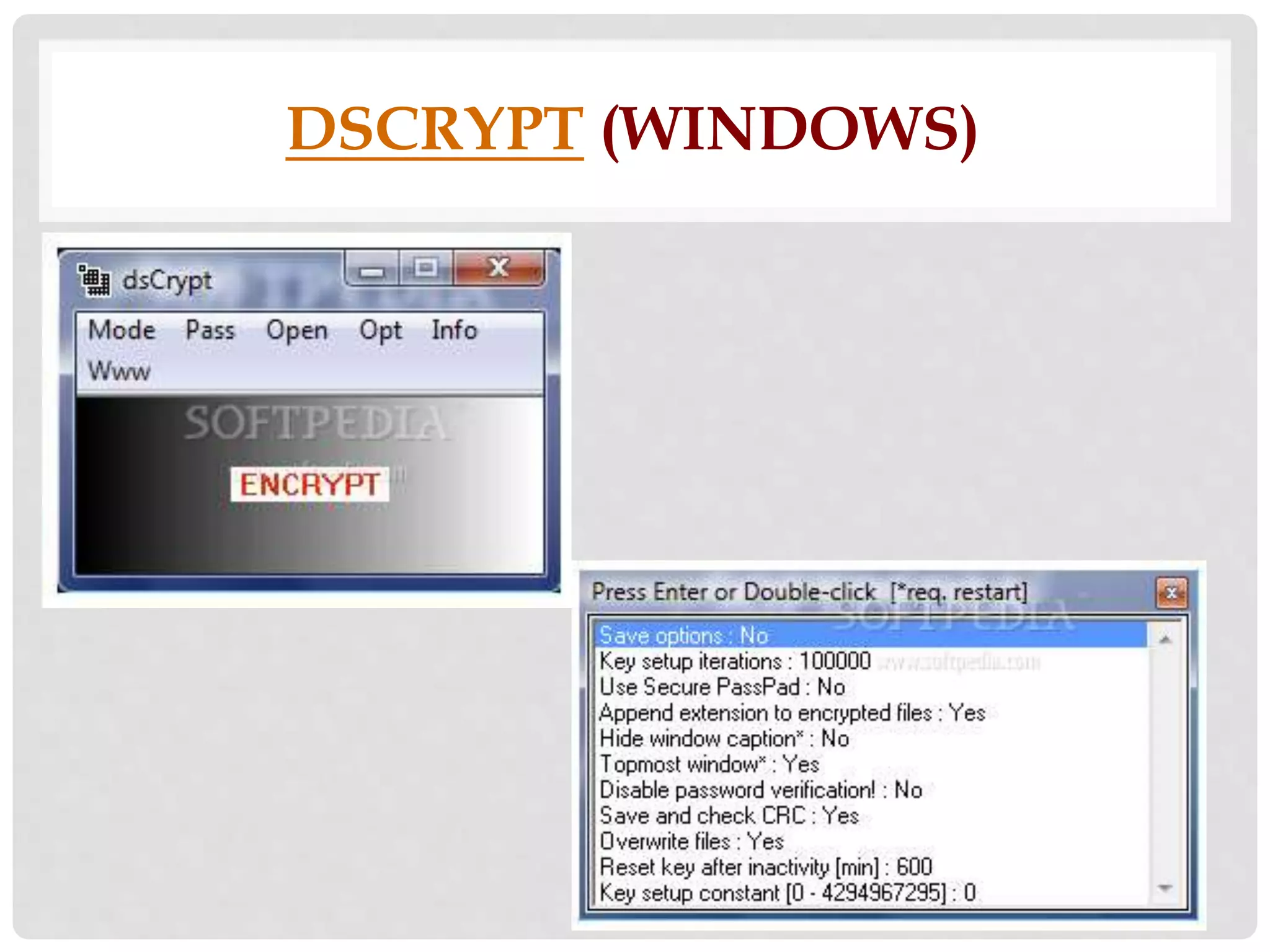
• supports drag and drop and provides 
AES/Rijndael file encryption. The 
software features optimal 
implementation and safety measures. 
dsCrypt has Secure PassPad, brute-force 
password search resistance, and 
verified data/file processing.
ENCRYPT4ALL (WINDOWS)
ENCRYPT4ALL (WINDOWS) 
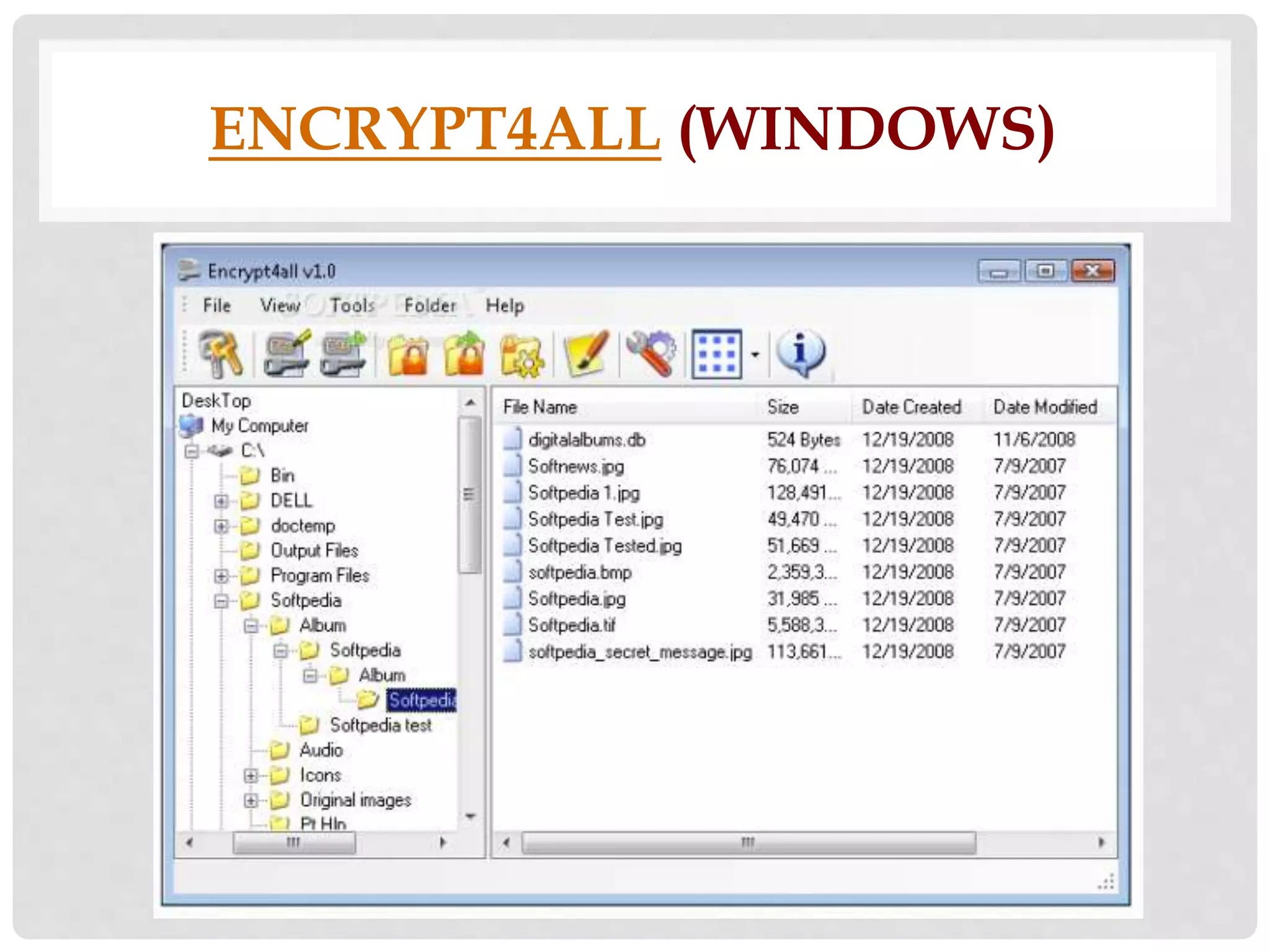
• Encrypt4all is an application that 
implements a real bit-per bit data 
encryption. It lets you encrypt any 
kind of file and set a password for 
the archives. You can also 
encrypt files that are larger than 
2GB.
FREEOTFE/FREEOTFE 
EXPLORER (WINDOWS/LINUX)
FREEOTFE 
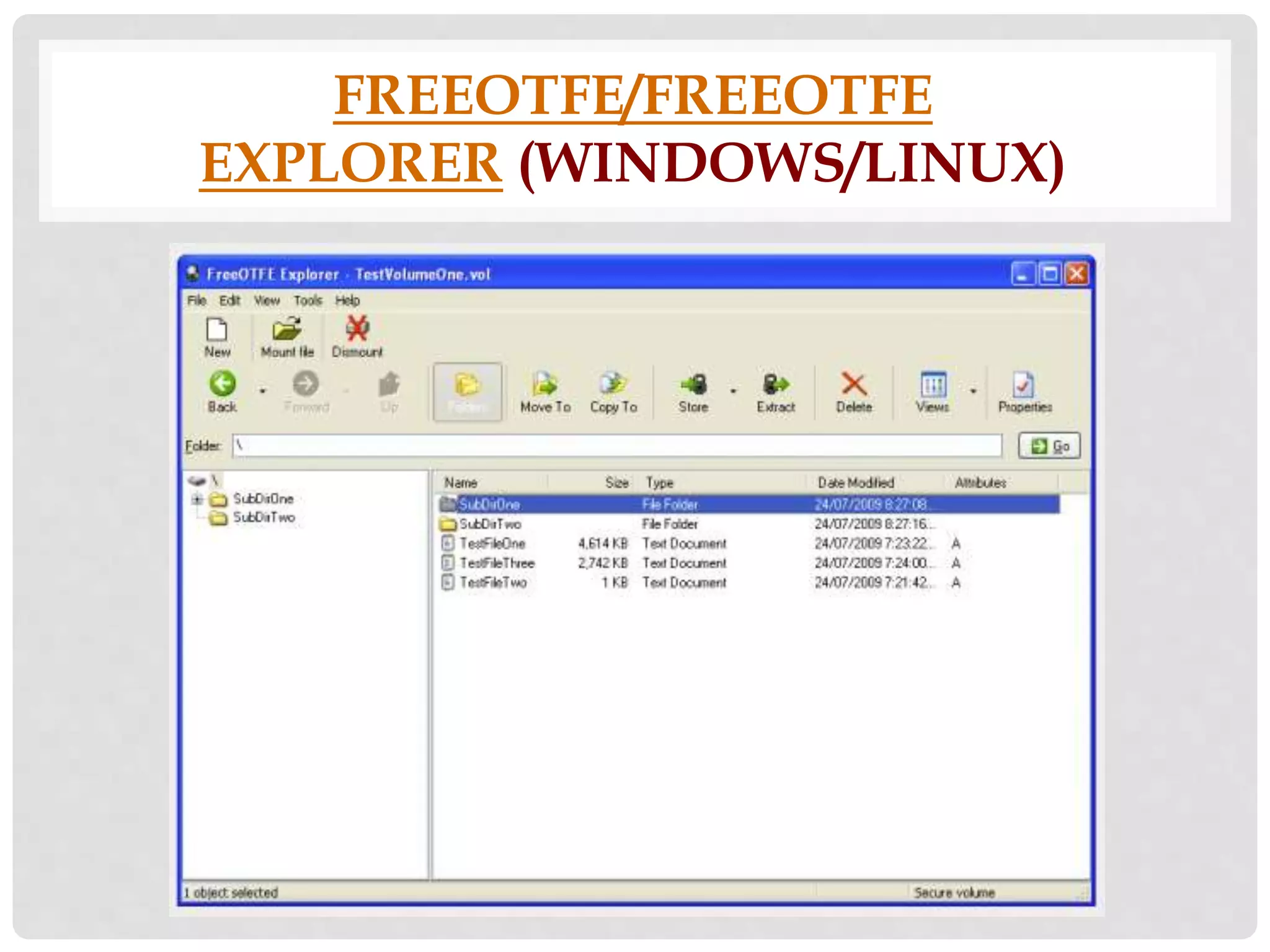
• is an open source transparent disk 
encryption program that lets you 
create one or more “virtual disks” on 
PCs. FreeOTFE has support for Linux 
volumes, supports numerous hash 
(including SHA-512, RIPEMD-320 Tiger), 
and encryption algorithms (AES, 
Twofish, and Serpent) in several modes 
(CBC, LRW, and XTS).
GNU PRIVACY 
GUARD (WINDOWS/MAC/LINUX)
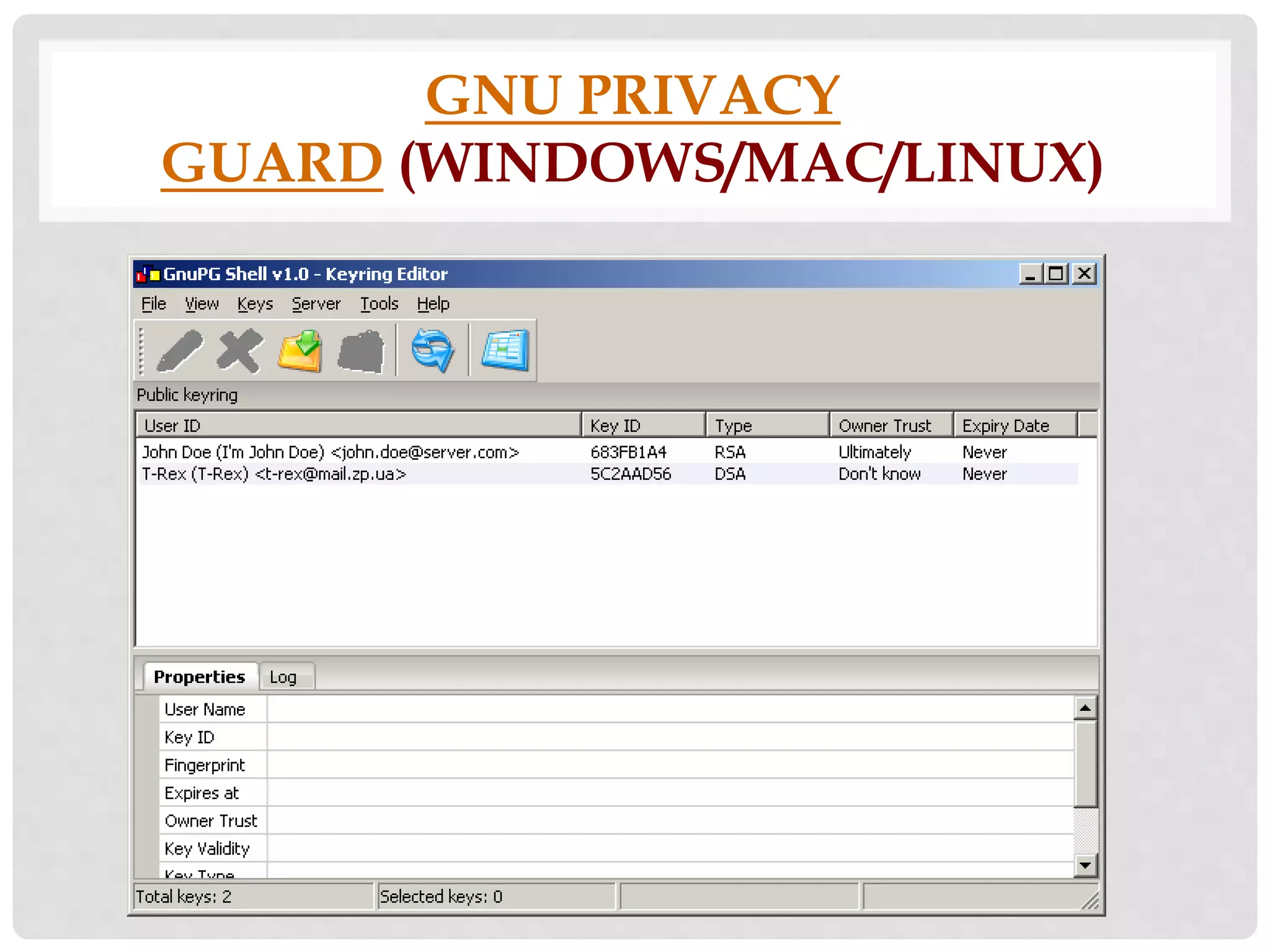
GNU PRIVACY GUARD (GNUPG) 
• is an open source version of the Pretty 
Good Privacy (PGP) encryption 
software. GNUpg lets you encrypt 
individual files and groups of 
files. GNUpg uses a command line 
interface, but there are several front-ends 
with easy-to-use GUIs. Below is an 
image of GnuPG Shell.
TRUECRYPT (WINDOWS/MAC/LINUX)
TRUECRYPT 
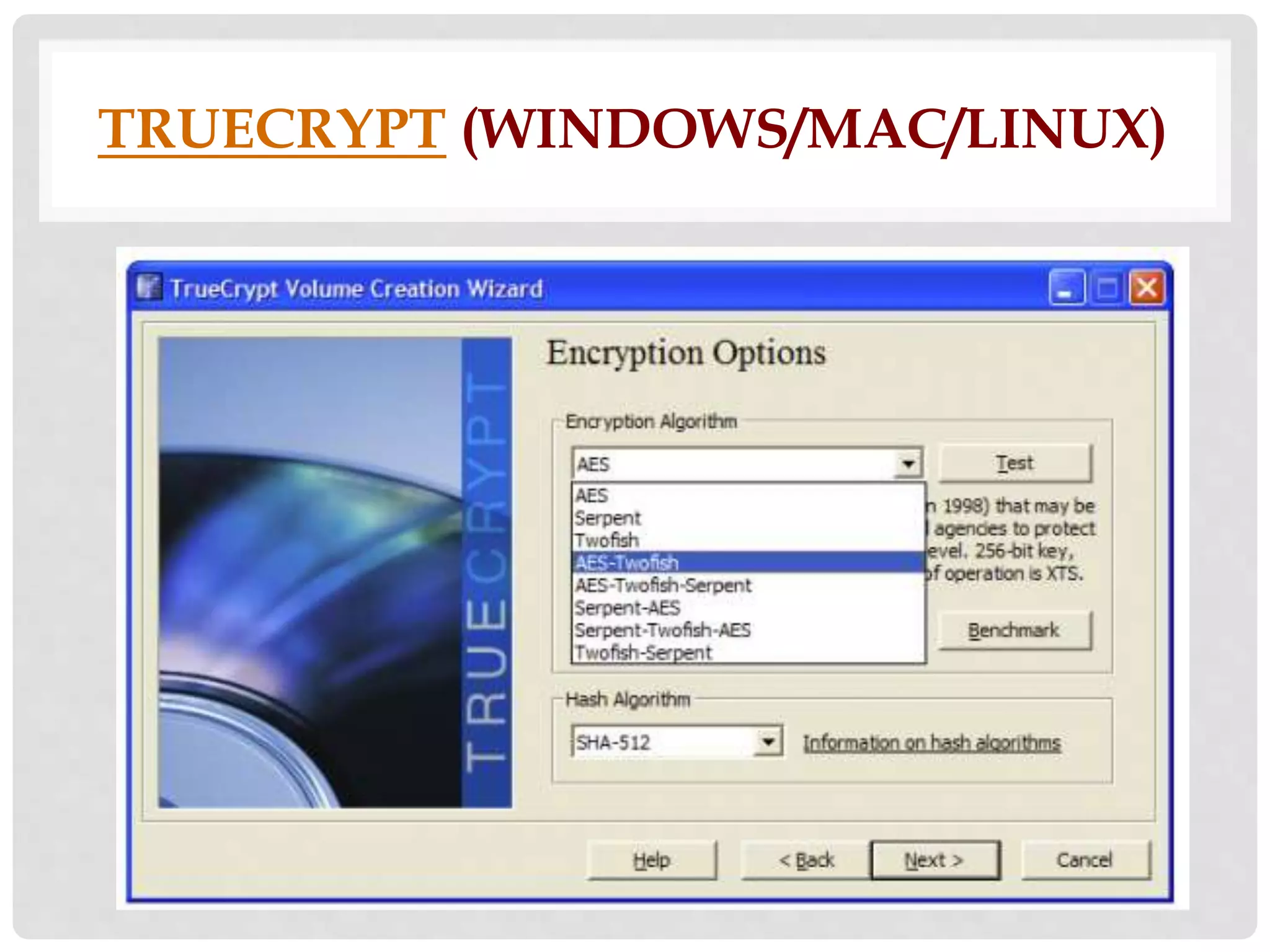
• can create secure encrypted virtual 
disks or entire drives. The files can be 
encrypted on-the-fly so that they are 
decrypted as you access them and 
then encrypts again when you are 
done. TrueCrypt lets you create 
hidden volumes in encrypted volumes 
to make files even more secure.

List of Software tools for encryption

  • 1.
    SOFTWARE TOOLS FOR ENCRYPTION B Y : CL I FORD JOHN R EANDINO
  • 2.
  • 3.
  • 4.
    ROHOS MINI DRIVE • is a free software to protect USB flash drive with password. Your data on the USB flash drive is secured by creating hidden and encrypted partitions. To use it, run the program and select Encrypt USB drive and enter a password and it will create an encrypted partition on the USB drive. You can access the stored data by providing the right password.
  • 5.
  • 6.
    DISKCRYPTOR • isa free and easy to use open source disk encryption software. It can encrypt all disk partitions of your hard drive, USB storage devices and CD-ROM drives. It supports both FAT and NTFS file systems. It can encrypt your drives using AES, Twofish, or Serpent algorithms. You can encrypt any drive including USB flash drive by providing the password of your choice.
  • 7.
  • 8.
    USB FLASH SECURITY • is a free software to secure your data on USB Flash Drive. You can easily secure files on USB drive by adding password protection and encryption. Once installed you only need to provide the correct password to access your files on the USB drive. It supports up to 4 GB USB flash drive in the free version. It is very easy to use.
  • 9.
  • 10.
    KAKASOFT USB SECURITY • is a simple and easy to use USB protection and encryption software. It lets you to protect files or folders on your USB drive with password. First add files or folders to the USB flash drive and then run this software, it will installs the USBSecurity executable file on your pen drive and hide all the files and folders on it. To unprotect or see the contents of the USB disk you need to provide the right password.
  • 11.
  • 12.
    STORAGECRYPT • isa free software for USB drive encryption. It lets you encrypt and password protect your removable drives including USB drive, firewire drive, and flash cards etc. It uses 128 bit AES encryption technique for security. You can set passwords which can be maximum of 50 characters. It is a portable software and easy to use.
  • 13.
  • 14.
    DCCEXPLORER • isa free software to encrypt files or folders on your PC as well as on USB drives with password. It uses Advanced Encryption Standard (AES) algorithm to encrypt or decrypt your files. It has an Explorer like interface and you can browse for files through it. You can easily drag and drop files or folders to its upper pane to encrypt. You can decrypt your files or folders with the correct password only.
  • 15.
  • 16.
  • 17.
    7-ZIP • isopen source software under the GNU LGPL license. 7-Zip has ZIP container-based AES-256 encryption. You can easily create a compressed archive of files and add a password to it.
  • 18.
  • 19.
    AXCRYPT • isan open source file encryption software that lets you compress, encrypt, decrypt, store, send, and work with individual files. It works with the Windows shell and it uses AES-256 encryption.
  • 20.
  • 21.
    CRYPTEXT • letsyou decode and encode files with a combined technology of SHAa1 and RC4. It locks files with a 160-bit password-protected keyword.
  • 22.
  • 23.
    DISK UTILITY (MAC) • The Disk Utility software that comes bundled with Mac OS X lets you create encrypted disk images and file volumes using AES 128-bit or 256-bit. If you have never encrypted files using Disk Utility and want to learn how to do it, click the link above.
  • 24.
  • 25.
    DSCRYPT • supportsdrag and drop and provides AES/Rijndael file encryption. The software features optimal implementation and safety measures. dsCrypt has Secure PassPad, brute-force password search resistance, and verified data/file processing.
  • 26.
  • 27.
    ENCRYPT4ALL (WINDOWS) •Encrypt4all is an application that implements a real bit-per bit data encryption. It lets you encrypt any kind of file and set a password for the archives. You can also encrypt files that are larger than 2GB.
  • 28.
  • 29.
    FREEOTFE • isan open source transparent disk encryption program that lets you create one or more “virtual disks” on PCs. FreeOTFE has support for Linux volumes, supports numerous hash (including SHA-512, RIPEMD-320 Tiger), and encryption algorithms (AES, Twofish, and Serpent) in several modes (CBC, LRW, and XTS).
  • 30.
    GNU PRIVACY GUARD(WINDOWS/MAC/LINUX)
  • 31.
    GNU PRIVACY GUARD(GNUPG) • is an open source version of the Pretty Good Privacy (PGP) encryption software. GNUpg lets you encrypt individual files and groups of files. GNUpg uses a command line interface, but there are several front-ends with easy-to-use GUIs. Below is an image of GnuPG Shell.
  • 32.
  • 33.
    TRUECRYPT • cancreate secure encrypted virtual disks or entire drives. The files can be encrypted on-the-fly so that they are decrypted as you access them and then encrypts again when you are done. TrueCrypt lets you create hidden volumes in encrypted volumes to make files even more secure.