MCA, M.Sc.(CS),PGDCA
Pratibha Rashmi
 DML stands for Data Manipulation Language.
 DML is a language used for selecting,
inserting, deleting and updating data in a
database.database.
 DML is used to retrieve and manipulate data
in a relational database.
 SELECT
 INSERT
 UPDATE
 DELETE
 SELECT command is used to retrieve data
from the database.
 This command allows database users to
retrieve the specific information they desireretrieve the specific information they desire
from an operational database.
 SELECT command returns a result set of
records from one or more tables.
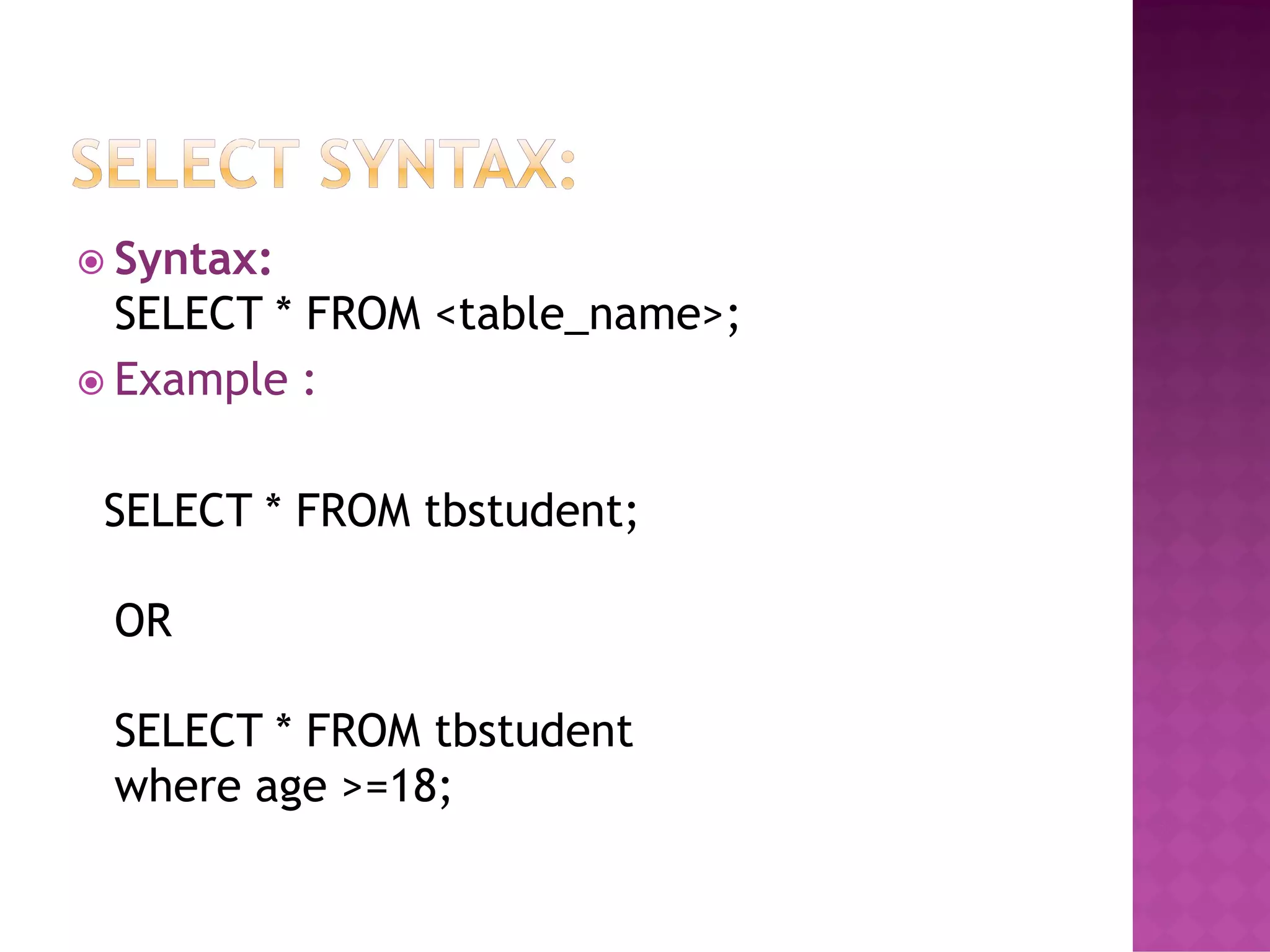
 Syntax:
SELECT * FROM <table_name>;
 Example :
SELECT * FROM tbstudent;
OR
SELECT * FROM tbstudent
where age >=18;
 WHERE: It specifies which rows to retrieve.
 GROUP BY: It is used to arrange the data into
groups.
 HAVING: It selects among the groups defined
by the GROUP BY clause.by the GROUP BY clause.
 ORDER BY: It specifies an order in which to
return the rows.
 AS: It provides an alias which can be used to
temporarily rename tables or columns.
 INSERT command is used for inserting a data
into a table.
 Using this command, you can add one or
more records to any single table in amore records to any single table in a
database.
 It is also used to add records to an existing
code.
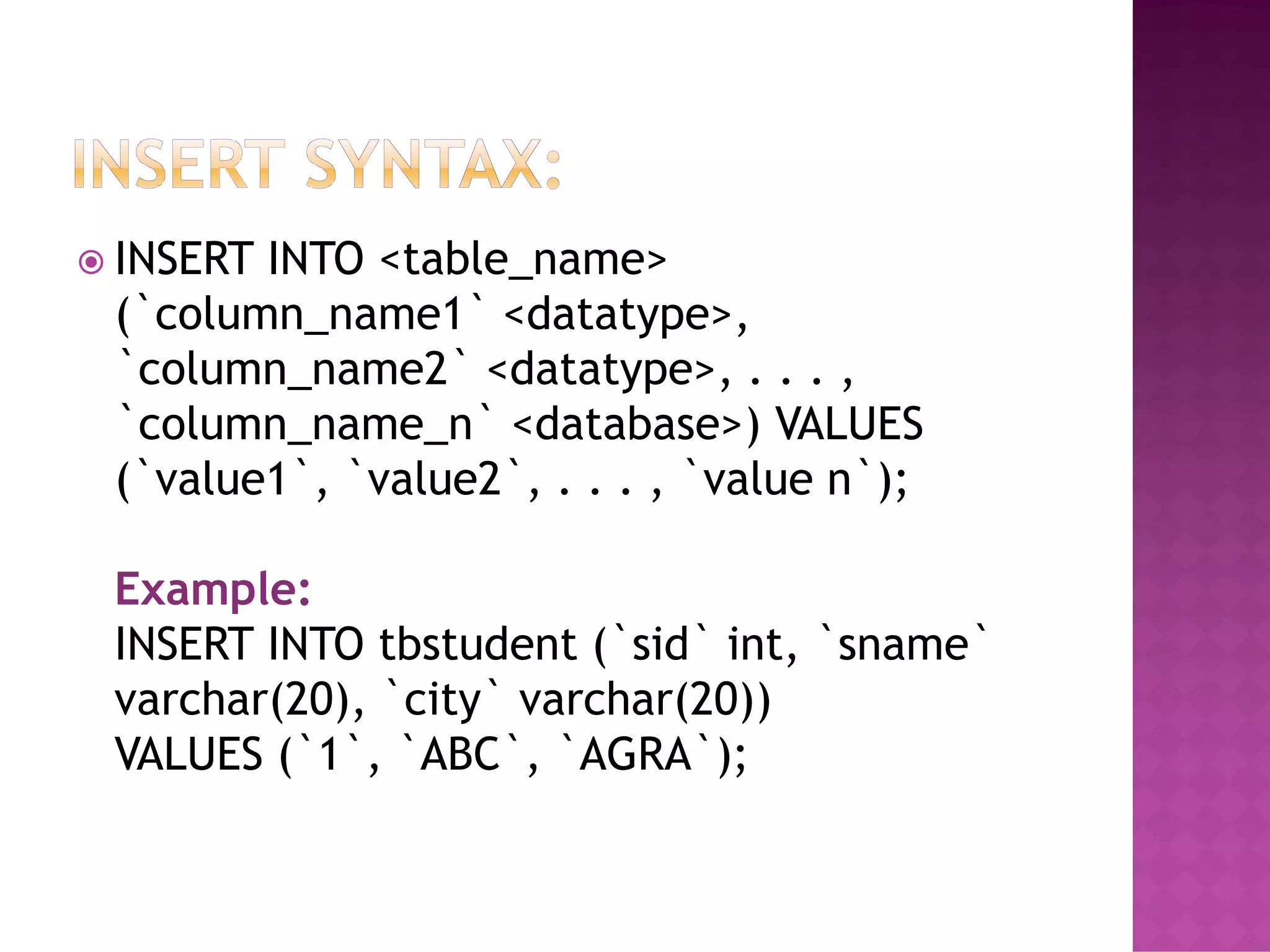
 INSERT INTO <table_name>
(`column_name1` <datatype>,
`column_name2` <datatype>, . . . ,
`column_name_n` <database>) VALUES
(`value1`, `value2`, . . . , `value n`);(`value1`, `value2`, . . . , `value n`);
Example:
INSERT INTO tbstudent (`sid` int, `sname`
varchar(20), `city` varchar(20))
VALUES (`1`, `ABC`, `AGRA`);
 UPDATE command is used to modify the
records present in existing table.
 This command updates existing data within a
table.table.
 It changes the data of one or more records in
a table.

UPDATE <table_name>
SET <column_name = value>
WHERE condition;
Example :
UPDATE tbstudent
SET city=‘Delhi’
WHERE sid=26;
 DELETE command is used to delete some or
all records from the existing table.
 It deletes all the records from a table.
Syntax:
DELETE FROM <table_name> WHEREDELETE FROM <table_name> WHERE
<condition>;
Example :
DELETE FROM tbstudent
WHERE sid = 33;
*NOTE: If we does not write the WHERE
condition, then all rows will get deleted.
Data manipulation language

Data manipulation language

  • 1.
  • 2.
     DML standsfor Data Manipulation Language.  DML is a language used for selecting, inserting, deleting and updating data in a database.database.  DML is used to retrieve and manipulate data in a relational database.
  • 3.
     SELECT  INSERT UPDATE  DELETE
  • 4.
     SELECT commandis used to retrieve data from the database.  This command allows database users to retrieve the specific information they desireretrieve the specific information they desire from an operational database.  SELECT command returns a result set of records from one or more tables.
  • 5.
     Syntax: SELECT *FROM <table_name>;  Example : SELECT * FROM tbstudent; OR SELECT * FROM tbstudent where age >=18;
  • 6.
     WHERE: Itspecifies which rows to retrieve.  GROUP BY: It is used to arrange the data into groups.  HAVING: It selects among the groups defined by the GROUP BY clause.by the GROUP BY clause.  ORDER BY: It specifies an order in which to return the rows.  AS: It provides an alias which can be used to temporarily rename tables or columns.
  • 7.
     INSERT commandis used for inserting a data into a table.  Using this command, you can add one or more records to any single table in amore records to any single table in a database.  It is also used to add records to an existing code.
  • 8.
     INSERT INTO<table_name> (`column_name1` <datatype>, `column_name2` <datatype>, . . . , `column_name_n` <database>) VALUES (`value1`, `value2`, . . . , `value n`);(`value1`, `value2`, . . . , `value n`); Example: INSERT INTO tbstudent (`sid` int, `sname` varchar(20), `city` varchar(20)) VALUES (`1`, `ABC`, `AGRA`);
  • 9.
     UPDATE commandis used to modify the records present in existing table.  This command updates existing data within a table.table.  It changes the data of one or more records in a table.
  • 10.
     UPDATE <table_name> SET <column_name= value> WHERE condition; Example : UPDATE tbstudent SET city=‘Delhi’ WHERE sid=26;
  • 11.
     DELETE commandis used to delete some or all records from the existing table.  It deletes all the records from a table. Syntax: DELETE FROM <table_name> WHEREDELETE FROM <table_name> WHERE <condition>; Example : DELETE FROM tbstudent WHERE sid = 33; *NOTE: If we does not write the WHERE condition, then all rows will get deleted.