Introduction
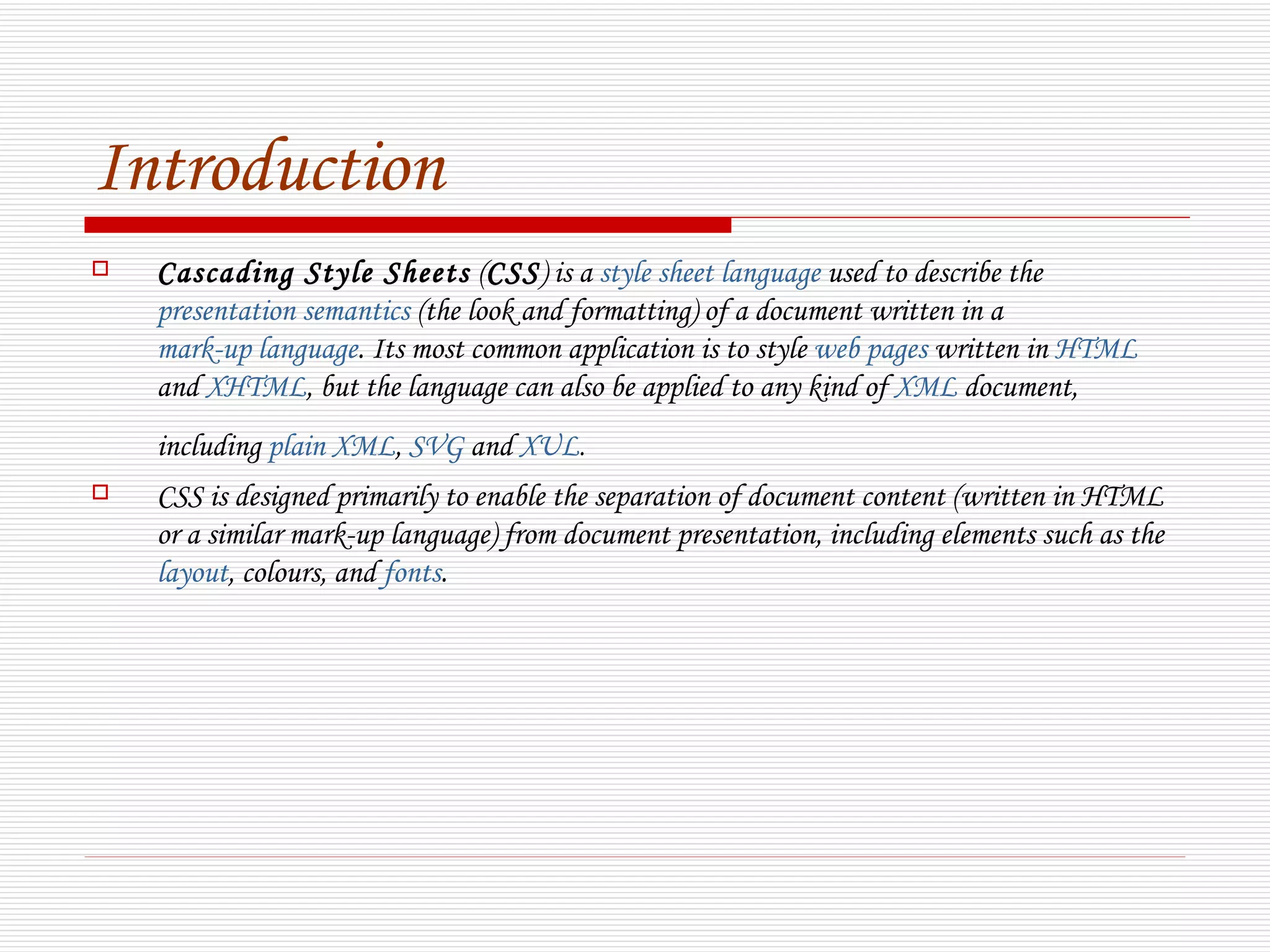
   Cascading Style Sheets (CSS) is a style sheet language used to describe the
    presentation semantics (the look and formatting) of a document written in a
    mark-up language. Its most common application is to style web pages written in HTML
    and XHTML, but the language can also be applied to any kind of XML document,
    including plain XML, SVG and XUL.
   CSS is designed primarily to enable the separation of document content (written in HTML
    or a similar mark-up language) from document presentation, including elements such as the
    layout, colours, and fonts.
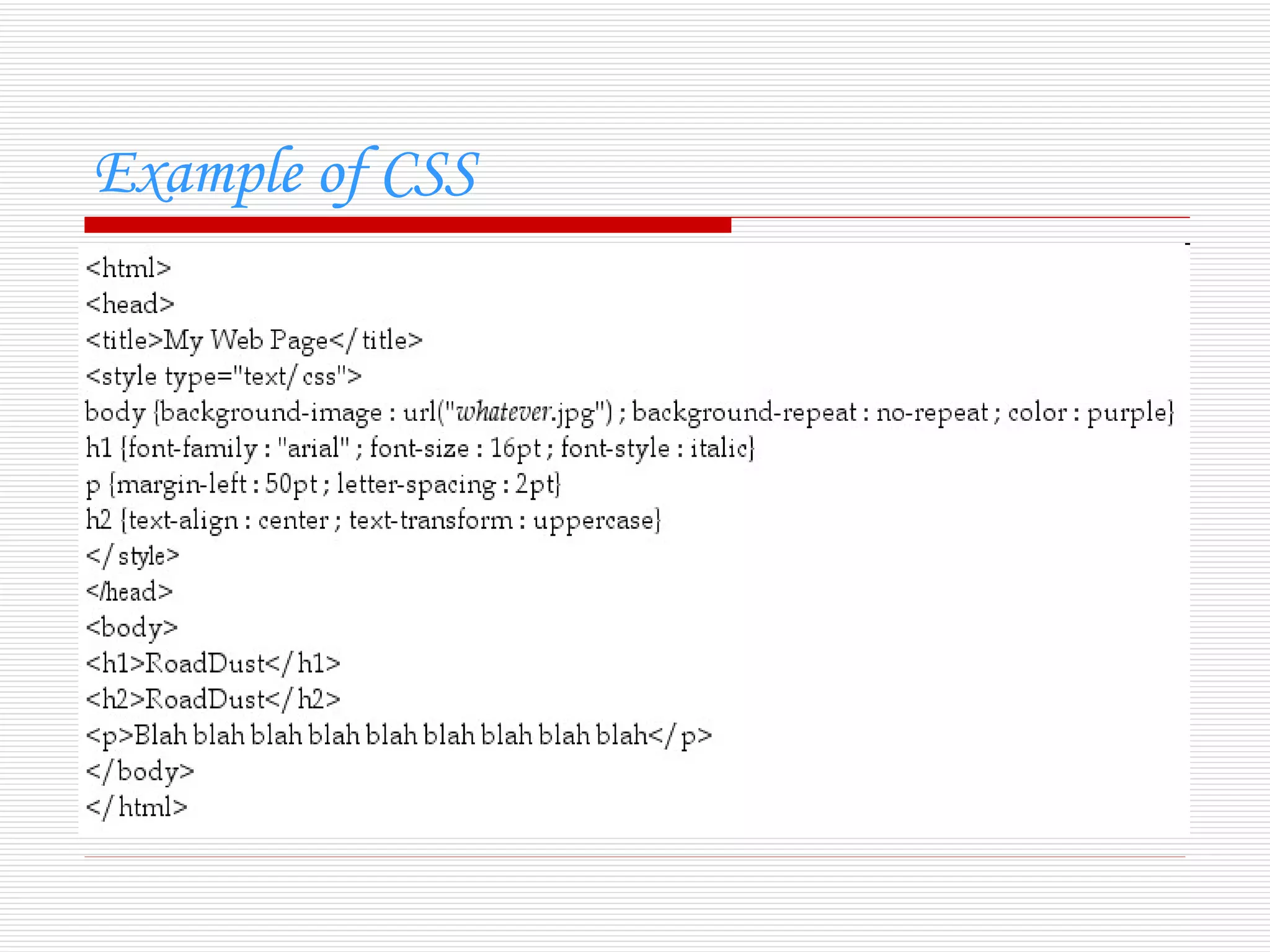
Example of CSS
CSS types-:
   Internal

   Inline

   External
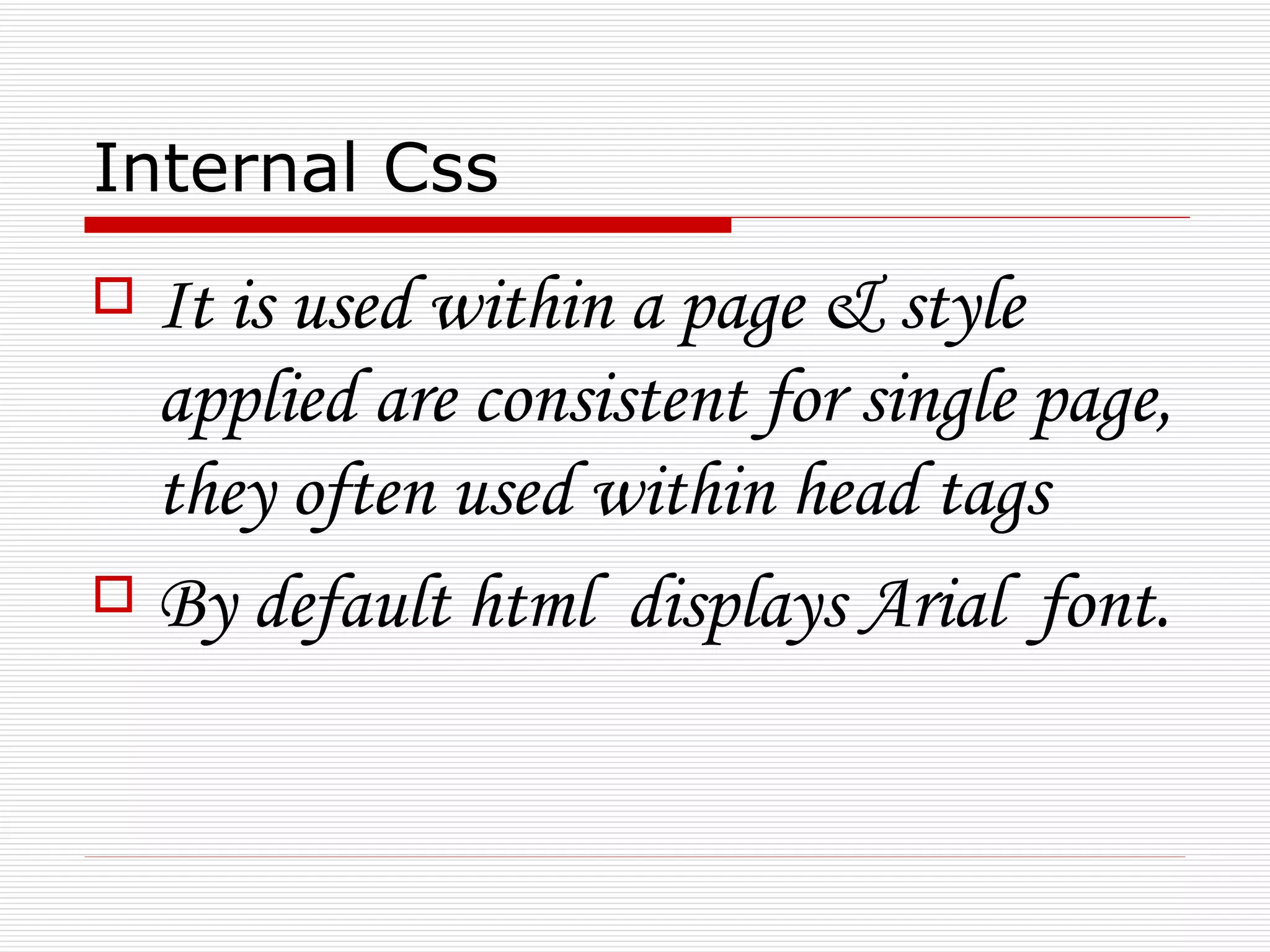
Internal Css
 It is used within a page & style
  applied are consistent for single page,
  they often used within head tags
 By default html displays Arial font.
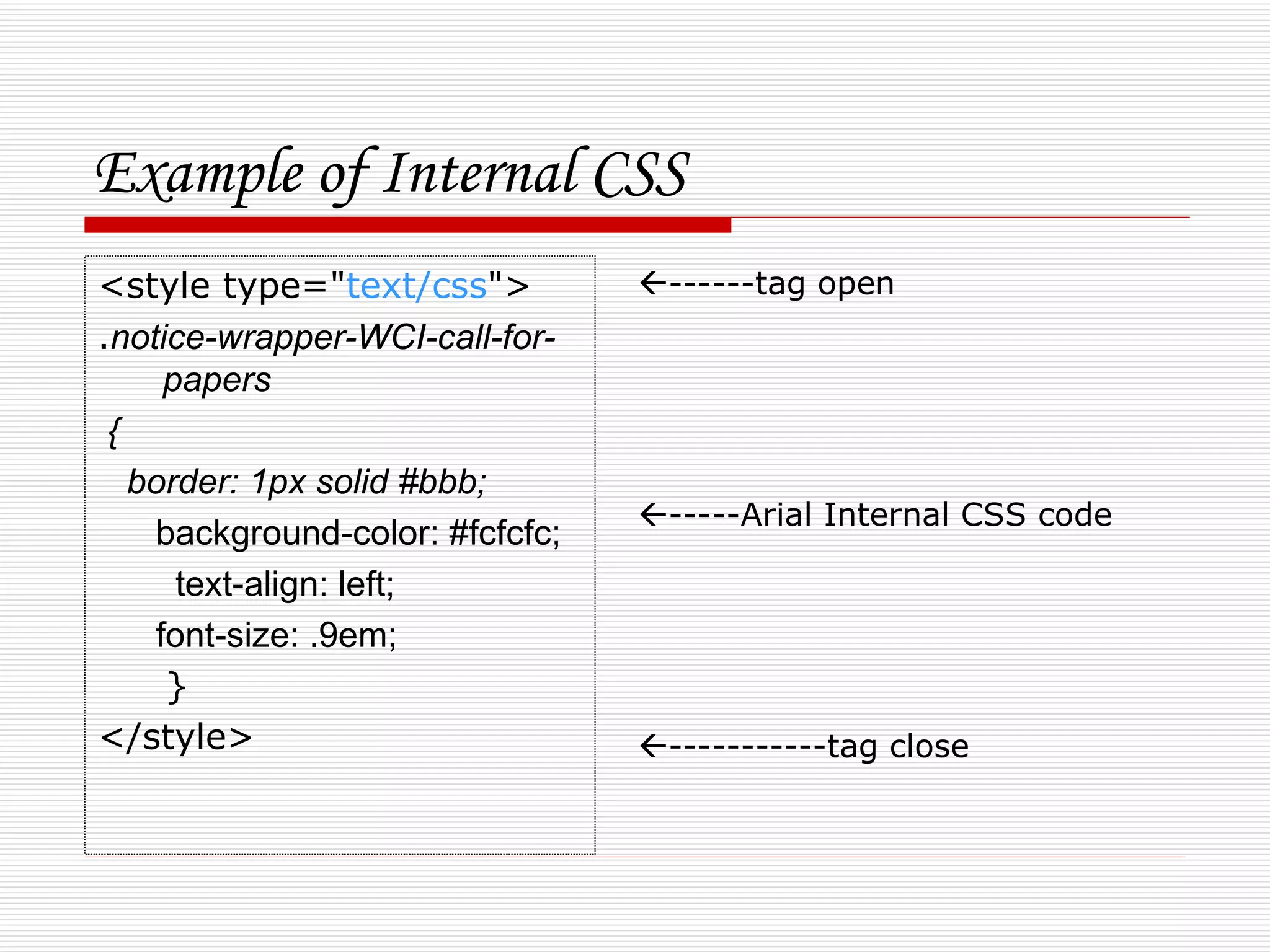
Example of Internal CSS
<style type="text/css">          ------tag open
.notice-wrapper-WCI-call-for-
     papers
 {
   border: 1px solid #bbb;
                                 -----Arial Internal CSS code
    background-color: #fcfcfc;
      text-align: left;
    font-size: .9em;
     }
</style>                         -----------tag close
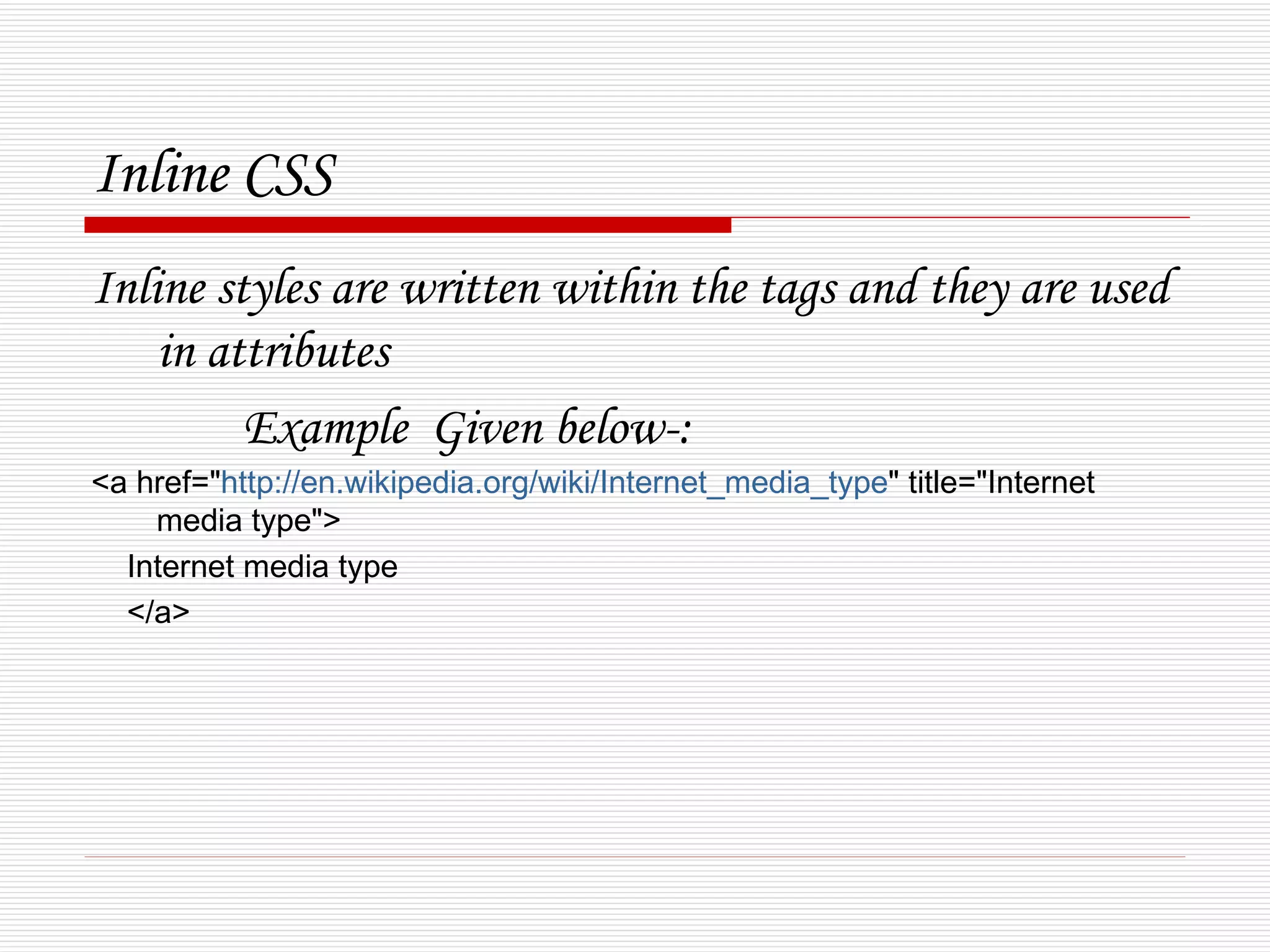
Inline CSS
Inline styles are written within the tags and they are used
    in attributes
         Example Given below-:
<a href="http://en.wikipedia.org/wiki/Internet_media_type" title="Internet
    media type">
  Internet media type
  </a>
External CSS
   IT is applied to the whole website.
   In this case a notepad file created of extension .css
    which has some website related info.
    Then this Document is link in Html tags.
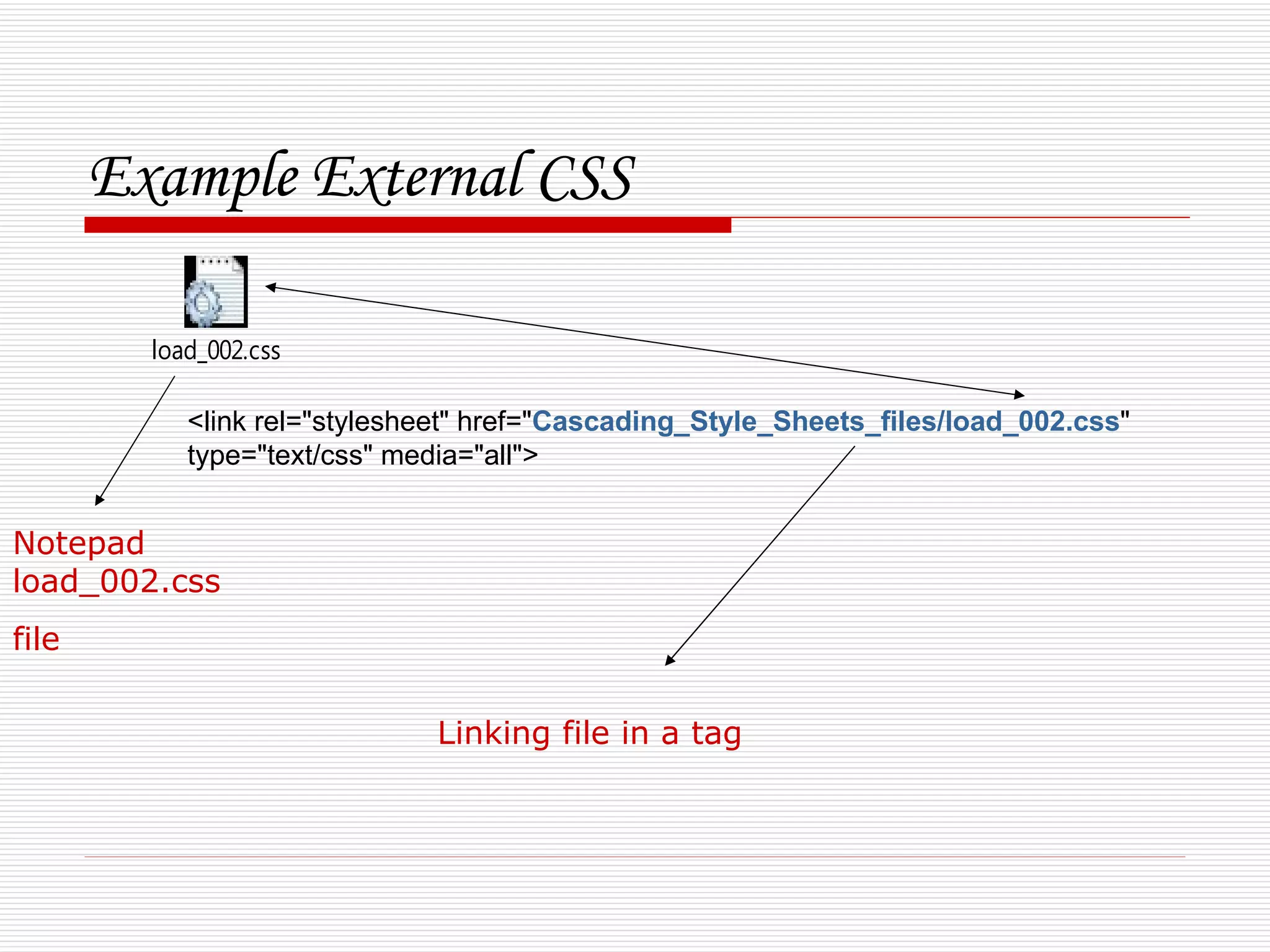
Example External CSS

         load_002.css

            <link rel="stylesheet" href="Cascading_Style_Sheets_files/load_002.css"
            type="text/css" media="all">


Notepad
load_002.css
file

                              Linking file in a tag
Version of CSS
    1)CSS 1
    The first CSS specification to become an official W3C
     Recommendation is CSS level 1, published in December
     1996. Among its capabilities are support for:
    Font properties such as typeface and emphasis
    Color of text, backgrounds, and other elements
    Text attributes such as spacing between words, letters, and
     lines of text
    Alignment of text, images, tables and other elements
    Margin, border, padding, and positioning for most elements
    Unique identification and generic classification of groups of
     attributes
    The W3C no longer maintains the CSS 1 Recommendation.
CSS 2


       CSS level 2 specification was developed by the
        W3C and published as a Recommendation in
        May 1998. A superset of CSS 1, CSS 2 includes a
        number of new capabilities like absolute,
        relative, and fixed positioning of elements and
        z-index, the concept of media types, support for
        aural style sheets and bidirectional text, and new
        font properties such as shadows. The W3C no
        longer maintains the CSS 2 recommendation
CSS 3

   Instead of defining all features in a single, large
    specification like CSS 2, CSS 3 is divided into several
    separate documents called "modules". Each module
    adds new capability or extends features defined in
    CSS 2, over preserving backward compatibility. Work
    on CSS level 3 started around the time of publication
    of the original CSS 2 recommendation. The earliest
    CSS 3 drafts were published in June 19
Advantage
   Flexibility
   Accessibility
   Separation of content from presentation
   Site-wide consistency
   Bandwidth
   Page reformatting
Limitations

   Poor controls for flexible layouts 
   Selectors are unable to ascend
   Vertical control limitations
   Absence of expressions
   Lack of column declaration 
   Cannot explicitly declare new scope independently of
    position

CSS

  • 3.
    Introduction  Cascading Style Sheets (CSS) is a style sheet language used to describe the presentation semantics (the look and formatting) of a document written in a mark-up language. Its most common application is to style web pages written in HTML and XHTML, but the language can also be applied to any kind of XML document, including plain XML, SVG and XUL.  CSS is designed primarily to enable the separation of document content (written in HTML or a similar mark-up language) from document presentation, including elements such as the layout, colours, and fonts.
  • 4.
  • 5.
    CSS types-:  Internal  Inline  External
  • 6.
    Internal Css  Itis used within a page & style applied are consistent for single page, they often used within head tags  By default html displays Arial font.
  • 7.
    Example of InternalCSS <style type="text/css"> ------tag open .notice-wrapper-WCI-call-for- papers { border: 1px solid #bbb; -----Arial Internal CSS code background-color: #fcfcfc; text-align: left; font-size: .9em; } </style> -----------tag close
  • 8.
    Inline CSS Inline stylesare written within the tags and they are used in attributes Example Given below-: <a href="http://en.wikipedia.org/wiki/Internet_media_type" title="Internet media type"> Internet media type </a>
  • 9.
    External CSS  IT is applied to the whole website.  In this case a notepad file created of extension .css which has some website related info. Then this Document is link in Html tags.
  • 10.
    Example External CSS load_002.css <link rel="stylesheet" href="Cascading_Style_Sheets_files/load_002.css" type="text/css" media="all"> Notepad load_002.css file Linking file in a tag
  • 11.
    Version of CSS 1)CSS 1  The first CSS specification to become an official W3C Recommendation is CSS level 1, published in December 1996. Among its capabilities are support for:  Font properties such as typeface and emphasis  Color of text, backgrounds, and other elements  Text attributes such as spacing between words, letters, and lines of text  Alignment of text, images, tables and other elements  Margin, border, padding, and positioning for most elements  Unique identification and generic classification of groups of attributes  The W3C no longer maintains the CSS 1 Recommendation.
  • 12.
    CSS 2  CSS level 2 specification was developed by the W3C and published as a Recommendation in May 1998. A superset of CSS 1, CSS 2 includes a number of new capabilities like absolute, relative, and fixed positioning of elements and z-index, the concept of media types, support for aural style sheets and bidirectional text, and new font properties such as shadows. The W3C no longer maintains the CSS 2 recommendation
  • 13.
    CSS 3  Instead of defining all features in a single, large specification like CSS 2, CSS 3 is divided into several separate documents called "modules". Each module adds new capability or extends features defined in CSS 2, over preserving backward compatibility. Work on CSS level 3 started around the time of publication of the original CSS 2 recommendation. The earliest CSS 3 drafts were published in June 19
  • 14.
    Advantage  Flexibility  Accessibility  Separation of content from presentation  Site-wide consistency  Bandwidth  Page reformatting
  • 15.
    Limitations  Poor controls for flexible layouts   Selectors are unable to ascend  Vertical control limitations  Absence of expressions  Lack of column declaration   Cannot explicitly declare new scope independently of position