Download as PDF, PPTX
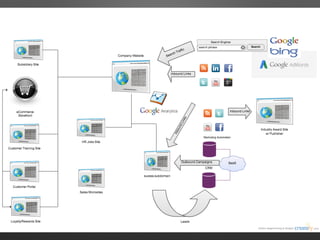
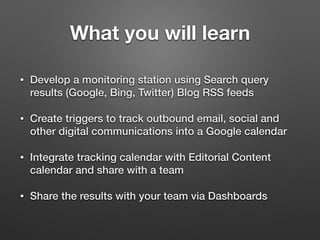
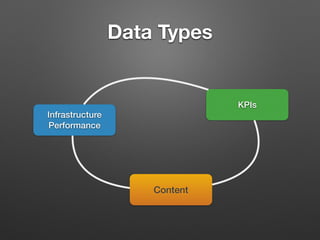
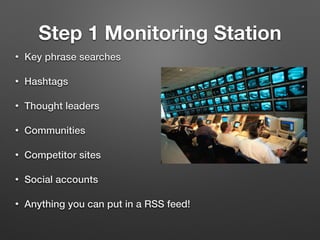
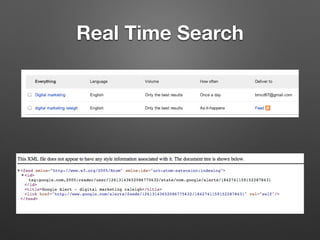
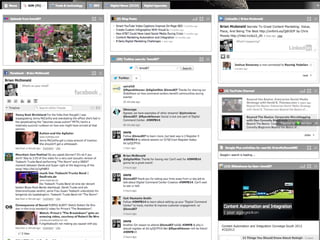
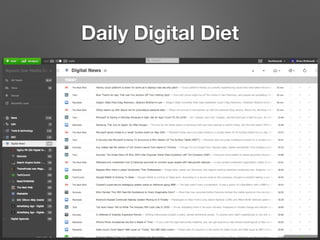
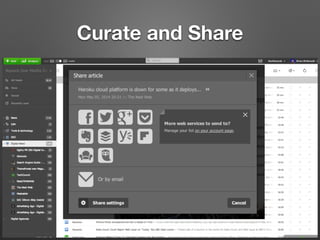
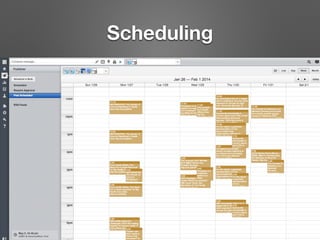
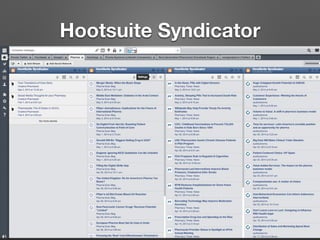
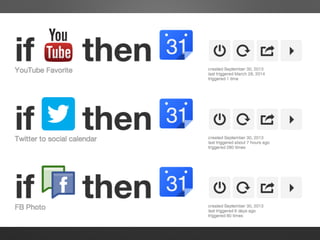
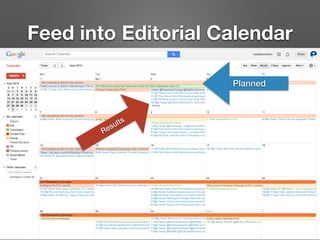

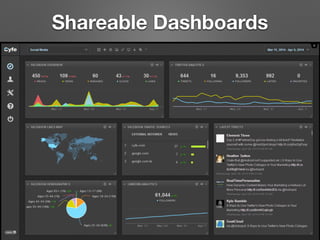
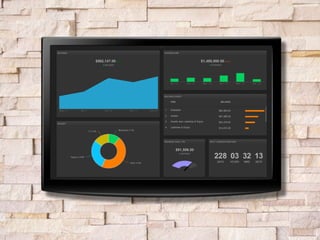

The document outlines steps for creating a digital media command center to enhance productivity, audience engagement, and reporting standardization. It describes developing a monitoring station, setting up tracking triggers, and sharing results through dashboards that focus on KPIs. The overall goal is to gain customer insights, competitive advantages, and to better understand community conversations.


![Nurturing Talent Pools Through Content on LinkedIn [webcast]](https://cdn.slidesharecdn.com/ss_thumbnails/federalwebcastnurturingtalentpoolsthroughcontentseptember2016-160920194453-thumbnail.jpg?width=640&height=640&fit=bounds)


![[Slides] Evolution of the Social Media Command Center by Susan Etlinger](https://cdn.slidesharecdn.com/ss_thumbnails/slidesevolutionofthesocialmediacommandcentersusanetlinger-140403143358-phpapp02-thumbnail.jpg?width=640&height=640&fit=bounds)


