CREATING A CONTENT STRATEGY FOR
YOUR NONPROFIT WEBSITE
September 27, 2018
What would you do?
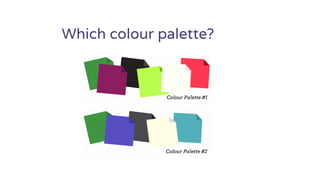
Which colour palette?
Navigation decision
“Volunteer”
– In the main navigation?
– In a drop down?
– In a header or footer?
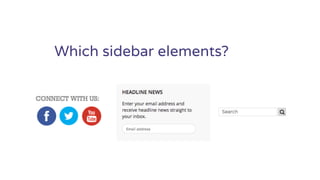
Which sidebar elements?
Hard to say?
The context you’re missing is
the strategy
“Content strategy helps us find ways to
better understand all aspects of our content,
which means we can make smarter, more
informed decisions about how we’re going to
select and execute our tactics.”
~Kristina Halvorson & Melissa Rach
Content strategy for the web
Why you need a website content strategy:
Framework for making decisions
Alignment and consensus
Better, more effective website!
website planning =
communications planning
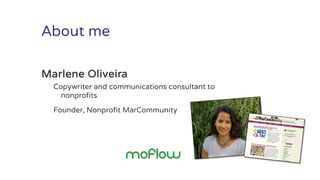
About me
Marlene Oliveira
Copywriter and communications consultant to
nonprofits
Founder, Nonprofit MarCommunity
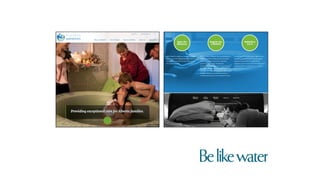
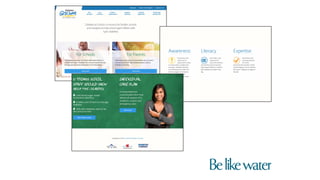
“Your content is not simply a
replacement for placeholder text; it’s
the thing that gets designed.”
-Mike Mella, Be Like Water
Today’s plan
Why you need to start with content
strategy
Elements of a website content strategy
Ways to include internal stakeholders
WHY?
Exercise: write down your
answers to the following…
Question 1: What does your
website need to achieve?
Question 2: Who are your
priority audiences?
Question 3: What does your
website need to say?
Question 4: What actions do
you want visitors to take?
Exercise: how did you do?
ELEMENTS OF A WEBSITE
CONTENT STRATEGY
1. Your website’s purpose
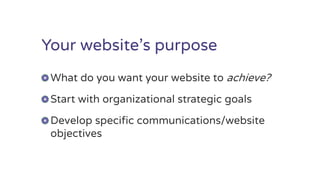
Your website’s purpose
What do you want your website to achieve?
Start with organizational strategic goals
Develop specific communications/website
objectives
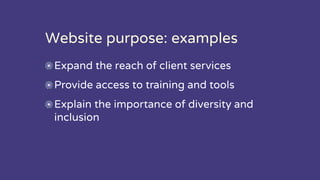
Website purpose: examples
Expand the reach of client services
Provide access to training and tools
Explain the importance of diversity and
inclusion
2. Your priority audiences
Identify and prioritize
your audiences
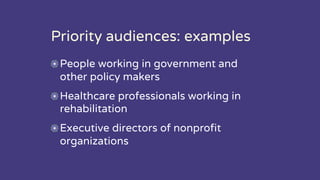
Priority audiences: examples
People working in government and
other policy makers
Healthcare professionals working in
rehabilitation
Executive directors of nonprofit
organizations
Create marketing personas
Balance their wants and
needs with yours
“Creating personas for your audiences puts you and your
developer on the same page as far as knowing how to
present your website’s content. Everyone has the same
clear examples of what your target audiences look like.
Visualizing this helps your developer to present
navigation or content in a way that’s appropriate for each
visitor’s journey through the site.”
-Mike Mella, Be Like Water
3. Voice and tone
Voice and tone
Conversational
Active voice
Jargon-free
Reflects your brand personality
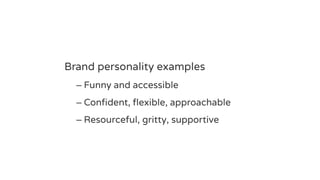
Brand personality examples
– Funny and accessible
– Confident, flexible, approachable
– Resourceful, gritty, supportive
How might voice and tone
affect your website’s design?
4. Website key messages
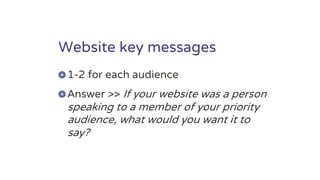
Website key messages
1-2 for each audience
Answer >> If your website was a person
speaking to a member of your priority
audience, what would you want it to
say?
Key message examples:
“You can come to us for a connection to a
broader movement.”
“We can help you position your organization as
a leader in accessibility and inclusion in your
community.”
“We can open the door to new leadership
opportunities.”
5. Desired actions/outcomes
Desired actions/outcomes
For each audience
– What actions do you want visitors to take?
– What actions do they want to take?
Prioritize: top three?
Key actions/outcomes: examples
Newsletter subscriptions
Downloads
Shares
Program/event registrations
Donations made
Training purchased
How might outcomes affect
layout, functionality, content?
6. Content buckets/topic list
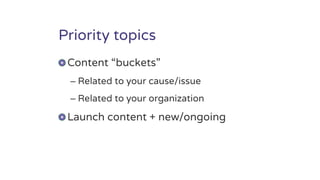
Priority topics
Content “buckets”
– Related to your cause/issue
– Related to your organization
Launch content + new/ongoing
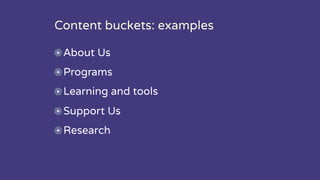
Content buckets: examples
About Us
Programs
Learning and tools
Support Us
Research
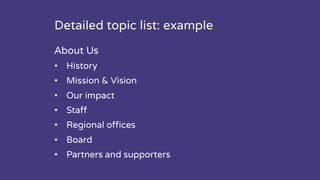
Detailed topic list: example
About Us
• History
• Mission & Vision
• Our impact
• Staff
• Regional offices
• Board
• Partners and supporters
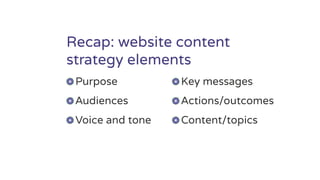
Recap: website content
strategy elements
Purpose
Audiences
Voice and tone
Key messages
Actions/outcomes
Content/topics
Ready to plan your new site?
HOW TO CREATE YOUR
WEBSITE CONTENT
STRATEGY
Remember: it’s a simple
document that captures your
best thinking, planning and
consultation
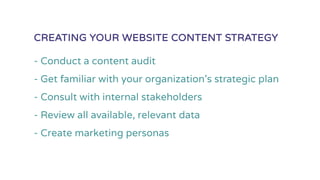
- Conduct a content audit
- Get familiar with your organization’s strategic plan
- Consult with internal stakeholders
- Review all available, relevant data
- Create marketing personas
CREATING YOUR WEBSITE CONTENT STRATEGY
Meaningful consultation with
internal stakeholders
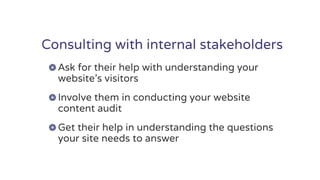
Consulting with internal stakeholders
Ask for their help with understanding your
website’s visitors
Involve them in conducting your website
content audit
Get their help in understanding the questions
your site needs to answer
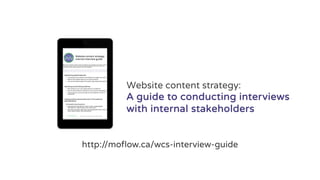
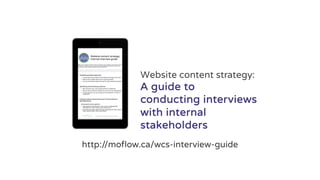
http://moflow.ca/wcs-interview-guide
Website content strategy:
A guide to conducting interviews
with internal stakeholders
After the strategy: create
your detailed content plan
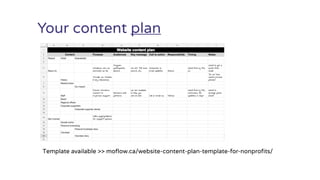
Your content plan
Template available >> moflow.ca/website-content-plan-template-for-nonprofits/
Ready to do the work?
It’s worth it.
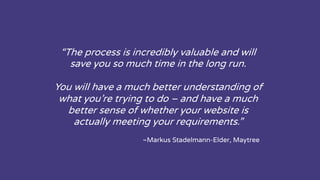
“The process is incredibly valuable and will
save you so much time in the long run.
You will have a much better understanding of
what you’re trying to do – and have a much
better sense of whether your website is
actually meeting your requirements.”
~Markus Stadelmann-Elder, Maytree
Take action: book six weeks in
your calendar for content
strategy development
http://moflow.ca/wcs-interview-guide
Website content strategy:
A guide to
conducting interviews
with internal
stakeholders
Thank you!
QUESTIONS?
Marlene Oliveira
moflow.ca
http://moflow.ca/wcs-interview-guide
Website content strategy:
A guide to conducting
interviews with internal
stakeholders

Creating a Content Strategy for your Nonprofit Website