Download to read offline
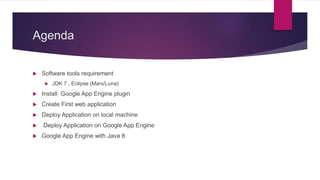
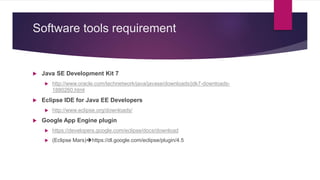
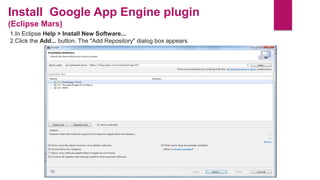
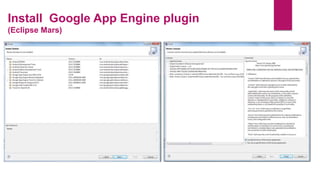
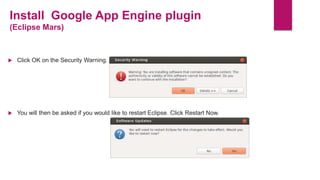
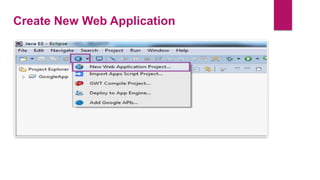
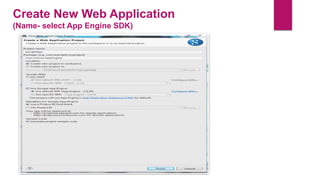
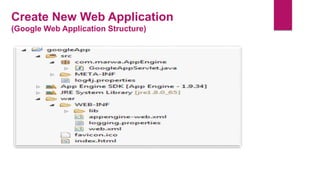
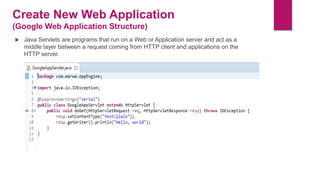
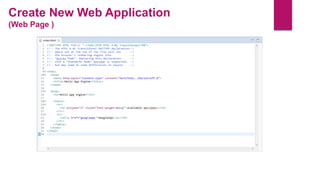
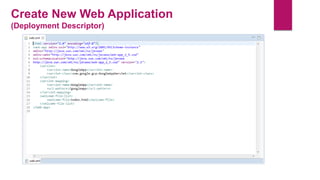
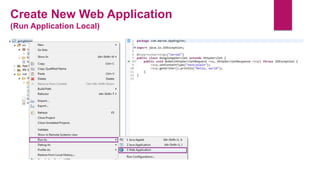
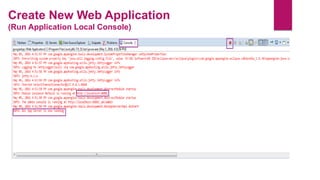
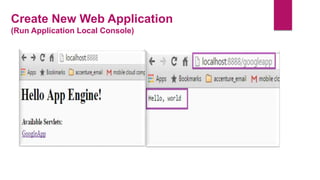
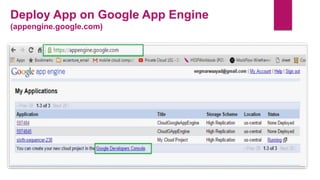
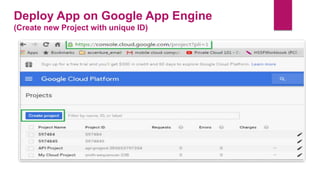
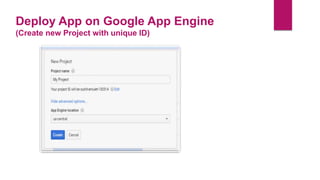
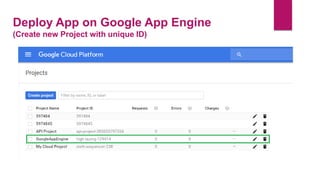
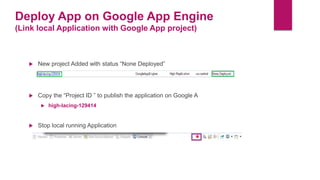
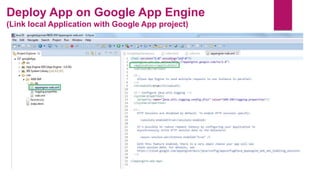
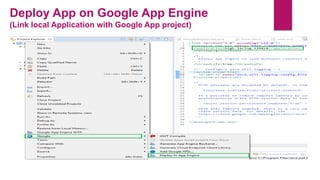
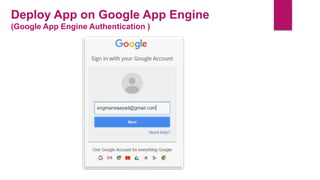
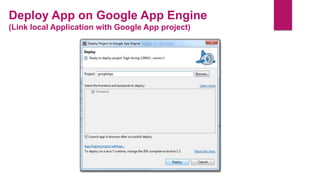
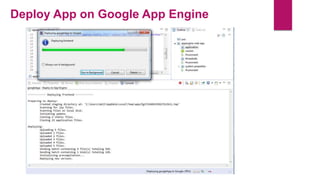
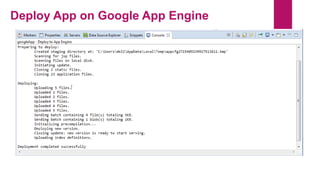
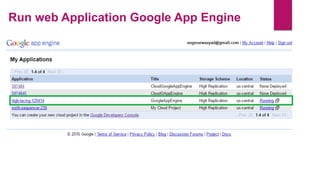
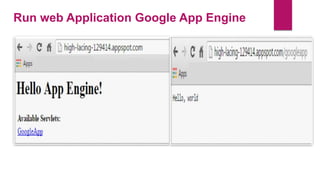

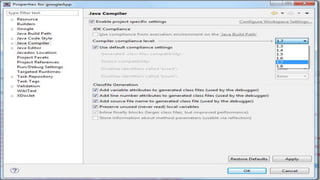


This document provides steps to create a web application using Google App Engine in Eclipse. It outlines the required software and plugins, how to create a new project structure, deploy the application locally for testing, and deploy it to Google App Engine. The key steps are: 1) installing the JDK, Eclipse, and Google App Engine plugin, 2) creating a new web application project in Eclipse with the App Engine SDK, 3) running it locally for testing, and 4) deploying the application to Google App Engine by linking the local project to a new project on the Google App Engine site.


