Contents
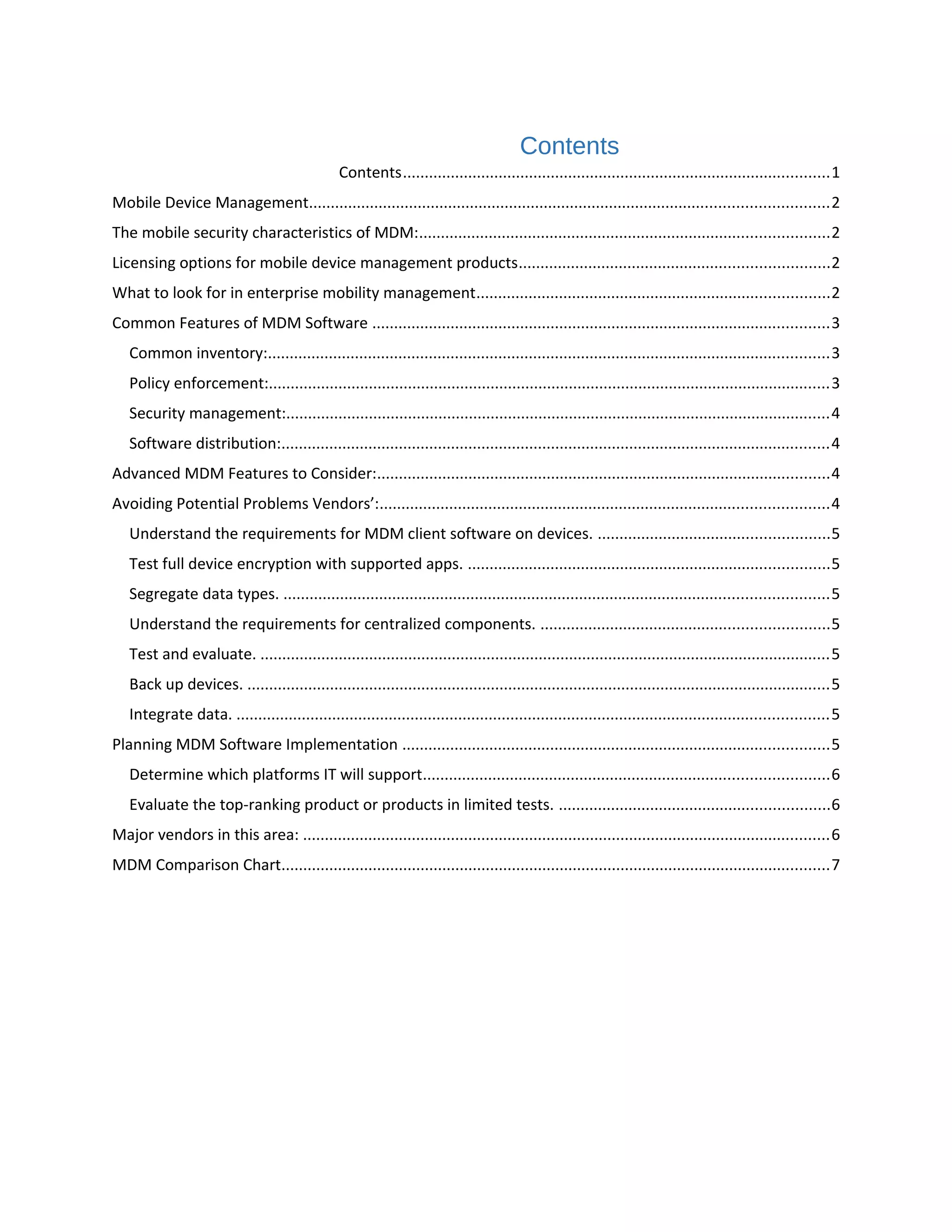
Contents..................................................................................................1
Mobile Device Management.......................................................................................................................2
The mobile security characteristics of MDM:..............................................................................................2
Licensing options for mobile device management products.......................................................................2
What to look for in enterprise mobility management.................................................................................2
Common Features of MDM Software .........................................................................................................3
Common inventory:.................................................................................................................................3
Policy enforcement:.................................................................................................................................3
Security management:.............................................................................................................................4
Software distribution:..............................................................................................................................4
Advanced MDM Features to Consider:........................................................................................................4
Avoiding Potential Problems Vendors’:.......................................................................................................4
Understand the requirements for MDM client software on devices. .....................................................5
Test full device encryption with supported apps. ...................................................................................5
Segregate data types. .............................................................................................................................5
Understand the requirements for centralized components. ..................................................................5
Test and evaluate. ...................................................................................................................................5
Back up devices. ......................................................................................................................................5
Integrate data. ........................................................................................................................................5
Planning MDM Software Implementation ..................................................................................................5
Determine which platforms IT will support.............................................................................................6
Evaluate the top-ranking product or products in limited tests. ..............................................................6
Major vendors in this area: .........................................................................................................................6
MDM Comparison Chart..............................................................................................................................7
MDM
Mobile Device Management
Mobile device management (MDM) is the administrative area dealing with deploying, securing,
monitoring, integrating and managing mobile devices, such as smartphones, tablets and laptops, in the
workplace.
The mobile security characteristics of MDM:
• When evaluating mobile device management products and vendors, these are the features (at a
minimum) to look for to form a baseline mobile security policy:
• PIN enforcement. Also seen as a password to the system, admins can manage PINs to lock
individual devices.
• Full disk encryption -- or containerized encryption -- of data or disks. An MDM product should be
able to enforce encryption on any device it manages.
• Remote wipe. In case of loss or theft.
• Secures data at rest and in transit. Ability to stop certain data from being copied or sent while
on the device.
• Jailbroken or rooted device detection. Jailbreaking poses a significant risk because it allows
users to install unapproved software and make changes to the mobile device's operating system
(OS).
There are additional MDM features (e.g., GPS tracking, VPN integration, certificate management, Wi-Fi
policies, among others) that are useful, but not for all companies.
Licensing options for mobile device management products
Currently, there are two main licensing methods for purchasing MDM products and mobile security
software:
• One license per device
• Multiple devices per license.
What to look for in enterprise mobility management
The first, the standard one-license-per-device scenario, works well for smaller companies without many
users, or with businesses that are able to tie one mobile device system to each user. If an organization is
only applying MDM towards smartphones, and there is no chance end users will use another mobile
device on the network, this method is a wise choice.
Basic functionalities of MDM
Common Features of MDM Software
MDM applications provide at least basic functionality in four areas:
1. Policy enforcement and management
2. Inventory management
3. Security management
4. Software distribution
Common inventory:
Common inventory management features include registering devices, assigning devices to groups,
centralized dashboard reporting and billing tracking. Reporting services include a detailed description of
devices.
Policy enforcement:
Policy enforcement is essential to protect business information assets. Of course this assumes you have
the necessary policies defined, which include access controls, acceptable use, encryption and data
management policies. Access-control policies specify rules about which users can authenticate to a
device and perform operations on that device. Users of corporate applications should be segmented
into groups according to their roles and responsibilities. They should have the fewest privileges required
to perform tasks associated with their roles. This is a best practice for information security more
generally, but it extends to mobile device use by specifying which enterprise applications can be
accessible to users of mobile devices. Don’t assume that because an individual has access to an
application on a company-owned workstation, that person will have access to the application on a
mobile device over an unsecured communication channel. Acceptable-use policies should define the
types of apps that can run on mobile devices for business operations, and MDM applications should
enforce these rules. Some application agreements specify that a vendor can download contact
information from a mobile device, and such agreements can result in corporate information leaks.
Businesses need to be able to block unauthorized apps on mobile devices, and MDM software enables
them to enforce access control and allowed application policies.
Security management:
Security management includes a range of capabilities, such as setting password requirements on
devices, configuring VPN settings, installing Secure Sockets Layer (SSL) certificates for device
authentication, enforcing encryption policies, disabling device features such as GPS and camera, and
remotely wiping a device. Encryption and data management policies are important elements in securing
enterprise data. MDM software can support the enforcement of full device encryption policies if
needed. They can also provide isolated sandboxes for protected data. With this model, protected data is
logically separated from other device data and removed when it is no longer needed. If a device is lost or
stolen, this kind of data management can mitigate data leak risks. SSL certificates have long been used
to authenticate servers and can now improve the security of enterprise systems accessed from
smartphones and tablets by authenticating those devices.
Software distribution:
Once mobile devices are in use, you need to support them. MDM software commonly features software
distribution services and it often includes the ability to establish an enterprise app distribution service
akin to an internal application marketplace. In addition to supporting an app marketplace, MDM
solutions typically allow for patching and remote software distribution.
Advanced MDM Features to Consider:
As MDM vendors improve their offerings, you can distinguish between the technologies based on more
advanced features, including additional security controls, better data protection, software license
management and bandwidth optimizations.
Avoiding Potential Problems Vendors’:
Marketing hype often depicts software as ideal for your environment’s requirements. But in practice,
problems can crop up. To avoid pitfalls in your MDM software assessment and deployment, consider the
following suggestions.
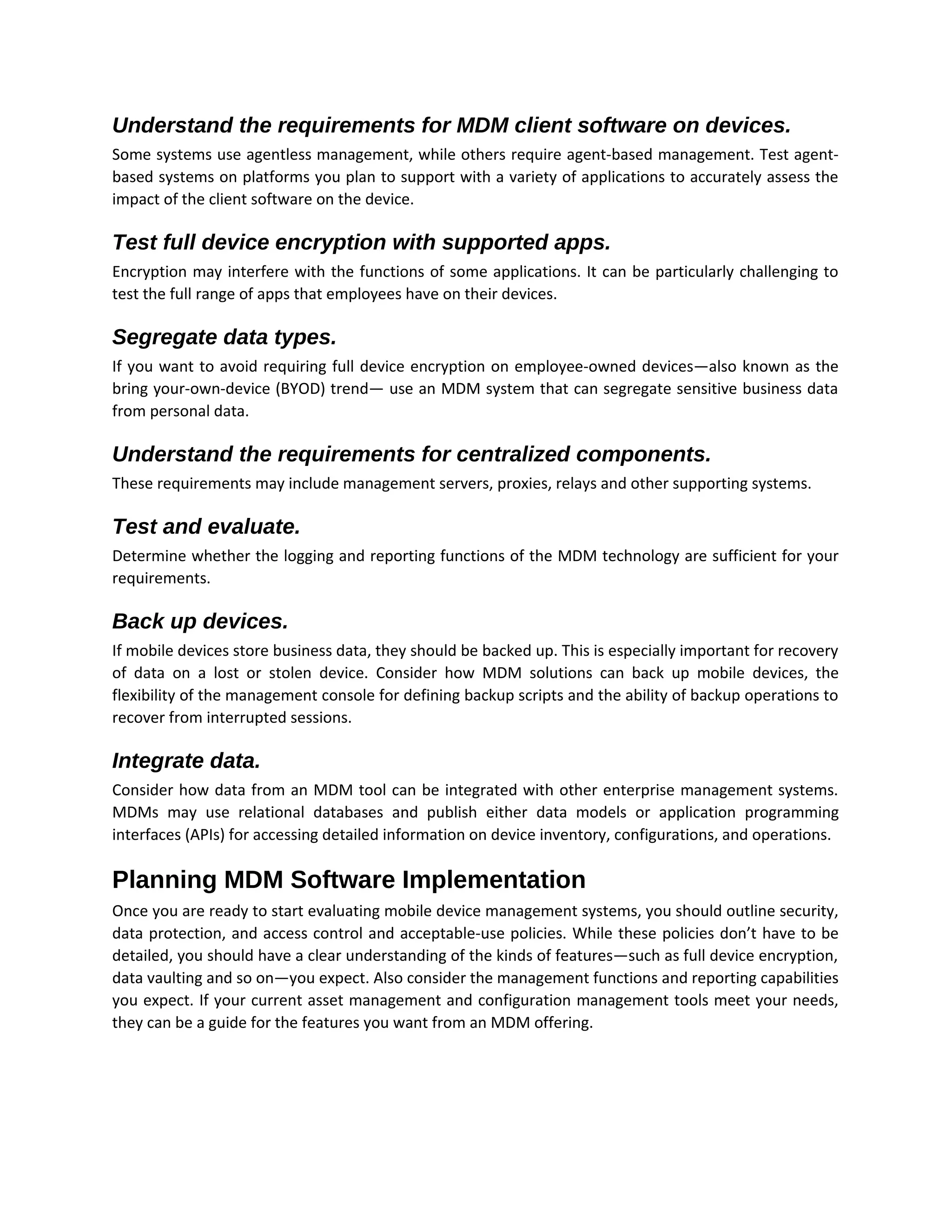
Understand the requirements for MDM client software on devices.
Some systems use agentless management, while others require agent-based management. Test agent-
based systems on platforms you plan to support with a variety of applications to accurately assess the
impact of the client software on the device.
Test full device encryption with supported apps.
Encryption may interfere with the functions of some applications. It can be particularly challenging to
test the full range of apps that employees have on their devices.
Segregate data types.
If you want to avoid requiring full device encryption on employee-owned devices—also known as the
bring your-own-device (BYOD) trend— use an MDM system that can segregate sensitive business data
from personal data.
Understand the requirements for centralized components.
These requirements may include management servers, proxies, relays and other supporting systems.
Test and evaluate.
Determine whether the logging and reporting functions of the MDM technology are sufficient for your
requirements.
Back up devices.
If mobile devices store business data, they should be backed up. This is especially important for recovery
of data on a lost or stolen device. Consider how MDM solutions can back up mobile devices, the
flexibility of the management console for defining backup scripts and the ability of backup operations to
recover from interrupted sessions.
Integrate data.
Consider how data from an MDM tool can be integrated with other enterprise management systems.
MDMs may use relational databases and publish either data models or application programming
interfaces (APIs) for accessing detailed information on device inventory, configurations, and operations.
Planning MDM Software Implementation
Once you are ready to start evaluating mobile device management systems, you should outline security,
data protection, and access control and acceptable-use policies. While these policies don’t have to be
detailed, you should have a clear understanding of the kinds of features—such as full device encryption,
data vaulting and so on—you expect. Also consider the management functions and reporting capabilities
you expect. If your current asset management and configuration management tools meet your needs,
they can be a guide for the features you want from an MDM offering.
Determine which platforms IT will support
Next, determine which platforms IT will support. The major offerings are Android, iOS, RIM and
Windows Phone. All OSes may support your email and collaboration applications, but a fewer number
may offer the right apps for your enterprise applications. Consider whether the additional cost of
supporting an OS with limited business functionality is worth the marginal benefit. Also consider how
well the MDM solutions you may choose support different OSes. If an OS is not in high demand, does
not support important business apps and lacks comprehensive support in an otherwise promising MDM
solution, you may choose to not support that platform. Use your policy and management-based
requirements and your supported platform list to create a feature-by-platform matrix. This framework
can organize the results of your product evaluations. Some features and platforms are more important
than others, so weigh their relative importance.
Evaluate the top-ranking product or products in limited tests.
This process gives you an opportunity to assess issues with deploying server components, configuring
MDM software, deploying agents, and performing basic operations, such as remotely configuring
devices, performing backups on devices and generating operational reports.
Major vendors in this area:
• AirWatch by VMware
• Amtel MDM
• BlackBerry BES10
• CA Technologies MDM
• Citrix XenMobile
• Dell EMM
• Good Technology MDM
• IBM MaaS360 MDM
• McAfee EMM
• Microsoft Enterprise Mobility Suite (EMS)
• MobileIron EMM
• SAP Afaria MDM
• SOTI MobiControl MDM
• Symantec Mobile Management
MDM Comparison Chart
Mobile Device Management - Product Study

Mobile Device Management - Product Study

  • 1.
    Contents Contents..................................................................................................1 Mobile Device Management.......................................................................................................................2 Themobile security characteristics of MDM:..............................................................................................2 Licensing options for mobile device management products.......................................................................2 What to look for in enterprise mobility management.................................................................................2 Common Features of MDM Software .........................................................................................................3 Common inventory:.................................................................................................................................3 Policy enforcement:.................................................................................................................................3 Security management:.............................................................................................................................4 Software distribution:..............................................................................................................................4 Advanced MDM Features to Consider:........................................................................................................4 Avoiding Potential Problems Vendors’:.......................................................................................................4 Understand the requirements for MDM client software on devices. .....................................................5 Test full device encryption with supported apps. ...................................................................................5 Segregate data types. .............................................................................................................................5 Understand the requirements for centralized components. ..................................................................5 Test and evaluate. ...................................................................................................................................5 Back up devices. ......................................................................................................................................5 Integrate data. ........................................................................................................................................5 Planning MDM Software Implementation ..................................................................................................5 Determine which platforms IT will support.............................................................................................6 Evaluate the top-ranking product or products in limited tests. ..............................................................6 Major vendors in this area: .........................................................................................................................6 MDM Comparison Chart..............................................................................................................................7
  • 2.
    MDM Mobile Device Management Mobiledevice management (MDM) is the administrative area dealing with deploying, securing, monitoring, integrating and managing mobile devices, such as smartphones, tablets and laptops, in the workplace. The mobile security characteristics of MDM: • When evaluating mobile device management products and vendors, these are the features (at a minimum) to look for to form a baseline mobile security policy: • PIN enforcement. Also seen as a password to the system, admins can manage PINs to lock individual devices. • Full disk encryption -- or containerized encryption -- of data or disks. An MDM product should be able to enforce encryption on any device it manages. • Remote wipe. In case of loss or theft. • Secures data at rest and in transit. Ability to stop certain data from being copied or sent while on the device. • Jailbroken or rooted device detection. Jailbreaking poses a significant risk because it allows users to install unapproved software and make changes to the mobile device's operating system (OS). There are additional MDM features (e.g., GPS tracking, VPN integration, certificate management, Wi-Fi policies, among others) that are useful, but not for all companies. Licensing options for mobile device management products Currently, there are two main licensing methods for purchasing MDM products and mobile security software: • One license per device • Multiple devices per license. What to look for in enterprise mobility management The first, the standard one-license-per-device scenario, works well for smaller companies without many users, or with businesses that are able to tie one mobile device system to each user. If an organization is only applying MDM towards smartphones, and there is no chance end users will use another mobile device on the network, this method is a wise choice.
  • 3.
    Basic functionalities ofMDM Common Features of MDM Software MDM applications provide at least basic functionality in four areas: 1. Policy enforcement and management 2. Inventory management 3. Security management 4. Software distribution Common inventory: Common inventory management features include registering devices, assigning devices to groups, centralized dashboard reporting and billing tracking. Reporting services include a detailed description of devices. Policy enforcement: Policy enforcement is essential to protect business information assets. Of course this assumes you have the necessary policies defined, which include access controls, acceptable use, encryption and data
  • 4.
    management policies. Access-controlpolicies specify rules about which users can authenticate to a device and perform operations on that device. Users of corporate applications should be segmented into groups according to their roles and responsibilities. They should have the fewest privileges required to perform tasks associated with their roles. This is a best practice for information security more generally, but it extends to mobile device use by specifying which enterprise applications can be accessible to users of mobile devices. Don’t assume that because an individual has access to an application on a company-owned workstation, that person will have access to the application on a mobile device over an unsecured communication channel. Acceptable-use policies should define the types of apps that can run on mobile devices for business operations, and MDM applications should enforce these rules. Some application agreements specify that a vendor can download contact information from a mobile device, and such agreements can result in corporate information leaks. Businesses need to be able to block unauthorized apps on mobile devices, and MDM software enables them to enforce access control and allowed application policies. Security management: Security management includes a range of capabilities, such as setting password requirements on devices, configuring VPN settings, installing Secure Sockets Layer (SSL) certificates for device authentication, enforcing encryption policies, disabling device features such as GPS and camera, and remotely wiping a device. Encryption and data management policies are important elements in securing enterprise data. MDM software can support the enforcement of full device encryption policies if needed. They can also provide isolated sandboxes for protected data. With this model, protected data is logically separated from other device data and removed when it is no longer needed. If a device is lost or stolen, this kind of data management can mitigate data leak risks. SSL certificates have long been used to authenticate servers and can now improve the security of enterprise systems accessed from smartphones and tablets by authenticating those devices. Software distribution: Once mobile devices are in use, you need to support them. MDM software commonly features software distribution services and it often includes the ability to establish an enterprise app distribution service akin to an internal application marketplace. In addition to supporting an app marketplace, MDM solutions typically allow for patching and remote software distribution. Advanced MDM Features to Consider: As MDM vendors improve their offerings, you can distinguish between the technologies based on more advanced features, including additional security controls, better data protection, software license management and bandwidth optimizations. Avoiding Potential Problems Vendors’: Marketing hype often depicts software as ideal for your environment’s requirements. But in practice, problems can crop up. To avoid pitfalls in your MDM software assessment and deployment, consider the following suggestions.
  • 5.
    Understand the requirementsfor MDM client software on devices. Some systems use agentless management, while others require agent-based management. Test agent- based systems on platforms you plan to support with a variety of applications to accurately assess the impact of the client software on the device. Test full device encryption with supported apps. Encryption may interfere with the functions of some applications. It can be particularly challenging to test the full range of apps that employees have on their devices. Segregate data types. If you want to avoid requiring full device encryption on employee-owned devices—also known as the bring your-own-device (BYOD) trend— use an MDM system that can segregate sensitive business data from personal data. Understand the requirements for centralized components. These requirements may include management servers, proxies, relays and other supporting systems. Test and evaluate. Determine whether the logging and reporting functions of the MDM technology are sufficient for your requirements. Back up devices. If mobile devices store business data, they should be backed up. This is especially important for recovery of data on a lost or stolen device. Consider how MDM solutions can back up mobile devices, the flexibility of the management console for defining backup scripts and the ability of backup operations to recover from interrupted sessions. Integrate data. Consider how data from an MDM tool can be integrated with other enterprise management systems. MDMs may use relational databases and publish either data models or application programming interfaces (APIs) for accessing detailed information on device inventory, configurations, and operations. Planning MDM Software Implementation Once you are ready to start evaluating mobile device management systems, you should outline security, data protection, and access control and acceptable-use policies. While these policies don’t have to be detailed, you should have a clear understanding of the kinds of features—such as full device encryption, data vaulting and so on—you expect. Also consider the management functions and reporting capabilities you expect. If your current asset management and configuration management tools meet your needs, they can be a guide for the features you want from an MDM offering.
  • 6.
    Determine which platformsIT will support Next, determine which platforms IT will support. The major offerings are Android, iOS, RIM and Windows Phone. All OSes may support your email and collaboration applications, but a fewer number may offer the right apps for your enterprise applications. Consider whether the additional cost of supporting an OS with limited business functionality is worth the marginal benefit. Also consider how well the MDM solutions you may choose support different OSes. If an OS is not in high demand, does not support important business apps and lacks comprehensive support in an otherwise promising MDM solution, you may choose to not support that platform. Use your policy and management-based requirements and your supported platform list to create a feature-by-platform matrix. This framework can organize the results of your product evaluations. Some features and platforms are more important than others, so weigh their relative importance. Evaluate the top-ranking product or products in limited tests. This process gives you an opportunity to assess issues with deploying server components, configuring MDM software, deploying agents, and performing basic operations, such as remotely configuring devices, performing backups on devices and generating operational reports. Major vendors in this area: • AirWatch by VMware • Amtel MDM • BlackBerry BES10 • CA Technologies MDM • Citrix XenMobile • Dell EMM • Good Technology MDM • IBM MaaS360 MDM • McAfee EMM • Microsoft Enterprise Mobility Suite (EMS) • MobileIron EMM • SAP Afaria MDM • SOTI MobiControl MDM • Symantec Mobile Management
  • 7.