five (5) elements are needed:
 a common goal
 Interdependence
 Interaction
 Individual accountability
 Social skills
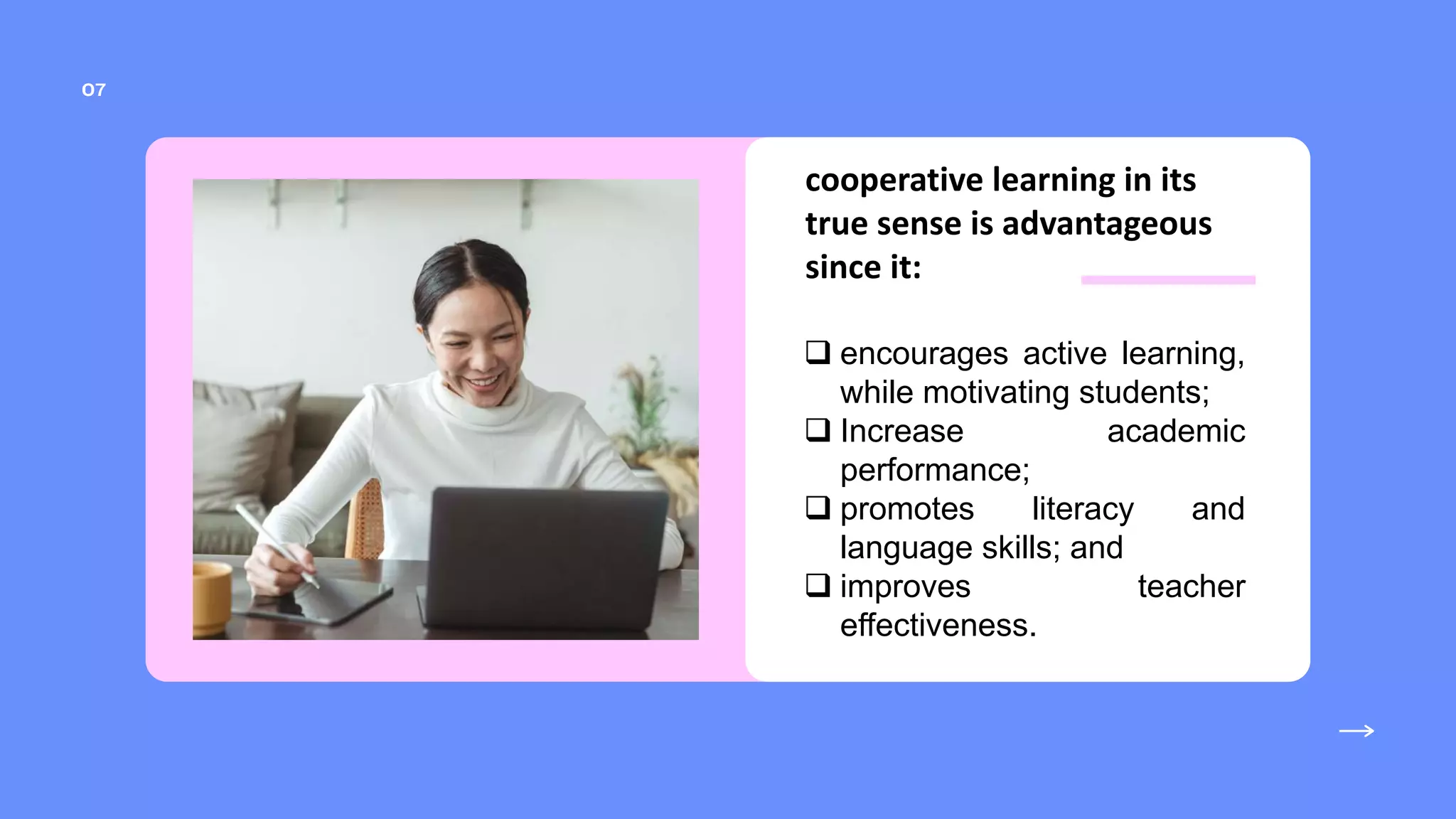
cooperative learning in its
true sense is advantageous
since it:
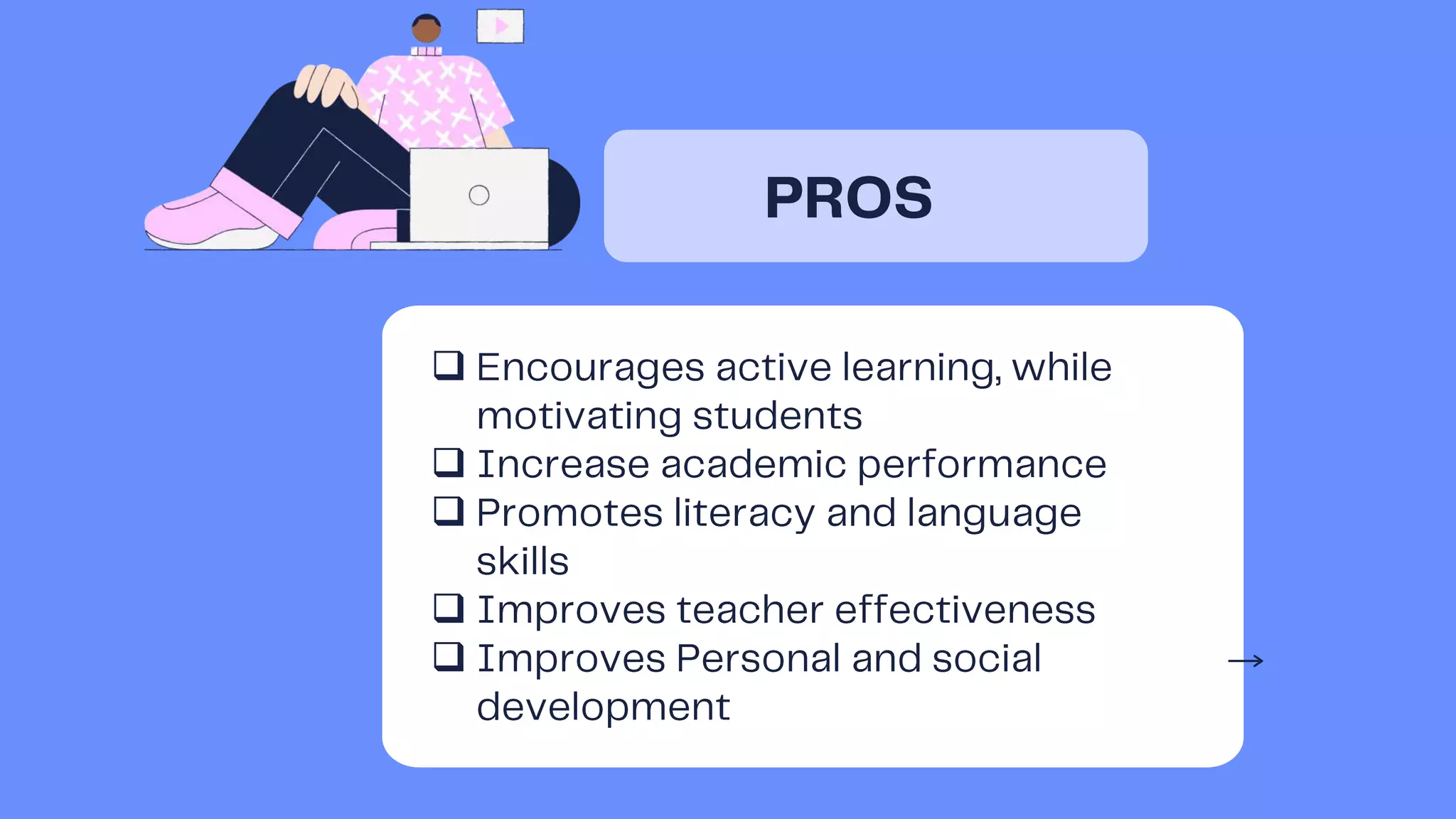
 encourages active learning,
while motivating students;
 Increase academic
performance;
 promotes literacy and
language skills; and
 improves teacher
effectiveness.
Now this mythical fear has been
contradicted by true studies
which show that when students
work with computers in groups,
they cluster and interact with
each other for advice and mutual
help.
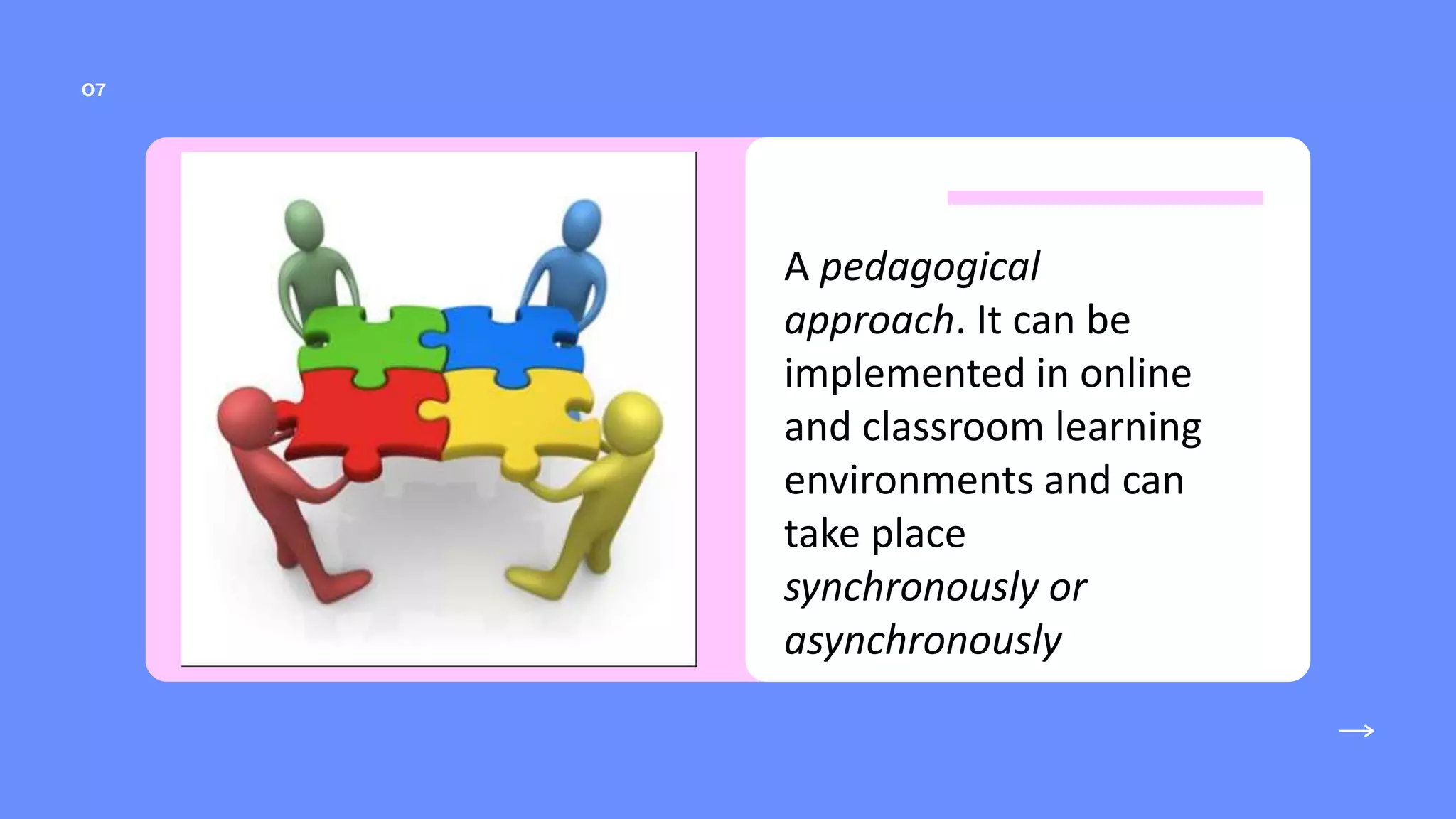
A pedagogical
approach. It can be
implemented in online
and classroom learning
environments and can
take place
synchronously or
asynchronously
in order to ensure collaborative
learning. These are:
 assigning students to mixed-ability
teams;
 establishing positive interdependence;
 teaching cooperative social skills;
 insuring individual accountability, and
helping group process information
the group will
realize that their
group will not
succeed unless
everyone
contributes to
the groups
success
limit learning group
clusters (Six is the
ideal number in a
group) so that there
can be closer
involvement in
thinking and
learning.









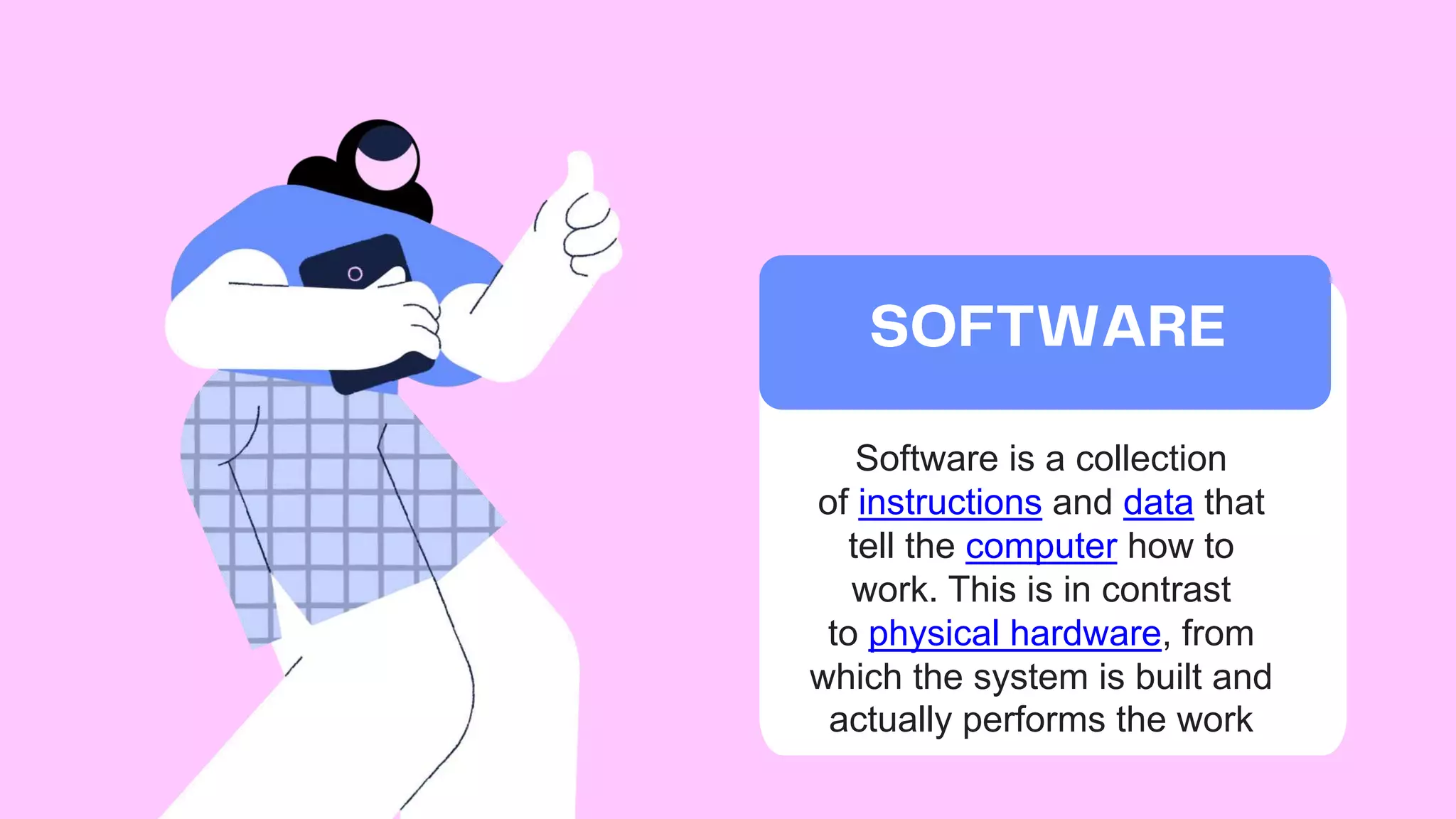
Software is a collection
of instructions and data that
tell the computer how to
work. This is in contrast
to physical hardware, from
which the system is built and
actually performs the work
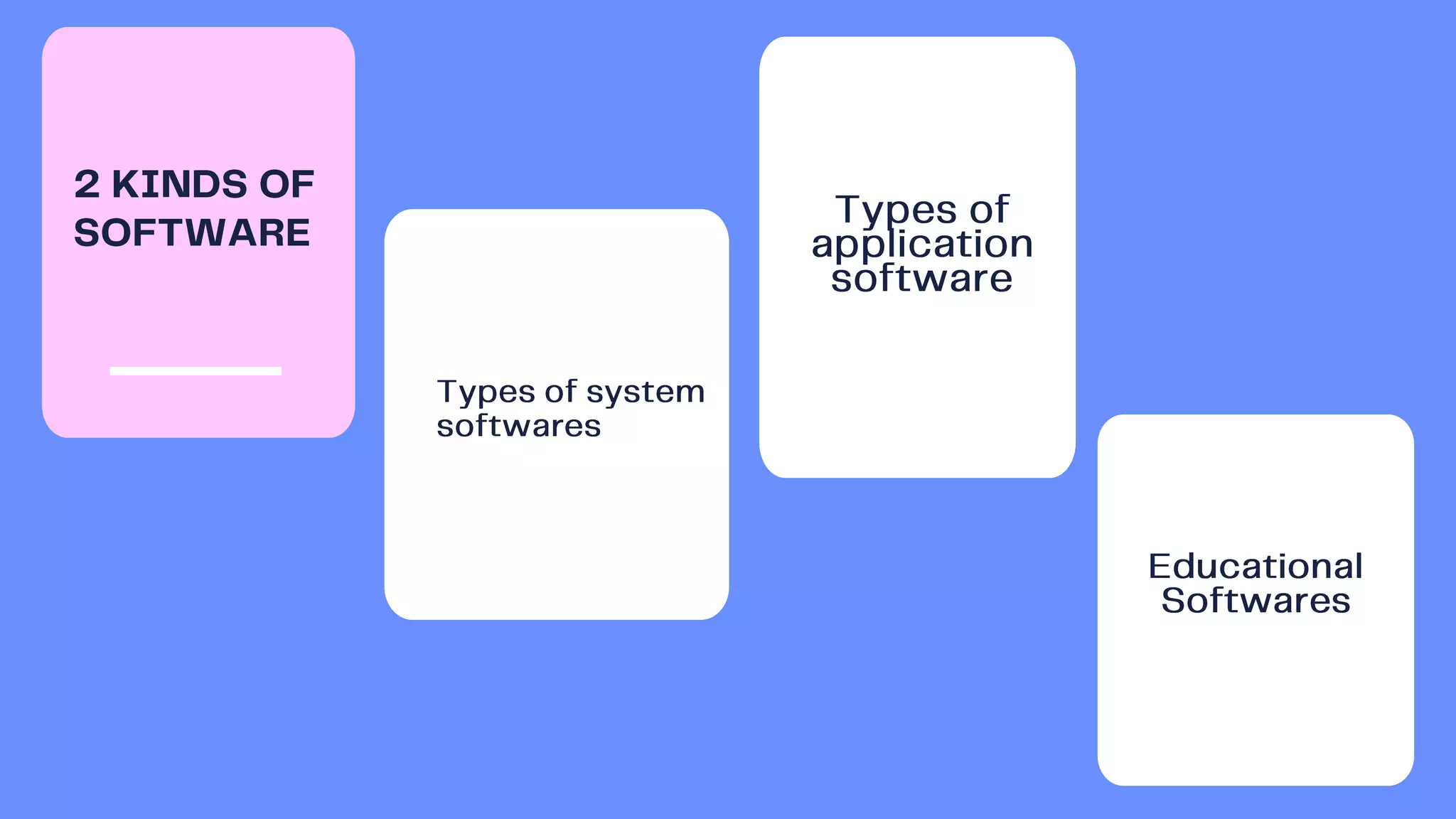
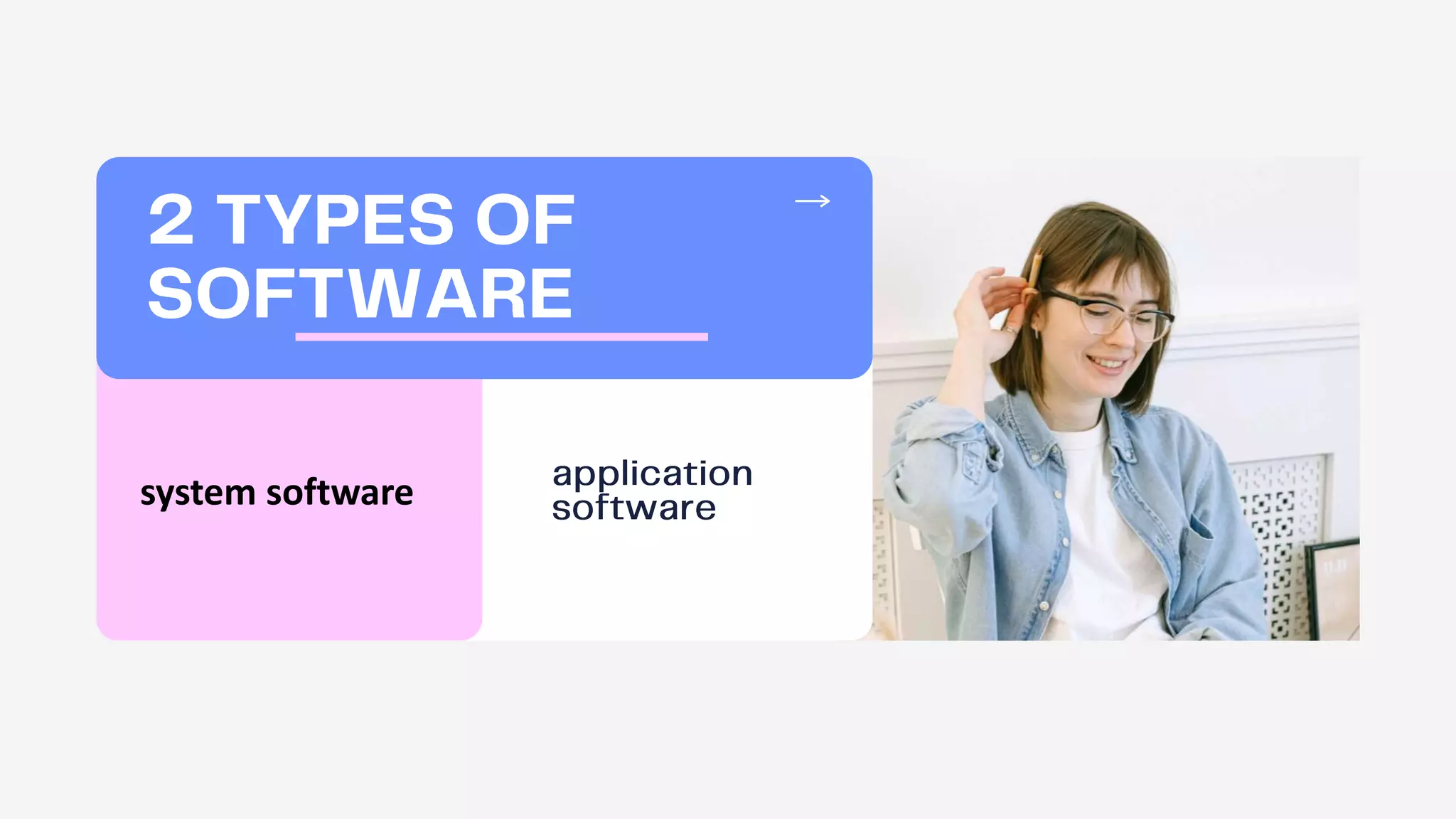
system software






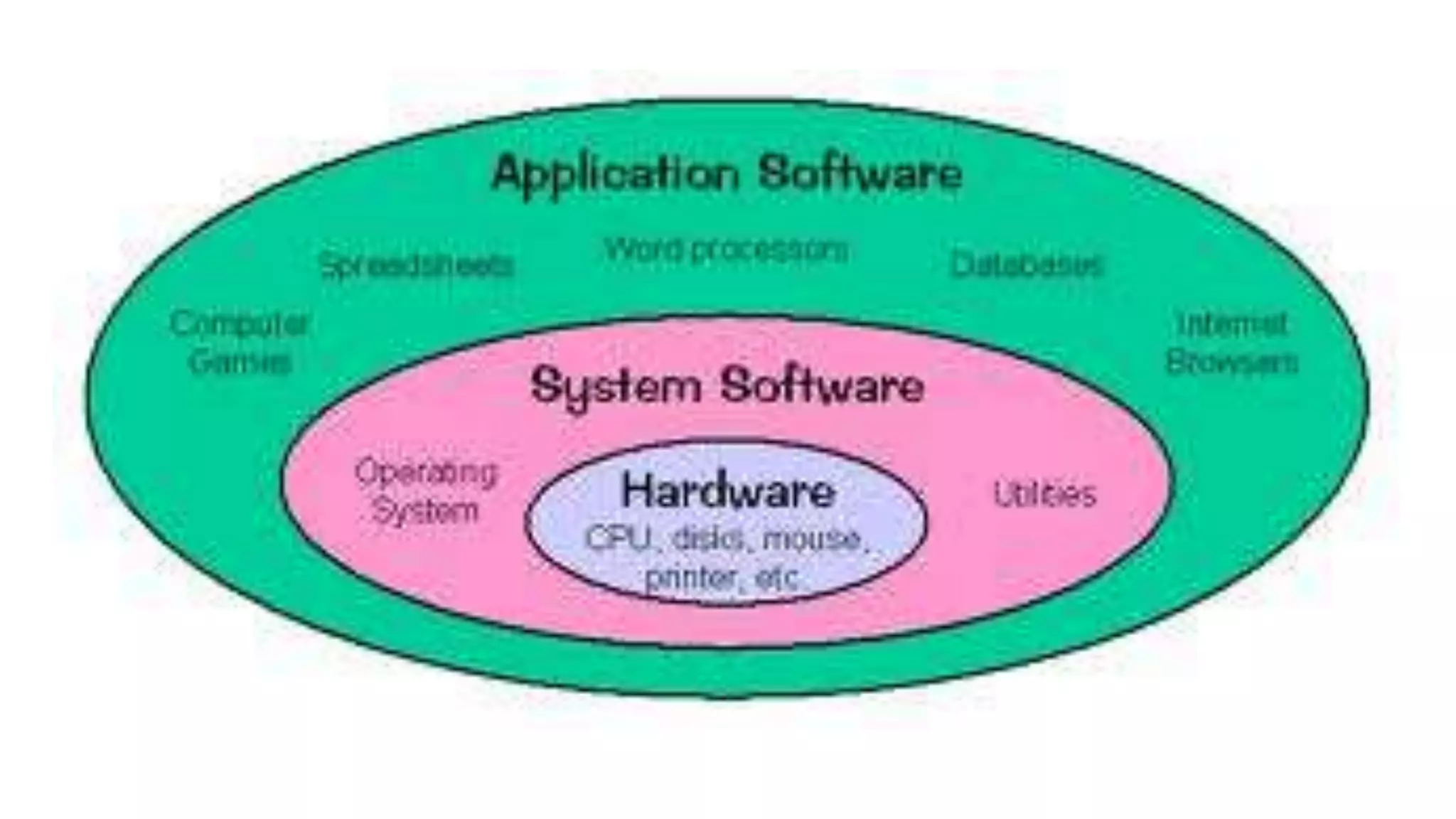
•Operating Systems- Operating system is a collection of
software resources providing important functionalities and
a graphical user interface. Some of its key examples
are macOS, Linux, Ubuntu, MS Windows, Android, etc.
•Device Drivers- Ensures communication between an
operating system & other programs. Some good examples
are USB drivers, ROM drivers, Sound Card drivers, and
VGA drivers.
•Firmware- Device identification and control. Some good
examples are Embedded systems, BIOS, and Computer
peripherals & applications.
•Translators- Used for translating high-level language into
low-level machine code. Some of its functionalities
are Assigning data storage, Offering diagnostic
Examples of System
Software/ Types of
System Software
•Operating Systems- Operating system is a collection of
software resources providing important functionalities and
a graphical user interface. Some of its key examples
are macOS, Linux, Ubuntu, MS Windows, Android, etc.
-Functions-
•Manages input and output devices
•Detects, installs, and troubleshoots devices
•Manages printers in single or multi-user systems
Examples of System
Software/ Types of
System Software
•Device Drivers- Ensures communication between an
operating system & other programs. Some good examples
are USB drivers, ROM drivers, Sound Card drivers, and
VGA drivers.
•
•
•
•
•
•
Examples of System
Software/ Types of
System Software
•Firmware- Device identification and control. Some good
examples are Embedded systems, BIOS, and Computer
peripherals & applications.
-Network card, TV tuner, router, scanner, or monitor and
examples of devices which have firmware installed on
them.
Examples of System
Software/ Types of
System Software
•Translators- Used for translating high-level language into
low-level machine code. Some of its functionalities
are Assigning data storage, Offering diagnostic
reports, Rectifying system errors, and Enlisting source
codes.
•These are intermediate programs relied on by software
programmers to translate high-level language source code
to machine language code.
Examples of System
Software/ Types of
System Software
1.Enterprise Resource Planning- A business software
used for analyzing data & performing other business
processes.
2.Customer Relationship Management- Used by
businesses for analyzing customer data and managing
customer interactions.
3.Databases- Deployed for updating and reviewing
information.
4.Educational Software- Facilitating student-teacher
interactions and learning.
5.Time Management Software- Tracking individual digital
systems.
6.Resource Management Software- Managing resources
Examples of Application
Software/ Types of
Application Software
 Educational software is a
term used for
any computer
software which is made for
an educational purpose.
 The purpose of all this
software is to make some
part of education more
effective and efficient.
 integrates multimedia
content and provides
users a high interactivity
level.
 when it comes to learning
history, students could go
back and see videos or
other online-based content
related to it.
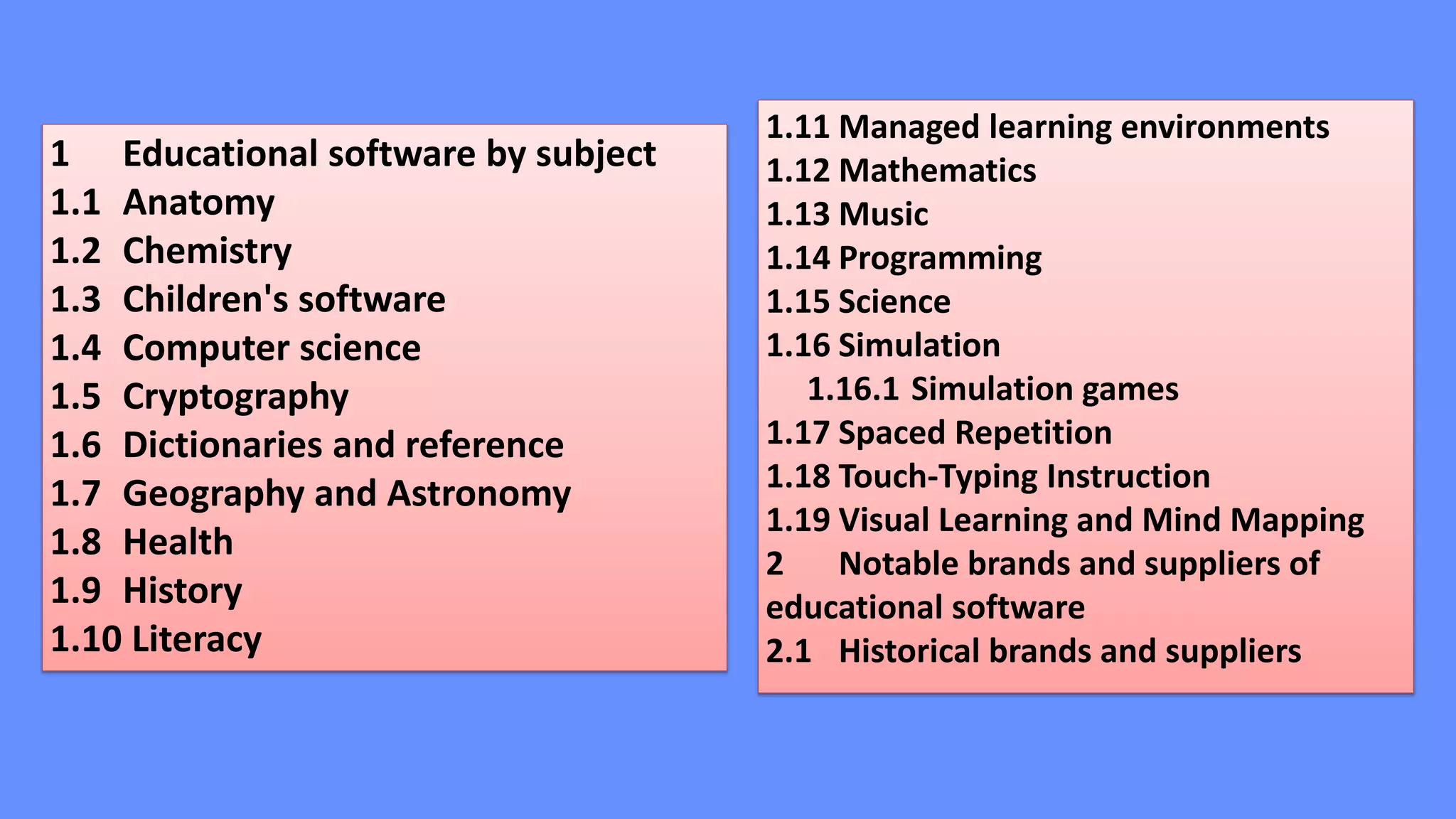
1 Educational software by subject
1.1 Anatomy
1.2 Chemistry
1.3 Children's software
1.4 Computer science
1.5 Cryptography
1.6 Dictionaries and reference
1.7 Geography and Astronomy
1.8 Health
1.9 History
1.10 Literacy
1.11 Managed learning environments
1.12 Mathematics
1.13 Music
1.14 Programming
1.15 Science
1.16 Simulation
1.16.1 Simulation games
1.17 Spaced Repetition
1.18 Touch-Typing Instruction
1.19 Visual Learning and Mind Mapping
2 Notable brands and suppliers of
educational software
2.1 Historical brands and suppliers
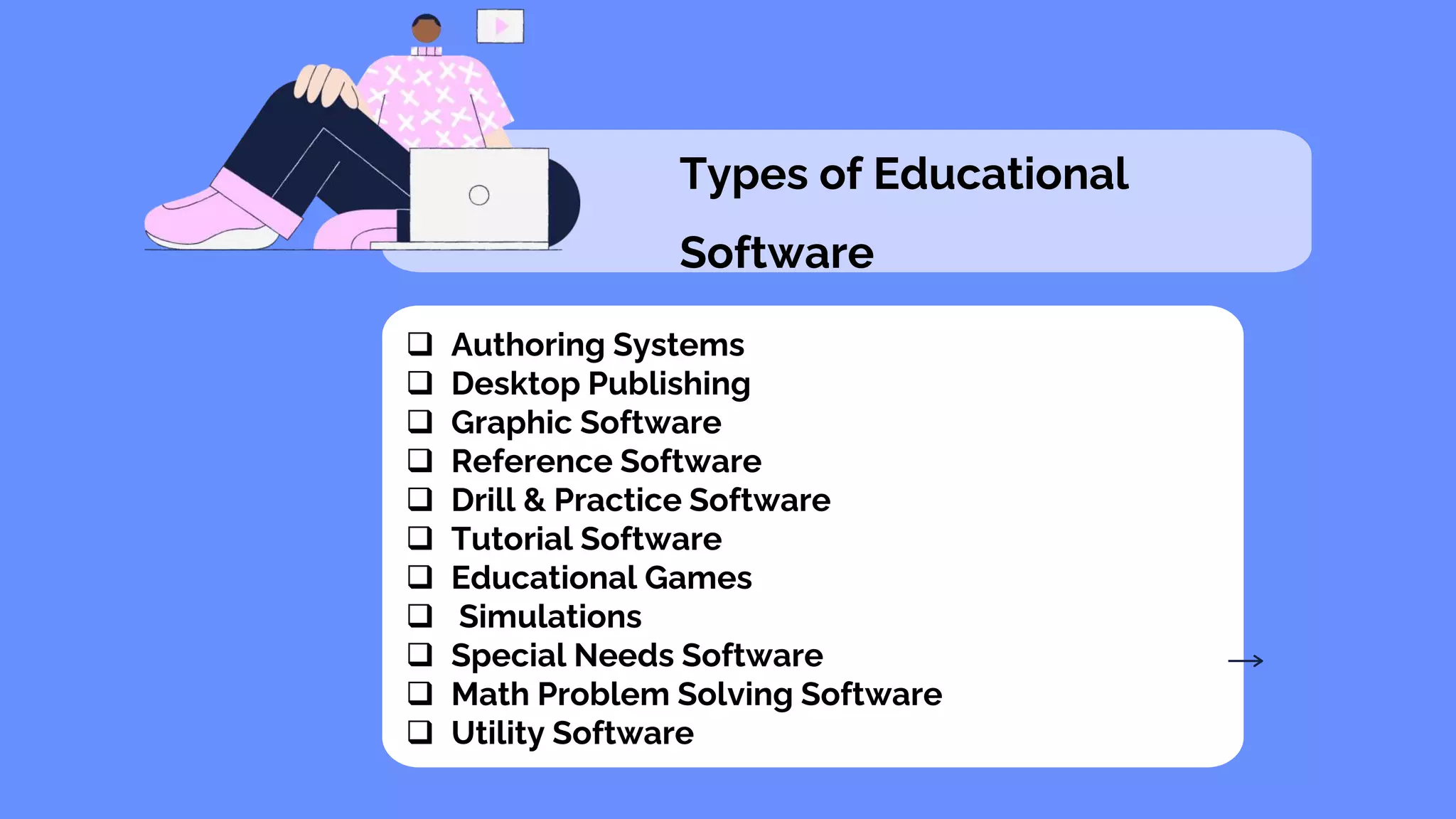
Types of Educational
Software
 Authoring Systems
 Desktop Publishing
 Graphic Software
 Reference Software
 Drill & Practice Software
 Tutorial Software
 Educational Games
 Simulations
 Special Needs Software
 Math Problem Solving Software
 Utility Software
https://www.slideshare.net/gaestimos/cooperative-learning-with-
the-
computer2#:~:text=Cooperative%20Learning%20w/%20the%20Co
mputer%20A%20pedagogical%20approach,means%20of%20com
munication%20or%20as%20a%20common%20resource.
https://www.bing.com/search?q=The+software+as+an+education
al+resource&cvid=04bfbd2344234124bc4ed5132c1b6bcd&pglt=1
71&FORM=ANNTA1&PC=U531
https://tqueenmae.wordpress.com/
https://sharmainesalvador.wordpress.com/2016/03/13/lesson-13-
lesson-13-cooperative-learning-with-the-computer/
https://en.wikipedia.org/wiki/List_of_educational_software
11 Types of Education Software Available to Schools - BRIM Anti-
Bullying Software
THANK
YOU! ! !

Cooperative learning with the computer and the software as an educational resource

  • 4.
    five (5) elementsare needed:  a common goal  Interdependence  Interaction  Individual accountability  Social skills
  • 5.
    cooperative learning inits true sense is advantageous since it:  encourages active learning, while motivating students;  Increase academic performance;  promotes literacy and language skills; and  improves teacher effectiveness.
  • 7.
    Now this mythicalfear has been contradicted by true studies which show that when students work with computers in groups, they cluster and interact with each other for advice and mutual help.
  • 8.
    A pedagogical approach. Itcan be implemented in online and classroom learning environments and can take place synchronously or asynchronously
  • 9.
    in order toensure collaborative learning. These are:  assigning students to mixed-ability teams;  establishing positive interdependence;  teaching cooperative social skills;  insuring individual accountability, and helping group process information
  • 10.
    the group will realizethat their group will not succeed unless everyone contributes to the groups success limit learning group clusters (Six is the ideal number in a group) so that there can be closer involvement in thinking and learning.
  • 12.
  • 13.
  • 16.
    Software is acollection of instructions and data that tell the computer how to work. This is in contrast to physical hardware, from which the system is built and actually performs the work
  • 17.
  • 19.
  • 20.
  • 21.
    •Operating Systems- Operatingsystem is a collection of software resources providing important functionalities and a graphical user interface. Some of its key examples are macOS, Linux, Ubuntu, MS Windows, Android, etc. •Device Drivers- Ensures communication between an operating system & other programs. Some good examples are USB drivers, ROM drivers, Sound Card drivers, and VGA drivers. •Firmware- Device identification and control. Some good examples are Embedded systems, BIOS, and Computer peripherals & applications. •Translators- Used for translating high-level language into low-level machine code. Some of its functionalities are Assigning data storage, Offering diagnostic Examples of System Software/ Types of System Software
  • 22.
    •Operating Systems- Operatingsystem is a collection of software resources providing important functionalities and a graphical user interface. Some of its key examples are macOS, Linux, Ubuntu, MS Windows, Android, etc. -Functions- •Manages input and output devices •Detects, installs, and troubleshoots devices •Manages printers in single or multi-user systems Examples of System Software/ Types of System Software
  • 23.
    •Device Drivers- Ensurescommunication between an operating system & other programs. Some good examples are USB drivers, ROM drivers, Sound Card drivers, and VGA drivers. • • • • • • Examples of System Software/ Types of System Software
  • 24.
    •Firmware- Device identificationand control. Some good examples are Embedded systems, BIOS, and Computer peripherals & applications. -Network card, TV tuner, router, scanner, or monitor and examples of devices which have firmware installed on them. Examples of System Software/ Types of System Software
  • 25.
    •Translators- Used fortranslating high-level language into low-level machine code. Some of its functionalities are Assigning data storage, Offering diagnostic reports, Rectifying system errors, and Enlisting source codes. •These are intermediate programs relied on by software programmers to translate high-level language source code to machine language code. Examples of System Software/ Types of System Software
  • 26.
    1.Enterprise Resource Planning-A business software used for analyzing data & performing other business processes. 2.Customer Relationship Management- Used by businesses for analyzing customer data and managing customer interactions. 3.Databases- Deployed for updating and reviewing information. 4.Educational Software- Facilitating student-teacher interactions and learning. 5.Time Management Software- Tracking individual digital systems. 6.Resource Management Software- Managing resources Examples of Application Software/ Types of Application Software
  • 27.
     Educational softwareis a term used for any computer software which is made for an educational purpose.  The purpose of all this software is to make some part of education more effective and efficient.
  • 28.
     integrates multimedia contentand provides users a high interactivity level.  when it comes to learning history, students could go back and see videos or other online-based content related to it.
  • 29.
    1 Educational softwareby subject 1.1 Anatomy 1.2 Chemistry 1.3 Children's software 1.4 Computer science 1.5 Cryptography 1.6 Dictionaries and reference 1.7 Geography and Astronomy 1.8 Health 1.9 History 1.10 Literacy 1.11 Managed learning environments 1.12 Mathematics 1.13 Music 1.14 Programming 1.15 Science 1.16 Simulation 1.16.1 Simulation games 1.17 Spaced Repetition 1.18 Touch-Typing Instruction 1.19 Visual Learning and Mind Mapping 2 Notable brands and suppliers of educational software 2.1 Historical brands and suppliers
  • 30.
    Types of Educational Software Authoring Systems  Desktop Publishing  Graphic Software  Reference Software  Drill & Practice Software  Tutorial Software  Educational Games  Simulations  Special Needs Software  Math Problem Solving Software  Utility Software
  • 32.
  • 33.