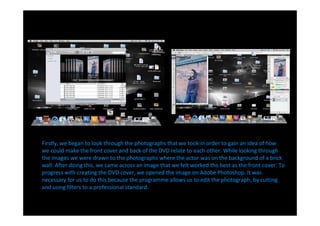
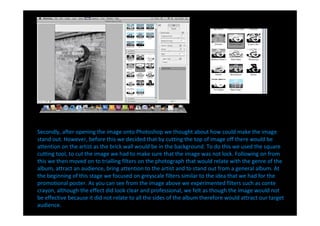
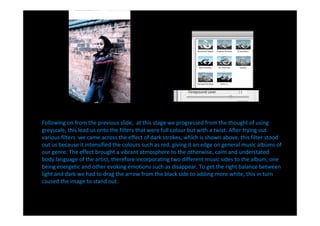
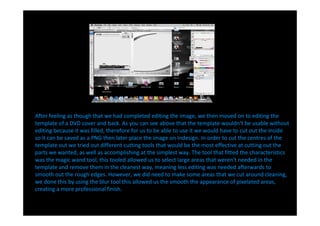
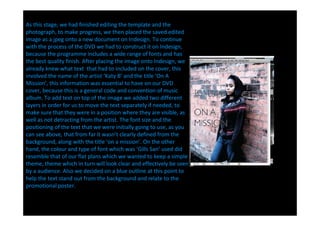
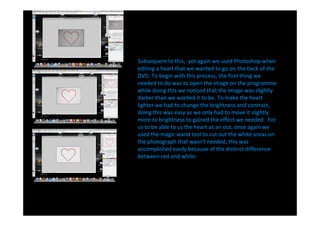
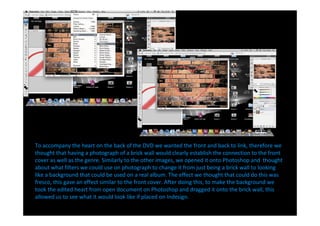
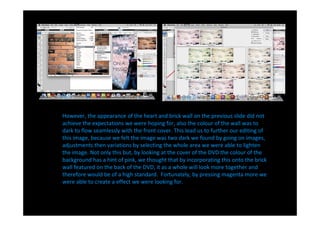
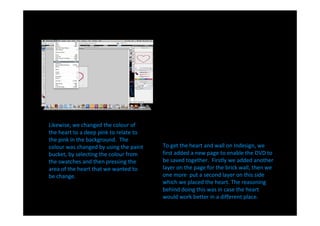
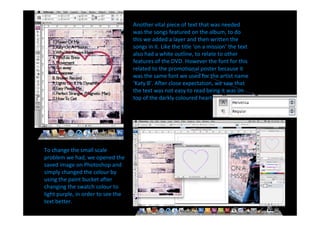
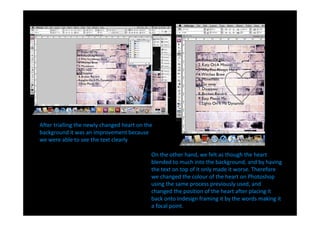
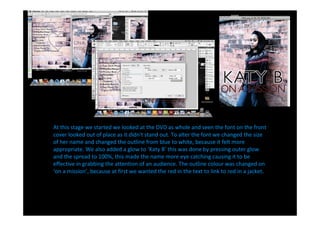
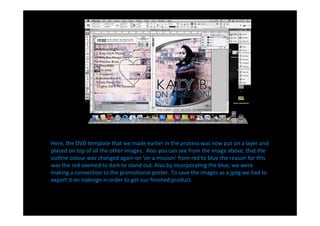
The document describes the process of designing a DVD cover in Adobe Photoshop and InDesign. Key steps included editing photographs in Photoshop by cutting out sections, applying filters, and adjusting colors and brightness. Templates were also edited in Photoshop by removing unneeded areas. The edited images and templates were then placed in InDesign along with text. Multiple revisions were made to text size, color, positioning and effects to improve readability and cohesiveness with the overall design. Layers in InDesign were used to organize and position elements on the front and back covers.