Applications of ComputerGraphics
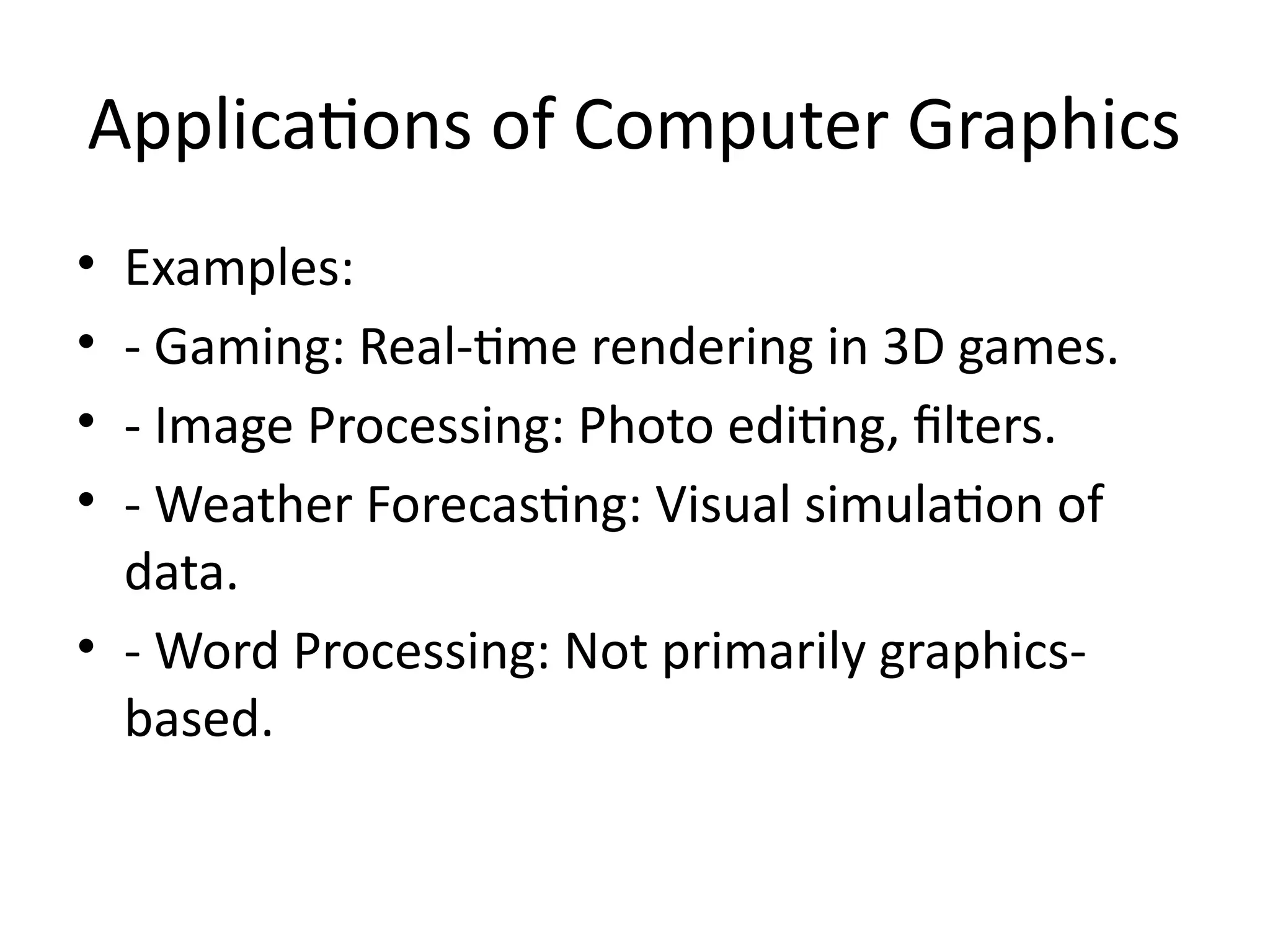
• Examples:
• - Gaming: Real-time rendering in 3D games.
• - Image Processing: Photo editing, filters.
• - Weather Forecasting: Visual simulation of
data.
• - Word Processing: Not primarily graphics-
based.
3.
Raster vs RandomScan Display
Systems
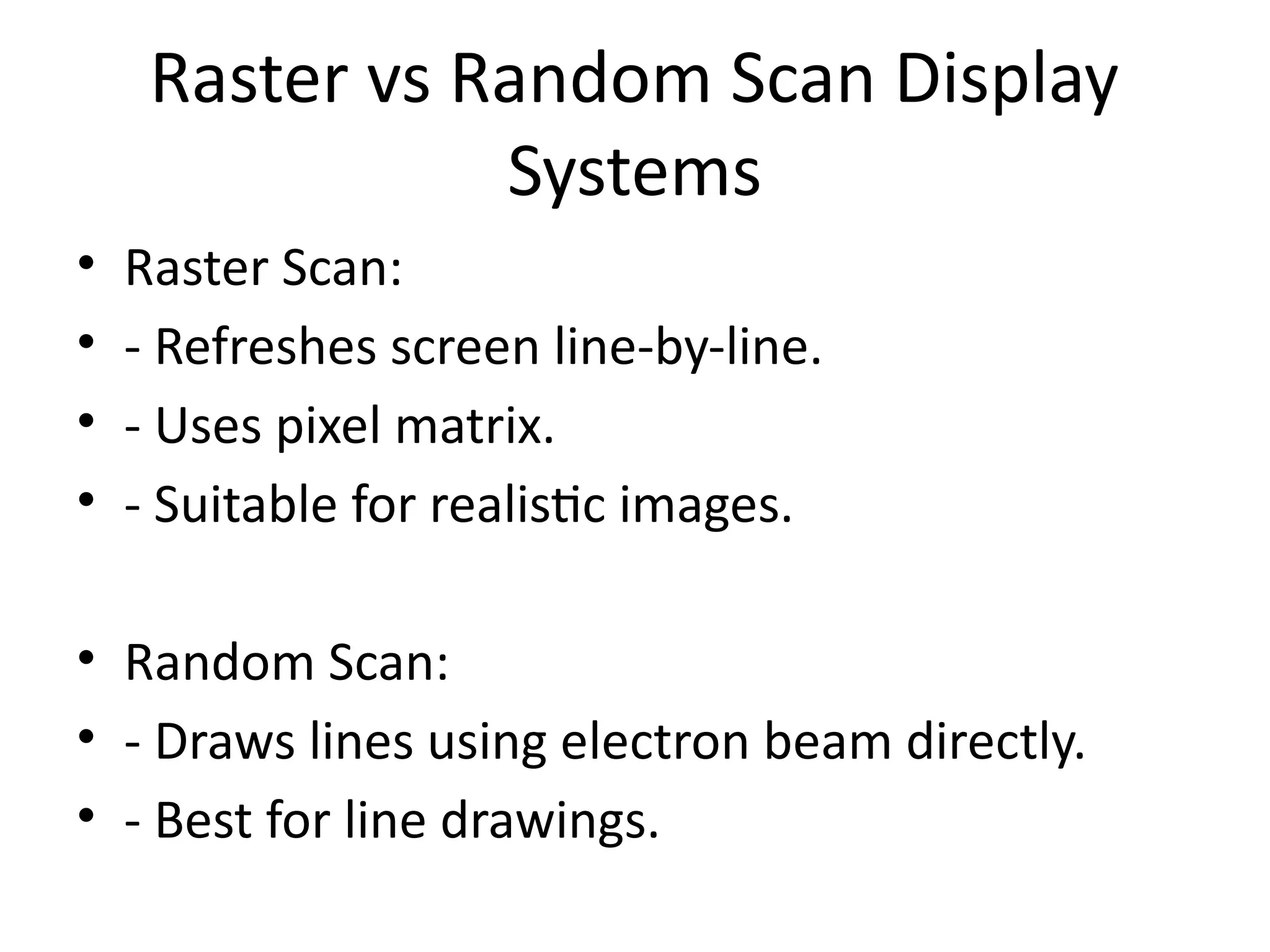
• Raster Scan:
• - Refreshes screen line-by-line.
• - Uses pixel matrix.
• - Suitable for realistic images.
• Random Scan:
• - Draws lines using electron beam directly.
• - Best for line drawings.
4.
DVST and FlatPanel Displays
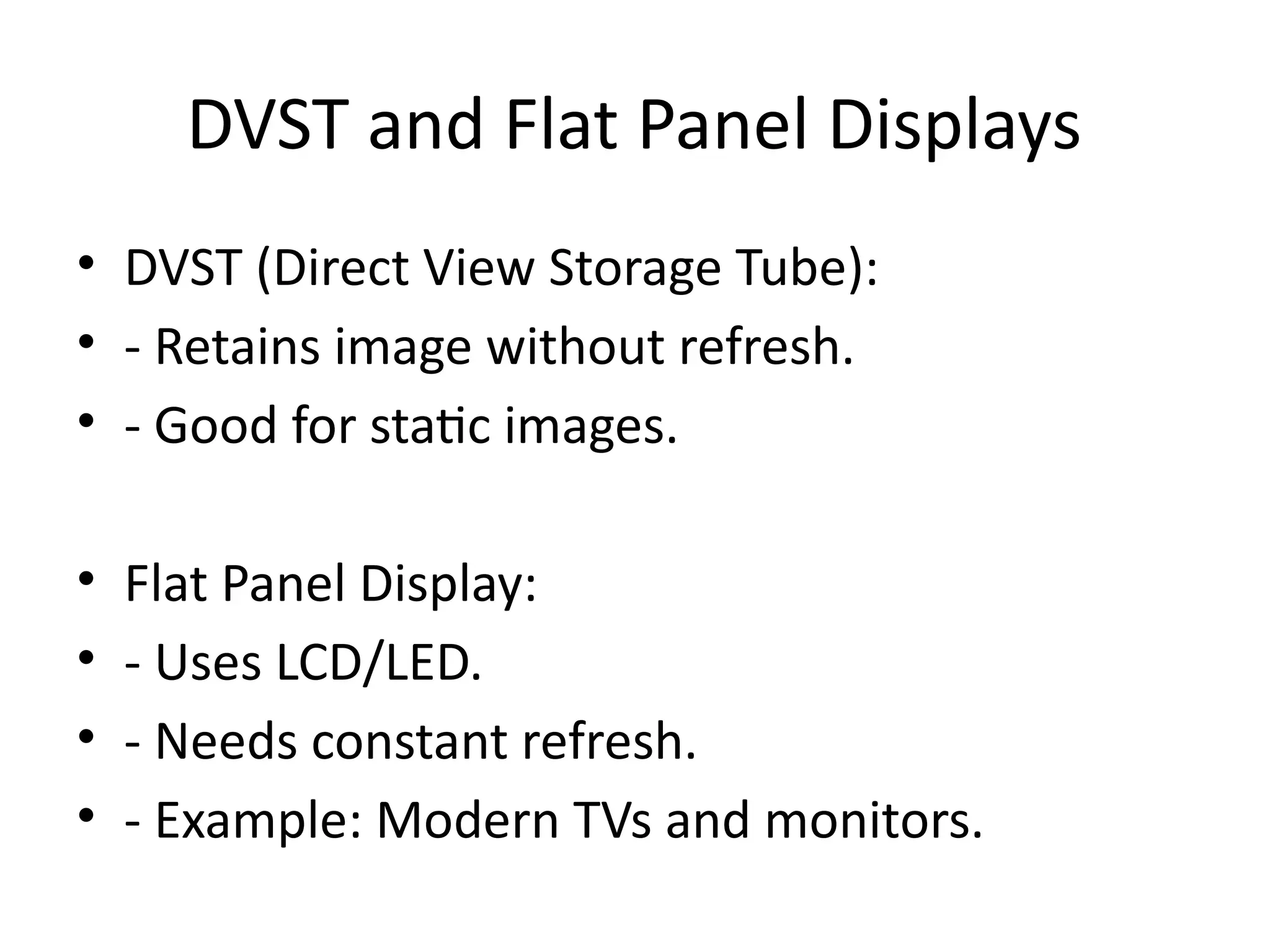
• DVST (Direct View Storage Tube):
• - Retains image without refresh.
• - Good for static images.
• Flat Panel Display:
• - Uses LCD/LED.
• - Needs constant refresh.
• - Example: Modern TVs and monitors.
5.
Input and OutputDevices
• Input Devices:
• - Keyboard, Mouse, Joystick.
• Output Devices:
• - Monitor, Printer.
• Digitizer:
• - Converts physical drawings to digital data.
• - Used in design & mapping.
6.
Basic Graphics Concepts
•Pixel: Smallest screen unit.
• Primitive: Basic shape (point, line).
• Color Table: Maps pixel values to actual colors.
• Example: 1 pixel in 8-bit image = 1 color from
256-color table.
7.
Bresenham’s Line Algorithm
•Efficient method to draw lines.
• Avoids floating-point operations.
• Steps:
• 1. Initialize (x0,y0) to (x1,y1).
• 2. Use decision parameter to select next pixel.
• Example: From (0,0) to (5,3): Plots (0,0),
(1,1), ..., (5,3).
8.
Bresenham’s Circle Algorithm
•Draws circle using symmetry of 8 octants.
• Start from top and use decision parameter to
plot points.
• Center: (0,0), Radius: 5
• Plotted Points: (0,5), (5,0), etc.
9.
Boundary Fill vsFlood Fill
• Boundary Fill:
• - Stops at boundary color.
• - Fills enclosed shapes.
• Flood Fill:
• - Replaces a target color area.
• - Doesn't require boundary.
• Example: Paint bucket tool in drawing apps.
10.
Color Tables inRaster Graphics
• Color Table:
• - Used to map index values to colors.
• Example:
• Pixel Value 0 = Black
• Pixel Value 1 = Red
• Used in GIF, BMP formats.
11.
Applications of ComputerGraphics
• Examples:
• - Gaming: 3D models, textures.
• - CAD: Engineering & architecture design.
• - Medical Imaging: CT/MRI visualization.
• - Virtual Reality: Immersive environments.
12.
Key Algorithms Recap
•- DDA Algorithm: Uses float for lines.
• - Bresenham Line: Integer-based line drawing.
• - Bresenham Circle: Efficient circle drawing.
• - Flood & Boundary Fill: Area coloring
methods.
13.
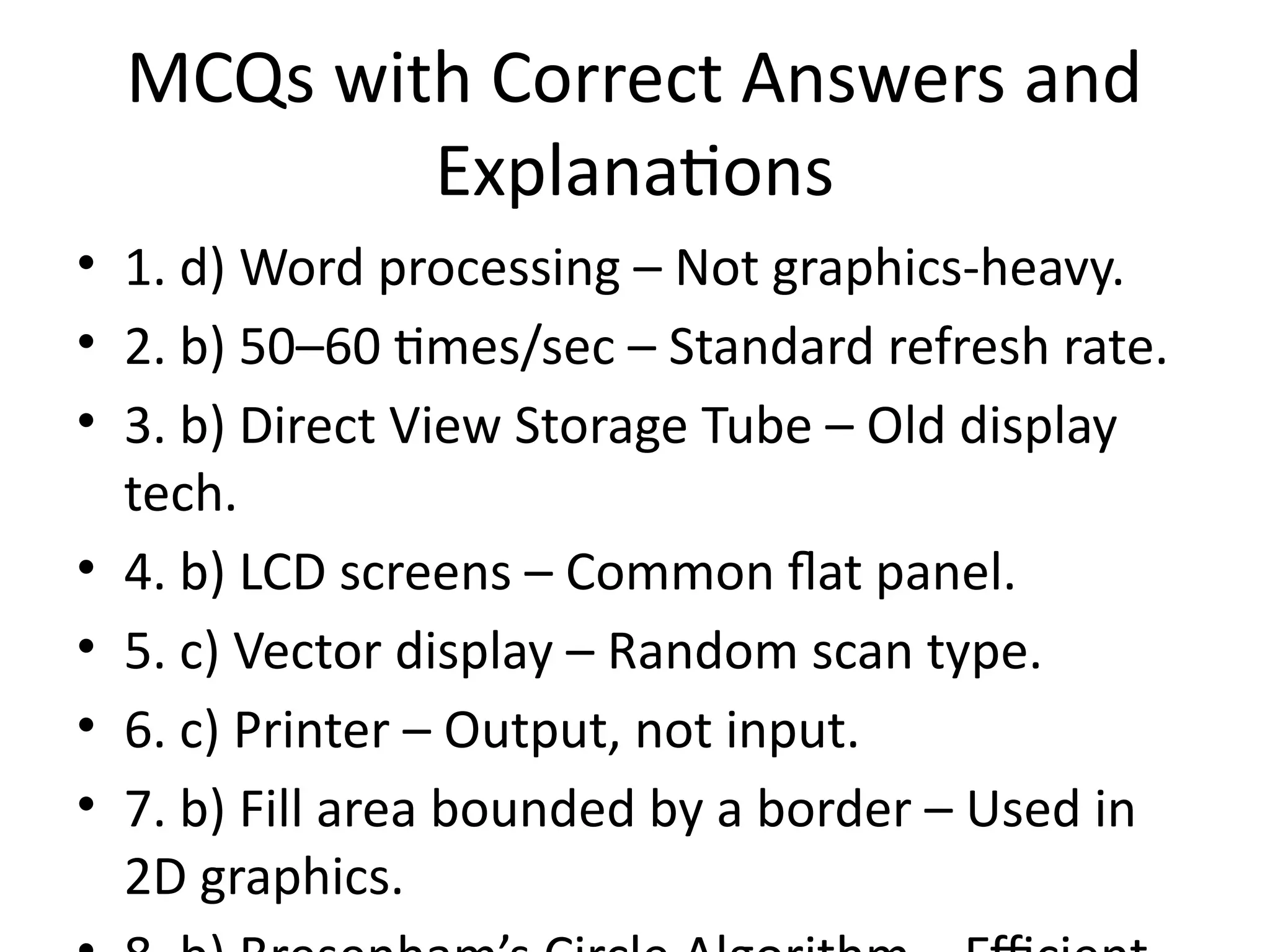
MCQs with CorrectAnswers and
Explanations
• 1. d) Word processing – Not graphics-heavy.
• 2. b) 50–60 times/sec – Standard refresh rate.
• 3. b) Direct View Storage Tube – Old display
tech.
• 4. b) LCD screens – Common flat panel.
• 5. c) Vector display – Random scan type.
• 6. c) Printer – Output, not input.
• 7. b) Fill area bounded by a border – Used in
2D graphics.