COMPUTER BASICS
BASIC COMPUTER CONCEPTS BY
MERCILON
What is a Computer?
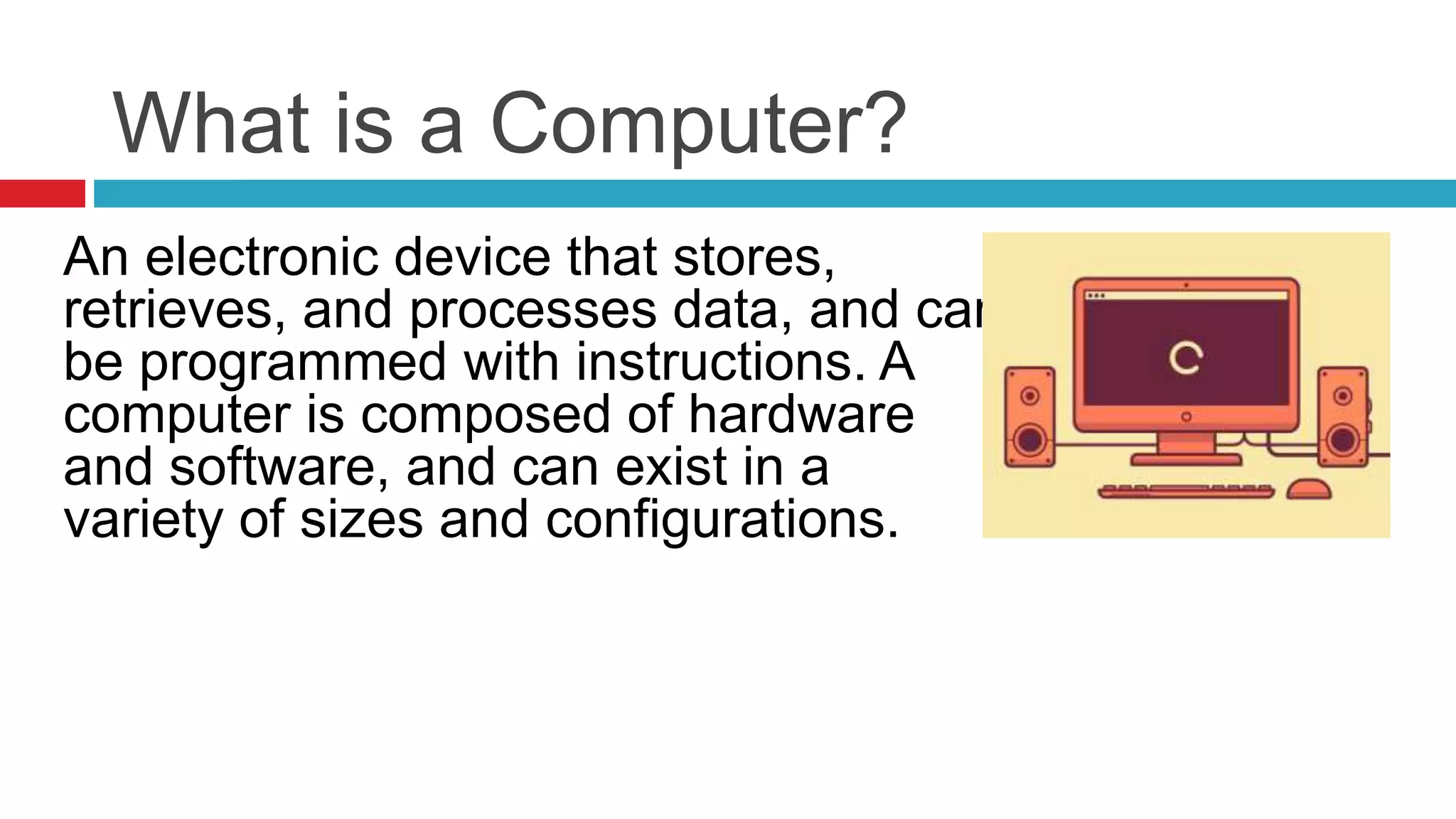
An electronic device that stores,
retrieves, and processes data, and can
be programmed with instructions. A
computer is composed of hardware
and software, and can exist in a
variety of sizes and configurations.
Types of Computers
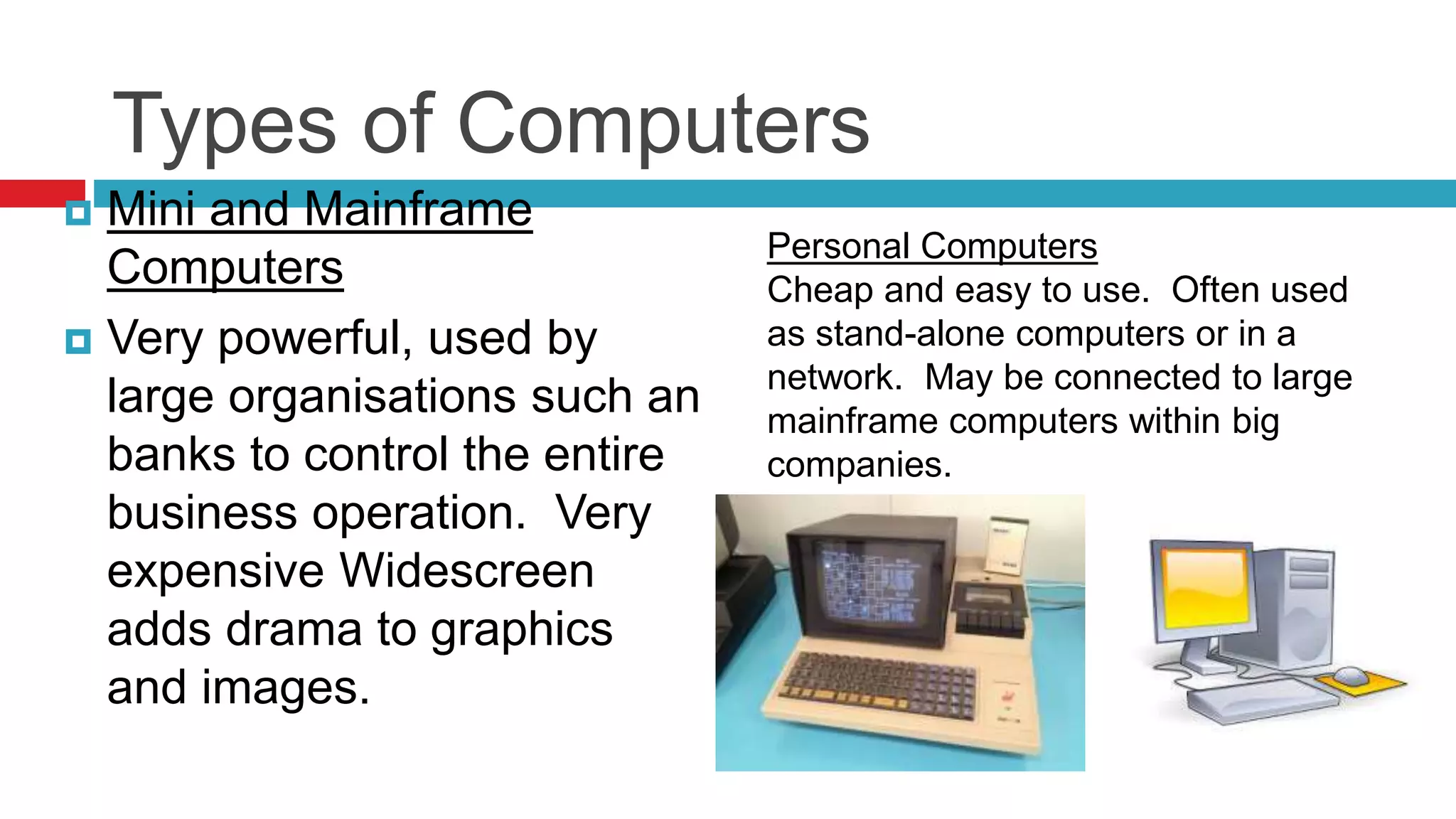
 Mini and Mainframe
Computers
 Very powerful, used by
large organisations such an
banks to control the entire
business operation. Very
expensive Widescreen
adds drama to graphics
and images.
Personal Computers
Cheap and easy to use. Often used
as stand-alone computers or in a
network. May be connected to large
mainframe computers within big
companies.
OUTPUT DEVICES Plotters A plotter is an output device similar to a printer, but
normally allows you to print larger images
Hardware Components
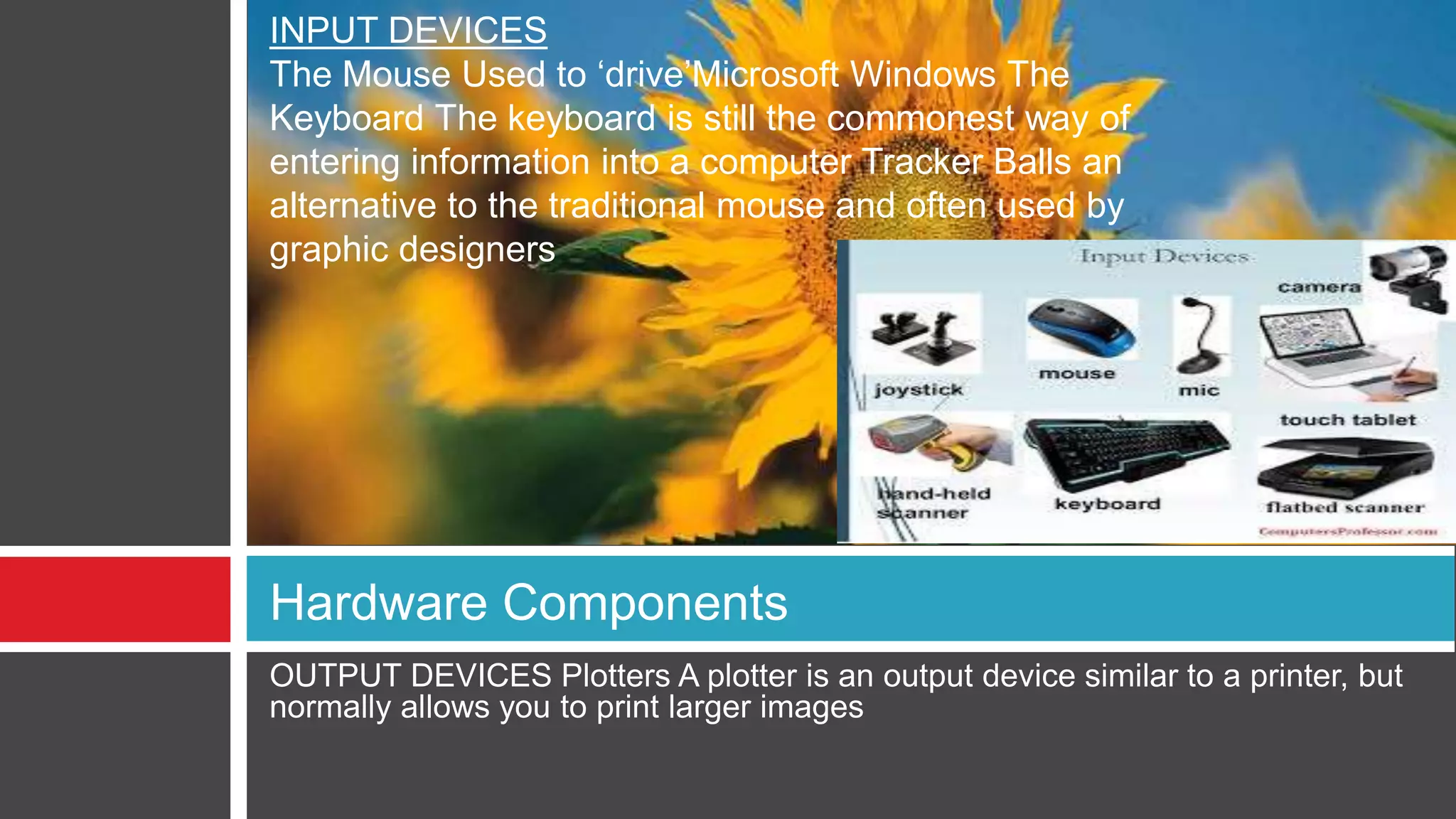
INPUT DEVICES
The Mouse Used to ‘drive’Microsoft Windows The
Keyboard The keyboard is still the commonest way of
entering information into a computer Tracker Balls an
alternative to the traditional mouse and often used by
graphic designers
Software Component
Application Software Word processing
applications .Microsoft Word .Lotus
Word Pro WordPerfect ,Spreadsheets
,Microsoft Excel ,Lotus 123,Database
,Microsoft Access and Lotus Approach
Applications software
An application program
is the type of program
that you use once the
operating system has
been loaded.
Examples include word-
processing programs,
spreadsheets and
databases
Likes & Dislikes of Computer
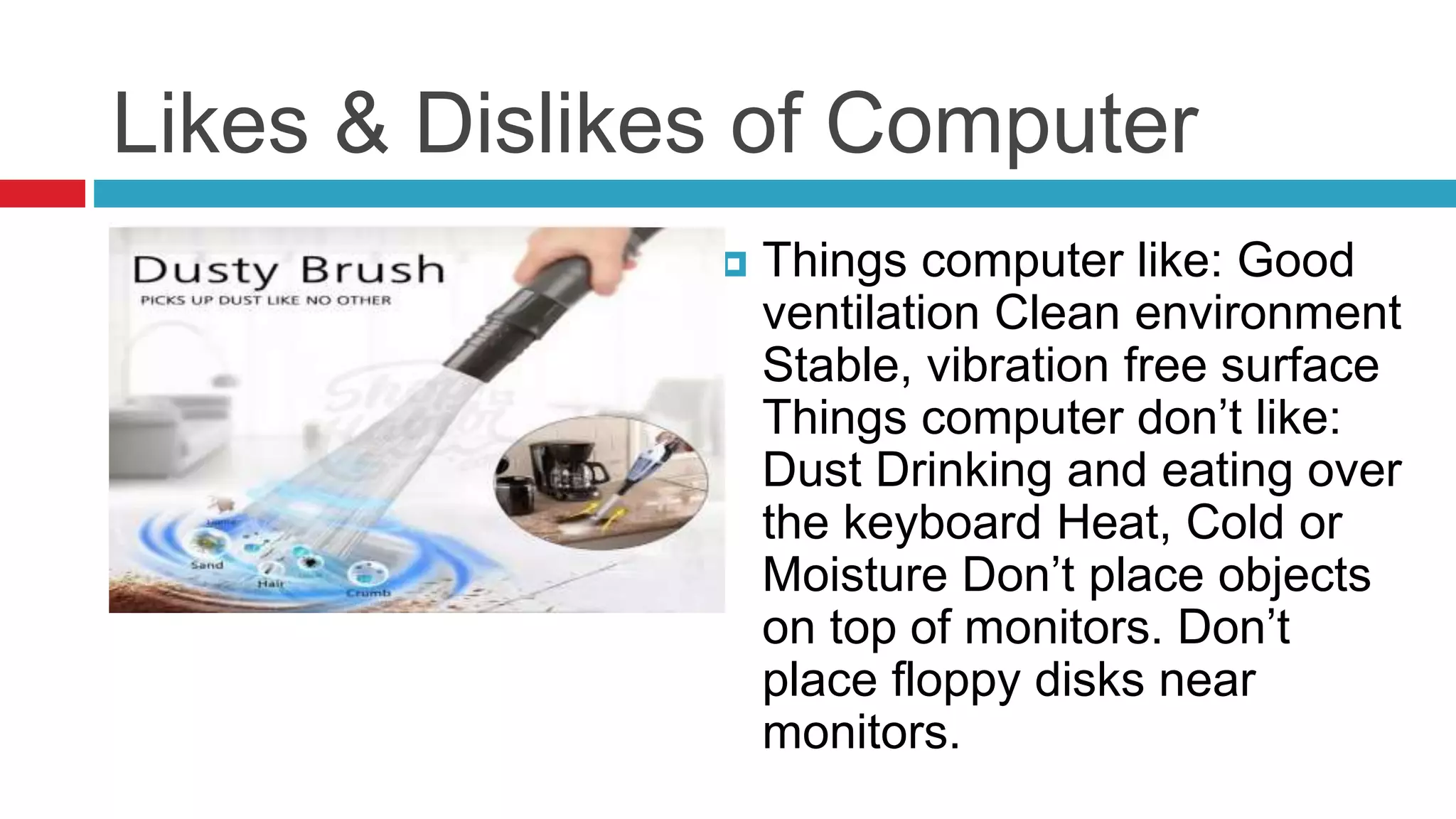
 Things computer like: Good
ventilation Clean environment
Stable, vibration free surface
Things computer don’t like:
Dust Drinking and eating over
the keyboard Heat, Cold or
Moisture Don’t place objects
on top of monitors. Don’t
place floppy disks near
monitors.

Computer basics

  • 1.
    COMPUTER BASICS BASIC COMPUTERCONCEPTS BY MERCILON
  • 2.
    What is aComputer? An electronic device that stores, retrieves, and processes data, and can be programmed with instructions. A computer is composed of hardware and software, and can exist in a variety of sizes and configurations.
  • 3.
    Types of Computers Mini and Mainframe Computers  Very powerful, used by large organisations such an banks to control the entire business operation. Very expensive Widescreen adds drama to graphics and images. Personal Computers Cheap and easy to use. Often used as stand-alone computers or in a network. May be connected to large mainframe computers within big companies.
  • 4.
    OUTPUT DEVICES PlottersA plotter is an output device similar to a printer, but normally allows you to print larger images Hardware Components INPUT DEVICES The Mouse Used to ‘drive’Microsoft Windows The Keyboard The keyboard is still the commonest way of entering information into a computer Tracker Balls an alternative to the traditional mouse and often used by graphic designers
  • 5.
    Software Component Application SoftwareWord processing applications .Microsoft Word .Lotus Word Pro WordPerfect ,Spreadsheets ,Microsoft Excel ,Lotus 123,Database ,Microsoft Access and Lotus Approach Applications software An application program is the type of program that you use once the operating system has been loaded. Examples include word- processing programs, spreadsheets and databases
  • 6.
    Likes & Dislikesof Computer  Things computer like: Good ventilation Clean environment Stable, vibration free surface Things computer don’t like: Dust Drinking and eating over the keyboard Heat, Cold or Moisture Don’t place objects on top of monitors. Don’t place floppy disks near monitors.