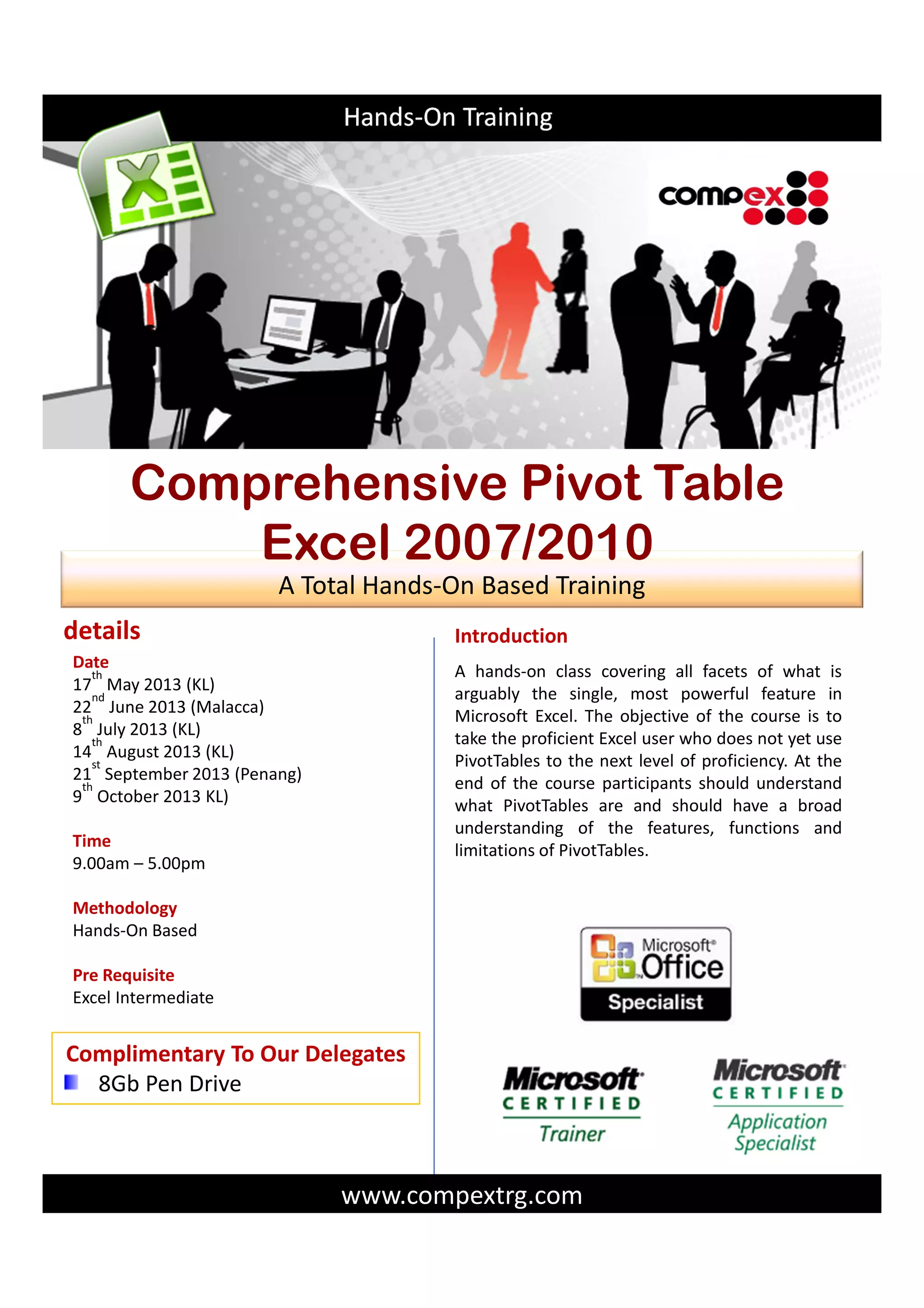
A hands-on class covering all facets of what is
arguably the single, most powerful feature in
Microsoft Excel. The objective of the course is to
take the proficient Excel user who does not yet use
PivotTables to the next level of proficiency. At the
end of the course participants should understand
what PivotTables are and should have a broad
understanding of the features, functions and
limitations of PivotTables.
Introduction
www.compextrg.com
details
Dateuary 2013
17
th
May 2013 (KL)
22
nd
June 2013 (Malacca)
8
th
July 2013 (KL)
14
th
August 2013 (KL)
21
st
September 2013 (Penang)
9
th
October 2013 KL)
Time
9.00am – 5.00pm
Methodology
Hands-On Based
Pre Requisite
Excel Intermediate
Complimentary To Our Delegates
8Gb Pen Drive
Hands-On Training
A Total Hands-On Based Training
Comprehensive Pivot Table
Excel 2007/2010
training that gives you more than your investment…
training modules
Comprehensive Pivot TableComprehensive Pivot TableComprehensive Pivot TableComprehensive Pivot Table
Pivot Table Fundamentals
What is a Pivot Table?
When and Why to use a Pivot Table
Pivot Table anatomy
The PivotTable Toolbar
Pivot Table limitations
Creating a Pivot Table
Preparing Data
Introduction to the Pivot Table Wizard Pivot Table location
considerations
Table Layout Dialog Box
Adding Fields to the Pivot Table
Rearranging the Pivot Table
Managing Changes and Additions to Source Data Changes to
Cells only
New Rows or Columns
Copying and Deleting Pivot Tables
Customizing Fields in a Pivot Table
Using the Pivot Table Field Dialog Box For Row and Column
Fields
Customizing Field Names
Formatting Data Fields
Count, Sum and Other Summary Calculations
Adding and Removing Subtotals
Using Running Totals
Formatting a Pivot Table
Using AutoFormat
Custom Formatting
Setting Table Options Grand Totals
Merged Labels
Preserve Formatting
Repeat Item Labels
Controlling What’s Viewed in a Pivot Table
Using the Show and Hide Options
Sorting in a Pivot Table
Grouping Data
Using Drill-down to View Detail Data
Using Pages to View Data Subsets
Using Calculations in a Pivot Table
Distinguish Calculation Fields and Calculation Items
Using Multiple Methods to Create Calculation Fields and Items
Rules for Pivot Table Calculations
Managing Pivot Table Calculations
Using Disparate Data Sources in a Pivot Table
Working with Multiple Ranges of Data
Working with External Data Sources
Creating and Using Pivot Charts
What is a Pivot Chart?
Creating a Pivot Chart
Rules and Limitations of Pivot Charts
Alternatives to Pivot Charts
Mr Julian is A Microsoft Certified Trainer & having
started the career in auditing and then moving on into
Accounts & Finance having a total of about 18 years of
working experience in the corporate world.
Successfully setting up a new accounting system and
migrating the old data into the new system. Created
sub systems with Excel VBA programming.
Having accumulated hands on experience in MS
applications over the years and developing a passion
to share with others, I began to venture into the IT
Training Industry in the year 2000.
A website on Excel Macros (VBA) tips for Beginners
was subsequently set up to reach out to those
wanting to learn basic VBA. Using simplified sample
codes and examples made the website a hit for
beginners as other websites on Excel VBA
were simply too difficult to understand.
Conducting public training for working professionals
as well as in house group trainings for corporate
clients. Past corporate clients are:
IJM Bhd, Sunrise Bhd, Sunway Holdings Bhd, Petronas
Bhd, PLUS Bhd, Khazanah Nasional Bhd, Ai r Asia Bhd,
Public Bank Bhd, Malayan Banking Bhd, CIMB Bhd,
OCBC Bank, Bank Islam, Ast ro, Price
WaterhouseCoopers, Tesco Stores (M),Honda (M) Sdn
Bhd, DKSH (M) Holdings Bhd, Vista Point Technologies
(M) Sdn Bhd, Frescale Semiconductor (M) Sdn Bhd ,
ORIX Leasing (M) Bhd, Nippon Paint (M) Sdn Bhd ,
OMYA (M) Sdn Bhd, FedEx Express, Yeoh Hiap Seng
(M) Bhd, TNT Express Worldwide (M) Sdn Bhd, Fraser
& Neave Holdings Bhd.
ABOUT THE TRAINER
THE TRAINING PROGRAM
The fee includes course materials,
use of workstation during the
workshop session, hardware &
software, lunch and coffee breaks
for the whole training program.
RESERVATIONS
Reservations can be made by
telephone of fax. Registration is
confirmed on receipt of registration
form and payment must be cleared
three working days before the
program date. If unable to do so,
please advise late payment in
writing.
CANCELLATIONS & TRANSFERS
If the registered delegate is unable
to attend, a substitute is welcome at
no additional charges. Please
provide the name and the position
of the substituted delegate 2 days
prior to the training program.
Cancellation and full refund will only
be accepted up to 5 working days
before the training program. If
COMPEX System Solutions must
cancel a course for any reason,
liability is limited to the registration
fee only.
INCORRECT INFORMATION
It is possible that you may receive
multiple mailings or faxes of this
event or incorrect company details,
for which we apologise. If this
happens, please let us know so that
we can update our database
immediately. If you do not wish to
have your name in our database,
please let us know and we will
remove it.
SBL SCHEME : Please apply for your
rebate of the training programme
fee under SBL scheme through your
Human Resource Department.
COMPEX System Solutions
No 77, Leboh Seraya,
Petaling Garden,
41200 Klang.
Selangor Darul Ehsan
Tel : 603.5162 8254 Fax : 603.5162 8654
E-mail : compex@compextrg.com
Website: www.compextrg.com
All payments must be crossed and made payable to :
COMPEX SYSTEM SOLUTIONS
*NAME (Please include salutation eg. Mr/Ms/Mrs/Dr.)
COMPANY
TEL.
CHEQUE NO.
PERSON TO CONTACT
DELEGATES DETAILS
NAME 1
NAME 2
NAME 3
NAME 4
POSITION
POSITION
POSITION
POSITION
NAME POSITION
FAXEXT.
ADDRESS
AMOUNT
Delegate(s)
1
2 or more
FEES
RM1,099.00
RM999.00
RM999.00
RM900.00
As stated
As Above
As stated
As Above
EMAIL
Comprehensive Pivot TableComprehensive Pivot TableComprehensive Pivot TableComprehensive Pivot Table
GROUP discount available
for more than 5 pax – call &
enquire within
REGISTRATION FORM
Date Venue Early Bird Choice
17th May 2013 Vistana Hotel, KL 10th May 2013
22nd June 2013 Renaissance Malacca 14th June 2013
8th July 2013 Vistana Hotel, KL 1st July 2013
14th August 2013 Vistana Hotel, KL 7th August 2013
21st September 2013 Notham All Suite, Penang 14th September 2013
9th October 2013 Vistana Hotel, KL 2nd October 2013

Comprehensive pivot table (may oct 2013)

  • 1.
    A hands-on classcovering all facets of what is arguably the single, most powerful feature in Microsoft Excel. The objective of the course is to take the proficient Excel user who does not yet use PivotTables to the next level of proficiency. At the end of the course participants should understand what PivotTables are and should have a broad understanding of the features, functions and limitations of PivotTables. Introduction www.compextrg.com details Dateuary 2013 17 th May 2013 (KL) 22 nd June 2013 (Malacca) 8 th July 2013 (KL) 14 th August 2013 (KL) 21 st September 2013 (Penang) 9 th October 2013 KL) Time 9.00am – 5.00pm Methodology Hands-On Based Pre Requisite Excel Intermediate Complimentary To Our Delegates 8Gb Pen Drive Hands-On Training A Total Hands-On Based Training Comprehensive Pivot Table Excel 2007/2010
  • 2.
    training that givesyou more than your investment… training modules Comprehensive Pivot TableComprehensive Pivot TableComprehensive Pivot TableComprehensive Pivot Table Pivot Table Fundamentals What is a Pivot Table? When and Why to use a Pivot Table Pivot Table anatomy The PivotTable Toolbar Pivot Table limitations Creating a Pivot Table Preparing Data Introduction to the Pivot Table Wizard Pivot Table location considerations Table Layout Dialog Box Adding Fields to the Pivot Table Rearranging the Pivot Table Managing Changes and Additions to Source Data Changes to Cells only New Rows or Columns Copying and Deleting Pivot Tables Customizing Fields in a Pivot Table Using the Pivot Table Field Dialog Box For Row and Column Fields Customizing Field Names Formatting Data Fields Count, Sum and Other Summary Calculations Adding and Removing Subtotals Using Running Totals Formatting a Pivot Table Using AutoFormat Custom Formatting Setting Table Options Grand Totals Merged Labels Preserve Formatting Repeat Item Labels Controlling What’s Viewed in a Pivot Table Using the Show and Hide Options Sorting in a Pivot Table Grouping Data Using Drill-down to View Detail Data Using Pages to View Data Subsets Using Calculations in a Pivot Table Distinguish Calculation Fields and Calculation Items Using Multiple Methods to Create Calculation Fields and Items Rules for Pivot Table Calculations Managing Pivot Table Calculations Using Disparate Data Sources in a Pivot Table Working with Multiple Ranges of Data Working with External Data Sources Creating and Using Pivot Charts What is a Pivot Chart? Creating a Pivot Chart Rules and Limitations of Pivot Charts Alternatives to Pivot Charts Mr Julian is A Microsoft Certified Trainer & having started the career in auditing and then moving on into Accounts & Finance having a total of about 18 years of working experience in the corporate world. Successfully setting up a new accounting system and migrating the old data into the new system. Created sub systems with Excel VBA programming. Having accumulated hands on experience in MS applications over the years and developing a passion to share with others, I began to venture into the IT Training Industry in the year 2000. A website on Excel Macros (VBA) tips for Beginners was subsequently set up to reach out to those wanting to learn basic VBA. Using simplified sample codes and examples made the website a hit for beginners as other websites on Excel VBA were simply too difficult to understand. Conducting public training for working professionals as well as in house group trainings for corporate clients. Past corporate clients are: IJM Bhd, Sunrise Bhd, Sunway Holdings Bhd, Petronas Bhd, PLUS Bhd, Khazanah Nasional Bhd, Ai r Asia Bhd, Public Bank Bhd, Malayan Banking Bhd, CIMB Bhd, OCBC Bank, Bank Islam, Ast ro, Price WaterhouseCoopers, Tesco Stores (M),Honda (M) Sdn Bhd, DKSH (M) Holdings Bhd, Vista Point Technologies (M) Sdn Bhd, Frescale Semiconductor (M) Sdn Bhd , ORIX Leasing (M) Bhd, Nippon Paint (M) Sdn Bhd , OMYA (M) Sdn Bhd, FedEx Express, Yeoh Hiap Seng (M) Bhd, TNT Express Worldwide (M) Sdn Bhd, Fraser & Neave Holdings Bhd. ABOUT THE TRAINER
  • 3.
    THE TRAINING PROGRAM Thefee includes course materials, use of workstation during the workshop session, hardware & software, lunch and coffee breaks for the whole training program. RESERVATIONS Reservations can be made by telephone of fax. Registration is confirmed on receipt of registration form and payment must be cleared three working days before the program date. If unable to do so, please advise late payment in writing. CANCELLATIONS & TRANSFERS If the registered delegate is unable to attend, a substitute is welcome at no additional charges. Please provide the name and the position of the substituted delegate 2 days prior to the training program. Cancellation and full refund will only be accepted up to 5 working days before the training program. If COMPEX System Solutions must cancel a course for any reason, liability is limited to the registration fee only. INCORRECT INFORMATION It is possible that you may receive multiple mailings or faxes of this event or incorrect company details, for which we apologise. If this happens, please let us know so that we can update our database immediately. If you do not wish to have your name in our database, please let us know and we will remove it. SBL SCHEME : Please apply for your rebate of the training programme fee under SBL scheme through your Human Resource Department. COMPEX System Solutions No 77, Leboh Seraya, Petaling Garden, 41200 Klang. Selangor Darul Ehsan Tel : 603.5162 8254 Fax : 603.5162 8654 E-mail : compex@compextrg.com Website: www.compextrg.com All payments must be crossed and made payable to : COMPEX SYSTEM SOLUTIONS *NAME (Please include salutation eg. Mr/Ms/Mrs/Dr.) COMPANY TEL. CHEQUE NO. PERSON TO CONTACT DELEGATES DETAILS NAME 1 NAME 2 NAME 3 NAME 4 POSITION POSITION POSITION POSITION NAME POSITION FAXEXT. ADDRESS AMOUNT Delegate(s) 1 2 or more FEES RM1,099.00 RM999.00 RM999.00 RM900.00 As stated As Above As stated As Above EMAIL Comprehensive Pivot TableComprehensive Pivot TableComprehensive Pivot TableComprehensive Pivot Table GROUP discount available for more than 5 pax – call & enquire within REGISTRATION FORM Date Venue Early Bird Choice 17th May 2013 Vistana Hotel, KL 10th May 2013 22nd June 2013 Renaissance Malacca 14th June 2013 8th July 2013 Vistana Hotel, KL 1st July 2013 14th August 2013 Vistana Hotel, KL 7th August 2013 21st September 2013 Notham All Suite, Penang 14th September 2013 9th October 2013 Vistana Hotel, KL 2nd October 2013