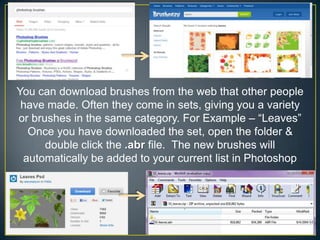
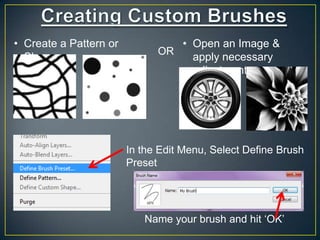
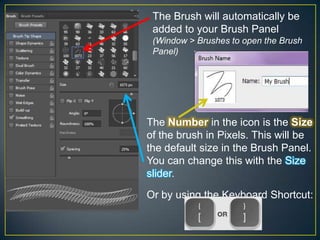
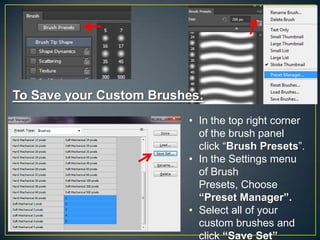
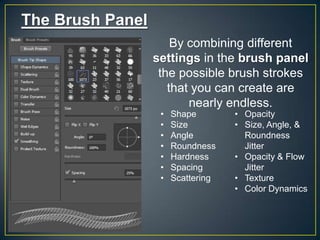
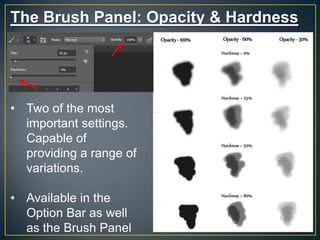
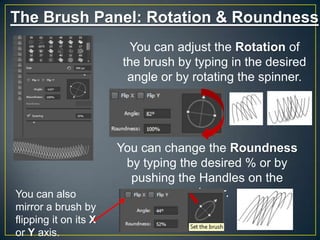
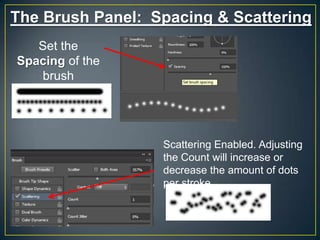
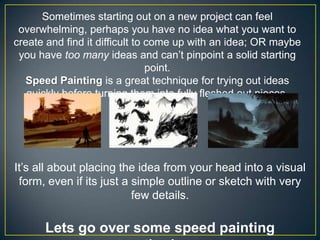
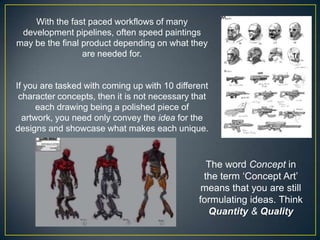
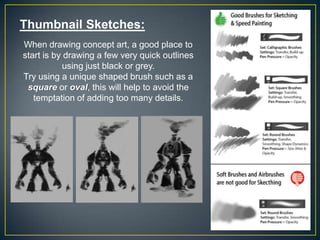
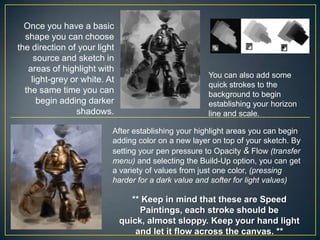
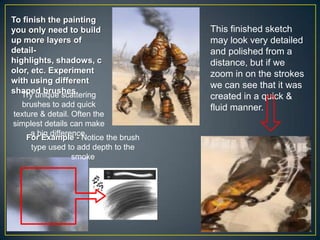
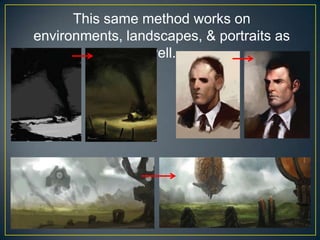

This document provides instructions for creating custom brushes in Photoshop and using speed painting techniques for concept art. It explains how to download or create brushes, add them to the brush panel, and save custom brush sets. Settings like opacity, hardness, rotation and roundness are demonstrated. Speed painting is introduced as a way to quickly generate ideas before developing finished pieces. Thumbnail sketches using basic shapes and adding values through layers are recommended. Tips include setting a timer, switching brushes frequently, using reference images, and focusing on large shapes before details.


