Downloaded 67 times

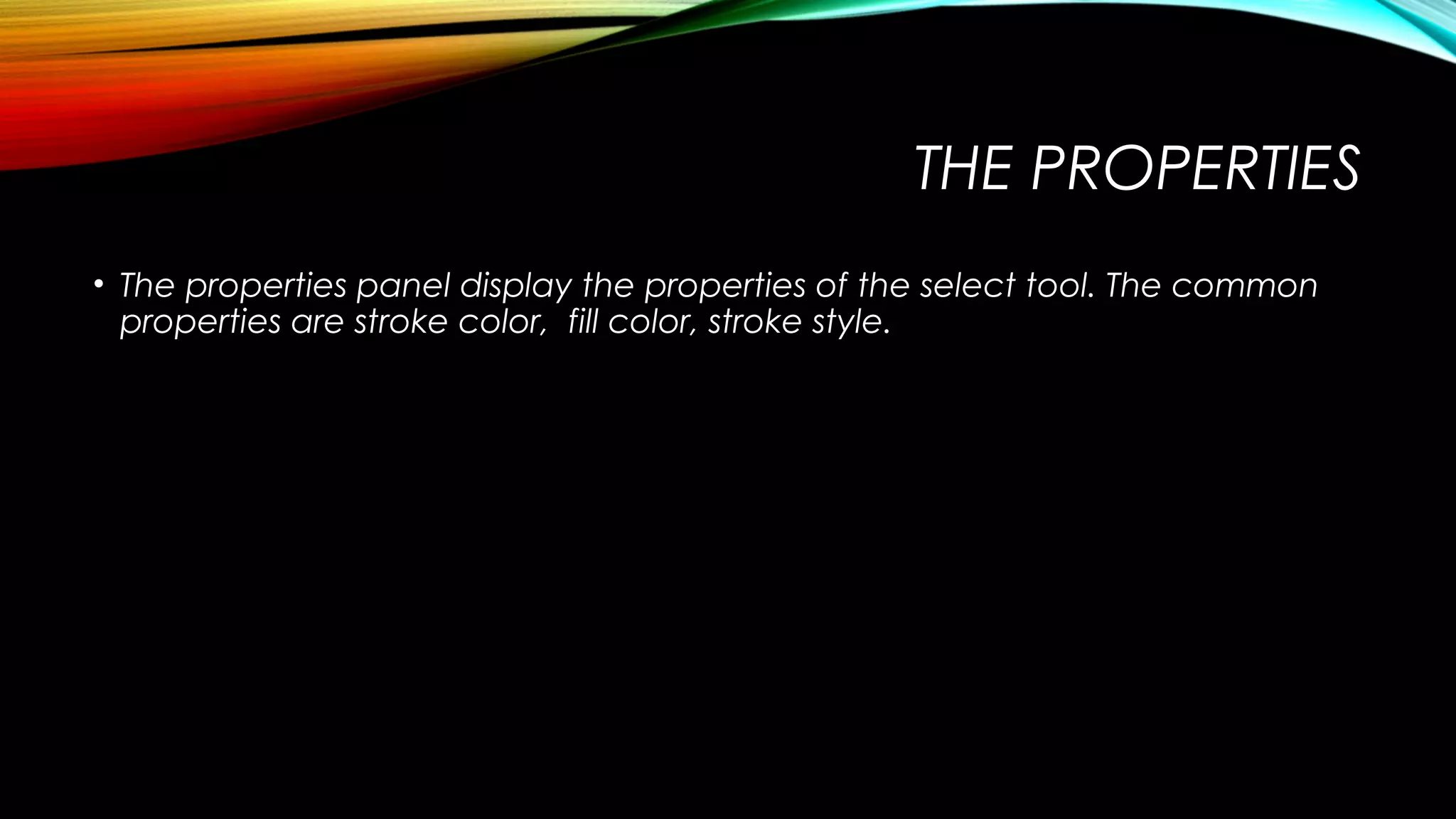
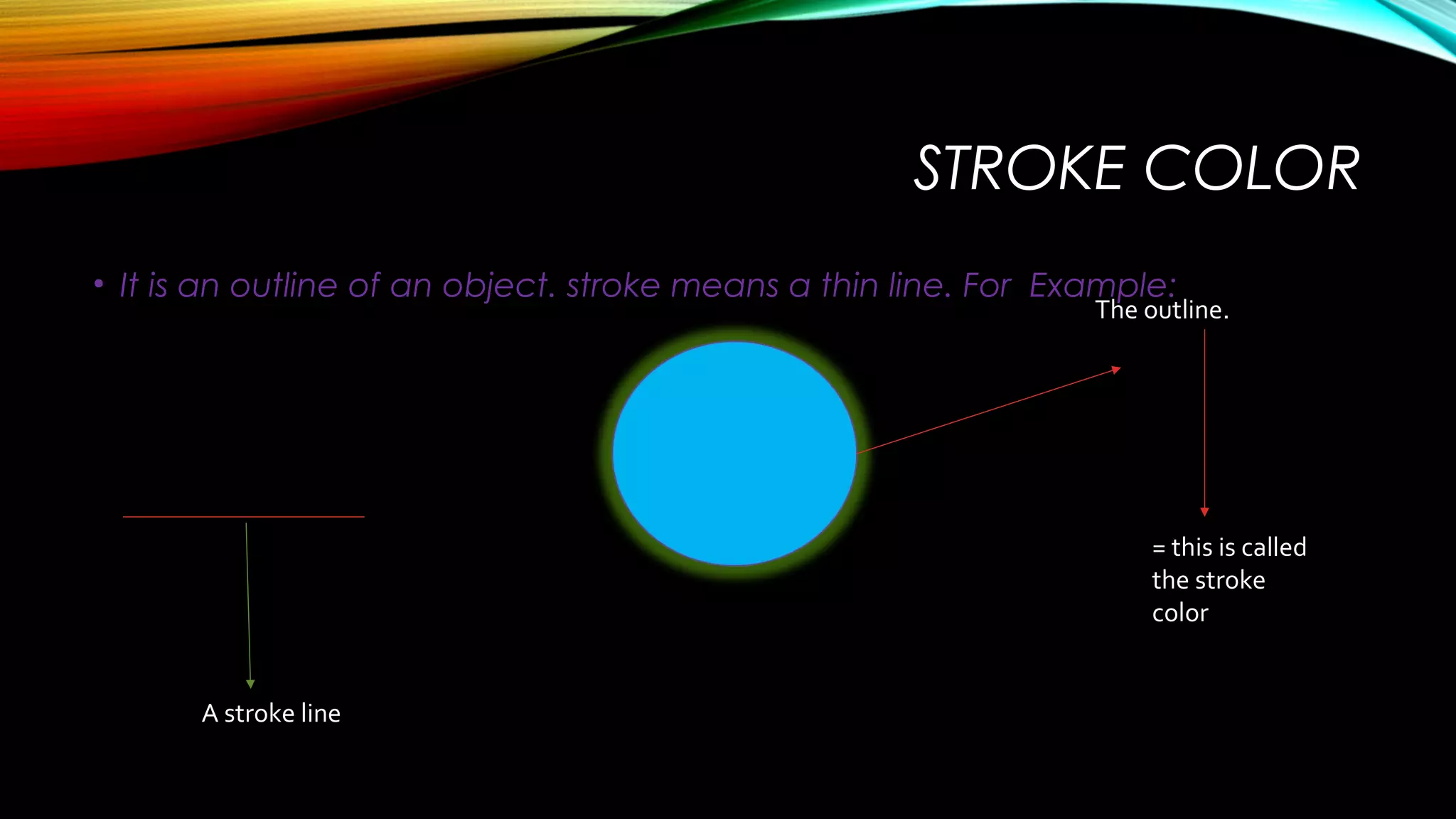
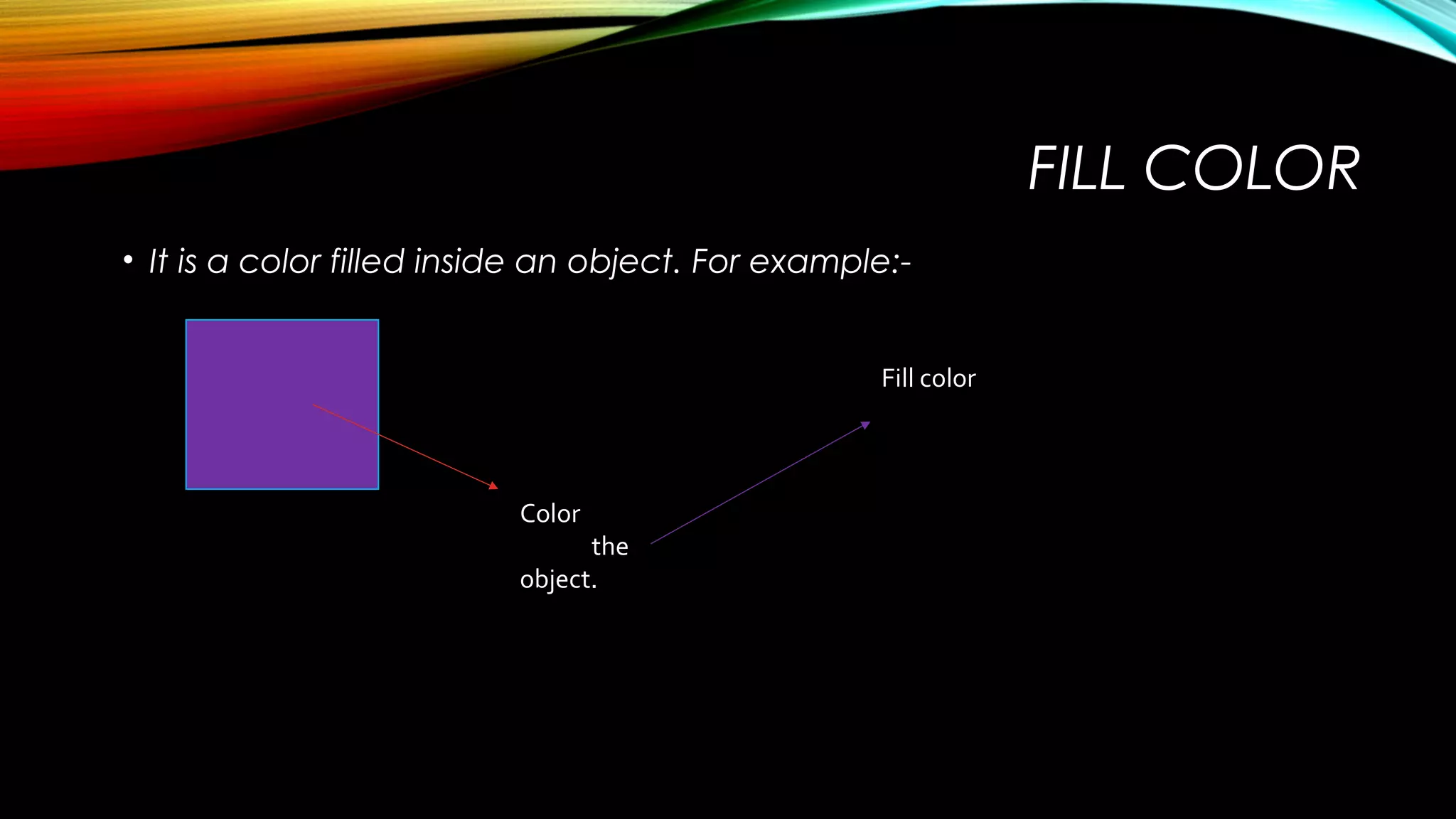
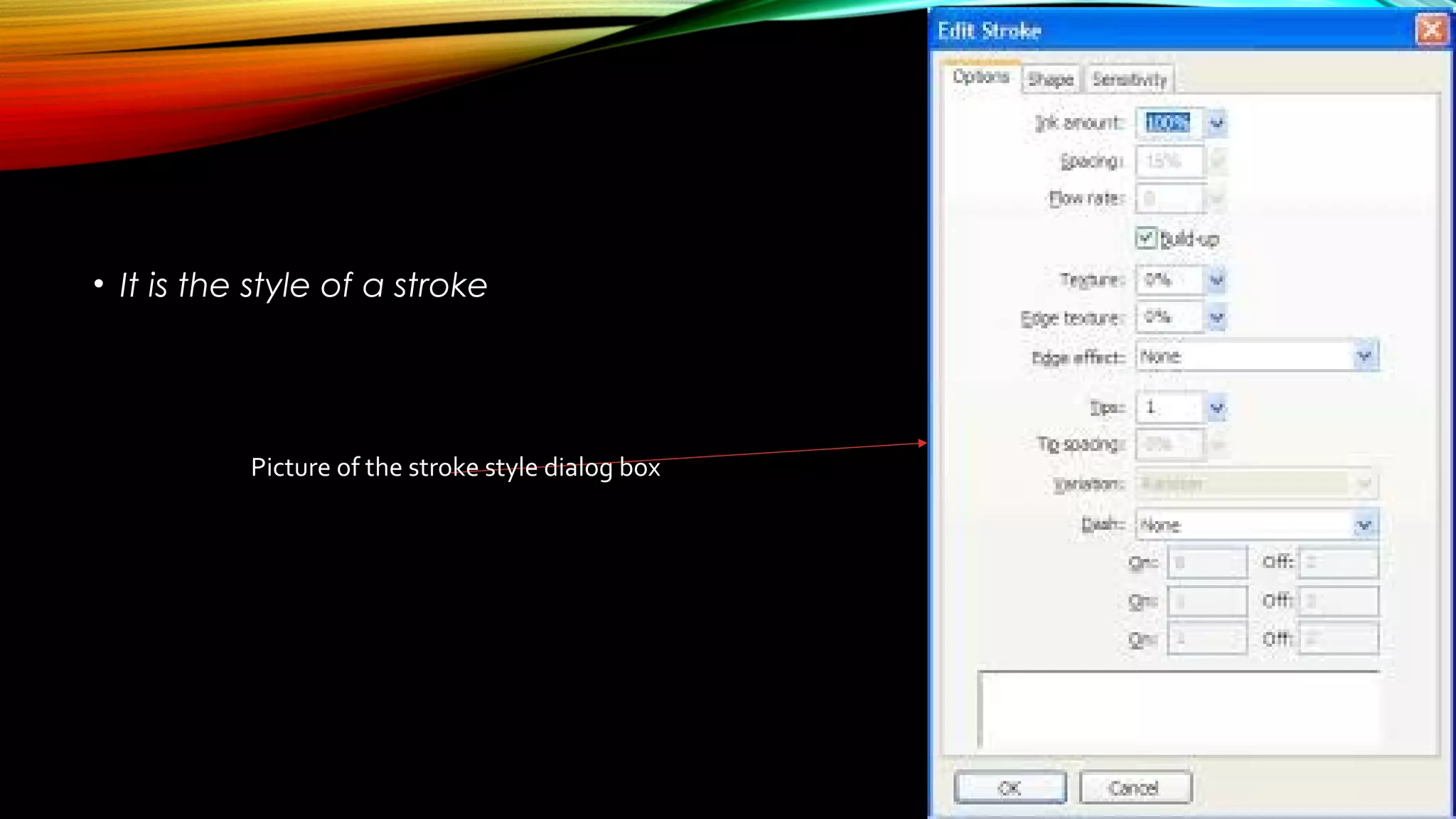
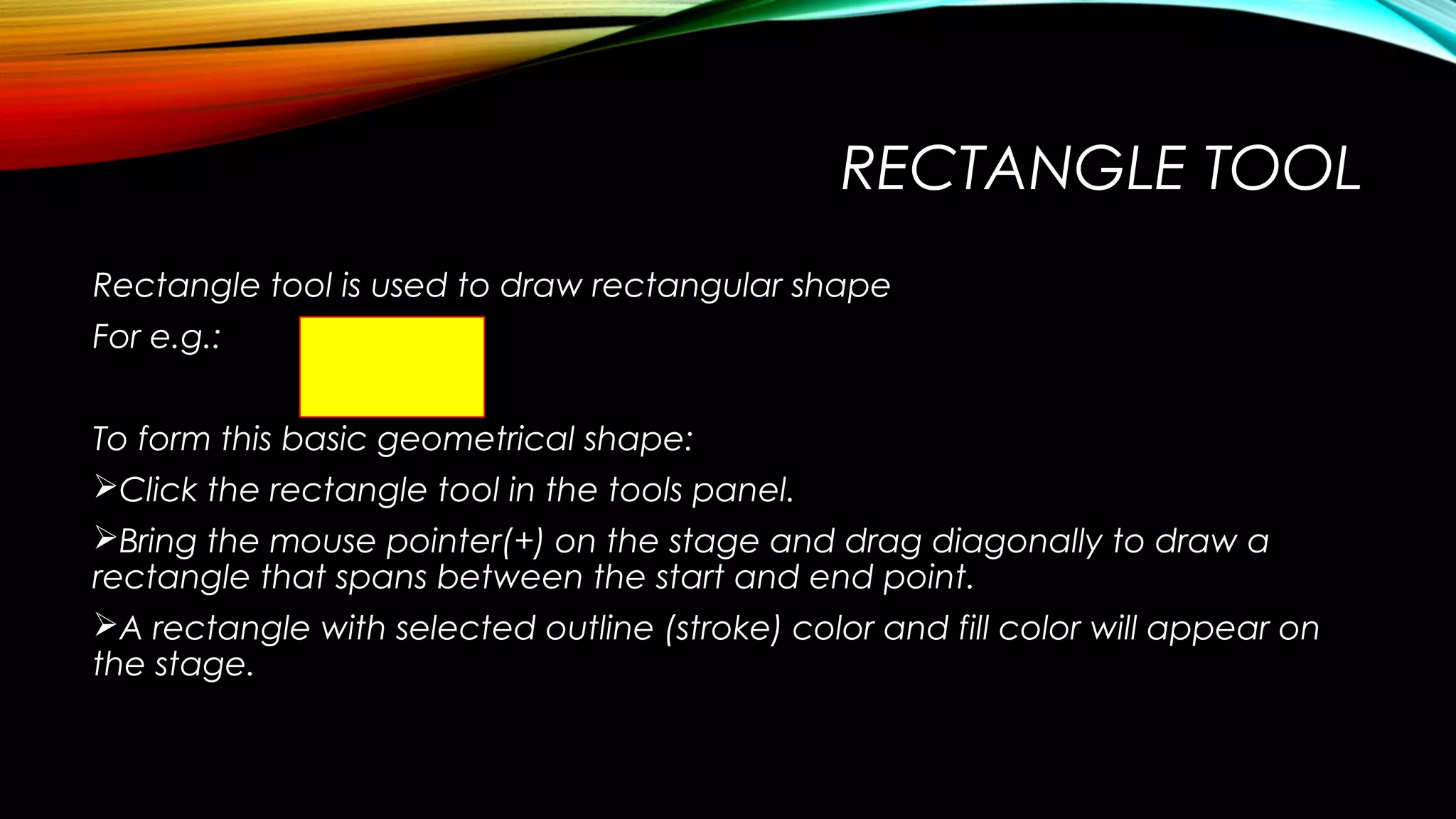
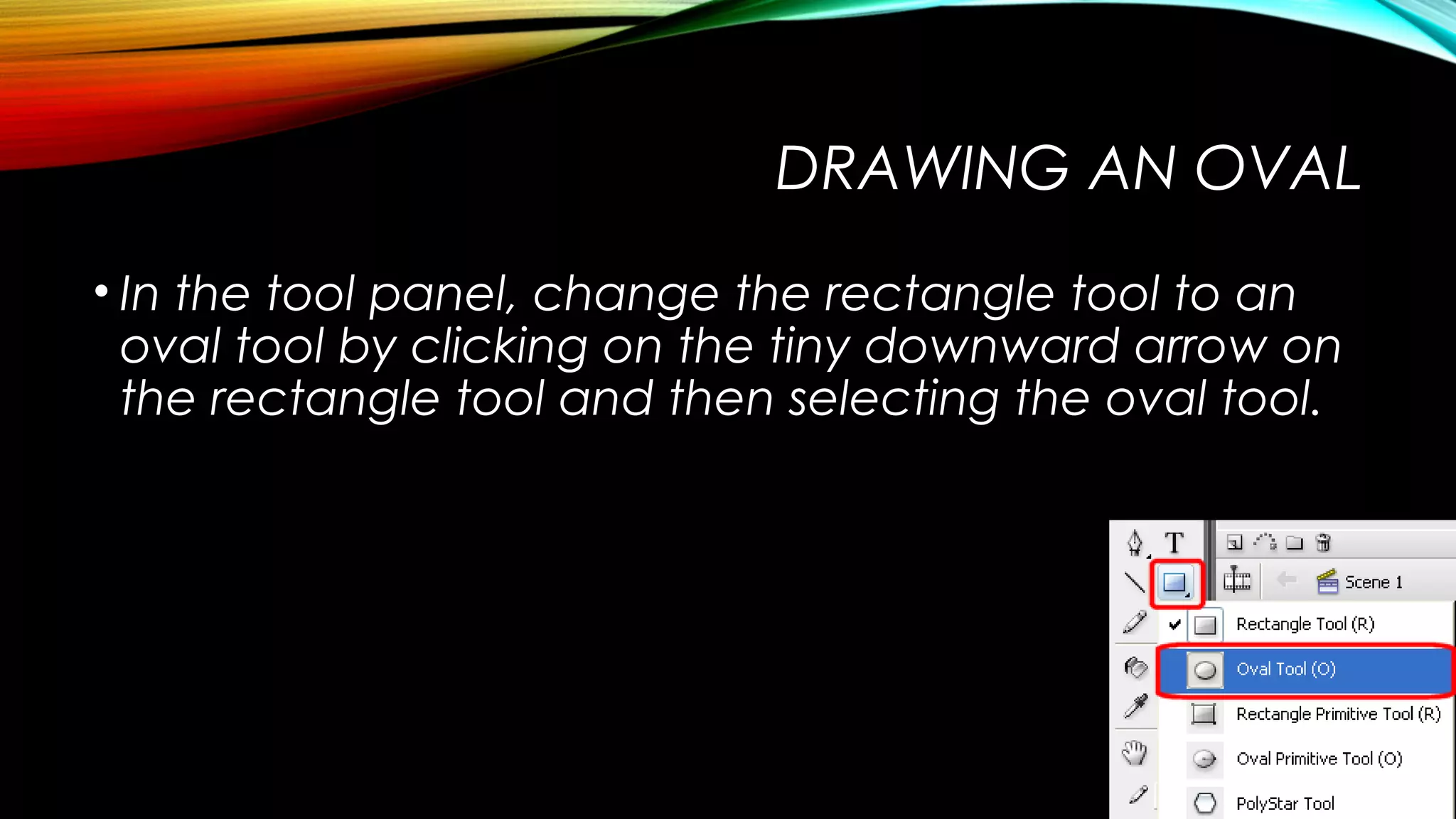
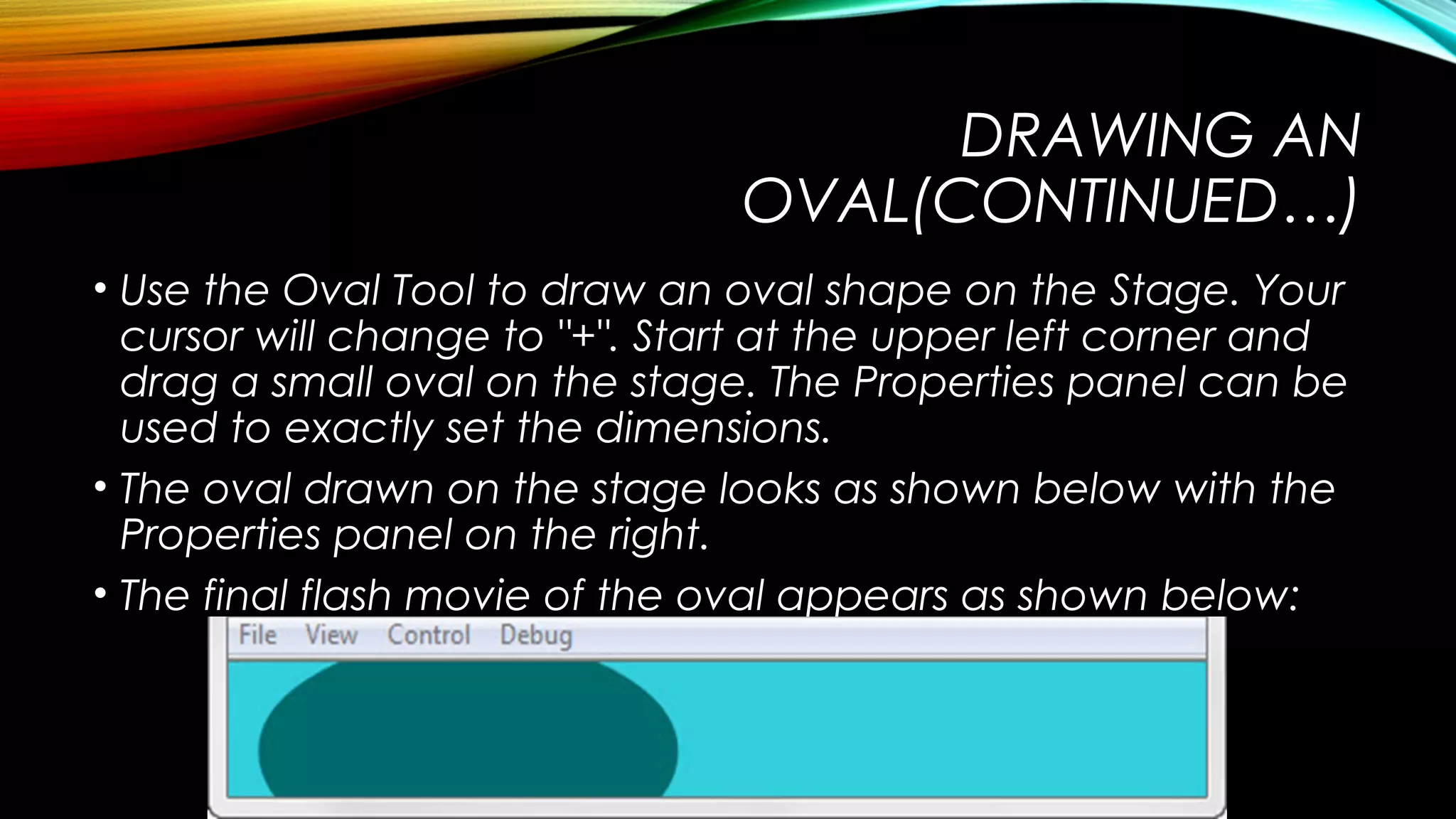
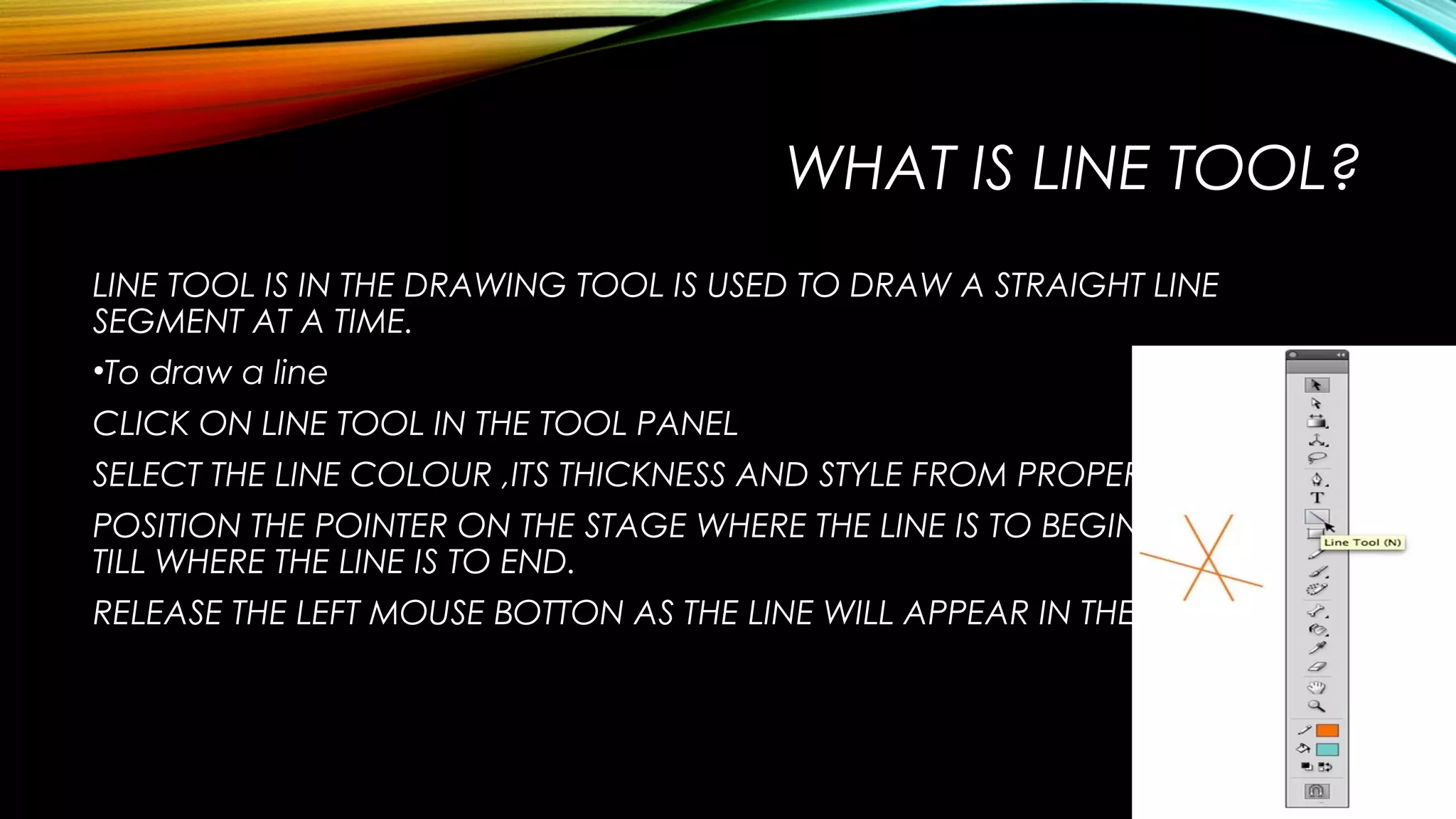
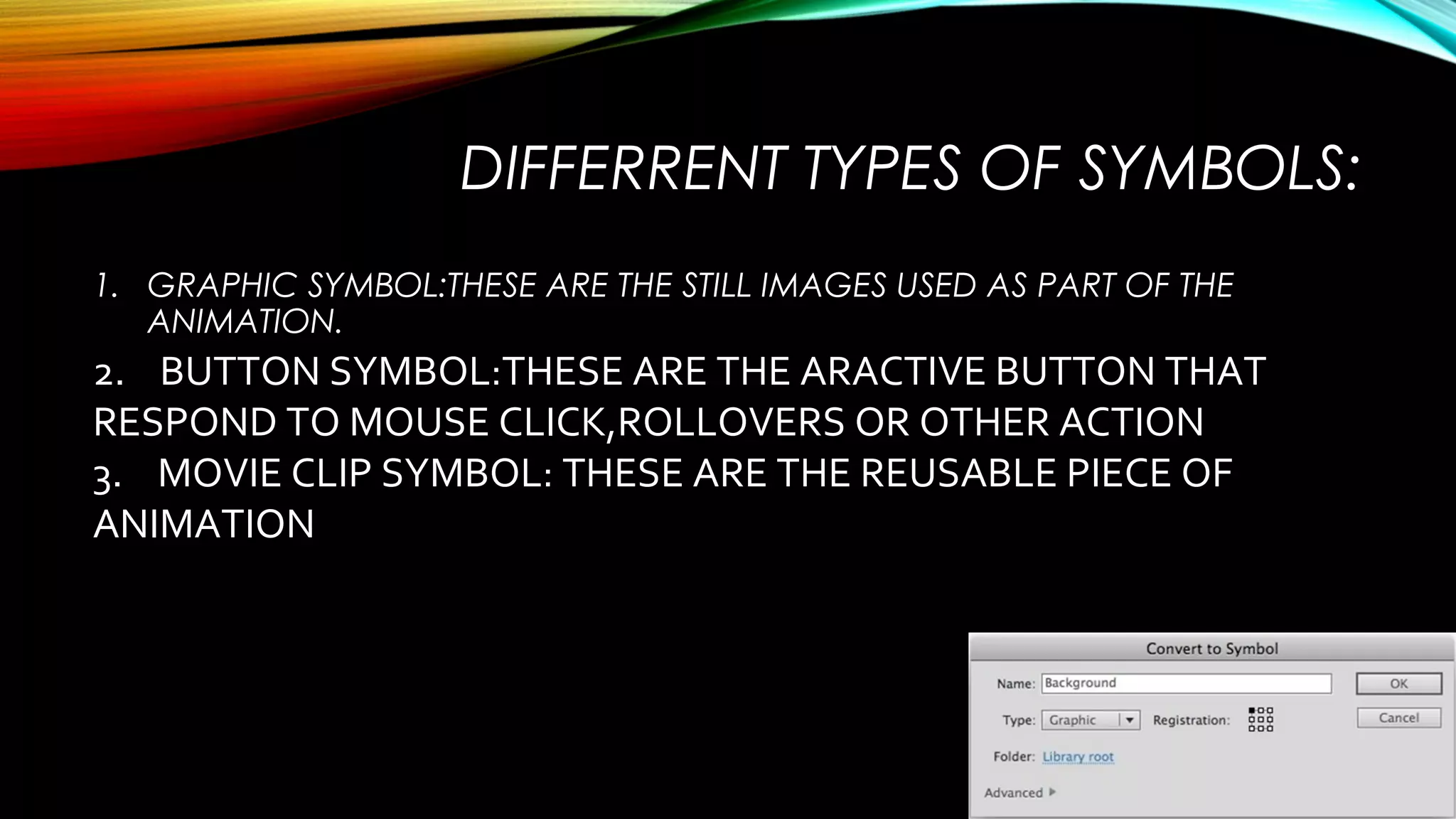

1. The properties panel displays properties like stroke color, fill color, and stroke style for selected tools. Stroke is an outline and fill is the color inside an object. 2. Basic shapes can be drawn with tools like rectangle, oval, and line. The pencil and brush tools allow drawing like with a real pencil. 3. The paint bucket fills enclosed areas, and eraser deletes parts of objects. Symbols allow reusable elements like buttons and graphics. Text can be formatted with options like bold, italics, and color.


![Coded Agents – with UiPath SDK + LangGraph [Virtual Hands-on Workshop]](https://cdn.slidesharecdn.com/ss_thumbnails/codedagentsdeck-251215155422-5497c599-thumbnail.jpg?width=640&height=640&fit=bounds)


![Vibe Coding vs. Spec-Driven Development [Free Meetup]](https://cdn.slidesharecdn.com/ss_thumbnails/vibecodingvsspecdrivendevelopment-251209105622-43f455e7-thumbnail.jpg?width=640&height=640&fit=bounds)