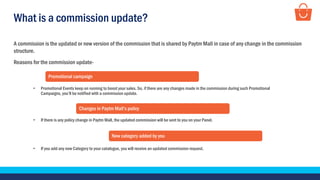
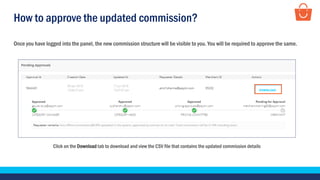
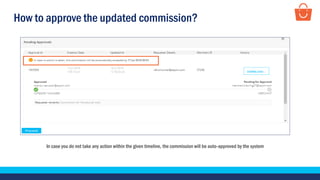
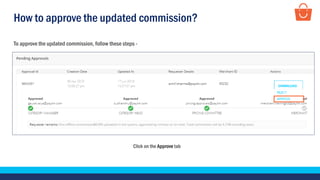
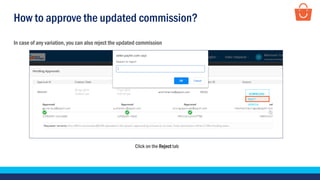
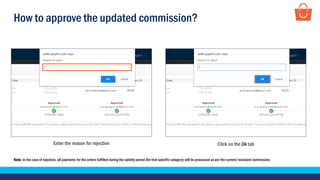
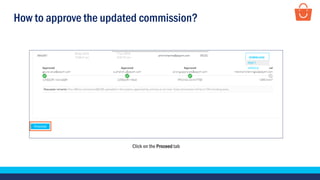
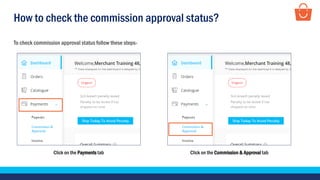
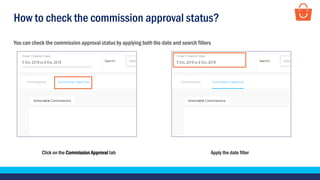
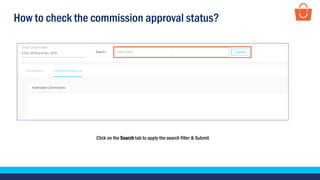
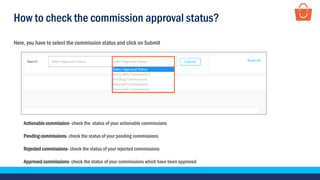
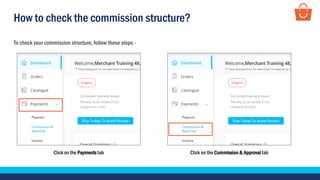
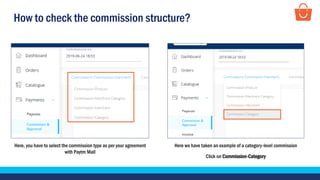
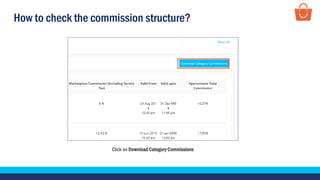
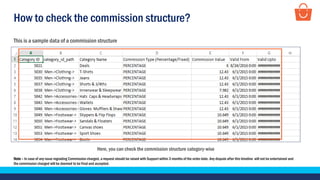
This document discusses how sellers can view and approve commission updates on the Paytm Mall platform. It provides instructions on how to check for commission updates, download the updated commission details, approve or reject the update, check the approval status, and view the current commission structure by category. Sellers are notified of commission updates for promotional campaigns, policy changes, or adding new product categories and must approve the changes by a certain deadline or the system will auto-approve. They can also reject updates and check statuses for pending, approved, rejected and actionable commissions.