Download to read offline

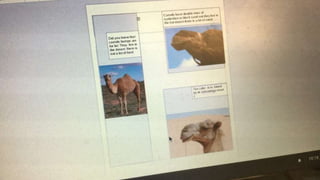
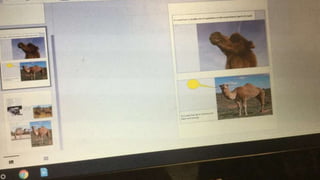


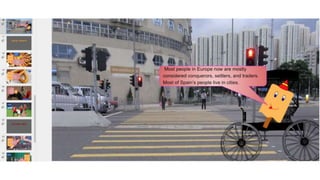
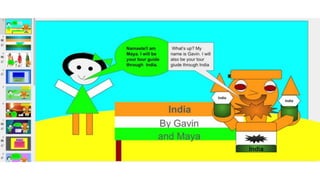
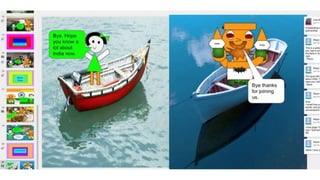
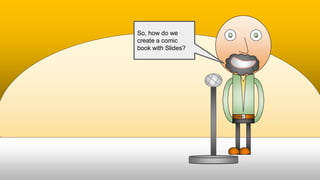
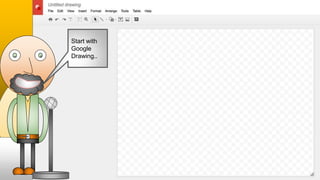
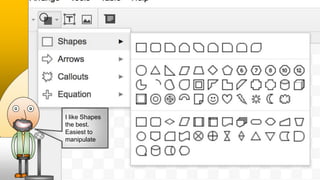
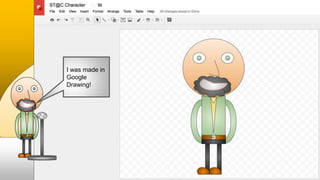
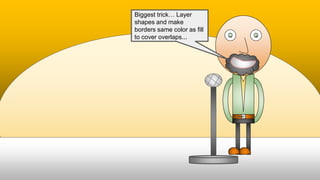
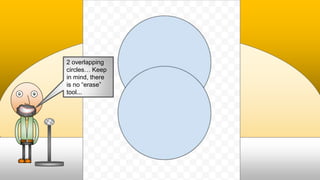
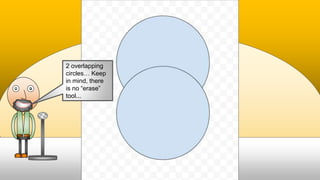
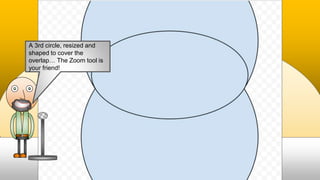
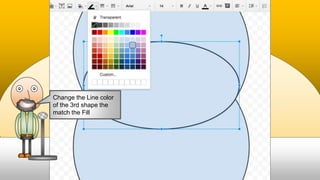
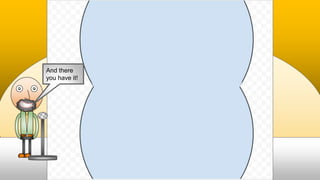
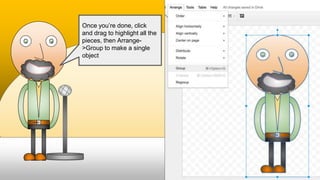
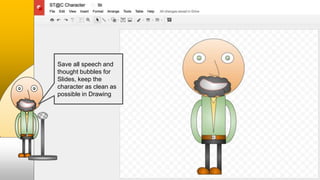
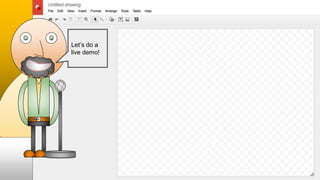
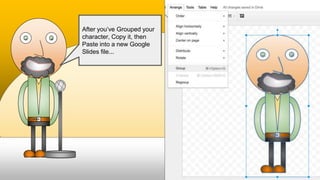
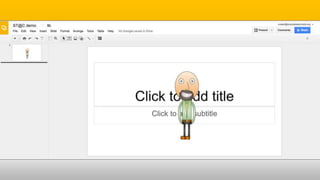
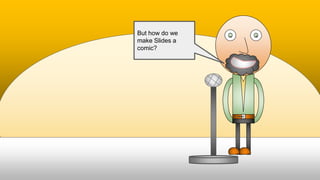
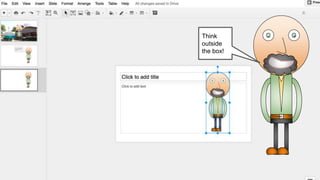
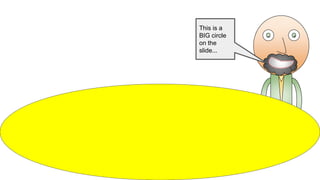
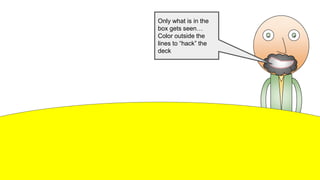
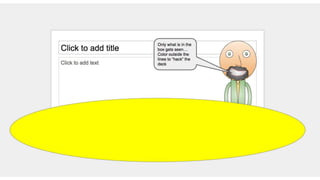
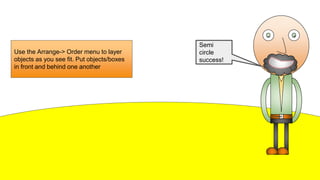
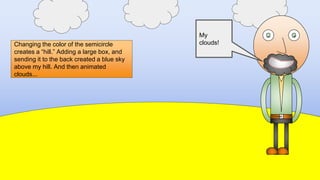
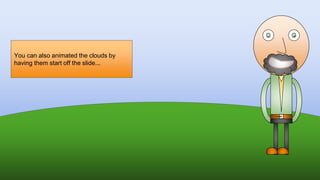
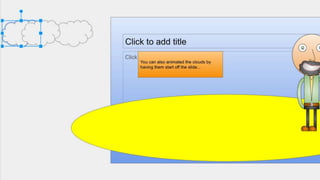
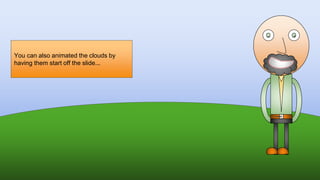
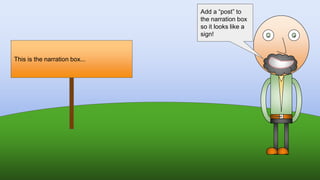
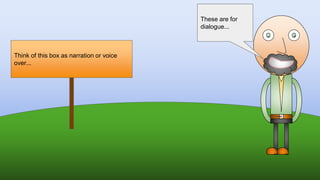
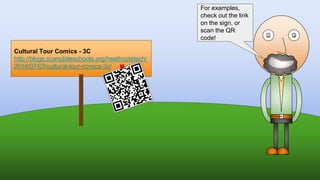
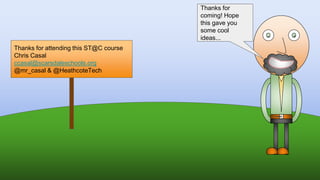

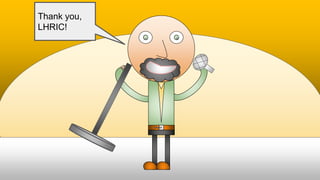

The document discusses how to create comic books using Google Slides. It explains that shapes can be layered and colored in Google Drawing to create characters that can then be copied and pasted into slides. Features like arranging layers, coloring areas outside boxes, and adding narration/dialogue boxes allow slides to function like comic panels. Examples of clouds, hills, and signs demonstrate how effects are achieved. The presentation encourages attendees to think creatively and provides resources for comic examples.


