Download as PDF, PPTX

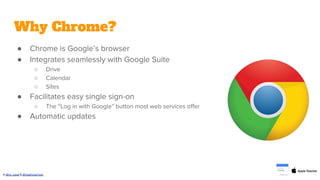

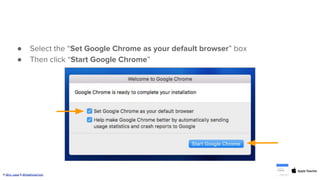


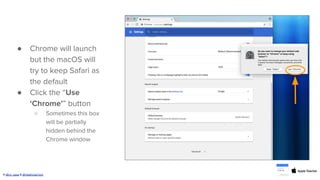
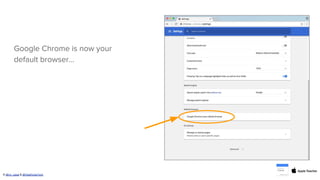


This document provides instructions for setting Chrome as the default browser on a Mac. It explains that Chrome integrates well with Google services, facilitates single sign-on, and updates automatically. The steps include clicking "Set Google Chrome as your default browser" when first launching Chrome, or going to Settings > Default Browser and clicking "MAKE DEFAULT" if Chrome is not already set as the default. Following these steps will set Chrome as the default browser to open web links on a Mac.


