Cloud Storage
DJC, RAD, BK, NGDW
What is cloud storage?
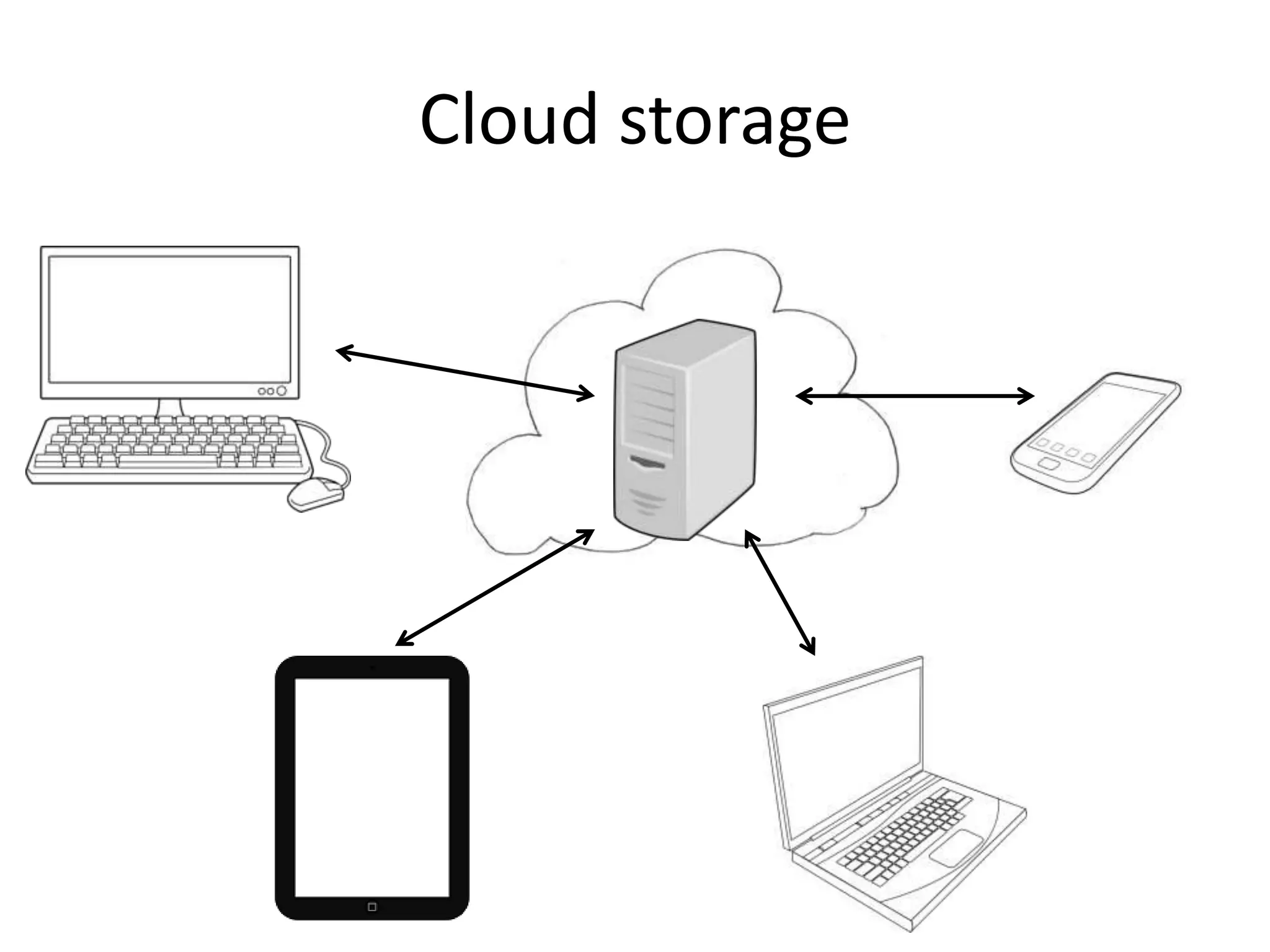
Data (or files) are said to be stored in the cloud
when they are saved on a remote server, which
is easily accessible from anywhere with internet
access. This allows access to the data from any
device connected to the internet, including
computers, tablets and smartphones.
This is in contrast to local data storage, where
data is stored on the hard drive of a local
desktop or a laptop.
Cloud storage
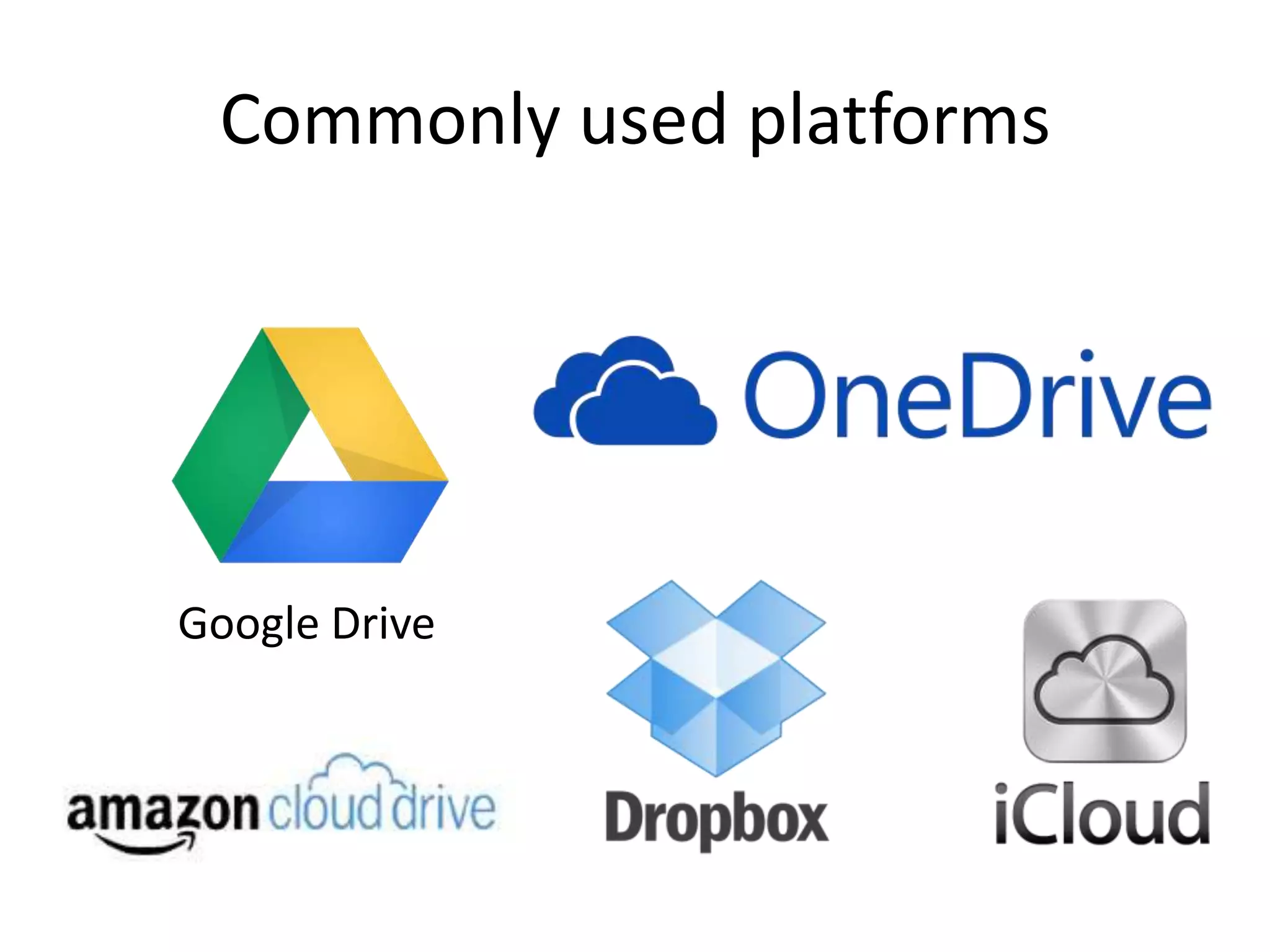
Commonly used platforms
Google Drive
Google Drive
This is a ‘pure’ cloud computing service, with all the
apps and storage found online. You can use it via
desktop top computers, tablets like the iPad or on
smartphones. All of Google's services could be
considered cloud computing really: Gmail, Google
Calendar, Google Reader, Google Voice, and so on.
Microsoft’s OneDrive is very similar to Google Drive
and offers much the same services.
Dropbox
Commonly used by boys and staff to store their
documents and images. You might set your
phone to automatically send all pictures you
take with it into your Dropbox account, so that
even if you lose your phone, the pictures will
still be available to you up in space; you might
use it to access your documents at home, and
then save changes to it. Sugarsync is another
example.
Apple iCloud
Apple's cloud service is primarily used by Apple users for online
storage and synchronization of their mail, contacts, calendar,
and more. All the data you need is available to you on whichever
device you seek to access it from, your iOS, Mac OS, or Windows
device, and if you make a change to a document, say, on one of
your devices, it will automatically update it so that when you
next access it the amended version will be available to you on
whatever device you use. If you have loads of data up there
(perhaps pictures or films you have made) then you will need to
pay for extra storage – as indeed you do for all of these services.
Amazon Cloud Drive
Storage at the big retailer is mainly for music –
and they would certainly prefer it is music that
you have bought from them!
Common Features
• A three platforms are third party services.
• All offer a basic amount of free storage:
– Dropbox: 5 GB
– OneDrive (linked to Microsoft live account): 7 GB
– Google Drive (linked to Gmail account): 15 GB
• After that, the user has to pay a yearly or
monthly subscription fee. E.g. Google Drive:
100 GB - $4.99/month; 200 GB - $9.99/month
Why use cloud storage? Basic Features
• All platforms can easily be accessed via a web
browser.
• All also offer apps for ease of access from a
smartphone or tablet.
• All three feature a directory structure similar
to that of a computer drive; this facilitates
navigation and organisation.
Why use cloud storage? Additional
Features
• Online editing: OneDrive and Google Drive
offer the possibility of editing documents
inside a web browser. No additional software
is needed.
• Folders or specific files can be shared with
others; this facilitates collaboration.
Why not use SPS personal folders
instead?
• Ease of access.
– Access to the SPS personal folders is perceived to be
more cumbersome (i.e., it involves ‘more clicks’)
– Many people are always logged into Google (and
hence Google Drive) in the back ground, both at home
and at school.
• Online collaboration.
– Documents and folders can be shared with colleagues.
– Editing is possible without downloading the
document, eliminating the need to email and save
multiple versions of the same documents.
What are the limitations?
• Limited storage. Many colleagues are
reluctant to pay for a service they need for
work, and the amount of free storage with all
of these providers is limited.
• Data protection issues?? Should tutee reports
etc. really be kept on third party servers?
Examples of application at SPS
• Mark book storage (Many depts. inc. Physics;
Google Drive, Dropbox)
• General file storage (As above, many depts.;
GD & Dropbox)
• Collaboration/sharing with colleagues, mainly
for admin tasks: trip organising (Physics; GD),
work in the universities department (Biology;
GD & Dropbox)
Potential applications at SPS
• Preparation of internal exams (proofing/suggestions etc.)
– Some attention would need to be given to making sure the file
was not accidentally deleted by someone in error.
– There will need to be a Greek font; there may be problems of
compatibility with our own Antioch Greek.
• Preparation of notes on the various set texts, grammar
notes/examples/sentences etc. (This can be done on the
LANGLEY server but relying on cloud storage makes it a
simpler process when away from a school computer.
iPads, for example, do not respond smoothly to the
intranet.)
• Get students to collaborate on the preparation of revision
notes?
Conclusions??
• Clearly, the two main advantages seem to be
ease of access and collaboration (over to you,
Phil!).
• Can the school systems be improved?

Cloud storage

  • 1.
  • 2.
    What is cloudstorage? Data (or files) are said to be stored in the cloud when they are saved on a remote server, which is easily accessible from anywhere with internet access. This allows access to the data from any device connected to the internet, including computers, tablets and smartphones. This is in contrast to local data storage, where data is stored on the hard drive of a local desktop or a laptop.
  • 3.
  • 4.
  • 5.
    Google Drive This isa ‘pure’ cloud computing service, with all the apps and storage found online. You can use it via desktop top computers, tablets like the iPad or on smartphones. All of Google's services could be considered cloud computing really: Gmail, Google Calendar, Google Reader, Google Voice, and so on. Microsoft’s OneDrive is very similar to Google Drive and offers much the same services.
  • 6.
    Dropbox Commonly used byboys and staff to store their documents and images. You might set your phone to automatically send all pictures you take with it into your Dropbox account, so that even if you lose your phone, the pictures will still be available to you up in space; you might use it to access your documents at home, and then save changes to it. Sugarsync is another example.
  • 7.
    Apple iCloud Apple's cloudservice is primarily used by Apple users for online storage and synchronization of their mail, contacts, calendar, and more. All the data you need is available to you on whichever device you seek to access it from, your iOS, Mac OS, or Windows device, and if you make a change to a document, say, on one of your devices, it will automatically update it so that when you next access it the amended version will be available to you on whatever device you use. If you have loads of data up there (perhaps pictures or films you have made) then you will need to pay for extra storage – as indeed you do for all of these services.
  • 8.
    Amazon Cloud Drive Storageat the big retailer is mainly for music – and they would certainly prefer it is music that you have bought from them!
  • 9.
    Common Features • Athree platforms are third party services. • All offer a basic amount of free storage: – Dropbox: 5 GB – OneDrive (linked to Microsoft live account): 7 GB – Google Drive (linked to Gmail account): 15 GB • After that, the user has to pay a yearly or monthly subscription fee. E.g. Google Drive: 100 GB - $4.99/month; 200 GB - $9.99/month
  • 10.
    Why use cloudstorage? Basic Features • All platforms can easily be accessed via a web browser. • All also offer apps for ease of access from a smartphone or tablet. • All three feature a directory structure similar to that of a computer drive; this facilitates navigation and organisation.
  • 11.
    Why use cloudstorage? Additional Features • Online editing: OneDrive and Google Drive offer the possibility of editing documents inside a web browser. No additional software is needed. • Folders or specific files can be shared with others; this facilitates collaboration.
  • 12.
    Why not useSPS personal folders instead? • Ease of access. – Access to the SPS personal folders is perceived to be more cumbersome (i.e., it involves ‘more clicks’) – Many people are always logged into Google (and hence Google Drive) in the back ground, both at home and at school. • Online collaboration. – Documents and folders can be shared with colleagues. – Editing is possible without downloading the document, eliminating the need to email and save multiple versions of the same documents.
  • 13.
    What are thelimitations? • Limited storage. Many colleagues are reluctant to pay for a service they need for work, and the amount of free storage with all of these providers is limited. • Data protection issues?? Should tutee reports etc. really be kept on third party servers?
  • 14.
    Examples of applicationat SPS • Mark book storage (Many depts. inc. Physics; Google Drive, Dropbox) • General file storage (As above, many depts.; GD & Dropbox) • Collaboration/sharing with colleagues, mainly for admin tasks: trip organising (Physics; GD), work in the universities department (Biology; GD & Dropbox)
  • 15.
    Potential applications atSPS • Preparation of internal exams (proofing/suggestions etc.) – Some attention would need to be given to making sure the file was not accidentally deleted by someone in error. – There will need to be a Greek font; there may be problems of compatibility with our own Antioch Greek. • Preparation of notes on the various set texts, grammar notes/examples/sentences etc. (This can be done on the LANGLEY server but relying on cloud storage makes it a simpler process when away from a school computer. iPads, for example, do not respond smoothly to the intranet.) • Get students to collaborate on the preparation of revision notes?
  • 16.
    Conclusions?? • Clearly, thetwo main advantages seem to be ease of access and collaboration (over to you, Phil!). • Can the school systems be improved?