Contact # +92303-7859257
 All computers get dirty over time. However, laptops
tend to need cleaning more often because of how they
are handled. Particularly if you frequently travel with
your laptop, you probably want to clean it at least once
a month. A buildup of dirt and grime, particularly on
the screen and the keys, can impair your laptop's
functioning. Always make sure you shut down your
laptop and disconnect it from any power source before
you start cleaning it. If possible, you should also
remove the battery.
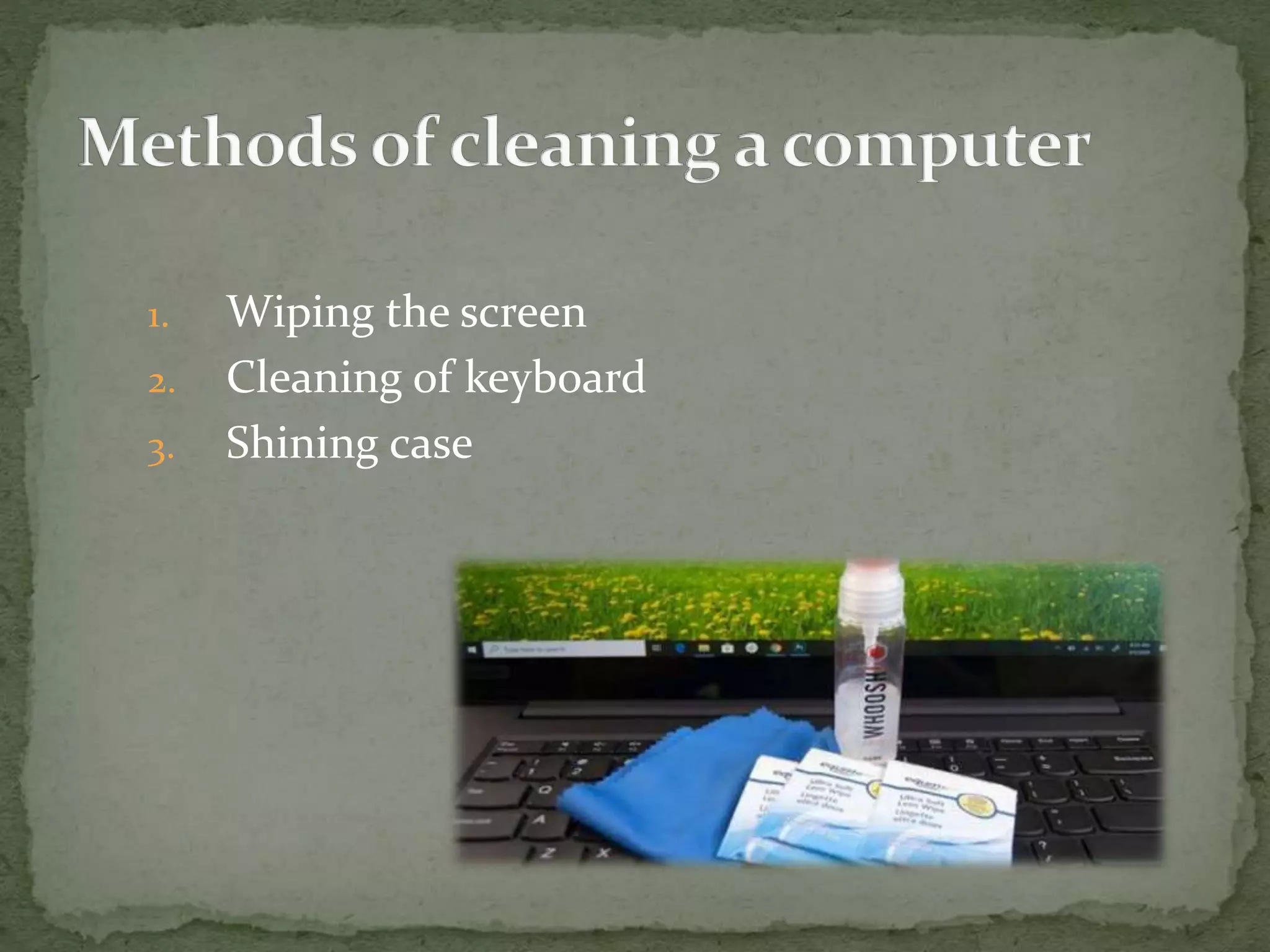
1. Wiping the screen
2. Cleaning of keyboard
3. Shining case
1. Clear surface dust with a microfiber cloth. Fold the
cloth and rub it gently across the full width of your
screen, back and forth.
2. Don't press hard into the screen or try to scratch off
stubborn spots – you could damage your screen. Use
only the lightest pressure to wipe off surface dust.
3. Do not use regular glass cleaners, particularly those
that contain ammonia, on any laptop screen. They
can damage the screen.
1. Shake the loose dust out of your keyboard. Get a
good grip on the sides of your laptop and turn it
upside down with the screen open.
2. Vacuum loose dust and hair from the keyboard.
3. You can also use a can of compressed air. However, if
you do, tilt your keyboard at an angle so that you're
forcing the dust out of your keyboard.
4. Use a pencil eraser to remove grime from the
keycaps.
1. Mix a gentle cleansing solution . Use purified or
distilled water and a few drops of gentle dish soap.
You can also use a mix of equal parts rubbing alcohol
and purified or distilled water.
2. Dip a sponge into your cleansing solution. Take a
clean sponge and soak it in the cleansing solution,
then wring it out until it is nearly completely dry.
3. Dip a sponge into your cleansing solution. Take a
clean sponge and soak it in the cleansing solution,
then wring it out until it is nearly completely dry.
Thank You

Cleaning of computer

  • 1.
  • 2.
     All computersget dirty over time. However, laptops tend to need cleaning more often because of how they are handled. Particularly if you frequently travel with your laptop, you probably want to clean it at least once a month. A buildup of dirt and grime, particularly on the screen and the keys, can impair your laptop's functioning. Always make sure you shut down your laptop and disconnect it from any power source before you start cleaning it. If possible, you should also remove the battery.
  • 3.
    1. Wiping thescreen 2. Cleaning of keyboard 3. Shining case
  • 4.
    1. Clear surfacedust with a microfiber cloth. Fold the cloth and rub it gently across the full width of your screen, back and forth. 2. Don't press hard into the screen or try to scratch off stubborn spots – you could damage your screen. Use only the lightest pressure to wipe off surface dust. 3. Do not use regular glass cleaners, particularly those that contain ammonia, on any laptop screen. They can damage the screen.
  • 5.
    1. Shake theloose dust out of your keyboard. Get a good grip on the sides of your laptop and turn it upside down with the screen open. 2. Vacuum loose dust and hair from the keyboard. 3. You can also use a can of compressed air. However, if you do, tilt your keyboard at an angle so that you're forcing the dust out of your keyboard. 4. Use a pencil eraser to remove grime from the keycaps.
  • 6.
    1. Mix agentle cleansing solution . Use purified or distilled water and a few drops of gentle dish soap. You can also use a mix of equal parts rubbing alcohol and purified or distilled water. 2. Dip a sponge into your cleansing solution. Take a clean sponge and soak it in the cleansing solution, then wring it out until it is nearly completely dry. 3. Dip a sponge into your cleansing solution. Take a clean sponge and soak it in the cleansing solution, then wring it out until it is nearly completely dry.
  • 7.