CLEANING
COMPUTER SYSTEM
AND NETWORK
Jenifer B. Pequit
ICT Teacher
2
PROCEDURE IN
CLEANING
HARDWARE
COMPONENTS
3/18/2023
3
How often should I clean
my computer?
The frequency of how often you should clean your computer
varies on several different factors. To help you determine how
often you need to clean your computer, you need to have a
chart. Check the appropriate boxes that apply to your
computer’s environment to determine how often it should be
cleaned.
9/3/20XX
9/3/20XX 4
GENERAL CLEANING
TIP
1. Never spray or squirt any liquid onto any computer
component. If a spray is needed, spray the liquid onto
a cloth and then use that cloth to rub down the
component.
2. You can use a vacuum to clean up dirt, dust, or hair
around the computer on the outside case. However,
do not use a vacuum for the inside of your computer
as it generates a lot of static electricity that can
damage the internal components of your computer. If
you need to use a vacuum to clean the inside of your
computer, use a portable battery powered vacuum
designed to do this job or try using compressed air.
Microfiber cloth
LINT FREE
CLOTH
3. When cleaning a component or the
computer, turn it off before cleaning.
4. Be cautious when using any cleaning
solvents; some individuals may have
allergic reactions to chemicals in cleaning
solvents and some solvents can even
damage the case. Try to always use water
or a highly diluted solvent.
5. When cleaning, be careful not to accidentally adjust any
knobs or controls. In addition, when cleaning the back of the
computer, if anything is plugged in, make sure turn off the
PC and unplug the power cable.
6. When cleaning fans, especially the smaller fans within a
portable computer or laptop it is suggested that you either
hold the fan or place something in-between the fan blades
to prevent it from spinning. Spraying compressed air into a
fan or cleaning a fan with a vacuum may cause damage or
back voltage to be generated.
7. Never eat or drink around the computer area.
CLEANING TOOLS
Cloth - A cloth is the best tool used when
rubbing down a component; although paper
towels can be used with most hardware, we
recommend using a cloth whenever possible.
Caution: It is recommended that you use a cloth
when cleaning components such as the outside
of the case, a drive, mouse, etc. You should not
use a cloth to clean any circuitry such as the RAM
or motherboard since they can generate Electro
Static Discharge (ESD) that can damage
electronics.
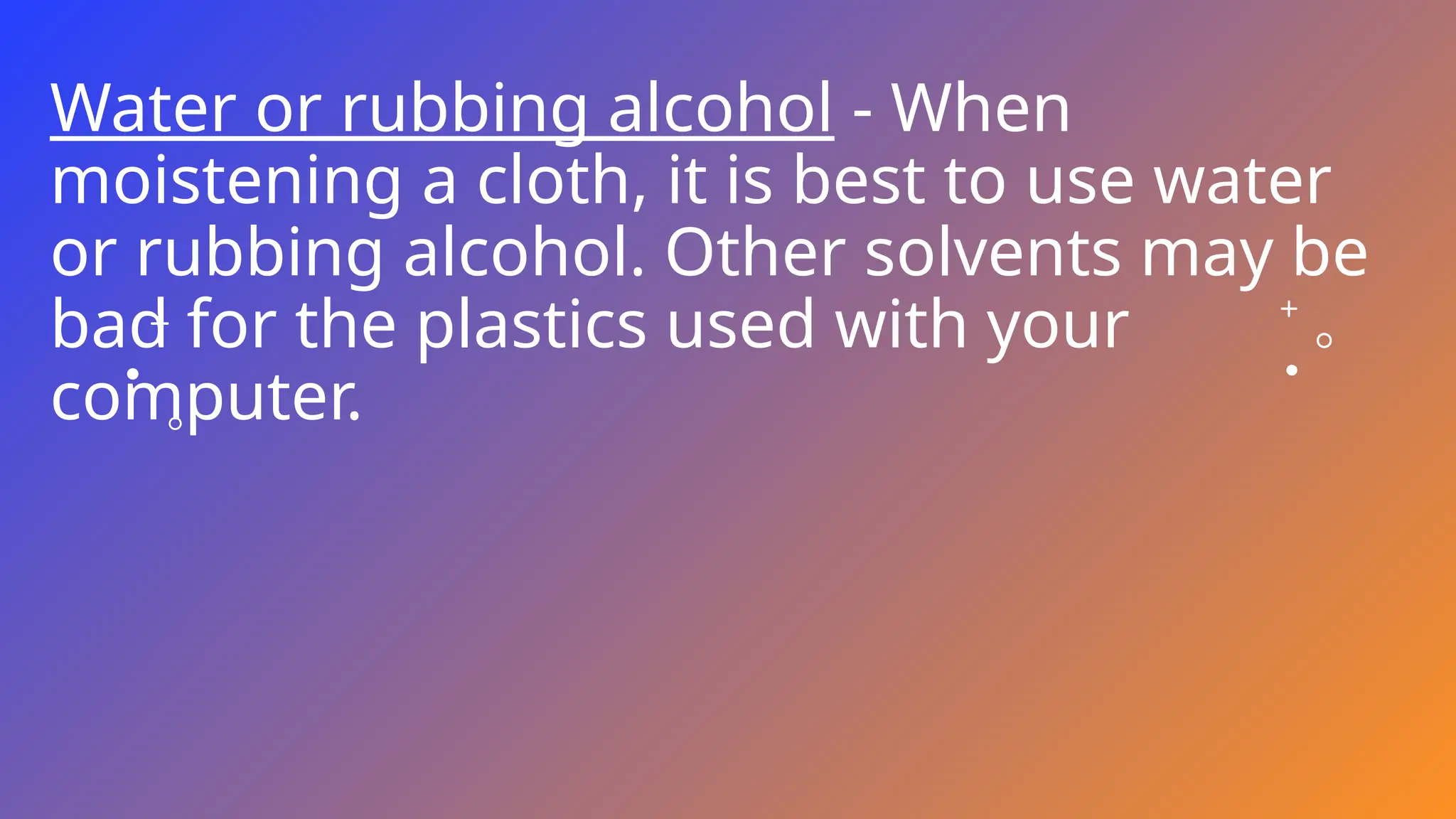
Water or rubbing alcohol - When
moistening a cloth, it is best to use water
or rubbing alcohol. Other solvents may be
bad for the plastics used with your
computer.
Portable Vacuum - Sucking the dust, dirt, hair,
cigarette particles, and other particles out of a
computer can be one of the best methods of
cleaning a computer. Over time, these items
can restrict the airflow in a computer and cause
circuitry to corrode. Do not use a standard
vacuum as it can generate a lot of static
electricity that can damage your computer.
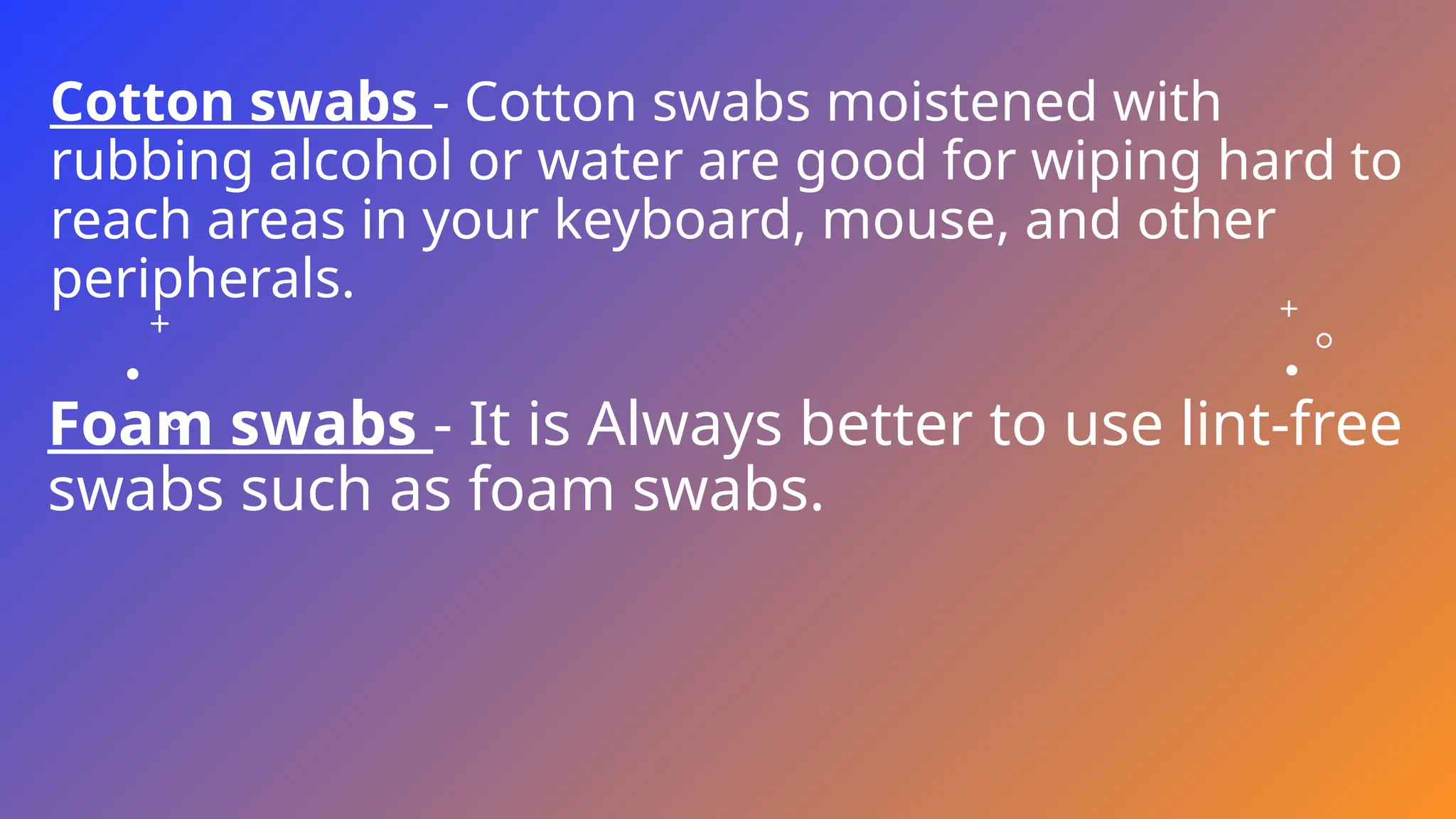
Cotton swabs - Cotton swabs moistened with
rubbing alcohol or water are good for wiping hard to
reach areas in your keyboard, mouse, and other
peripherals.
Foam swabs - It is Always better to use lint-free
swabs such as foam swabs.
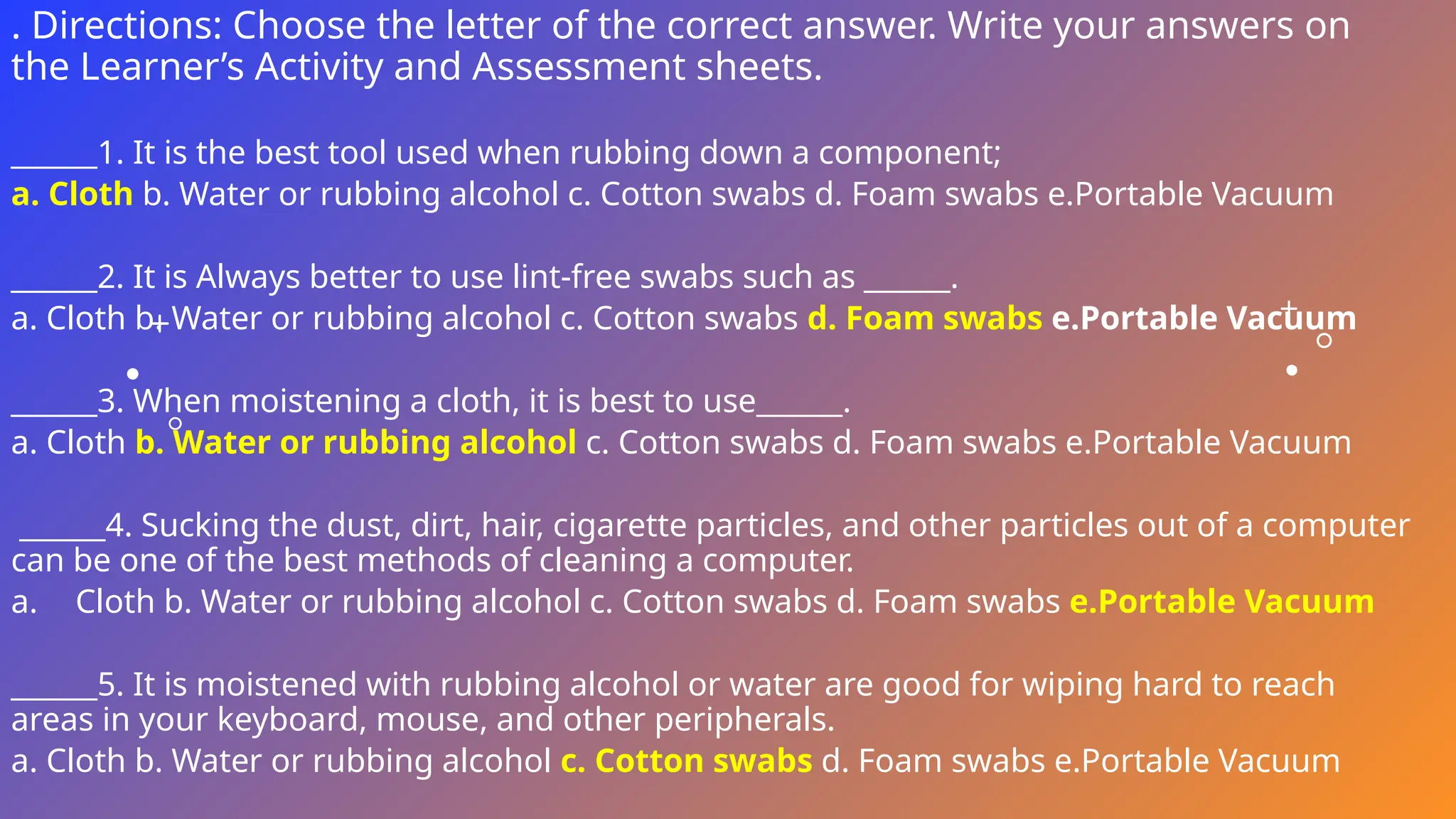
. Directions: Choose the letter of the correct answer. Write your answers on
the Learner’s Activity and Assessment sheets.
______1. It is the best tool used when rubbing down a component;
a. Cloth b. Water or rubbing alcohol c. Cotton swabs d. Foam swabs e.Portable Vacuum
______2. It is Always better to use lint-free swabs such as ______.
a. Cloth b. Water or rubbing alcohol c. Cotton swabs d. Foam swabs e.Portable Vacuum
______3. When moistening a cloth, it is best to use______.
a. Cloth b. Water or rubbing alcohol c. Cotton swabs d. Foam swabs e.Portable Vacuum
______4. Sucking the dust, dirt, hair, cigarette particles, and other particles out of a computer
can be one of the best methods of cleaning a computer.
a. Cloth b. Water or rubbing alcohol c. Cotton swabs d. Foam swabs e.Portable Vacuum
______5. It is moistened with rubbing alcohol or water are good for wiping hard to reach
areas in your keyboard, mouse, and other peripherals.
a. Cloth b. Water or rubbing alcohol c. Cotton swabs d. Foam swabs e.Portable Vacuum
. Directions: Choose the letter of the correct answer. Write your answers on
the Learner’s Activity and Assessment sheets.
______1. It is the best tool used when rubbing down a component;
a. Cloth b. Water or rubbing alcohol c. Cotton swabs d. Foam swabs e.Portable Vacuum
______2. It is Always better to use lint-free swabs such as ______.
a. Cloth b. Water or rubbing alcohol c. Cotton swabs d. Foam swabs e.Portable Vacuum
______3. When moistening a cloth, it is best to use______.
a. Cloth b. Water or rubbing alcohol c. Cotton swabs d. Foam swabs e.Portable Vacuum
______4. Sucking the dust, dirt, hair, cigarette particles, and other particles out of a computer
can be one of the best methods of cleaning a computer.
a. Cloth b. Water or rubbing alcohol c. Cotton swabs d. Foam swabs e.Portable Vacuum
______5. It is moistened with rubbing alcohol or water are good for wiping hard to reach
areas in your keyboard, mouse, and other peripherals.
a. Cloth b. Water or rubbing alcohol c. Cotton swabs d. Foam swabs e.Portable Vacuum
. Directions: Choose the letter of the correct answer. Write your answers on
the Learner’s Activity and Assessment sheets.
______1. It is the best tool used when rubbing down a component;
a. Cloth b. Water or rubbing alcohol c. Cotton swabs d. Foam swabs e.Portable Vacuum
______2. It is Always better to use lint-free swabs such as ______.
a. Cloth b. Water or rubbing alcohol c. Cotton swabs d. Foam swabs e.Portable Vacuum
______3. When moistening a cloth, it is best to use______.
a. Cloth b. Water or rubbing alcohol c. Cotton swabs d. Foam swabs e.Portable Vacuum
______4. Sucking the dust, dirt, hair, cigarette particles, and other particles out of a computer
can be one of the best methods of cleaning a computer.
a. Cloth b. Water or rubbing alcohol c. Cotton swabs d. Foam swabs e.Portable Vacuum
______5. It is moistened with rubbing alcohol or water are good for wiping hard to reach
areas in your keyboard, mouse, and other peripherals.
a. Cloth b. Water or rubbing alcohol c. Cotton swabs d. Foam swabs e.Portable Vacuum

Cleaning computer system and network.pptx

  • 1.
  • 2.
  • 3.
    3 How often shouldI clean my computer? The frequency of how often you should clean your computer varies on several different factors. To help you determine how often you need to clean your computer, you need to have a chart. Check the appropriate boxes that apply to your computer’s environment to determine how often it should be cleaned. 9/3/20XX
  • 4.
  • 5.
  • 6.
    1. Never sprayor squirt any liquid onto any computer component. If a spray is needed, spray the liquid onto a cloth and then use that cloth to rub down the component. 2. You can use a vacuum to clean up dirt, dust, or hair around the computer on the outside case. However, do not use a vacuum for the inside of your computer as it generates a lot of static electricity that can damage the internal components of your computer. If you need to use a vacuum to clean the inside of your computer, use a portable battery powered vacuum designed to do this job or try using compressed air.
  • 7.
  • 8.
  • 10.
    3. When cleaninga component or the computer, turn it off before cleaning. 4. Be cautious when using any cleaning solvents; some individuals may have allergic reactions to chemicals in cleaning solvents and some solvents can even damage the case. Try to always use water or a highly diluted solvent.
  • 11.
    5. When cleaning,be careful not to accidentally adjust any knobs or controls. In addition, when cleaning the back of the computer, if anything is plugged in, make sure turn off the PC and unplug the power cable. 6. When cleaning fans, especially the smaller fans within a portable computer or laptop it is suggested that you either hold the fan or place something in-between the fan blades to prevent it from spinning. Spraying compressed air into a fan or cleaning a fan with a vacuum may cause damage or back voltage to be generated. 7. Never eat or drink around the computer area.
  • 12.
  • 13.
    Cloth - Acloth is the best tool used when rubbing down a component; although paper towels can be used with most hardware, we recommend using a cloth whenever possible. Caution: It is recommended that you use a cloth when cleaning components such as the outside of the case, a drive, mouse, etc. You should not use a cloth to clean any circuitry such as the RAM or motherboard since they can generate Electro Static Discharge (ESD) that can damage electronics.
  • 14.
    Water or rubbingalcohol - When moistening a cloth, it is best to use water or rubbing alcohol. Other solvents may be bad for the plastics used with your computer.
  • 15.
    Portable Vacuum -Sucking the dust, dirt, hair, cigarette particles, and other particles out of a computer can be one of the best methods of cleaning a computer. Over time, these items can restrict the airflow in a computer and cause circuitry to corrode. Do not use a standard vacuum as it can generate a lot of static electricity that can damage your computer.
  • 16.
    Cotton swabs -Cotton swabs moistened with rubbing alcohol or water are good for wiping hard to reach areas in your keyboard, mouse, and other peripherals. Foam swabs - It is Always better to use lint-free swabs such as foam swabs.
  • 17.
    . Directions: Choosethe letter of the correct answer. Write your answers on the Learner’s Activity and Assessment sheets. ______1. It is the best tool used when rubbing down a component; a. Cloth b. Water or rubbing alcohol c. Cotton swabs d. Foam swabs e.Portable Vacuum ______2. It is Always better to use lint-free swabs such as ______. a. Cloth b. Water or rubbing alcohol c. Cotton swabs d. Foam swabs e.Portable Vacuum ______3. When moistening a cloth, it is best to use______. a. Cloth b. Water or rubbing alcohol c. Cotton swabs d. Foam swabs e.Portable Vacuum ______4. Sucking the dust, dirt, hair, cigarette particles, and other particles out of a computer can be one of the best methods of cleaning a computer. a. Cloth b. Water or rubbing alcohol c. Cotton swabs d. Foam swabs e.Portable Vacuum ______5. It is moistened with rubbing alcohol or water are good for wiping hard to reach areas in your keyboard, mouse, and other peripherals. a. Cloth b. Water or rubbing alcohol c. Cotton swabs d. Foam swabs e.Portable Vacuum
  • 18.
    . Directions: Choosethe letter of the correct answer. Write your answers on the Learner’s Activity and Assessment sheets. ______1. It is the best tool used when rubbing down a component; a. Cloth b. Water or rubbing alcohol c. Cotton swabs d. Foam swabs e.Portable Vacuum ______2. It is Always better to use lint-free swabs such as ______. a. Cloth b. Water or rubbing alcohol c. Cotton swabs d. Foam swabs e.Portable Vacuum ______3. When moistening a cloth, it is best to use______. a. Cloth b. Water or rubbing alcohol c. Cotton swabs d. Foam swabs e.Portable Vacuum ______4. Sucking the dust, dirt, hair, cigarette particles, and other particles out of a computer can be one of the best methods of cleaning a computer. a. Cloth b. Water or rubbing alcohol c. Cotton swabs d. Foam swabs e.Portable Vacuum ______5. It is moistened with rubbing alcohol or water are good for wiping hard to reach areas in your keyboard, mouse, and other peripherals. a. Cloth b. Water or rubbing alcohol c. Cotton swabs d. Foam swabs e.Portable Vacuum
  • 19.
    . Directions: Choosethe letter of the correct answer. Write your answers on the Learner’s Activity and Assessment sheets. ______1. It is the best tool used when rubbing down a component; a. Cloth b. Water or rubbing alcohol c. Cotton swabs d. Foam swabs e.Portable Vacuum ______2. It is Always better to use lint-free swabs such as ______. a. Cloth b. Water or rubbing alcohol c. Cotton swabs d. Foam swabs e.Portable Vacuum ______3. When moistening a cloth, it is best to use______. a. Cloth b. Water or rubbing alcohol c. Cotton swabs d. Foam swabs e.Portable Vacuum ______4. Sucking the dust, dirt, hair, cigarette particles, and other particles out of a computer can be one of the best methods of cleaning a computer. a. Cloth b. Water or rubbing alcohol c. Cotton swabs d. Foam swabs e.Portable Vacuum ______5. It is moistened with rubbing alcohol or water are good for wiping hard to reach areas in your keyboard, mouse, and other peripherals. a. Cloth b. Water or rubbing alcohol c. Cotton swabs d. Foam swabs e.Portable Vacuum