CI/CD with Kubernetes,
Helm & Wercker
#madScalability

Madrid

30/11/2016
About me:
Javier Cuevas 

@javier_dev
AIRBNB FOR DOGS
“MAJESTIC” RAILS 3.2 MONOLITH
RUBY ON RAILS SHOP 

WHO EMBRACED ELIXIR
previously now full time!
First things first:

My review of the new
MacBook Pro with Touch Bar:
Meh 😔
Disclaimers
1. I learned Docker while learning
Kubernetes. I ain’t no expert.
2. Gudog is not at unicorn scale.
We’re just at dog scale.
NOW LET’S
GET STARTED
A LOOK BACK
TO DEVOPS 

@ Gudog
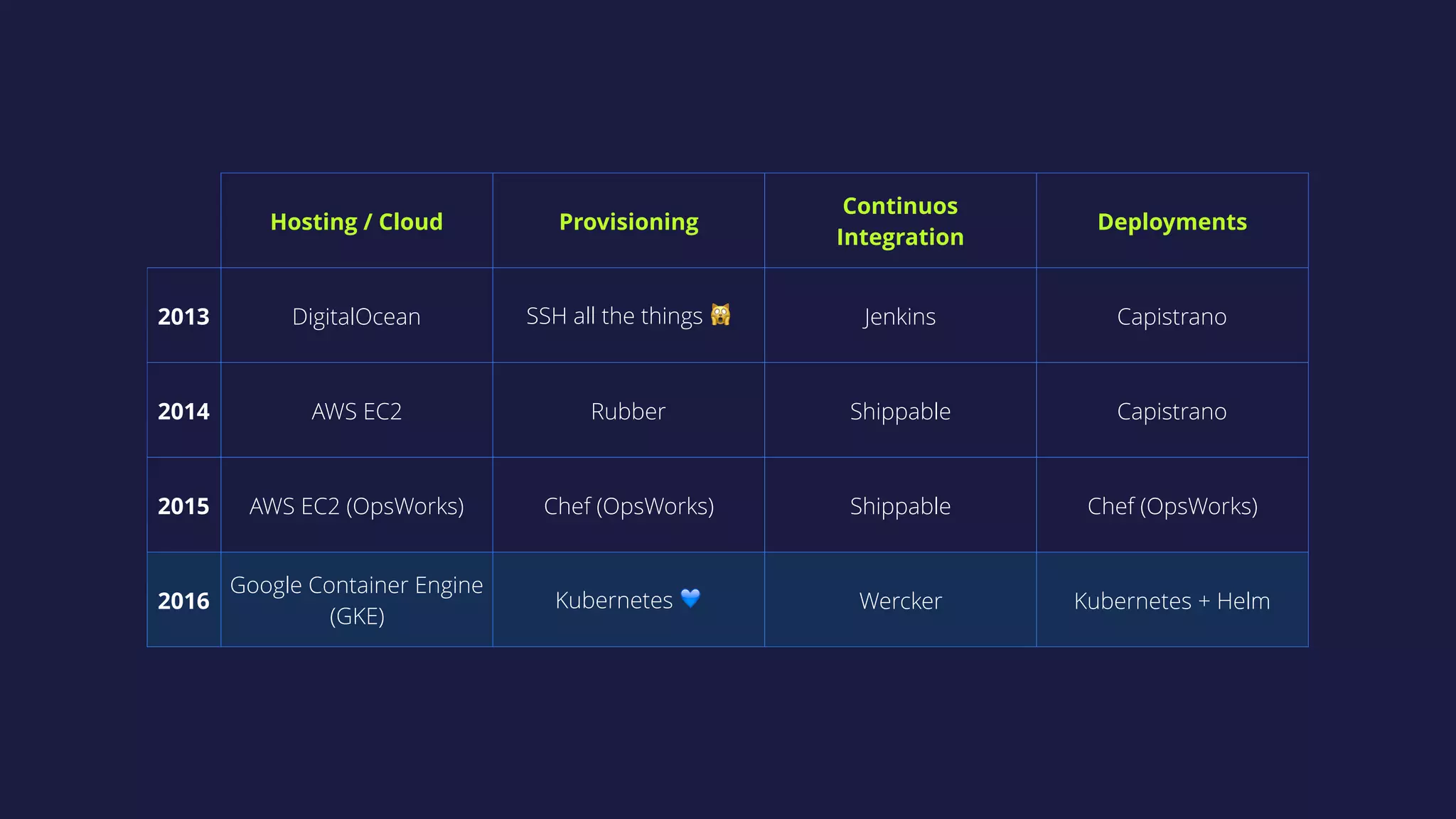
Hosting / Cloud Provisioning
Continuos 

Integration
Deployments
2013 DigitalOcean SSH all the things 🙀 Jenkins Capistrano
2014 AWS EC2 Rubber Shippable Capistrano
2015 AWS EC2 (OpsWorks) Chef (OpsWorks) Shippable Chef (OpsWorks)
2016
Google Container Engine 

(GKE)
Kubernetes 💙 Wercker Kubernetes + Helm
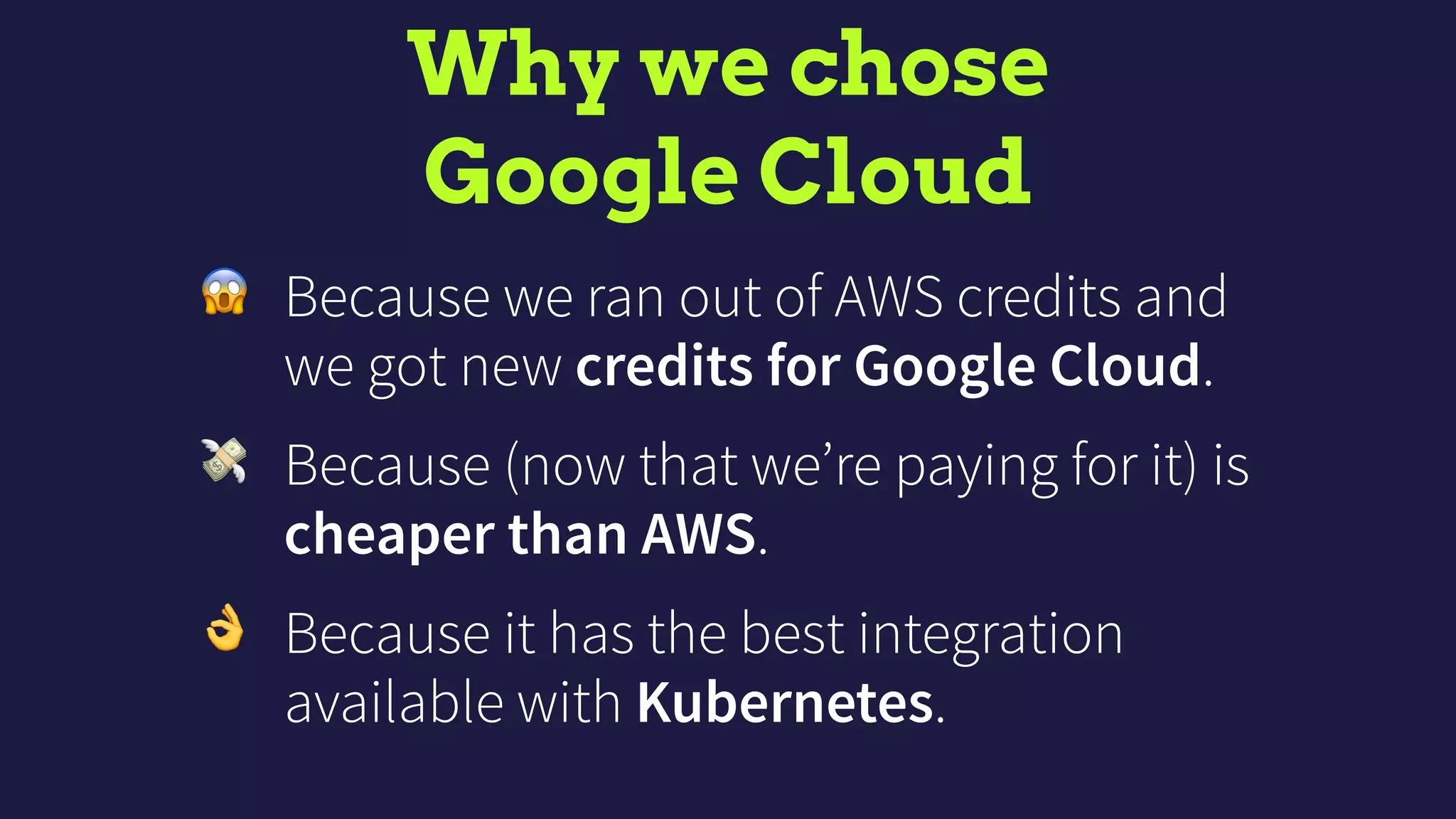
Why we chose

Google Cloud
😱 Because we ran out of AWS credits and
we got new credits for Google Cloud.
💸 Because (now that we’re paying for it) is
cheaper than AWS.
👌 Because it has the best integration
available with Kubernetes.
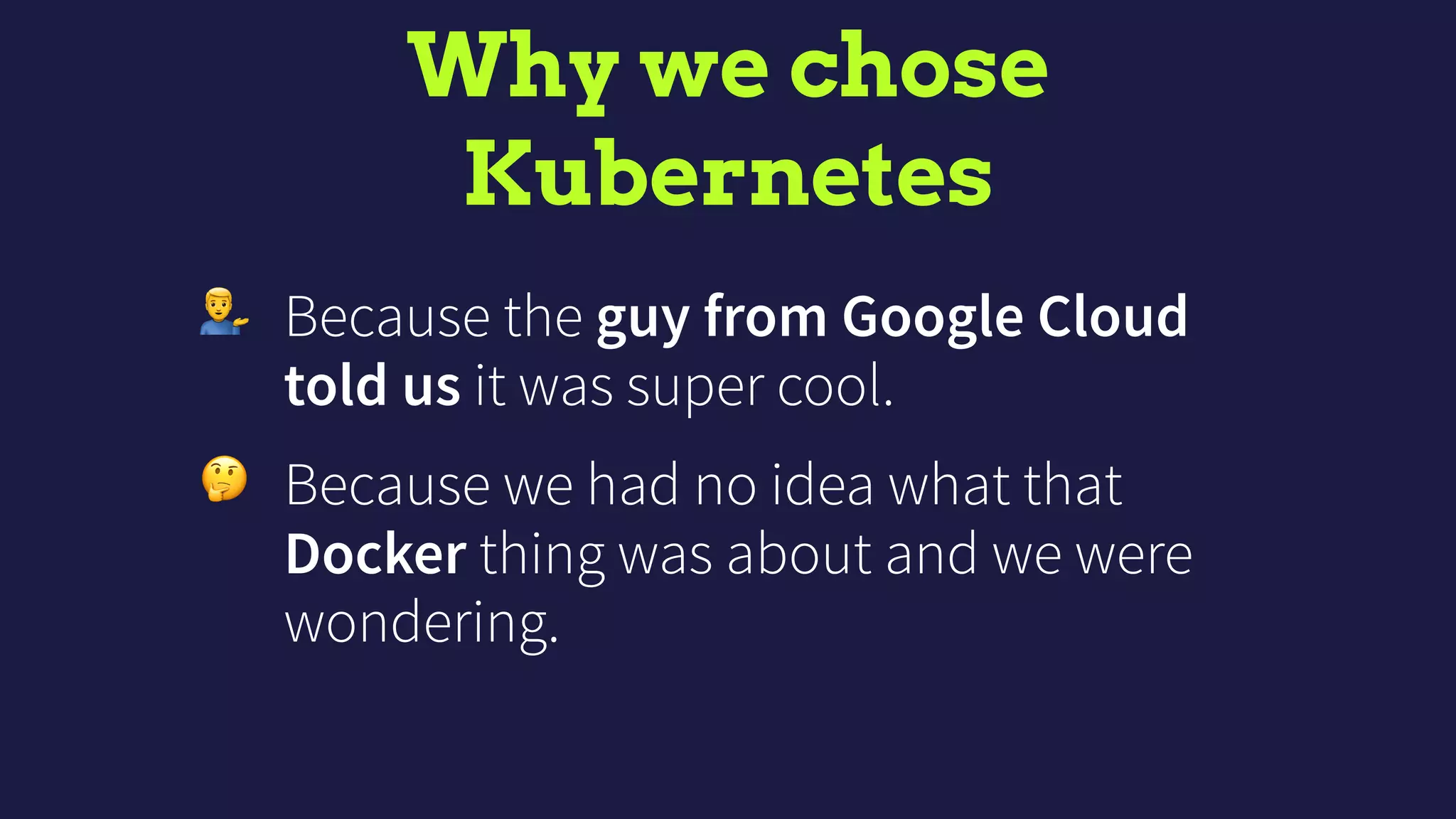
Why we chose

Kubernetes
' Because the guy from Google Cloud
told us it was super cool.
🤔 Because we had no idea what that
Docker thing was about and we were
wondering.
Why we chose

Wercker
🚀 Because it was way faster than Shippable
running our Slow Rails Test Suite™ .
🤑 Because, as Shippable, it’s free.
✨ Because the UX/UI is so pretty.
KUBERNETES 101
(IN 3 MINS)
What is Kubernetes?
• Open-source system for container
orchestration and more.
• Works with many cloud providers
(Google Cloud, AWS, etc.) and bare
metal.
Basic Kubernetes concepts
• Node: a VM or bare metal machine running
Kubernetes.
• Cluster: a bunch of nodes.
• Pod: a group of one or more containers.
• Deployment: defines how many replicas of a Pod
you want and how to perform updates (deploys).
• Service: exposes some pods in a given port.
More about Kubernetes
https://www.youtube.com/watch?v=K_Kh4LMiiqQ
HOW WE USE
KUBERNETES
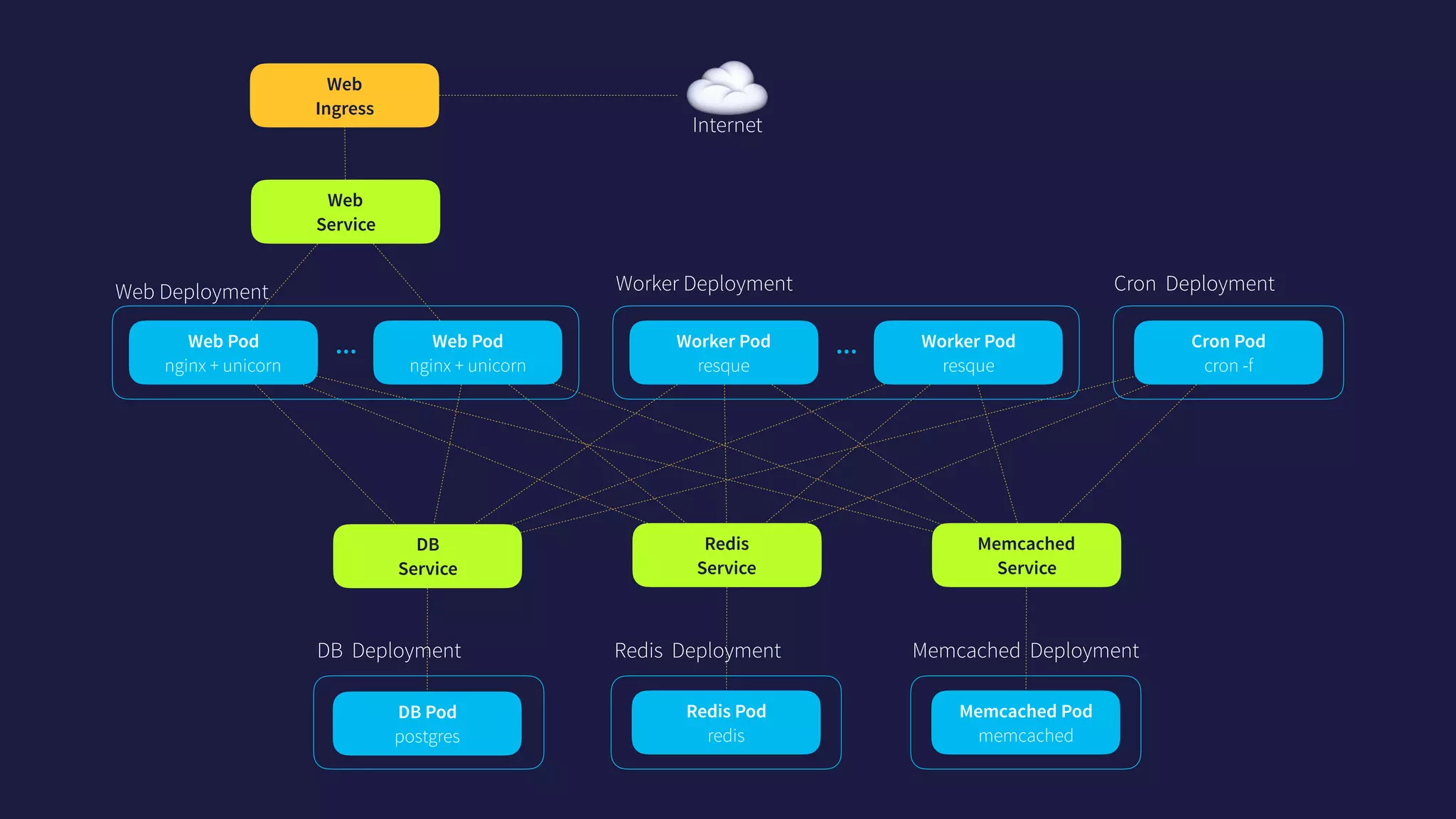
Worker Deployment
…
Web

Service
DB 

Service
Redis 

Service
Memcached 

Service
Memcached Deployment
Memcached Pod

memcached
Worker Pod

resque
Worker Pod

resque
Web Deployment
…Web Pod

nginx + unicorn
Web Pod

nginx + unicorn
Cron Deployment
Cron Pod

cron -f
Redis Deployment
Redis Pod

redis
DB Deployment
DB Pod

postgres
Web

Ingress
☁Internet
HELM 101
(IN 3 MINS)
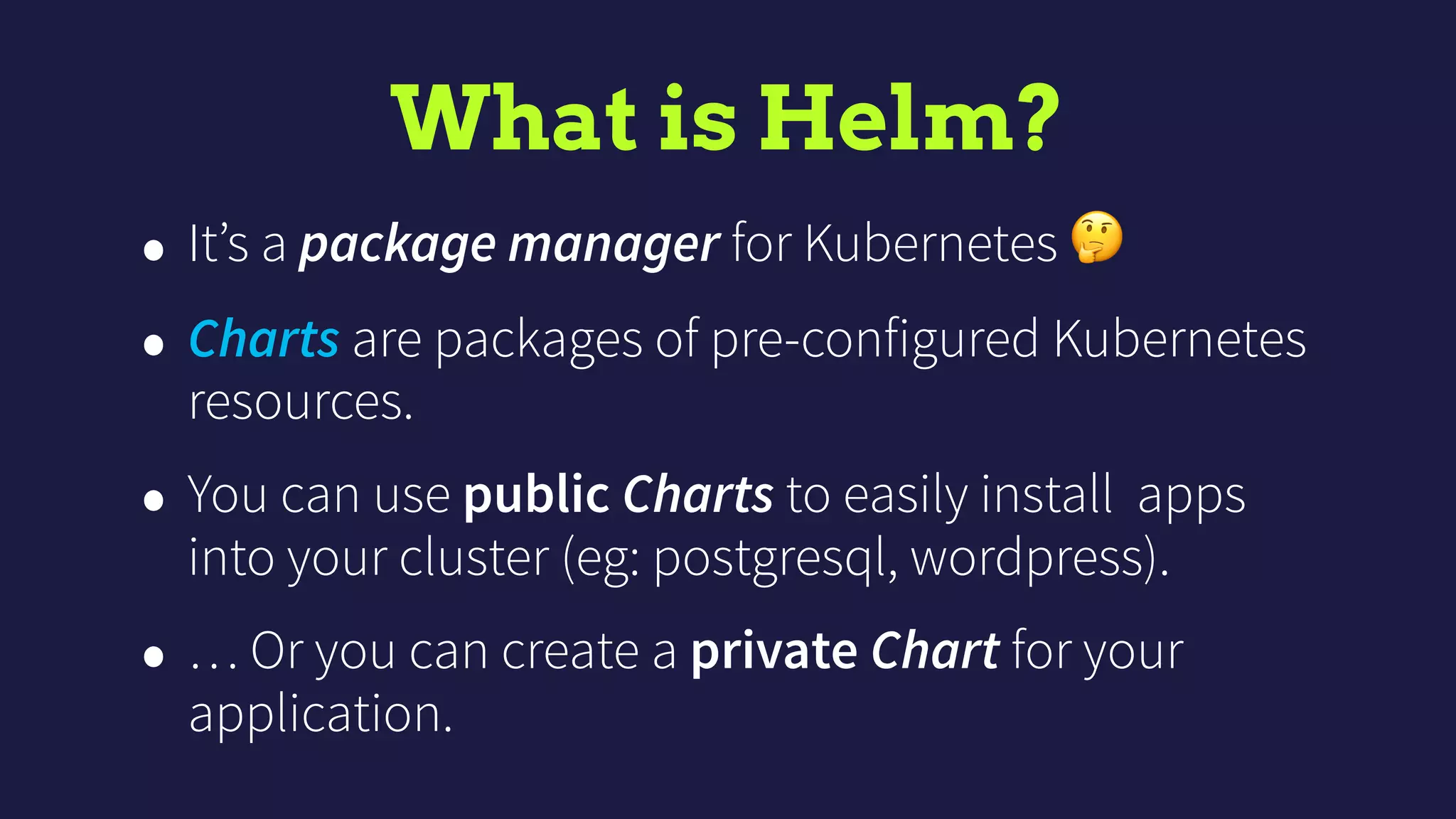
What is Helm?
• It’s a package manager for Kubernetes 🤔
• Charts are packages of pre-configured Kubernetes
resources.
• You can use public Charts to easily install apps
into your cluster (eg: postgresql, wordpress).
• … Or you can create a private Chart for your
application.
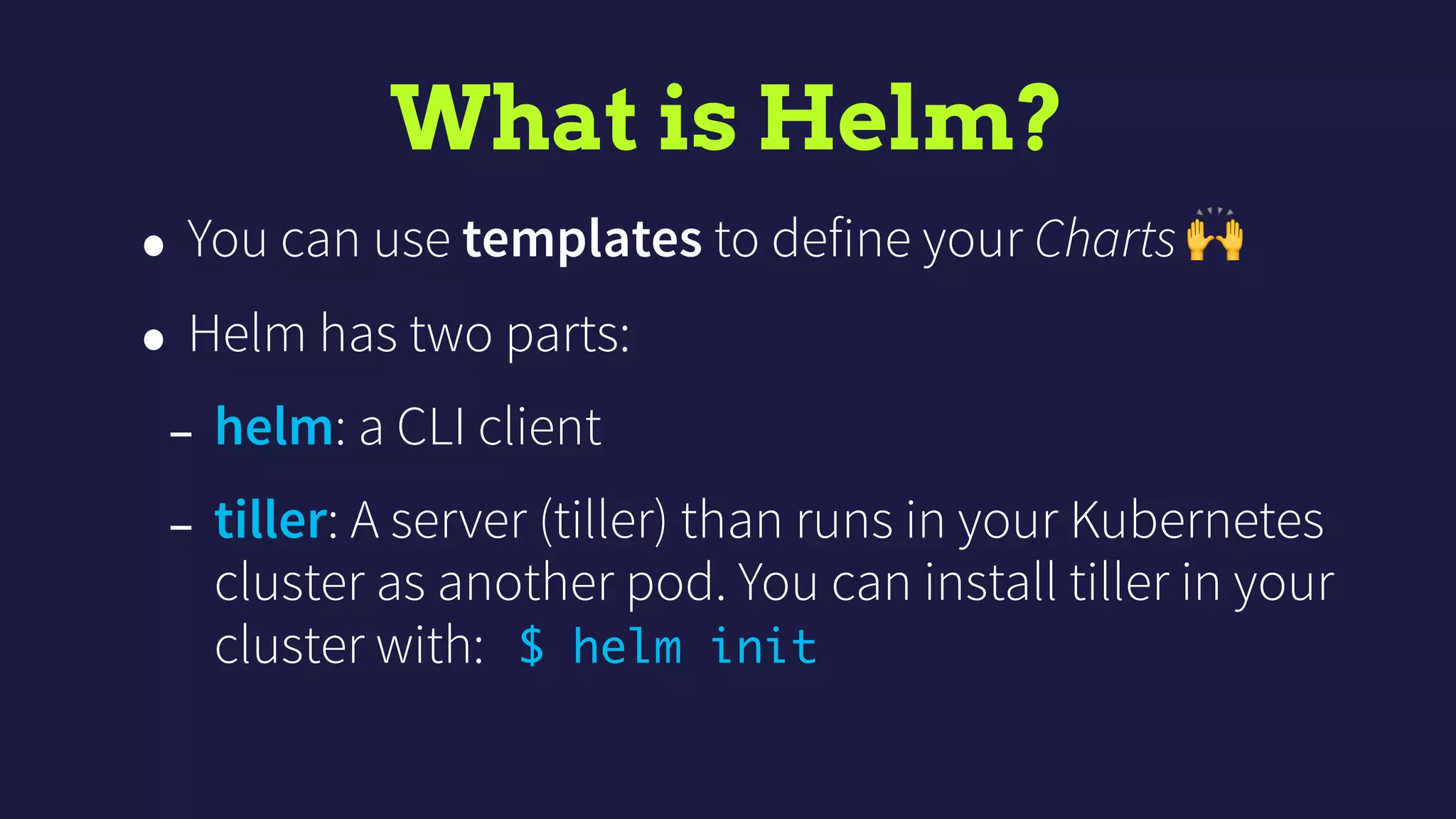
What is Helm?
• You can use templates to define your Charts 🙌
• Helm has two parts:
- helm: a CLI client
- tiller: A server (tiller) than runs in your Kubernetes
cluster as another pod. You can install tiller in your
cluster with: $ helm init
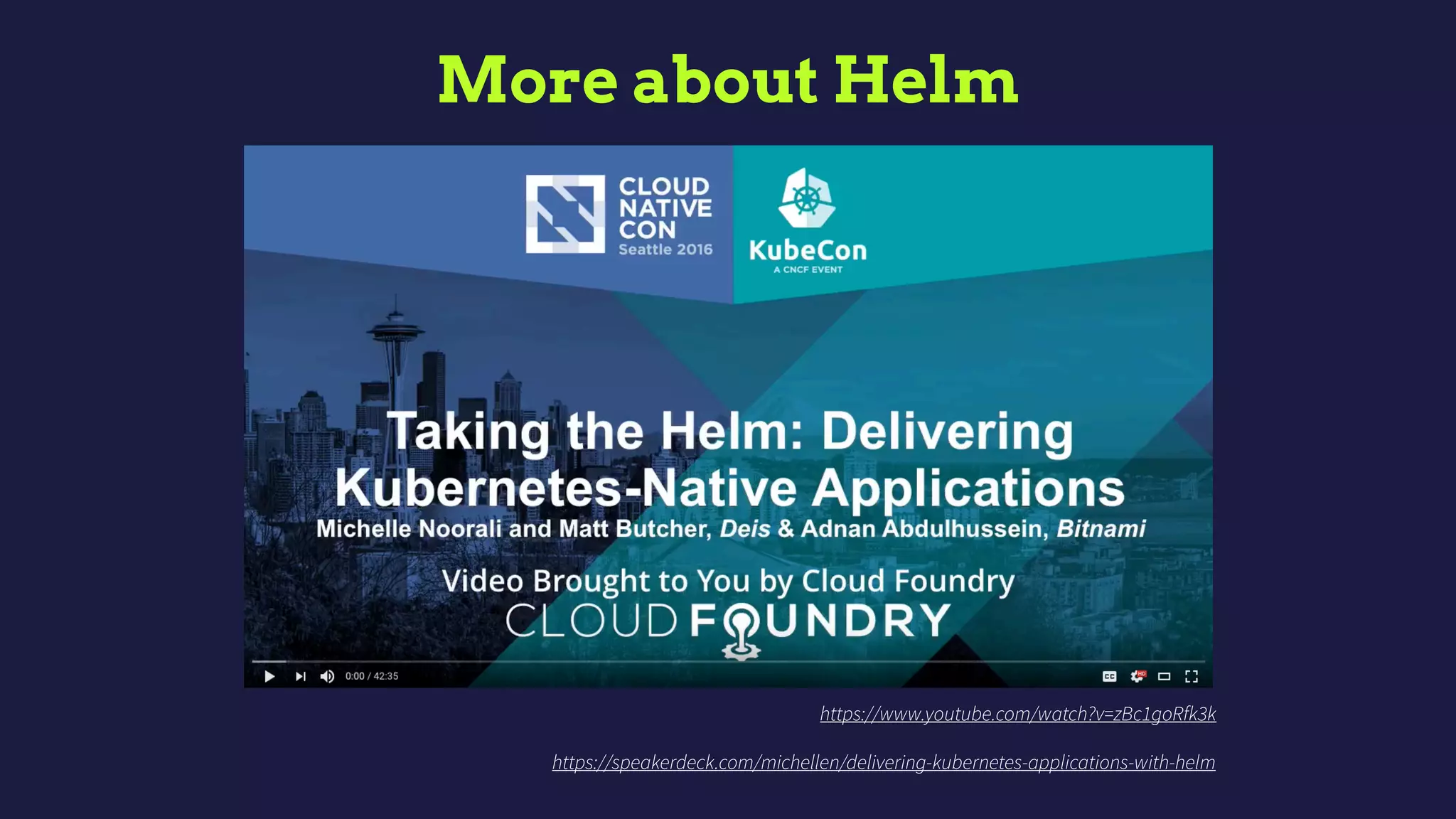
More about Helm
https://www.youtube.com/watch?v=zBc1goRfk3k
https://speakerdeck.com/michellen/delivering-kubernetes-applications-with-helm
HOW WE USE
HELM
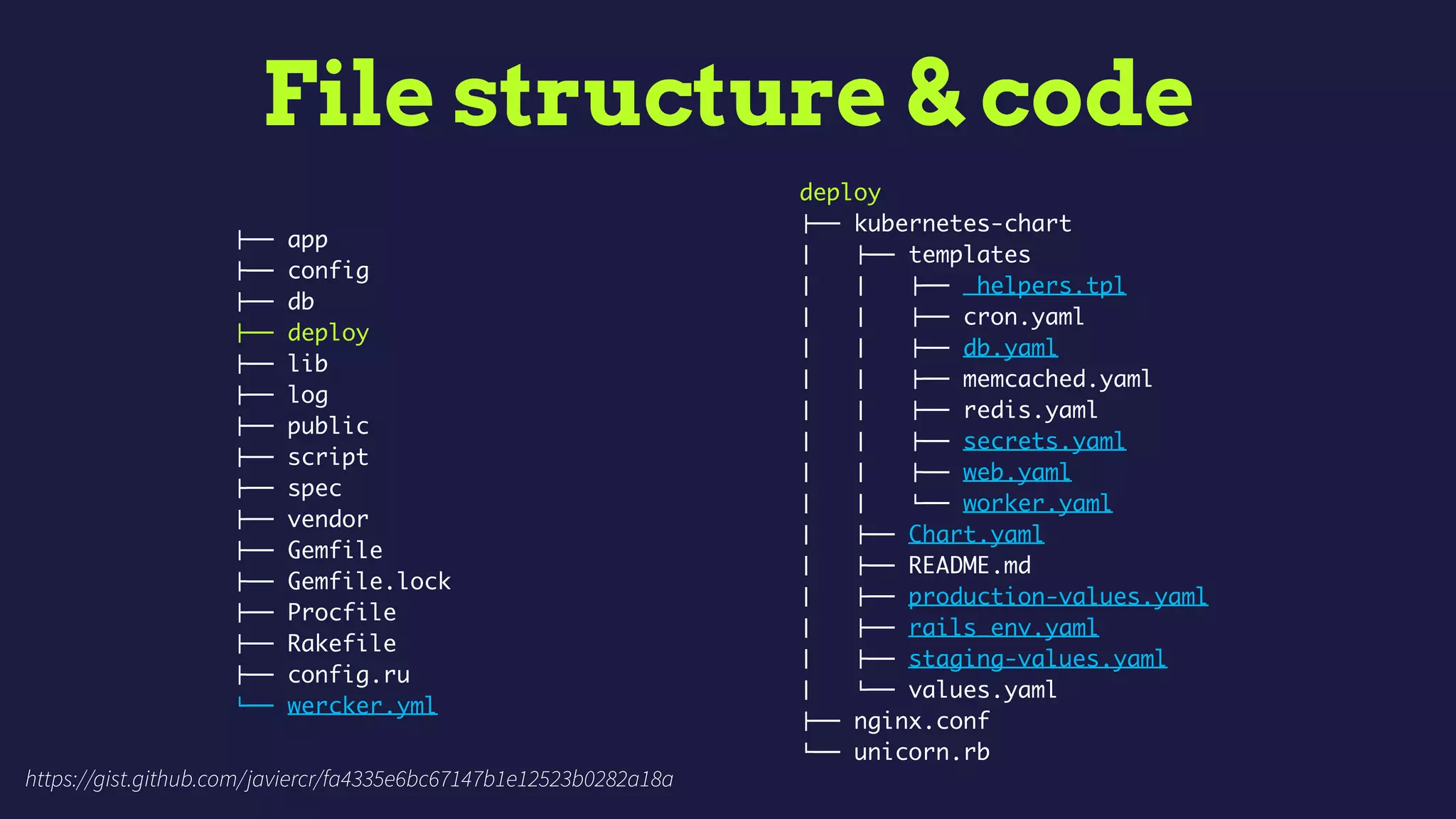
File structure & code
!"" app
!"" config
!"" db
!"" deploy
!"" lib
!"" log
!"" public
!"" script
!"" spec
!"" vendor
!"" Gemfile
!"" Gemfile.lock
!"" Procfile
!"" Rakefile
!"" config.ru
#"" wercker.yml
deploy
!"" kubernetes-chart
$   !"" templates
$   $   !"" _helpers.tpl
$   $   !"" cron.yaml
$   $   !"" db.yaml
$   $   !"" memcached.yaml
$   $   !"" redis.yaml
$   $   !"" secrets.yaml
$   $   !"" web.yaml
$   $   #"" worker.yaml
$   !"" Chart.yaml
$   !"" README.md
$   !"" production-values.yaml
$   !"" rails_env.yaml
$   !"" staging-values.yaml
$   #"" values.yaml
!"" nginx.conf
#"" unicorn.rb
https://gist.github.com/javiercr/fa4335e6bc67147b1e12523b0282a18a
WERCKER 101
(IN 3 MINS)
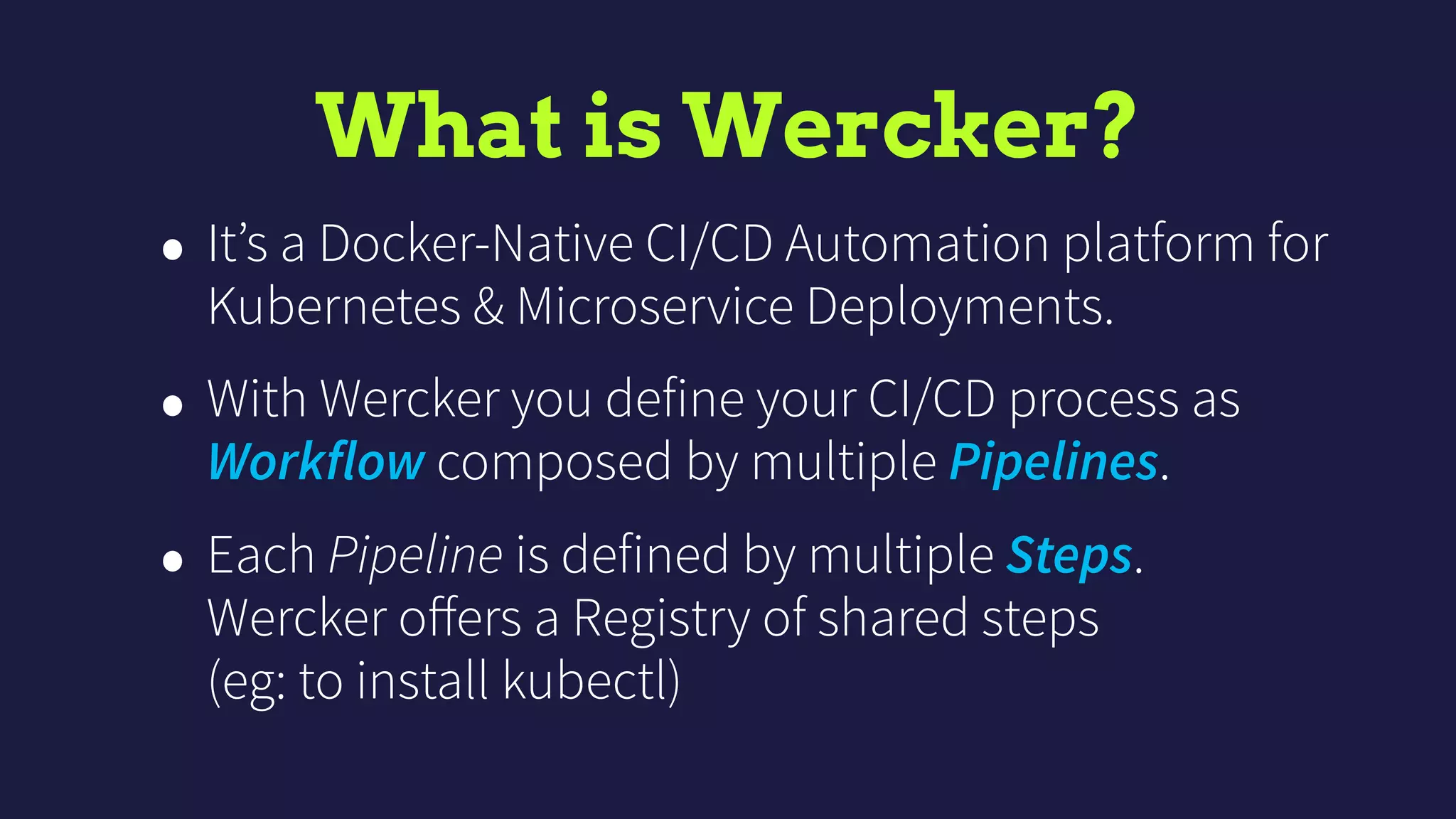
What is Wercker?
• It’s a Docker-Native CI/CD Automation platform for
Kubernetes & Microservice Deployments.
• With Wercker you define your CI/CD process as
Workflow composed by multiple Pipelines.
• Each Pipeline is defined by multiple Steps. 

Wercker offers a Registry of shared steps 

(eg: to install kubectl)
HOW WE USE
WERCKER
install nodejs, phantomjs
bundle install
rake db:create
rspec
install nodejs, nginx, cron
copy nginx.conf
copy unicorn.rb
bundle install
rake assets:precompile
hipchat notification
install kubectl
install helm
helm upgrade
hipchat notification
build
build-container
deploy-staging
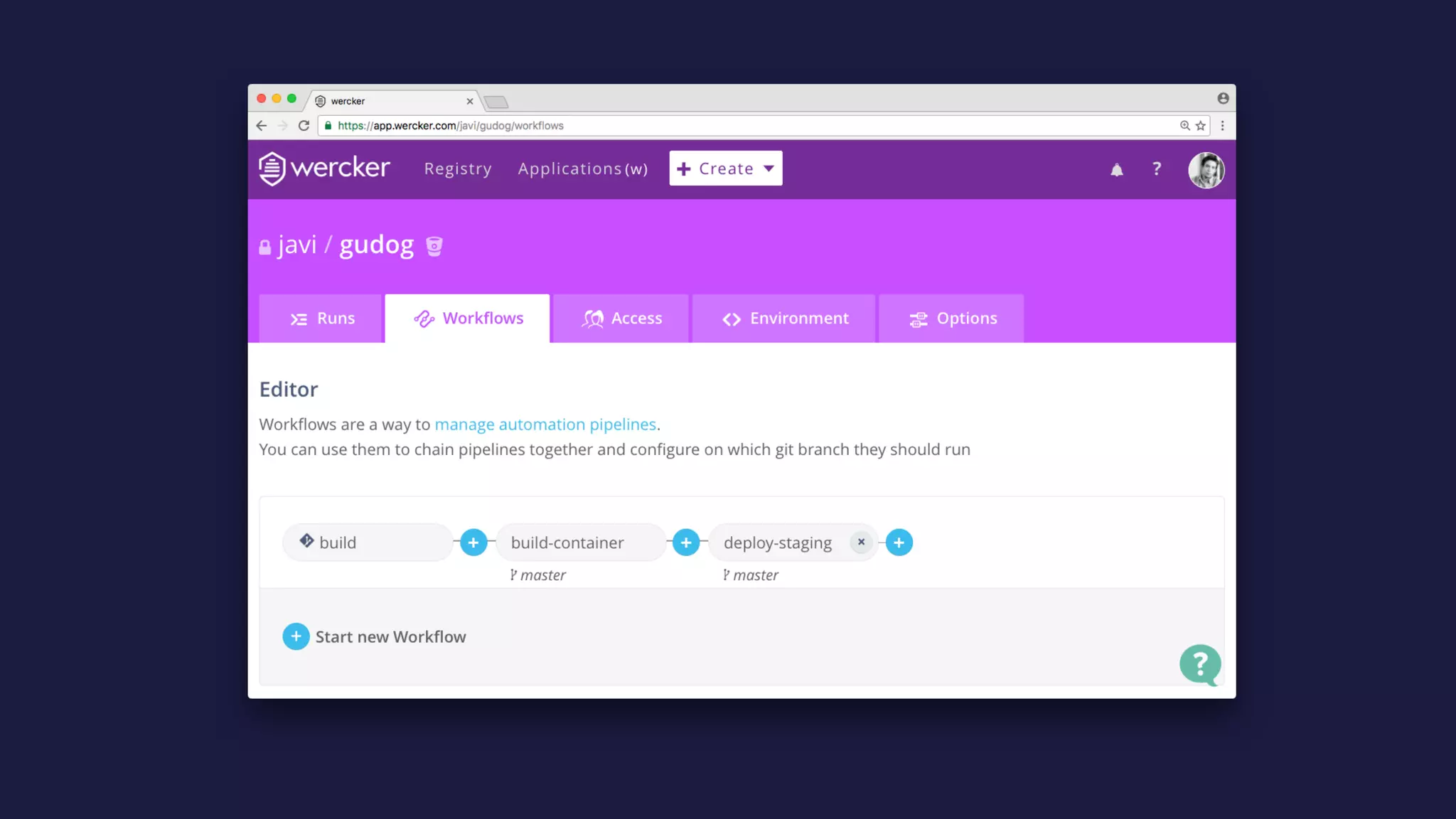
Gudog’s Wercker Workflow
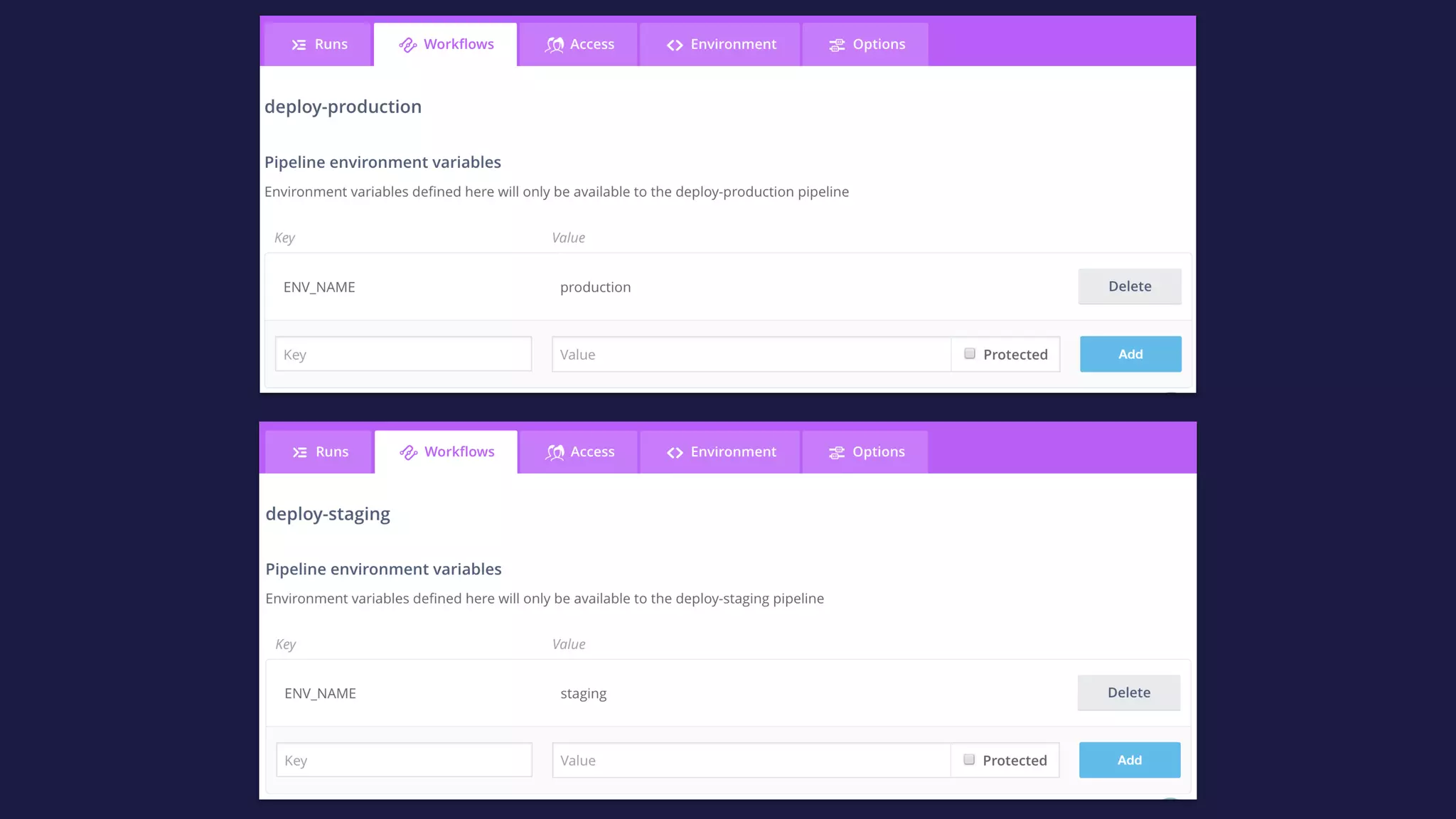
note that we decided to only automate deployments to staging. env.
however deploying to production it’s just one click 

(executing the deploy-production pipeline from wercker ui)
docker push to GCR
Gudog’s Wercker Workflow
Our wercker.yml:
https://gist.github.com/javiercr/fa4335e6bc67147b1e12523b0282a18a#file-wercker-yml
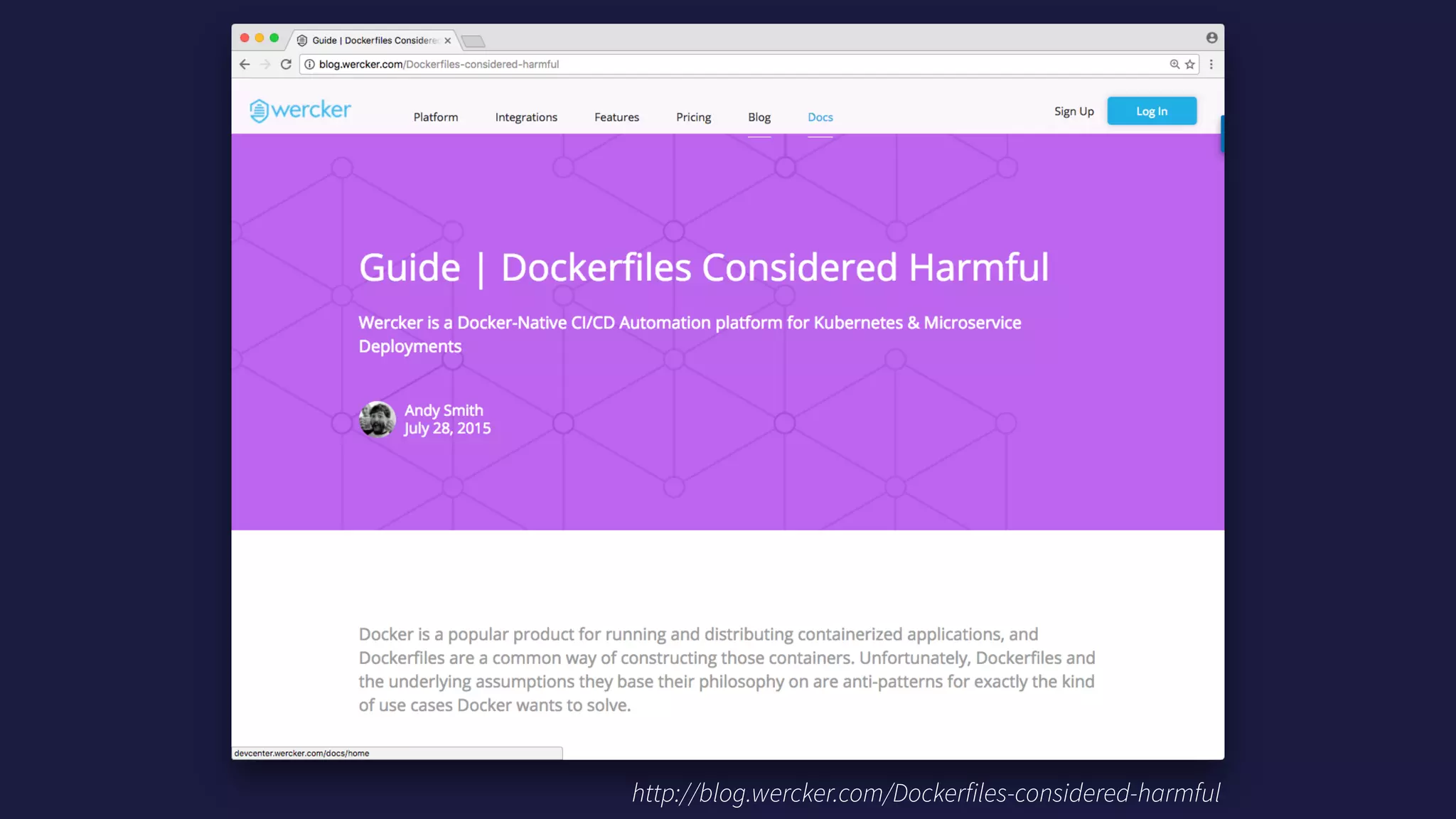
http://blog.wercker.com/Dockerfiles-considered-harmful
THANK YOU
Questions?
Special thanks to @LachlanEvenson from Deis
for helping me get started with Helm and the k8s community.

CI/CD with Kubernetes, Helm & Wercker (#madScalability)

  • 1.
    CI/CD with Kubernetes, Helm& Wercker #madScalability
 Madrid
 30/11/2016
  • 2.
    About me: Javier Cuevas
 @javier_dev AIRBNB FOR DOGS “MAJESTIC” RAILS 3.2 MONOLITH RUBY ON RAILS SHOP 
 WHO EMBRACED ELIXIR previously now full time!
  • 3.
    First things first:
 Myreview of the new MacBook Pro with Touch Bar: Meh 😔
  • 4.
    Disclaimers 1. I learnedDocker while learning Kubernetes. I ain’t no expert. 2. Gudog is not at unicorn scale. We’re just at dog scale.
  • 6.
  • 7.
    A LOOK BACK TODEVOPS 
 @ Gudog
  • 8.
    Hosting / CloudProvisioning Continuos 
 Integration Deployments 2013 DigitalOcean SSH all the things 🙀 Jenkins Capistrano 2014 AWS EC2 Rubber Shippable Capistrano 2015 AWS EC2 (OpsWorks) Chef (OpsWorks) Shippable Chef (OpsWorks) 2016 Google Container Engine 
 (GKE) Kubernetes 💙 Wercker Kubernetes + Helm
  • 9.
    Why we chose
 GoogleCloud 😱 Because we ran out of AWS credits and we got new credits for Google Cloud. 💸 Because (now that we’re paying for it) is cheaper than AWS. 👌 Because it has the best integration available with Kubernetes.
  • 10.
    Why we chose
 Kubernetes 'Because the guy from Google Cloud told us it was super cool. 🤔 Because we had no idea what that Docker thing was about and we were wondering.
  • 11.
    Why we chose
 Wercker 🚀Because it was way faster than Shippable running our Slow Rails Test Suite™ . 🤑 Because, as Shippable, it’s free. ✨ Because the UX/UI is so pretty.
  • 12.
  • 13.
    What is Kubernetes? •Open-source system for container orchestration and more. • Works with many cloud providers (Google Cloud, AWS, etc.) and bare metal.
  • 14.
    Basic Kubernetes concepts •Node: a VM or bare metal machine running Kubernetes. • Cluster: a bunch of nodes. • Pod: a group of one or more containers. • Deployment: defines how many replicas of a Pod you want and how to perform updates (deploys). • Service: exposes some pods in a given port.
  • 15.
  • 16.
  • 17.
    Worker Deployment … Web
 Service DB 
 Service Redis
 Service Memcached 
 Service Memcached Deployment Memcached Pod
 memcached Worker Pod
 resque Worker Pod
 resque Web Deployment …Web Pod
 nginx + unicorn Web Pod
 nginx + unicorn Cron Deployment Cron Pod
 cron -f Redis Deployment Redis Pod
 redis DB Deployment DB Pod
 postgres Web
 Ingress ☁Internet
  • 18.
  • 19.
    What is Helm? •It’s a package manager for Kubernetes 🤔 • Charts are packages of pre-configured Kubernetes resources. • You can use public Charts to easily install apps into your cluster (eg: postgresql, wordpress). • … Or you can create a private Chart for your application.
  • 20.
    What is Helm? •You can use templates to define your Charts 🙌 • Helm has two parts: - helm: a CLI client - tiller: A server (tiller) than runs in your Kubernetes cluster as another pod. You can install tiller in your cluster with: $ helm init
  • 21.
  • 22.
  • 23.
    File structure &code !"" app !"" config !"" db !"" deploy !"" lib !"" log !"" public !"" script !"" spec !"" vendor !"" Gemfile !"" Gemfile.lock !"" Procfile !"" Rakefile !"" config.ru #"" wercker.yml deploy !"" kubernetes-chart $   !"" templates $   $   !"" _helpers.tpl $   $   !"" cron.yaml $   $   !"" db.yaml $   $   !"" memcached.yaml $   $   !"" redis.yaml $   $   !"" secrets.yaml $   $   !"" web.yaml $   $   #"" worker.yaml $   !"" Chart.yaml $   !"" README.md $   !"" production-values.yaml $   !"" rails_env.yaml $   !"" staging-values.yaml $   #"" values.yaml !"" nginx.conf #"" unicorn.rb https://gist.github.com/javiercr/fa4335e6bc67147b1e12523b0282a18a
  • 24.
  • 25.
    What is Wercker? •It’s a Docker-Native CI/CD Automation platform for Kubernetes & Microservice Deployments. • With Wercker you define your CI/CD process as Workflow composed by multiple Pipelines. • Each Pipeline is defined by multiple Steps. 
 Wercker offers a Registry of shared steps 
 (eg: to install kubectl)
  • 26.
  • 29.
    install nodejs, phantomjs bundleinstall rake db:create rspec install nodejs, nginx, cron copy nginx.conf copy unicorn.rb bundle install rake assets:precompile hipchat notification install kubectl install helm helm upgrade hipchat notification build build-container deploy-staging Gudog’s Wercker Workflow note that we decided to only automate deployments to staging. env. however deploying to production it’s just one click 
 (executing the deploy-production pipeline from wercker ui) docker push to GCR
  • 30.
    Gudog’s Wercker Workflow Ourwercker.yml: https://gist.github.com/javiercr/fa4335e6bc67147b1e12523b0282a18a#file-wercker-yml
  • 31.
  • 32.
    THANK YOU Questions? Special thanksto @LachlanEvenson from Deis for helping me get started with Helm and the k8s community.