Choose the Right
Visual
Lorenzo Vercellati
Lorenzo Vercellati
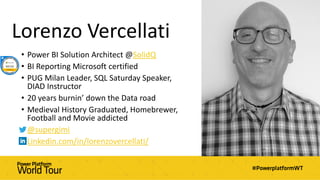
• Power BI Solution Architect @SolidQ
• BI Reporting Microsoft certified
• PUG Milan Leader, SQL Saturday Speaker,
DIAD Instructor
• 20 years burnin’ down the Data road
• Medieval History Graduated, Homebrewer,
Football and Movie addicted
• @supergimi
• Linkedin.com/in/lorenzovercellati/
Disclaimer
Session Objectives & Agenda
• Identify the best practice to develop an
effective and efficient data visualization
• Who is a data storyteller?
• Types and Goals of a data visualization
• Visualization Guidelines
• Main visuals Best practices
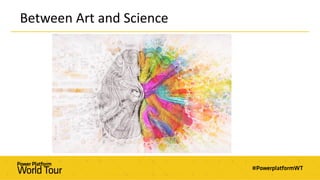
Between Art and Science
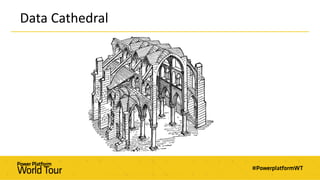
Data Cathedral
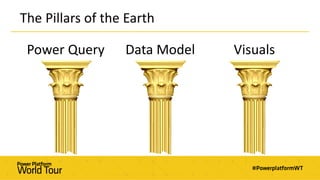
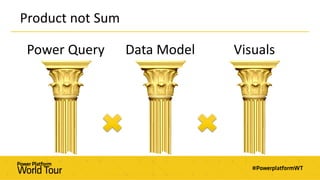
The Pillars of the Earth
Power Query Data Model Visuals
Product not Sum
Power Query Data Model Visuals
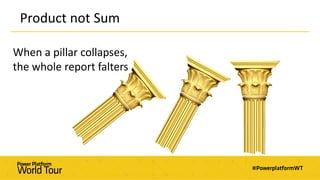
Product not Sum
When a pillar collapses,
the whole report falters
Welcome to the Report Cemetery
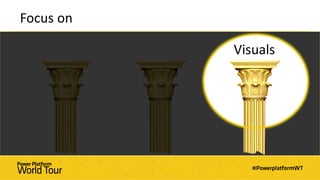
Focus on
Visuals
Who is a Data Storyteller?
Between Art and Science
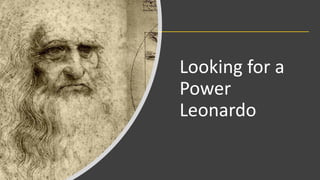
Looking for a
Power
Leonardo
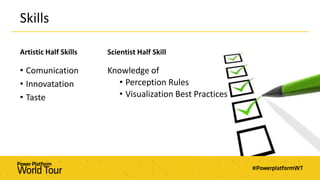
Artistic Half Skills
• Comunication
• Innovatation
• Taste
Scientist Half Skill
Knowledge of
• Perception Rules
• Visualization Best Practices
Skills
“Hard Work never beats Talent
when Talent works hard”
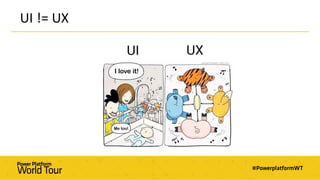
UI != UX
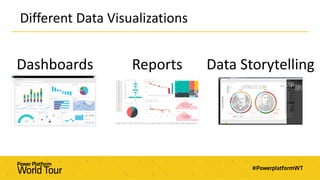
Different Data Visualizations
Dashboards Reports Data Storytelling
Dashboards
A dashboard is a visual display
of
the most important information needed to achieve one or more objectives
that has been
consolidated on a single computer screen
so it can be
monitored at a glance
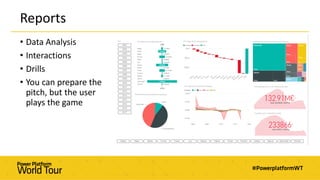
Reports
• Data Analysis
• Interactions
• Drills
• You can prepare the
pitch, but the user
plays the game
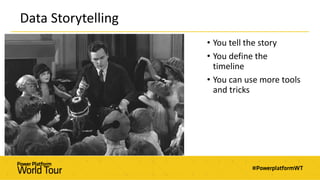
Data Storytelling
• You tell the story
• You define the
timeline
• You can use more tools
and tricks
Human Perception
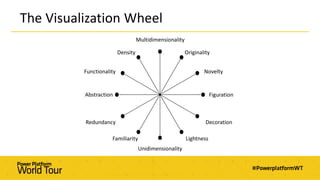
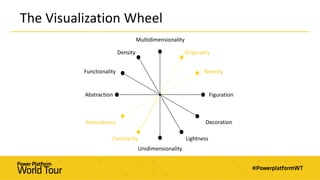
The Visualization Wheel
Density
Multidimensionality
Originality
Novelty
Figuration
Functionality
Abstraction
Redundancy
Familiarity
Unidimensionality
Lightness
Decoration
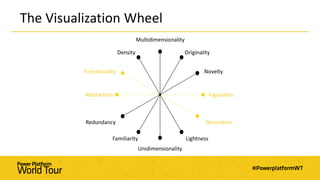
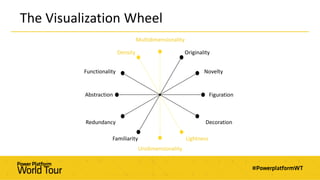
The Visualization Wheel
Density
Multidimensionality
Originality
Novelty
Figuration
Functionality
Abstraction
Redundancy
Familiarity
Unidimensionality
Lightness
Decoration
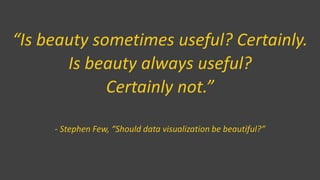
“Is beauty sometimes useful? Certainly.
Is beauty always useful?
Certainly not.”
- Stephen Few, “Should data visualization be beautiful?”
The Visualization Wheel
Density
Multidimensionality
Originality
Novelty
Figuration
Functionality
Abstraction
Redundancy
Familiarity
Unidimensionality
Lightness
Decoration
The Visualization Wheel
Density
Multidimensionality
Originality
Novelty
Figuration
Functionality
Abstraction
Redundancy
Familiarity
Unidimensionality
Lightness
Decoration
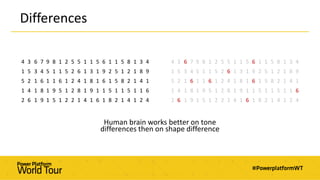
Differences
Human brain works better on tone
differences then on shape difference
4 3 6 7 9 8 1 2 5 5 1 1 5 6 1 1 5 8 1 3 4
1 5 3 4 5 1 1 5 2 6 1 3 1 9 2 5 1 2 1 8 9
5 2 1 6 1 1 6 1 2 4 1 8 1 6 1 5 8 2 1 4 1
1 4 1 8 1 9 5 1 2 8 1 9 1 1 5 1 1 5 1 1 6
2 6 1 9 1 5 1 2 2 1 4 1 6 1 8 2 1 4 1 2 4
4 3 6 7 9 8 1 2 5 5 1 1 5 6 1 1 5 8 1 3 4
1 5 3 4 5 1 1 5 2 6 1 3 1 9 2 5 1 2 1 8 9
5 2 1 6 1 1 6 1 2 4 1 8 1 6 1 5 8 2 1 4 1
1 4 1 8 1 9 5 1 2 8 1 9 1 1 5 1 1 5 1 1 6
2 6 1 9 1 5 1 2 2 1 4 1 6 1 8 2 1 4 1 2 4
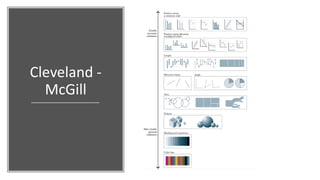
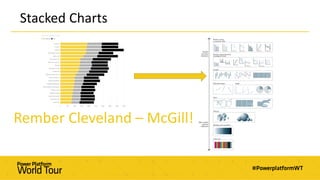
Cleveland -
McGill
Let’s Visual
The Wild Bunch
34 Default
Visuals
100+ Custom
Visuals
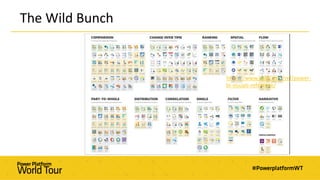
The Wild Bunch
https://www.sqlbi.com/ref/power-
bi-visuals-reference/
No more Pie Chart
Leave them to those
who can really get
something out of it!
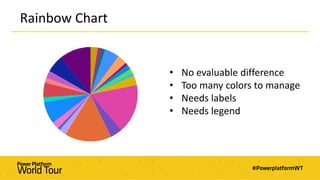
Rainbow Chart
• No evaluable difference
• Too many colors to manage
• Needs labels
• Needs legend
“If you can eat it,
Don’t use it in Power BI”
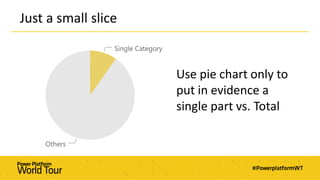
Just a small slice
Use pie chart only to
put in evidence a
single part vs. Total
Pie vs Bar Demo
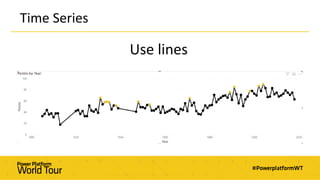
Time Series
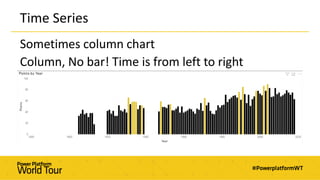
Use lines
Time Series
Sometimes column chart
Column, No bar! Time is from left to right
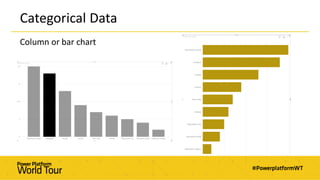
Categorical Data
Column or bar chart
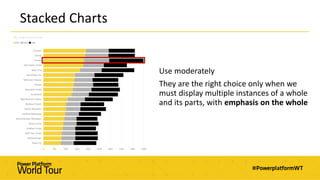
Stacked Charts
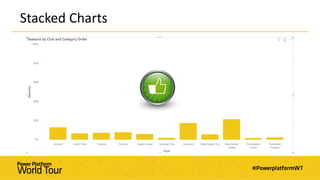
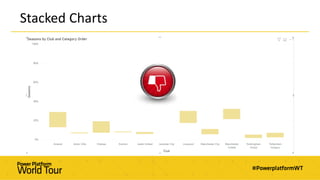
Use moderately
They are the right choice only when we
must display multiple instances of a whole
and its parts, with emphasis on the whole
Stacked Charts
Rember Cleveland – McGill!
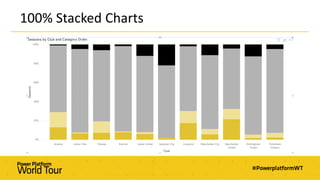
100% Stacked Charts
Stacked Charts
Stacked Charts
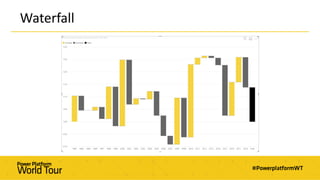
Waterfall
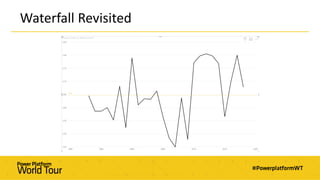
Waterfall Revisited
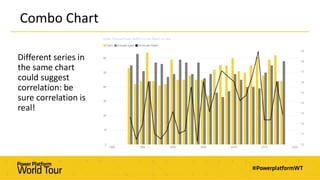
Combo Chart
Different series in
the same chart
could suggest
correlation: be
sure correlation is
real!
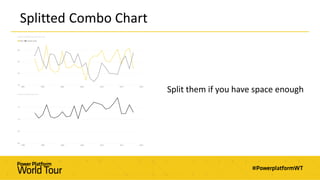
Splitted Combo Chart
Split them if you have space enough
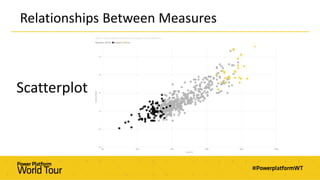
Relationships Between Measures
Scatterplot
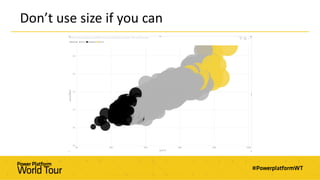
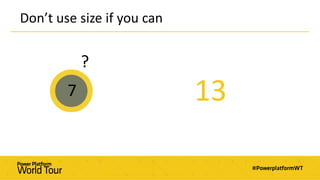
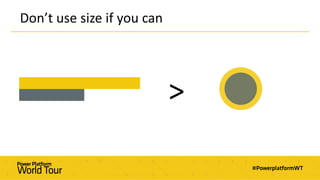
Don’t use size if you can
7
?
13
Bubble Size Demo
Don’t use size if you can
>
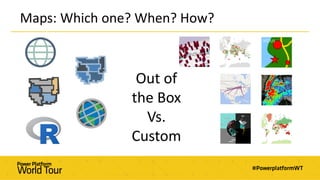
Maps: Which one? When? How?
Out of
the Box
Vs.
Custom
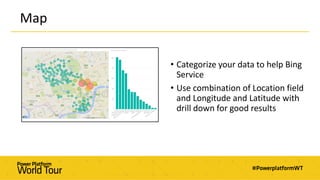
Map
• Categorize your data to help Bing
Service
• Use combination of Location field
and Longitude and Latitude with
drill down for good results
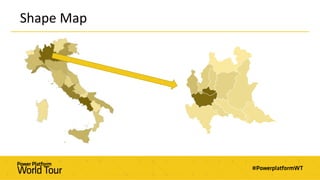
Shape Map
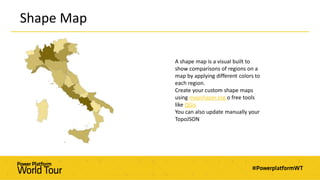
A shape map is a visual built to
show comparisons of regions on a
map by applying different colors to
each region.
Create your custom shape maps
using mapshaper.org o free tools
like QGis
You can also update manually your
TopoJSON
Shape Map
Shape Map Demo
Is There Anybody Out There?
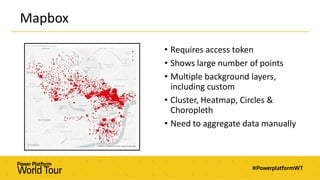
Mapbox
• Requires access token
• Shows large number of points
• Multiple background layers,
including custom
• Cluster, Heatmap, Circles &
Choropleth
• Need to aggregate data manually
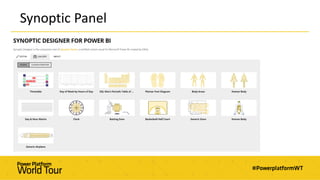
Synoptic Panel
Tables and Matrices
are the cause of 95% death
of data visualization projects
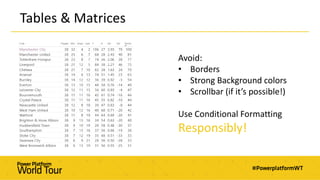
Tables & Matrices
Avoid:
• Borders
• Strong Background colors
• Scrollbar (if it’s possible!)
Use Conditional Formatting
Responsibly!
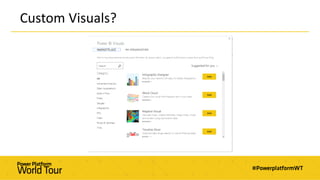
Custom Visuals?
Colors
Colors
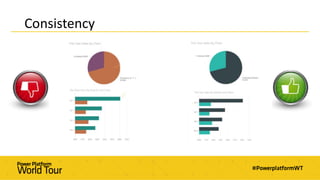
• Colors must have a significate
• Mind Color consistency
• Follow your artistic talent but also some designer guide!
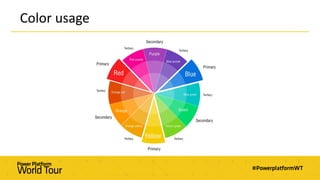
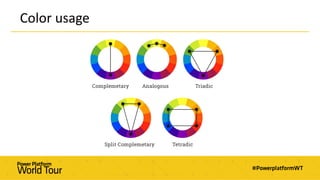
Color usage
Color usage
Consistency
Recap
Welcome to
the Viz Club
1st Rule
You do not use Pie Chart
2nd Rule
You do not use Pie Chart
Less is more
Keep it
Simple!
Keep it
Clear!
“A report is like a joke:
If you have to explain it,
it's bad design”
It’s not when you have
nothing else to add,
It’s when you have
nothing to take away
Perfection
Bibliography
• Alberto Cairo, The Truthful Art
• Alberto Cairo, The Functional Art
• Cole Nussbaumer Knaflic, Storytelling With Data
• Stephen Few, Information Dashboard Design
Useful Links
• http://www.storytellingwithdata.com/
• https://www.perceptualedge.com/
• https://micoyuk.com/
• https://blog.hubspot.com/marketing/color-theory-design
• https://coolors.co/
Thank you!

Choose the right visual