What is Java JFrams
This Chapter we shall learn Java GUI by using netbeans.
JFrame class is a type of container which inherits the java,
JFrame works like the main window where components
like labels, buttons, textfields are added to create a GUI.
6/11/2024 edited and donate awil mohamud
Design View
6/11/2024 ENG. Awil Mohamud
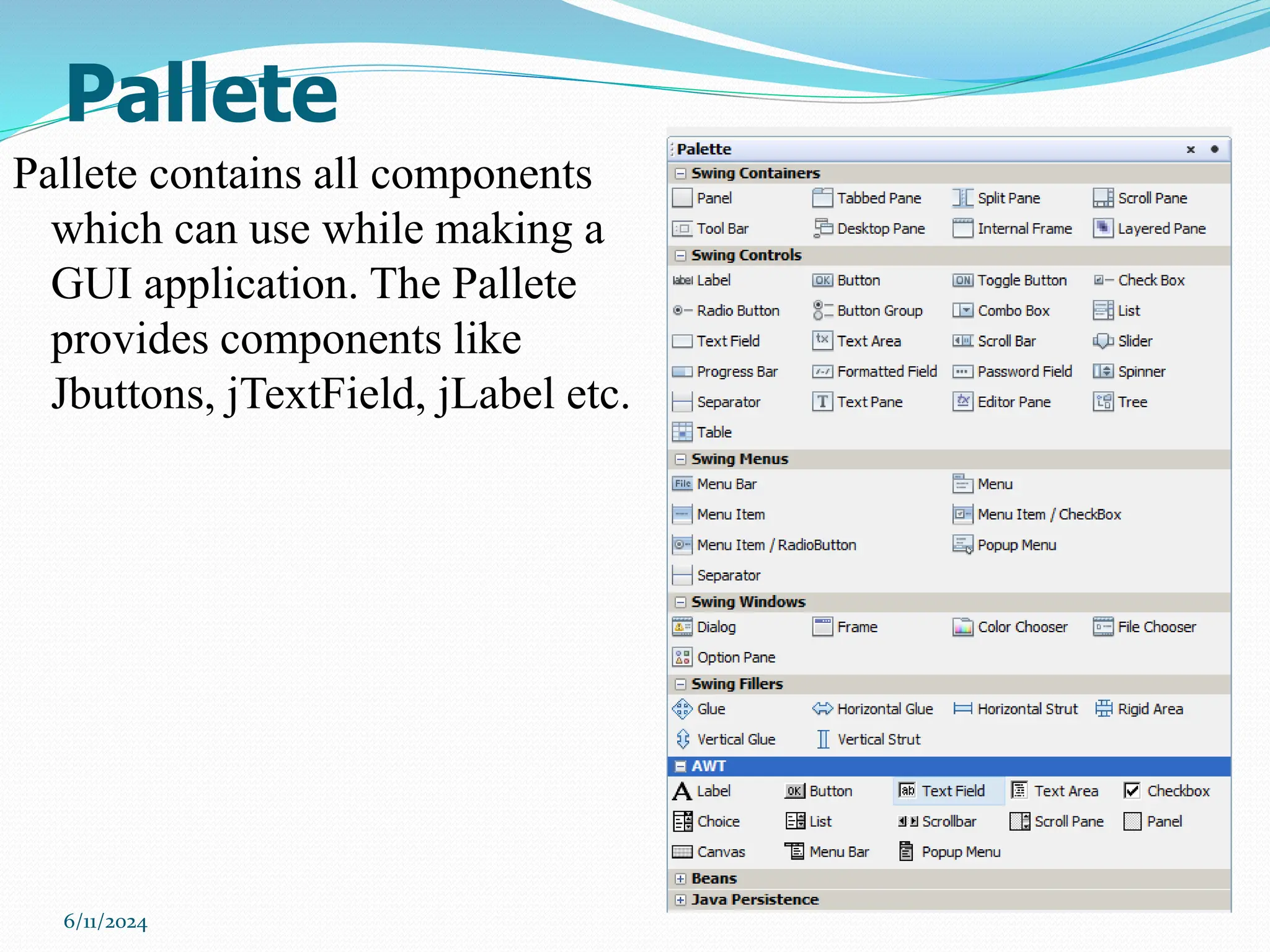
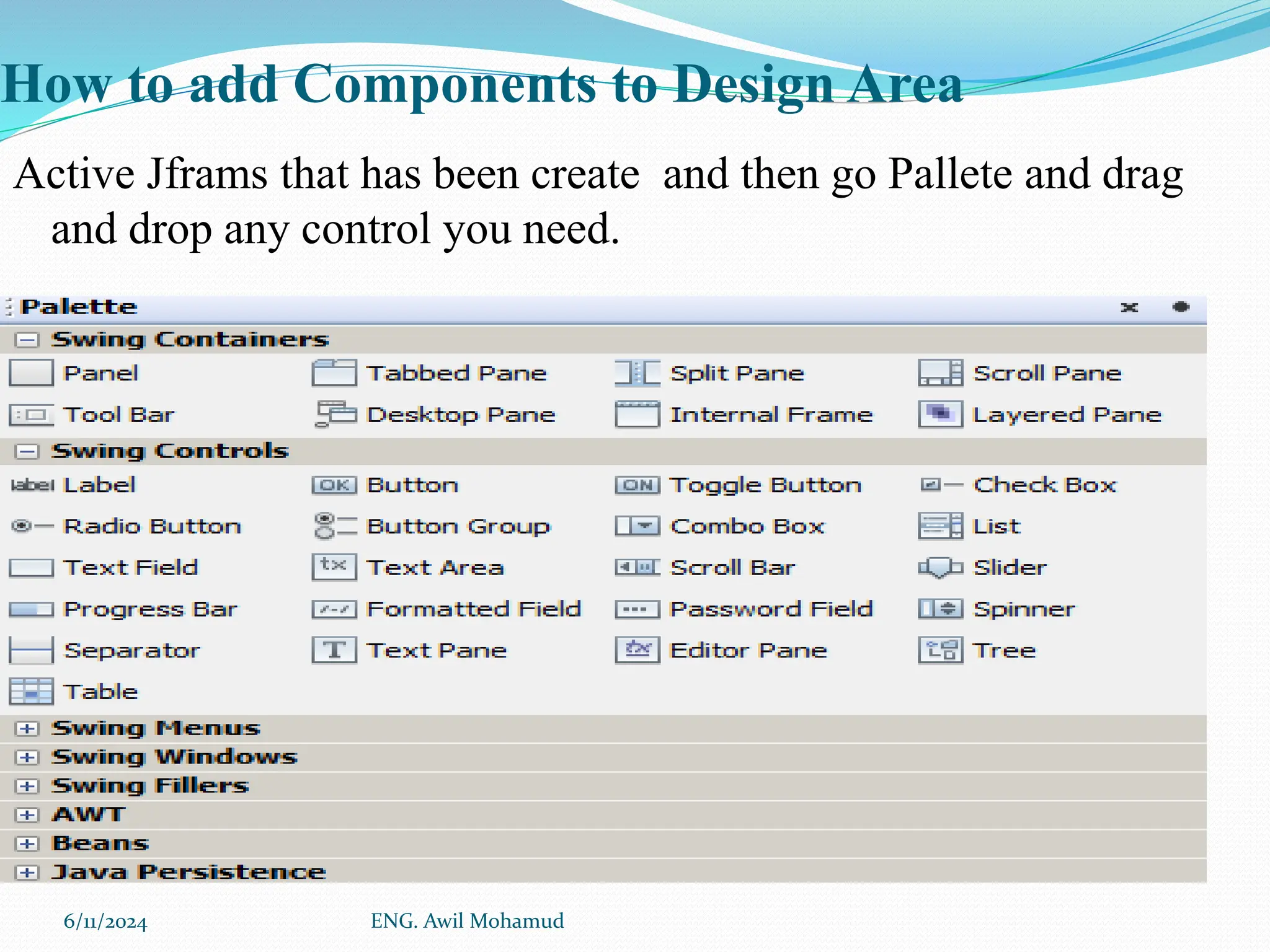
Pallete
Pallete contains all components
which can use while making a
GUI application. The Pallete
provides components like
Jbuttons, jTextField, jLabel etc.
6/11/2024
Proprieties Editor
6/11/2024
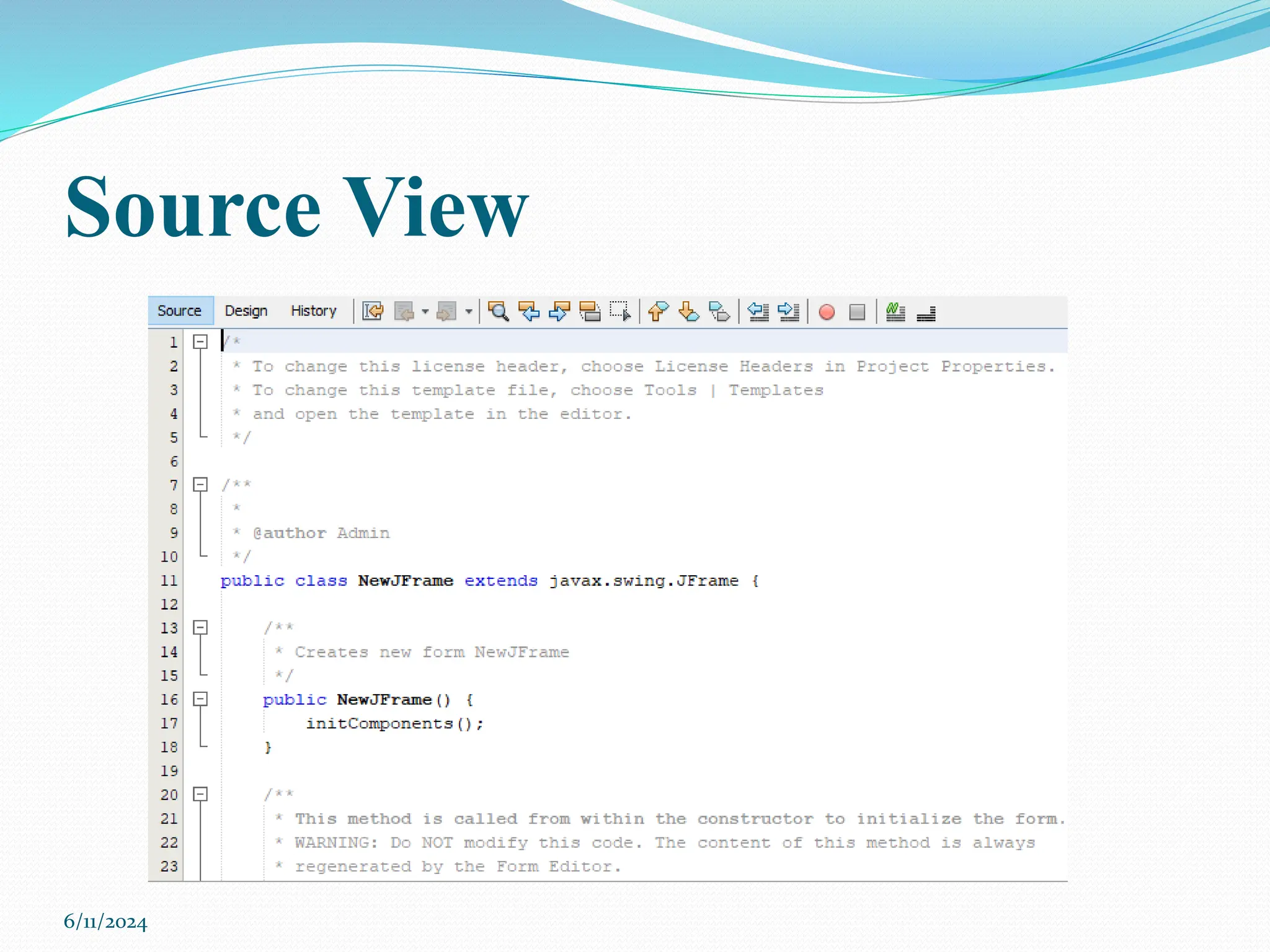
Source View
6/11/2024
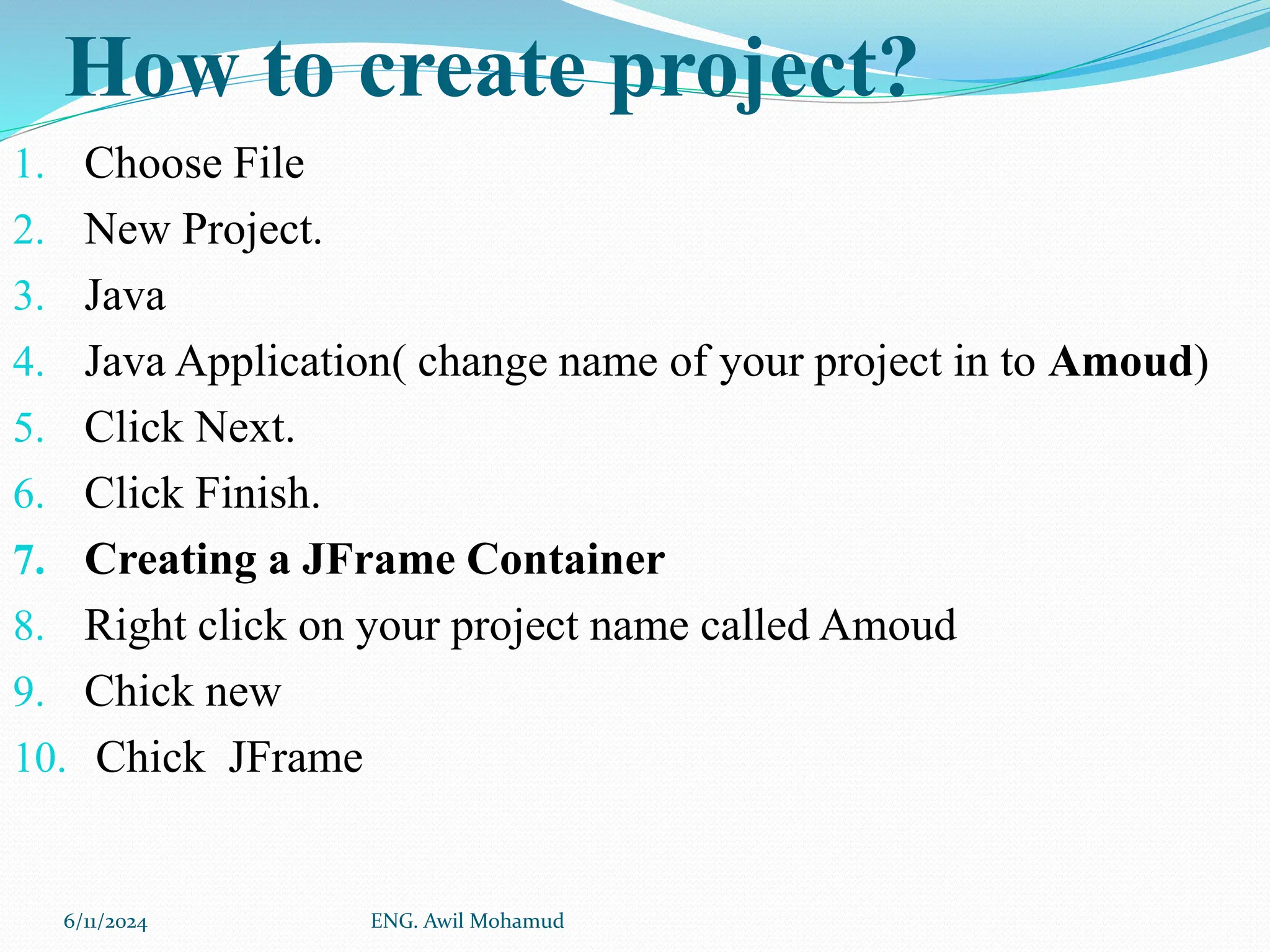
How to create project?
1. Choose File
2. New Project.
3. Java
4. Java Application( change name of your project in to Amoud)
5. Click Next.
6. Click Finish.
7. Creating a JFrame Container
8. Right click on your project name called Amoud
9. Chick new
10. Chick JFrame
6/11/2024 ENG. Awil Mohamud
How to add Components to Design Area
Active Jframs that has been create and then go Pallete and drag
and drop any control you need.
6/11/2024 ENG. Awil Mohamud
Area
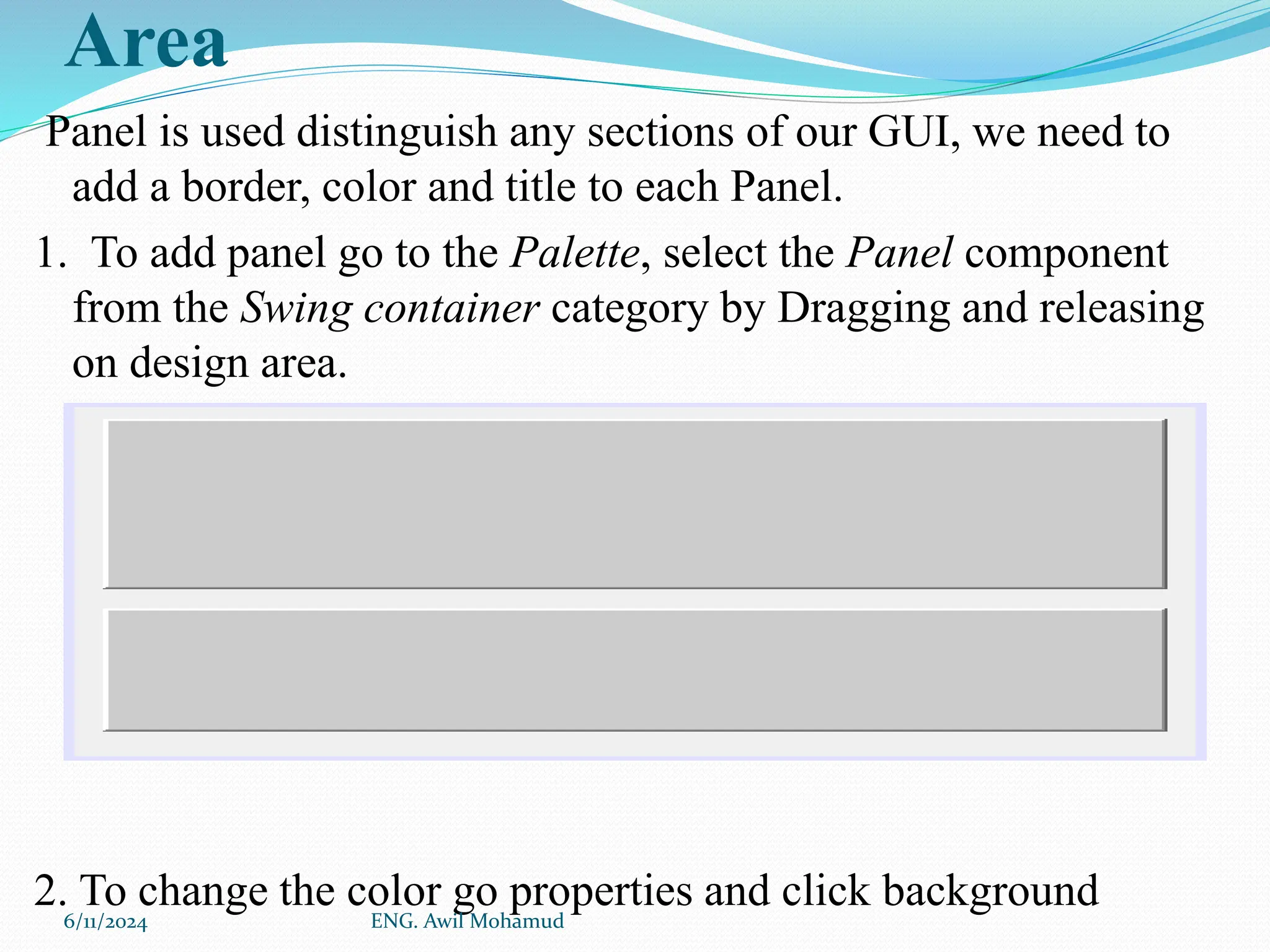
Panel is used distinguish any sections of our GUI, we need to
add a border, color and title to each Panel.
1. To add panel go to the Palette, select the Panel component
from the Swing container category by Dragging and releasing
on design area.
2. To change the color go properties and click background
6/11/2024 ENG. Awil Mohamud
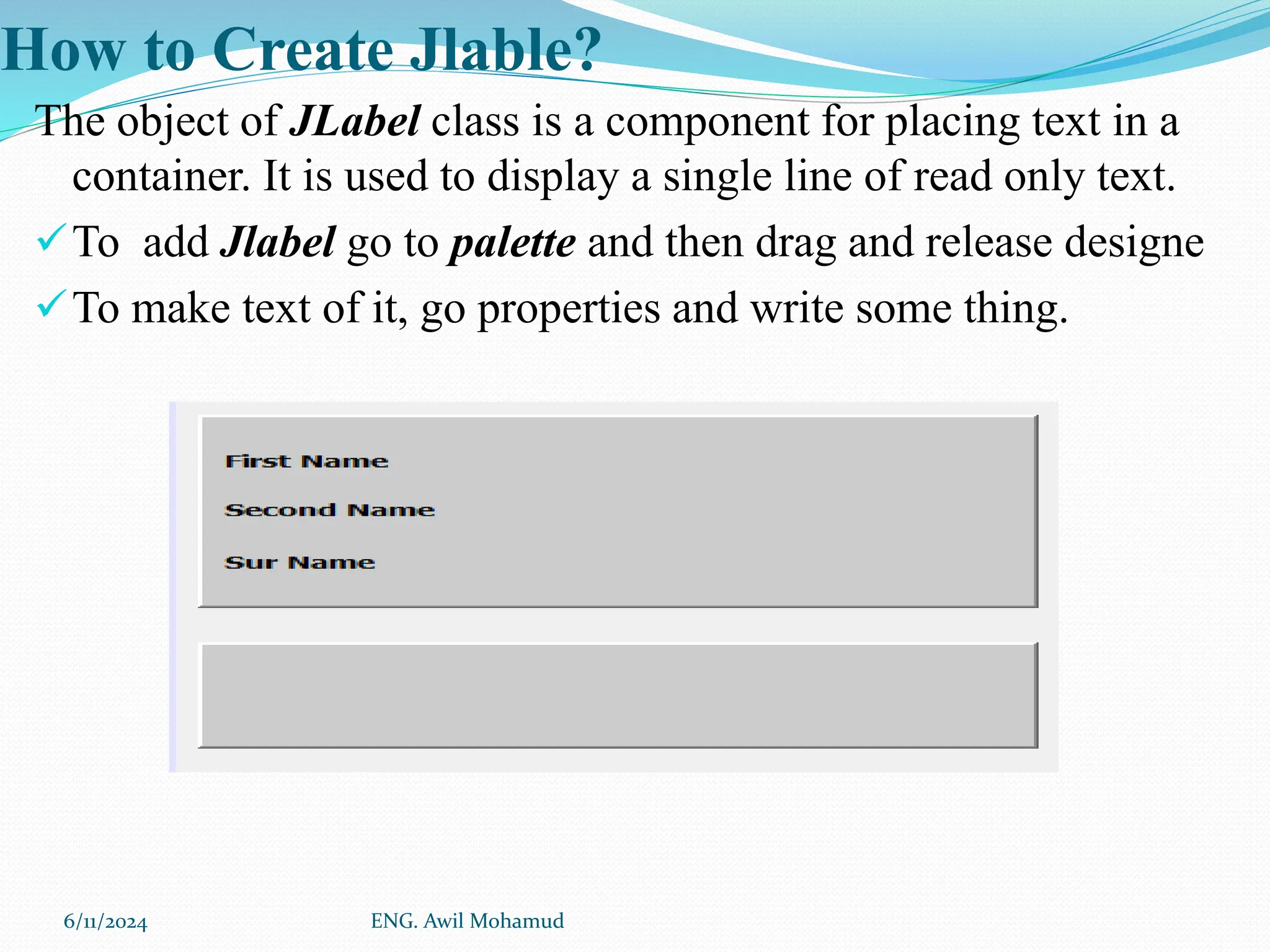
How to Create Jlable?
The object of JLabel class is a component for placing text in a
container. It is used to display a single line of read only text.
To add Jlabel go to palette and then drag and release designe
To make text of it, go properties and write some thing.
6/11/2024 ENG. Awil Mohamud
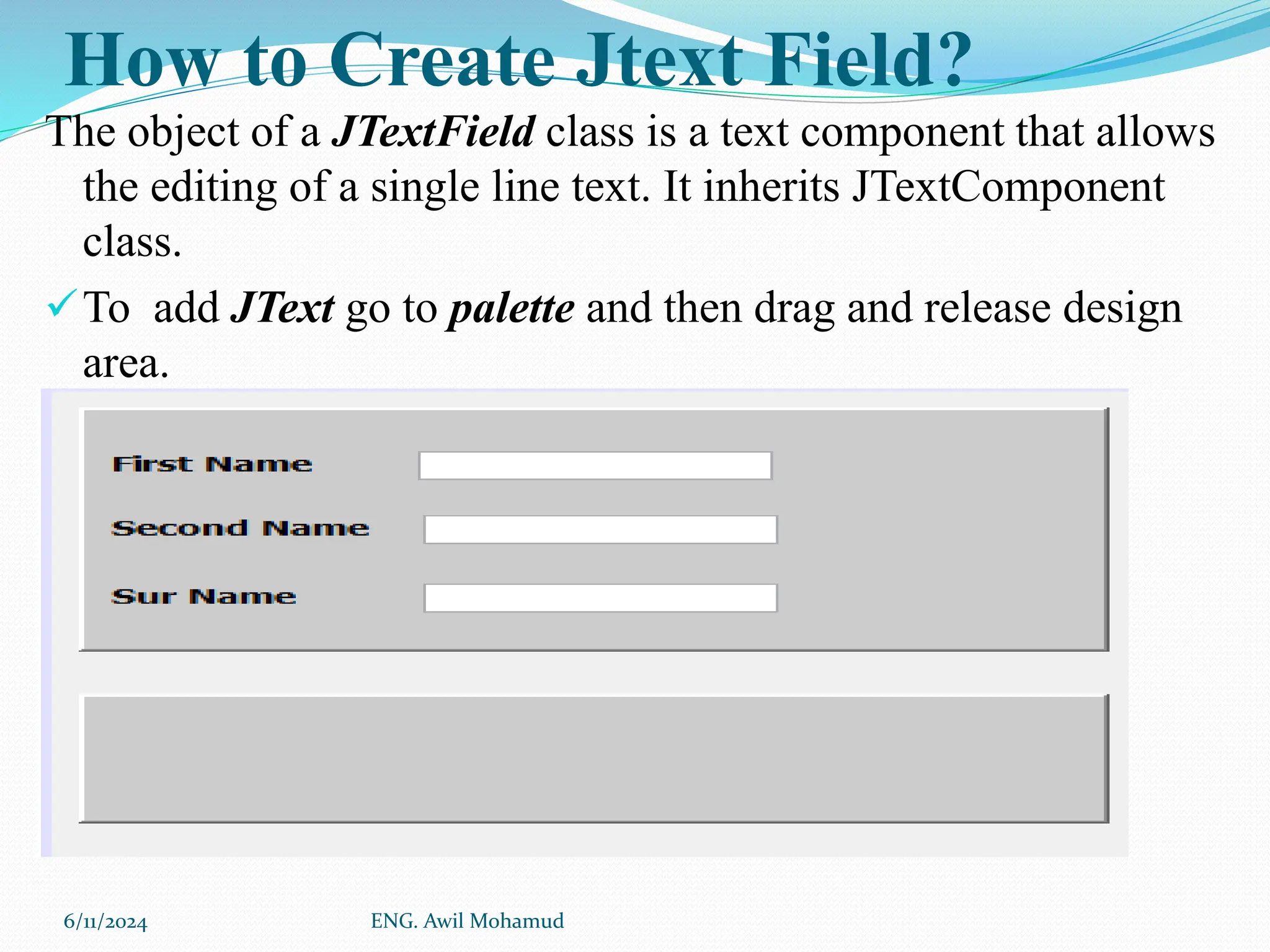
How to Create Jtext Field?
The object of a JTextField class is a text component that allows
the editing of a single line text. It inherits JTextComponent
class.
To add JText go to palette and then drag and release design
area.
.
6/11/2024 ENG. Awil Mohamud
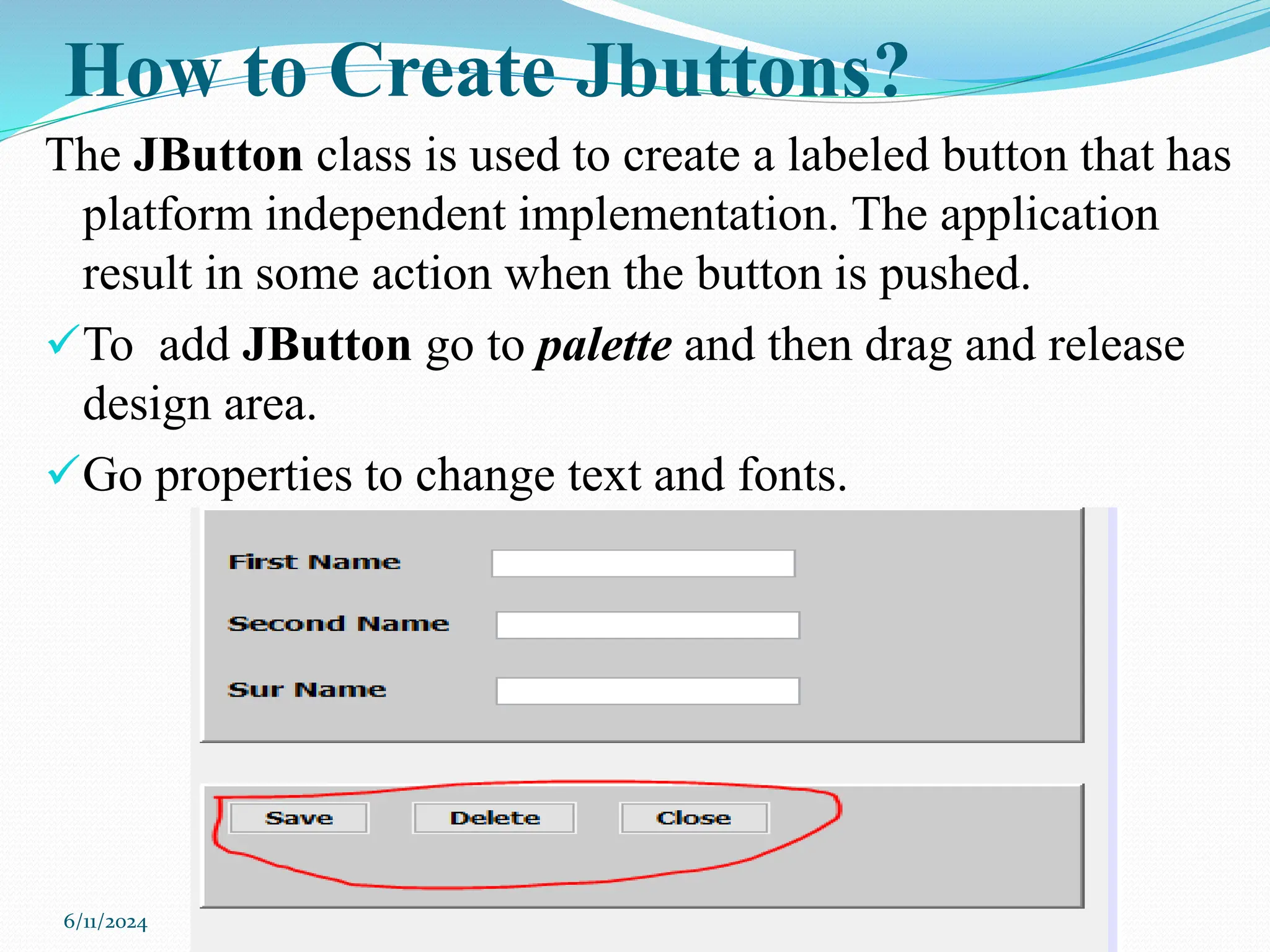
How to Create Jbuttons?
The JButton class is used to create a labeled button that has
platform independent implementation. The application
result in some action when the button is pushed.
To add JButton go to palette and then drag and release
design area.
Go properties to change text and fonts.
6/11/2024
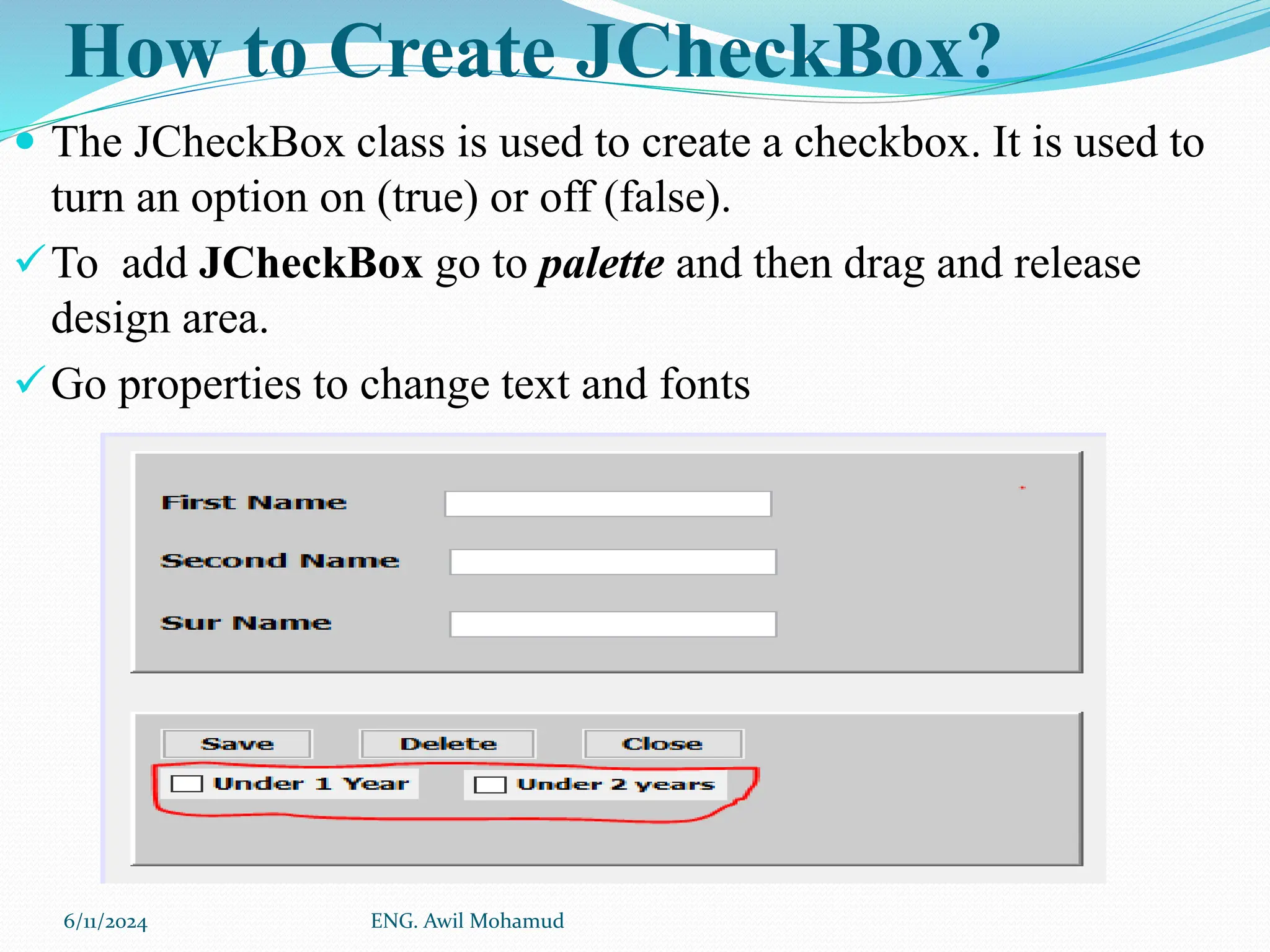
How to Create JCheckBox?
 The JCheckBox class is used to create a checkbox. It is used to
turn an option on (true) or off (false).
To add JCheckBox go to palette and then drag and release
design area.
Go properties to change text and fonts
6/11/2024 ENG. Awil Mohamud
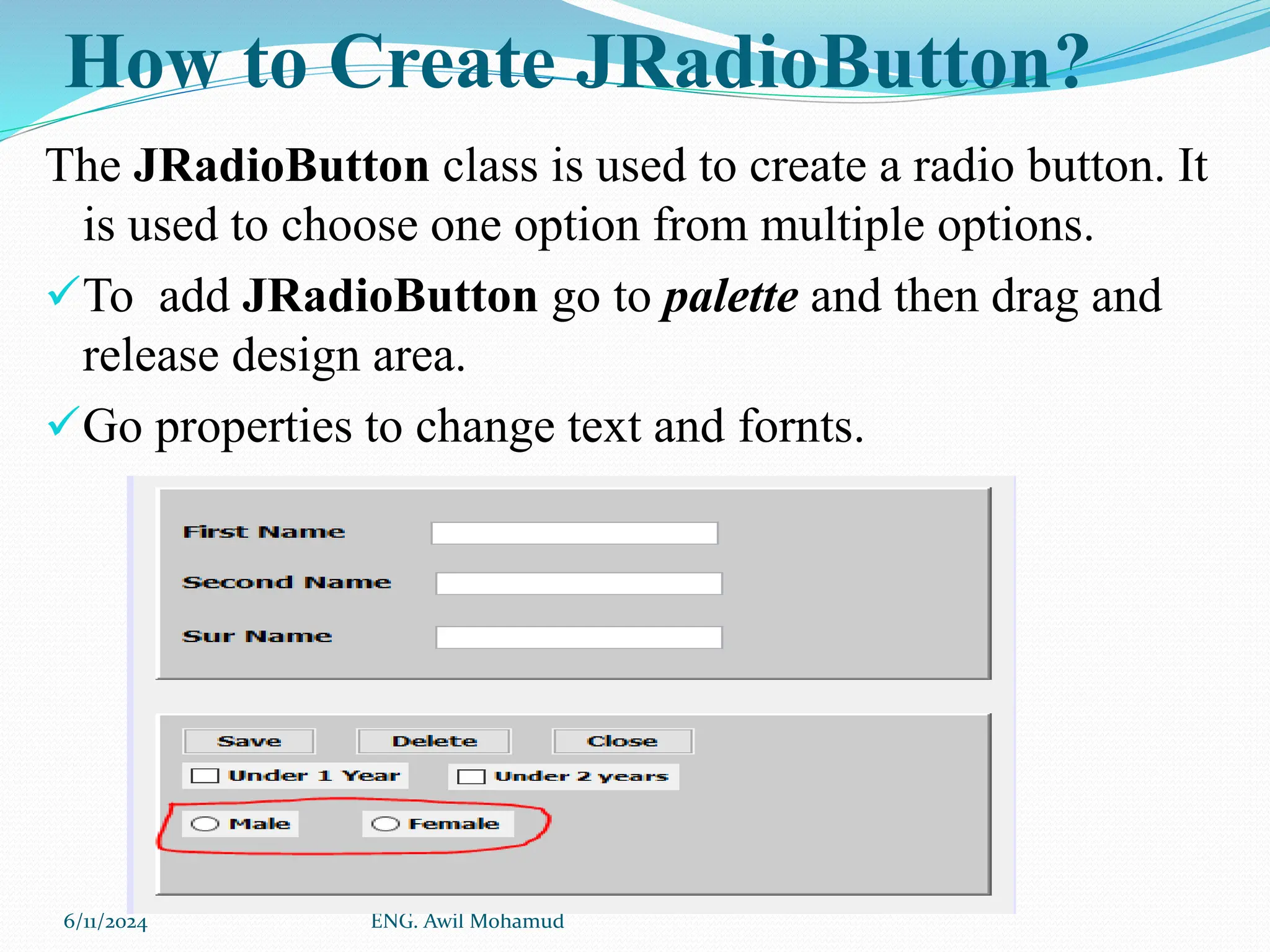
How to Create JRadioButton?
The JRadioButton class is used to create a radio button. It
is used to choose one option from multiple options.
To add JRadioButton go to palette and then drag and
release design area.
Go properties to change text and fornts.
6/11/2024 ENG. Awil Mohamud
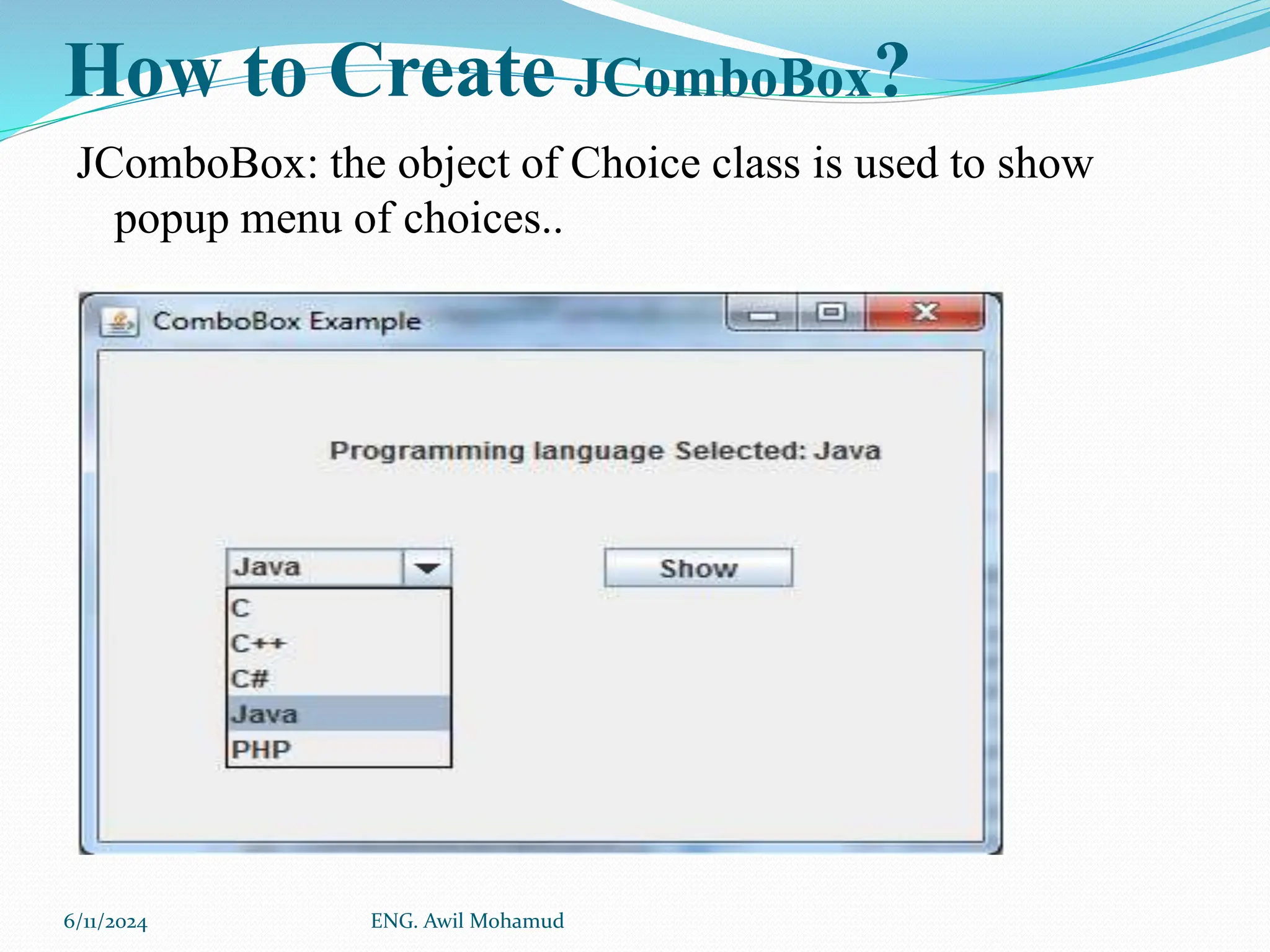
How to Create JComboBox?
JComboBox: the object of Choice class is used to show
popup menu of choices..
6/11/2024 ENG. Awil Mohamud
How to Create JList?
the object of JList class represents a list of text items. The list of
text items can be set up so that the user can choose either one
item or multiple items.
6/11/2024 ENG. Awil Mohamud
End
 Thank you!
6/11/2024 ENG. Awil Mohamud

chapter 3 GUI Netbean graphic user .pptx

  • 2.
    What is JavaJFrams This Chapter we shall learn Java GUI by using netbeans. JFrame class is a type of container which inherits the java, JFrame works like the main window where components like labels, buttons, textfields are added to create a GUI. 6/11/2024 edited and donate awil mohamud
  • 3.
  • 4.
    Pallete Pallete contains allcomponents which can use while making a GUI application. The Pallete provides components like Jbuttons, jTextField, jLabel etc. 6/11/2024
  • 5.
  • 6.
  • 7.
    How to createproject? 1. Choose File 2. New Project. 3. Java 4. Java Application( change name of your project in to Amoud) 5. Click Next. 6. Click Finish. 7. Creating a JFrame Container 8. Right click on your project name called Amoud 9. Chick new 10. Chick JFrame 6/11/2024 ENG. Awil Mohamud
  • 8.
    How to addComponents to Design Area Active Jframs that has been create and then go Pallete and drag and drop any control you need. 6/11/2024 ENG. Awil Mohamud
  • 9.
    Area Panel is useddistinguish any sections of our GUI, we need to add a border, color and title to each Panel. 1. To add panel go to the Palette, select the Panel component from the Swing container category by Dragging and releasing on design area. 2. To change the color go properties and click background 6/11/2024 ENG. Awil Mohamud
  • 10.
    How to CreateJlable? The object of JLabel class is a component for placing text in a container. It is used to display a single line of read only text. To add Jlabel go to palette and then drag and release designe To make text of it, go properties and write some thing. 6/11/2024 ENG. Awil Mohamud
  • 11.
    How to CreateJtext Field? The object of a JTextField class is a text component that allows the editing of a single line text. It inherits JTextComponent class. To add JText go to palette and then drag and release design area. . 6/11/2024 ENG. Awil Mohamud
  • 12.
    How to CreateJbuttons? The JButton class is used to create a labeled button that has platform independent implementation. The application result in some action when the button is pushed. To add JButton go to palette and then drag and release design area. Go properties to change text and fonts. 6/11/2024
  • 13.
    How to CreateJCheckBox?  The JCheckBox class is used to create a checkbox. It is used to turn an option on (true) or off (false). To add JCheckBox go to palette and then drag and release design area. Go properties to change text and fonts 6/11/2024 ENG. Awil Mohamud
  • 14.
    How to CreateJRadioButton? The JRadioButton class is used to create a radio button. It is used to choose one option from multiple options. To add JRadioButton go to palette and then drag and release design area. Go properties to change text and fornts. 6/11/2024 ENG. Awil Mohamud
  • 15.
    How to CreateJComboBox? JComboBox: the object of Choice class is used to show popup menu of choices.. 6/11/2024 ENG. Awil Mohamud
  • 16.
    How to CreateJList? the object of JList class represents a list of text items. The list of text items can be set up so that the user can choose either one item or multiple items. 6/11/2024 ENG. Awil Mohamud
  • 17.