Copyright 2006 - John Wiley & Sons, Inc.
Chapter 3 – Interactive
Technologies
HCI: Developing Effective Organizational
Information Systems
Dov Te’eni
Jane Carey
Ping Zhang
Copyright 2006 - John Wiley & Sons, Inc.
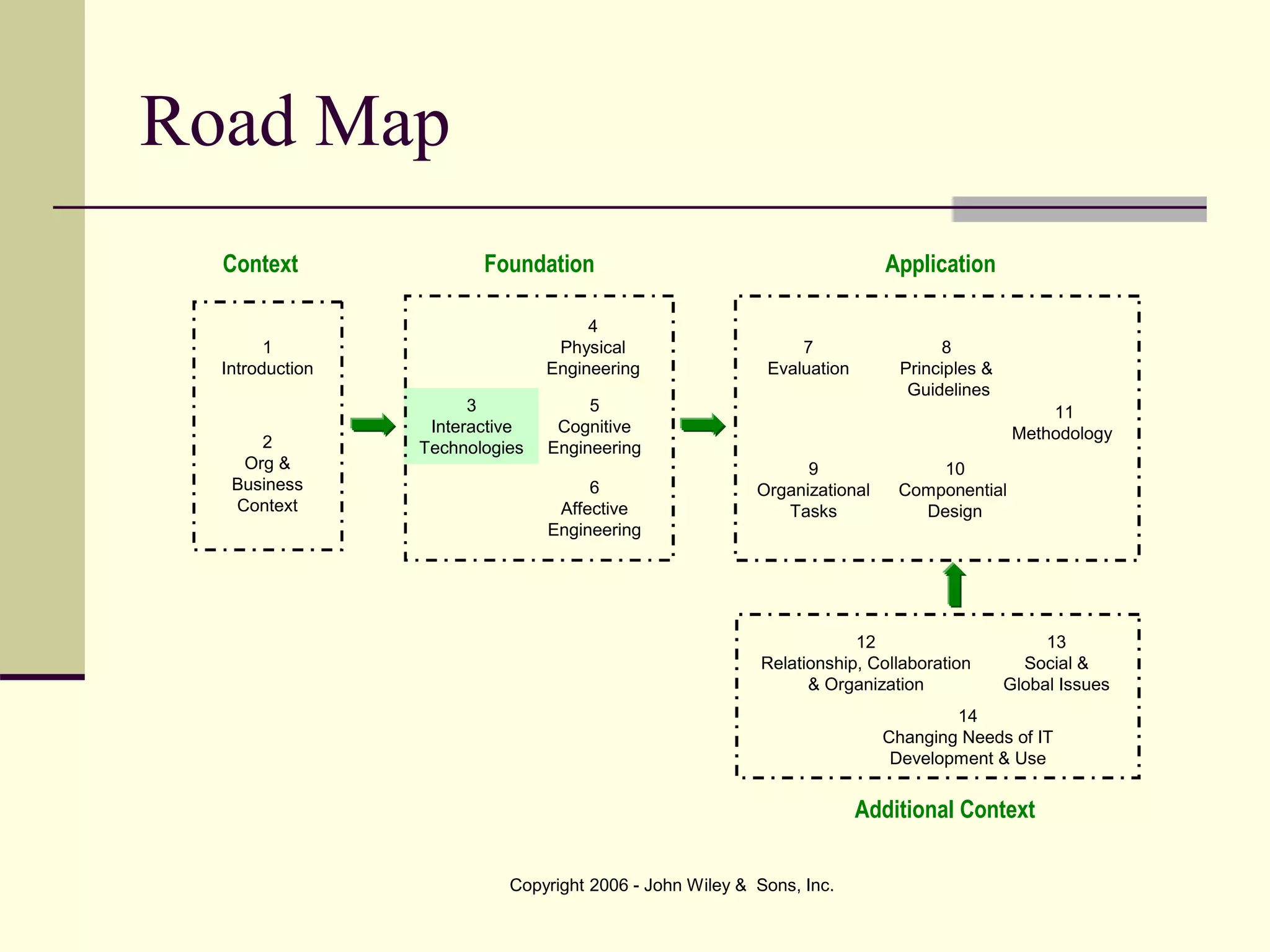
Road Map
6
Affective
Engineering
9
Organizational
Tasks
4
Physical
Engineering
7
Evaluation
8
Principles &
Guidelines
11
Methodology
12
Relationship, Collaboration
& Organization
10
Componential
Design
3
Interactive
Technologies
5
Cognitive
Engineering
Context Foundation Application
Additional Context
1
Introduction
2
Org &
Business
Context
13
Social &
Global Issues
14
Changing Needs of IT
Development & Use
Copyright 2006 - John Wiley & Sons, Inc.
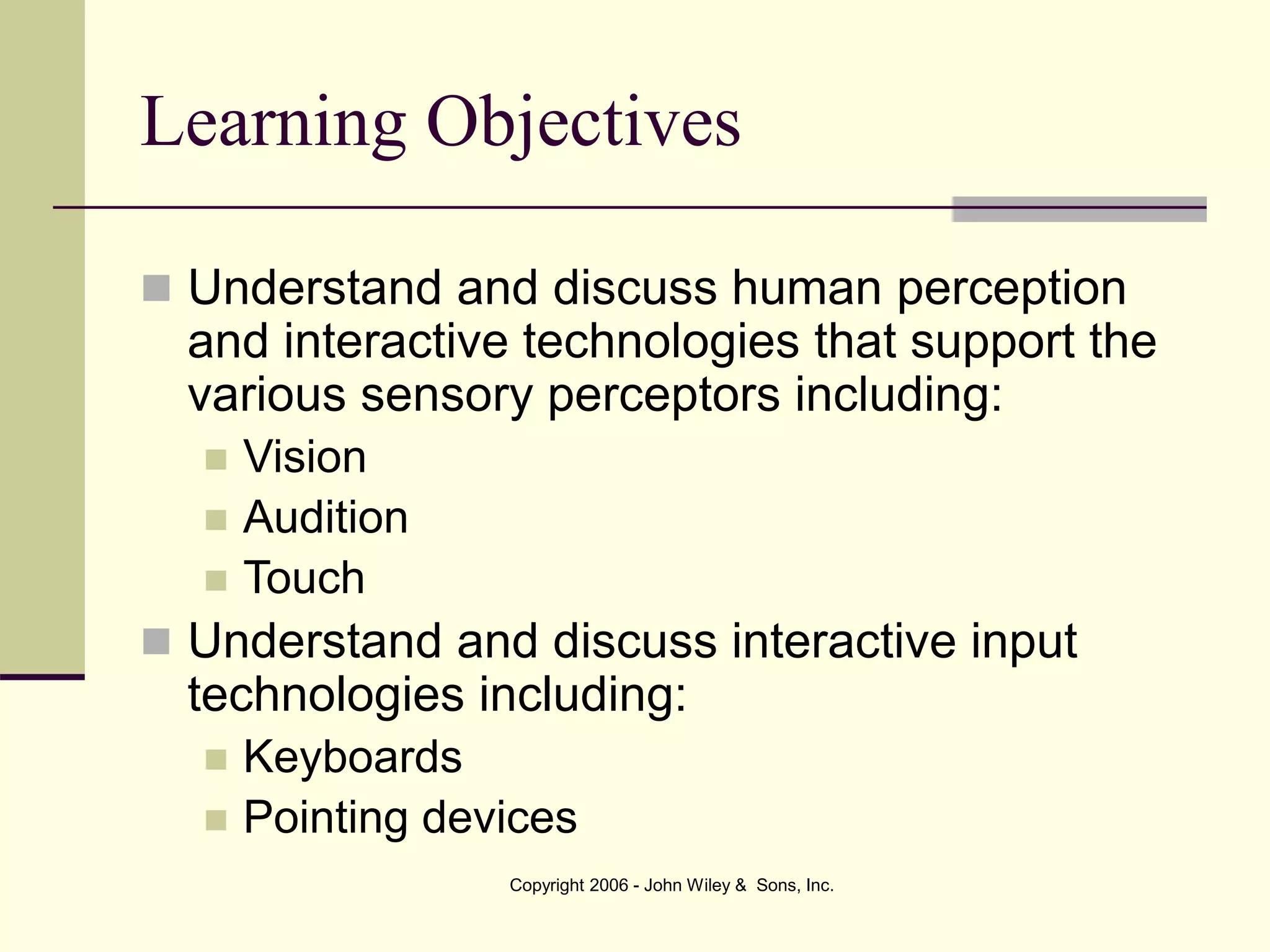
Learning Objectives
 Understand and discuss human perception
and interactive technologies that support the
various sensory perceptors including:
 Vision
 Audition
 Touch
 Understand and discuss interactive input
technologies including:
 Keyboards
 Pointing devices
Copyright 2006 - John Wiley & Sons, Inc.
 Understand voice recognition interactive input
devices.
 Understand touch-related haptic interactive input
devices.
 Understand and discuss visual display interactive
output technologies.
 Understand and discuss voice synthesis.
 Understand the human–computer interaction (HCI)
implications of all these technologies.
 Understand the HCI implications of wireless,
wearable, and other emerging technologies.
Learning Objectives
Copyright 2006 - John Wiley & Sons, Inc.
Introduction
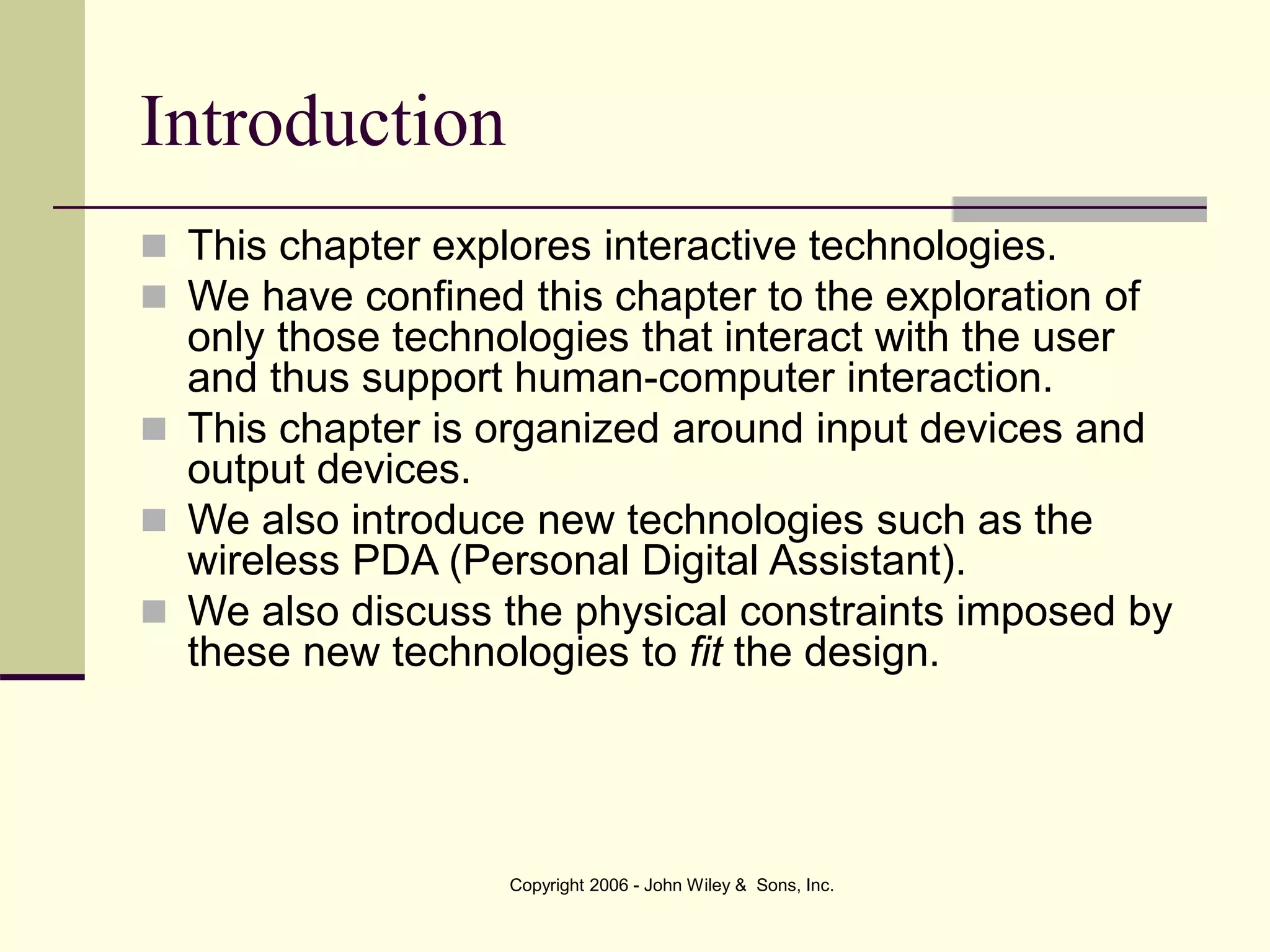
 This chapter explores interactive technologies.
 We have confined this chapter to the exploration of
only those technologies that interact with the user
and thus support human-computer interaction.
 This chapter is organized around input devices and
output devices.
 We also introduce new technologies such as the
wireless PDA (Personal Digital Assistant).
 We also discuss the physical constraints imposed by
these new technologies to fit the design.
Copyright 2006 - John Wiley & Sons, Inc.
Sensory Perception and Interactive
Input Devices
 Input Device is any machine that feeds
data into a computer.
 Vision: Keyboards
 Keyboard is the set of typewriter-like keys
that enable the user to enter data into the
computer.
Copyright 2006 - John Wiley & Sons, Inc.
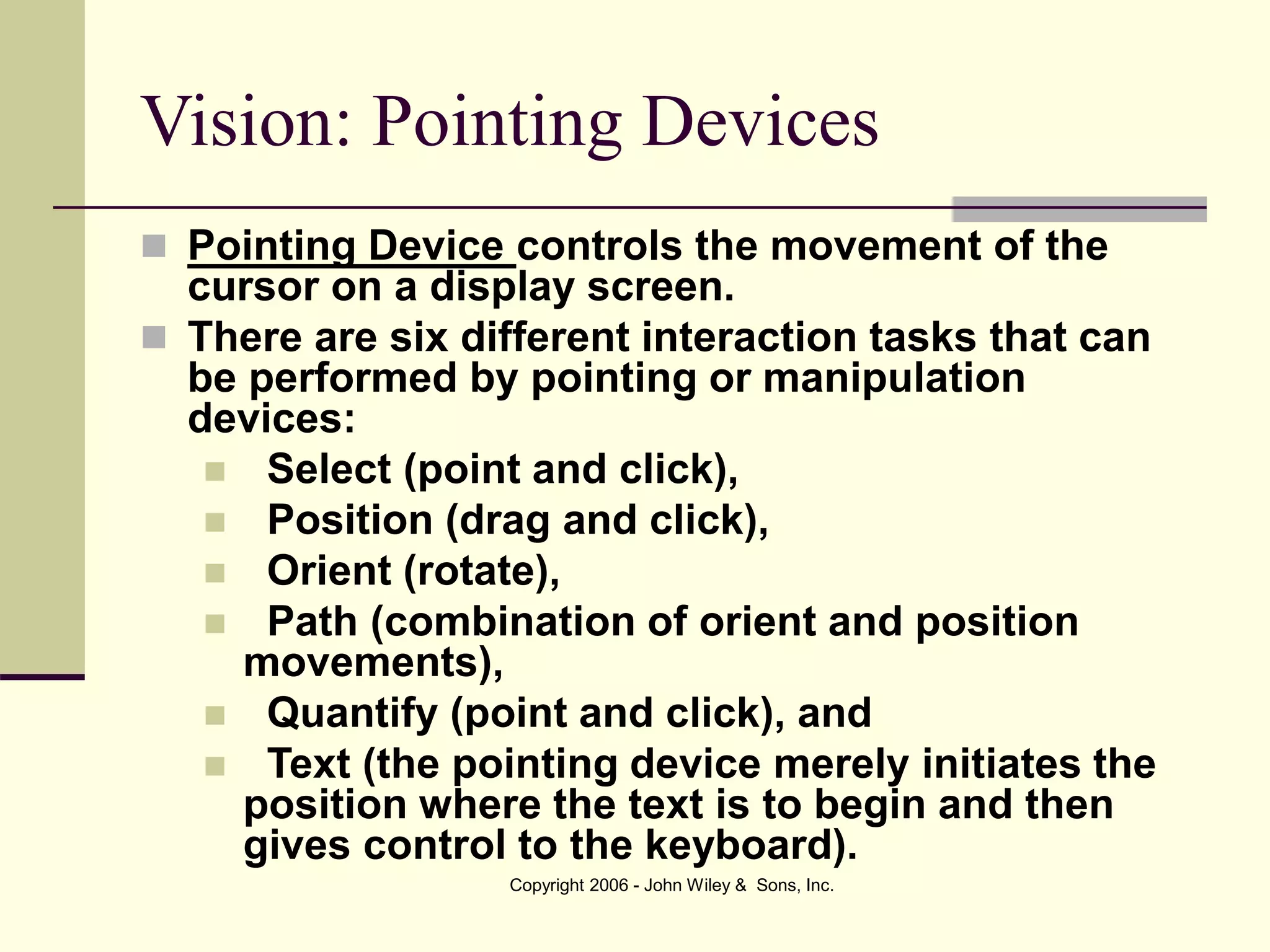
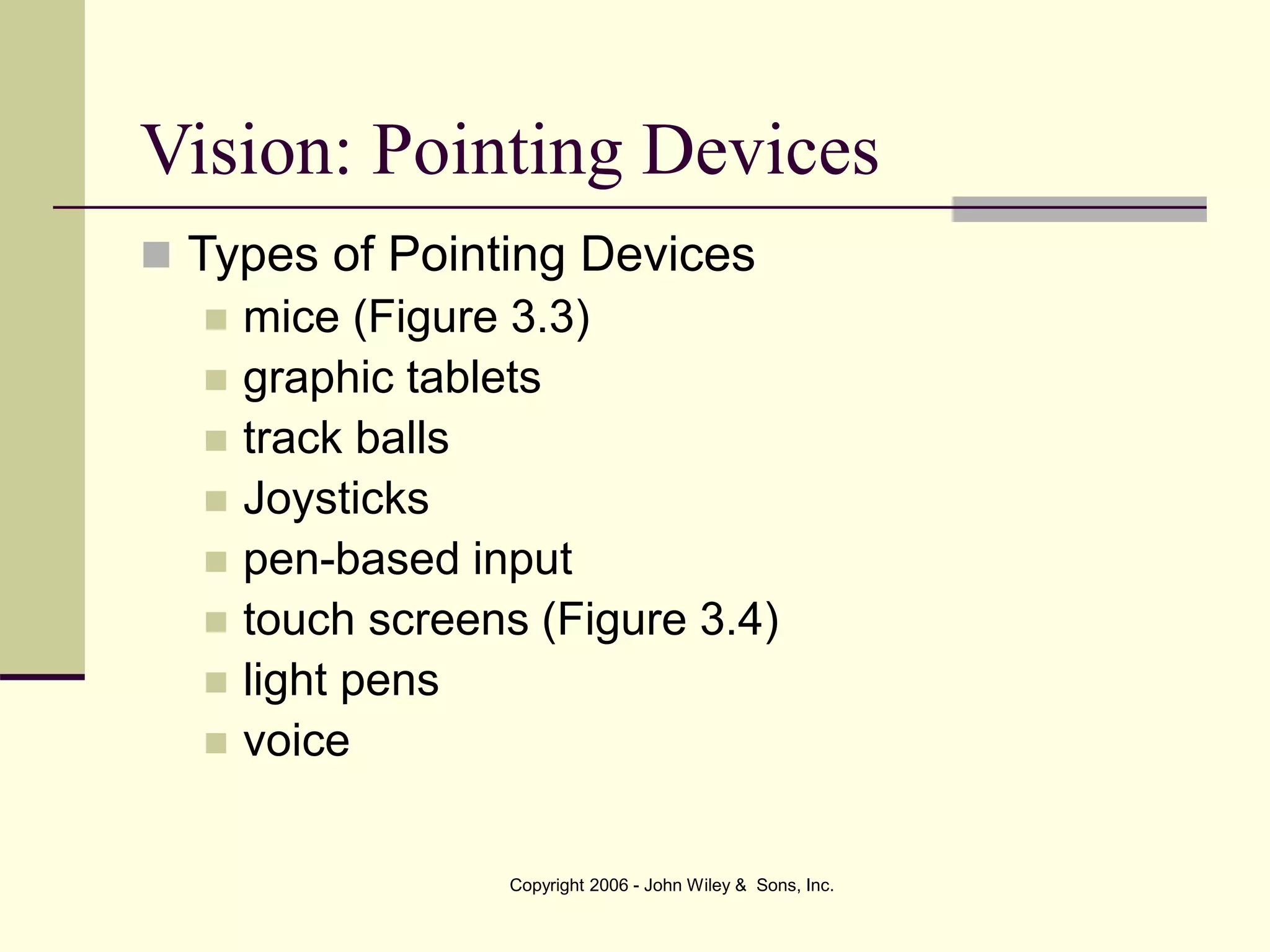
Vision: Keyboards
Figure 3.1 Traditional Keyboard Figure 3.2 Split Keyboard
Copyright 2006 - John Wiley & Sons, Inc.
Vision: Pointing Devices
 Pointing Device controls the movement of the
cursor on a display screen.
 There are six different interaction tasks that can
be performed by pointing or manipulation
devices:
 Select (point and click),
 Position (drag and click),
 Orient (rotate),
 Path (combination of orient and position
movements),
 Quantify (point and click), and
 Text (the pointing device merely initiates the
position where the text is to begin and then
gives control to the keyboard).
Copyright 2006 - John Wiley & Sons, Inc.
 Types of Pointing Devices
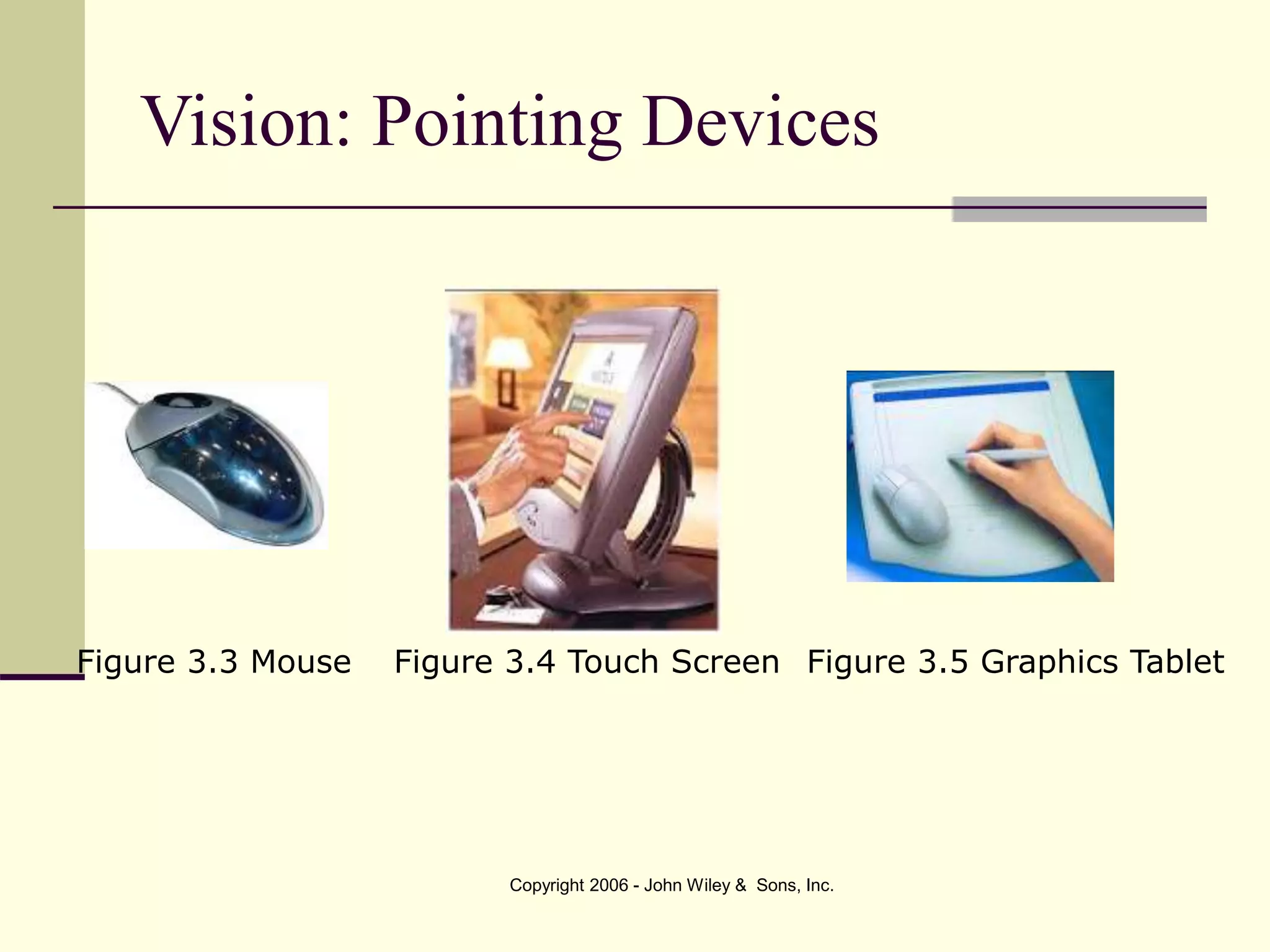
 mice (Figure 3.3)
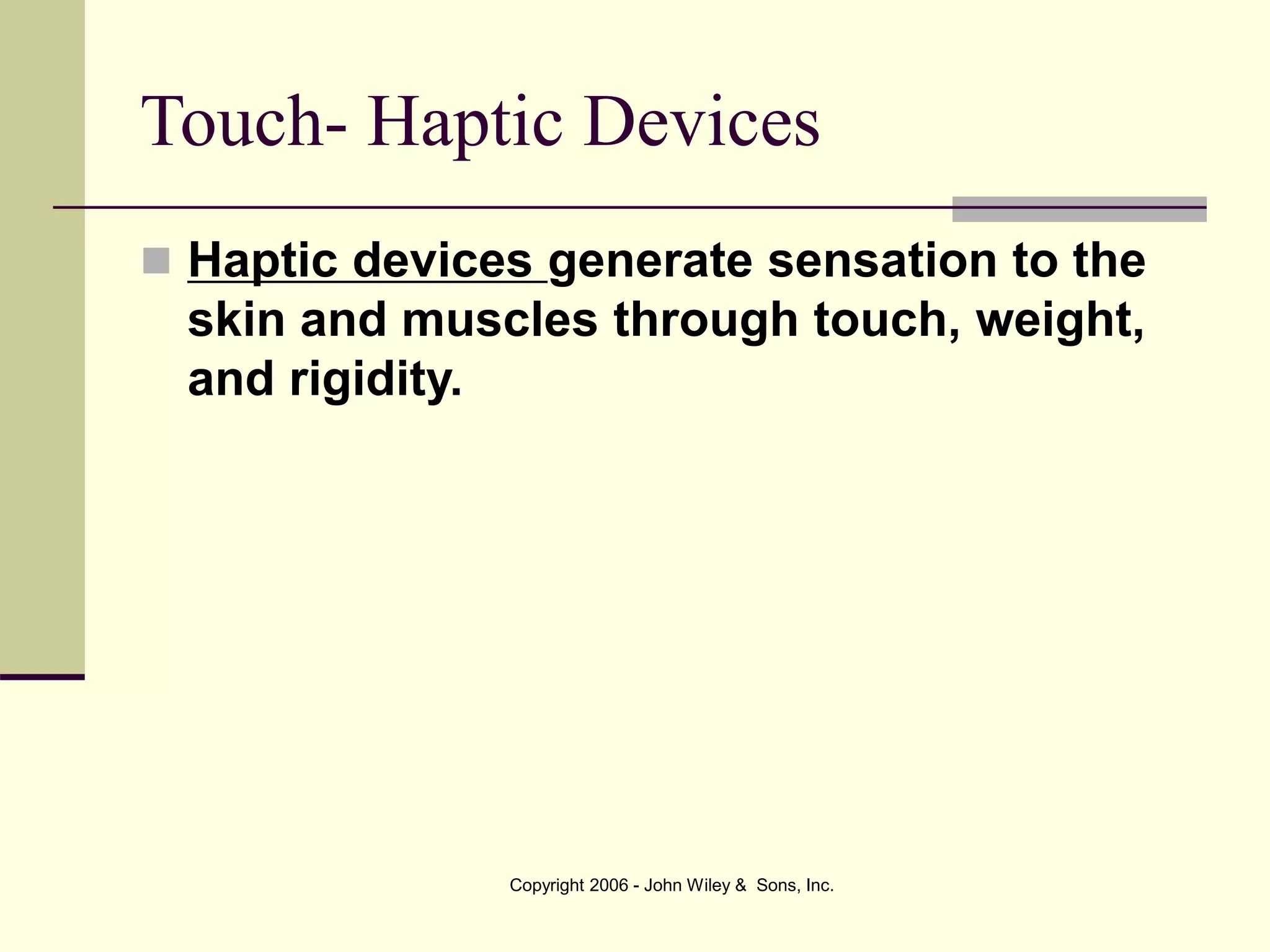
 graphic tablets
 track balls
 Joysticks
 pen-based input
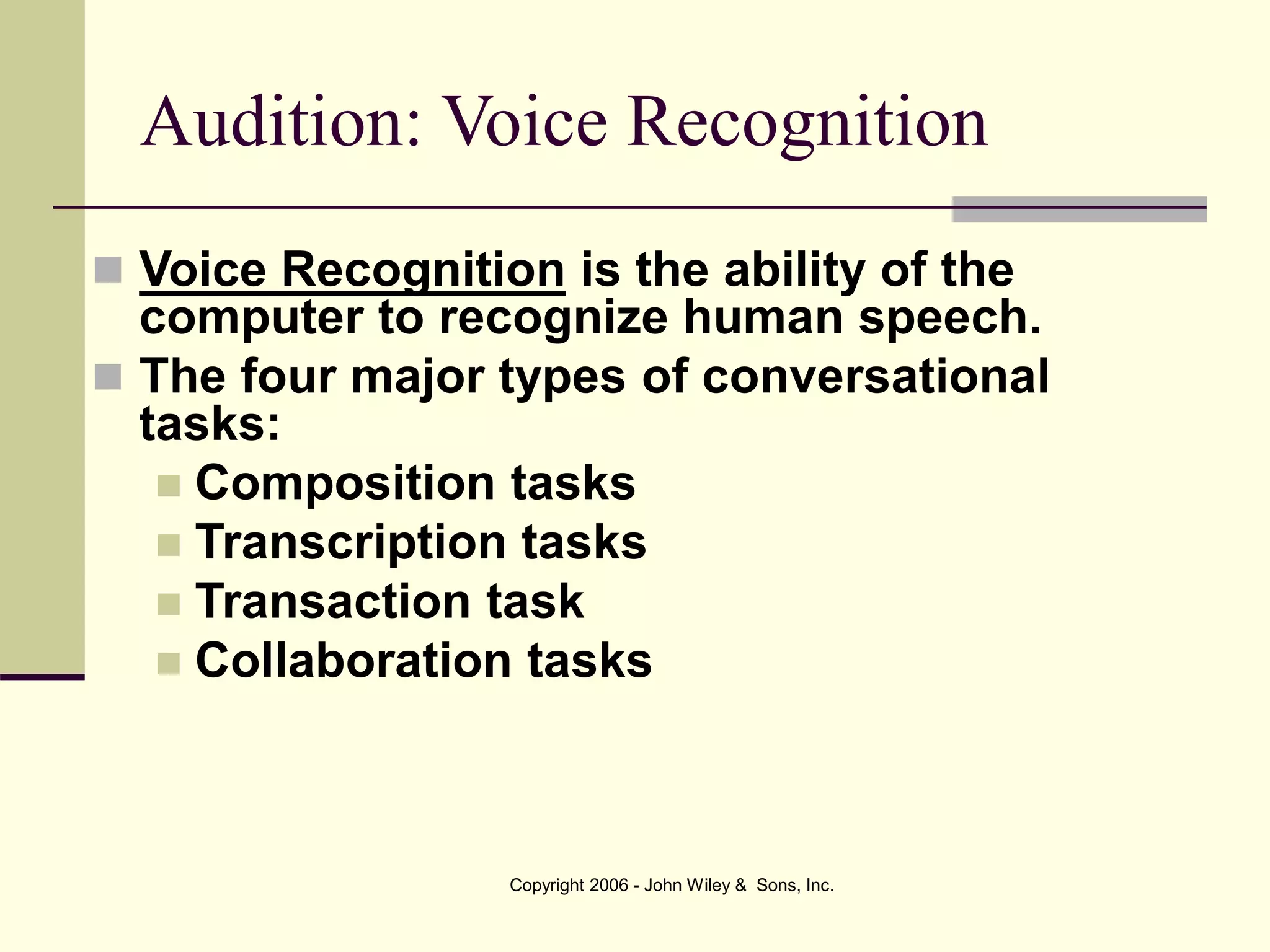
 touch screens (Figure 3.4)
 light pens
 voice
Vision: Pointing Devices
Copyright 2006 - John Wiley & Sons, Inc.
Vision: Pointing Devices
Figure 3.3 Mouse Figure 3.4 Touch Screen Figure 3.5 Graphics Tablet
Copyright 2006 - John Wiley & Sons, Inc.
Audition: Voice Recognition
 Voice Recognition is the ability of the
computer to recognize human speech.
 The four major types of conversational
tasks:
 Composition tasks
 Transcription tasks
 Transaction task
 Collaboration tasks
Copyright 2006 - John Wiley & Sons, Inc.
Touch- Haptic Devices
 Haptic devices generate sensation to the
skin and muscles through touch, weight,
and rigidity.
Copyright 2006 - John Wiley & Sons, Inc.
Output Devices
 Output Device is a machine capable of
representing data from a computer.
 Visual Display is an output device that is
capable of rendering data from a computer.
Data may take the form of graphic, tabular,
text or other.
Copyright 2006 - John Wiley & Sons, Inc.
Output Devices
 Synthesized speech is appropriate when:
 The required message is short and simple,
 The message needs an immediate response,
 The user/receiver is visually occupied,
 The environment is too brightly or poorly lit for
ordinary visual displays to be used,
 The user is moving around too much to visually
attend to a single screen, or
 No screen exists but an audio receiver does (e.g.,
telephone).
Copyright 2006 - John Wiley & Sons, Inc.
Output Devices
 Printers
 Ink-jet
 Laser
 Color printers
Copyright 2006 - John Wiley & Sons, Inc.
Output Devices – Non-speech auditory
 In some environments and for some tasks,
non-speech auditory outputs such as beeps
are very useful.
 An auditory non-speech output is any sound
that is generated by the computer or other
device that can be detected by the human ear
but is not speech-related.
Copyright 2006 - John Wiley & Sons, Inc.
Wearable Devices
 There is a great deal of interest in the design and
implementation of wearable computer devices that
are small, durable, and useful particularly in a military
setting.
 Vision enhancement, translation (text-to-speech,
speech-to-text, and language-to-language), pen-
based input, navigation, environmental scanning, and
detection are among the many tasks performed by
wearable devices.
 Small GPS (global positioning systems) are often a
critical component of these devices.
Copyright 2006 - John Wiley & Sons, Inc.
Wireless Devices
 Wireless devices: Devices connected to
networks and other devices through non-wire
media such as infrared signals.
 We have many improved tools to support our
everyday life. Mobile or wireless devices are
allowing people to compute on the run.
 Personal digital assistants (PDA), text-based
cell phones, palm tops, and other small,
portable devices are abundant.
Copyright 2006 - John Wiley & Sons, Inc.
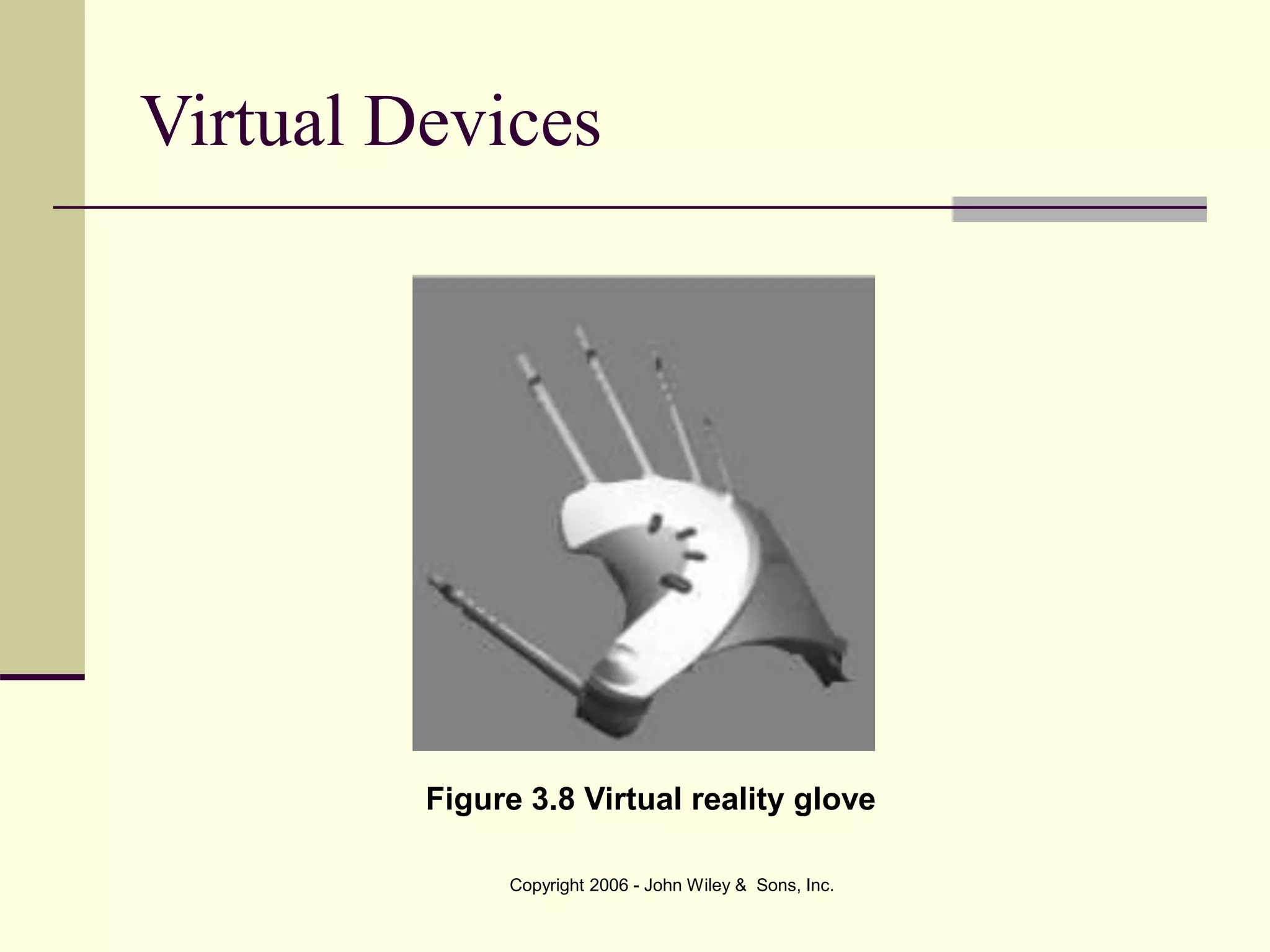
Virtual Devices
 Virtual devices are those that support virtual
reality interaction.
 Virtual reality is an artificial environment that
simulates reality.
 There are many interaction devices for the
world of virtual reality. A combination of exotic
headgear, gloves, and body suits orient the
user to the virtual world.
Copyright 2006 - John Wiley & Sons, Inc.
Virtual Devices
Figure 3.8 Virtual reality glove
Copyright 2006 - John Wiley & Sons, Inc.
Summary
 This chapter presents various technologies
that interact with the user.
 Input devices
 Keyboards
 Mice
 Joysticks
 Track balls
 Voice input
 Haptic devices
Copyright 2006 - John Wiley & Sons, Inc.
Summary
 Output Devices
 Monitors
 Printers
 Auditory output
 Voice synthesis
 Also discussed are wearable, wireless, and
virtual devices.

ch03.ppt

  • 1.
    Copyright 2006 -John Wiley & Sons, Inc. Chapter 3 – Interactive Technologies HCI: Developing Effective Organizational Information Systems Dov Te’eni Jane Carey Ping Zhang
  • 2.
    Copyright 2006 -John Wiley & Sons, Inc. Road Map 6 Affective Engineering 9 Organizational Tasks 4 Physical Engineering 7 Evaluation 8 Principles & Guidelines 11 Methodology 12 Relationship, Collaboration & Organization 10 Componential Design 3 Interactive Technologies 5 Cognitive Engineering Context Foundation Application Additional Context 1 Introduction 2 Org & Business Context 13 Social & Global Issues 14 Changing Needs of IT Development & Use
  • 3.
    Copyright 2006 -John Wiley & Sons, Inc. Learning Objectives  Understand and discuss human perception and interactive technologies that support the various sensory perceptors including:  Vision  Audition  Touch  Understand and discuss interactive input technologies including:  Keyboards  Pointing devices
  • 4.
    Copyright 2006 -John Wiley & Sons, Inc.  Understand voice recognition interactive input devices.  Understand touch-related haptic interactive input devices.  Understand and discuss visual display interactive output technologies.  Understand and discuss voice synthesis.  Understand the human–computer interaction (HCI) implications of all these technologies.  Understand the HCI implications of wireless, wearable, and other emerging technologies. Learning Objectives
  • 5.
    Copyright 2006 -John Wiley & Sons, Inc. Introduction  This chapter explores interactive technologies.  We have confined this chapter to the exploration of only those technologies that interact with the user and thus support human-computer interaction.  This chapter is organized around input devices and output devices.  We also introduce new technologies such as the wireless PDA (Personal Digital Assistant).  We also discuss the physical constraints imposed by these new technologies to fit the design.
  • 6.
    Copyright 2006 -John Wiley & Sons, Inc. Sensory Perception and Interactive Input Devices  Input Device is any machine that feeds data into a computer.  Vision: Keyboards  Keyboard is the set of typewriter-like keys that enable the user to enter data into the computer.
  • 7.
    Copyright 2006 -John Wiley & Sons, Inc. Vision: Keyboards Figure 3.1 Traditional Keyboard Figure 3.2 Split Keyboard
  • 8.
    Copyright 2006 -John Wiley & Sons, Inc. Vision: Pointing Devices  Pointing Device controls the movement of the cursor on a display screen.  There are six different interaction tasks that can be performed by pointing or manipulation devices:  Select (point and click),  Position (drag and click),  Orient (rotate),  Path (combination of orient and position movements),  Quantify (point and click), and  Text (the pointing device merely initiates the position where the text is to begin and then gives control to the keyboard).
  • 9.
    Copyright 2006 -John Wiley & Sons, Inc.  Types of Pointing Devices  mice (Figure 3.3)  graphic tablets  track balls  Joysticks  pen-based input  touch screens (Figure 3.4)  light pens  voice Vision: Pointing Devices
  • 10.
    Copyright 2006 -John Wiley & Sons, Inc. Vision: Pointing Devices Figure 3.3 Mouse Figure 3.4 Touch Screen Figure 3.5 Graphics Tablet
  • 11.
    Copyright 2006 -John Wiley & Sons, Inc. Audition: Voice Recognition  Voice Recognition is the ability of the computer to recognize human speech.  The four major types of conversational tasks:  Composition tasks  Transcription tasks  Transaction task  Collaboration tasks
  • 12.
    Copyright 2006 -John Wiley & Sons, Inc. Touch- Haptic Devices  Haptic devices generate sensation to the skin and muscles through touch, weight, and rigidity.
  • 13.
    Copyright 2006 -John Wiley & Sons, Inc. Output Devices  Output Device is a machine capable of representing data from a computer.  Visual Display is an output device that is capable of rendering data from a computer. Data may take the form of graphic, tabular, text or other.
  • 14.
    Copyright 2006 -John Wiley & Sons, Inc. Output Devices  Synthesized speech is appropriate when:  The required message is short and simple,  The message needs an immediate response,  The user/receiver is visually occupied,  The environment is too brightly or poorly lit for ordinary visual displays to be used,  The user is moving around too much to visually attend to a single screen, or  No screen exists but an audio receiver does (e.g., telephone).
  • 15.
    Copyright 2006 -John Wiley & Sons, Inc. Output Devices  Printers  Ink-jet  Laser  Color printers
  • 16.
    Copyright 2006 -John Wiley & Sons, Inc. Output Devices – Non-speech auditory  In some environments and for some tasks, non-speech auditory outputs such as beeps are very useful.  An auditory non-speech output is any sound that is generated by the computer or other device that can be detected by the human ear but is not speech-related.
  • 17.
    Copyright 2006 -John Wiley & Sons, Inc. Wearable Devices  There is a great deal of interest in the design and implementation of wearable computer devices that are small, durable, and useful particularly in a military setting.  Vision enhancement, translation (text-to-speech, speech-to-text, and language-to-language), pen- based input, navigation, environmental scanning, and detection are among the many tasks performed by wearable devices.  Small GPS (global positioning systems) are often a critical component of these devices.
  • 18.
    Copyright 2006 -John Wiley & Sons, Inc. Wireless Devices  Wireless devices: Devices connected to networks and other devices through non-wire media such as infrared signals.  We have many improved tools to support our everyday life. Mobile or wireless devices are allowing people to compute on the run.  Personal digital assistants (PDA), text-based cell phones, palm tops, and other small, portable devices are abundant.
  • 19.
    Copyright 2006 -John Wiley & Sons, Inc. Virtual Devices  Virtual devices are those that support virtual reality interaction.  Virtual reality is an artificial environment that simulates reality.  There are many interaction devices for the world of virtual reality. A combination of exotic headgear, gloves, and body suits orient the user to the virtual world.
  • 20.
    Copyright 2006 -John Wiley & Sons, Inc. Virtual Devices Figure 3.8 Virtual reality glove
  • 21.
    Copyright 2006 -John Wiley & Sons, Inc. Summary  This chapter presents various technologies that interact with the user.  Input devices  Keyboards  Mice  Joysticks  Track balls  Voice input  Haptic devices
  • 22.
    Copyright 2006 -John Wiley & Sons, Inc. Summary  Output Devices  Monitors  Printers  Auditory output  Voice synthesis  Also discussed are wearable, wireless, and virtual devices.