Impact Of Web 2.0  On Library And Information Centres by Dr. K.BHARATHI Lecturer in Library Science N.B.Science College & P.G.Centre Charkaman, Hyderabad.
World Wide Web (WWW)  Interlinked, Hypertext documents  -  Via Internet Web 1.0 Anyone to search and read information at any time “ read-only web” Web 2.0 Anyone to search and read information at any time +  Contribute content and interact with other web users “ read-write web ”
The Changing  User  Cell phones Texting Always-on Multi-tasking Expectation of fast delivery Self-service information Believe it’s all on the Web New Generation of Information Users… -Well Informed  -More demanding -Do not Want to wait -Share their opinion freely
Changes in user behaviors and demands •  Users want greater freedom in managing their access to information. •  Users want access not only to just library -held information but to other material types and on the web in general. •  Users seek a simple search interface that is not only easy to use but also retrieves items ranked by relevance and points to related items, reviews, recommendations, and allows a degree off a cited searching •  Users want access to full-text and other digital content
  Qualities  of  2.0  Services   Interactivity Allows user contributions Compatible/cross-referential Emphasis on ease of use Sharing—use/reuse/remix/mashups encouraged
What is web 2.0? Tim O’ Reilly is the originator  Web Based Interactive Collaboration Exploration Manipulation Communication Sites & tools that let connect  to others in a  new way Creation  Innovative way to reach users Personalisation
 
Web 2.0  -  Library  and  Information  Centres user participation in the creation of content.  service provisions to users social tagging in library catalogs  social media tools in professional communications - professional development at a very low cost.
Web  2.0  -  Library  and  Information  Centres users are both consumers and producers of online content an interactive two-way web a place where everyday internet access can create and edit content. “ connects users with their information needs, whatever the format and whatever the technology” (Whatley, 2009).
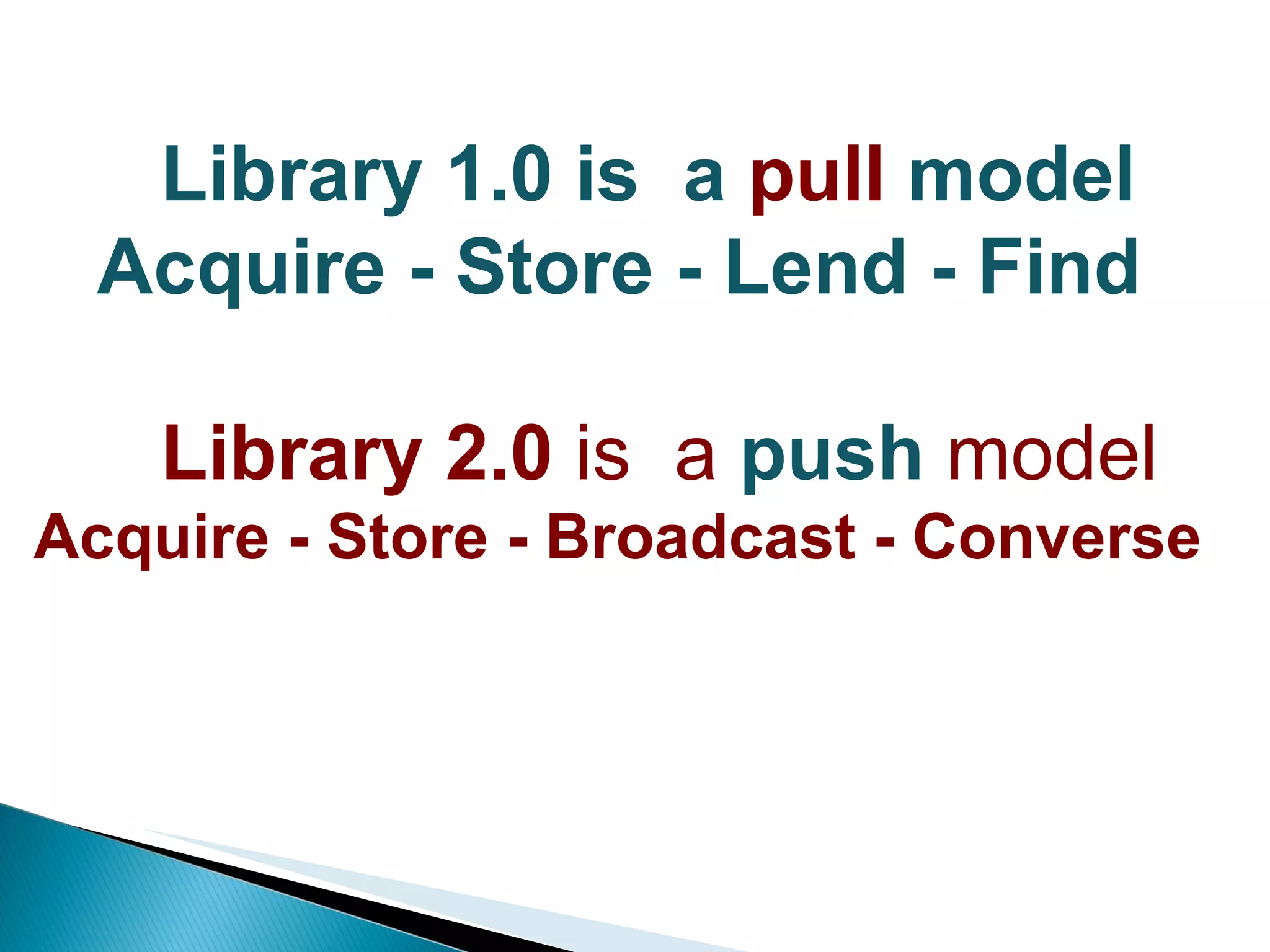
Library 1.0 is  a  pull  model Acquire - Store - Lend - Find   Library   2.0  is  a  push  model Acquire - Store - Broadcast - Converse
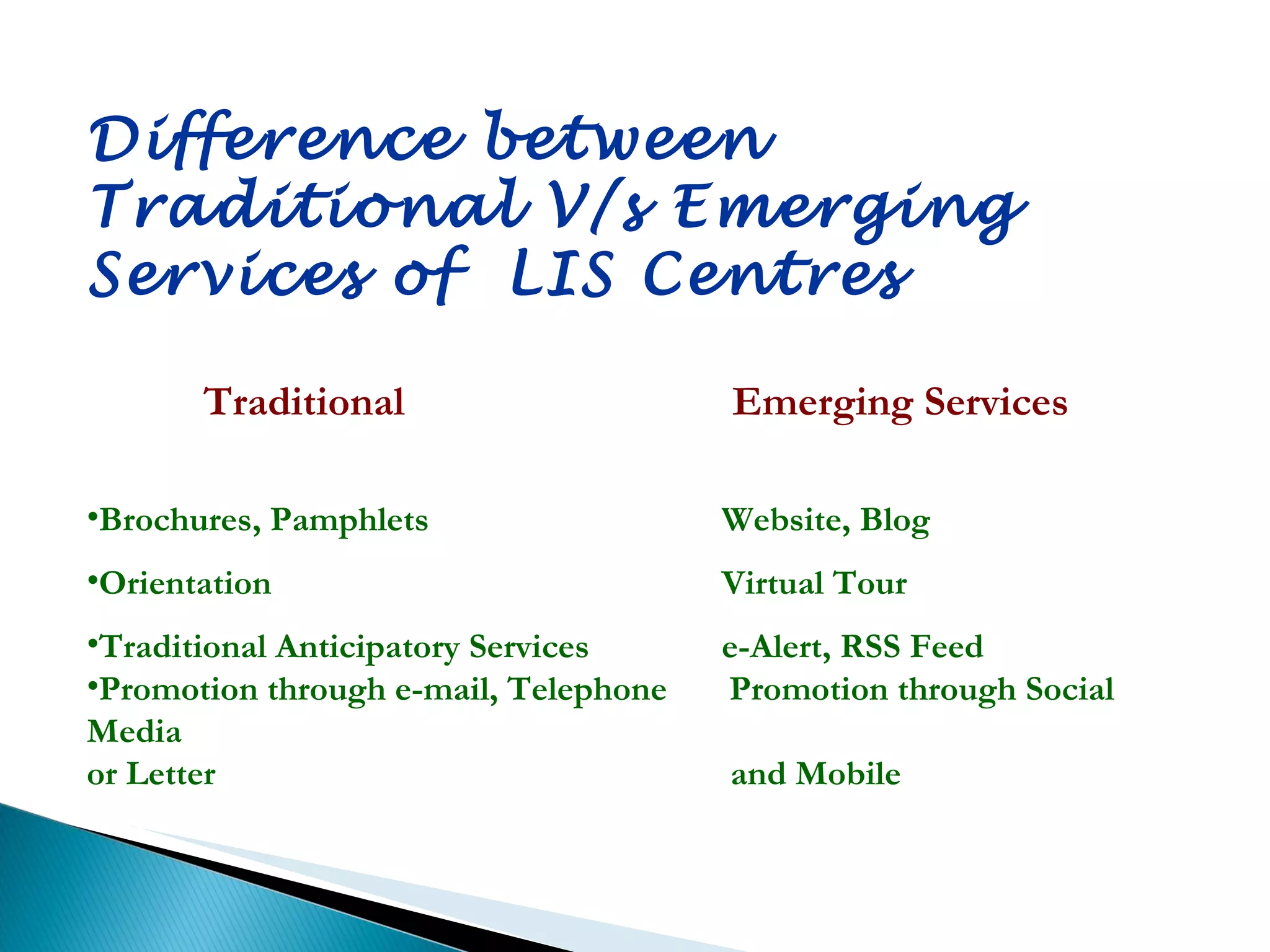
Difference between  Traditional V/s Emerging  Services of  LIS Centres  Traditional   Emerging Services Brochures, Pamphlets  Website, Blog Orientation Virtual Tour Traditional Anticipatory Services  e-Alert, RSS Feed Promotion through e-mail, Telephone  Promotion through Social Media  or Letter   and Mobile
Library 2.0 Actively involve users in developments  User centric initiatives  Delivering services directly to users  Libraries without walls (“ The Third Place ”)  The “Read/Write Library”
Benefits of Library 2.0 Customizable Alerts via Email/SMS To notify whenever a new book is acquired which matches user selected search criteria •  To notify whenever a paper of interest appears in a journals or conference proceedings online. • To inform Library news and events •  To inform  about New additions to collection • To Link to articles, videos, etc. • To Upload Pictures (Events, Library photos) • To inform about upcoming events • To update Community information •  For feedback •  Respond to users
Blog A blog is in many ways a continuing conversation Andrew Sullivan •  Have posts arranged in reverse chronologically by date  Frequently updated •  Self-archive by date  •  Use a permanent link for each individual post •  Most have RSS feeds that syndicate the content  Provision of links to Internet sources, and Provision of comments from readers It takes a simple RSS feed to subscribe to any blog regardless of being a member of the association.
BENEFITS OF BLOGS Easy to use Easy to stay updated Encourages sharing Used as micro blogs like twitter to inform the readers about a particular blog post of interest. Are  effective dissemination tools of current information To inform users of new resources As mode of communication in publicizing the activities and reaching out to audience
RSS Feeds & Aggregators •  a text-based format, a type of XML  •  information repackaged by provider or creator to give the user more control over delivery  •  Most information resources can syndicate a feed which can be subscribed to
Twitter is a free microblogging service that enables its users to send and read other users' updates or text based posts known as tweets (140 characters in length), which are displayed on the user's profile page and delivered to other users/followers who have subscribed to them.
Benefits  of  TWITTER To post tweets on newsworthy items and current events new library material systems alerts, and  links for evaluating new resources. Ex: Nova Southeastern University's Alvin Sherman Library http://twitter.com/alvinshermanlib
WIKI a library wiki can be used as an online knowledgebase a tool to maintain best practices and policy and procedures manuals. Ex: Michigan Libraries Wiki (a resource for information and news about the libraries' activities, policies, and projects) http://mlcnet.org/wiki Library Success: A Best Practices Wiki (a one-stop shop for great ideas and information for all types of librarians) http://www.libsuccess.org/
IM (Instant  Messaging) Easy to use Encourages sharing and engagement Inter-staff communications   Reference to users Communication with other professionals
Podcasting  P ortable  O n  D emand  CAST   “ a multimedia file distributed over the Internet, using syndication feeds, for playback on mobile devices and personal computers” Can be audio or video.  Can be downloaded automatically using software capable of reading feed formats (like RSS).  Subscribe to a feed, whenever each time a new clip is added, automatically updated with the newest episode.  Listen/watch podcasts via an iPod or other MP3 player or via a computer.
Benefits  of Podcasts Library tours Create podcasts that explain library services Make seminars/presentations available – reach a broader audience Information literacy videos Promos of  library’s events
Facebook (Mark Zuckerburg, 2004) has more than 800 million active users  Twitter (Jack Dorsey, 2007) has more than 200 million active users up to 2011 • 50 million.The average number of Tweets people sent per day • 572,000.Number of new accounts created on March 12, 2011. • 182%.Increase in number of mobile users over the past year
What is a Mashup? is a web application that combines data from more than one source into a single integrated tool. The term “mashup” originally comes from “pop music” where people seamlessly combine music from one song with the vocal track from another, thus mashing them together to create something new. A Mashup Site is “The web application that combines the data from different sources and creates something new, richer, or better.” Mashup’s integrate content from different sources into one place Using web 2.0 technologies.
Benefits of  Mashups in LIS centres To provide Better services to users •  To Add  value to Library websites and catalogues •  To Promote library services To Create RSS feeds for library content Location of LIS  centre can be shown using a  map mashup To provide users with more from OPAC by using Google Books Previews, and also  to display book cover images that can be mashed in using Amazon API.  Eg:  http://www.lib.utexas.edu/ To create  Repository mashup  by combining data about various repositories from different data providers and mash it up on Google Map to visually display information about repositories.
The web has dramatically changed the way in which products and services are made available to the users in the sense that the user can sit at home, compare the products and buy the one that best suits his needs. •  If LIS centres want to survive in today’s era of technical growth they have to evolve with time and look beyond the traditionally defined Library Management System. •  They can provide innovative online services to the users by both integrating the various libraries, their branches with other online books and book sellers site like Amazon, eBay, Google and also to social networking sites like Facebook. •  Mashup’s are providing the tools for such unified services. By providing controlled access to both its data and services, libraries can go global instead of being confined to its premises. Many interesting and user friendly applications may be developed to provide value added services to the user.
Benefit of Using Social Media/Network • Free of Cost  • Easy to Use • Social Media/Network can reach to lager audience  • Real time information sharing network • Easy to get feedback of users • Library can use for Promotional activities • More informal and friendly for communicating with user better than going traditional way The success of any information system depends on how best the system design is based on a close and accurate understanding of the users. The effectiveness of Lib. & information system depends on the extent to which the system characteristics correspond with the user and how much the potential user is willing and able to make use of it.

Brou

  • 1.
    Impact Of Web2.0 On Library And Information Centres by Dr. K.BHARATHI Lecturer in Library Science N.B.Science College & P.G.Centre Charkaman, Hyderabad.
  • 2.
    World Wide Web(WWW) Interlinked, Hypertext documents - Via Internet Web 1.0 Anyone to search and read information at any time “ read-only web” Web 2.0 Anyone to search and read information at any time + Contribute content and interact with other web users “ read-write web ”
  • 3.
    The Changing  User  Cell phonesTexting Always-on Multi-tasking Expectation of fast delivery Self-service information Believe it’s all on the Web New Generation of Information Users… -Well Informed -More demanding -Do not Want to wait -Share their opinion freely
  • 4.
    Changes in userbehaviors and demands • Users want greater freedom in managing their access to information. • Users want access not only to just library -held information but to other material types and on the web in general. • Users seek a simple search interface that is not only easy to use but also retrieves items ranked by relevance and points to related items, reviews, recommendations, and allows a degree off a cited searching • Users want access to full-text and other digital content
  • 5.
      Qualities  of 2.0  Services   Interactivity Allows user contributions Compatible/cross-referential Emphasis on ease of use Sharing—use/reuse/remix/mashups encouraged
  • 6.
    What is web2.0? Tim O’ Reilly is the originator Web Based Interactive Collaboration Exploration Manipulation Communication Sites & tools that let connect to others in a new way Creation Innovative way to reach users Personalisation
  • 7.
  • 8.
    Web 2.0 - Library and Information Centres user participation in the creation of content. service provisions to users social tagging in library catalogs social media tools in professional communications - professional development at a very low cost.
  • 9.
    Web 2.0 - Library and Information Centres users are both consumers and producers of online content an interactive two-way web a place where everyday internet access can create and edit content. “ connects users with their information needs, whatever the format and whatever the technology” (Whatley, 2009).
  • 10.
    Library 1.0 is  a  pull model Acquire - Store - Lend - Find   Library   2.0  is  a  push model Acquire - Store - Broadcast - Converse
  • 11.
    Difference between Traditional V/s Emerging Services of LIS Centres Traditional Emerging Services Brochures, Pamphlets Website, Blog Orientation Virtual Tour Traditional Anticipatory Services e-Alert, RSS Feed Promotion through e-mail, Telephone Promotion through Social Media or Letter and Mobile
  • 12.
    Library 2.0 Activelyinvolve users in developments User centric initiatives Delivering services directly to users Libraries without walls (“ The Third Place ”) The “Read/Write Library”
  • 13.
    Benefits of Library2.0 Customizable Alerts via Email/SMS To notify whenever a new book is acquired which matches user selected search criteria • To notify whenever a paper of interest appears in a journals or conference proceedings online. • To inform Library news and events • To inform about New additions to collection • To Link to articles, videos, etc. • To Upload Pictures (Events, Library photos) • To inform about upcoming events • To update Community information • For feedback • Respond to users
  • 14.
    Blog A blogis in many ways a continuing conversation Andrew Sullivan • Have posts arranged in reverse chronologically by date Frequently updated • Self-archive by date • Use a permanent link for each individual post • Most have RSS feeds that syndicate the content Provision of links to Internet sources, and Provision of comments from readers It takes a simple RSS feed to subscribe to any blog regardless of being a member of the association.
  • 15.
    BENEFITS OF BLOGSEasy to use Easy to stay updated Encourages sharing Used as micro blogs like twitter to inform the readers about a particular blog post of interest. Are effective dissemination tools of current information To inform users of new resources As mode of communication in publicizing the activities and reaching out to audience
  • 16.
    RSS Feeds &Aggregators • a text-based format, a type of XML • information repackaged by provider or creator to give the user more control over delivery • Most information resources can syndicate a feed which can be subscribed to
  • 17.
    Twitter is afree microblogging service that enables its users to send and read other users' updates or text based posts known as tweets (140 characters in length), which are displayed on the user's profile page and delivered to other users/followers who have subscribed to them.
  • 18.
    Benefits of TWITTER To post tweets on newsworthy items and current events new library material systems alerts, and links for evaluating new resources. Ex: Nova Southeastern University's Alvin Sherman Library http://twitter.com/alvinshermanlib
  • 19.
    WIKI a librarywiki can be used as an online knowledgebase a tool to maintain best practices and policy and procedures manuals. Ex: Michigan Libraries Wiki (a resource for information and news about the libraries' activities, policies, and projects) http://mlcnet.org/wiki Library Success: A Best Practices Wiki (a one-stop shop for great ideas and information for all types of librarians) http://www.libsuccess.org/
  • 20.
    IM (Instant  Messaging) Easy to useEncourages sharing and engagement Inter-staff communications  Reference to users Communication with other professionals
  • 21.
    Podcasting Portable O n D emand CAST “ a multimedia file distributed over the Internet, using syndication feeds, for playback on mobile devices and personal computers” Can be audio or video. Can be downloaded automatically using software capable of reading feed formats (like RSS). Subscribe to a feed, whenever each time a new clip is added, automatically updated with the newest episode. Listen/watch podcasts via an iPod or other MP3 player or via a computer.
  • 22.
    Benefits ofPodcasts Library tours Create podcasts that explain library services Make seminars/presentations available – reach a broader audience Information literacy videos Promos of library’s events
  • 23.
    Facebook (Mark Zuckerburg,2004) has more than 800 million active users Twitter (Jack Dorsey, 2007) has more than 200 million active users up to 2011 • 50 million.The average number of Tweets people sent per day • 572,000.Number of new accounts created on March 12, 2011. • 182%.Increase in number of mobile users over the past year
  • 24.
    What is aMashup? is a web application that combines data from more than one source into a single integrated tool. The term “mashup” originally comes from “pop music” where people seamlessly combine music from one song with the vocal track from another, thus mashing them together to create something new. A Mashup Site is “The web application that combines the data from different sources and creates something new, richer, or better.” Mashup’s integrate content from different sources into one place Using web 2.0 technologies.
  • 25.
    Benefits of Mashups in LIS centres To provide Better services to users • To Add value to Library websites and catalogues • To Promote library services To Create RSS feeds for library content Location of LIS centre can be shown using a map mashup To provide users with more from OPAC by using Google Books Previews, and also to display book cover images that can be mashed in using Amazon API. Eg: http://www.lib.utexas.edu/ To create Repository mashup by combining data about various repositories from different data providers and mash it up on Google Map to visually display information about repositories.
  • 26.
    The web hasdramatically changed the way in which products and services are made available to the users in the sense that the user can sit at home, compare the products and buy the one that best suits his needs. • If LIS centres want to survive in today’s era of technical growth they have to evolve with time and look beyond the traditionally defined Library Management System. • They can provide innovative online services to the users by both integrating the various libraries, their branches with other online books and book sellers site like Amazon, eBay, Google and also to social networking sites like Facebook. • Mashup’s are providing the tools for such unified services. By providing controlled access to both its data and services, libraries can go global instead of being confined to its premises. Many interesting and user friendly applications may be developed to provide value added services to the user.
  • 27.
    Benefit of UsingSocial Media/Network • Free of Cost • Easy to Use • Social Media/Network can reach to lager audience • Real time information sharing network • Easy to get feedback of users • Library can use for Promotional activities • More informal and friendly for communicating with user better than going traditional way The success of any information system depends on how best the system design is based on a close and accurate understanding of the users. The effectiveness of Lib. & information system depends on the extent to which the system characteristics correspond with the user and how much the potential user is willing and able to make use of it.

Editor's Notes

  • #22 Source: Study of Emerging Information Technologies in Strategic Library Management by Z. S. Mulla
  • #27 Source: Mashup: An Content Aggregation Web 3.0 Paradigm by Shelley Jamwal & Dharmista R. Patel