Boston PHP, August 2015    
Better PHP­Frontend
Integration With
Tungsten.js
Let's get started!
Who Are We
Andrew Rota
@andrewrota  
Matt DeGennaro
@thedeeg
Wayfair
Wayfair.com is an online destination for all things
home
Selection of more than seven million home items from 7,000+
suppliers
eCommerce company since 2002
Several large websites running a shared codebase
PHP backend for customer­facing pages
2,000,000+ lines of code for custom eCommerce platform
2,000+ JavaScript modules
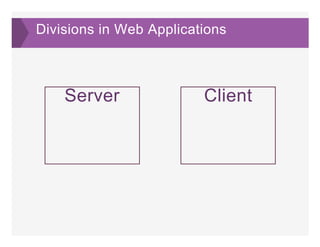
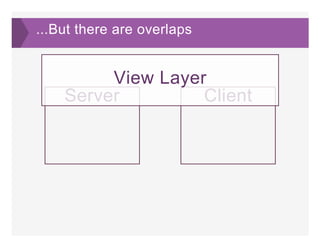
Divisions in Web Applications
Server Client
...But there are overlaps
Server Client
View Layer
What Comprises
the View Layer
Constants
Markup
Some data stored somewhere
Client­Side
Interaction is
Hard
The "jQuery"
Approach
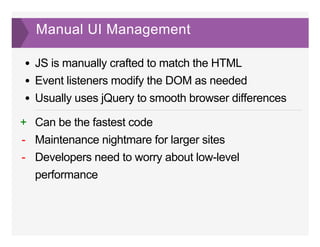
Manual UI Management
JS is manually crafted to match the HTML
Event listeners modify the DOM as needed
Usually uses jQuery to smooth browser differences
Can be the fastest code
Maintenance nightmare for larger sites
Developers need to worry about low­level
performance
+
­
­
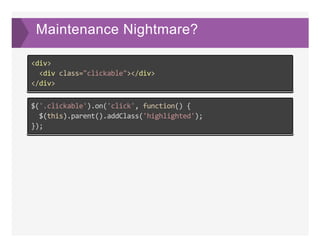
Maintenance Nightmare?
<div>
  <div class="clickable"></div>
</div>
$('.clickable').on('click', function() {
  $(this).parent().addClass('highlighted');
});
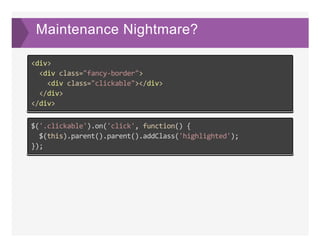
Maintenance Nightmare?
<div>
  <div class="fancy‐border">
    <div class="clickable"></div>
  </div>
</div>
$('.clickable').on('click', function() {
  $(this).parent().parent().addClass('highlighted');
});
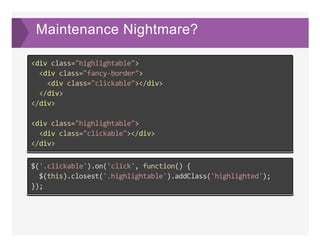
Maintenance Nightmare?
<div class="highlightable">
  <div class="fancy‐border">
    <div class="clickable"></div>
  </div>
</div>
<div class="highlightable">
  <div class="clickable"></div>
</div>
$('.clickable').on('click', function() {
  $(this).closest('.highlightable').addClass('highlighted');
});
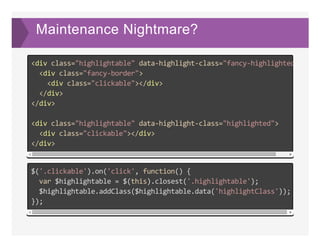
Maintenance Nightmare?
<div class="highlightable" data‐highlight‐class="fancy‐highlighted"
  <div class="fancy‐border">
    <div class="clickable"></div>
  </div>
</div>
<div class="highlightable" data‐highlight‐class="highlighted">
  <div class="clickable"></div>
</div>
$('.clickable').on('click', function() {
  var $highlightable = $(this).closest('.highlightable');
  $highlightable.addClass($highlightable.data('highlightClass'));
});
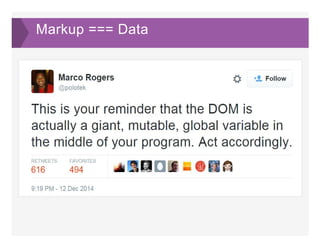
Markup === Data
The "Backbone"
Approach
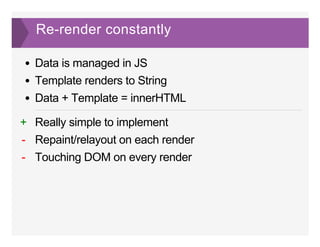
Re­render constantly
Data is managed in JS
Template renders to String
Data + Template = innerHTML
Really simple to implement
Repaint/relayout on each render
Touching DOM on every render
+
­
­
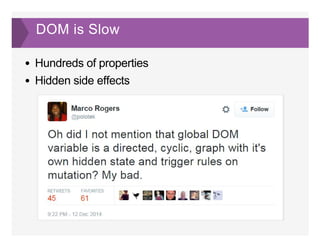
DOM is Slow
Hundreds of properties
Hidden side effects
The "Virtual
DOM" Approach
Described Markup
   
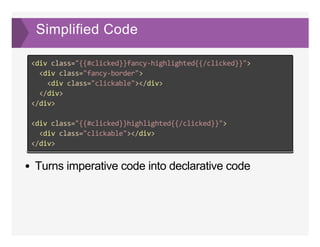
Simplified Code
Turns imperative code into declarative code
<div class="{{#clicked}}fancy‐highlighted{{/clicked}}">
  <div class="fancy‐border">
    <div class="clickable"></div>
  </div>
</div>
<div class="{{#clicked}}highlighted{{/clicked}}">
  <div class="clickable"></div>
</div>
Declarative Code
State + Template is a consistent outcome
So by managing State rather than the page...
We can render the page from the server at any state
JS failures can fall back to forms so the server can update state
Markup is owned by one location
No more "where did this class come from" discovery adventure time
Bugs can be reproduced by copying state
Anyone can copy model data and send to Devs for bug reports
Isn't this the
same as
Backbone?
Virtual DOM
"Re­render" constantly, but in­memory
Only touch the DOM when necessary in a precise
manner (think scalpel vs sledgehammer)
Dev's don't worry about DOM interaction
How does this
work?
Vanilla DOM node creation Virtual DOM creation
Virtual DOM
document.createElement('div'); new VirtualNode('div');
  counterReset: ""
  cssText: ""
  cursor: ""
  direction: ""
  display: ""
  dominantBaseline: ""
  emptyCells: ""
  enableBackground: ""
  fill: ""
  fillOpacity: ""
  fillRule: ""
tagName: "DIV"
properties: {}
children: []
count: 0
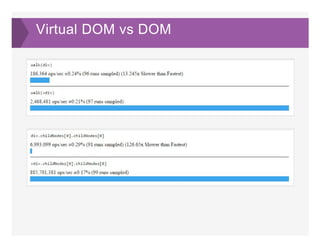
Virtual DOM vs DOM
Lifecycle of a Render ­ Diffing
{
  "tagName": "INPUT",
  "properties": {
    "id": "toggle‐all",
    "className": "js‐toggle‐all",
    "type": "checkbox"
  },
  "children": [],
  "count": 0
}
{
  "tagName": "INPUT",
  "properties": {
    "id": "toggle‐all",
    "className": "js‐toggle‐all",
    "type": "checkbox",
    "checked": true
  },
  "children": [],
  "count": 0
}
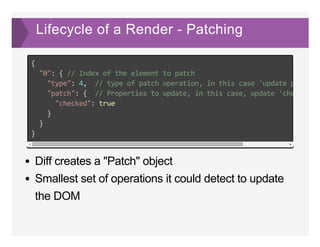
Lifecycle of a Render ­ Patching
Diff creates a "Patch" object
Smallest set of operations it could detect to update
the DOM
{
  "0": { // Index of the element to patch
    "type": 4,  // type of patch operation, in this case 'update properti
    "patch": {  // Properties to update, in this case, update 'checked' t
      "checked": true
    }
  }
}
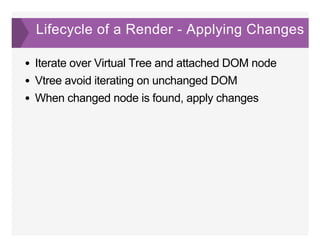
Lifecycle of a Render ­ Applying Changes
Iterate over Virtual Tree and attached DOM node
Vtree avoid iterating on unchanged DOM
When changed node is found, apply changes
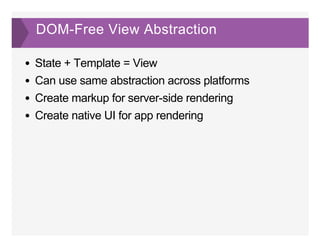
DOM­Free View Abstraction
State + Template = View
Can use same abstraction across platforms
Create markup for server­side rendering
Create native UI for app rendering
Wayfair's
Transition
Why were we looking for a new solution?
Our codebase had a hybrid of the jQuery and
Backbone approaches
Debugging was hard
Unnecessary DOM selection / manipulation
Interactive pages could become janky
What we needed
Performance
The driving force
Stack Cohesion
First­class server­side rendering
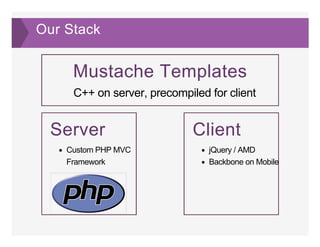
Our Stack
Mustache Templates
C++ on server, precompiled for client
Server
Custom PHP MVC
Framework
Client
jQuery / AMD
Backbone on Mobile
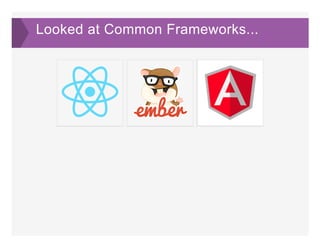
Looked at Common Frameworks...
   
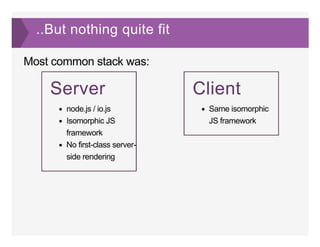
..But nothing quite fit
Most common stack was:
Server
node.js / io.js
Isomorphic JS
framework
No first­class server­
side rendering
Client
Same isomorphic
JS framework
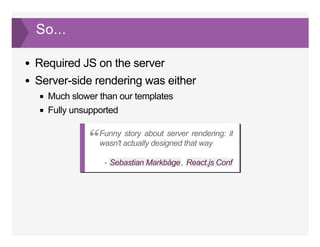
So...
Required JS on the server
Server­side rendering was either
Much slower than our templates
Fully unsupported
­  , 
Funny story about server rendering: it
wasn't actually designed that way“
Sebastian Markbåge React.js Conf
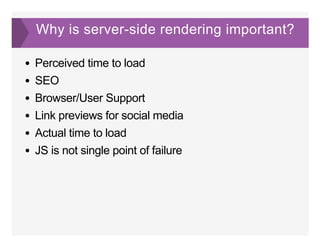
Why is server­side rendering important?
Perceived time to load
SEO
Browser/User Support
Link previews for social media
Actual time to load
JS is not single point of failure
So What Did We
Do?
We wrote a new framework
Tungsten.js
JS framework with high­performance rendering
Designed to work with a portable template language
Server agnostic
Attaches to server­rendered HTML and adds
functionality
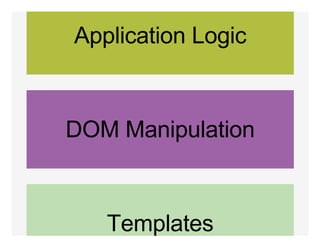
Application Logic
DOM Manipulation
Templates
Server
Integration
Our Server Framework
Custom MVC framework using Mustache templates
for View rendering
Page load triggers Controller action
Controller uses load Models for data
Models call DAOs as necessary
Data is passed to View layer
Tungsten + PHP Integration ­ Server
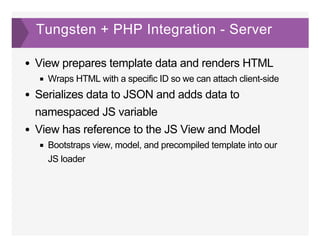
View prepares template data and renders HTML
Wraps HTML with a specific ID so we can attach client­side
Serializes data to JSON and adds data to
namespaced JS variable
View has reference to the JS View and Model
Bootstraps view, model, and precompiled template into our
JS loader
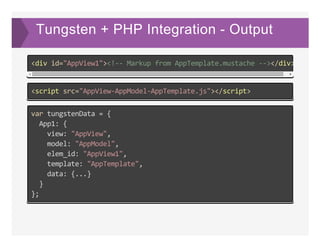
Tungsten + PHP Integration ­ Output
<div id="AppView1"><!‐‐ Markup from AppTemplate.mustache ‐‐></div>
<script src="AppView‐AppModel‐AppTemplate.js"></script>
var tungstenData = {
  App1: {
    view: "AppView",
    model: "AppModel",
    elem_id: "AppView1",
    template: "AppTemplate",
    data: {...}
  }
};
Tungsten + PHP Integration ­ Client
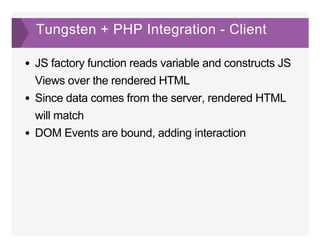
JS factory function reads variable and constructs JS
Views over the rendered HTML
Since data comes from the server, rendered HTML
will match
DOM Events are bound, adding interaction
Advantages
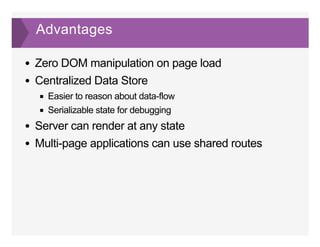
Zero DOM manipulation on page load
Centralized Data Store
Easier to reason about data­flow
Serializable state for debugging
Server can render at any state
Multi­page applications can use shared routes
DEMO
Coming Soon
Abstracting template from Mustache to allow more
template languages
Componentization to avoid all­in­one templates
Better client­side data management
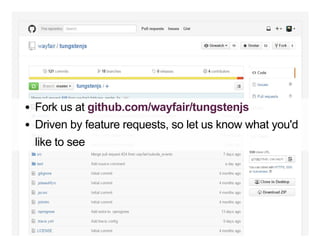
Fork us at 
Driven by feature requests, so let us know what you'd
like to see
github.com/wayfair/tungstenjs

Better PHP-Frontend Integration with Tungsten.js