Building Mobile Applications with
Vaadin TouchKit
Sami Ekblad, Vaadin
@samiekblad
t is
ha

W

ou
T

it?
chK
When

should
I use it?
QA
new Label(“Hello Touch”)
java

html
Java EE
Applications
Javascript
handling

Cross-browser
issues

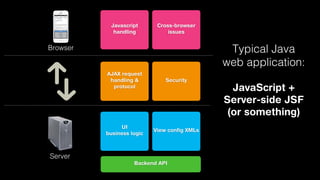
Typical Java
web application:

Browser

AJAX request
handling &
protocol

Security

UI
business logic

View config XMLs

JavaScript +
Server-side JSF
(or something)

Server
Backend API
Javascript
handling

Browser

Cross-browser
issues

d
e
l n
d i
n d
a a
H Va
y
b

AJAX request
handling &
protocol

Security

UI
business logic

View config XMLs

Server
Backend API

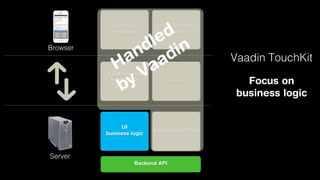
Vaadin TouchKit
Focus on
business logic
How
does it
work,
really?
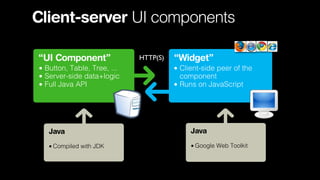
Client-server UI components
“UI Component”
• Button, Table, Tree, ...

• Server-side data+logic
• Full Java API

HTTP(S)

“Widget”
• Client-side peer of the
component
• Runs on JavaScript

Java

Java

• Compiled with JDK

• Google Web Toolkit
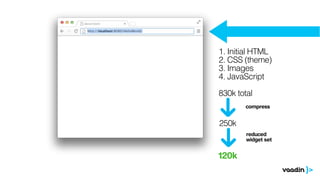
1. Initial HTML
2. CSS (theme)
3. Images
4. JavaScript
830k total
compress

250k
reduced
widget set

120k
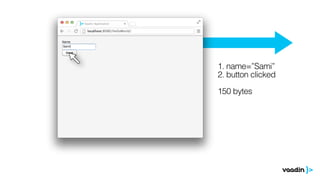
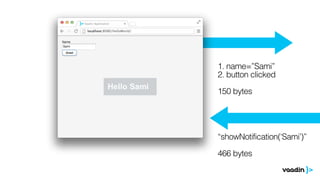
1. name=”Sami”
2. button clicked
150 bytes
1. name=”Sami”
2. button clicked
150 bytes

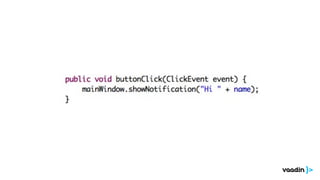
“showNotification(‘Sami’)”
466 bytes
Server-driven
HTML5
web applications
going

mobile
with

Java
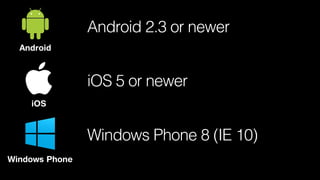
Device support?
Android

iOS

Windows Phone
Android 2.3 or newer
Android

iOS 5 or newer
iOS

Windows Phone 8 (IE 10)
Windows Phone
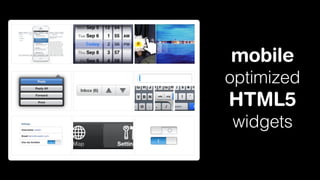
mobile
optimized

HTML5
widgets
TouchKit App

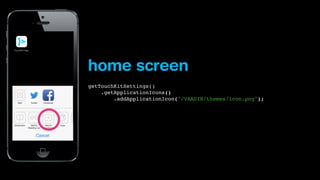
home screen
getTouchKitSettings()
.getApplicationIcons()
.addApplicationIcon("/VAADIN/themes/icon.png");
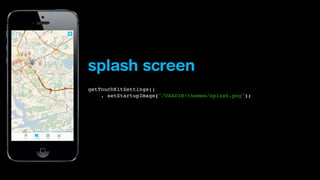
splash screen
getTouchKitSettings()
. setStartupImage("/VAADIN/themes/splash.png");
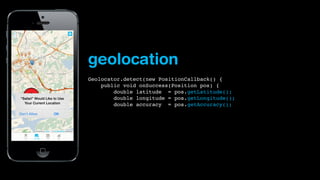
geolocation
Geolocator.detect(new PositionCallback() {
    public void onSuccess(Position pos) {
        double latitude = pos.getLatitude();
        double longitude = pos.getLongitude();
        double accuracy = pos.getAccuracy();
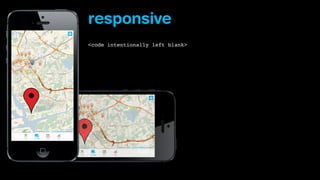
responsive
<code intentionally left blank>
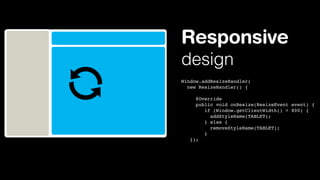
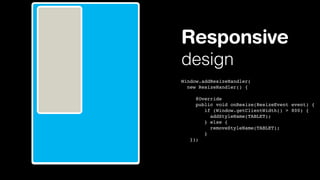
Responsive
design
Window.addResizeHandler(
new ResizeHandler() {
     @Override
     public void onResize(ResizeEvent event) {
       if (Window.getClientWidth() > 800) {
          addStyleName(TABLET);
       } else {
          removeStyleName(TABLET);
       }
});
Responsive
design
Window.addResizeHandler(
new ResizeHandler() {
     @Override
     public void onResize(ResizeEvent event) {
       if (Window.getClientWidth() > 800) {
          addStyleName(TABLET);
       } else {
          removeStyleName(TABLET);
       }
});
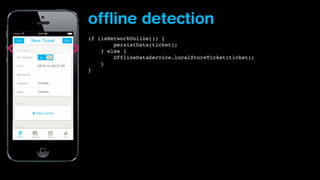
offline detection
if (isNetworkOnline()) {
        persistData(ticket);
} else {
    
OfflineDataService.localStoreTicket(ticket);
    }
}
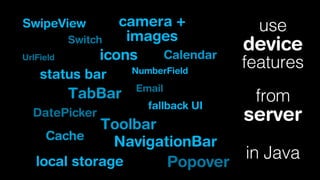
camera +
images
Switch
Calendar
icons

SwipeView
UrlField

status bar

TabBar
DatePicker

NumberField

Email

fallback UI

Toolbar
Cache
NavigationBar
local storage
Popover

use

device

features
from

server
in Java
We are still in browser,
so what about

Camera and
accelerometer?
Apache Cordova (PhoneGap)
•Interface between native and WebView components
•Access most of the device features
•Distribution in various app store portals
• Accelerometer
• Camera
• Compass
• Connection mode
• Contacts
• Device information
• Device events
• Notifications
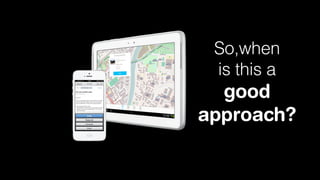
So,when
is this a

good
approach?
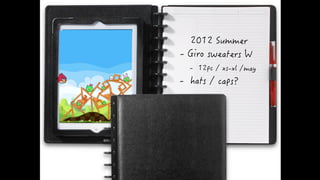
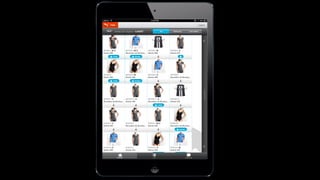
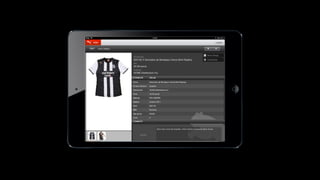
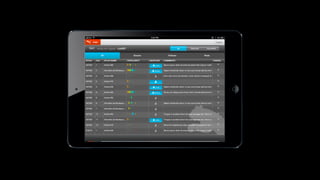
Puma
Product portfolio
management
Existing process
Technology renewal
<picture this>
Need: process optimization
When to use
TouchKit then?
You need crossdevice support on
iOS, Android and
Windows phones
You already have a
Java backend in place
You cannot deliver
though app stores
Good looking mobile
applications quickly
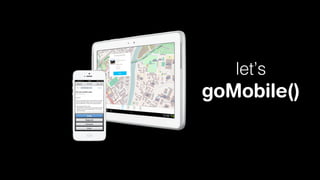
let’s

goMobile()
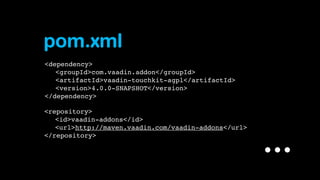
pom.xml
<dependency>
" <groupId>com.vaadin.addon</groupId>
" <artifactId>vaadin-touchkit-agpl</artifactId>
" <version>4.0.0-SNAPSHOT</version>
</dependency>
<repository>
" <id>vaadin-addons</id>
" <url>http://maven.vaadin.com/vaadin-addons</url>
</repository>

...
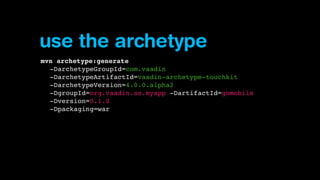
use the archetype
mvn archetype:generate
-DarchetypeGroupId=com.vaadin
-DarchetypeArtifactId=vaadin-archetype-touchkit
-DarchetypeVersion=4.0.0.alpha2
-DgroupId=org.vaadin.se.myapp -DartifactId=gomobile
-Dversion=0.1.0
-Dpackaging=war
github.com/vaadin/parking-demo
vaadin.com/touchkit
Licensing:
- Open source: AGPL
- Commercial: CVAL $590/developer
thank you

@samiekblad
vaadin.com/sami

Building mobile applications with Vaadin TouchKit