
(ATS6-DEV05) Building Interactive
Web Applications with the Reporting
Collection Andrei Caracoti
Senior Manager
Technical Marketing
andrei.caracoti@accelrys.com
The information on the roadmap and future software development efforts are
intended to outline general product direction and should not be relied on in making
a purchasing decision.
Content
• Reporting collection
• Forms and form elements
• Data Connector
• Interactive Elements
• AJAX
• Other things
Reporting Collection
• Collection of components that facilitate building report
layouts
• Data flows from data manipulation components (blue) to
reporting components (green).
• Specialized viewer/writer components convert the layout
information into a report in the desired format (HTML,
PDF, Word, PowerPoint, Excel).
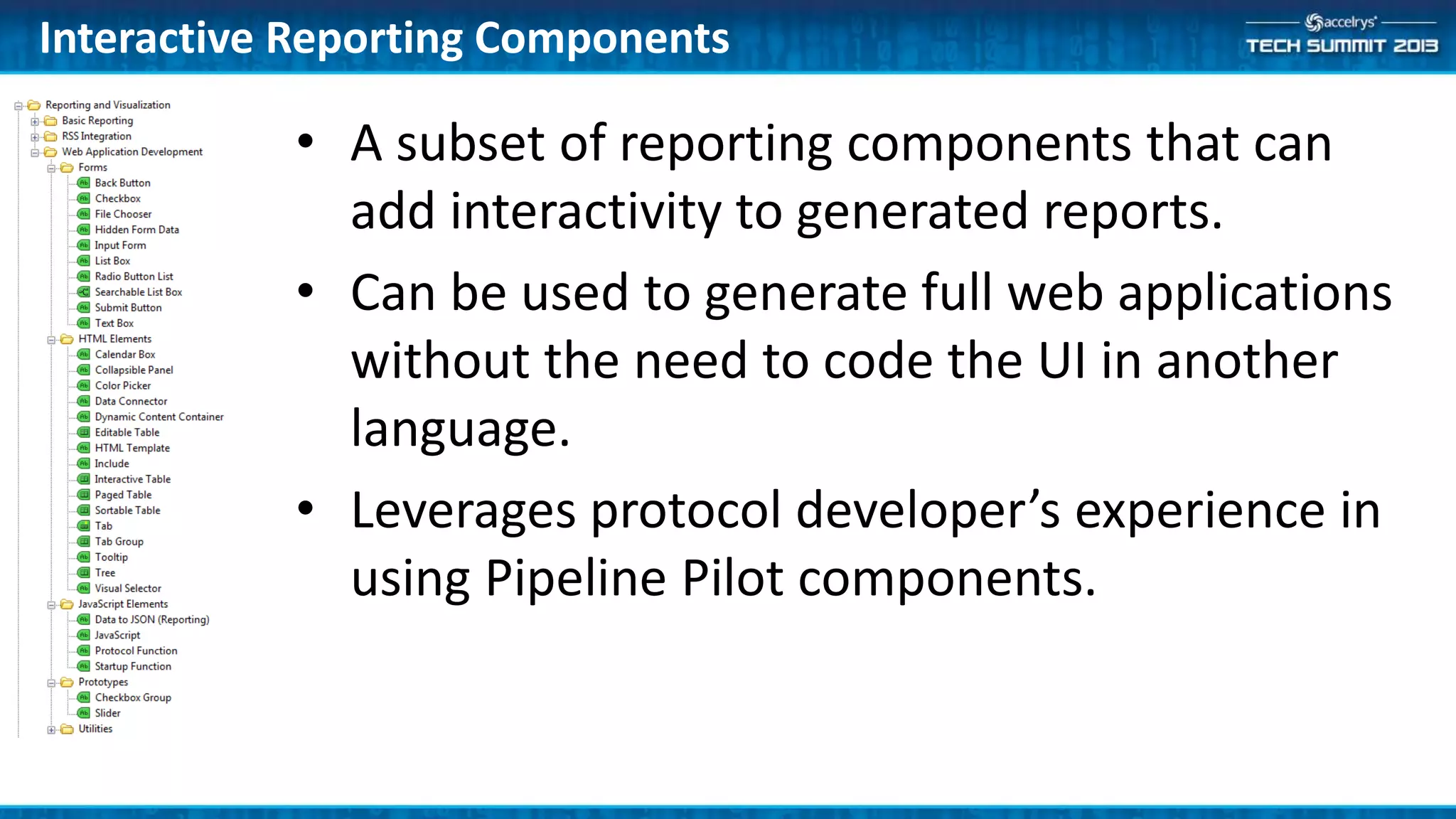
Interactive Reporting Components
• A subset of reporting components that can
add interactivity to generated reports.
• Can be used to generate full web applications
without the need to code the UI in another
language.
• Leverages protocol developer’s experience in
using Pipeline Pilot components.
Forms
• Provide main way of capturing user input and passing it
to work protocols
• Components available for all standard input types (text
boxes, list boxes, checkbox, radio buttons, submit
buttons).
Data Connector
• Component that connects visualizations that display the
same set of data.
• Uses a unique data record ID to connect the records in
each visualization.
• Visualizations can be set to subscribe and/or publish
selection changes.
• Each visualization can be set to highlight or filter the
selected records.
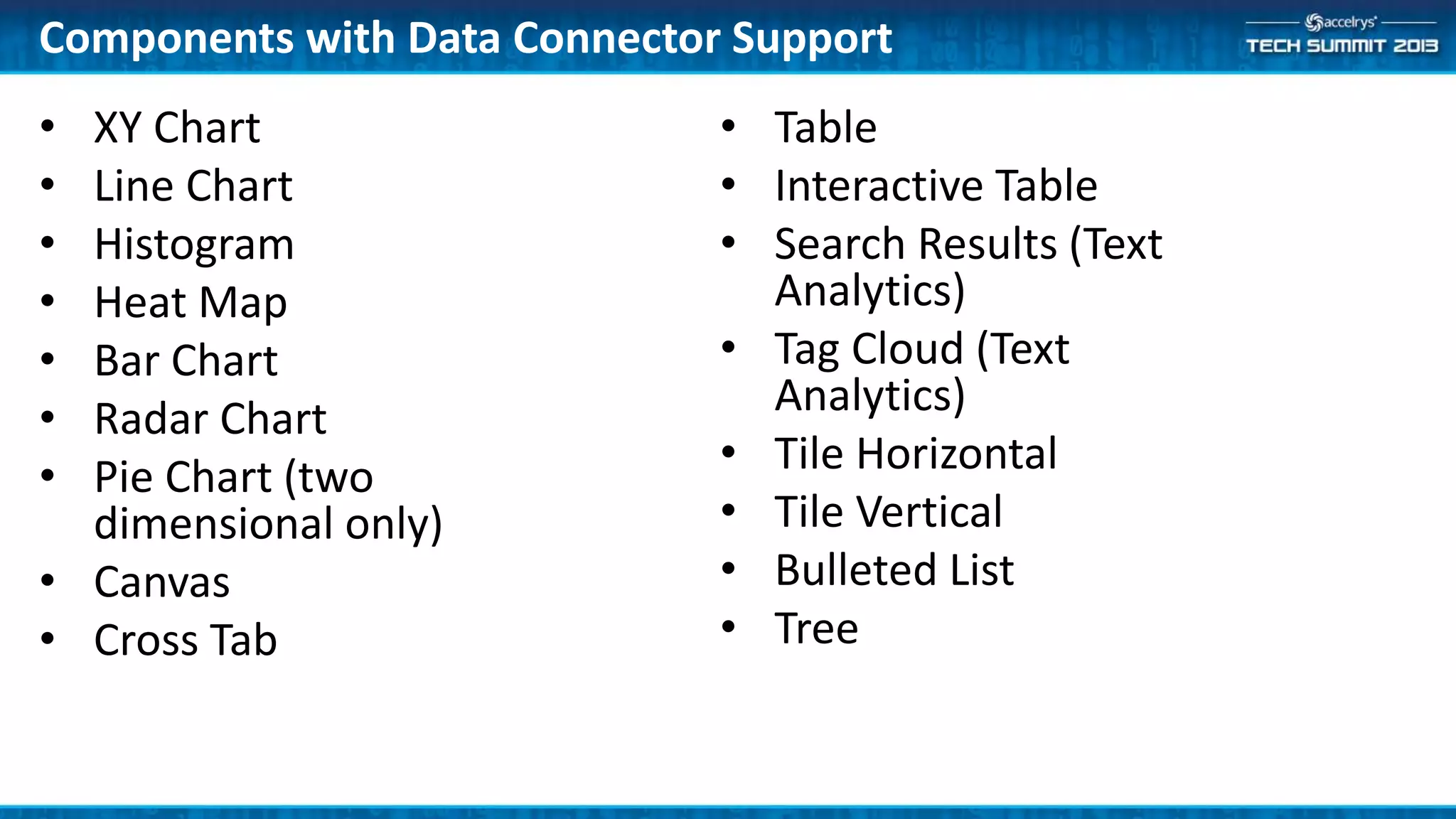
Components with Data Connector Support
• XY Chart
• Line Chart
• Histogram
• Heat Map
• Bar Chart
• Radar Chart
• Pie Chart (two
dimensional only)
• Canvas
• Cross Tab
• Table
• Interactive Table
• Search Results (Text
Analytics)
• Tag Cloud (Text
Analytics)
• Tile Horizontal
• Tile Vertical
• Bulleted List
• Tree
Protocol Links
• Can be added to most elements in a report.
• When clicked, the protocol executes and the results are
displayed in the same page or in a pop-up page.
• Can be used for easily providing drill-down functionality
to a report.
• The link passes parameter values to the target protocol
to taylor the execution.
Protocol Functions
• Way to add AJAX functionality to reports.
• They generate JavaScript functions that wrap protocols.
• The functions can be executed based on various events
defined in the page (onclick, onchange, onload).
• Protocol results can be automatically presented in a
dynamic content container or processed by a custom
callback JavaScript function.
JavaScript
• HTML Attributes parameter on most components can be
used to add attributes that can be used from JavaScript
scripts embeded in the page.
• JavaScript component to add custom JavaScript to pages.
• Include component to include additional JS libraries.
• Startup Function component to specify a JS function to
be executed when the page first loads.
Components with Scripting Support
• Prototype JavaScript API exists to interact with the
following components:
– Data Connector
– XY Charts
– Tabs
• API Documentation available from the Help center and
example protocols available in the Examples folder.
DemoSimple Interactive Dashboard
• Data connector scripting example
• Using protocol functions to call AJAX functions
• JavaScript
• Reporting collection can be used to build powerful
interactive web applications.
• Interactivity can be added directly in the component
parameters or with more complex JavaScript.
• Help system and examples provide a good starting point.
Summary

(ATS6-DEV05) Building Interactive Web Applications with the Reporting Collection

  • 1.
    (ATS6-DEV05) Building Interactive WebApplications with the Reporting Collection Andrei Caracoti Senior Manager Technical Marketing andrei.caracoti@accelrys.com
  • 2.
    The information onthe roadmap and future software development efforts are intended to outline general product direction and should not be relied on in making a purchasing decision.
  • 3.
    Content • Reporting collection •Forms and form elements • Data Connector • Interactive Elements • AJAX • Other things
  • 4.
    Reporting Collection • Collectionof components that facilitate building report layouts • Data flows from data manipulation components (blue) to reporting components (green). • Specialized viewer/writer components convert the layout information into a report in the desired format (HTML, PDF, Word, PowerPoint, Excel).
  • 5.
    Interactive Reporting Components •A subset of reporting components that can add interactivity to generated reports. • Can be used to generate full web applications without the need to code the UI in another language. • Leverages protocol developer’s experience in using Pipeline Pilot components.
  • 6.
    Forms • Provide mainway of capturing user input and passing it to work protocols • Components available for all standard input types (text boxes, list boxes, checkbox, radio buttons, submit buttons).
  • 7.
    Data Connector • Componentthat connects visualizations that display the same set of data. • Uses a unique data record ID to connect the records in each visualization. • Visualizations can be set to subscribe and/or publish selection changes. • Each visualization can be set to highlight or filter the selected records.
  • 8.
    Components with DataConnector Support • XY Chart • Line Chart • Histogram • Heat Map • Bar Chart • Radar Chart • Pie Chart (two dimensional only) • Canvas • Cross Tab • Table • Interactive Table • Search Results (Text Analytics) • Tag Cloud (Text Analytics) • Tile Horizontal • Tile Vertical • Bulleted List • Tree
  • 9.
    Protocol Links • Canbe added to most elements in a report. • When clicked, the protocol executes and the results are displayed in the same page or in a pop-up page. • Can be used for easily providing drill-down functionality to a report. • The link passes parameter values to the target protocol to taylor the execution.
  • 10.
    Protocol Functions • Wayto add AJAX functionality to reports. • They generate JavaScript functions that wrap protocols. • The functions can be executed based on various events defined in the page (onclick, onchange, onload). • Protocol results can be automatically presented in a dynamic content container or processed by a custom callback JavaScript function.
  • 11.
    JavaScript • HTML Attributesparameter on most components can be used to add attributes that can be used from JavaScript scripts embeded in the page. • JavaScript component to add custom JavaScript to pages. • Include component to include additional JS libraries. • Startup Function component to specify a JS function to be executed when the page first loads.
  • 12.
    Components with ScriptingSupport • Prototype JavaScript API exists to interact with the following components: – Data Connector – XY Charts – Tabs • API Documentation available from the Help center and example protocols available in the Examples folder.
  • 13.
    DemoSimple Interactive Dashboard •Data connector scripting example • Using protocol functions to call AJAX functions • JavaScript
  • 14.
    • Reporting collectioncan be used to build powerful interactive web applications. • Interactivity can be added directly in the component parameters or with more complex JavaScript. • Help system and examples provide a good starting point. Summary