(ATS6-APP09) ELN Configuration
Management with ADM
Mike Wilson
Advisory Product Manager
Platform Product Management
mike.wilson@accelrys.com
The information on the roadmap and future software development efforts are
intended to outline general product direction and should not be relied on in making
a purchasing decision.
Agenda
• Introduction to Accelrys Deployment Manager (ADM)
• ADM Use Cases
– Assigning profiles to users
– Modifying or creating a profile
– Creating a package
• ADM Workflows
Overview
• Introduction to
Accelrys Deployment Manager
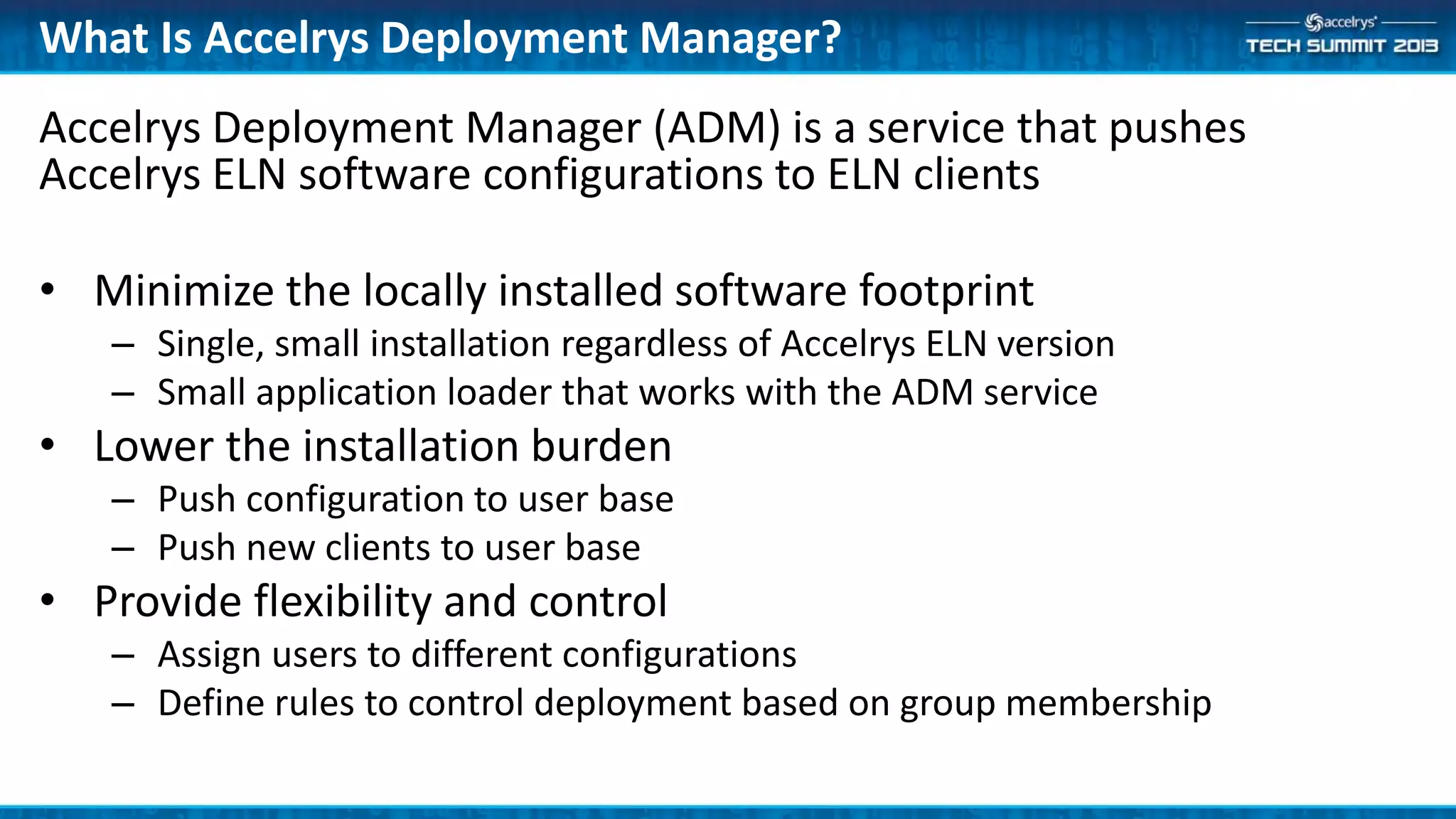
Accelrys Deployment Manager (ADM) is a service that pushes
Accelrys ELN software configurations to ELN clients
• Minimize the locally installed software footprint
– Single, small installation regardless of Accelrys ELN version
– Small application loader that works with the ADM service
• Lower the installation burden
– Push configuration to user base
– Push new clients to user base
• Provide flexibility and control
– Assign users to different configurations
– Define rules to control deployment based on group membership
What Is Accelrys Deployment Manager?
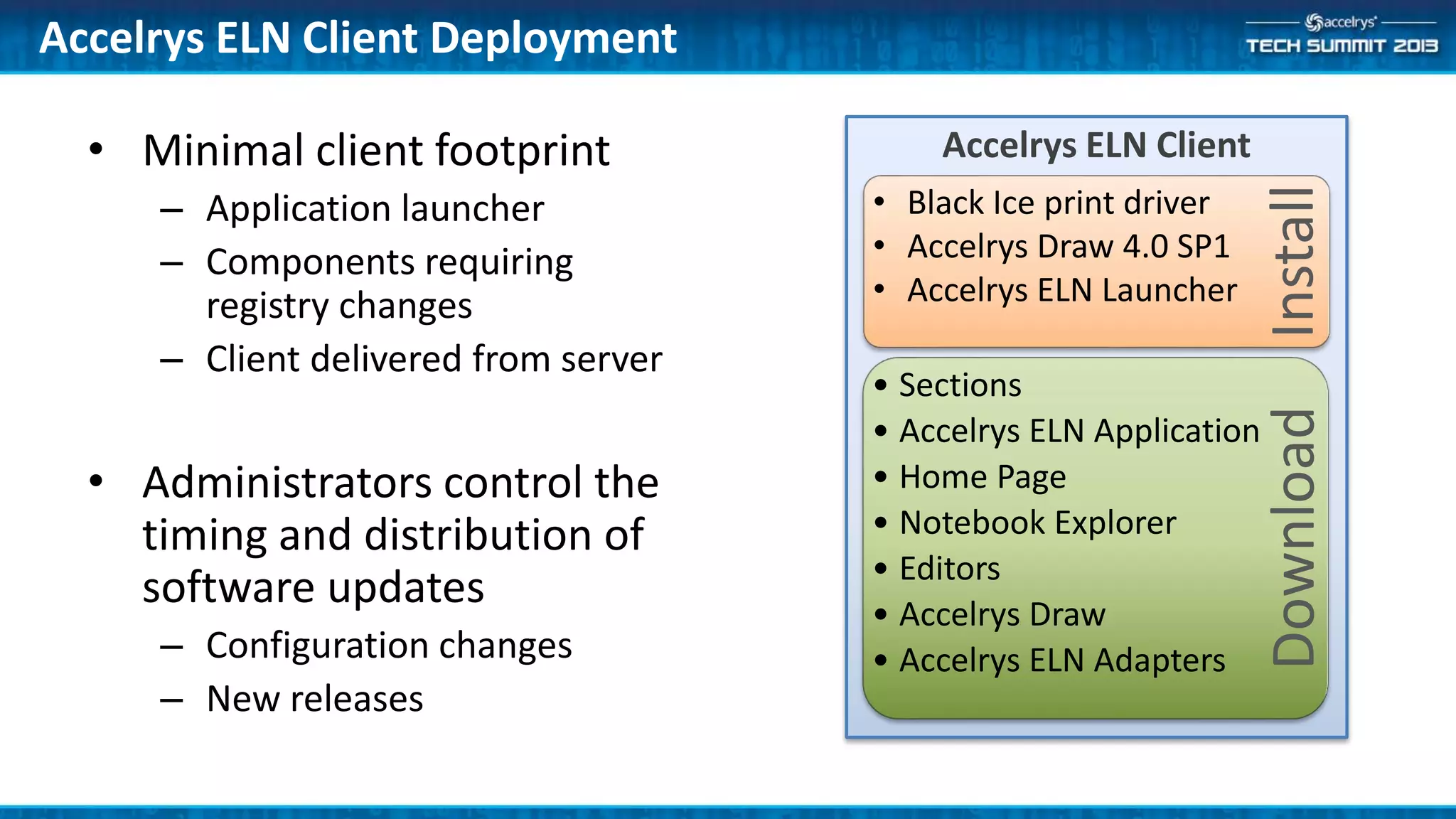
• Minimal client footprint
– Application launcher
– Components requiring
registry changes
– Client delivered from server
• Administrators control the
timing and distribution of
software updates
– Configuration changes
– New releases
Accelrys ELN Client Deployment
Download
• Sections
• Accelrys ELN Application
• Home Page
• Notebook Explorer
• Editors
• Accelrys Draw
• Accelrys ELN Adapters
Install
• Black Ice print driver
• Accelrys Draw 4.0 SP1
• Accelrys ELN Launcher
Accelrys ELN Client
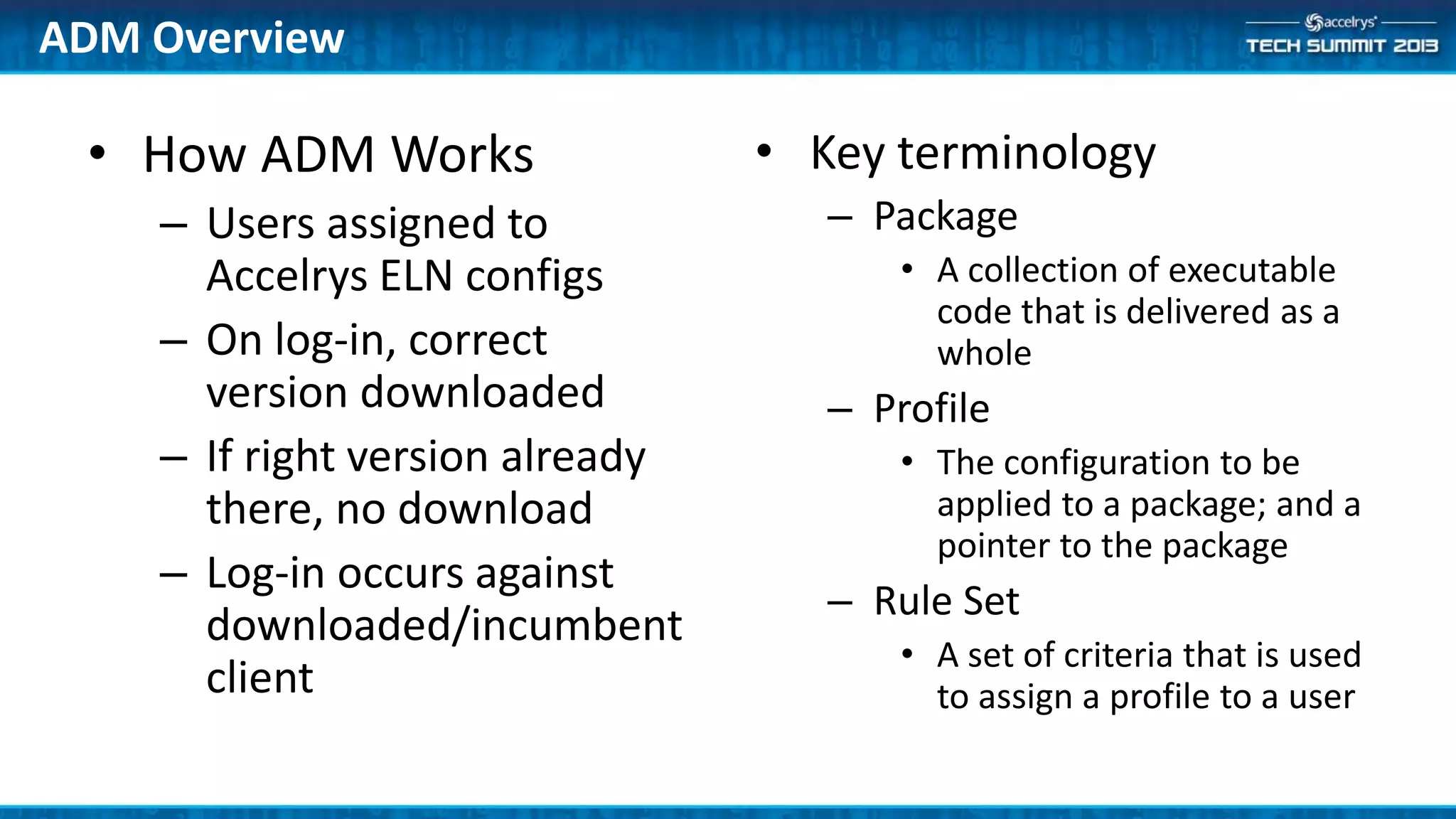
• How ADM Works
– Users assigned to
Accelrys ELN configs
– On log-in, correct
version downloaded
– If right version already
there, no download
– Log-in occurs against
downloaded/incumbent
client
• Key terminology
– Package
• A collection of executable
code that is delivered as a
whole
– Profile
• The configuration to be
applied to a package; and a
pointer to the package
– Rule Set
• A set of criteria that is used
to assign a profile to a user
ADM Overview
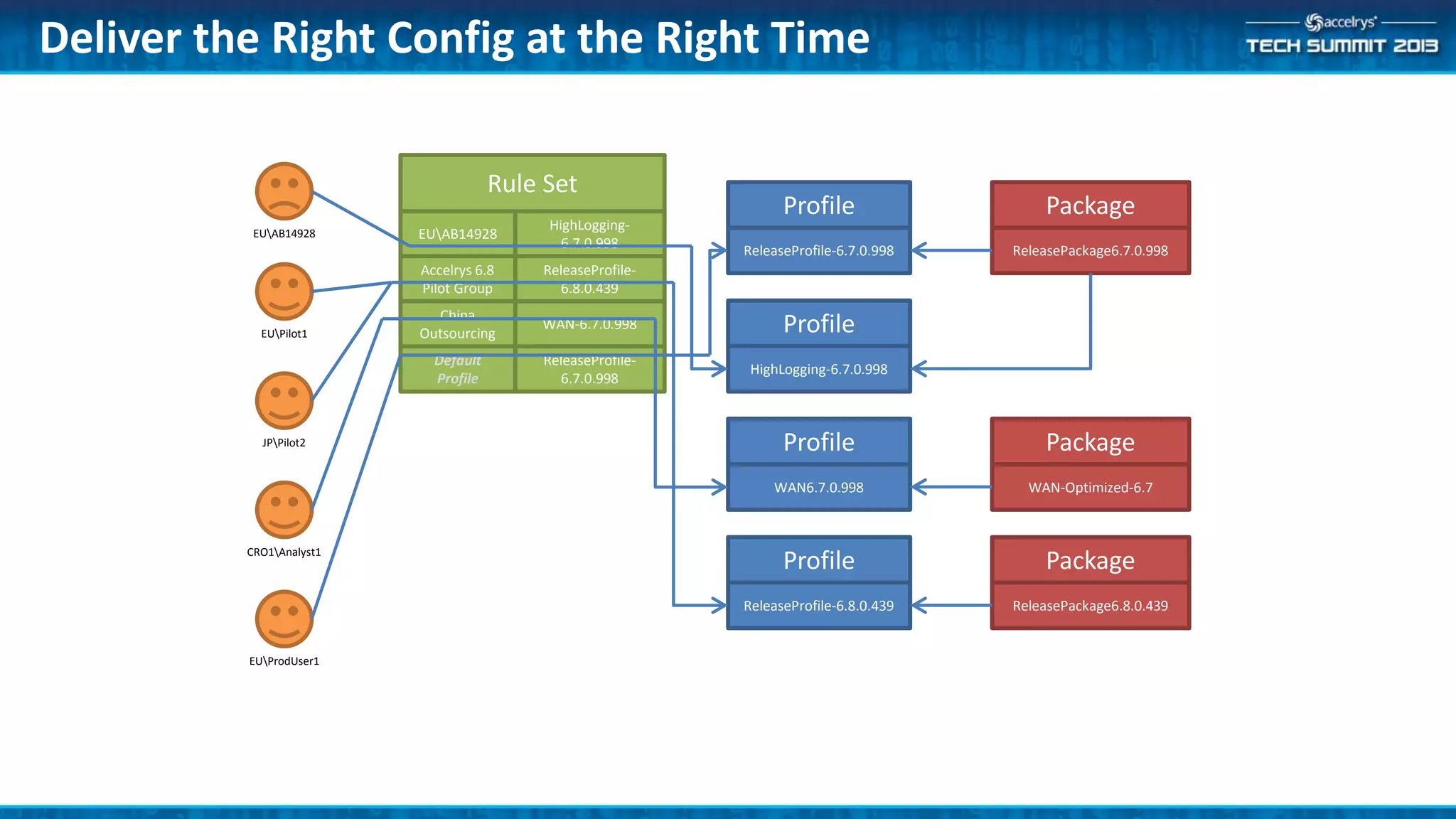
Deliver the Right Config at the Right Time
ReleaseProfile-6.7.0.998
Profile
WAN6.7.0.998
Profile
ReleaseProfile-6.8.0.439
Profile
ReleasePackage6.7.0.998
Package
WAN-Optimized-6.7
Package
HighLogging-6.7.0.998
Profile
ReleasePackage6.8.0.439
Package
Accelrys 6.8
Pilot Group
Rule Set
ReleaseProfile-
6.8.0.439
China
Outsourcing
WAN-6.7.0.998
EUAB14928
HighLogging-
6.7.0.998
Default
Profile
ReleaseProfile-
6.7.0.998
EUAB14928
EUPilot1
JPPilot2
CRO1Analyst1
EUProdUser1
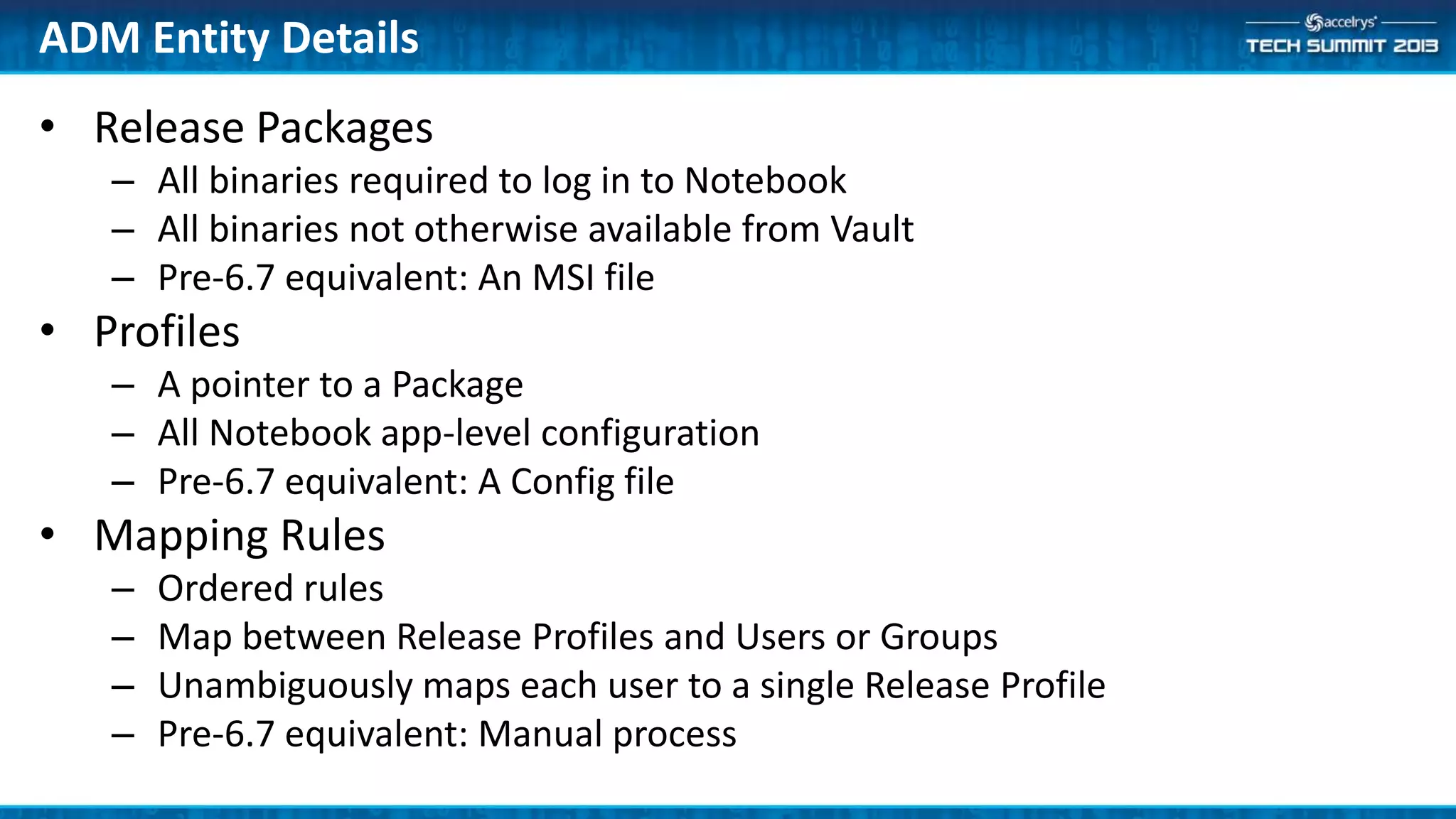
ADM Entity Details
• Release Packages
– All binaries required to log in to Notebook
– All binaries not otherwise available from Vault
– Pre-6.7 equivalent: An MSI file
• Profiles
– A pointer to a Package
– All Notebook app-level configuration
– Pre-6.7 equivalent: A Config file
• Mapping Rules
– Ordered rules
– Map between Release Profiles and Users or Groups
– Unambiguously maps each user to a single Release Profile
– Pre-6.7 equivalent: Manual process
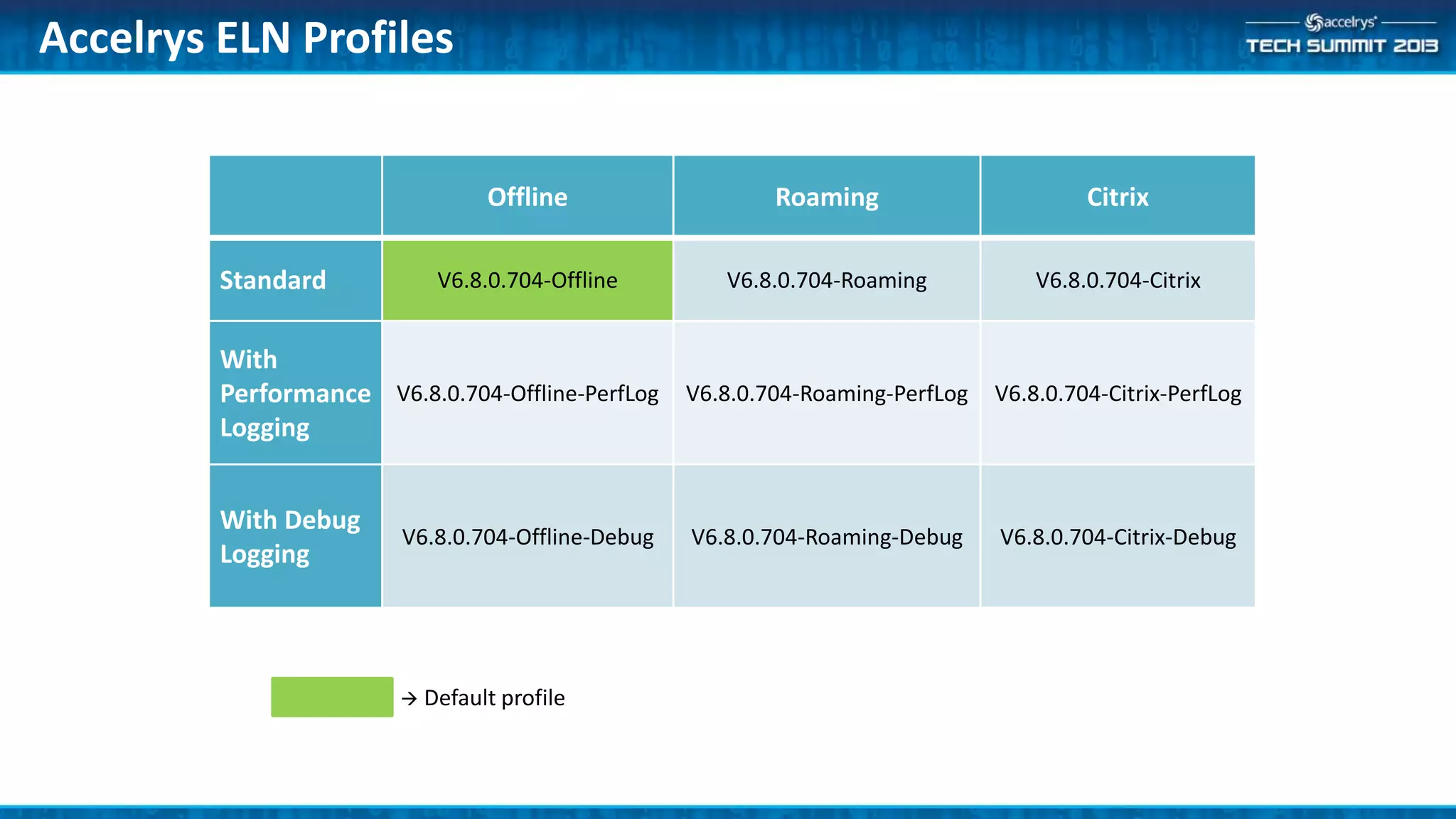
Offline Roaming Citrix
Standard V6.8.0.704-Offline V6.8.0.704-Roaming V6.8.0.704-Citrix
With
Performance
Logging
V6.8.0.704-Offline-PerfLog V6.8.0.704-Roaming-PerfLog V6.8.0.704-Citrix-PerfLog
With Debug
Logging
V6.8.0.704-Offline-Debug V6.8.0.704-Roaming-Debug V6.8.0.704-Citrix-Debug
Accelrys ELN Profiles
 Default profile
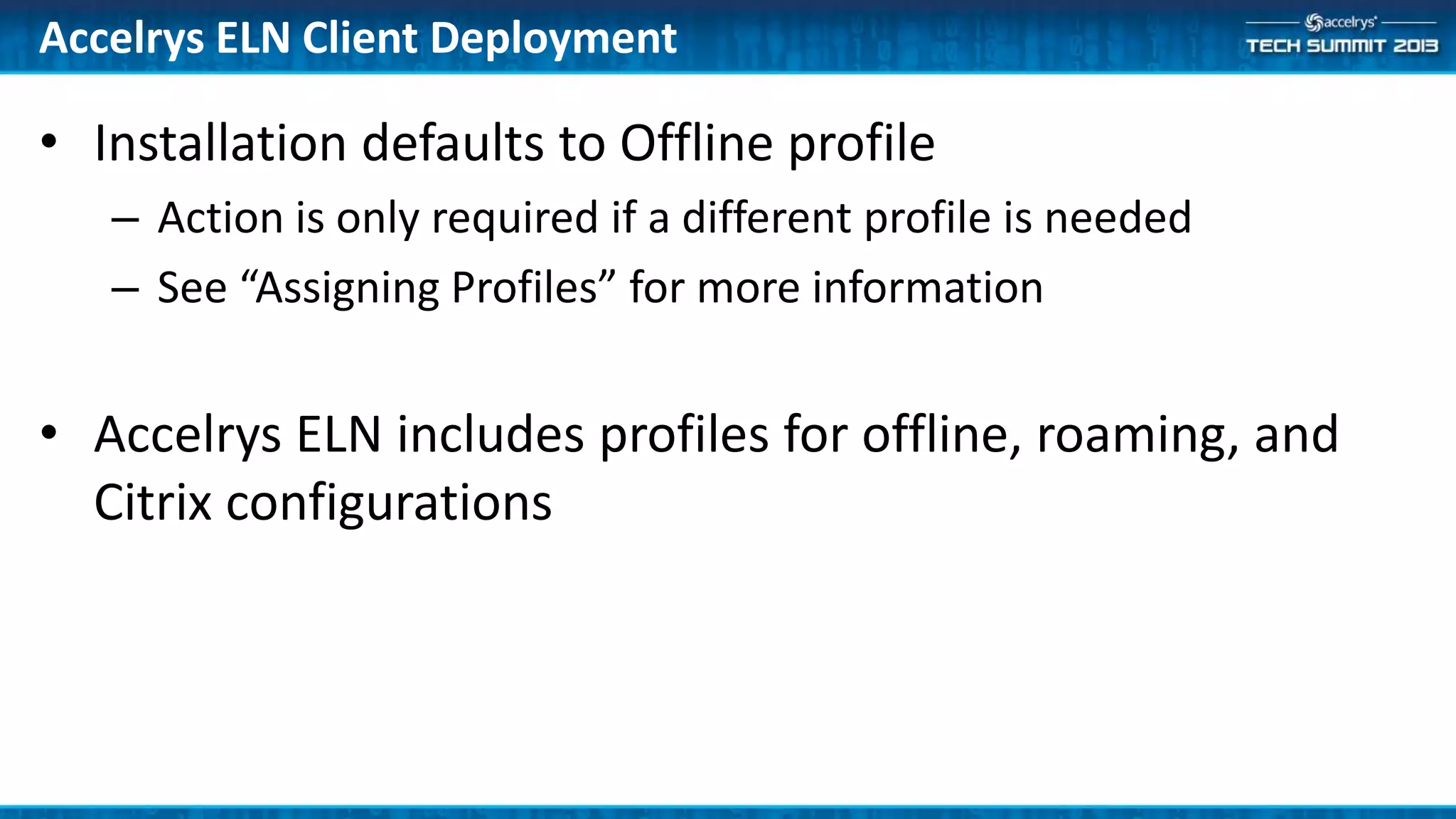
• Installation defaults to Offline profile
– Action is only required if a different profile is needed
– See “Assigning Profiles” for more information
• Accelrys ELN includes profiles for offline, roaming, and
Citrix configurations
Accelrys ELN Client Deployment
Assign a Profile
Working with ADM rules
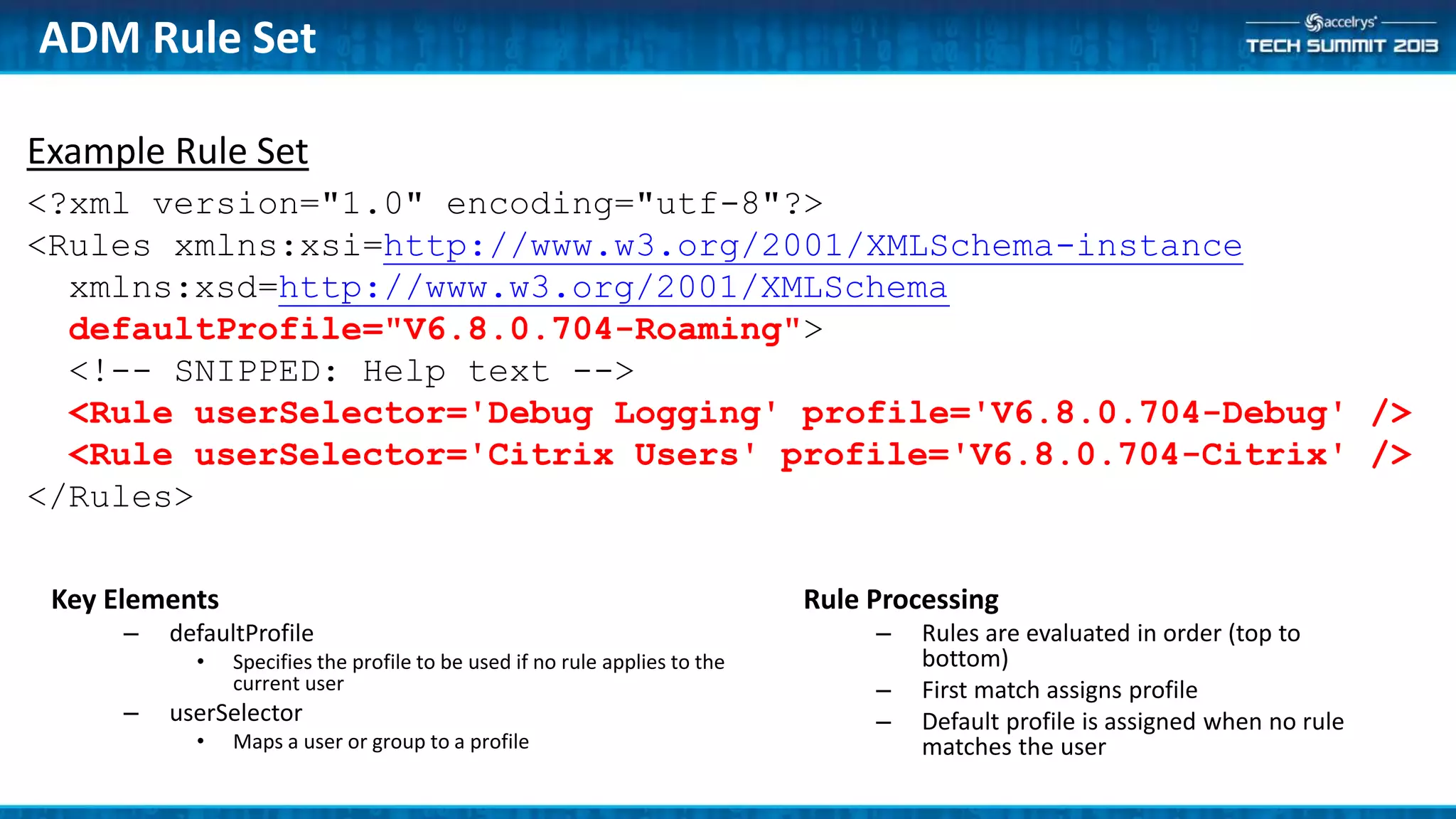
Example Rule Set
<?xml version="1.0" encoding="utf-8"?>
<Rules xmlns:xsi=http://www.w3.org/2001/XMLSchema-instance
xmlns:xsd=http://www.w3.org/2001/XMLSchema
defaultProfile="V6.8.0.704-Roaming">
<!-- SNIPPED: Help text -->
<Rule userSelector='Debug Logging' profile='V6.8.0.704-Debug' />
<Rule userSelector='Citrix Users' profile='V6.8.0.704-Citrix' />
</Rules>
Key Elements
– defaultProfile
• Specifies the profile to be used if no rule applies to the
current user
– userSelector
• Maps a user or group to a profile
ADM Rule Set
Rule Processing
– Rules are evaluated in order (top to
bottom)
– First match assigns profile
– Default profile is assigned when no rule
matches the user
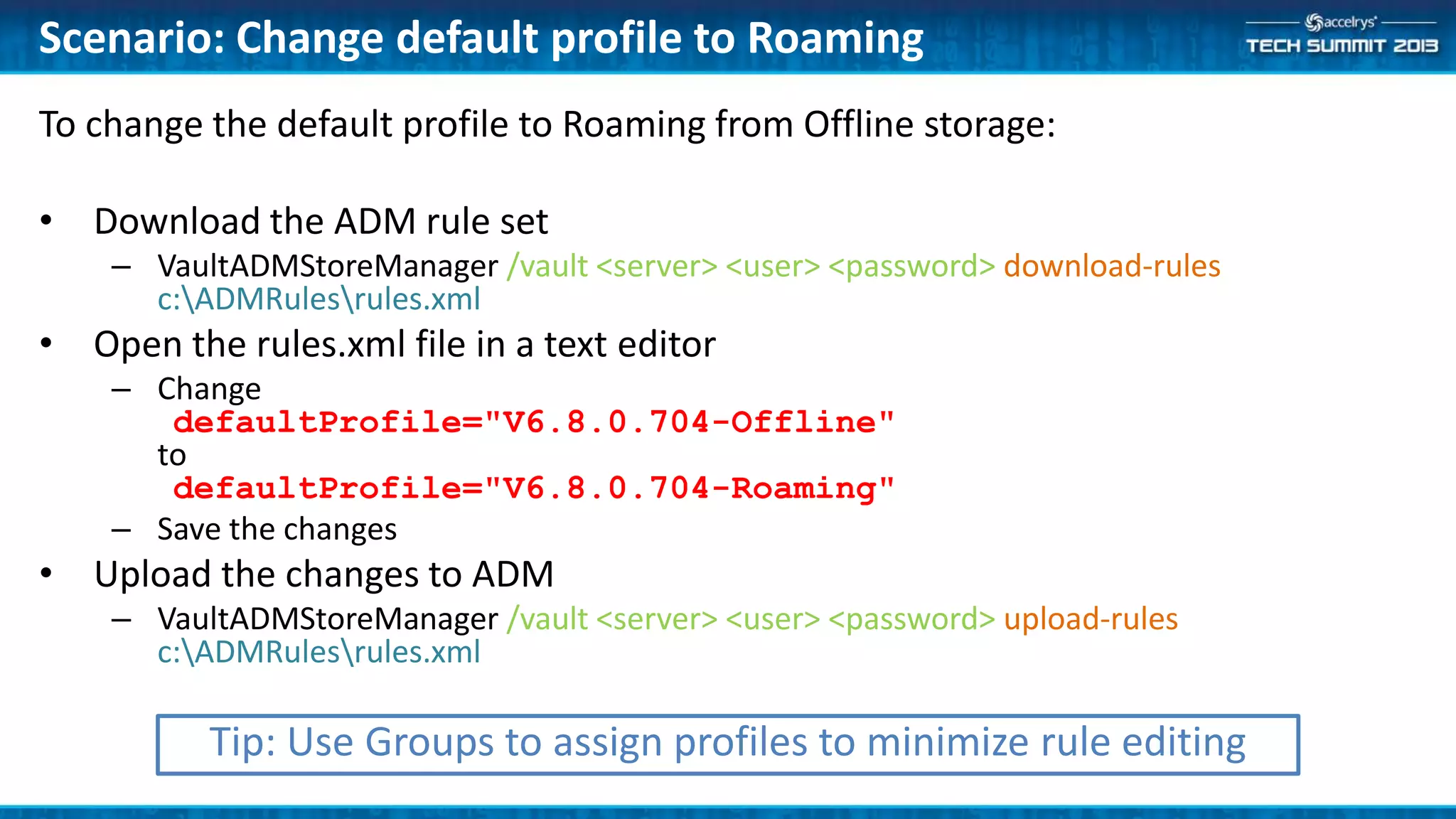
To change the default profile to Roaming from Offline storage:
• Download the ADM rule set
– VaultADMStoreManager /vault <server> <user> <password> download-rules
c:ADMRulesrules.xml
• Open the rules.xml file in a text editor
– Change
defaultProfile="V6.8.0.704-Offline"
to
defaultProfile="V6.8.0.704-Roaming"
– Save the changes
• Upload the changes to ADM
– VaultADMStoreManager /vault <server> <user> <password> upload-rules
c:ADMRulesrules.xml
Scenario: Change default profile to Roaming
Tip: Use Groups to assign profiles to minimize rule editing
Create/Update Profiles
Enable clone to latest feature for testing
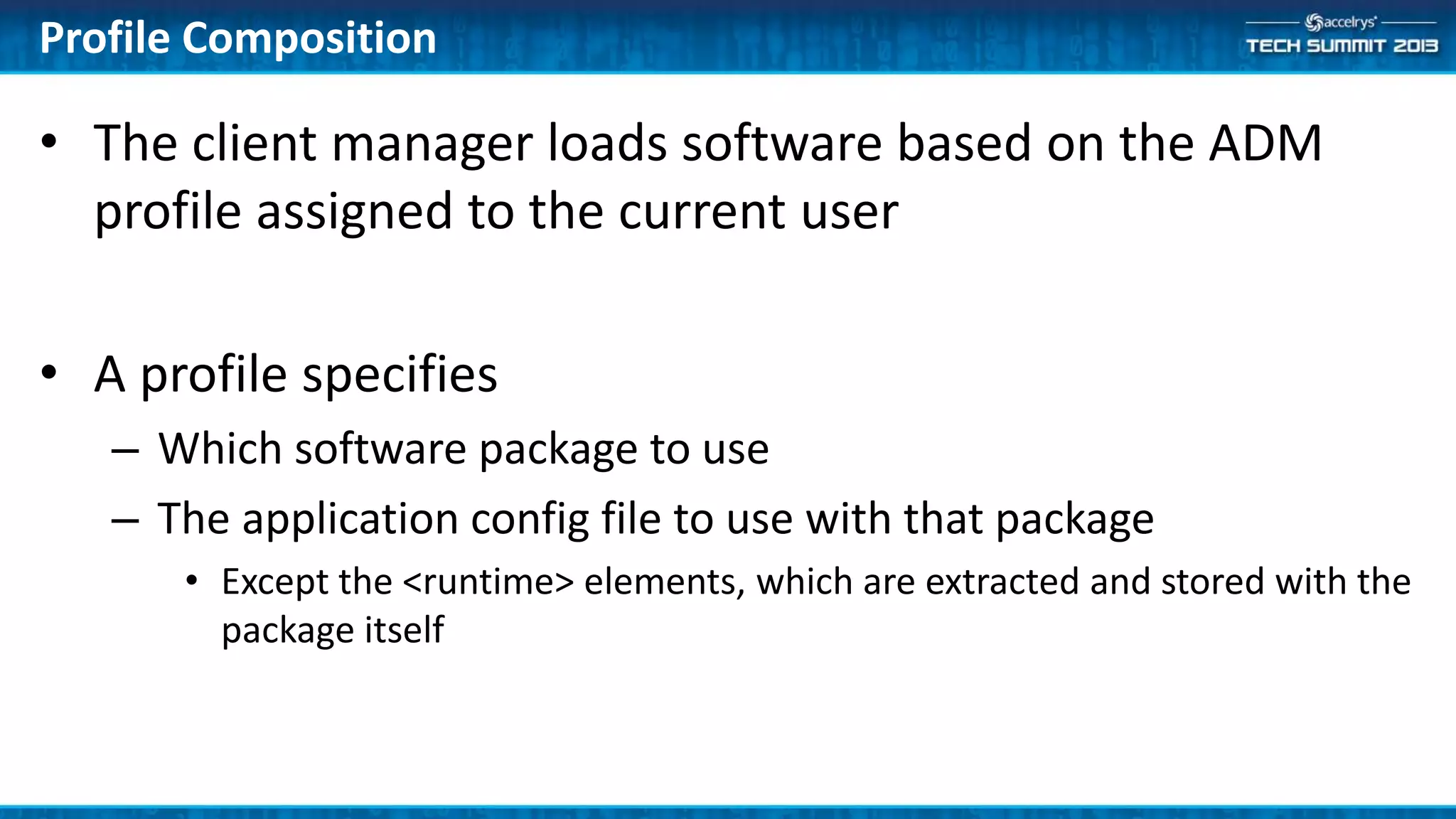
• The client manager loads software based on the ADM
profile assigned to the current user
• A profile specifies
– Which software package to use
– The application config file to use with that package
• Except the <runtime> elements, which are extracted and stored with the
package itself
Profile Composition
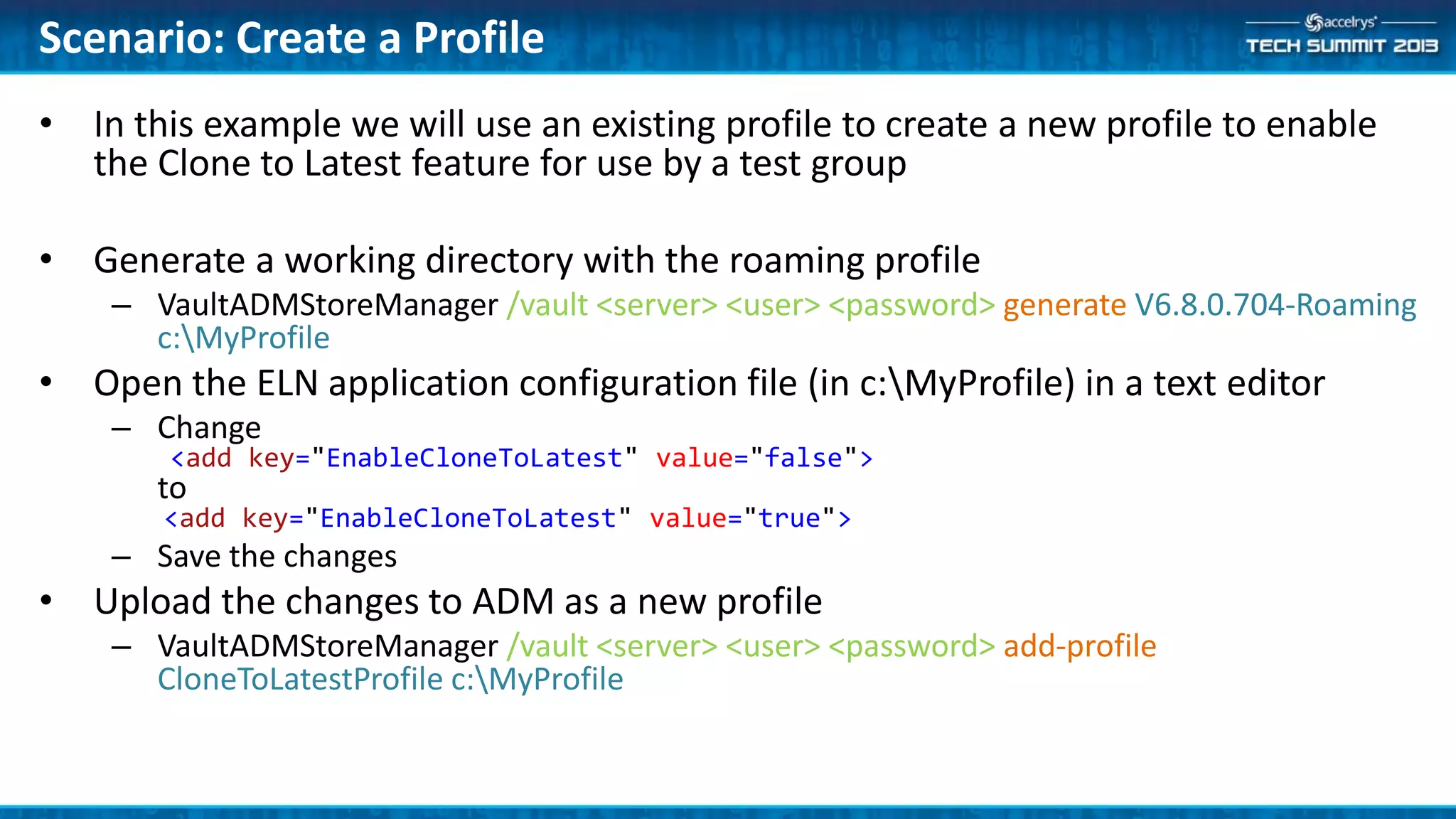
• In this example we will use an existing profile to create a new profile to enable
the Clone to Latest feature for use by a test group
• Generate a working directory with the roaming profile
– VaultADMStoreManager /vault <server> <user> <password> generate V6.8.0.704-Roaming
c:MyProfile
• Open the ELN application configuration file (in c:MyProfile) in a text editor
– Change
<add key="EnableCloneToLatest" value="false">
to
<add key="EnableCloneToLatest" value="true">
– Save the changes
• Upload the changes to ADM as a new profile
– VaultADMStoreManager /vault <server> <user> <password> add-profile
CloneToLatestProfile c:MyProfile
Scenario: Create a Profile
Create a Package
Working with ADM Packages
Example: distribute the widgets from the widget building
session
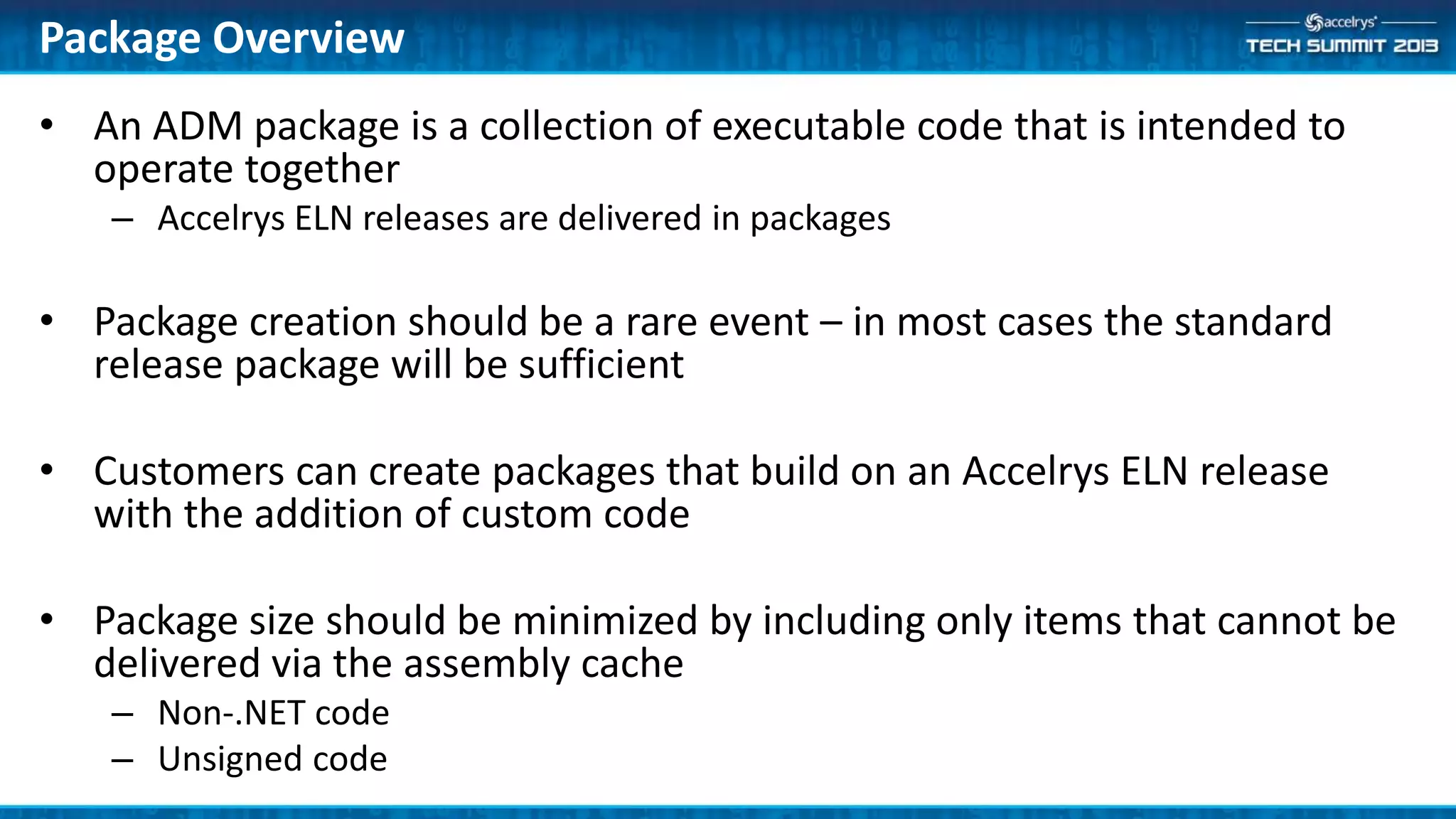
• An ADM package is a collection of executable code that is intended to
operate together
– Accelrys ELN releases are delivered in packages
• Package creation should be a rare event – in most cases the standard
release package will be sufficient
• Customers can create packages that build on an Accelrys ELN release
with the addition of custom code
• Package size should be minimized by including only items that cannot be
delivered via the assembly cache
– Non-.NET code
– Unsigned code
Package Overview
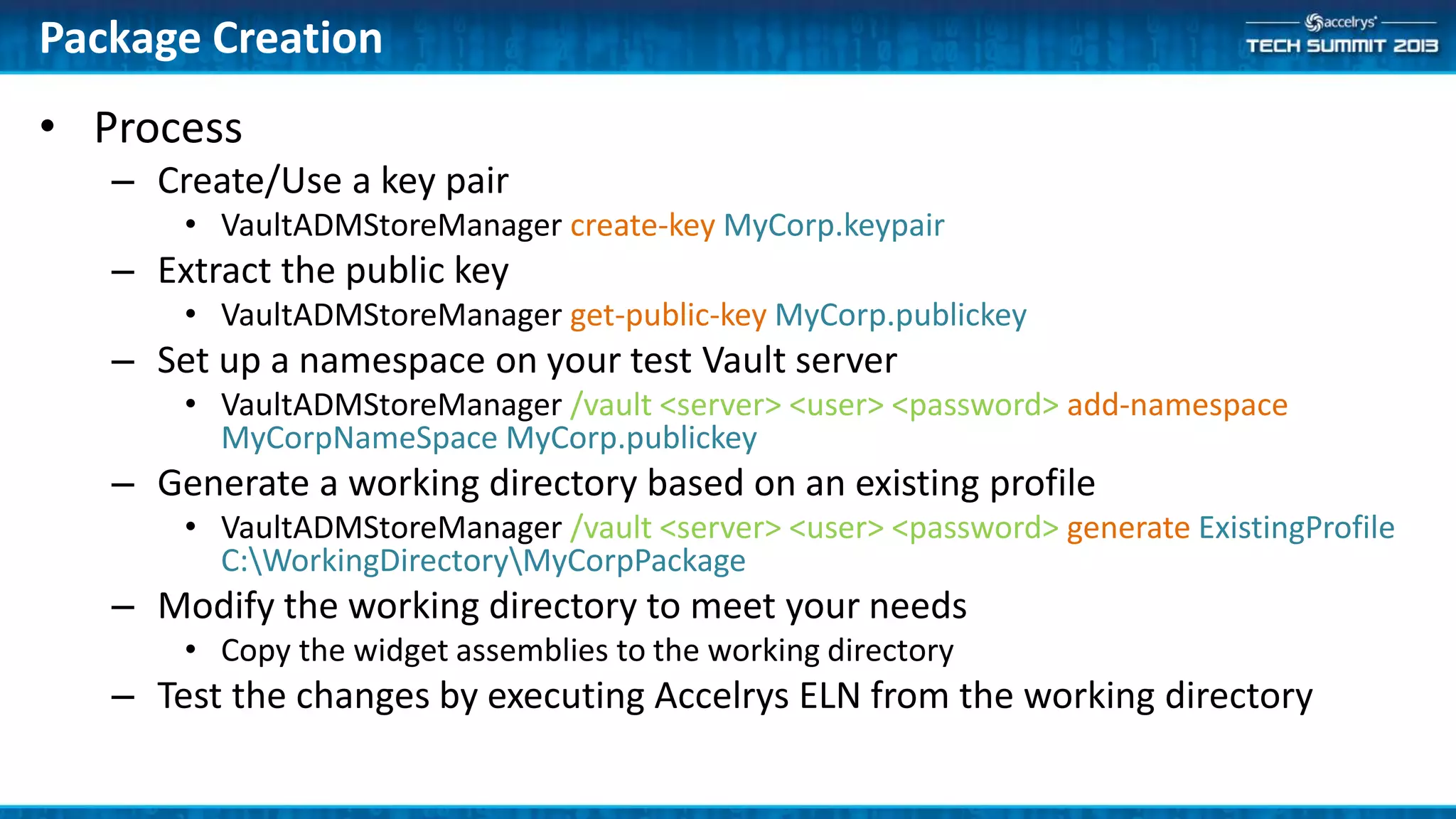
• Process
– Create/Use a key pair
• VaultADMStoreManager create-key MyCorp.keypair
– Extract the public key
• VaultADMStoreManager get-public-key MyCorp.publickey
– Set up a namespace on your test Vault server
• VaultADMStoreManager /vault <server> <user> <password> add-namespace
MyCorpNameSpace MyCorp.publickey
– Generate a working directory based on an existing profile
• VaultADMStoreManager /vault <server> <user> <password> generate ExistingProfile
C:WorkingDirectoryMyCorpPackage
– Modify the working directory to meet your needs
• Copy the widget assemblies to the working directory
– Test the changes by executing Accelrys ELN from the working directory
Package Creation
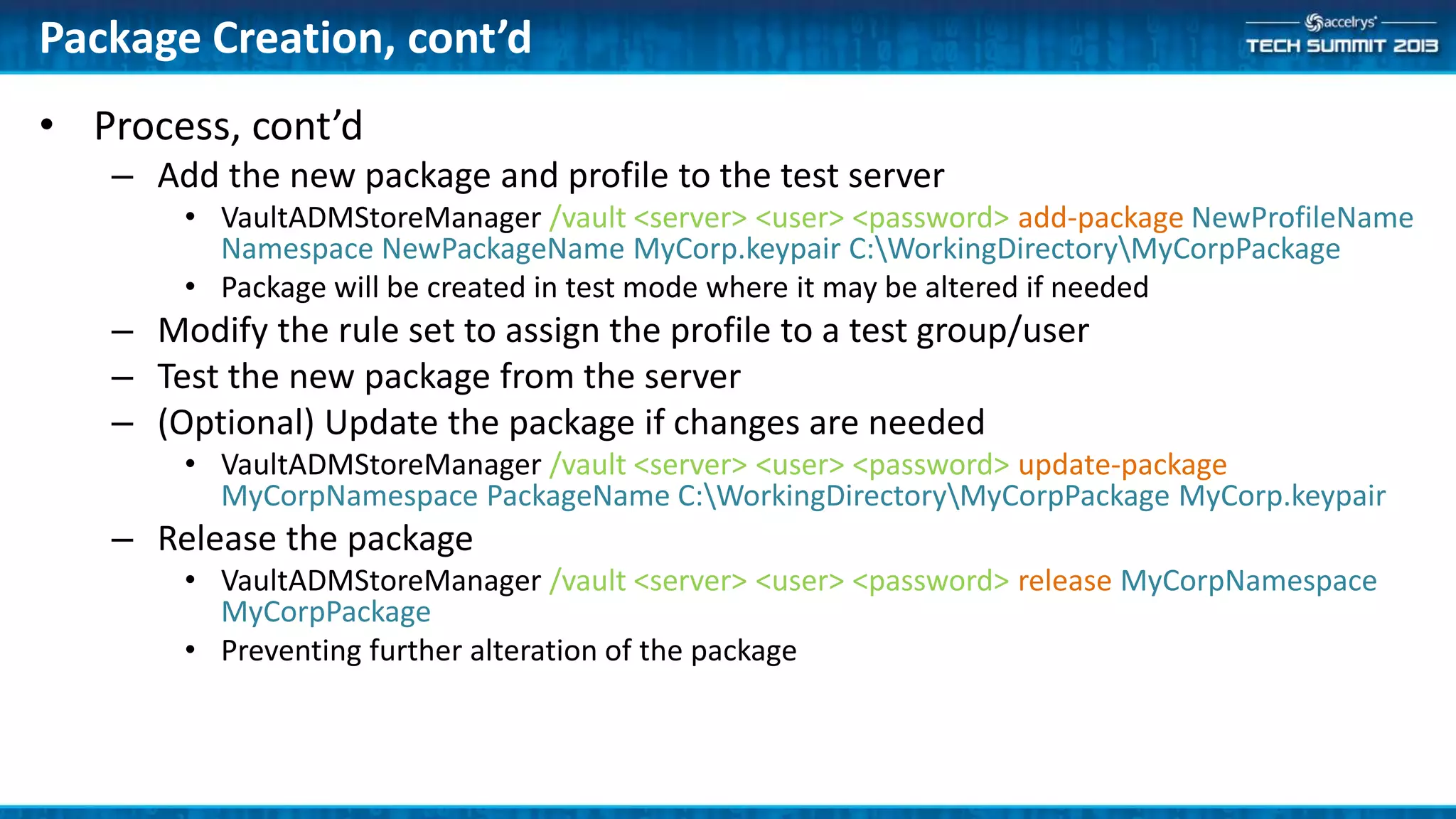
• Process, cont’d
– Add the new package and profile to the test server
• VaultADMStoreManager /vault <server> <user> <password> add-package NewProfileName
Namespace NewPackageName MyCorp.keypair C:WorkingDirectoryMyCorpPackage
• Package will be created in test mode where it may be altered if needed
– Modify the rule set to assign the profile to a test group/user
– Test the new package from the server
– (Optional) Update the package if changes are needed
• VaultADMStoreManager /vault <server> <user> <password> update-package
MyCorpNamespace PackageName C:WorkingDirectoryMyCorpPackage MyCorp.keypair
– Release the package
• VaultADMStoreManager /vault <server> <user> <password> release MyCorpNamespace
MyCorpPackage
• Preventing further alteration of the package
Package Creation, cont’d
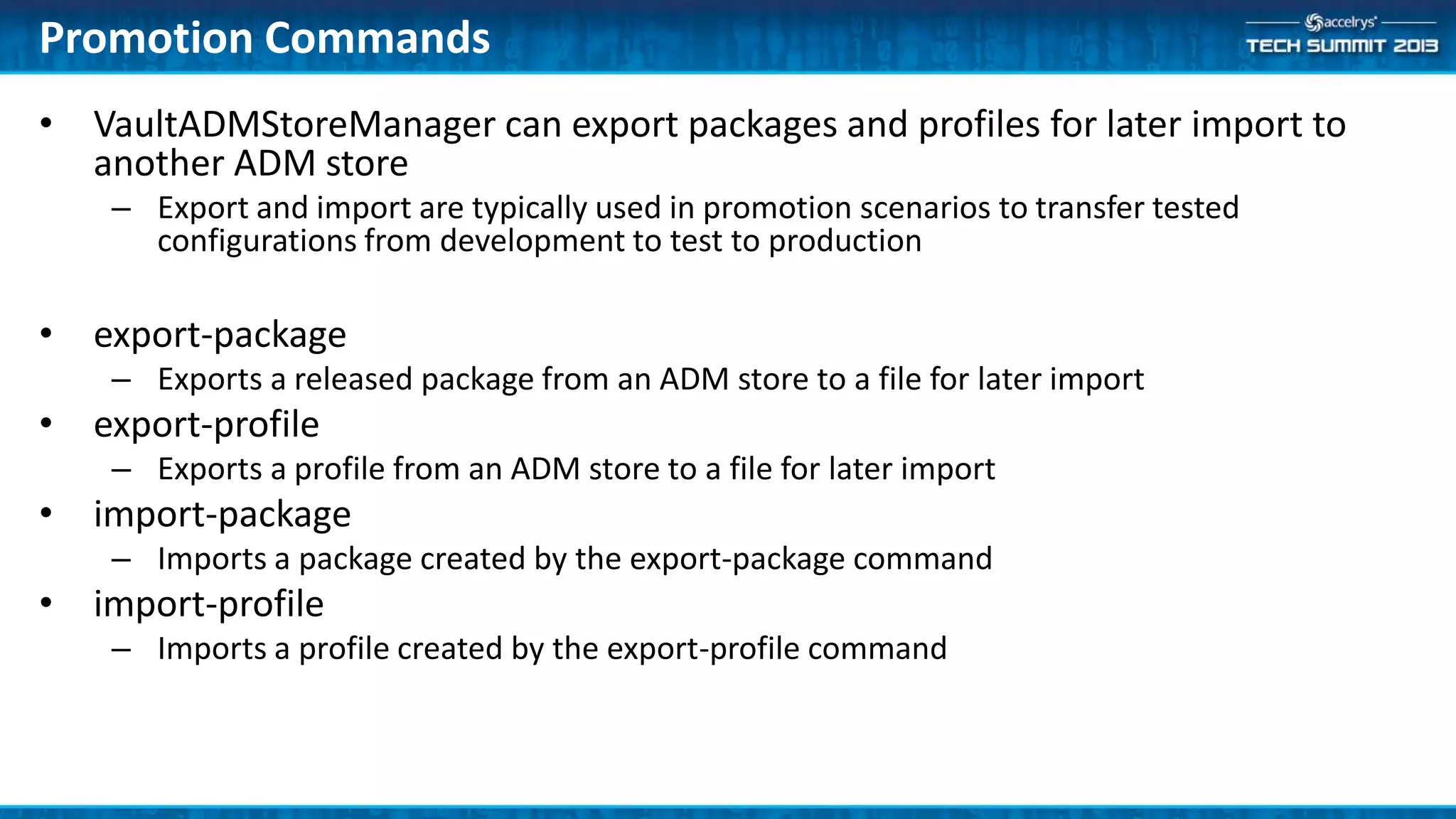
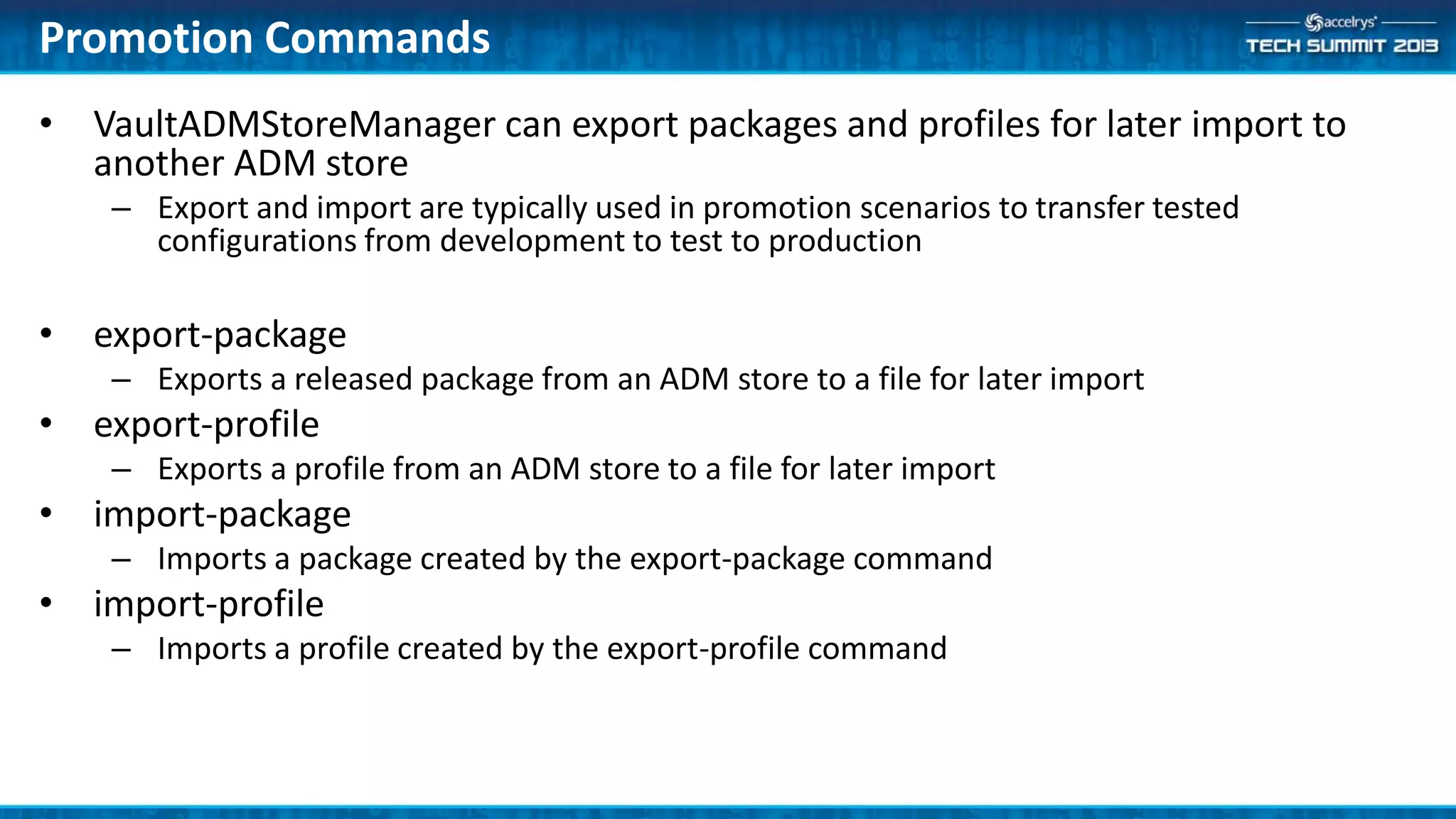
• VaultADMStoreManager can export packages and profiles for later import to
another ADM store
– Export and import are typically used in promotion scenarios to transfer tested
configurations from development to test to production
• export-package
– Exports a released package from an ADM store to a file for later import
• export-profile
– Exports a profile from an ADM store to a file for later import
• import-package
– Imports a package created by the export-package command
• import-profile
– Imports a profile created by the export-profile command
Promotion Commands
Summary
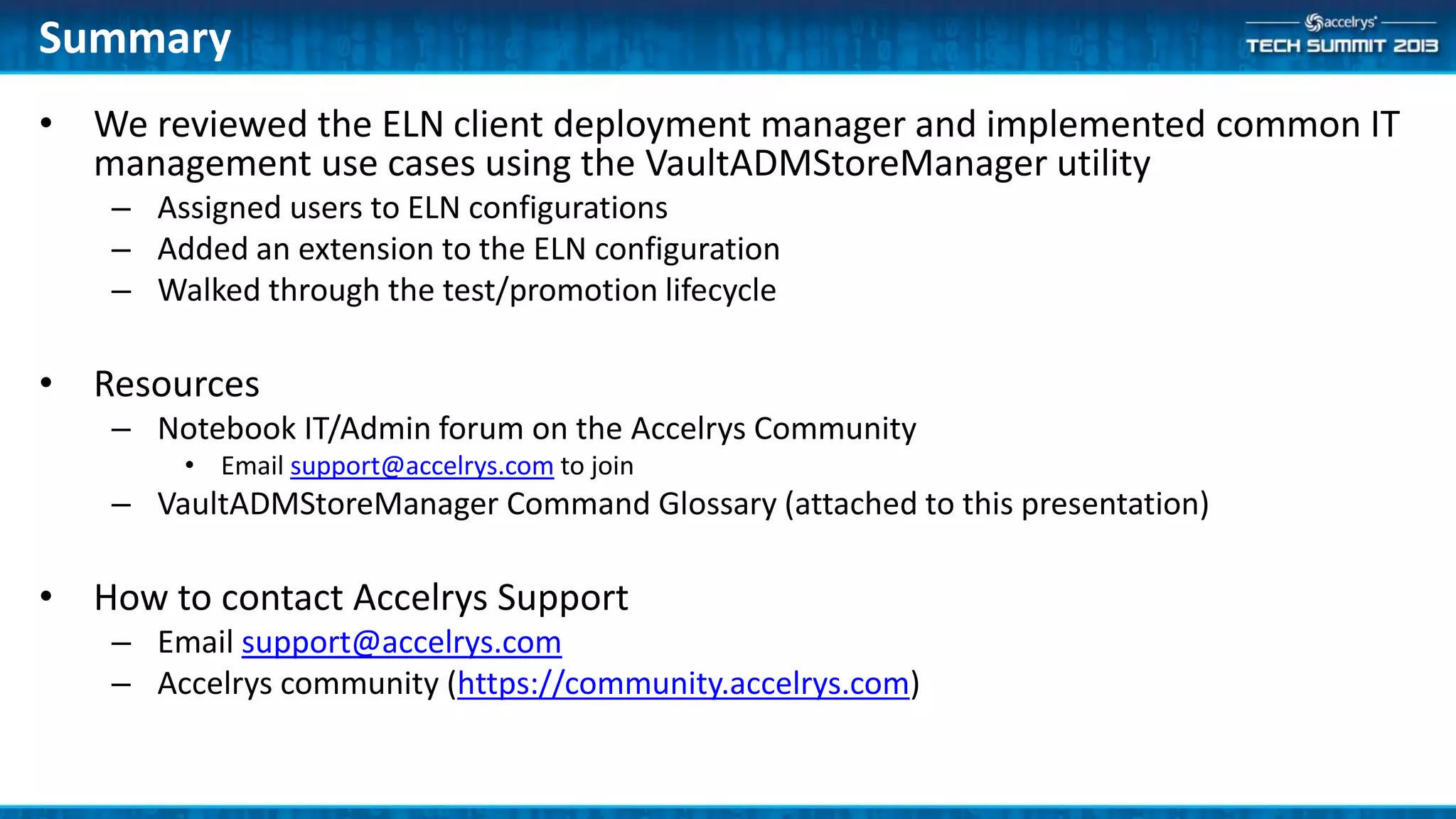
• We reviewed the ELN client deployment manager and implemented common IT
management use cases using the VaultADMStoreManager utility
– Assigned users to ELN configurations
– Added an extension to the ELN configuration
– Walked through the test/promotion lifecycle
• Resources
– Notebook IT/Admin forum on the Accelrys Community
• Email support@accelrys.com to join
– VaultADMStoreManager Command Glossary (attached to this presentation)
• How to contact Accelrys Support
– Email support@accelrys.com
– Accelrys community (https://community.accelrys.com)
Appendix
• VaultADMStoreManager Commands & Usage
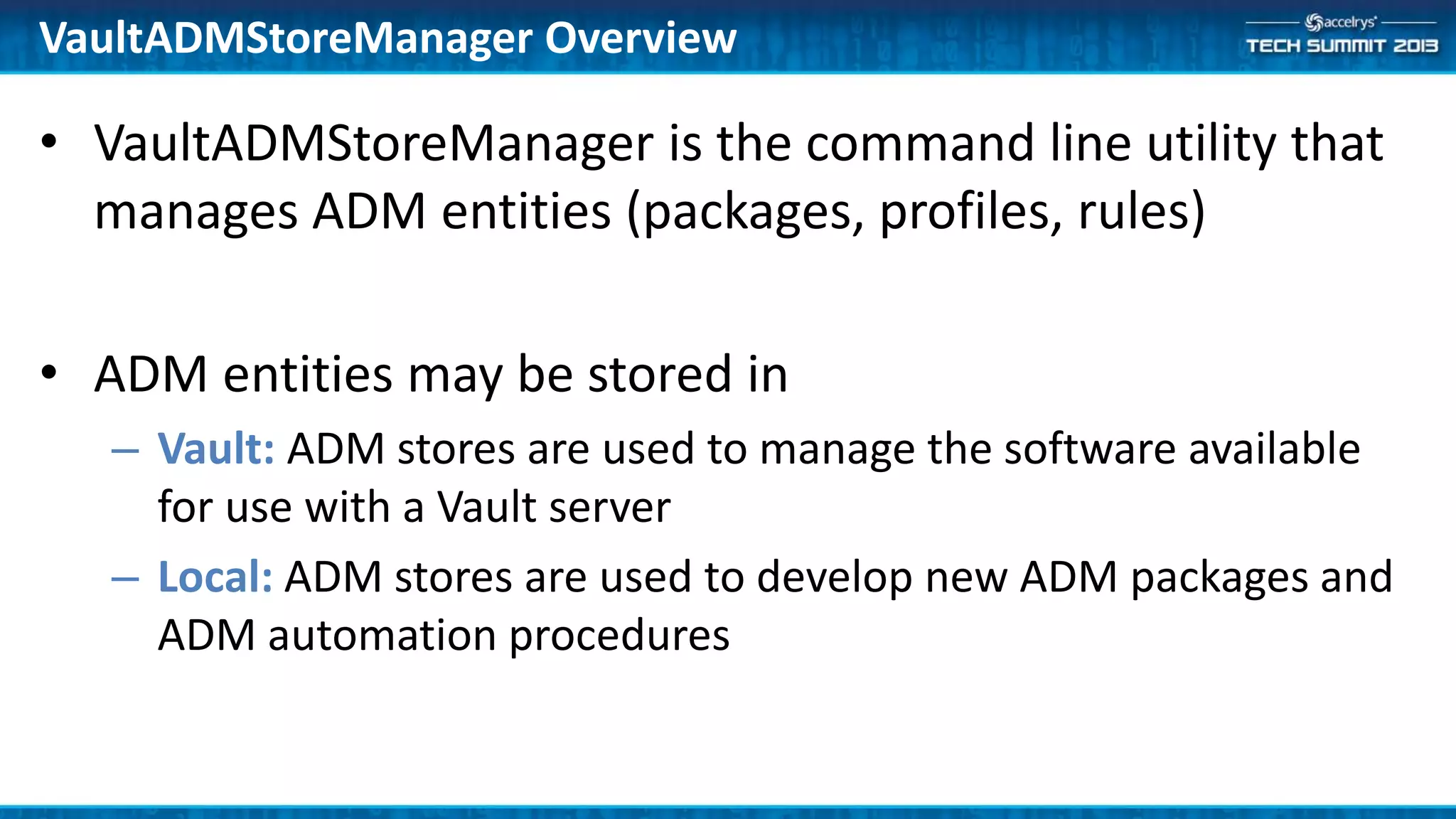
• VaultADMStoreManager is the command line utility that
manages ADM entities (packages, profiles, rules)
• ADM entities may be stored in
– Vault: ADM stores are used to manage the software available
for use with a Vault server
– Local: ADM stores are used to develop new ADM packages and
ADM automation procedures
VaultADMStoreManager Overview
• Syntax
– VaultADMStoreManager [/nostore | /local <store-folder> | /vault <server> <user> <password>]
<command> <arguments>
• Storage Options:
– /nostore
• Do not connect to a local or Vault store
• Used for key-pair generation and folder status
– /local <store-folder>
• Use or create an ADM store in <store-folder>
• Typically used to test ADM automation scripts or package construction without a Vault server
– /vault <server> <user> <password>
• Use the ADM store in the specified vault server and connect with the specified credentials
• If <password> is an empty string (""), you will be prompted for your password on the command-line
• Tip: use the /console command with the login to create an ADM console session
– Eliminates the need to provide login credentials with each command
VaultADMStoreManager Syntax
• Rule Set
– download-rules
– upload-rules
• Profiles
– list-profiles
– add-profile
– update-profile
– change-profile-package
• Package Management
– add-package
– list-packages
– release
– update-package
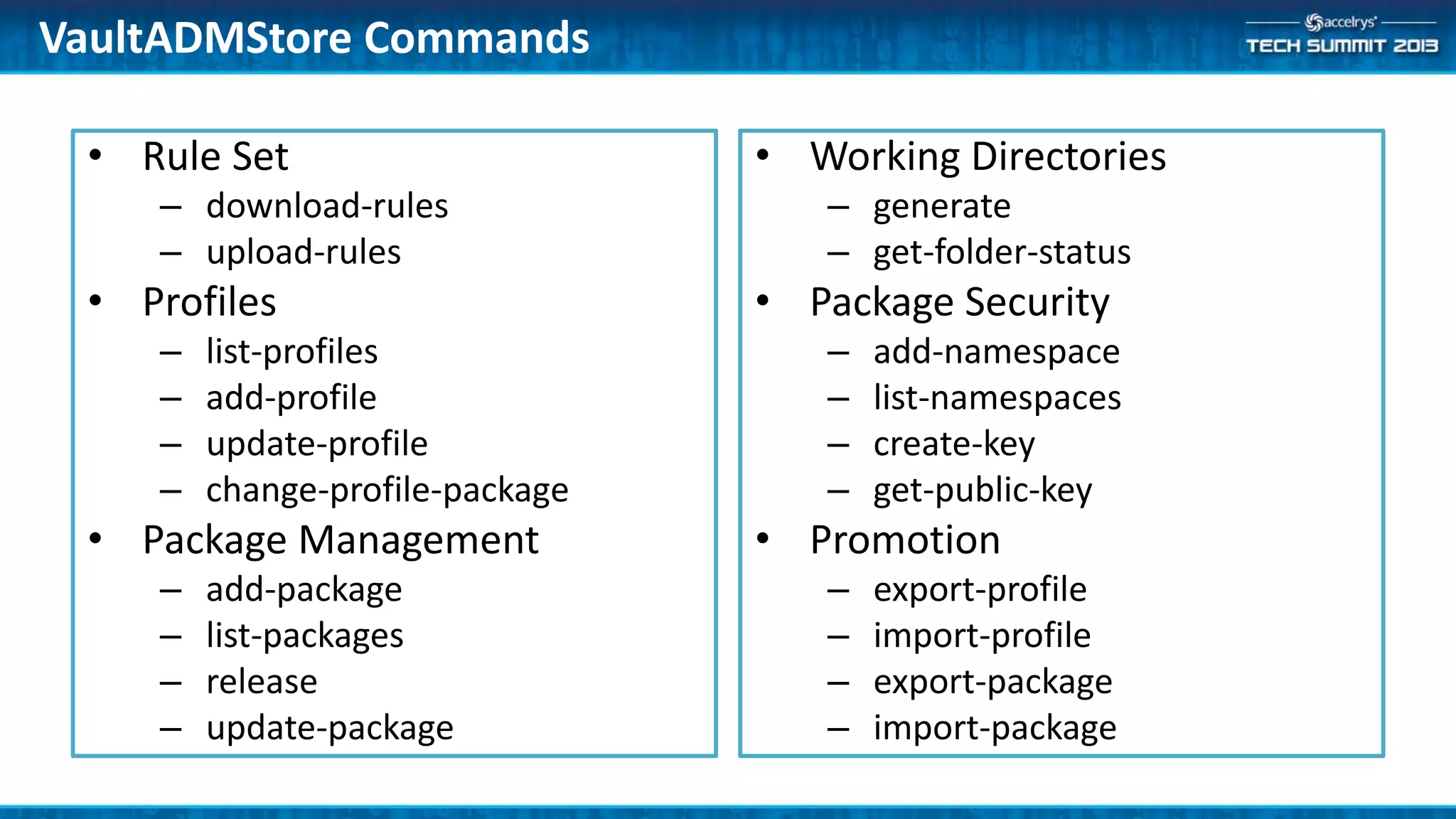
• Working Directories
– generate
– get-folder-status
• Package Security
– add-namespace
– list-namespaces
– create-key
– get-public-key
• Promotion
– export-profile
– import-profile
– export-package
– import-package
VaultADMStore Commands
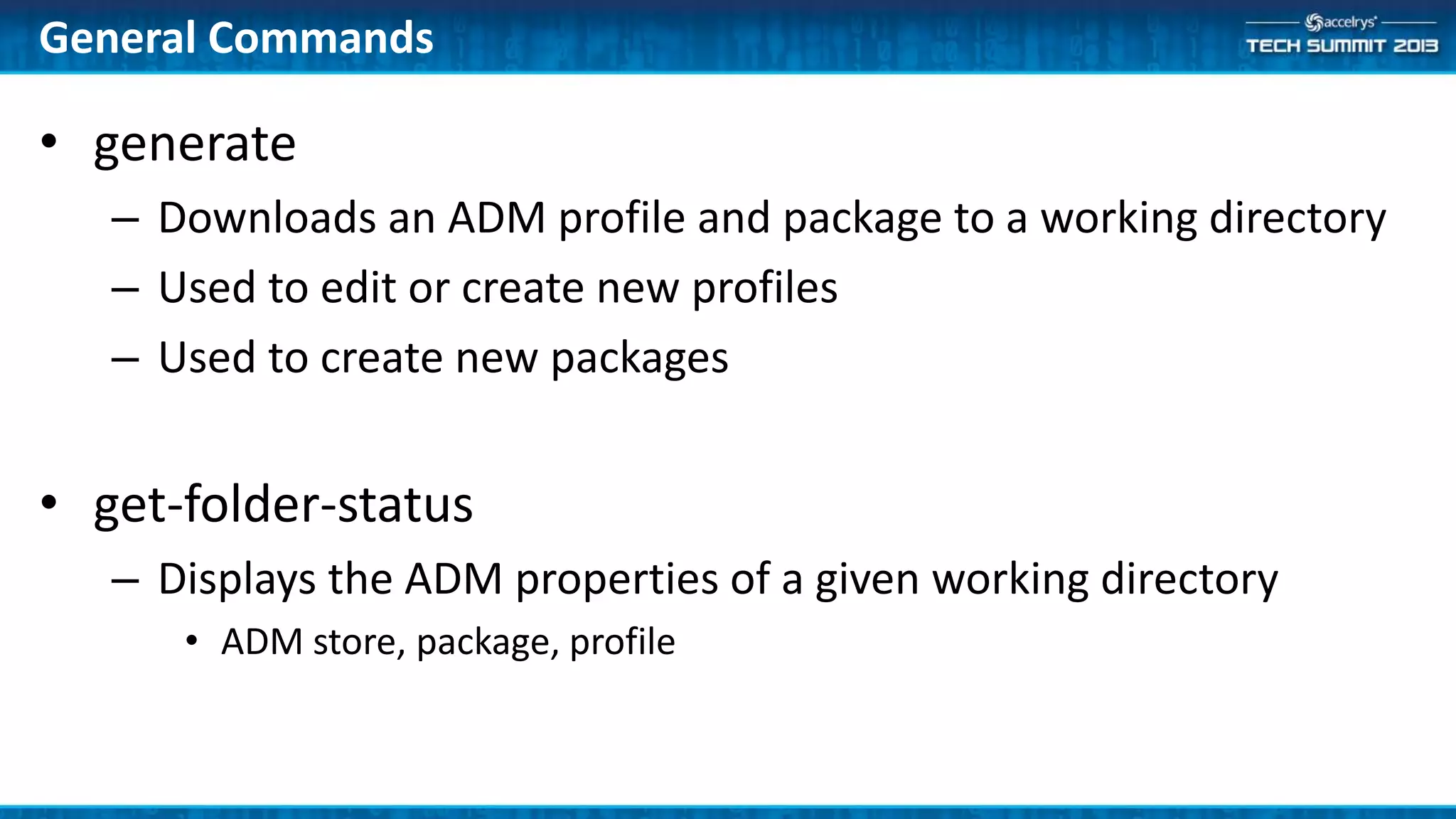
• generate
– Downloads an ADM profile and package to a working directory
– Used to edit or create new profiles
– Used to create new packages
• get-folder-status
– Displays the ADM properties of a given working directory
• ADM store, package, profile
General Commands
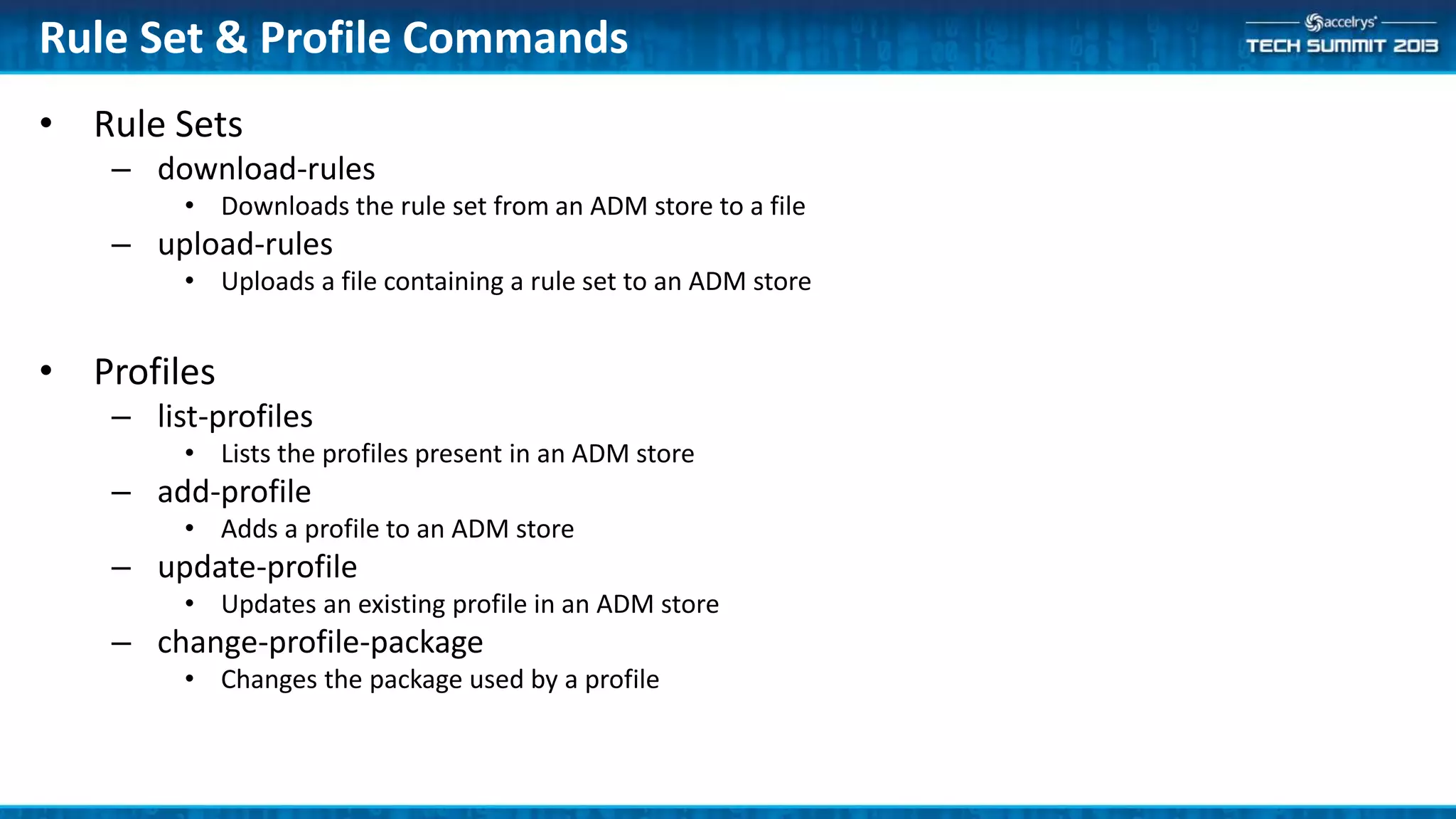
• Rule Sets
– download-rules
• Downloads the rule set from an ADM store to a file
– upload-rules
• Uploads a file containing a rule set to an ADM store
• Profiles
– list-profiles
• Lists the profiles present in an ADM store
– add-profile
• Adds a profile to an ADM store
– update-profile
• Updates an existing profile in an ADM store
– change-profile-package
• Changes the package used by a profile
Rule Set & Profile Commands
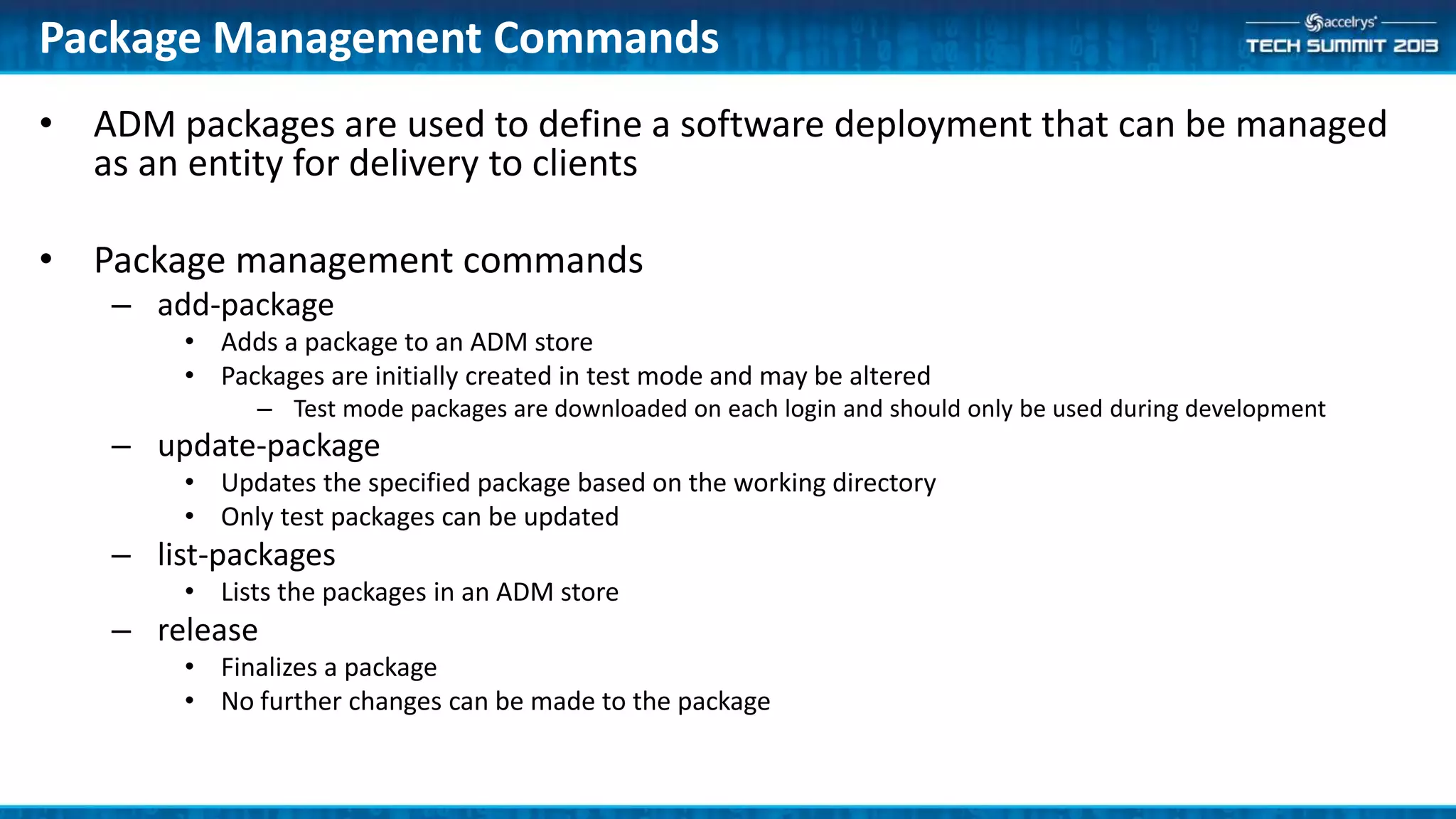
• ADM packages are used to define a software deployment that can be managed
as an entity for delivery to clients
• Package management commands
– add-package
• Adds a package to an ADM store
• Packages are initially created in test mode and may be altered
– Test mode packages are downloaded on each login and should only be used during development
– update-package
• Updates the specified package based on the working directory
• Only test packages can be updated
– list-packages
• Lists the packages in an ADM store
– release
• Finalizes a package
• No further changes can be made to the package
Package Management Commands
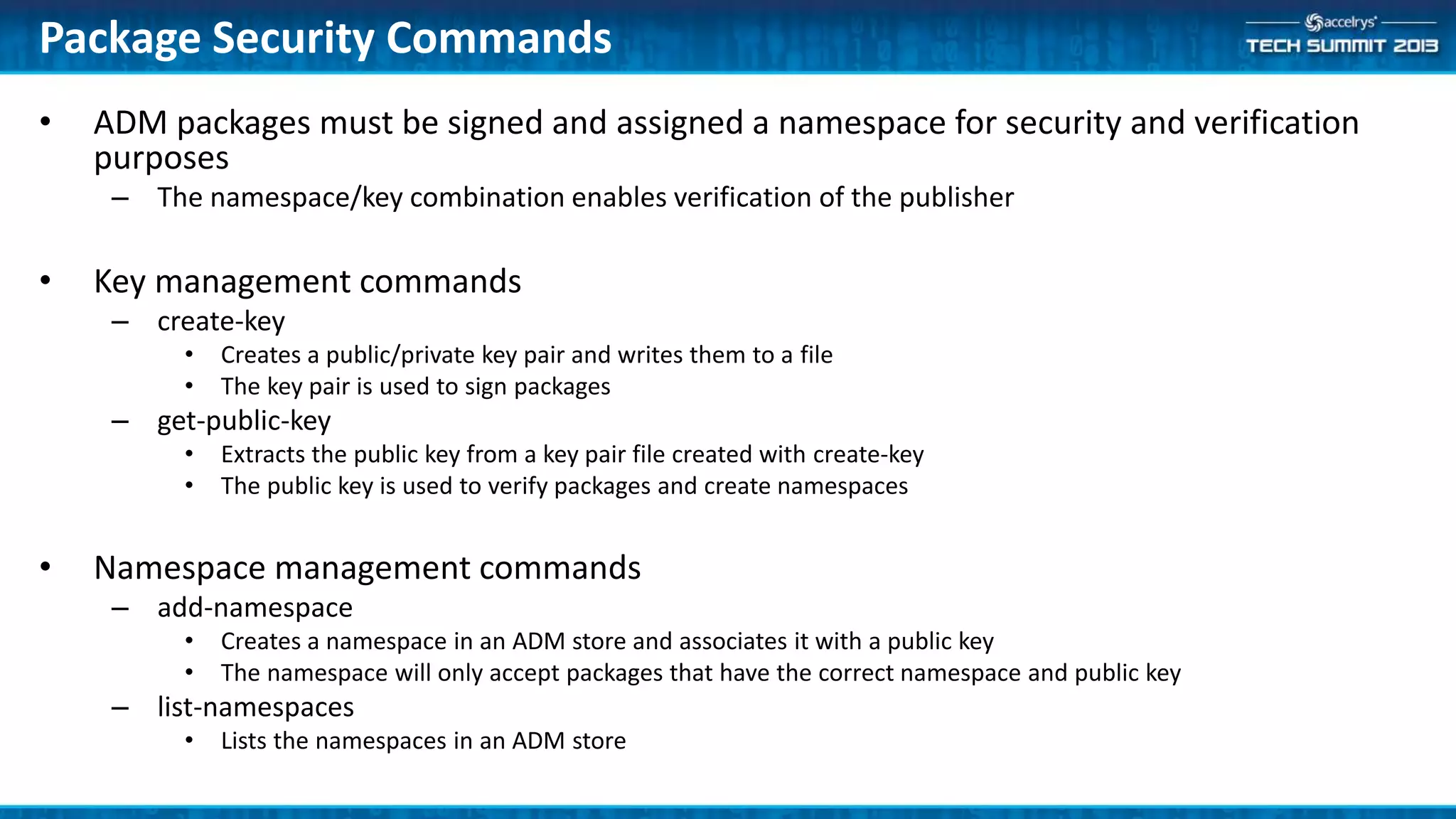
• ADM packages must be signed and assigned a namespace for security and verification
purposes
– The namespace/key combination enables verification of the publisher
• Key management commands
– create-key
• Creates a public/private key pair and writes them to a file
• The key pair is used to sign packages
– get-public-key
• Extracts the public key from a key pair file created with create-key
• The public key is used to verify packages and create namespaces
• Namespace management commands
– add-namespace
• Creates a namespace in an ADM store and associates it with a public key
• The namespace will only accept packages that have the correct namespace and public key
– list-namespaces
• Lists the namespaces in an ADM store
Package Security Commands
• VaultADMStoreManager can export packages and profiles for later import to
another ADM store
– Export and import are typically used in promotion scenarios to transfer tested
configurations from development to test to production
• export-package
– Exports a released package from an ADM store to a file for later import
• export-profile
– Exports a profile from an ADM store to a file for later import
• import-package
– Imports a package created by the export-package command
• import-profile
– Imports a profile created by the export-profile command
Promotion Commands

(ATS6-APP09) ELN configuration management with ADM

  • 1.
    (ATS6-APP09) ELN Configuration Managementwith ADM Mike Wilson Advisory Product Manager Platform Product Management mike.wilson@accelrys.com
  • 2.
    The information onthe roadmap and future software development efforts are intended to outline general product direction and should not be relied on in making a purchasing decision.
  • 3.
    Agenda • Introduction toAccelrys Deployment Manager (ADM) • ADM Use Cases – Assigning profiles to users – Modifying or creating a profile – Creating a package • ADM Workflows
  • 4.
  • 5.
    Accelrys Deployment Manager(ADM) is a service that pushes Accelrys ELN software configurations to ELN clients • Minimize the locally installed software footprint – Single, small installation regardless of Accelrys ELN version – Small application loader that works with the ADM service • Lower the installation burden – Push configuration to user base – Push new clients to user base • Provide flexibility and control – Assign users to different configurations – Define rules to control deployment based on group membership What Is Accelrys Deployment Manager?
  • 6.
    • Minimal clientfootprint – Application launcher – Components requiring registry changes – Client delivered from server • Administrators control the timing and distribution of software updates – Configuration changes – New releases Accelrys ELN Client Deployment Download • Sections • Accelrys ELN Application • Home Page • Notebook Explorer • Editors • Accelrys Draw • Accelrys ELN Adapters Install • Black Ice print driver • Accelrys Draw 4.0 SP1 • Accelrys ELN Launcher Accelrys ELN Client
  • 7.
    • How ADMWorks – Users assigned to Accelrys ELN configs – On log-in, correct version downloaded – If right version already there, no download – Log-in occurs against downloaded/incumbent client • Key terminology – Package • A collection of executable code that is delivered as a whole – Profile • The configuration to be applied to a package; and a pointer to the package – Rule Set • A set of criteria that is used to assign a profile to a user ADM Overview
  • 8.
    Deliver the RightConfig at the Right Time ReleaseProfile-6.7.0.998 Profile WAN6.7.0.998 Profile ReleaseProfile-6.8.0.439 Profile ReleasePackage6.7.0.998 Package WAN-Optimized-6.7 Package HighLogging-6.7.0.998 Profile ReleasePackage6.8.0.439 Package Accelrys 6.8 Pilot Group Rule Set ReleaseProfile- 6.8.0.439 China Outsourcing WAN-6.7.0.998 EUAB14928 HighLogging- 6.7.0.998 Default Profile ReleaseProfile- 6.7.0.998 EUAB14928 EUPilot1 JPPilot2 CRO1Analyst1 EUProdUser1
  • 9.
    ADM Entity Details •Release Packages – All binaries required to log in to Notebook – All binaries not otherwise available from Vault – Pre-6.7 equivalent: An MSI file • Profiles – A pointer to a Package – All Notebook app-level configuration – Pre-6.7 equivalent: A Config file • Mapping Rules – Ordered rules – Map between Release Profiles and Users or Groups – Unambiguously maps each user to a single Release Profile – Pre-6.7 equivalent: Manual process
  • 10.
    Offline Roaming Citrix StandardV6.8.0.704-Offline V6.8.0.704-Roaming V6.8.0.704-Citrix With Performance Logging V6.8.0.704-Offline-PerfLog V6.8.0.704-Roaming-PerfLog V6.8.0.704-Citrix-PerfLog With Debug Logging V6.8.0.704-Offline-Debug V6.8.0.704-Roaming-Debug V6.8.0.704-Citrix-Debug Accelrys ELN Profiles  Default profile
  • 11.
    • Installation defaultsto Offline profile – Action is only required if a different profile is needed – See “Assigning Profiles” for more information • Accelrys ELN includes profiles for offline, roaming, and Citrix configurations Accelrys ELN Client Deployment
  • 12.
  • 13.
    Example Rule Set <?xmlversion="1.0" encoding="utf-8"?> <Rules xmlns:xsi=http://www.w3.org/2001/XMLSchema-instance xmlns:xsd=http://www.w3.org/2001/XMLSchema defaultProfile="V6.8.0.704-Roaming"> <!-- SNIPPED: Help text --> <Rule userSelector='Debug Logging' profile='V6.8.0.704-Debug' /> <Rule userSelector='Citrix Users' profile='V6.8.0.704-Citrix' /> </Rules> Key Elements – defaultProfile • Specifies the profile to be used if no rule applies to the current user – userSelector • Maps a user or group to a profile ADM Rule Set Rule Processing – Rules are evaluated in order (top to bottom) – First match assigns profile – Default profile is assigned when no rule matches the user
  • 14.
    To change thedefault profile to Roaming from Offline storage: • Download the ADM rule set – VaultADMStoreManager /vault <server> <user> <password> download-rules c:ADMRulesrules.xml • Open the rules.xml file in a text editor – Change defaultProfile="V6.8.0.704-Offline" to defaultProfile="V6.8.0.704-Roaming" – Save the changes • Upload the changes to ADM – VaultADMStoreManager /vault <server> <user> <password> upload-rules c:ADMRulesrules.xml Scenario: Change default profile to Roaming Tip: Use Groups to assign profiles to minimize rule editing
  • 15.
    Create/Update Profiles Enable cloneto latest feature for testing
  • 16.
    • The clientmanager loads software based on the ADM profile assigned to the current user • A profile specifies – Which software package to use – The application config file to use with that package • Except the <runtime> elements, which are extracted and stored with the package itself Profile Composition
  • 17.
    • In thisexample we will use an existing profile to create a new profile to enable the Clone to Latest feature for use by a test group • Generate a working directory with the roaming profile – VaultADMStoreManager /vault <server> <user> <password> generate V6.8.0.704-Roaming c:MyProfile • Open the ELN application configuration file (in c:MyProfile) in a text editor – Change <add key="EnableCloneToLatest" value="false"> to <add key="EnableCloneToLatest" value="true"> – Save the changes • Upload the changes to ADM as a new profile – VaultADMStoreManager /vault <server> <user> <password> add-profile CloneToLatestProfile c:MyProfile Scenario: Create a Profile
  • 18.
    Create a Package Workingwith ADM Packages Example: distribute the widgets from the widget building session
  • 19.
    • An ADMpackage is a collection of executable code that is intended to operate together – Accelrys ELN releases are delivered in packages • Package creation should be a rare event – in most cases the standard release package will be sufficient • Customers can create packages that build on an Accelrys ELN release with the addition of custom code • Package size should be minimized by including only items that cannot be delivered via the assembly cache – Non-.NET code – Unsigned code Package Overview
  • 20.
    • Process – Create/Usea key pair • VaultADMStoreManager create-key MyCorp.keypair – Extract the public key • VaultADMStoreManager get-public-key MyCorp.publickey – Set up a namespace on your test Vault server • VaultADMStoreManager /vault <server> <user> <password> add-namespace MyCorpNameSpace MyCorp.publickey – Generate a working directory based on an existing profile • VaultADMStoreManager /vault <server> <user> <password> generate ExistingProfile C:WorkingDirectoryMyCorpPackage – Modify the working directory to meet your needs • Copy the widget assemblies to the working directory – Test the changes by executing Accelrys ELN from the working directory Package Creation
  • 21.
    • Process, cont’d –Add the new package and profile to the test server • VaultADMStoreManager /vault <server> <user> <password> add-package NewProfileName Namespace NewPackageName MyCorp.keypair C:WorkingDirectoryMyCorpPackage • Package will be created in test mode where it may be altered if needed – Modify the rule set to assign the profile to a test group/user – Test the new package from the server – (Optional) Update the package if changes are needed • VaultADMStoreManager /vault <server> <user> <password> update-package MyCorpNamespace PackageName C:WorkingDirectoryMyCorpPackage MyCorp.keypair – Release the package • VaultADMStoreManager /vault <server> <user> <password> release MyCorpNamespace MyCorpPackage • Preventing further alteration of the package Package Creation, cont’d
  • 22.
    • VaultADMStoreManager canexport packages and profiles for later import to another ADM store – Export and import are typically used in promotion scenarios to transfer tested configurations from development to test to production • export-package – Exports a released package from an ADM store to a file for later import • export-profile – Exports a profile from an ADM store to a file for later import • import-package – Imports a package created by the export-package command • import-profile – Imports a profile created by the export-profile command Promotion Commands
  • 23.
    Summary • We reviewedthe ELN client deployment manager and implemented common IT management use cases using the VaultADMStoreManager utility – Assigned users to ELN configurations – Added an extension to the ELN configuration – Walked through the test/promotion lifecycle • Resources – Notebook IT/Admin forum on the Accelrys Community • Email support@accelrys.com to join – VaultADMStoreManager Command Glossary (attached to this presentation) • How to contact Accelrys Support – Email support@accelrys.com – Accelrys community (https://community.accelrys.com)
  • 24.
  • 25.
    • VaultADMStoreManager isthe command line utility that manages ADM entities (packages, profiles, rules) • ADM entities may be stored in – Vault: ADM stores are used to manage the software available for use with a Vault server – Local: ADM stores are used to develop new ADM packages and ADM automation procedures VaultADMStoreManager Overview
  • 26.
    • Syntax – VaultADMStoreManager[/nostore | /local <store-folder> | /vault <server> <user> <password>] <command> <arguments> • Storage Options: – /nostore • Do not connect to a local or Vault store • Used for key-pair generation and folder status – /local <store-folder> • Use or create an ADM store in <store-folder> • Typically used to test ADM automation scripts or package construction without a Vault server – /vault <server> <user> <password> • Use the ADM store in the specified vault server and connect with the specified credentials • If <password> is an empty string (""), you will be prompted for your password on the command-line • Tip: use the /console command with the login to create an ADM console session – Eliminates the need to provide login credentials with each command VaultADMStoreManager Syntax
  • 27.
    • Rule Set –download-rules – upload-rules • Profiles – list-profiles – add-profile – update-profile – change-profile-package • Package Management – add-package – list-packages – release – update-package • Working Directories – generate – get-folder-status • Package Security – add-namespace – list-namespaces – create-key – get-public-key • Promotion – export-profile – import-profile – export-package – import-package VaultADMStore Commands
  • 28.
    • generate – Downloadsan ADM profile and package to a working directory – Used to edit or create new profiles – Used to create new packages • get-folder-status – Displays the ADM properties of a given working directory • ADM store, package, profile General Commands
  • 29.
    • Rule Sets –download-rules • Downloads the rule set from an ADM store to a file – upload-rules • Uploads a file containing a rule set to an ADM store • Profiles – list-profiles • Lists the profiles present in an ADM store – add-profile • Adds a profile to an ADM store – update-profile • Updates an existing profile in an ADM store – change-profile-package • Changes the package used by a profile Rule Set & Profile Commands
  • 30.
    • ADM packagesare used to define a software deployment that can be managed as an entity for delivery to clients • Package management commands – add-package • Adds a package to an ADM store • Packages are initially created in test mode and may be altered – Test mode packages are downloaded on each login and should only be used during development – update-package • Updates the specified package based on the working directory • Only test packages can be updated – list-packages • Lists the packages in an ADM store – release • Finalizes a package • No further changes can be made to the package Package Management Commands
  • 31.
    • ADM packagesmust be signed and assigned a namespace for security and verification purposes – The namespace/key combination enables verification of the publisher • Key management commands – create-key • Creates a public/private key pair and writes them to a file • The key pair is used to sign packages – get-public-key • Extracts the public key from a key pair file created with create-key • The public key is used to verify packages and create namespaces • Namespace management commands – add-namespace • Creates a namespace in an ADM store and associates it with a public key • The namespace will only accept packages that have the correct namespace and public key – list-namespaces • Lists the namespaces in an ADM store Package Security Commands
  • 32.
    • VaultADMStoreManager canexport packages and profiles for later import to another ADM store – Export and import are typically used in promotion scenarios to transfer tested configurations from development to test to production • export-package – Exports a released package from an ADM store to a file for later import • export-profile – Exports a profile from an ADM store to a file for later import • import-package – Imports a package created by the export-package command • import-profile – Imports a profile created by the export-profile command Promotion Commands