














How to Present Results to 
Lea Synefakis-Pica,Prudential 
Analytics That Excite 2014 
October15th, 2014 
GET RESULTS
TheGOALof this handout is to…
Help Your Data 
STAND OUT
And Prevent THIS 
from Happening:
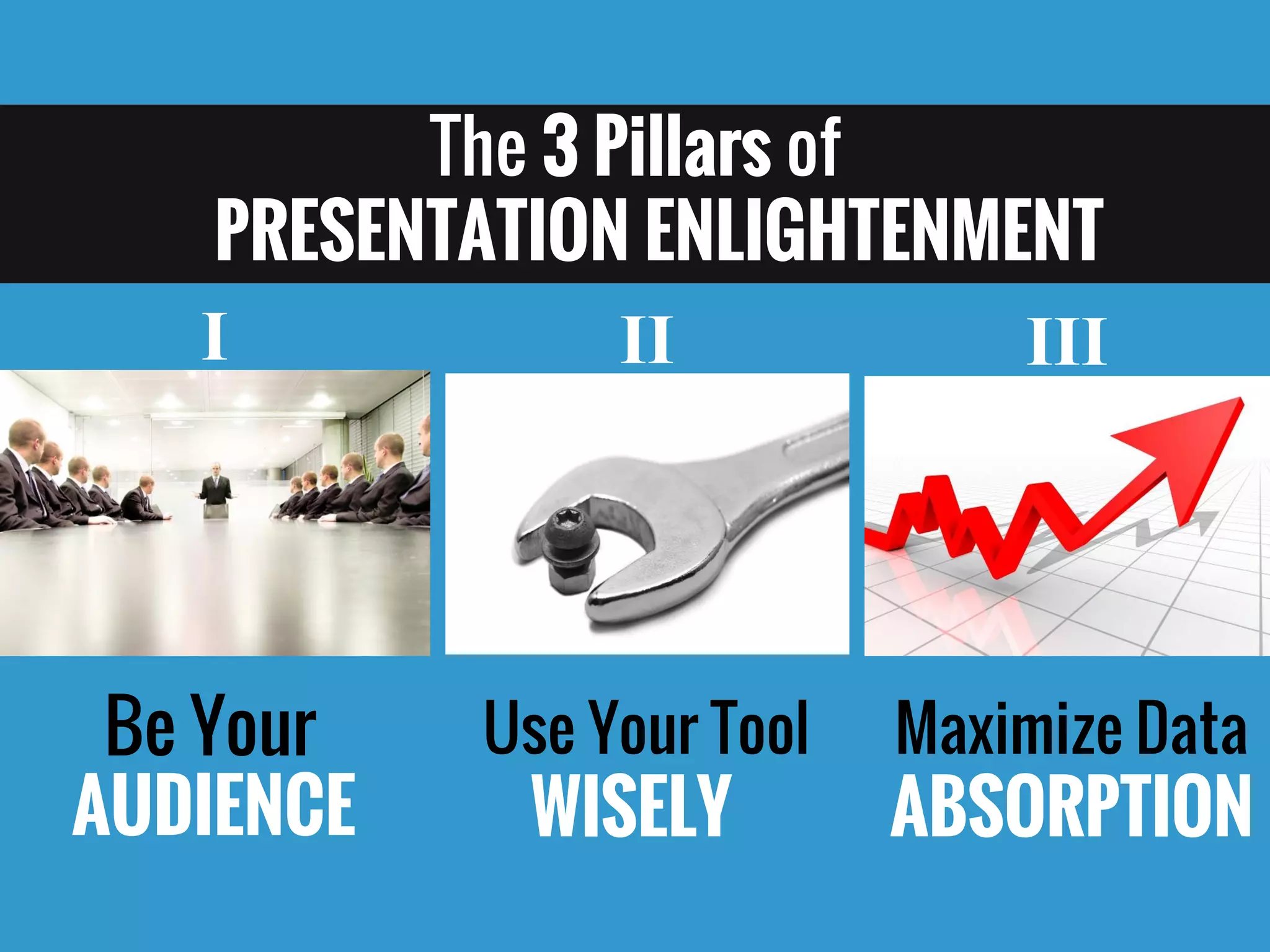
The 3 Pillars of PRESENTATION ENLIGHTENMENT 
Be Your 
AUDIENCE 
Use Your ToolWISELY 
Maximize DataABSORPTION 
I 
II 
III
Pillar #1 
Be Your AUDIENCE 
@LeaPica
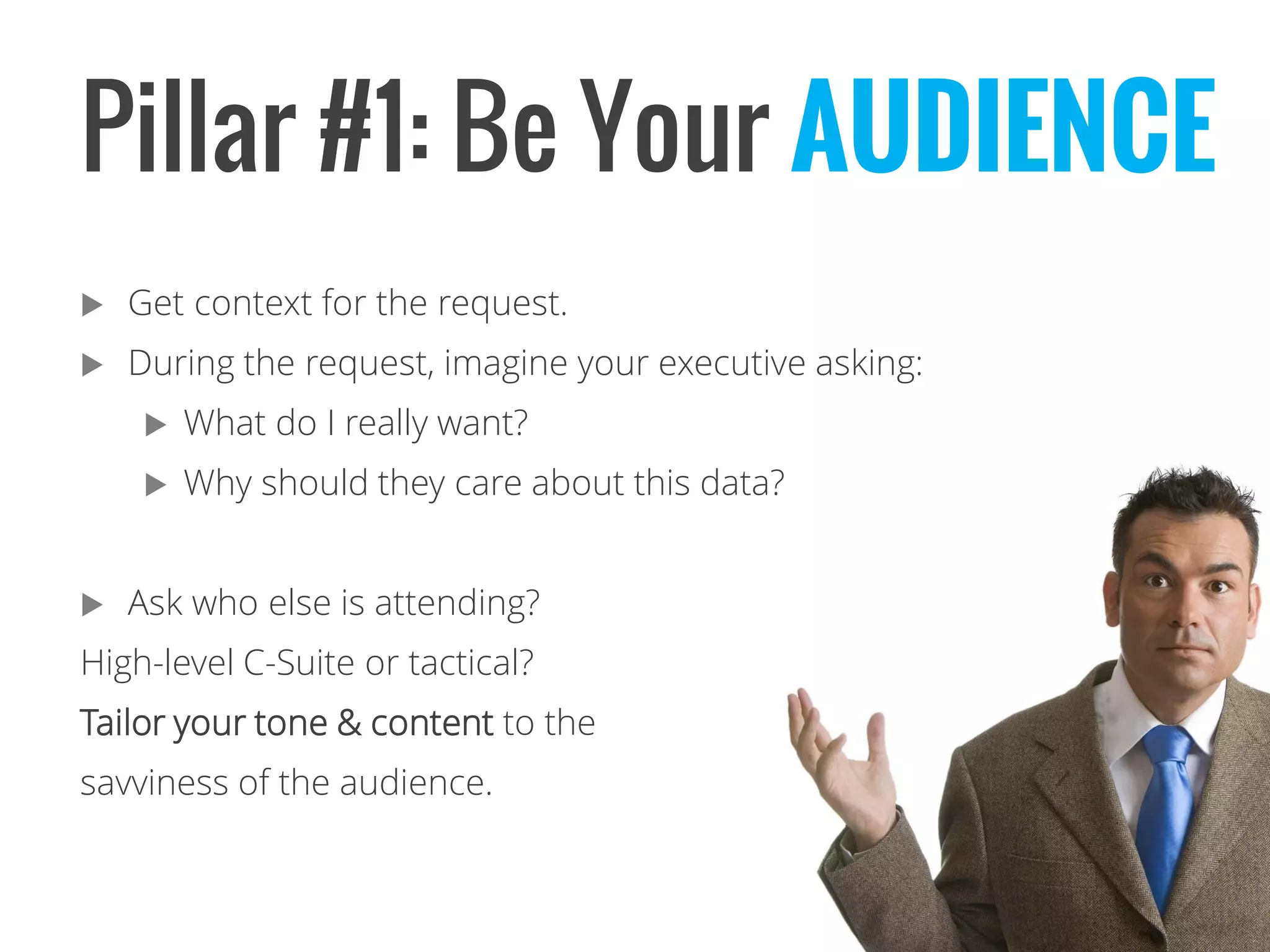
Pillar #1: Be Your AUDIENCE 
Get context for the request. 
During the request, imagine your executive asking: 
What do I really want? 
Why should they care about this data? 
Ask who else is attending? 
High-level C-Suite or tactical? 
Tailor your tone & content to the 
savviness of the audience.
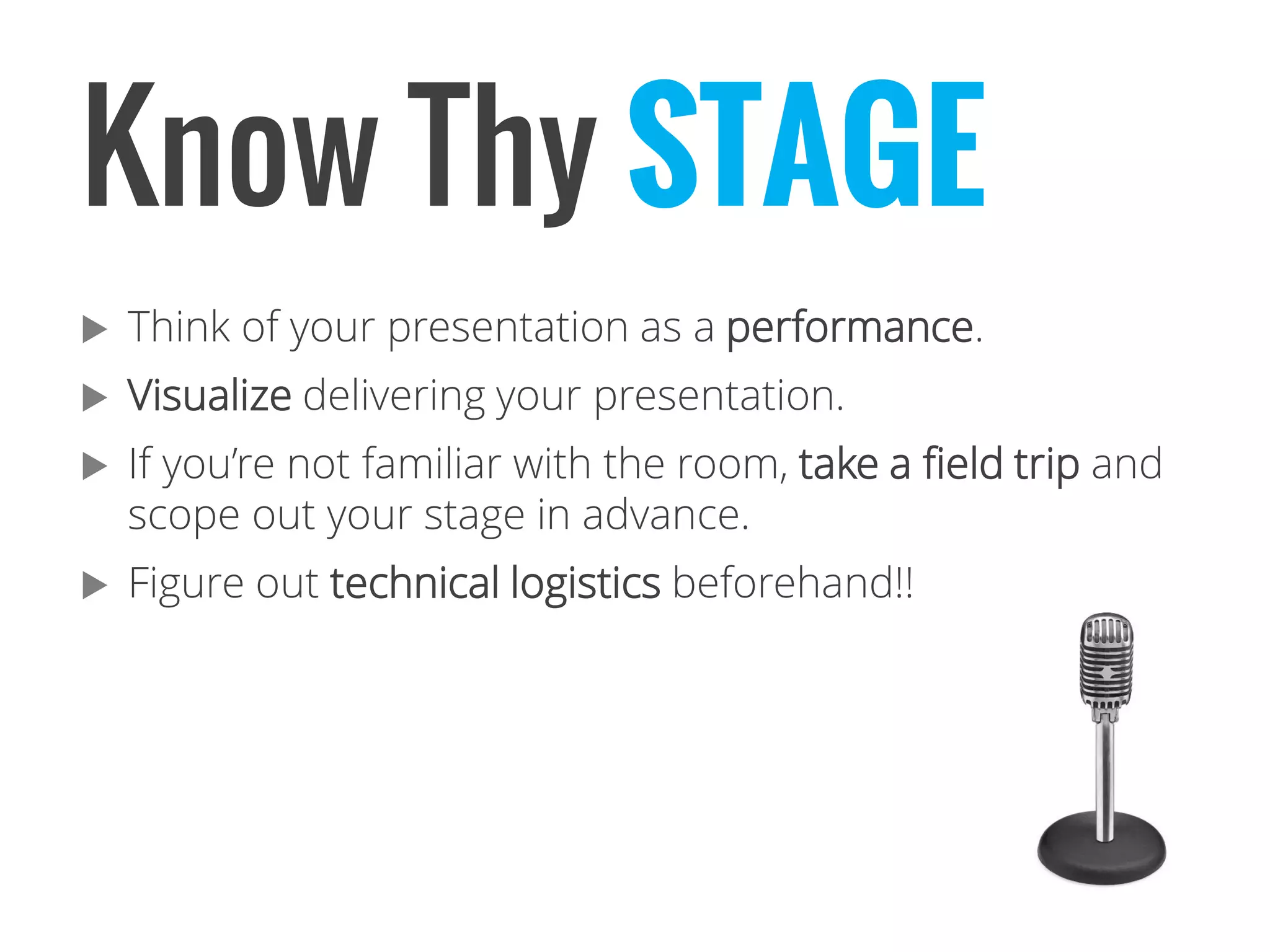
Know Thy STAGE 
Think of your presentation as a performance. 
Visualizedelivering your presentation. 
If you’re not familiar with the room, take a field trip and scope out your stage in advance. 
Figure out technical logistics beforehand!!
Pillar #2 
Use Your Tools WISELY 
@LeaPica
Pillar #2: Use Your Presentation Tool 
Take full advantage of the live presentation format. Doing it right can help your career. But first, you need to learn how to… 
WISELY
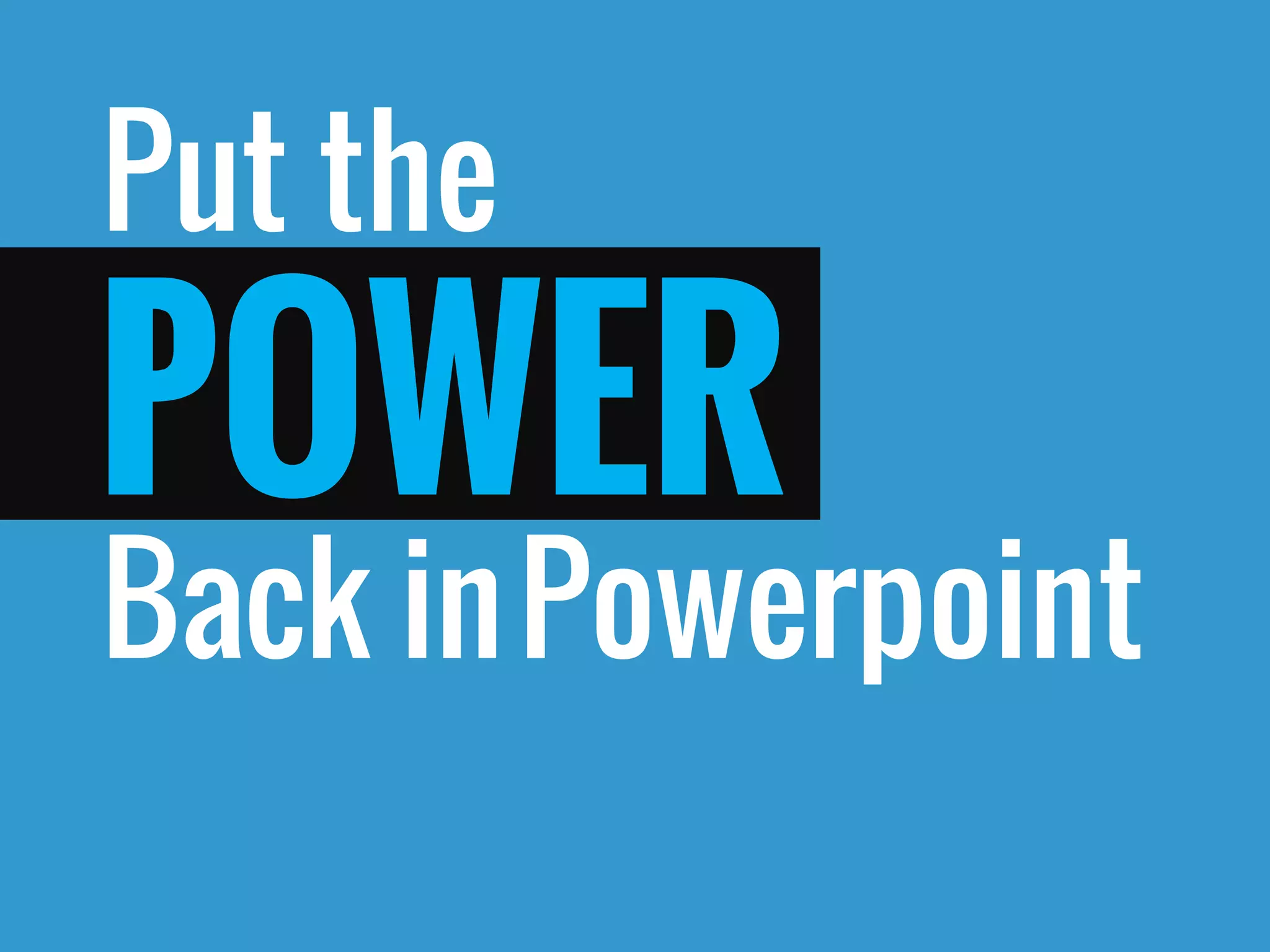
Put the 
Back in 
POWER 
Powerpoint
CreateIdeas…
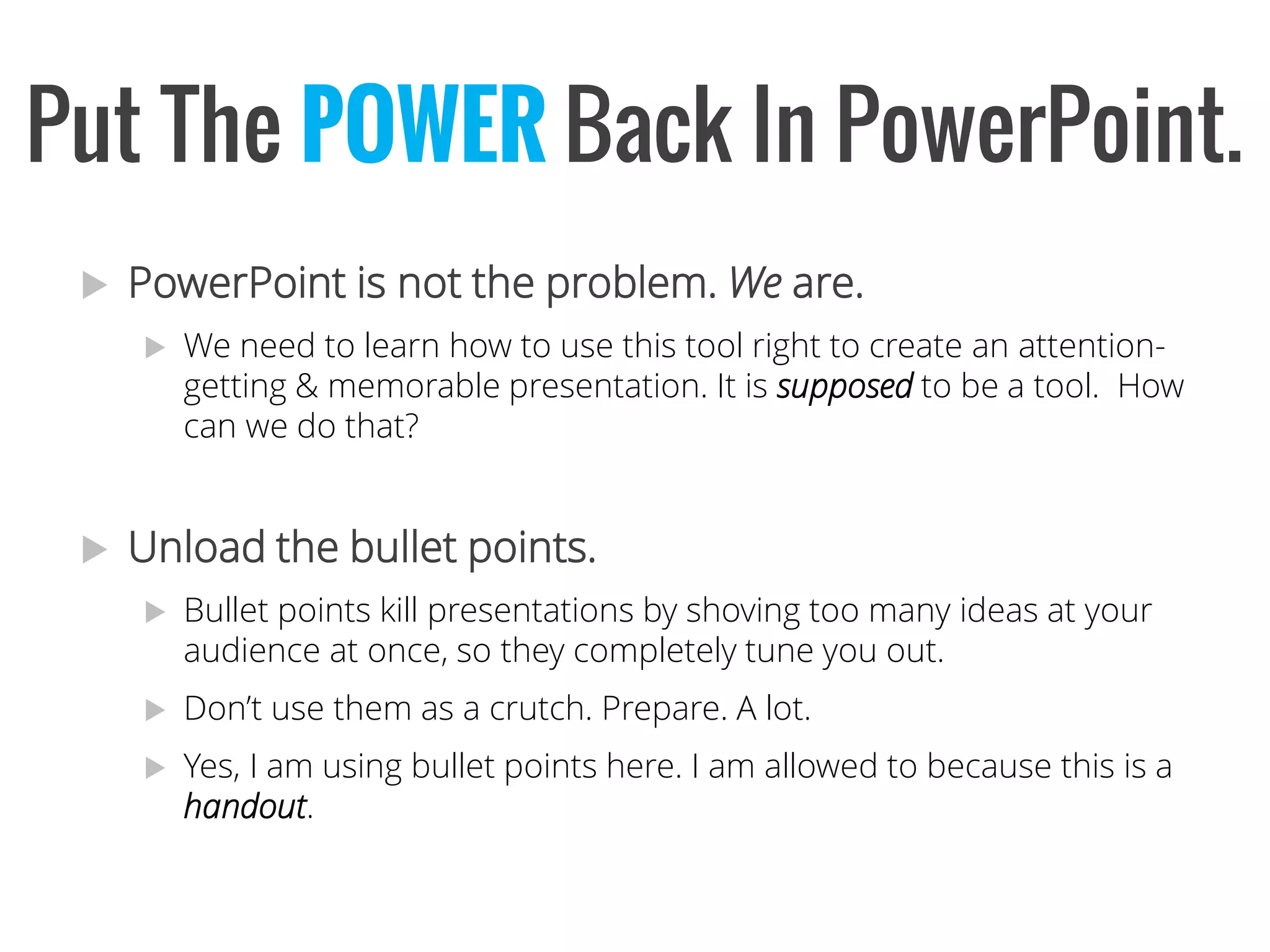
PowerPoint is not the problem. Weare. 
We need to learn how to use this tool right to create an attention- getting & memorable presentation. It is supposedto be a tool. How can we do that? 
Unload the bullet points. 
Bullet points kill presentations by shoving too many ideas at your audience at once, so they completely tune you out. 
Don’t use them as a crutch. Prepare. A lot. 
Yes, I am using bullet points here. I am allowed to because this is a handout. 
Put The POWERBack InPowerPoint.
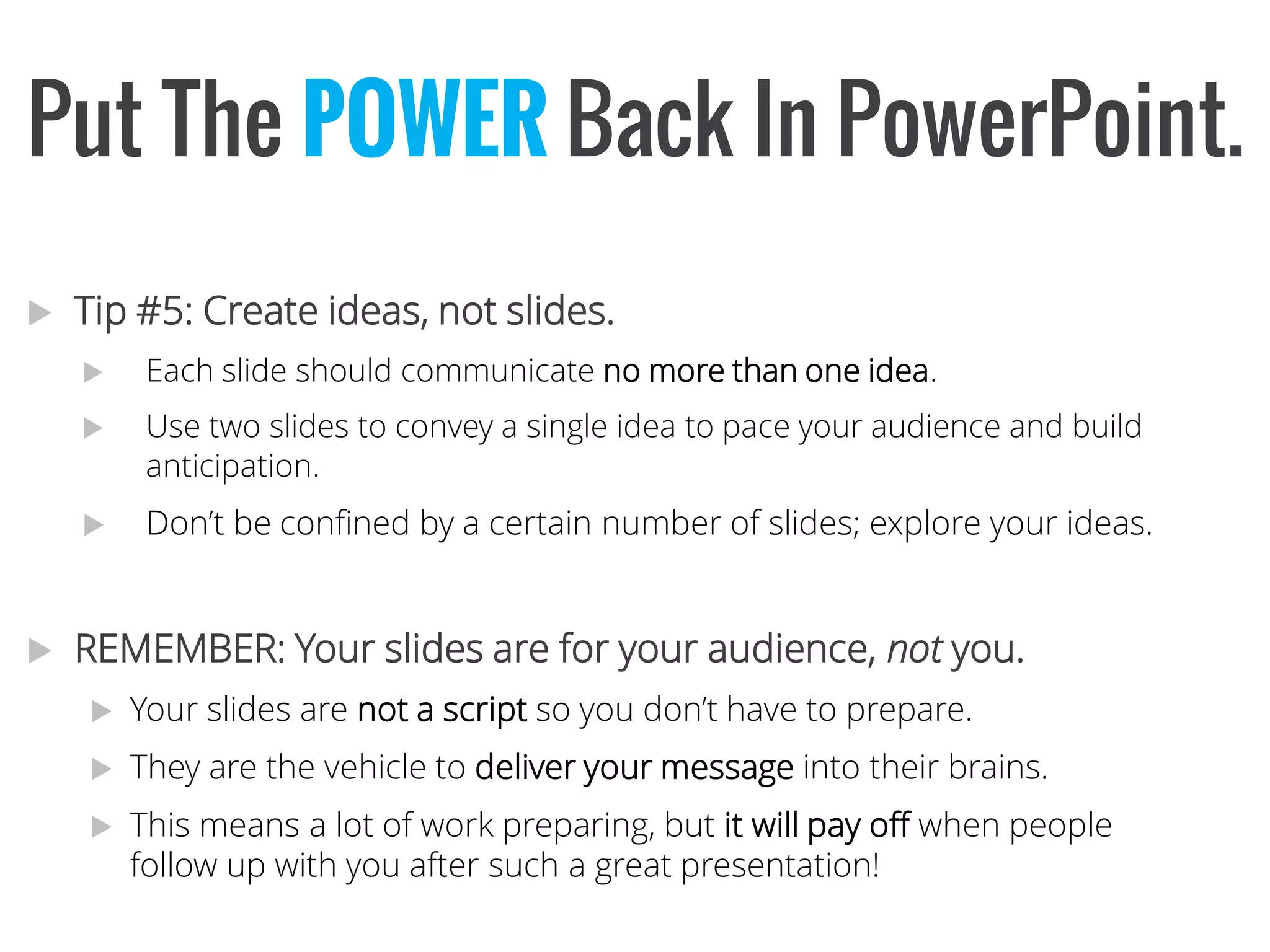
Tip #5: Create ideas, not slides. 
Each slide should communicate no more than one idea. 
Use two slides to convey a single idea to pace your audience and build anticipation. 
Don’t be confined by a certain number of slides; explore your ideas. 
REMEMBER: Your slides are for your audience, notyou. 
Your slides are not a script so you don’t have to prepare. 
They are the vehicle to deliver your message into their brains. 
This means a lot of work preparing, but it will pay off when people follow up with you after such a great presentation! 
Put The POWERBack InPowerPoint.
Put The POWERBack InPowerPoint. 
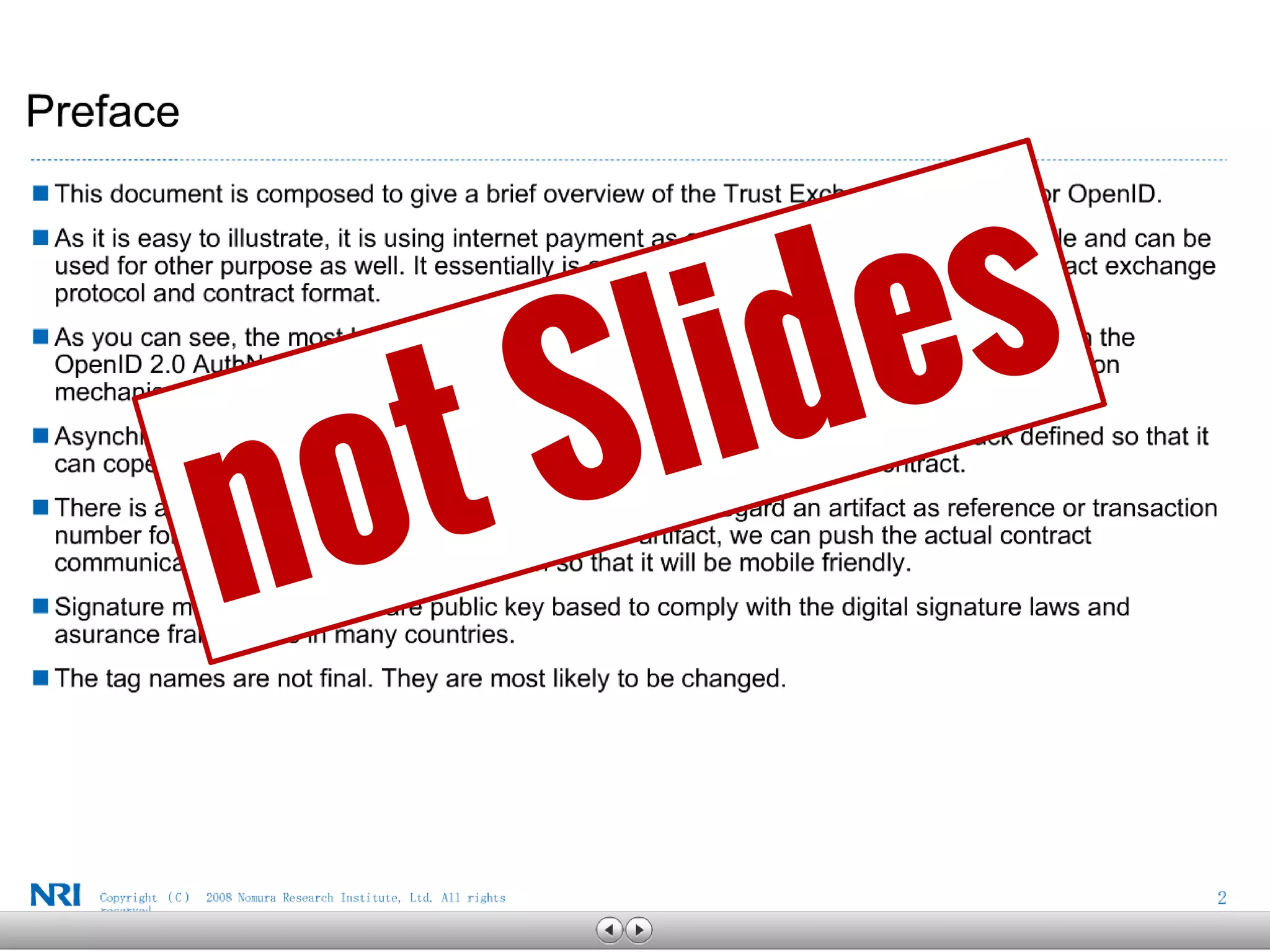
Resist the fluff. 
This includes logos, watermarks, clipart, or any repetitive element that adds zero value to your presentation) Save them for the cover slide. 
Fluff distracts the audience from you and your message. 
Simplicity is the key. 
Allow your message to stand out by decluttering your slides. 
Learn to designyour slides like a designer would. 
Get rid of clipart right now!! 
Harness the power of real imagery. 
Vision is the human being’s strongest sense in the best interest of our survival.* 
A compelling, relevantimage increases recall.* 
A compelling, relevant, & emotionalimage increases recall even more!* 
*Source: Brain Rules by John Medina..
The Fluff Is… 
LOGOS. 
BC Company © Copyright 2013. 
And watermarks. 
And Other DOODADS. 
p. 38
Survey Feedback 
•60% of mobile visitors didn’t find what they were looking for. 
•“I find searching your site really frustrating. All I wanted to do was download a form and I couldn’t. Please make the site better for customers!” (Score = 32) 
Note: Not actual feedback.
60% 
of Mobile Visitors 
Did Not Find What They Needed 
! 
Note: Not actual data.
Note: Not actual feedback. 
I find searching your site really frustrating. All I wanted to do was download a form and I couldn’t. Please make the site better for customers!! 
“ 
“ 
Score = 32
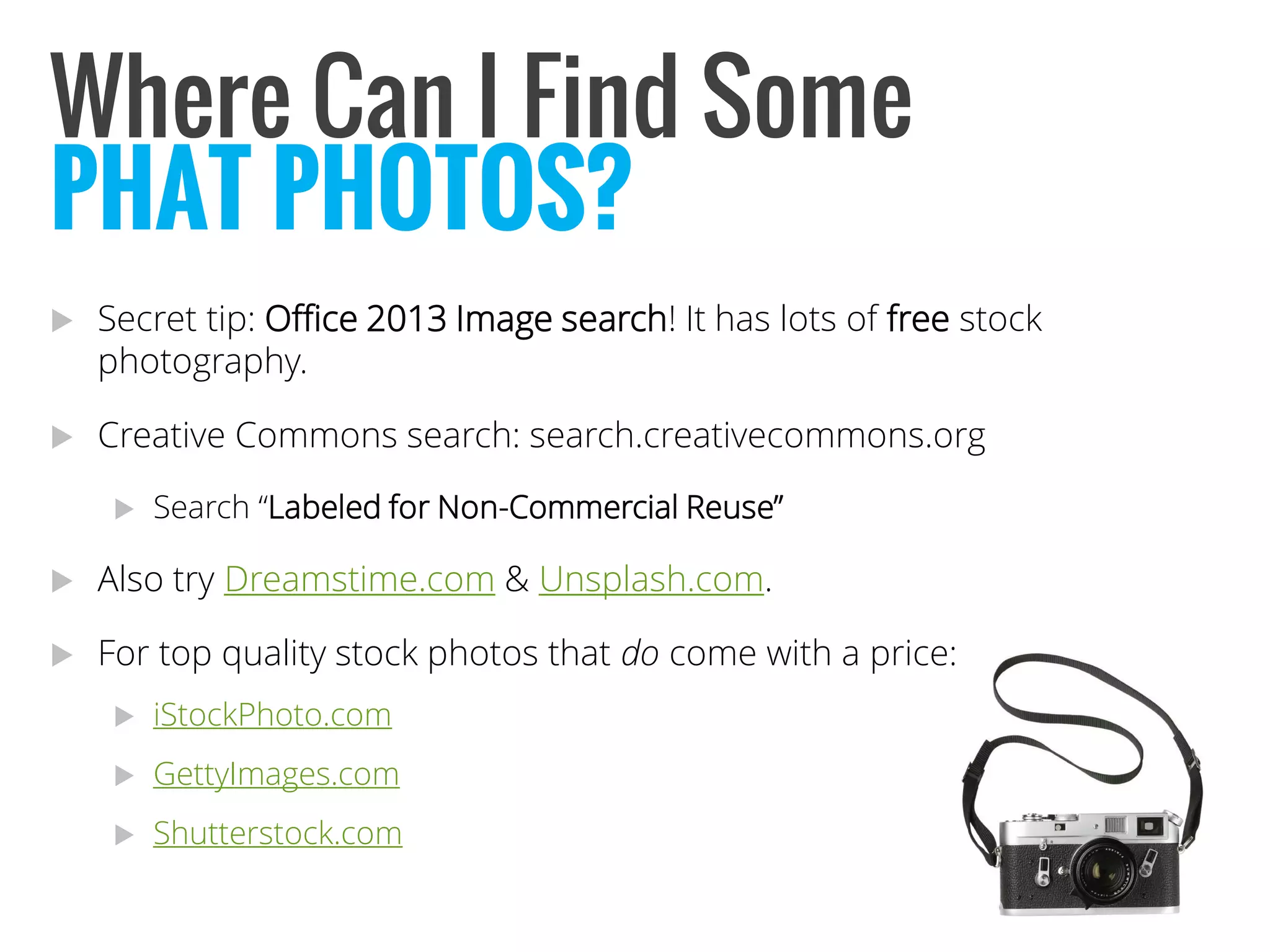
Where Can I Find Some 
Secret tip: Office 2013 Image search! It has lots of freestock photography. 
Creative Commons search: search.creativecommons.org 
Search “Labeled for Non-Commercial Reuse” 
Also try Dreamstime.com& Unsplash.com. 
For top quality stock photos that docome with a price: 
iStockPhoto.com 
GettyImages.com 
Shutterstock.com 
PHAT PHOTOS?
Type “beautiful fonts”, “cool new fonts” or “modern presentation fonts” into a search engine 
Visit Fontspace.comfor some ideas 
Other good resources: 
http://www.1stwebdesigner.com/freebies/52-really-high-quality-free-fonts- for-modern-and-cool-design/ 
http://www.smashingmagazine.com/2012/07/20/free-font-round-up/ 
The fonts in this presentation are Oswaldand Open Sans Light. 
Where Can I Find Some 
PHAT PHOTOS?
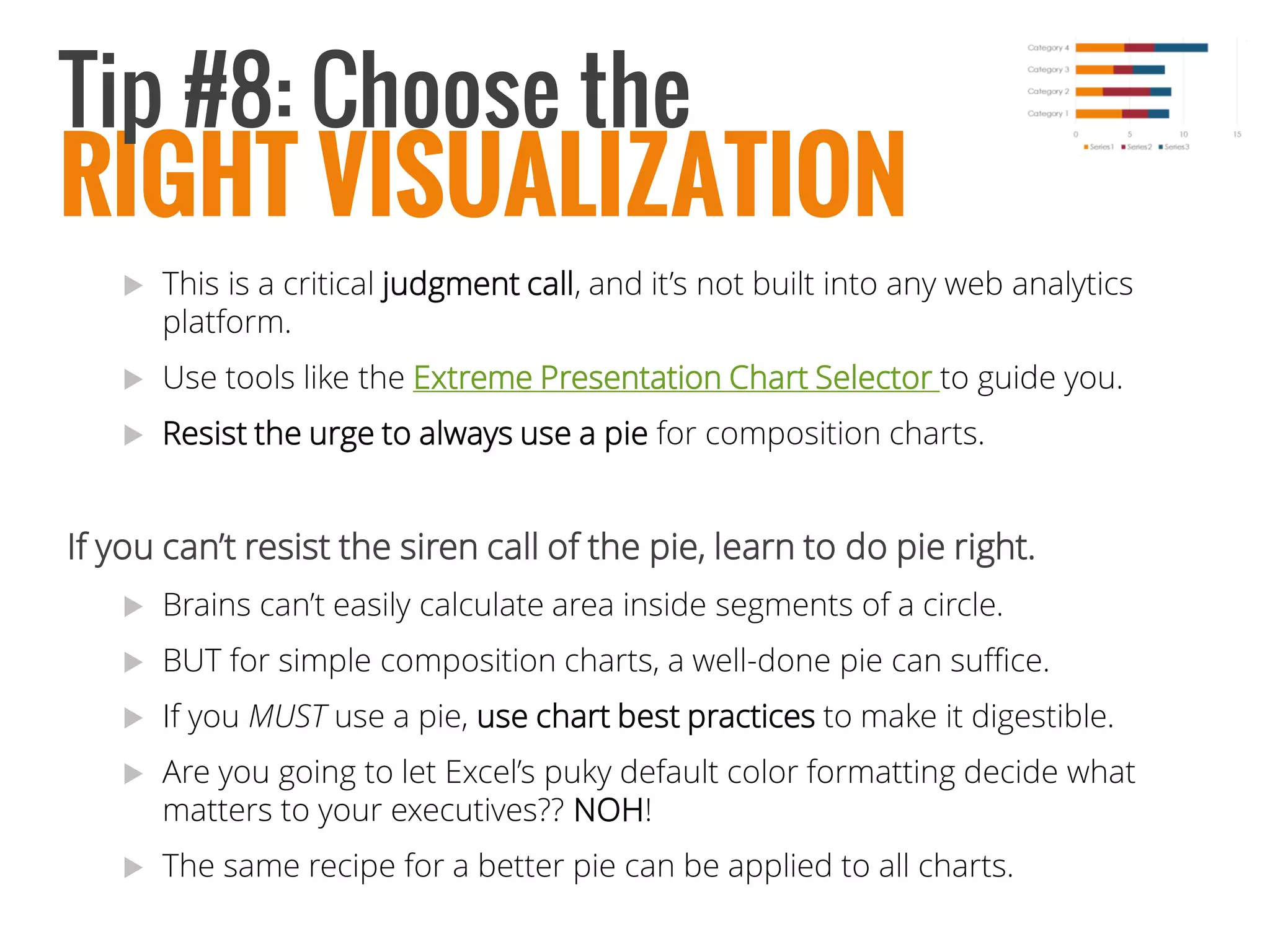
This is a critical judgment call, and it’s not built into any web analytics platform. 
Use tools like the Extreme Presentation Chart Selector to guide you. 
Resist the urge to always use a pie for composition charts. 
If you can’t resist the siren call of the pie, learn to do pie right. 
Brains can’t easily calculate area inside segments of a circle. 
BUT for simple composition charts, a well-done pie can suffice. 
If you MUSTuse a pie, usechart best practices to make it digestible. 
Are you going to let Excel’s puky default color formatting decide what matters to your executives?? NOH! 
The same recipe for a better pie can be applied to all charts. 
RIGHT VISUALIZATION 
Tip #8: Choose the
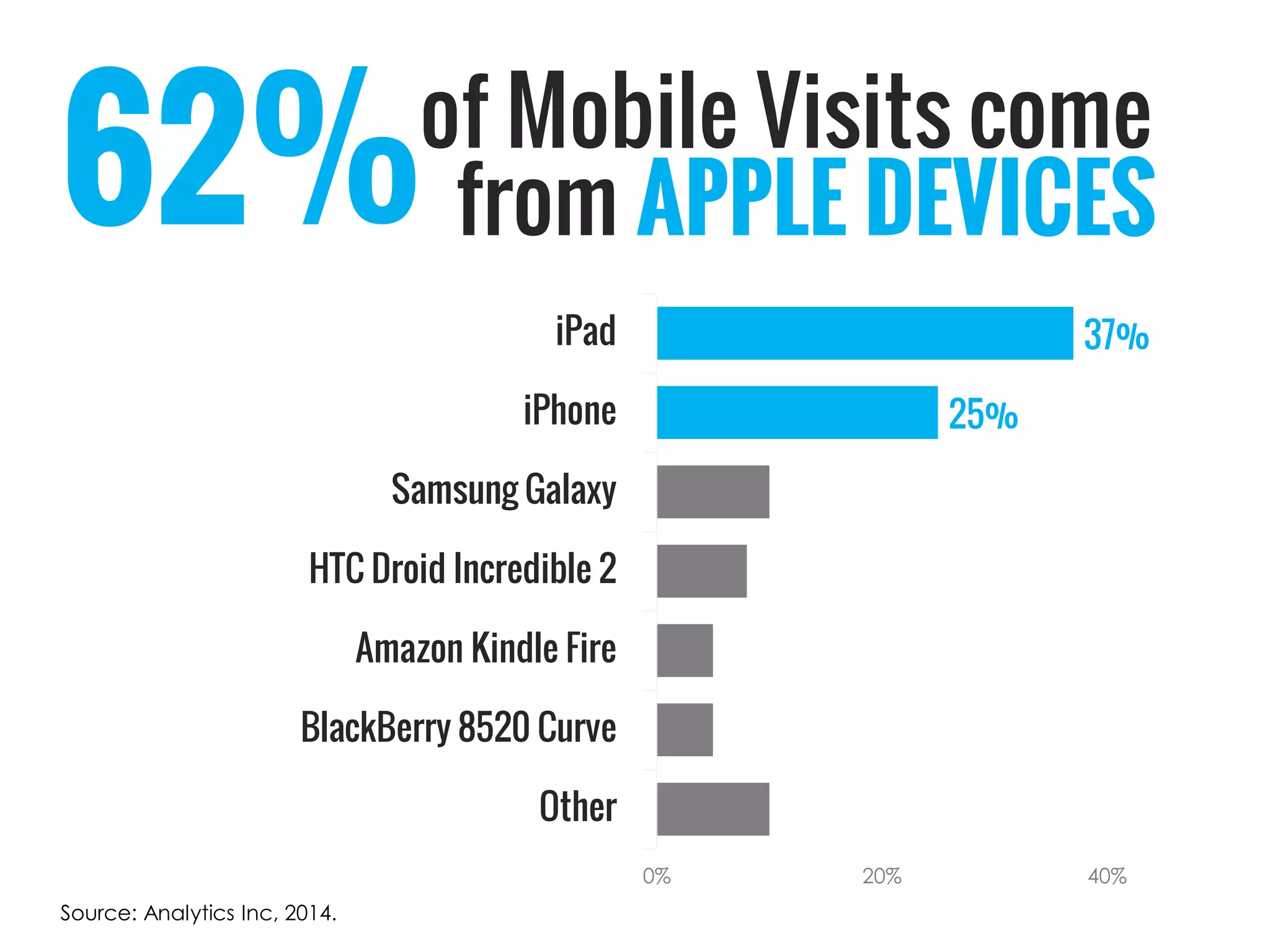
of Mobile Visits come 
25% 
37% 
Other 
BlackBerry 8520 Curve 
Amazon Kindle Fire 
HTC Droid Incredible 2 
Samsung Galaxy 
iPhone 
iPad 
0% 
20% 
40% 
Source: Analytics Inc, 2014. 
62% 
fromAPPLE DEVICES
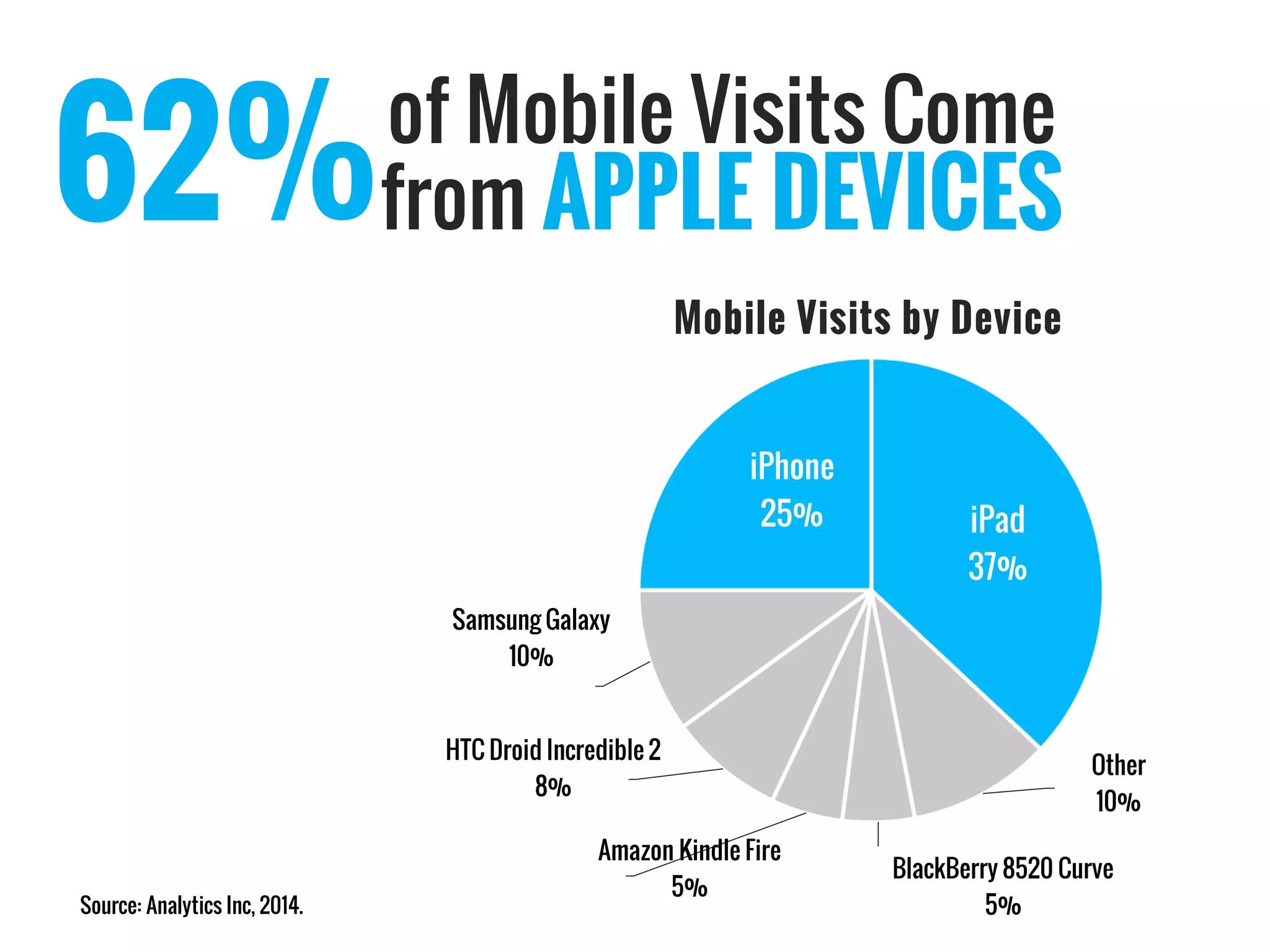
of Mobile Visits Come 
Source: Analytics Inc, 2014. 
62% 
fromAPPLE DEVICES 
iPad37% 
Other10% 
BlackBerry 8520 Curve5% 
Amazon Kindle Fire5% 
HTC Droid Incredible 28% 
Samsung Galaxy10% 
iPhone25% 
Mobile Visits by Device
Analyst Reading List 
Slide:ologyby Nancy Duarte 
Presentation Zen& Presentation Zen:Designby Garr Reynolds 
Brain Rulesby John Medina 
WSJ Guide to Information Graphicsby Dona M. Wong 
Chart Selector Toolby Extreme Presentation Method
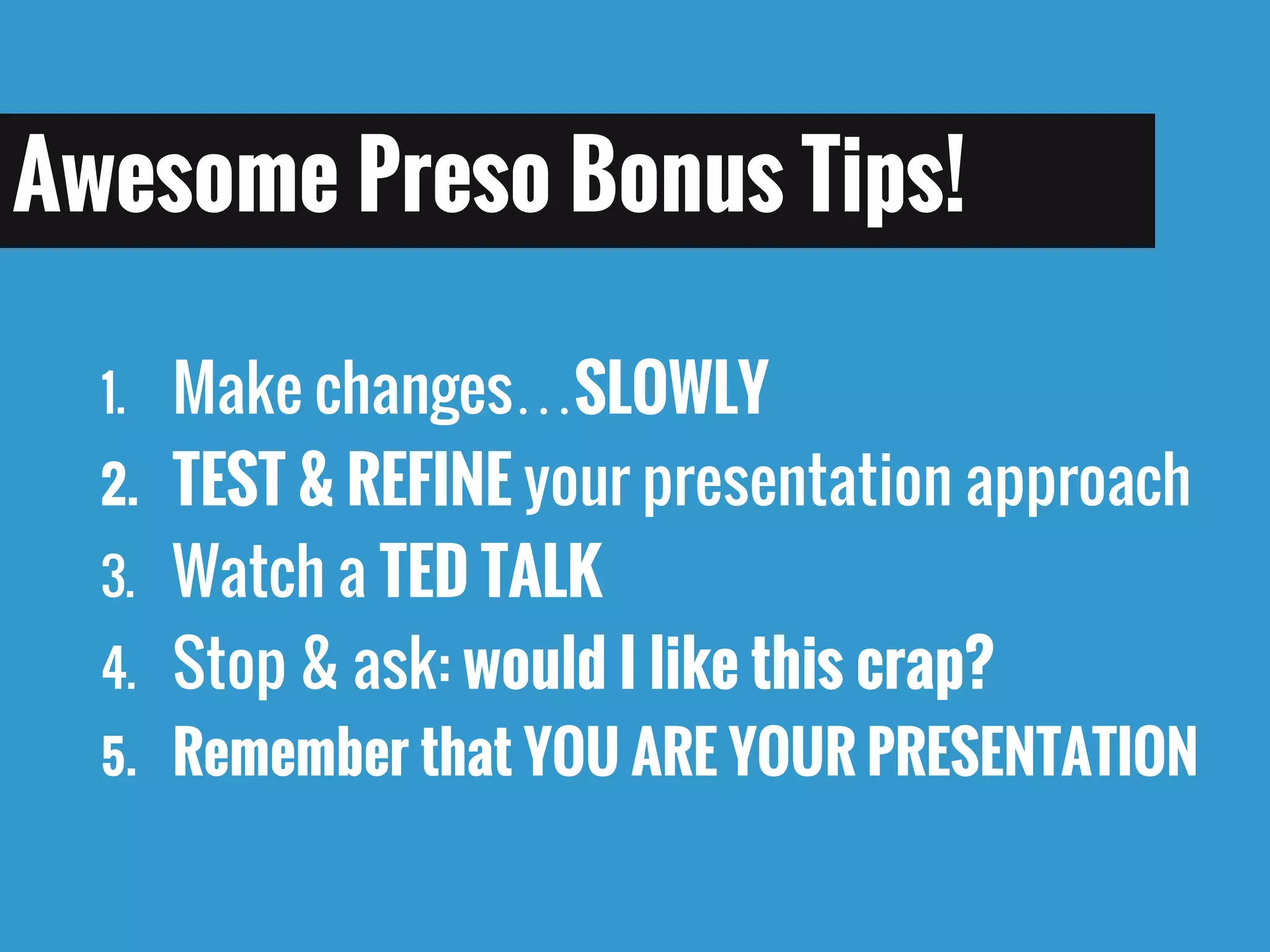
1.Make changes…SLOWLY 
2.TEST & REFINE your presentation approach 
3.Watch a TED TALK 
4.Stop & ask: would I like this crap? 
5.Remember that YOU ARE YOUR PRESENTATION 
Awesome Preso Bonus Tips!
When sending results over email, this tips can help: 
Bring the bottom line (key insight, recommendation) to the top of the email and put in bold. Your execs will see the key info right away, and can peruse the data if they have time, which they usually don’t. 
Bullets work nicely in analysis emails, they keep it organized. 
Use appropriately-sized graphs to support observations. 
Follow up with recommendations, always! 
After sending, follow updirectly with recipient several days later to cement it in their minds. 
Bonus Tips: 
EMAIL!
@LeaPica
Photo Creditshttp://ipkitten.blogspot. com/2010/05/letter- from-amerikat-i-trade- secrets.htmlhttp://www.flickr.com/photos/maricelius/ 6979944472/ http://gourmettraveller88.com/2010/03/26/heavenly-banoffee-pie/ http://thepatronsaintofpie.com/2010/12/ 14/flaky-pie-crust- thatll-never-let-you- down/ http://www.guidinginstincts.com/2012/06/meditation-reduces-heart- disease-in.html 
iStockPhoto.com 
ID 18477139 
iStockPhoto.com 
ID 6769769 
iStockPhoto.com 
ID 6769769 
iStockPhoto.com 
ID 6769769http://girlsfirstcar.files.wordpress.com/2009/09/texting-and-driving1.jpghttp://heidicohen.com/ wp- content/uploads/how- to-lose-audience.jpghttp://www.clivir.com/lessons/show/heartburn-vs- heart-attack- symptoms.htmlhttp://4.bp.blogspot.com/-3SWjR- MDc3o/USDprlKKSgI/AAAAAAAADLo/2GeHrz_bRCI/s1600/black- hole.jpg 
Source: AlfredEisenstaedthttp://0.tqn.com/d/presentationsoft/1/0/4/U/-/-/powerpoint-splash- screens.pnghttp://class7technology.wikispaces.com/Notes+From+Class+7http://farm7.staticflickr.com/6003/6000468077_e8c6a24b4a_z.jpghttp://2.bp.blogspot.com/- zeh8fVN_BY8/TpRhADOrMBI/AAAAAAAAAb4/DgSN_4kXu1I/ s1600/smile_alone.jpg 
https://www.flickr.com/photos/imaginecup/7534287902/in/photolist-9ERw2M-cwP8T-9Fndzs-4xKW11- 5TB5QS-778Cp-cwPga-ctMciy-6hvK8R-gBRNiN- 86HFc6-gjPhx-9nu8md-8Uy8E1-4ps6xv-mdKHUB- 5TB893-ctMcoo-7ymPfX-cwPcX-fMmz6-7BAmRY- cwPfi-cwPbi-86HFaa-ctMcCj-7RQGgB-aU8wmi- 5TB8gQ-7ymQdt-7RQG8D-5DgdHK-mdKJvg- 4Tw5iF-83vC49-mdJVnv-7RTWDu-hviCUZ-cR4fg5- 5AUcGP-ctMcxd-29WZe-7aL8qt-9NjRgf-9NjTyj- 9Nh6Qp-fxRY3o-fxS9H1-fxBRuB-97KsqX 
https://www.flickr.com/photos/i5design/4886682532/in/photolist-6mjLRT-ijukes-4SDvP-5p71c-hzSGna- 524C9m-maHAAc-JTerB-8rPwt7-5wEQpL-3BYUuN- kX97d-4rD7Am-4qcx58-aqmPq-4ptCoT-6f9K9W- 2PM9c-9PnUBE-i1Qmpw-kd5Ai-aE3jX-4pcA58- 3BUxAD-4cvonQ-3bq9rX-3JSDuN-Pew-ojVq7i- 8Tn4en-6f9FEW-F8siA-5wdMB5-aPZsVp-cv6JPW- 3BYU4L-ZnFR4-xGgET-nKGr7o-8CzTbm-76tw4- 7hE76P-grzaj1-feUnYz-3BUyjn-o2VgUz-5j5qeT- 6tERHa-6dgbjz-238Z7 
http://www.google.com/url?sa=i&rct=j&q=&esrc=s&source=images&cd=&cad=rja& uact=8&docid=hF1FU5i_2j2CjM&tbnid=2ys81O6KYjlqTM:&ved=0CAcQjRw&url=http%3A%2F%2Fcommons.wikimedia.org%2Fwiki%2FFile%3ABonnie_Bassler_TED_talk_in_2009.jpg&ei=6GAsVIXZHbHesATfrIKQBQ&bvm= bv.76477589,d.aWw&psig=AFQjCNG5jo2llYpg_EMUMgCl_sdK- _ZM1A&ust=1412280915542270 
http://3.bp.blogspot.com/- RF00ltaGAPY/UfWzzf0WMDI/AAAAAAAAFHs/rTWpg8GYRZI/s1600/Cincinnati+Memorial+Hall+005_1.jpg 
http://cincinnatimemorialhall.com/plan-an- event/performance- theatre/

How to Present Results to Get Results

  • 1.
    How to PresentResults to Lea Synefakis-Pica,Prudential Analytics That Excite 2014 October15th, 2014 GET RESULTS
  • 2.
  • 4.
    Help Your Data STAND OUT
  • 5.
    And Prevent THIS from Happening:
  • 6.
    The 3 Pillarsof PRESENTATION ENLIGHTENMENT Be Your AUDIENCE Use Your ToolWISELY Maximize DataABSORPTION I II III
  • 7.
    Pillar #1 BeYour AUDIENCE @LeaPica
  • 8.
    Pillar #1: BeYour AUDIENCE Get context for the request. During the request, imagine your executive asking: What do I really want? Why should they care about this data? Ask who else is attending? High-level C-Suite or tactical? Tailor your tone & content to the savviness of the audience.
  • 9.
    Know Thy STAGE Think of your presentation as a performance. Visualizedelivering your presentation. If you’re not familiar with the room, take a field trip and scope out your stage in advance. Figure out technical logistics beforehand!!
  • 10.
    Pillar #2 UseYour Tools WISELY @LeaPica
  • 11.
    Pillar #2: UseYour Presentation Tool Take full advantage of the live presentation format. Doing it right can help your career. But first, you need to learn how to… WISELY
  • 12.
    Put the Backin POWER Powerpoint
  • 15.
  • 17.
    PowerPoint is notthe problem. Weare. We need to learn how to use this tool right to create an attention- getting & memorable presentation. It is supposedto be a tool. How can we do that? Unload the bullet points. Bullet points kill presentations by shoving too many ideas at your audience at once, so they completely tune you out. Don’t use them as a crutch. Prepare. A lot. Yes, I am using bullet points here. I am allowed to because this is a handout. Put The POWERBack InPowerPoint.
  • 18.
    Tip #5: Createideas, not slides. Each slide should communicate no more than one idea. Use two slides to convey a single idea to pace your audience and build anticipation. Don’t be confined by a certain number of slides; explore your ideas. REMEMBER: Your slides are for your audience, notyou. Your slides are not a script so you don’t have to prepare. They are the vehicle to deliver your message into their brains. This means a lot of work preparing, but it will pay off when people follow up with you after such a great presentation! Put The POWERBack InPowerPoint.
  • 19.
    Put The POWERBackInPowerPoint. Resist the fluff. This includes logos, watermarks, clipart, or any repetitive element that adds zero value to your presentation) Save them for the cover slide. Fluff distracts the audience from you and your message. Simplicity is the key. Allow your message to stand out by decluttering your slides. Learn to designyour slides like a designer would. Get rid of clipart right now!! Harness the power of real imagery. Vision is the human being’s strongest sense in the best interest of our survival.* A compelling, relevantimage increases recall.* A compelling, relevant, & emotionalimage increases recall even more!* *Source: Brain Rules by John Medina..
  • 20.
    The Fluff Is… LOGOS. BC Company © Copyright 2013. And watermarks. And Other DOODADS. p. 38
  • 21.
    Survey Feedback •60%of mobile visitors didn’t find what they were looking for. •“I find searching your site really frustrating. All I wanted to do was download a form and I couldn’t. Please make the site better for customers!” (Score = 32) Note: Not actual feedback.
  • 22.
    60% of MobileVisitors Did Not Find What They Needed ! Note: Not actual data.
  • 23.
    Note: Not actualfeedback. I find searching your site really frustrating. All I wanted to do was download a form and I couldn’t. Please make the site better for customers!! “ “ Score = 32
  • 24.
    Where Can IFind Some Secret tip: Office 2013 Image search! It has lots of freestock photography. Creative Commons search: search.creativecommons.org Search “Labeled for Non-Commercial Reuse” Also try Dreamstime.com& Unsplash.com. For top quality stock photos that docome with a price: iStockPhoto.com GettyImages.com Shutterstock.com PHAT PHOTOS?
  • 25.
    Type “beautiful fonts”,“cool new fonts” or “modern presentation fonts” into a search engine Visit Fontspace.comfor some ideas Other good resources: http://www.1stwebdesigner.com/freebies/52-really-high-quality-free-fonts- for-modern-and-cool-design/ http://www.smashingmagazine.com/2012/07/20/free-font-round-up/ The fonts in this presentation are Oswaldand Open Sans Light. Where Can I Find Some PHAT PHOTOS?
  • 26.
    This is acritical judgment call, and it’s not built into any web analytics platform. Use tools like the Extreme Presentation Chart Selector to guide you. Resist the urge to always use a pie for composition charts. If you can’t resist the siren call of the pie, learn to do pie right. Brains can’t easily calculate area inside segments of a circle. BUT for simple composition charts, a well-done pie can suffice. If you MUSTuse a pie, usechart best practices to make it digestible. Are you going to let Excel’s puky default color formatting decide what matters to your executives?? NOH! The same recipe for a better pie can be applied to all charts. RIGHT VISUALIZATION Tip #8: Choose the
  • 27.
    of Mobile Visitscome 25% 37% Other BlackBerry 8520 Curve Amazon Kindle Fire HTC Droid Incredible 2 Samsung Galaxy iPhone iPad 0% 20% 40% Source: Analytics Inc, 2014. 62% fromAPPLE DEVICES
  • 28.
    of Mobile VisitsCome Source: Analytics Inc, 2014. 62% fromAPPLE DEVICES iPad37% Other10% BlackBerry 8520 Curve5% Amazon Kindle Fire5% HTC Droid Incredible 28% Samsung Galaxy10% iPhone25% Mobile Visits by Device
  • 29.
    Analyst Reading List Slide:ologyby Nancy Duarte Presentation Zen& Presentation Zen:Designby Garr Reynolds Brain Rulesby John Medina WSJ Guide to Information Graphicsby Dona M. Wong Chart Selector Toolby Extreme Presentation Method
  • 30.
    1.Make changes…SLOWLY 2.TEST& REFINE your presentation approach 3.Watch a TED TALK 4.Stop & ask: would I like this crap? 5.Remember that YOU ARE YOUR PRESENTATION Awesome Preso Bonus Tips!
  • 31.
    When sending resultsover email, this tips can help: Bring the bottom line (key insight, recommendation) to the top of the email and put in bold. Your execs will see the key info right away, and can peruse the data if they have time, which they usually don’t. Bullets work nicely in analysis emails, they keep it organized. Use appropriately-sized graphs to support observations. Follow up with recommendations, always! After sending, follow updirectly with recipient several days later to cement it in their minds. Bonus Tips: EMAIL!
  • 32.
  • 33.
    Photo Creditshttp://ipkitten.blogspot. com/2010/05/letter-from-amerikat-i-trade- secrets.htmlhttp://www.flickr.com/photos/maricelius/ 6979944472/ http://gourmettraveller88.com/2010/03/26/heavenly-banoffee-pie/ http://thepatronsaintofpie.com/2010/12/ 14/flaky-pie-crust- thatll-never-let-you- down/ http://www.guidinginstincts.com/2012/06/meditation-reduces-heart- disease-in.html iStockPhoto.com ID 18477139 iStockPhoto.com ID 6769769 iStockPhoto.com ID 6769769 iStockPhoto.com ID 6769769http://girlsfirstcar.files.wordpress.com/2009/09/texting-and-driving1.jpghttp://heidicohen.com/ wp- content/uploads/how- to-lose-audience.jpghttp://www.clivir.com/lessons/show/heartburn-vs- heart-attack- symptoms.htmlhttp://4.bp.blogspot.com/-3SWjR- MDc3o/USDprlKKSgI/AAAAAAAADLo/2GeHrz_bRCI/s1600/black- hole.jpg Source: AlfredEisenstaedthttp://0.tqn.com/d/presentationsoft/1/0/4/U/-/-/powerpoint-splash- screens.pnghttp://class7technology.wikispaces.com/Notes+From+Class+7http://farm7.staticflickr.com/6003/6000468077_e8c6a24b4a_z.jpghttp://2.bp.blogspot.com/- zeh8fVN_BY8/TpRhADOrMBI/AAAAAAAAAb4/DgSN_4kXu1I/ s1600/smile_alone.jpg https://www.flickr.com/photos/imaginecup/7534287902/in/photolist-9ERw2M-cwP8T-9Fndzs-4xKW11- 5TB5QS-778Cp-cwPga-ctMciy-6hvK8R-gBRNiN- 86HFc6-gjPhx-9nu8md-8Uy8E1-4ps6xv-mdKHUB- 5TB893-ctMcoo-7ymPfX-cwPcX-fMmz6-7BAmRY- cwPfi-cwPbi-86HFaa-ctMcCj-7RQGgB-aU8wmi- 5TB8gQ-7ymQdt-7RQG8D-5DgdHK-mdKJvg- 4Tw5iF-83vC49-mdJVnv-7RTWDu-hviCUZ-cR4fg5- 5AUcGP-ctMcxd-29WZe-7aL8qt-9NjRgf-9NjTyj- 9Nh6Qp-fxRY3o-fxS9H1-fxBRuB-97KsqX https://www.flickr.com/photos/i5design/4886682532/in/photolist-6mjLRT-ijukes-4SDvP-5p71c-hzSGna- 524C9m-maHAAc-JTerB-8rPwt7-5wEQpL-3BYUuN- kX97d-4rD7Am-4qcx58-aqmPq-4ptCoT-6f9K9W- 2PM9c-9PnUBE-i1Qmpw-kd5Ai-aE3jX-4pcA58- 3BUxAD-4cvonQ-3bq9rX-3JSDuN-Pew-ojVq7i- 8Tn4en-6f9FEW-F8siA-5wdMB5-aPZsVp-cv6JPW- 3BYU4L-ZnFR4-xGgET-nKGr7o-8CzTbm-76tw4- 7hE76P-grzaj1-feUnYz-3BUyjn-o2VgUz-5j5qeT- 6tERHa-6dgbjz-238Z7 http://www.google.com/url?sa=i&rct=j&q=&esrc=s&source=images&cd=&cad=rja& uact=8&docid=hF1FU5i_2j2CjM&tbnid=2ys81O6KYjlqTM:&ved=0CAcQjRw&url=http%3A%2F%2Fcommons.wikimedia.org%2Fwiki%2FFile%3ABonnie_Bassler_TED_talk_in_2009.jpg&ei=6GAsVIXZHbHesATfrIKQBQ&bvm= bv.76477589,d.aWw&psig=AFQjCNG5jo2llYpg_EMUMgCl_sdK- _ZM1A&ust=1412280915542270 http://3.bp.blogspot.com/- RF00ltaGAPY/UfWzzf0WMDI/AAAAAAAAFHs/rTWpg8GYRZI/s1600/Cincinnati+Memorial+Hall+005_1.jpg http://cincinnatimemorialhall.com/plan-an- event/performance- theatre/