ASSURE
ModelMuhammad Munsif
munsifsail@gmail.com
Learning Technology For Classroom
Teacher
Content Table
 Overview of instructional
technology term
 What is instructional system design
 Instruction development
 Assure model and Acronym
 A model to help ASSURE learning
3/8/2020
Instructional technology
systemic and systematic application of
strategies and techniques derived from
behavioral, cognitive, and constructivist
theories to the solution of instructional
problems.
3/8/2020
Instructional design
systematic development of instructional
specifications using learning and instructional
theory to ensure the quality of instruction.
3/8/2020
Instruction development
process of implementing the design plan.
3/8/2020
ASSURE model
 is an ISD (Instructional Systems
Design) process that was modified to be
used by teachers in the regular
classroom
The ISD process
is one in which teachers and trainers
can use to design and develop the most
appropriate learning environment for
their students
The ASSURE model
incorporates Robert Gagne's events of
instruction to assure effective use of
media in instruction.
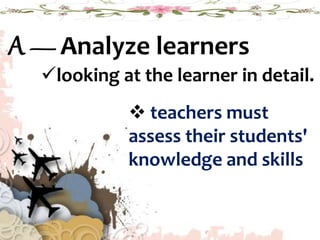
A — Analyze learners
looking at the learner in detail.
 teachers must
assess their students'
knowledge and skills
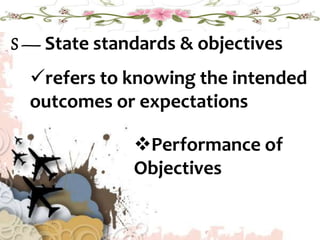
S — State standards & objectives
refers to knowing the intended
outcomes or expectations
Performance of
Objectives
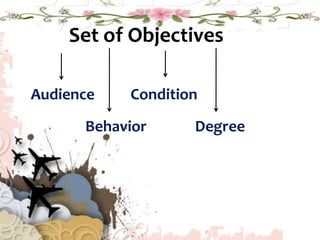
Set of Objectives
Audience
Behavior
Condition
Degree
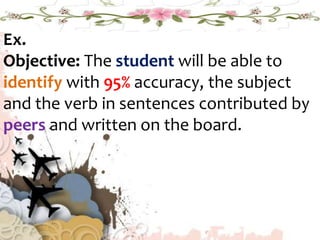
Ex.
Objective: The student will be able to
identify with 95% accuracy, the subject
and the verb in sentences contributed by
peers and written on the board.
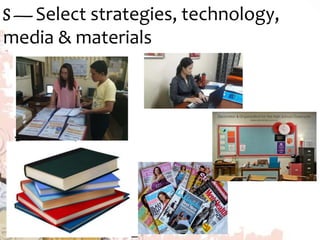
S —Select strategies, technology,
media & materials
Projected
Visuals
still images are enlarged and displayed on a
screen .
Types of projected visuals that we can use
in the classroom.
software,
digital visuals and
document cameras
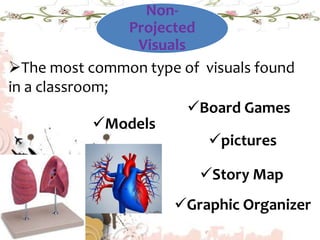
Non-
Projected
Visuals
The most common type of visuals found
in a classroom;
Models
Board Games
pictures
Story Map
Graphic Organizer
Print
Textbooks and Reference Books
Imaginative Literature
Programmed Literature
Periodicals
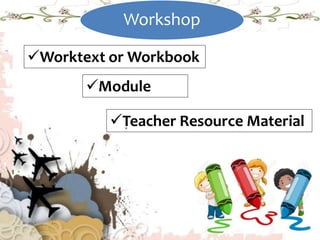
Workshop
Worktext or Workbook
Module
Teacher Resource Material
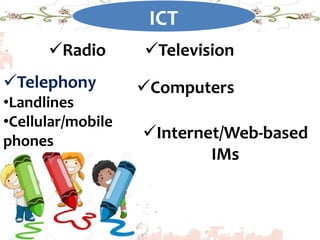
ICT
Radio Television
Telephony
•Landlines
•Cellular/mobile
phones
Computers
Internet/Web-based
IMs
U — Utilize technology, media & materials
How will the students used the materials?
Preview the materials and practice
the lesson
•Teacher acts as
facilitator of learning
Require Learner Performance
Learners need to practice what they
have learned.
Correct responses should be reinforced.
Note: There should be
activities included in the
lesson or that allow learners
to respond and receive
feedback before any type of
evaluation is administered.
Evaluate and Revise
After manipulation/utilization of IMs
• Did the learners meet the objectives?
• Did the media/materials assist the
learners in reaching those objectives?
• Could all learners use
the materials properly?
• Make appropriate
revisions before making the
lesson again.
Thank
You

Assure model