














Are you wasting too much of your precious time
because of team communication issues?
Getting stressed and
frustrated because your
team cannot meet your
standards?
Having a hard time
following up specific details
to and from the team?
Always
getting
this?
Solution to these
problems?
What’s in
it for me?
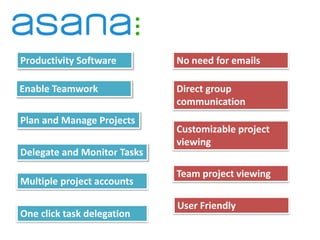
Productivity Software
Enable Teamwork
Plan and Manage Projects
Delegate and Monitor Tasks
No need for emails
Direct group
communication
Customizable project
viewing
Team project viewing
Multiple project accounts
One click task delegation
User Friendly
How do we
start?
Asana
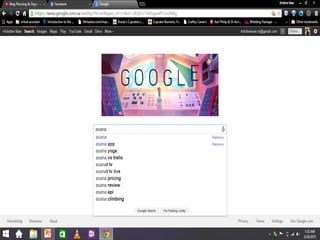
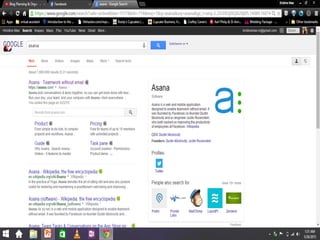
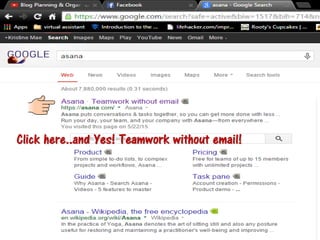
GOOGLE Asana!
Click here..and Yes! Teamwork without email!
Sign up either using gmail
account or other emails
you have.
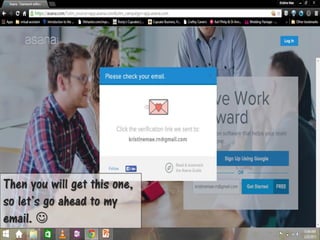
Then you will get this one,
so let’s go ahead to my
email. 
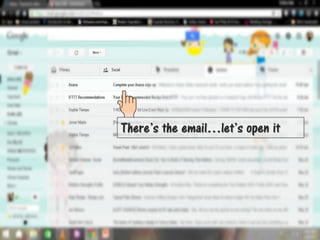
There’s the email…let’s open it
Just click here and we are ready to roll!
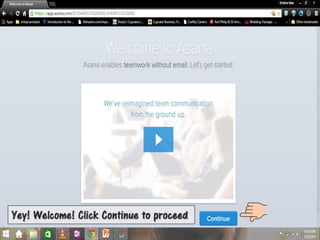
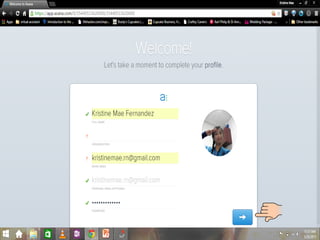
Yey! Welcome! Click Continue to proceed
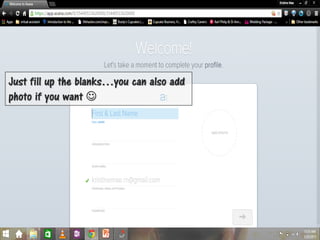
Just fill up the blanks…you can also add
photo if you want 
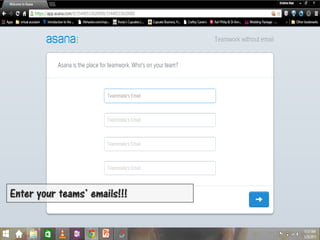
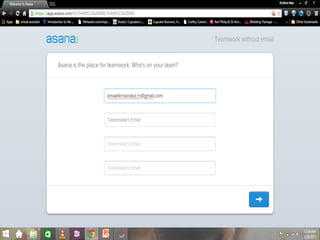
Enter your teams’ emails!!!
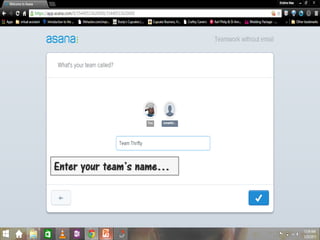
Enter your team’s name…
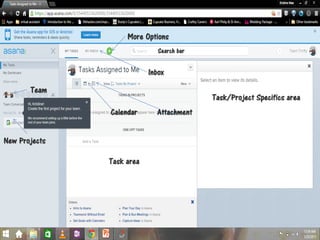
WORK SPACE
New Projects
Team
Task/Project Specifics area
Task area
Calendar Attachment
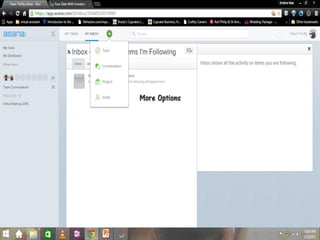
Inbox
More Options
Search bar
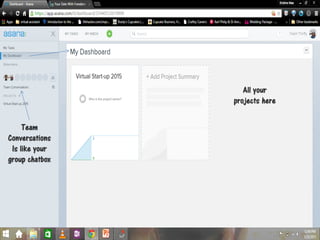
All your
projects here
Team
Conversations
Is like your
group chatbox
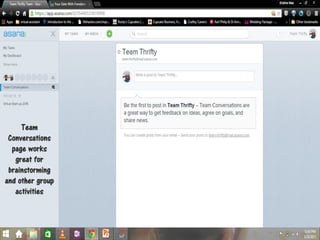
Team
Conversations
page works
great for
brainstorming
and other group
activities
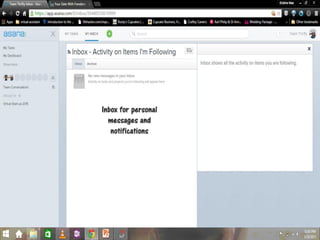
Inbox for personal
messages and
notifications
More Options
CREATE PROJECTS, TASKS AND ASSIGNMENTS
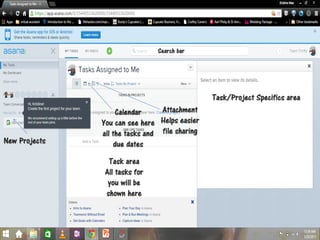
New Projects
Task/Project Specifics area
Task area
All tasks for
you will be
shown here
Calendar
You can see here
all the tasks and
due dates
Attachment
Helps easier
file sharing
Search bar
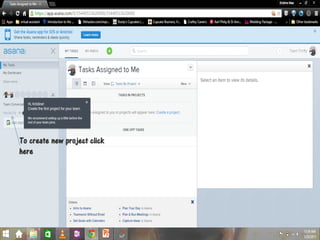
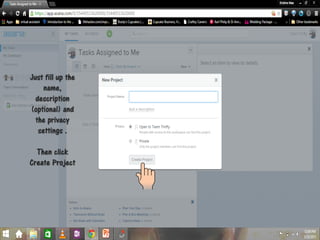
To create new project click
here
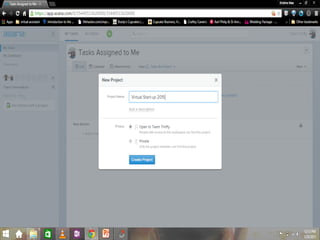
Just fill up the
name,
description
(optional) and
the privacy
settings .
Then click
Create Project
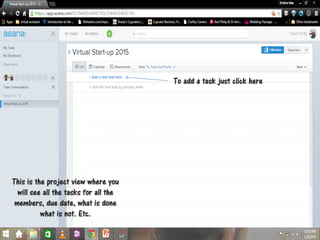
This is the project view where you
will see all the tasks for all the
members, due date, what is done
what is not. Etc.
To add a task just click here
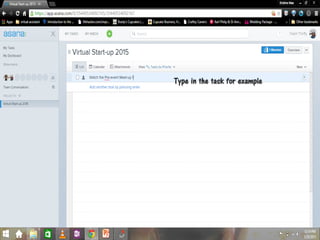
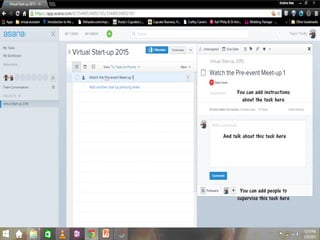
Type in the task for example
You can add instructions
about the task here
And talk about this task here
You can add people to
supervise this task here
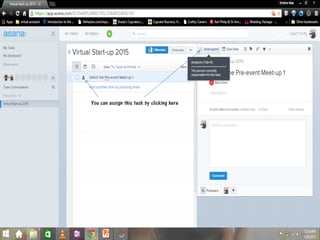
You can assign this task by clicking here
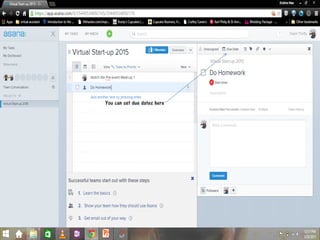
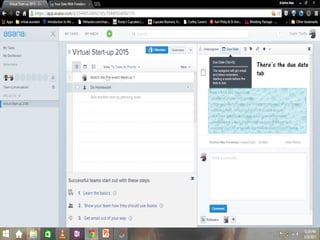
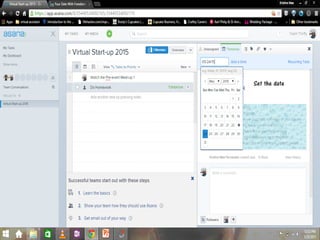
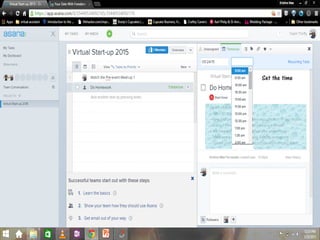
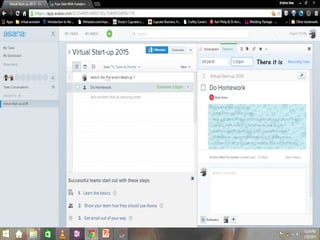
You can set due dates here
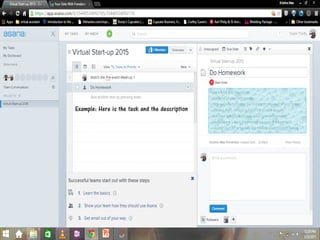
Example: Here is the task and the description
There’s the due date
tab
Set the date
Set the time
There it is
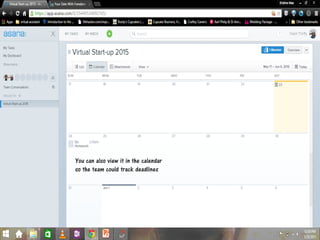
You can also view it in the calendar
so the team could track deadlines
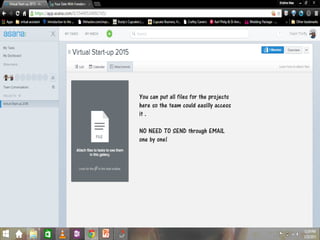
You can put all files for the projects
here so the team could easilly access
it .
NO NEED TO SEND through EMAIL
one by one!
Easy and
Convenient
Right??
Now you
and the team
will get
excited for
each project
Yey!!!

Asana for Team Productivity