iPads in Special Education- AAC
Device, Learning Tool, and More
         Hillary Brumer, CAGS
           iPadSummit USA
          November 8, 2012
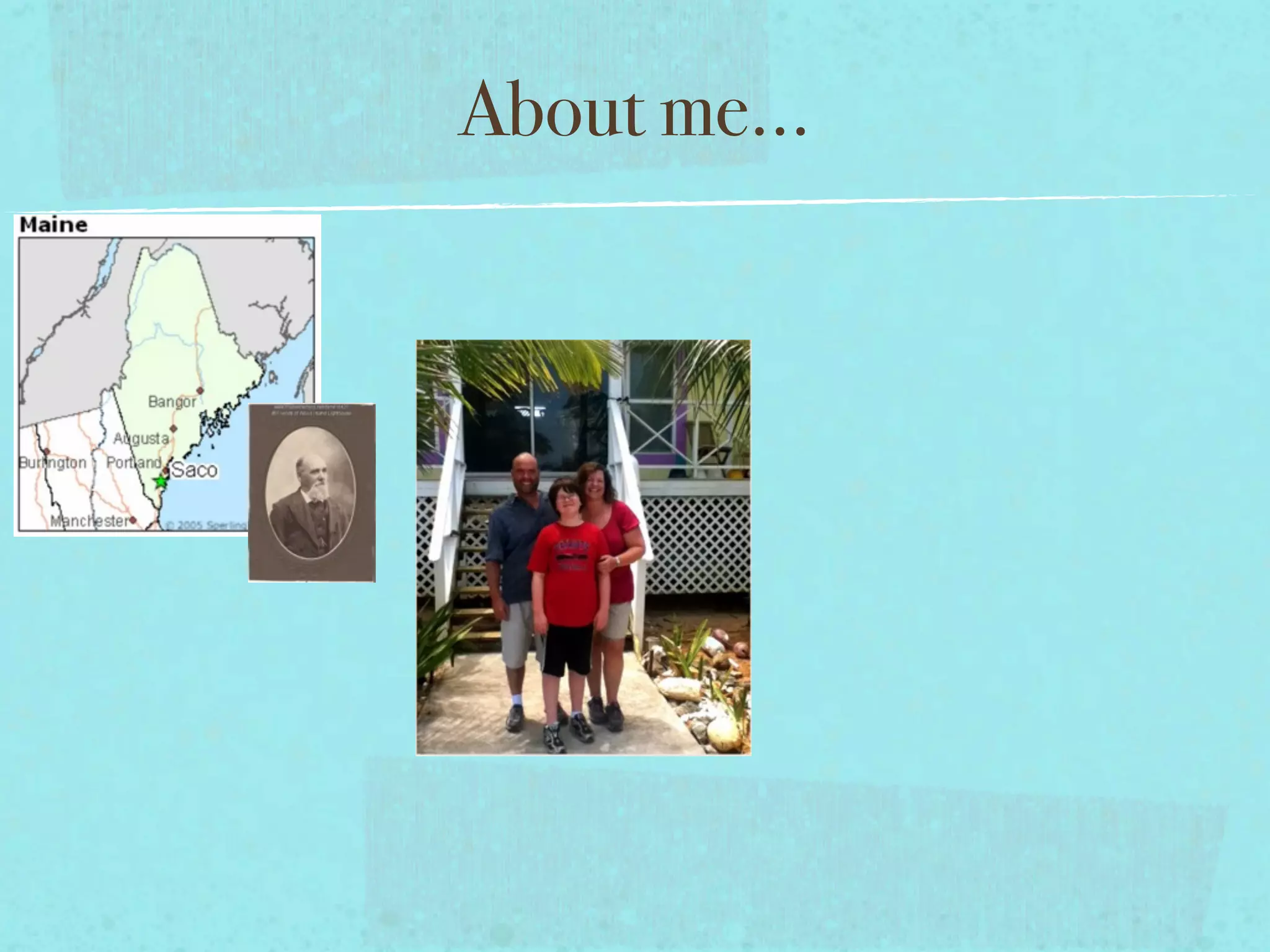
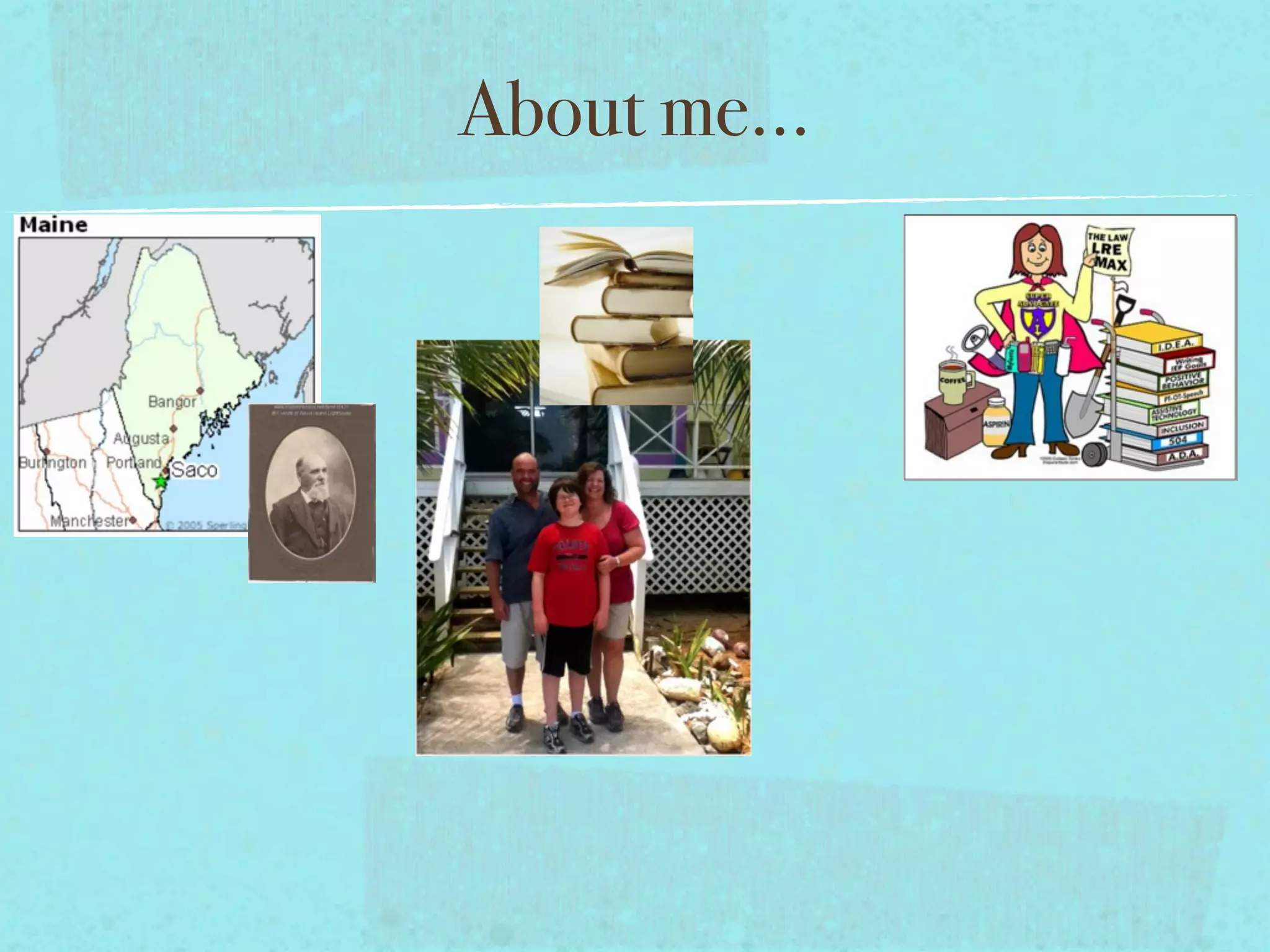
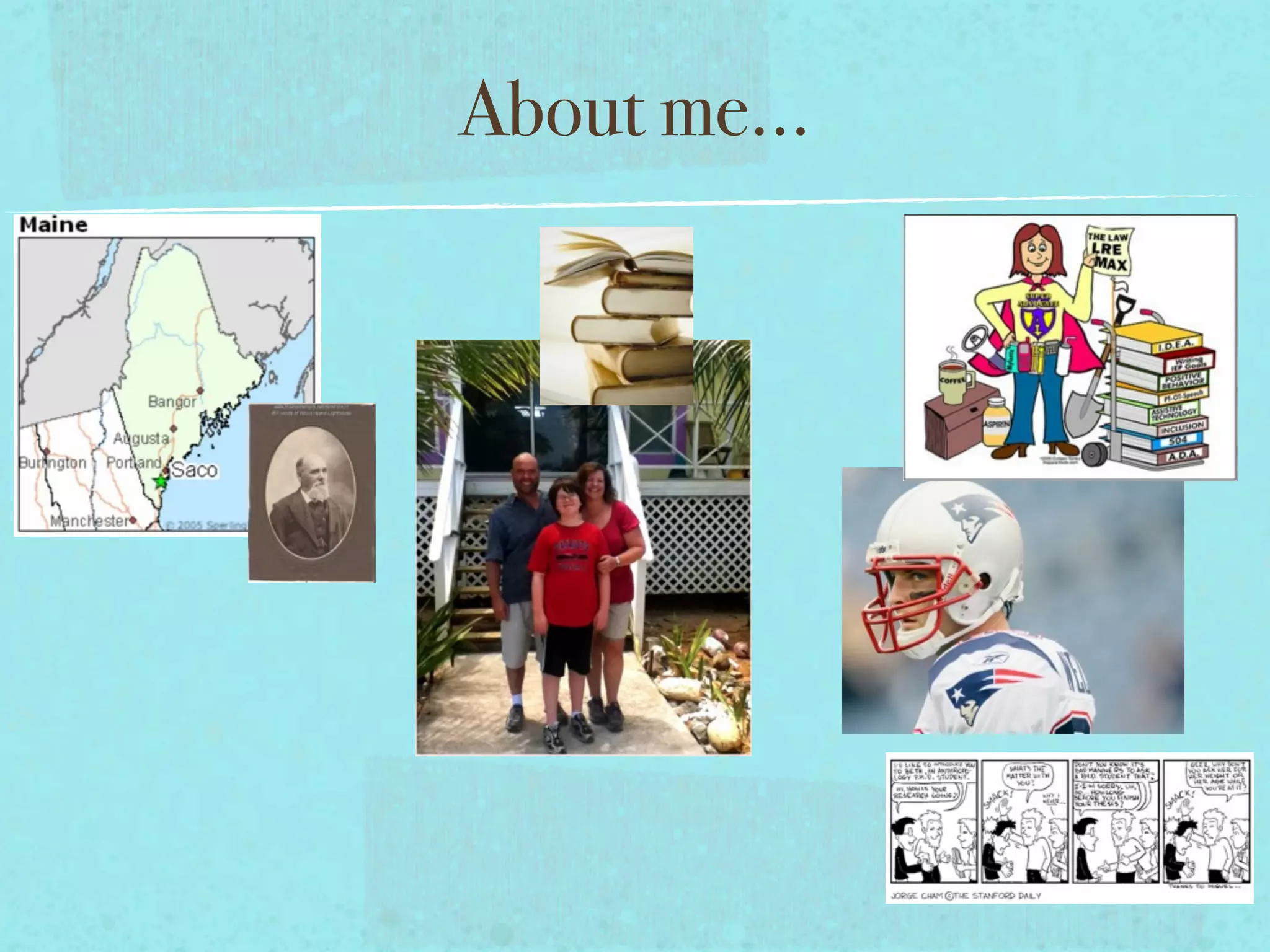
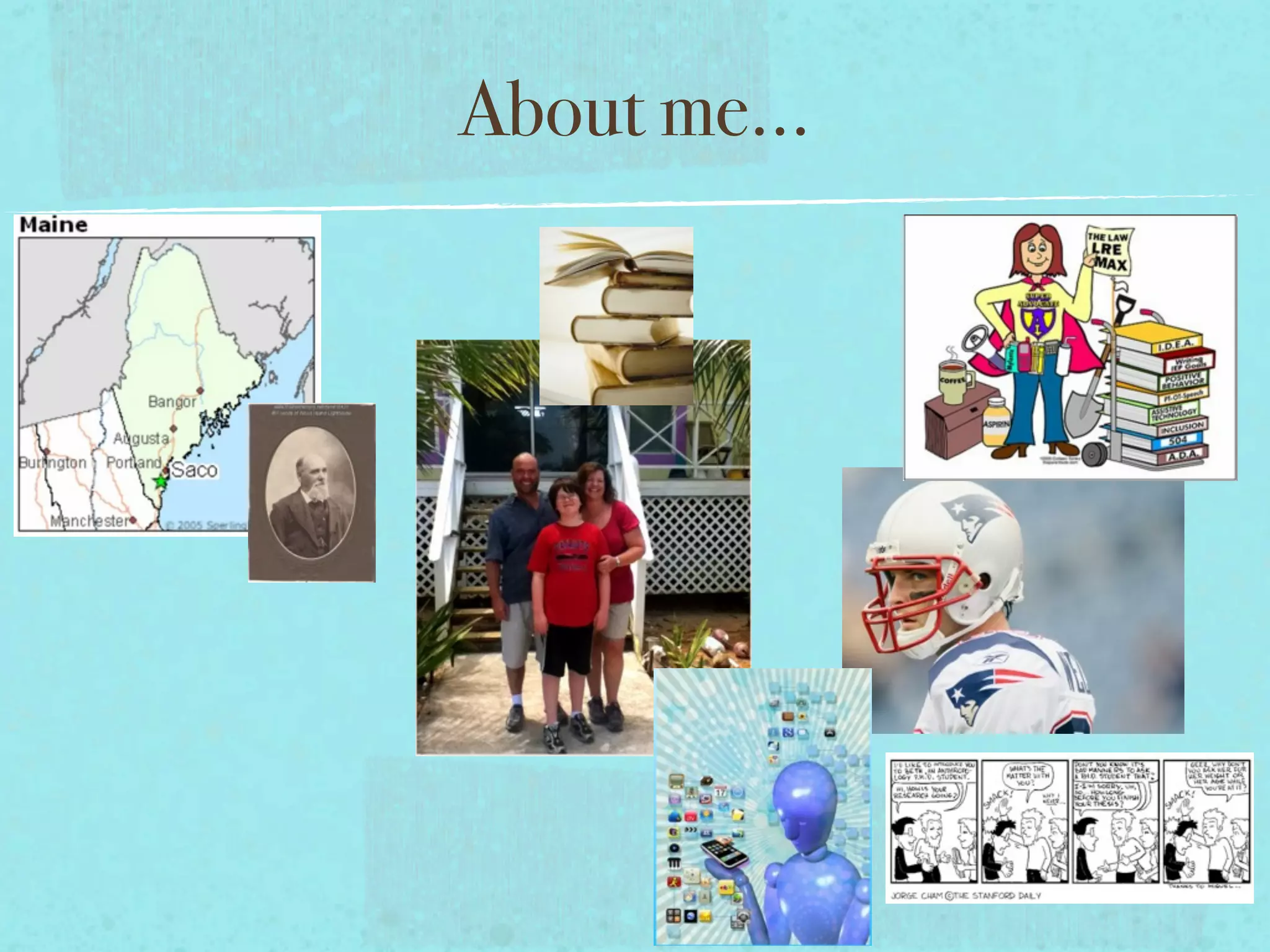
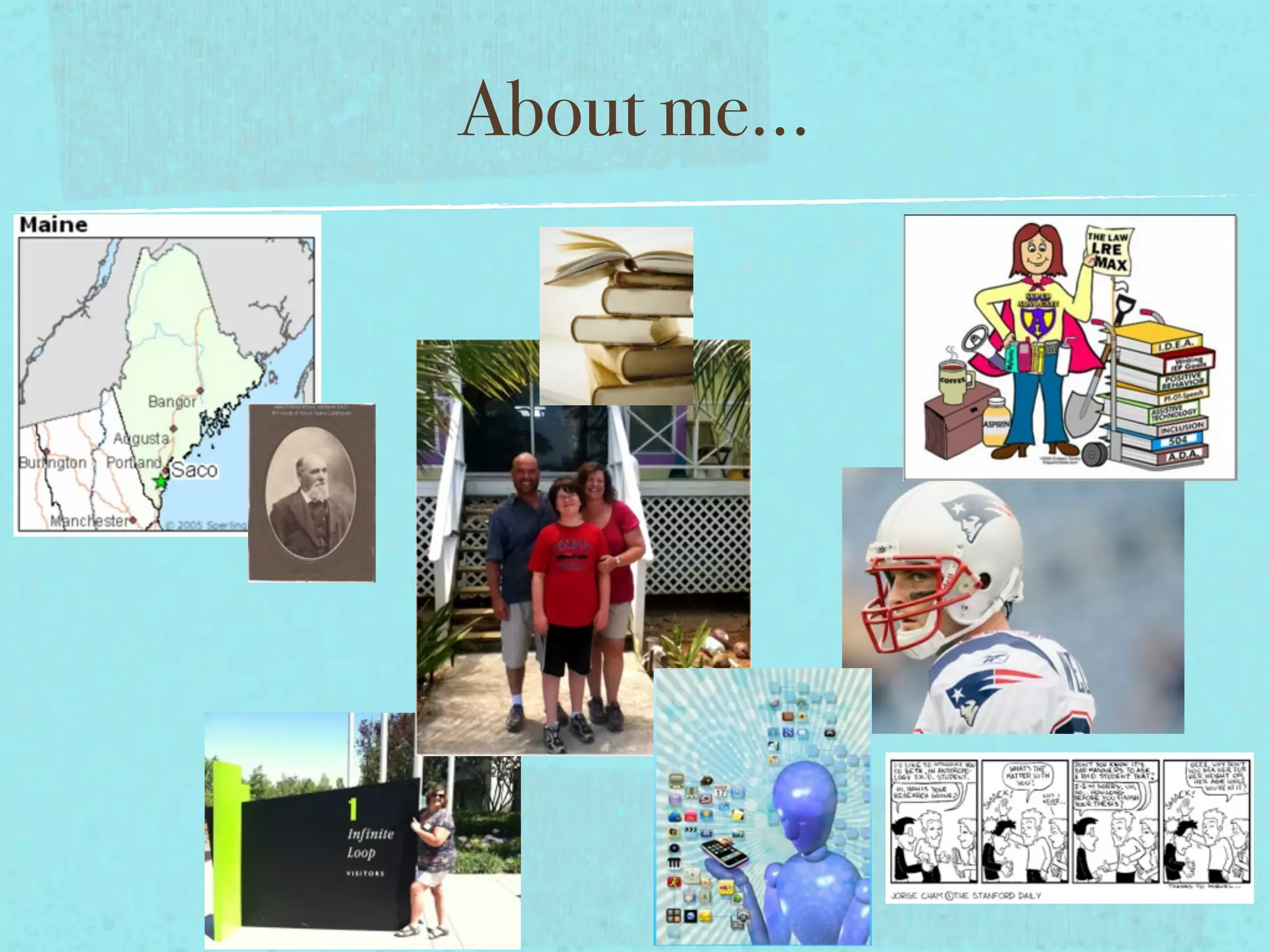
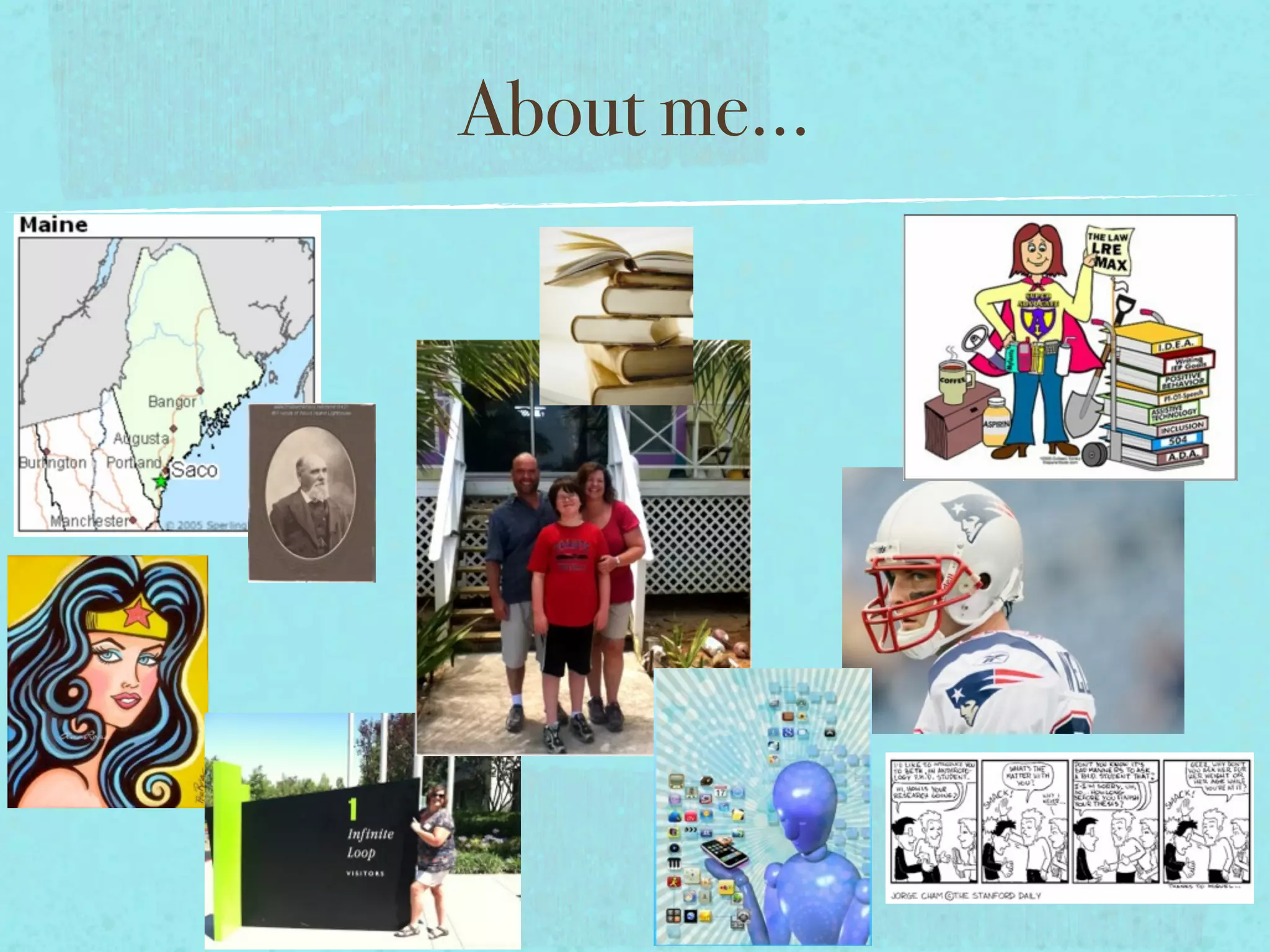
About me...
About me...
About me...
About me...
About me...
About me...
About me...
About me...
About me...
About me...
About me...
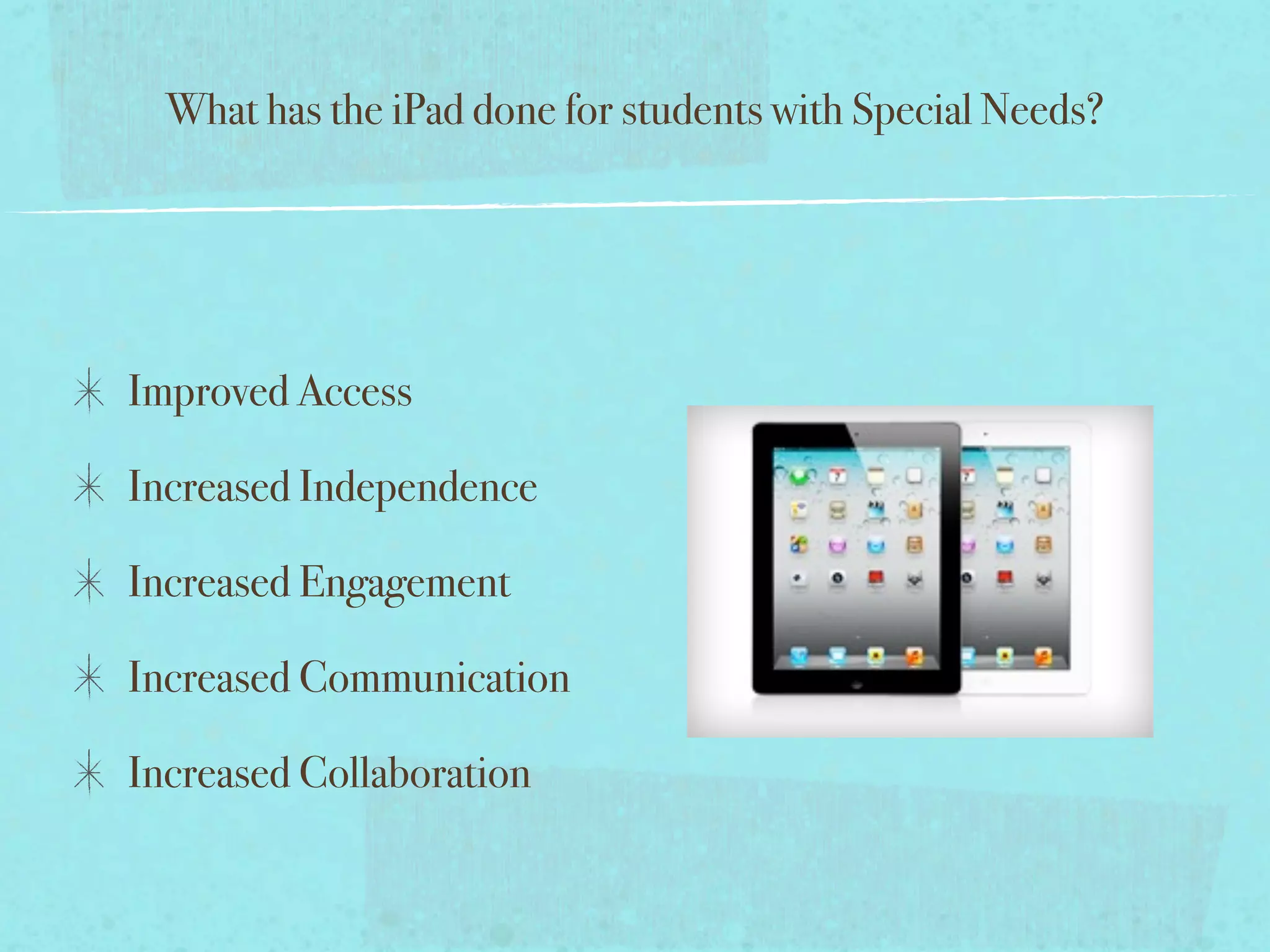
What has the iPad done for students with Special Needs?


Improved Access
What has the iPad done for students with Special Needs?


Improved Access

Increased Independence
What has the iPad done for students with Special Needs?


Improved Access

Increased Independence

Increased Engagement
What has the iPad done for students with Special Needs?


Improved Access

Increased Independence

Increased Engagement

Increased Communication
What has the iPad done for students with Special Needs?


Improved Access

Increased Independence

Increased Engagement

Increased Communication

Increased Collaboration
What has the iPad done for students with Special Needs?


Improved Access

Increased Independence

Increased Engagement

Increased Communication

Increased Collaboration
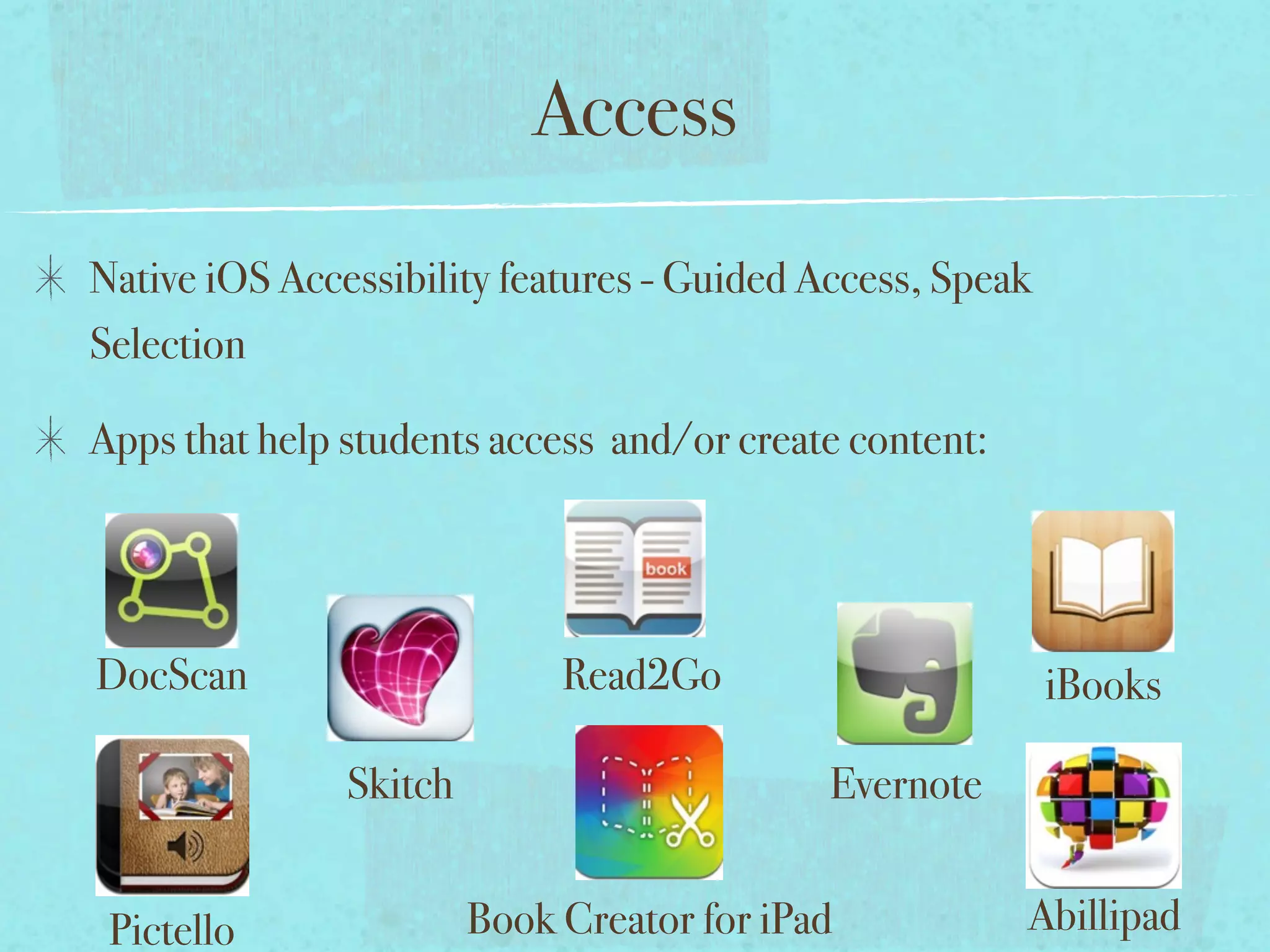
Access


DocScan                  Read2Go                   iBooks

           Skitch                       Evernote


Pictello            Book Creator for iPad          Abillipad
Access
Native iOS Accessibility features - Guided Access, Speak
Selection


DocScan                      Read2Go                       iBooks

               Skitch                       Evernote


 Pictello               Book Creator for iPad          Abillipad
Access
Native iOS Accessibility features - Guided Access, Speak
Selection

Apps that help students access and/or create content:


DocScan                      Read2Go                       iBooks

               Skitch                       Evernote


 Pictello               Book Creator for iPad           Abillipad
Access
Native iOS Accessibility features - Guided Access, Speak
Selection

Apps that help students access and/or create content:


DocScan                      Read2Go                       iBooks

               Skitch                       Evernote


 Pictello               Book Creator for iPad           Abillipad
Access
Native iOS Accessibility features - Guided Access, Speak
Selection

Apps that help students access and/or create content:


DocScan                      Read2Go                       iBooks

               Skitch                       Evernote


 Pictello               Book Creator for iPad           Abillipad
Access
Native iOS Accessibility features - Guided Access, Speak
Selection

Apps that help students access and/or create content:


DocScan                      Read2Go                       iBooks

               Skitch                       Evernote


 Pictello               Book Creator for iPad           Abillipad
Access
Native iOS Accessibility features - Guided Access, Speak
Selection

Apps that help students access and/or create content:


DocScan                      Read2Go                       iBooks

               Skitch                       Evernote


 Pictello               Book Creator for iPad           Abillipad
Access
Native iOS Accessibility features - Guided Access, Speak
Selection

Apps that help students access and/or create content:


DocScan                      Read2Go                       iBooks

               Skitch                       Evernote


 Pictello               Book Creator for iPad           Abillipad
Access
Native iOS Accessibility features - Guided Access, Speak
Selection

Apps that help students access and/or create content:


DocScan                      Read2Go                       iBooks

               Skitch                       Evernote


 Pictello               Book Creator for iPad           Abillipad
Access
Native iOS Accessibility features - Guided Access, Speak
Selection

Apps that help students access and/or create content:


DocScan                      Read2Go                       iBooks

               Skitch                       Evernote


 Pictello               Book Creator for iPad           Abillipad
Access
Native iOS Accessibility features - Guided Access, Speak
Selection

Apps that help students access and/or create content:


DocScan                      Read2Go                       iBooks

               Skitch                       Evernote


 Pictello               Book Creator for iPad           Abillipad
Independence


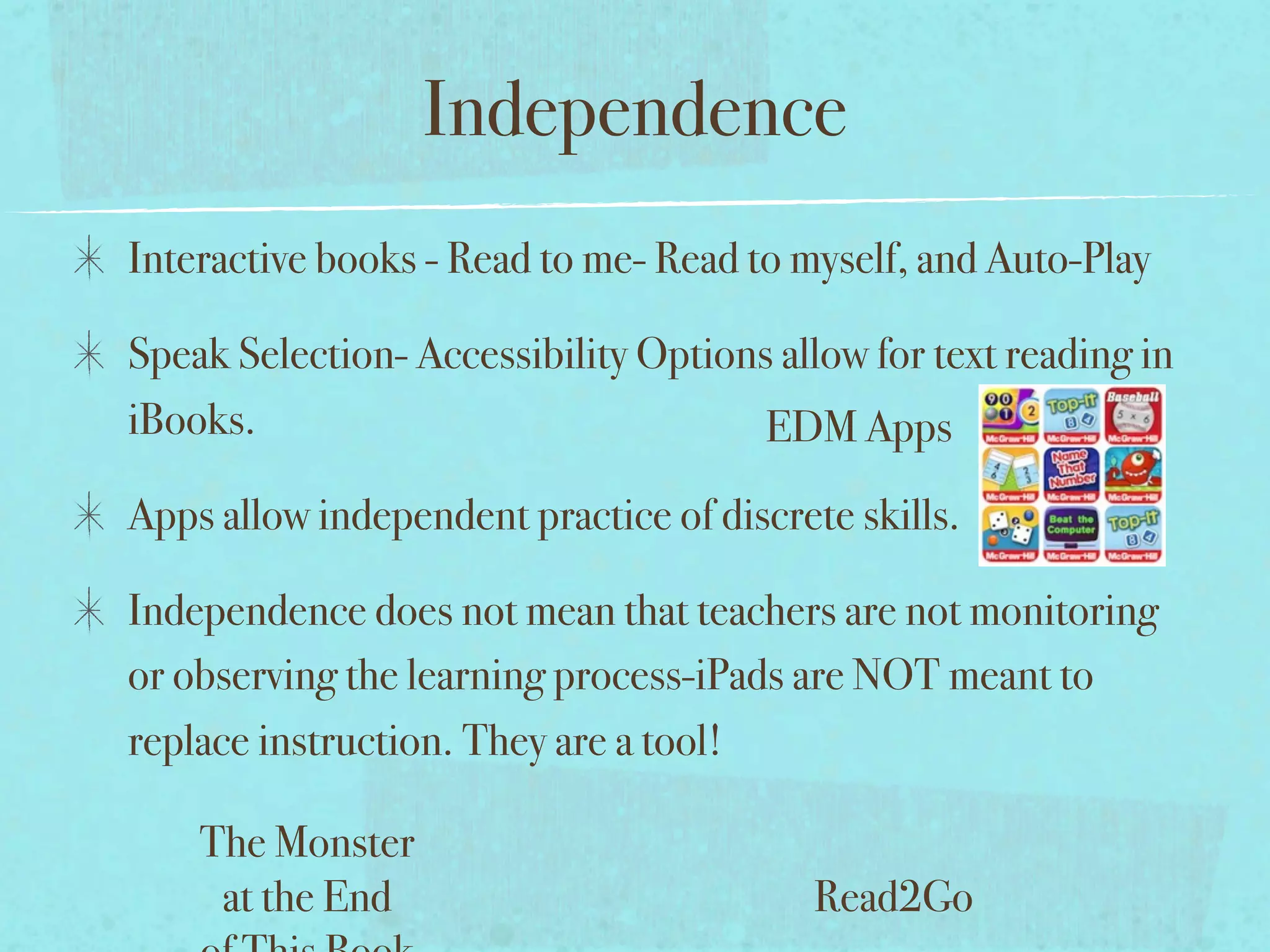
                       EDM Apps


The Monster
 at the End              Read2Go
Independence
Interactive books - Read to me- Read to myself, and Auto-Play


                                      EDM Apps


    The Monster
     at the End                         Read2Go
Independence
Interactive books - Read to me- Read to myself, and Auto-Play

Speak Selection- Accessibility Options allow for text reading in
iBooks.                               EDM Apps


    The Monster
     at the End                          Read2Go
Independence
Interactive books - Read to me- Read to myself, and Auto-Play

Speak Selection- Accessibility Options allow for text reading in
iBooks.                               EDM Apps
Apps allow independent practice of discrete skills.


    The Monster
     at the End                           Read2Go
Independence
Interactive books - Read to me- Read to myself, and Auto-Play

Speak Selection- Accessibility Options allow for text reading in
iBooks.                               EDM Apps
Apps allow independent practice of discrete skills.

Independence does not mean that teachers are not monitoring
or observing the learning process-iPads are NOT meant to
replace instruction. They are a tool!

    The Monster
     at the End                           Read2Go
Independence
Interactive books - Read to me- Read to myself, and Auto-Play

Speak Selection- Accessibility Options allow for text reading in
iBooks.                               EDM Apps
Apps allow independent practice of discrete skills.

Independence does not mean that teachers are not monitoring
or observing the learning process-iPads are NOT meant to
replace instruction. They are a tool!

    The Monster
     at the End                           Read2Go
Independence
Interactive books - Read to me- Read to myself, and Auto-Play

Speak Selection- Accessibility Options allow for text reading in
iBooks.                               EDM Apps
Apps allow independent practice of discrete skills.

Independence does not mean that teachers are not monitoring
or observing the learning process-iPads are NOT meant to
replace instruction. They are a tool!

    The Monster
     at the End                           Read2Go
Independence
Interactive books - Read to me- Read to myself, and Auto-Play

Speak Selection- Accessibility Options allow for text reading in
iBooks.                               EDM Apps
Apps allow independent practice of discrete skills.

Independence does not mean that teachers are not monitoring
or observing the learning process-iPads are NOT meant to
replace instruction. They are a tool!

    The Monster
     at the End                           Read2Go
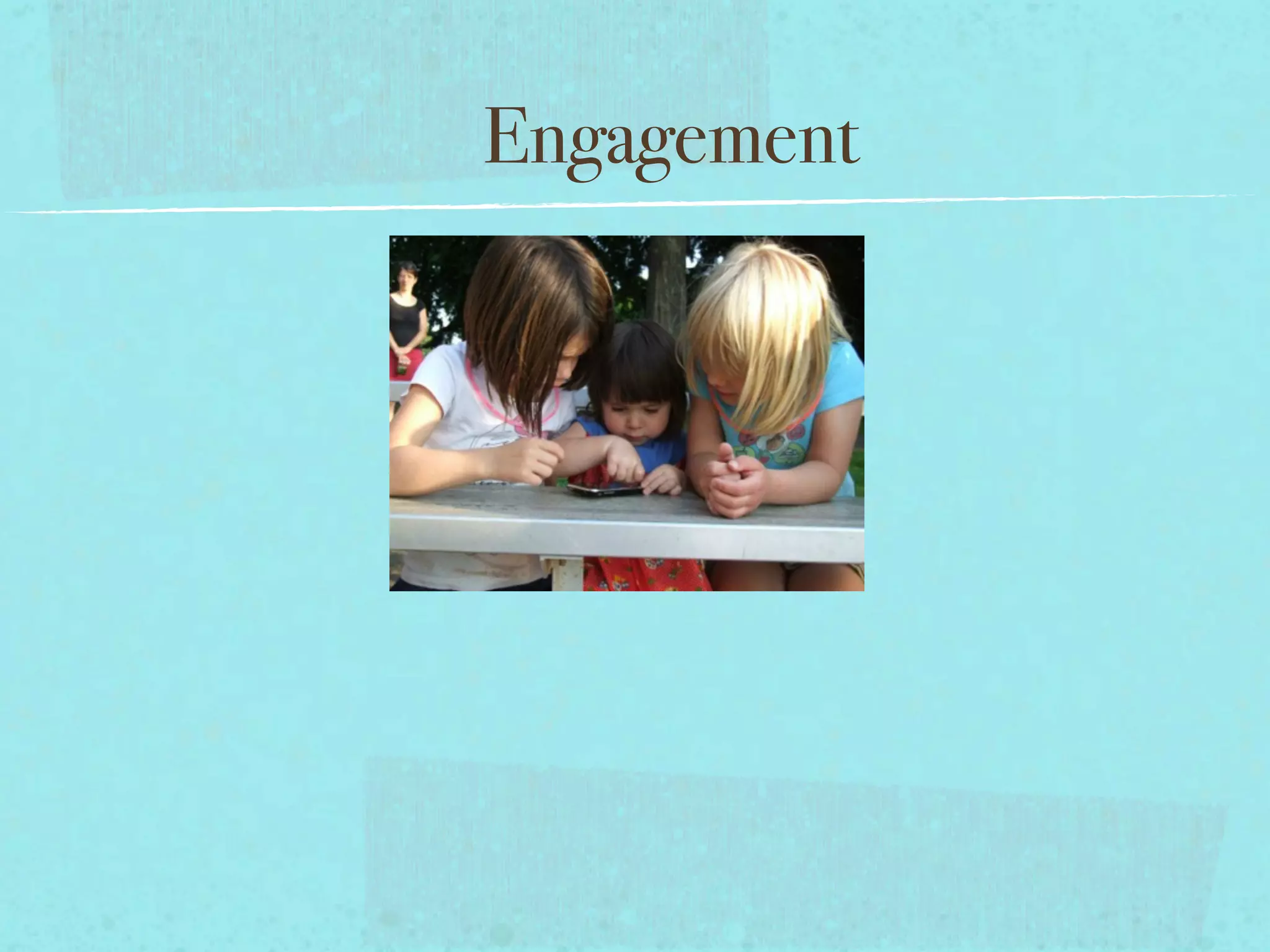
Engagement
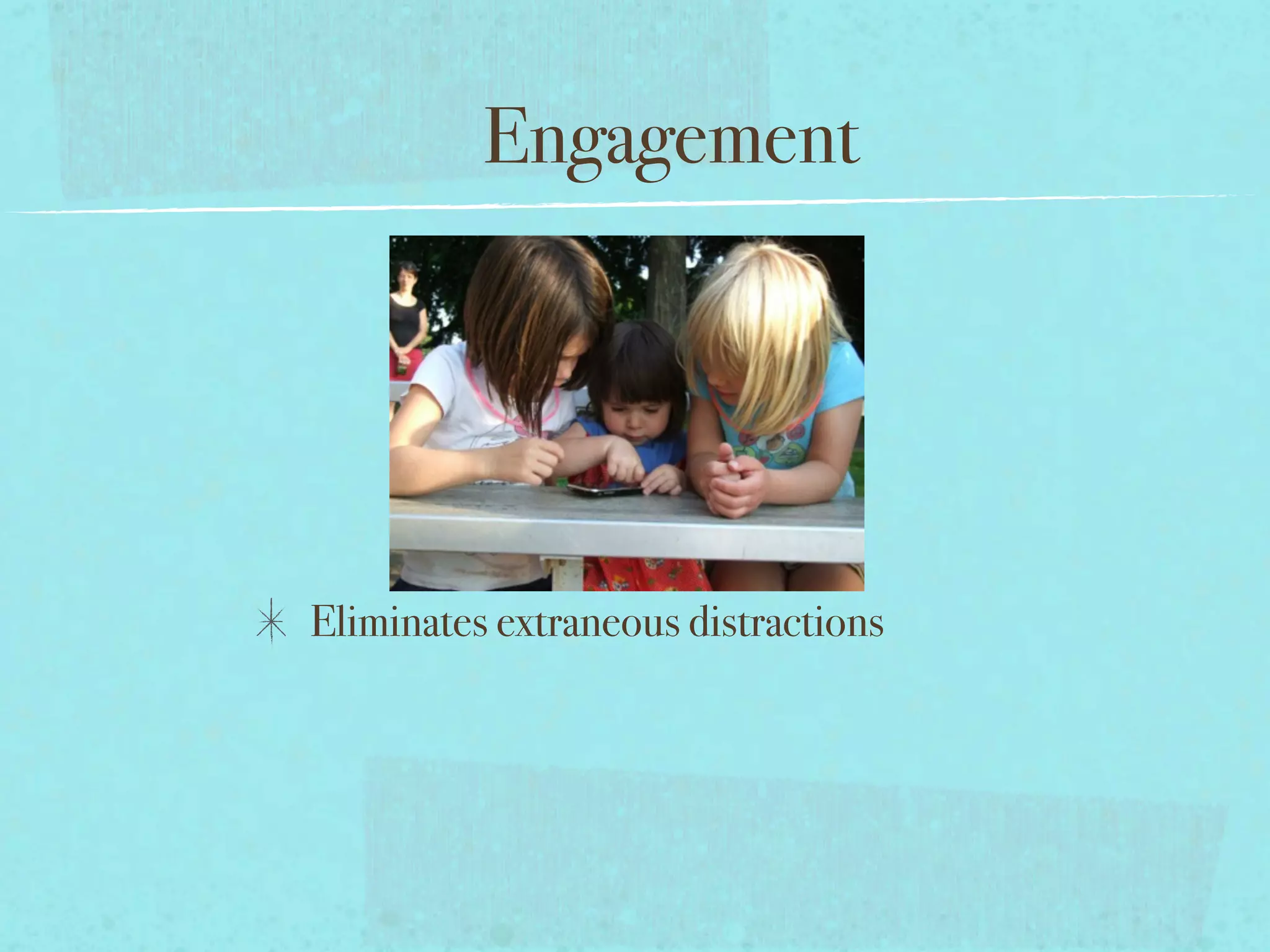
Engagement


Eliminates extraneous distractions
Engagement


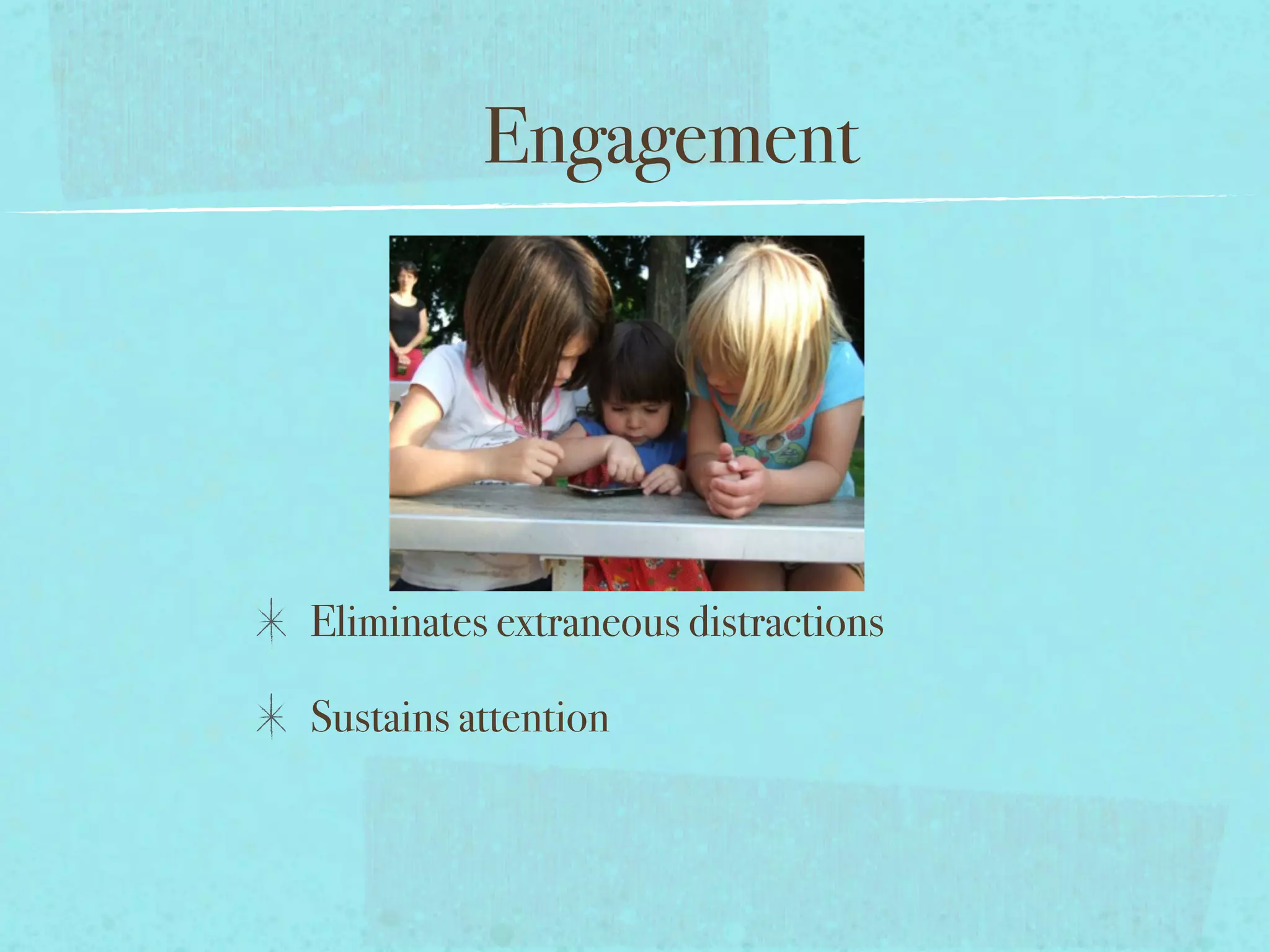
Eliminates extraneous distractions

Sustains attention
Engagement


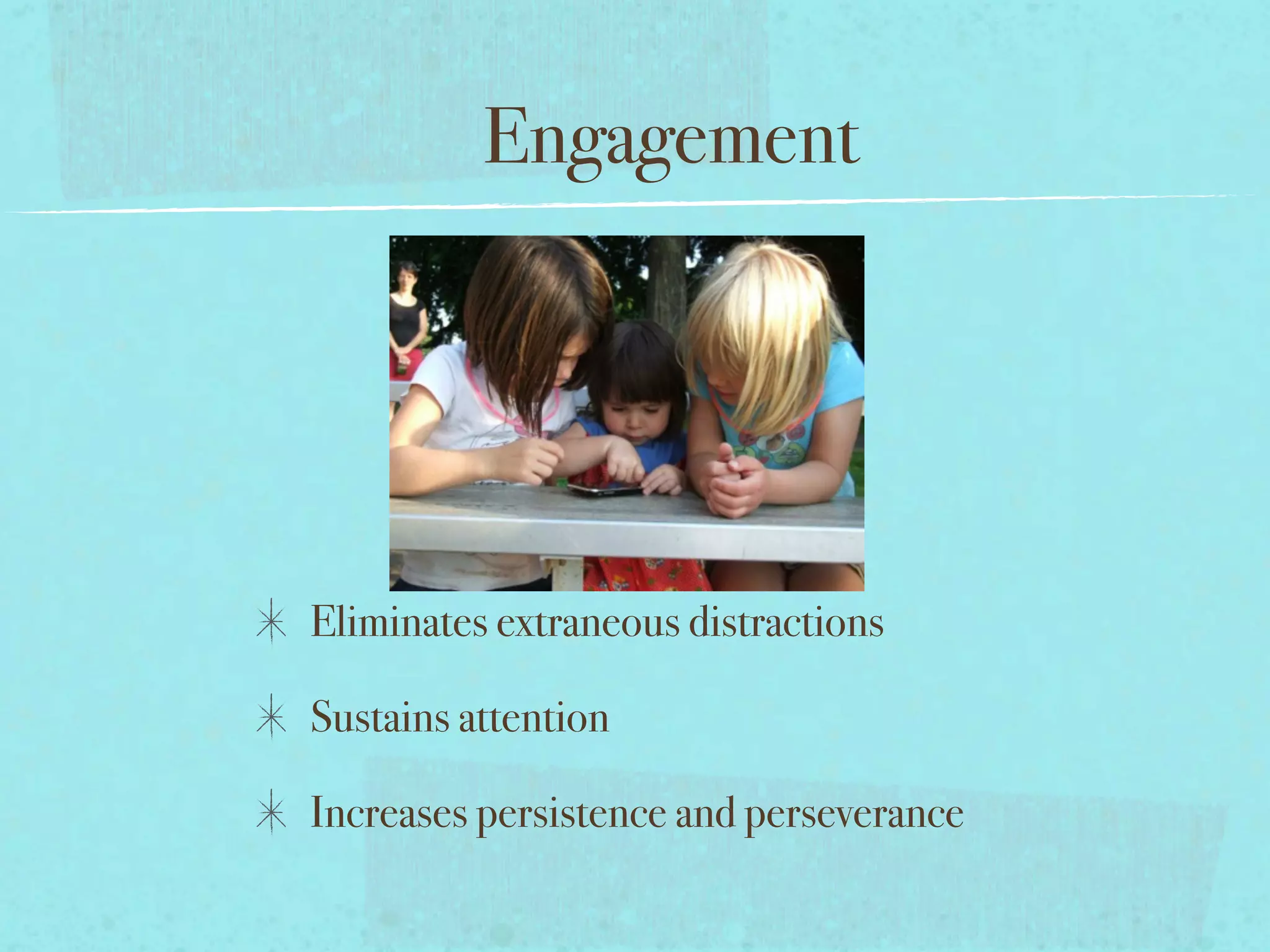
Eliminates extraneous distractions

Sustains attention

Increases persistence and perseverance
Engagement


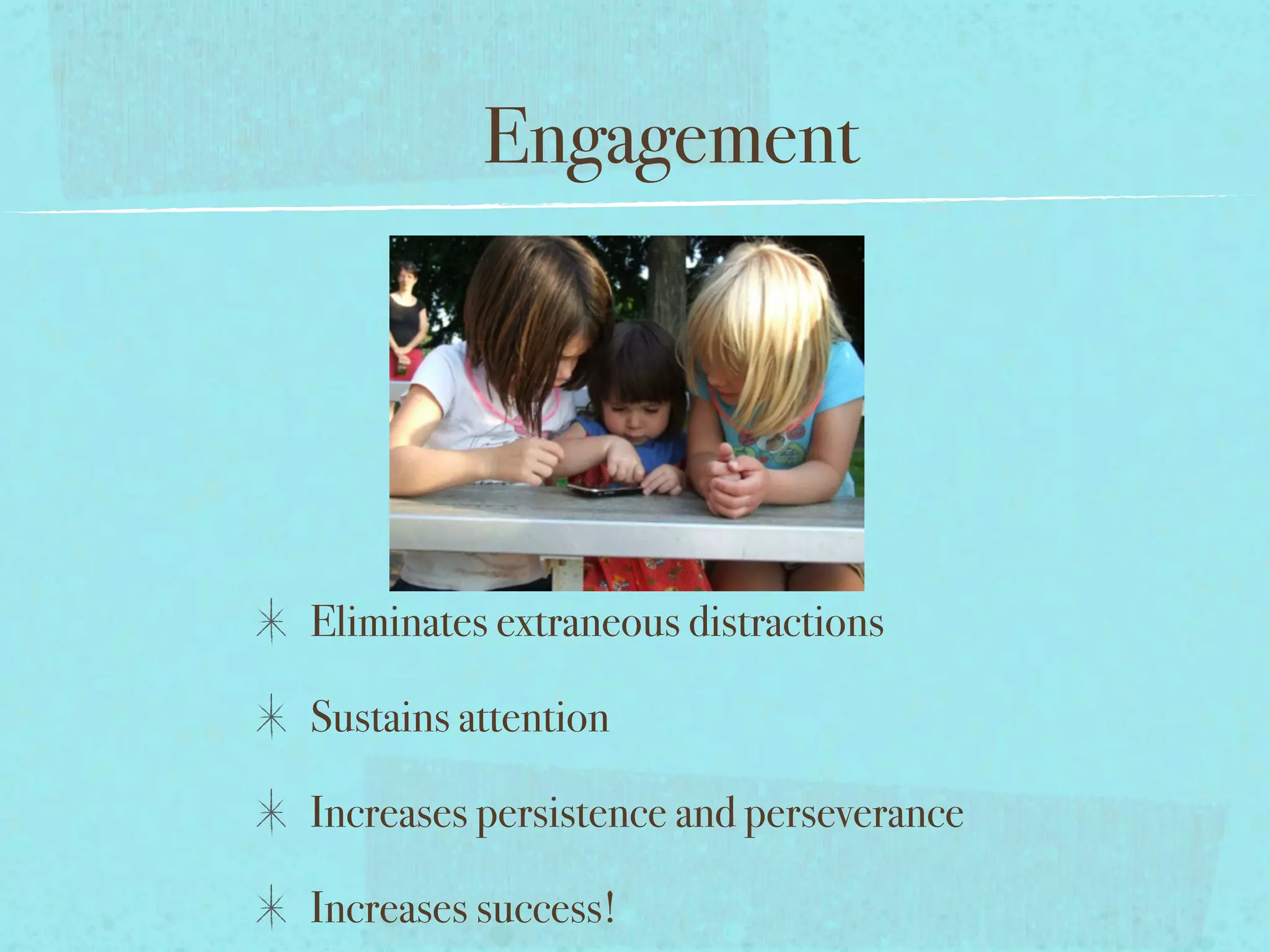
Eliminates extraneous distractions

Sustains attention

Increases persistence and perseverance

Increases success!
Communication
Communication


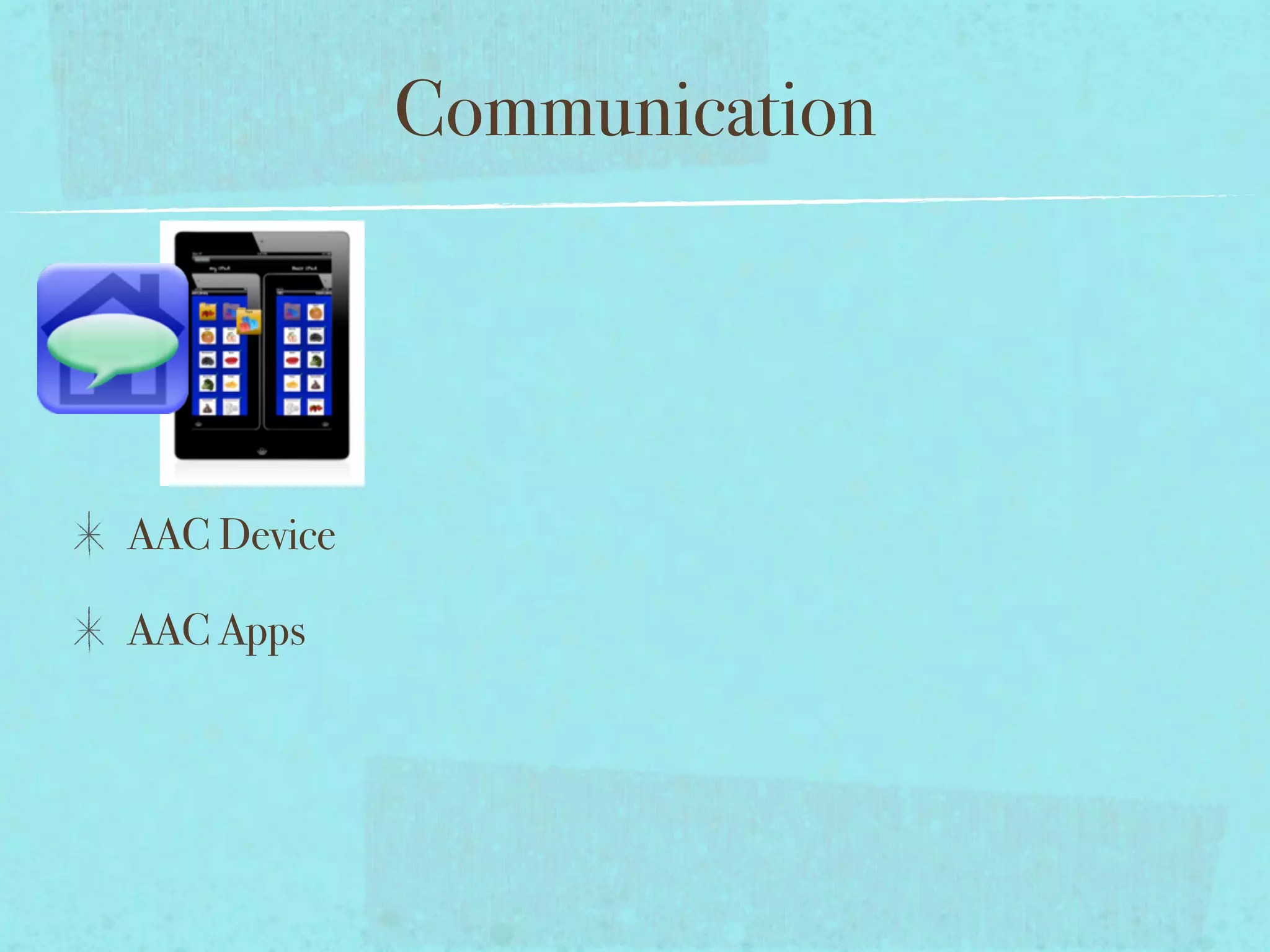
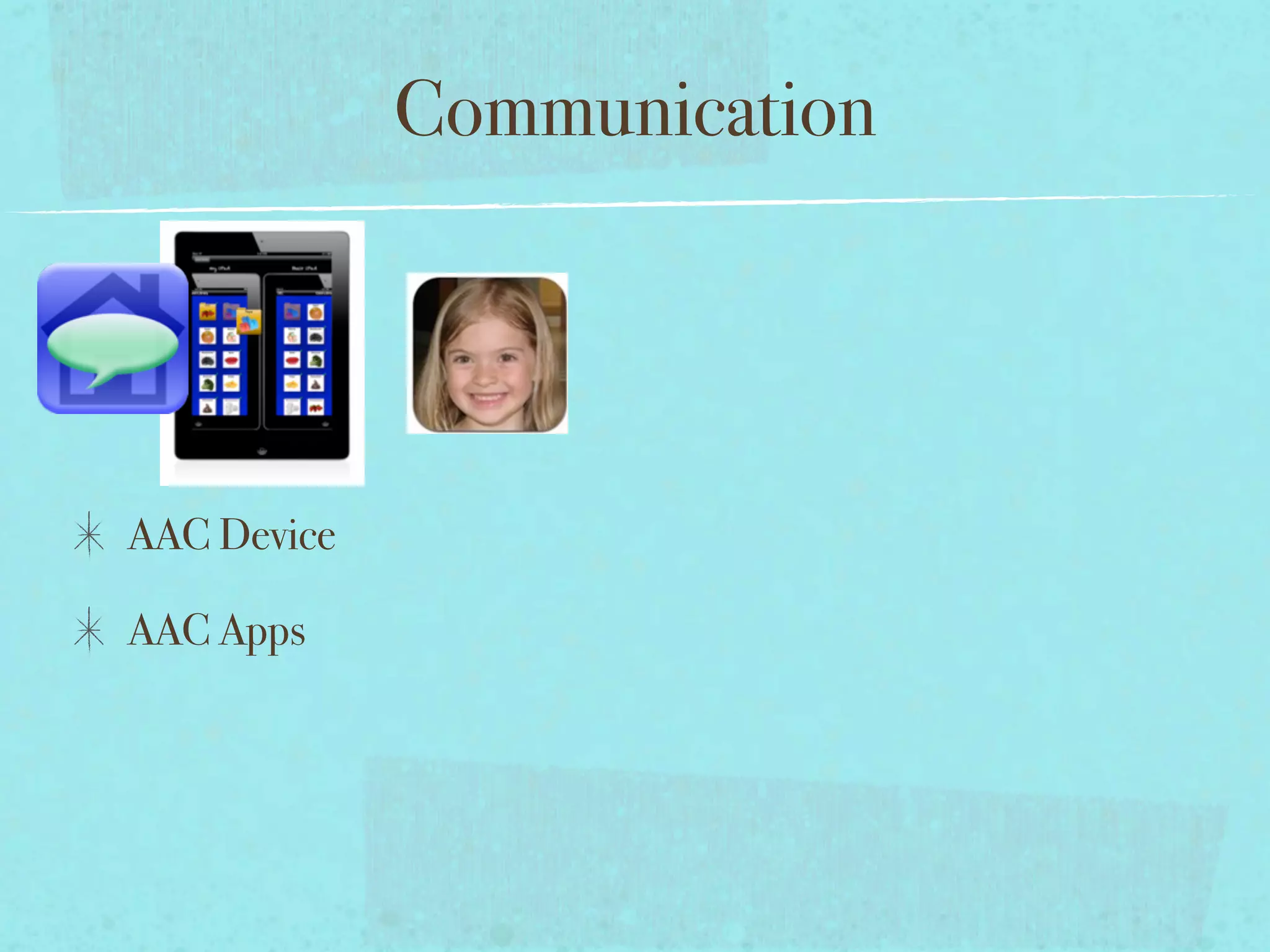
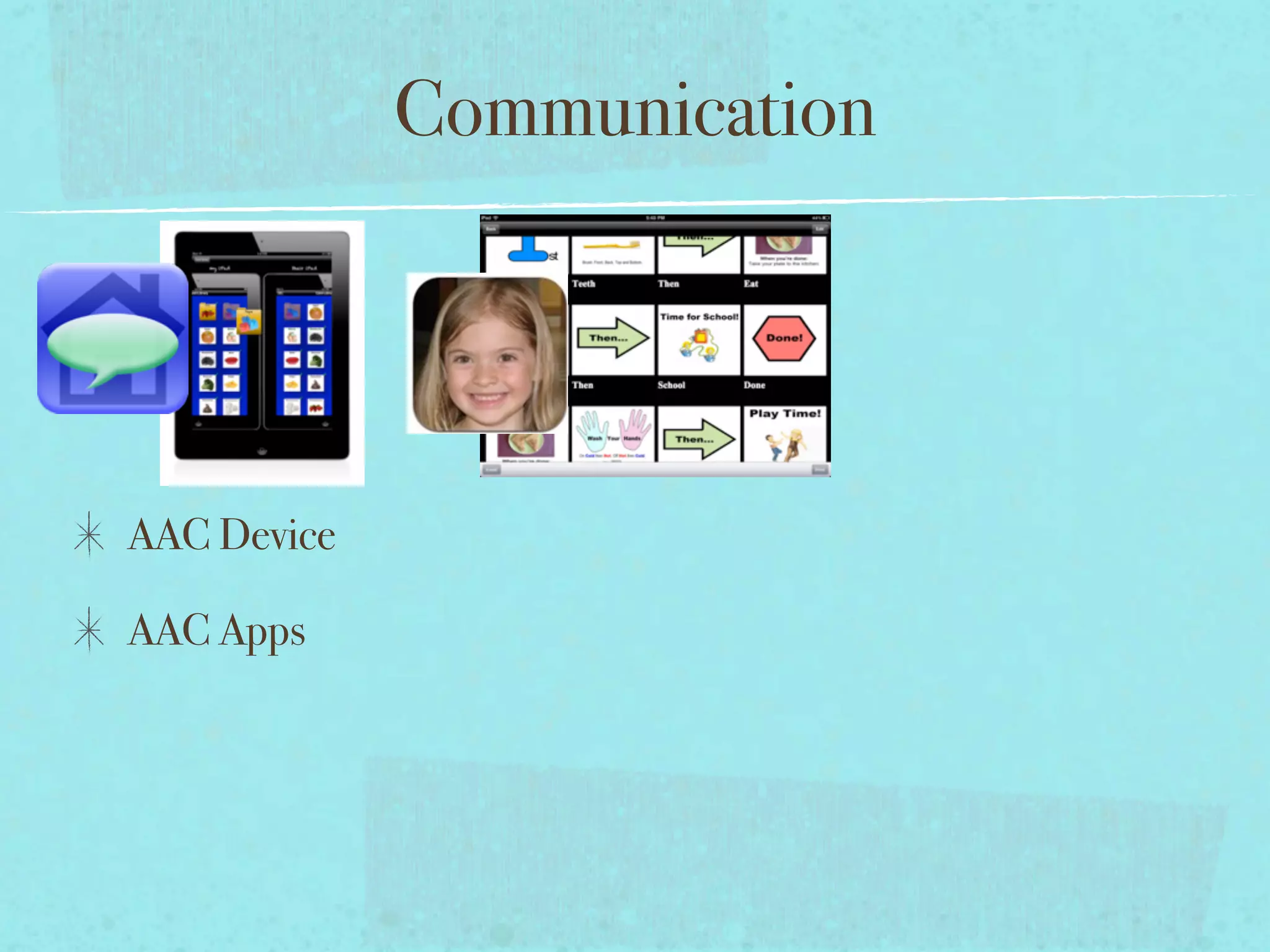
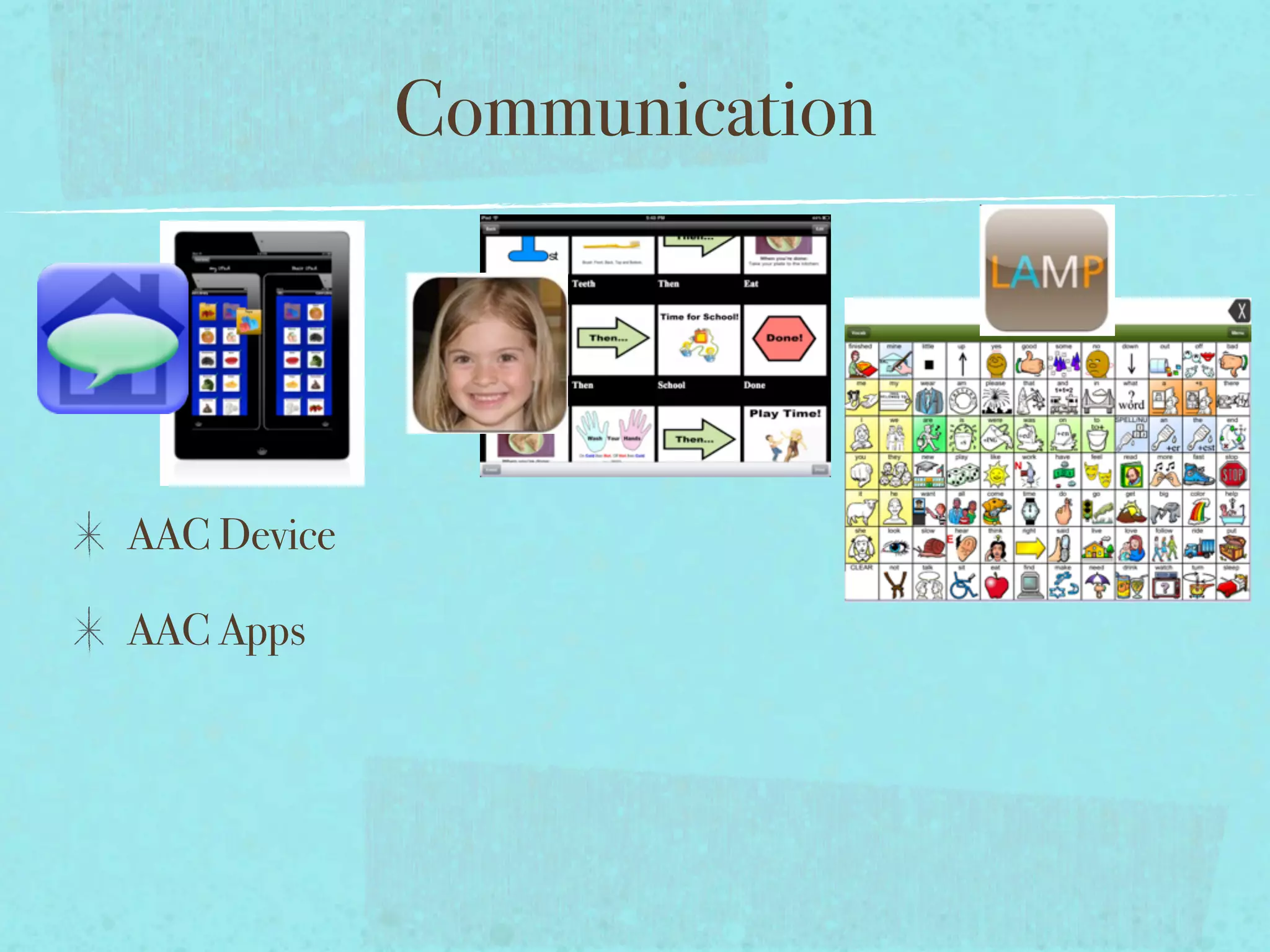
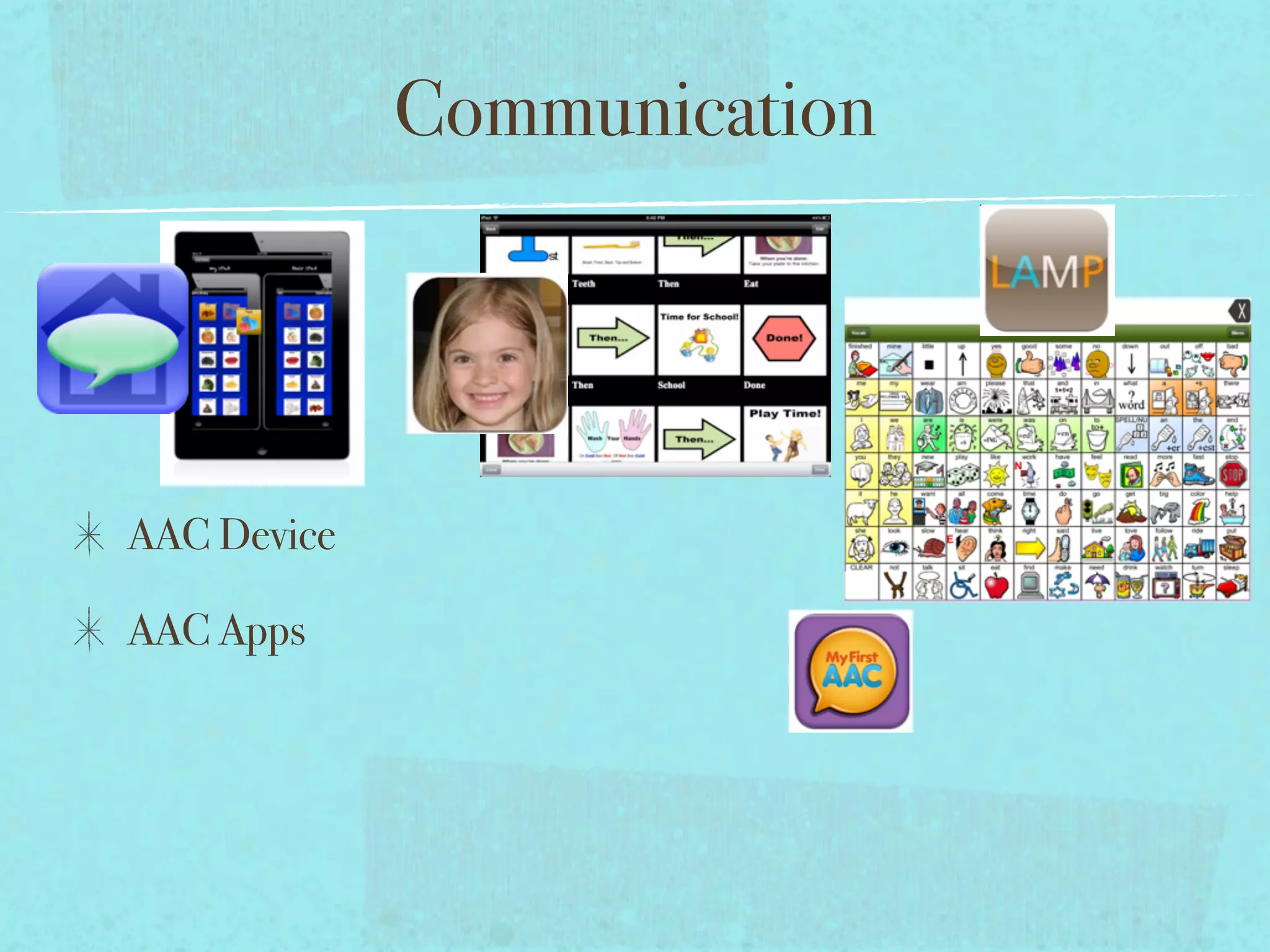
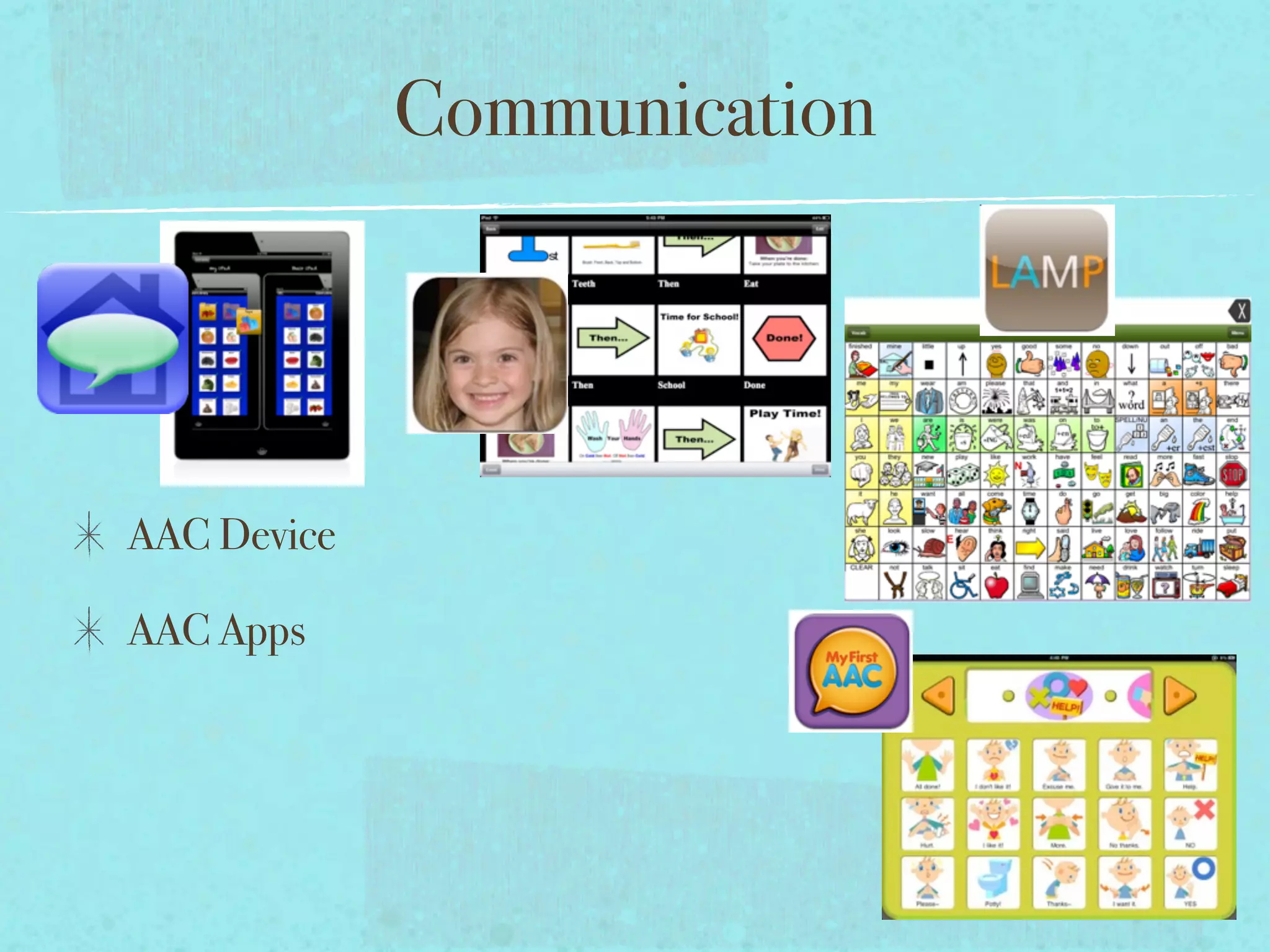
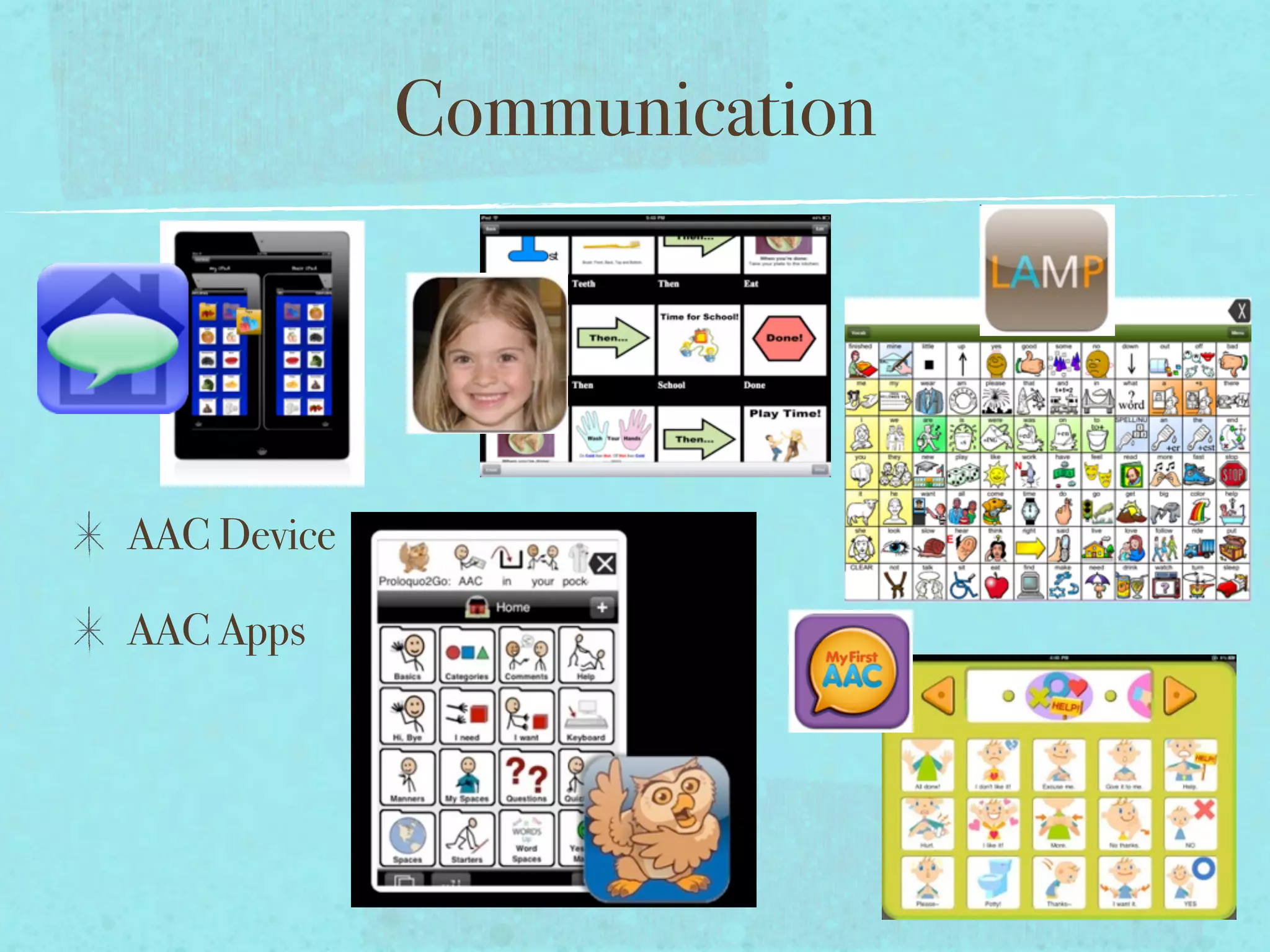
AAC Device

AAC Apps
Communication


AAC Device

AAC Apps
Communication


AAC Device

AAC Apps
Communication


AAC Device

AAC Apps
Communication


AAC Device

AAC Apps
Communication


AAC Device

AAC Apps
Communication


AAC Device

AAC Apps
Communication


AAC Device

AAC Apps
Communication


AAC Device

AAC Apps
Communication


AAC Device

AAC Apps
Collaboration
Collaboration

Social Skills Group- using apps such as The Social Express and
Futaba Classroom Games for Kids allow students with Social Skill
Deficits the opportunity to practice these skills in a supportive
environment. The apps help students to be successful by allowing
for errorless learning, multiple means of representation,
engagement, and opportunities for practice.
Collaboration

Social Skills Group- using apps such as The Social Express and
Futaba Classroom Games for Kids allow students with Social Skill
Deficits the opportunity to practice these skills in a supportive
environment. The apps help students to be successful by allowing
for errorless learning, multiple means of representation,
engagement, and opportunities for practice.
Collaboration

Social Skills Group- using apps such as The Social Express and
Futaba Classroom Games for Kids allow students with Social Skill
Deficits the opportunity to practice these skills in a supportive
environment. The apps help students to be successful by allowing
for errorless learning, multiple means of representation,
engagement, and opportunities for practice.
Apps to Meet IEP Goals?!

Native-and Non-Native apps can be leveraged to meet IEP goals.
Apps to Meet IEP Goals?!

Native-and Non-Native apps can be leveraged to meet IEP goals.

Look for apps that have built-in data collection.
Apps to Meet IEP Goals?!

Native-and Non-Native apps can be leveraged to meet IEP goals.

Look for apps that have built-in data collection.

Use camera to document progress.
Apps to Meet IEP Goals?!

Native-and Non-Native apps can be leveraged to meet IEP goals.

Look for apps that have built-in data collection.

Use camera to document progress.

Actively observe child interacting with app- take data on student
responses related to the IEP goal.
Apps to Meet IEP Goals?!

Native-and Non-Native apps can be leveraged to meet IEP goals.

Look for apps that have built-in data collection.

Use camera to document progress.

Actively observe child interacting with app- take data on student
responses related to the IEP goal.

Use Native and Non-Native apps to CREATE, ADAPT,
MODIFY, and SHARE content that can be used to meet IEP
goals.
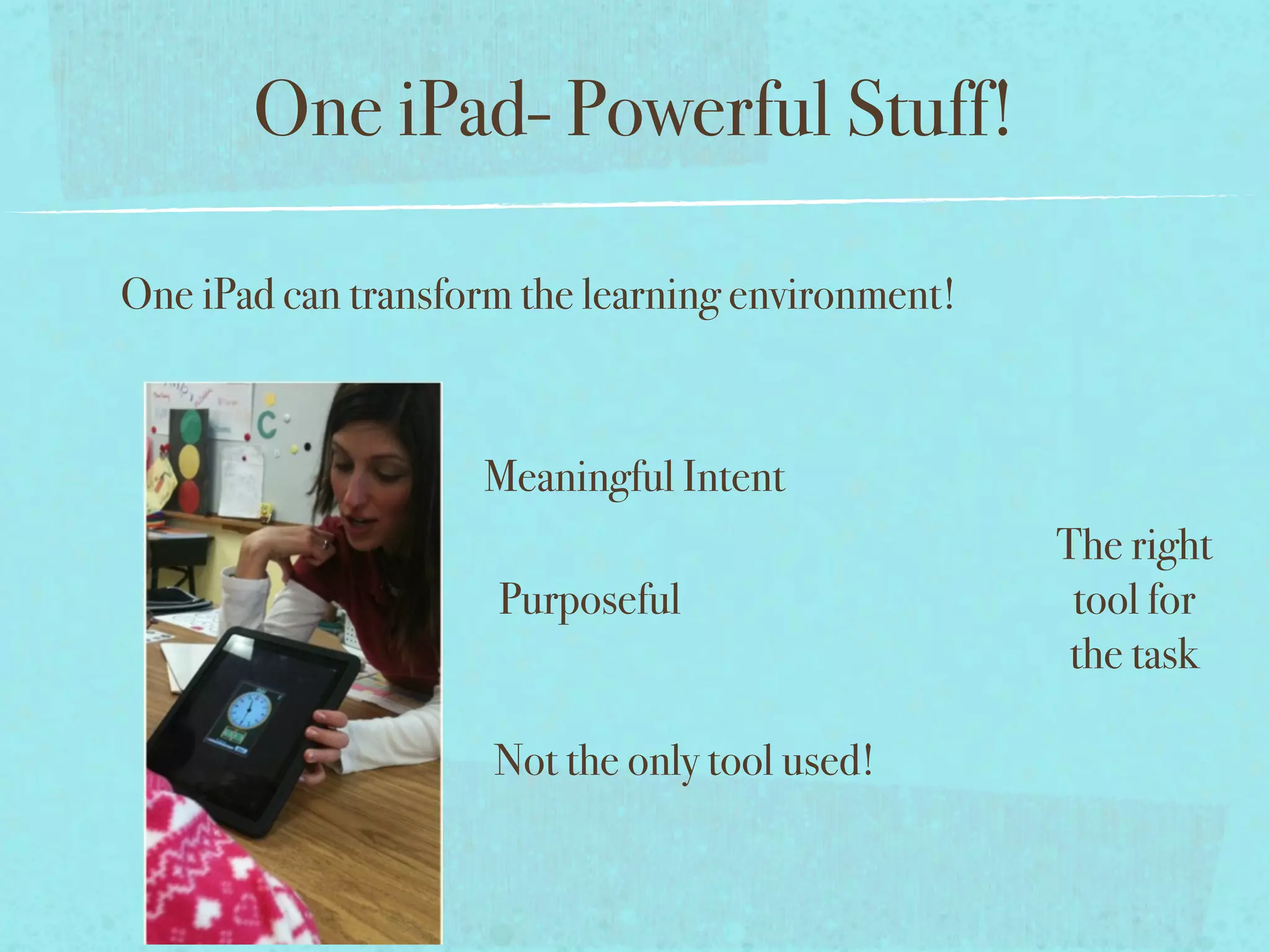
One iPad- Powerful Stuff!


       Meaningful Intent

        Purposeful


       Not the only tool used!
One iPad- Powerful Stuff!

One iPad can transform the learning environment!


                    Meaningful Intent

                     Purposeful


                     Not the only tool used!
One iPad- Powerful Stuff!

One iPad can transform the learning environment!


                    Meaningful Intent
                                                   The right
                     Purposeful                     tool for
                                                    the task

                     Not the only tool used!
One iPad- Powerful Stuff!

One iPad can transform the learning environment!


                    Meaningful Intent
                                                   The right
                     Purposeful                     tool for
                                                    the task

                     Not the only tool used!
Feedback from the Field

“ I use the apps/i-Pad everyday in therapy.” - Speech Therapist
Feedback from the Field

“ I use the apps/i-Pad everyday in therapy.” - Speech Therapist

“I'd be lost without it! And the students are so much more motivated when they use it.”- Several therapists and teachers.
Feedback from the Field

“ I use the apps/i-Pad everyday in therapy.” - Speech Therapist

“I'd be lost without it! And the students are so much more motivated when they use it.”- Several therapists and teachers.

“I like any reading apps, that read a story to them....it makes students feel more confident as readers.”- K Special Educator
Feedback from the Field

“ I use the apps/i-Pad everyday in therapy.” - Speech Therapist

“I'd be lost without it! And the students are so much more motivated when they use it.”- Several therapists and teachers.

“I like any reading apps, that read a story to them....it makes students feel more confident as readers.”- K Special Educator

“It helps me be more independent. “- 10th grade student.
Feedback from the Field

“ I use the apps/i-Pad everyday in therapy.” - Speech Therapist

“I'd be lost without it! And the students are so much more motivated when they use it.”- Several therapists and teachers.

“I like any reading apps, that read a story to them....it makes students feel more confident as readers.”- K Special Educator

“It helps me be more independent. “- 10th grade student.

“It has been nothing short of miraculous. One simple tool (a touch screen) granted him immediate access to the world of
technology. The development of the iPad, which seems to work in an intuitive circle with my son, has just made his
possibilities of discovery blossom.” - Parent of child with Downs Syndrome.
Feedback from the Field

“ I use the apps/i-Pad everyday in therapy.” - Speech Therapist

“I'd be lost without it! And the students are so much more motivated when they use it.”- Several therapists and teachers.

“I like any reading apps, that read a story to them....it makes students feel more confident as readers.”- K Special Educator

“It helps me be more independent. “- 10th grade student.

“It has been nothing short of miraculous. One simple tool (a touch screen) granted him immediate access to the world of
technology. The development of the iPad, which seems to work in an intuitive circle with my son, has just made his
possibilities of discovery blossom.” - Parent of child with Downs Syndrome.

“I think it is the most amazing device that has ever been created for special needs students.  I cried when Steve Jobs died,
because I truly feel the iPad/iPod has changed my child’s life.  The iPad is an intuitive device that allows children of almost
every ability level to access the amazing learning tools it has to offer.” - Parent of young child with Autism
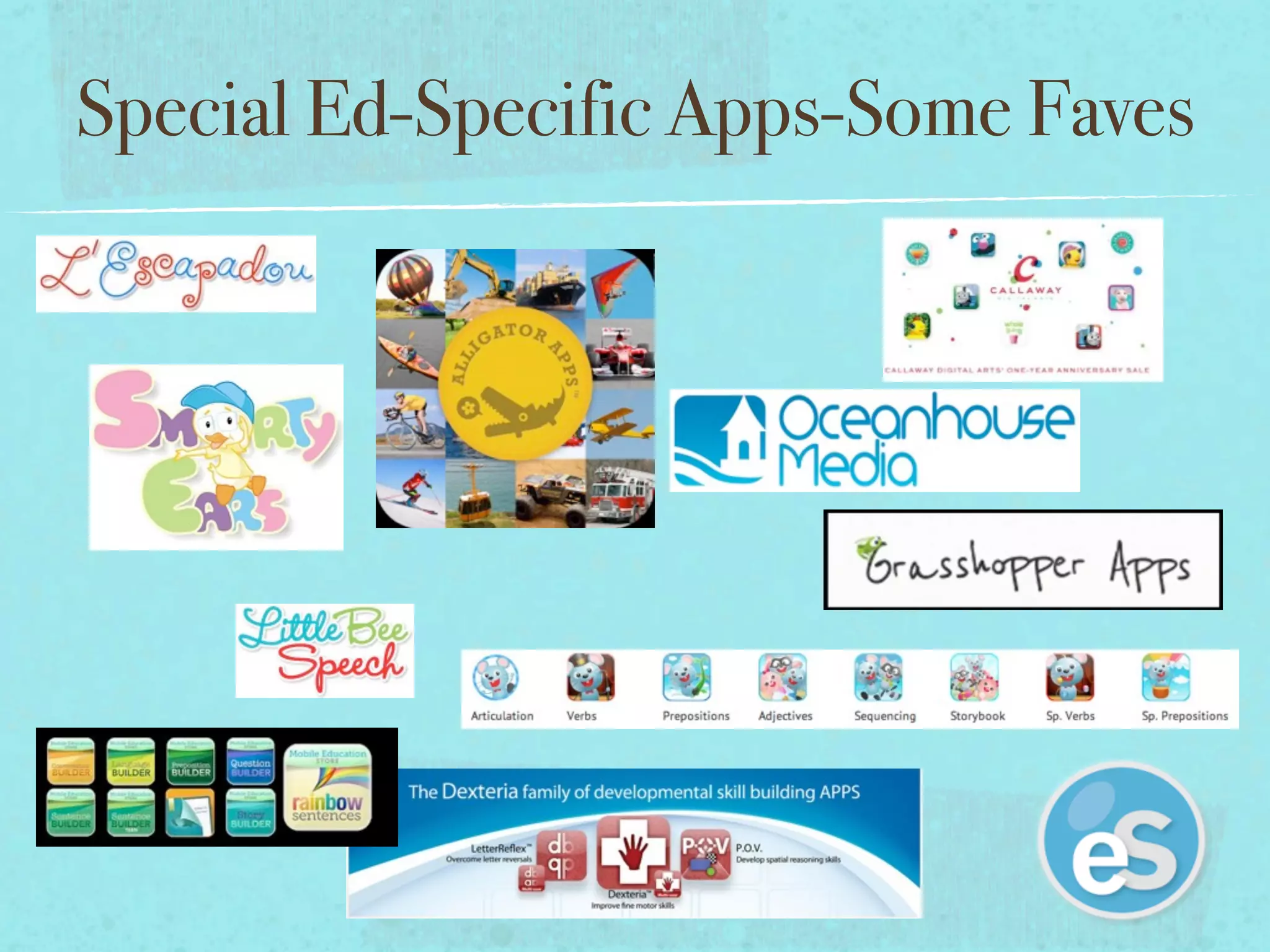
Special Ed-Specific Apps-Some Faves
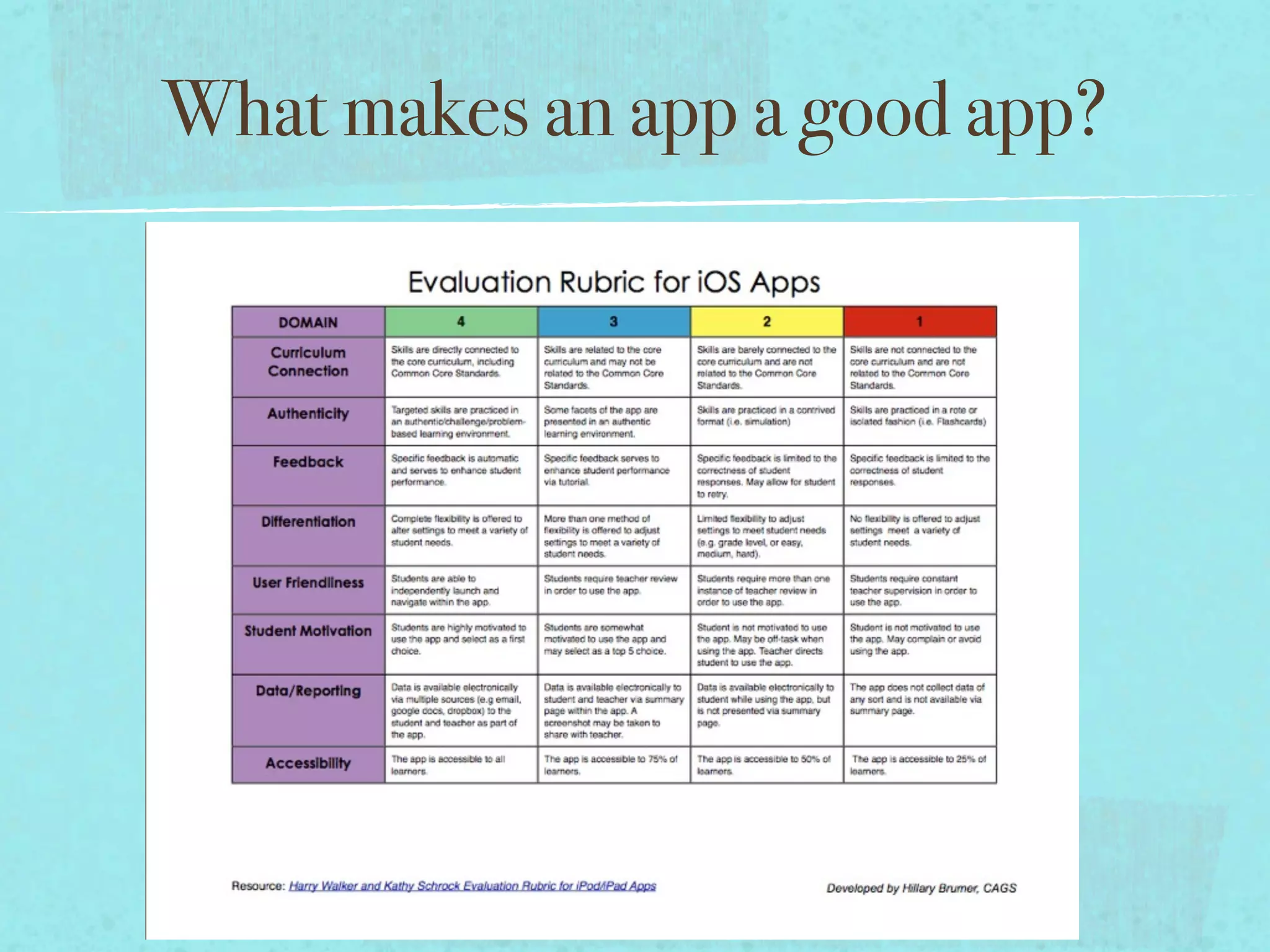
What makes an app a good app?
App-A-Palooza!


Show me your favorite apps and how would you use it with
students?
Contact!
Contact!


Twitter- @hillavee

E-mail- hbrumer@rsu21.net

Blog: www.rsu21atspecialist.wordpress.com

RSU 21’s Appolicious site: www.appolicious.com/users/
rsu21its

I padsummit presentation

  • 1.
    iPads in SpecialEducation- AAC Device, Learning Tool, and More Hillary Brumer, CAGS iPadSummit USA November 8, 2012
  • 2.
  • 3.
  • 4.
  • 5.
  • 6.
  • 7.
  • 8.
  • 9.
  • 10.
  • 11.
  • 12.
  • 13.
    What has theiPad done for students with Special Needs?
  • 14.
    What has theiPad done for students with Special Needs? Improved Access
  • 15.
    What has theiPad done for students with Special Needs? Improved Access Increased Independence
  • 16.
    What has theiPad done for students with Special Needs? Improved Access Increased Independence Increased Engagement
  • 17.
    What has theiPad done for students with Special Needs? Improved Access Increased Independence Increased Engagement Increased Communication
  • 18.
    What has theiPad done for students with Special Needs? Improved Access Increased Independence Increased Engagement Increased Communication Increased Collaboration
  • 19.
    What has theiPad done for students with Special Needs? Improved Access Increased Independence Increased Engagement Increased Communication Increased Collaboration
  • 20.
    Access DocScan Read2Go iBooks Skitch Evernote Pictello Book Creator for iPad Abillipad
  • 21.
    Access Native iOS Accessibilityfeatures - Guided Access, Speak Selection DocScan Read2Go iBooks Skitch Evernote Pictello Book Creator for iPad Abillipad
  • 22.
    Access Native iOS Accessibilityfeatures - Guided Access, Speak Selection Apps that help students access and/or create content: DocScan Read2Go iBooks Skitch Evernote Pictello Book Creator for iPad Abillipad
  • 23.
    Access Native iOS Accessibilityfeatures - Guided Access, Speak Selection Apps that help students access and/or create content: DocScan Read2Go iBooks Skitch Evernote Pictello Book Creator for iPad Abillipad
  • 24.
    Access Native iOS Accessibilityfeatures - Guided Access, Speak Selection Apps that help students access and/or create content: DocScan Read2Go iBooks Skitch Evernote Pictello Book Creator for iPad Abillipad
  • 25.
    Access Native iOS Accessibilityfeatures - Guided Access, Speak Selection Apps that help students access and/or create content: DocScan Read2Go iBooks Skitch Evernote Pictello Book Creator for iPad Abillipad
  • 26.
    Access Native iOS Accessibilityfeatures - Guided Access, Speak Selection Apps that help students access and/or create content: DocScan Read2Go iBooks Skitch Evernote Pictello Book Creator for iPad Abillipad
  • 27.
    Access Native iOS Accessibilityfeatures - Guided Access, Speak Selection Apps that help students access and/or create content: DocScan Read2Go iBooks Skitch Evernote Pictello Book Creator for iPad Abillipad
  • 28.
    Access Native iOS Accessibilityfeatures - Guided Access, Speak Selection Apps that help students access and/or create content: DocScan Read2Go iBooks Skitch Evernote Pictello Book Creator for iPad Abillipad
  • 29.
    Access Native iOS Accessibilityfeatures - Guided Access, Speak Selection Apps that help students access and/or create content: DocScan Read2Go iBooks Skitch Evernote Pictello Book Creator for iPad Abillipad
  • 30.
    Access Native iOS Accessibilityfeatures - Guided Access, Speak Selection Apps that help students access and/or create content: DocScan Read2Go iBooks Skitch Evernote Pictello Book Creator for iPad Abillipad
  • 31.
    Independence EDM Apps The Monster at the End Read2Go
  • 32.
    Independence Interactive books -Read to me- Read to myself, and Auto-Play EDM Apps The Monster at the End Read2Go
  • 33.
    Independence Interactive books -Read to me- Read to myself, and Auto-Play Speak Selection- Accessibility Options allow for text reading in iBooks. EDM Apps The Monster at the End Read2Go
  • 34.
    Independence Interactive books -Read to me- Read to myself, and Auto-Play Speak Selection- Accessibility Options allow for text reading in iBooks. EDM Apps Apps allow independent practice of discrete skills. The Monster at the End Read2Go
  • 35.
    Independence Interactive books -Read to me- Read to myself, and Auto-Play Speak Selection- Accessibility Options allow for text reading in iBooks. EDM Apps Apps allow independent practice of discrete skills. Independence does not mean that teachers are not monitoring or observing the learning process-iPads are NOT meant to replace instruction. They are a tool! The Monster at the End Read2Go
  • 36.
    Independence Interactive books -Read to me- Read to myself, and Auto-Play Speak Selection- Accessibility Options allow for text reading in iBooks. EDM Apps Apps allow independent practice of discrete skills. Independence does not mean that teachers are not monitoring or observing the learning process-iPads are NOT meant to replace instruction. They are a tool! The Monster at the End Read2Go
  • 37.
    Independence Interactive books -Read to me- Read to myself, and Auto-Play Speak Selection- Accessibility Options allow for text reading in iBooks. EDM Apps Apps allow independent practice of discrete skills. Independence does not mean that teachers are not monitoring or observing the learning process-iPads are NOT meant to replace instruction. They are a tool! The Monster at the End Read2Go
  • 38.
    Independence Interactive books -Read to me- Read to myself, and Auto-Play Speak Selection- Accessibility Options allow for text reading in iBooks. EDM Apps Apps allow independent practice of discrete skills. Independence does not mean that teachers are not monitoring or observing the learning process-iPads are NOT meant to replace instruction. They are a tool! The Monster at the End Read2Go
  • 39.
  • 40.
  • 41.
  • 42.
    Engagement Eliminates extraneous distractions Sustainsattention Increases persistence and perseverance
  • 43.
    Engagement Eliminates extraneous distractions Sustainsattention Increases persistence and perseverance Increases success!
  • 44.
  • 45.
  • 46.
  • 47.
  • 48.
  • 49.
  • 50.
  • 51.
  • 52.
  • 53.
  • 54.
  • 55.
  • 56.
    Collaboration Social Skills Group-using apps such as The Social Express and Futaba Classroom Games for Kids allow students with Social Skill Deficits the opportunity to practice these skills in a supportive environment. The apps help students to be successful by allowing for errorless learning, multiple means of representation, engagement, and opportunities for practice.
  • 57.
    Collaboration Social Skills Group-using apps such as The Social Express and Futaba Classroom Games for Kids allow students with Social Skill Deficits the opportunity to practice these skills in a supportive environment. The apps help students to be successful by allowing for errorless learning, multiple means of representation, engagement, and opportunities for practice.
  • 58.
    Collaboration Social Skills Group-using apps such as The Social Express and Futaba Classroom Games for Kids allow students with Social Skill Deficits the opportunity to practice these skills in a supportive environment. The apps help students to be successful by allowing for errorless learning, multiple means of representation, engagement, and opportunities for practice.
  • 59.
    Apps to MeetIEP Goals?!
  • 60.
    Apps to MeetIEP Goals?! Native-and Non-Native apps can be leveraged to meet IEP goals.
  • 61.
    Apps to MeetIEP Goals?! Native-and Non-Native apps can be leveraged to meet IEP goals. Look for apps that have built-in data collection.
  • 62.
    Apps to MeetIEP Goals?! Native-and Non-Native apps can be leveraged to meet IEP goals. Look for apps that have built-in data collection. Use camera to document progress.
  • 63.
    Apps to MeetIEP Goals?! Native-and Non-Native apps can be leveraged to meet IEP goals. Look for apps that have built-in data collection. Use camera to document progress. Actively observe child interacting with app- take data on student responses related to the IEP goal.
  • 64.
    Apps to MeetIEP Goals?! Native-and Non-Native apps can be leveraged to meet IEP goals. Look for apps that have built-in data collection. Use camera to document progress. Actively observe child interacting with app- take data on student responses related to the IEP goal. Use Native and Non-Native apps to CREATE, ADAPT, MODIFY, and SHARE content that can be used to meet IEP goals.
  • 65.
    One iPad- PowerfulStuff! Meaningful Intent Purposeful Not the only tool used!
  • 66.
    One iPad- PowerfulStuff! One iPad can transform the learning environment! Meaningful Intent Purposeful Not the only tool used!
  • 67.
    One iPad- PowerfulStuff! One iPad can transform the learning environment! Meaningful Intent The right Purposeful tool for the task Not the only tool used!
  • 68.
    One iPad- PowerfulStuff! One iPad can transform the learning environment! Meaningful Intent The right Purposeful tool for the task Not the only tool used!
  • 69.
  • 70.
    Feedback from theField “ I use the apps/i-Pad everyday in therapy.” - Speech Therapist
  • 71.
    Feedback from theField “ I use the apps/i-Pad everyday in therapy.” - Speech Therapist “I'd be lost without it! And the students are so much more motivated when they use it.”- Several therapists and teachers.
  • 72.
    Feedback from theField “ I use the apps/i-Pad everyday in therapy.” - Speech Therapist “I'd be lost without it! And the students are so much more motivated when they use it.”- Several therapists and teachers. “I like any reading apps, that read a story to them....it makes students feel more confident as readers.”- K Special Educator
  • 73.
    Feedback from theField “ I use the apps/i-Pad everyday in therapy.” - Speech Therapist “I'd be lost without it! And the students are so much more motivated when they use it.”- Several therapists and teachers. “I like any reading apps, that read a story to them....it makes students feel more confident as readers.”- K Special Educator “It helps me be more independent. “- 10th grade student.
  • 74.
    Feedback from theField “ I use the apps/i-Pad everyday in therapy.” - Speech Therapist “I'd be lost without it! And the students are so much more motivated when they use it.”- Several therapists and teachers. “I like any reading apps, that read a story to them....it makes students feel more confident as readers.”- K Special Educator “It helps me be more independent. “- 10th grade student. “It has been nothing short of miraculous. One simple tool (a touch screen) granted him immediate access to the world of technology. The development of the iPad, which seems to work in an intuitive circle with my son, has just made his possibilities of discovery blossom.” - Parent of child with Downs Syndrome.
  • 75.
    Feedback from theField “ I use the apps/i-Pad everyday in therapy.” - Speech Therapist “I'd be lost without it! And the students are so much more motivated when they use it.”- Several therapists and teachers. “I like any reading apps, that read a story to them....it makes students feel more confident as readers.”- K Special Educator “It helps me be more independent. “- 10th grade student. “It has been nothing short of miraculous. One simple tool (a touch screen) granted him immediate access to the world of technology. The development of the iPad, which seems to work in an intuitive circle with my son, has just made his possibilities of discovery blossom.” - Parent of child with Downs Syndrome. “I think it is the most amazing device that has ever been created for special needs students.  I cried when Steve Jobs died, because I truly feel the iPad/iPod has changed my child’s life.  The iPad is an intuitive device that allows children of almost every ability level to access the amazing learning tools it has to offer.” - Parent of young child with Autism
  • 76.
  • 77.
    What makes anapp a good app?
  • 78.
    App-A-Palooza! Show me yourfavorite apps and how would you use it with students?
  • 79.
  • 80.
    Contact! Twitter- @hillavee E-mail- hbrumer@rsu21.net Blog:www.rsu21atspecialist.wordpress.com RSU 21’s Appolicious site: www.appolicious.com/users/ rsu21its

Editor's Notes

  • #2 \n
  • #3 This is my life cycle. Imagine doing this with kids- not necessarily in Keynote-but on the iPad? How would you curate this? \n
  • #4 This is my life cycle. Imagine doing this with kids- not necessarily in Keynote-but on the iPad? How would you curate this? \n
  • #5 This is my life cycle. Imagine doing this with kids- not necessarily in Keynote-but on the iPad? How would you curate this? \n
  • #6 This is my life cycle. Imagine doing this with kids- not necessarily in Keynote-but on the iPad? How would you curate this? \n
  • #7 This is my life cycle. Imagine doing this with kids- not necessarily in Keynote-but on the iPad? How would you curate this? \n
  • #8 This is my life cycle. Imagine doing this with kids- not necessarily in Keynote-but on the iPad? How would you curate this? \n
  • #9 This is my life cycle. Imagine doing this with kids- not necessarily in Keynote-but on the iPad? How would you curate this? \n
  • #10 This is my life cycle. Imagine doing this with kids- not necessarily in Keynote-but on the iPad? How would you curate this? \n
  • #11 This is my life cycle. Imagine doing this with kids- not necessarily in Keynote-but on the iPad? How would you curate this? \n
  • #12 This is my life cycle. Imagine doing this with kids- not necessarily in Keynote-but on the iPad? How would you curate this? \n
  • #13 These outcomes are first hand accounts from our implementation of iPads for students with special needs. \n
  • #14 These outcomes are first hand accounts from our implementation of iPads for students with special needs. \n
  • #15 These outcomes are first hand accounts from our implementation of iPads for students with special needs. \n
  • #16 These outcomes are first hand accounts from our implementation of iPads for students with special needs. \n
  • #17 These outcomes are first hand accounts from our implementation of iPads for students with special needs. \n
  • #18 These outcomes are first hand accounts from our implementation of iPads for students with special needs. \n
  • #19 Talk about some of the accessibility features-demo guided access. \n
  • #20 Talk about some of the accessibility features-demo guided access. \n
  • #21 Talk about some of the accessibility features-demo guided access. \n
  • #22 Talk about some of the accessibility features-demo guided access. \n
  • #23 Talk about some of the accessibility features-demo guided access. \n
  • #24 Talk about some of the accessibility features-demo guided access. \n
  • #25 Talk about some of the accessibility features-demo guided access. \n
  • #26 Talk about some of the accessibility features-demo guided access. \n
  • #27 Talk about some of the accessibility features-demo guided access. \n
  • #28 Talk about some of the accessibility features-demo guided access. \n
  • #29 Intuitiveness. Video modeling. \n
  • #30 Intuitiveness. Video modeling. \n
  • #31 Intuitiveness. Video modeling. \n
  • #32 Intuitiveness. Video modeling. \n
  • #33 Intuitiveness. Video modeling. \n
  • #34 Intuitiveness. Video modeling. \n
  • #35 Intuitiveness. Video modeling. \n
  • #36 Watching a video of how to do something is more effective for some kids. Interacting in the multi-sensory way is great for those that like to throw blocks. \n\n
  • #37 Watching a video of how to do something is more effective for some kids. Interacting in the multi-sensory way is great for those that like to throw blocks. \n\n
  • #38 Watching a video of how to do something is more effective for some kids. Interacting in the multi-sensory way is great for those that like to throw blocks. \n\n
  • #39 Watching a video of how to do something is more effective for some kids. Interacting in the multi-sensory way is great for those that like to throw blocks. \n\n
  • #40 Some of the gagillion (it seems) AAC apps in the marketplace. There is much discussion about using the iPad solely as a dedicated device. One of the things I do is put the AAC icon on the dock, so it’s accessible anywhere on the iPad. Modeling navigation is key. We’ve had better results when it’s blended. working on compiling data. \n
  • #41 Some of the gagillion (it seems) AAC apps in the marketplace. There is much discussion about using the iPad solely as a dedicated device. One of the things I do is put the AAC icon on the dock, so it’s accessible anywhere on the iPad. Modeling navigation is key. We’ve had better results when it’s blended. working on compiling data. \n
  • #42 Some of the gagillion (it seems) AAC apps in the marketplace. There is much discussion about using the iPad solely as a dedicated device. One of the things I do is put the AAC icon on the dock, so it’s accessible anywhere on the iPad. Modeling navigation is key. We’ve had better results when it’s blended. working on compiling data. \n
  • #43 Some of the gagillion (it seems) AAC apps in the marketplace. There is much discussion about using the iPad solely as a dedicated device. One of the things I do is put the AAC icon on the dock, so it’s accessible anywhere on the iPad. Modeling navigation is key. We’ve had better results when it’s blended. working on compiling data. \n
  • #44 Some of the gagillion (it seems) AAC apps in the marketplace. There is much discussion about using the iPad solely as a dedicated device. One of the things I do is put the AAC icon on the dock, so it’s accessible anywhere on the iPad. Modeling navigation is key. We’ve had better results when it’s blended. working on compiling data. \n
  • #45 Some of the gagillion (it seems) AAC apps in the marketplace. There is much discussion about using the iPad solely as a dedicated device. One of the things I do is put the AAC icon on the dock, so it’s accessible anywhere on the iPad. Modeling navigation is key. We’ve had better results when it’s blended. working on compiling data. \n
  • #46 Some of the gagillion (it seems) AAC apps in the marketplace. There is much discussion about using the iPad solely as a dedicated device. One of the things I do is put the AAC icon on the dock, so it’s accessible anywhere on the iPad. Modeling navigation is key. We’ve had better results when it’s blended. working on compiling data. \n
  • #47 Some of the gagillion (it seems) AAC apps in the marketplace. There is much discussion about using the iPad solely as a dedicated device. One of the things I do is put the AAC icon on the dock, so it’s accessible anywhere on the iPad. Modeling navigation is key. We’ve had better results when it’s blended. working on compiling data. \n
  • #48 Some of the gagillion (it seems) AAC apps in the marketplace. There is much discussion about using the iPad solely as a dedicated device. One of the things I do is put the AAC icon on the dock, so it’s accessible anywhere on the iPad. Modeling navigation is key. We’ve had better results when it’s blended. working on compiling data. \n
  • #49 Some of the gagillion (it seems) AAC apps in the marketplace. There is much discussion about using the iPad solely as a dedicated device. One of the things I do is put the AAC icon on the dock, so it’s accessible anywhere on the iPad. Modeling navigation is key. We’ve had better results when it’s blended. working on compiling data. \n
  • #50 \n
  • #51 \n
  • #52 \n
  • #53 \n
  • #54 \n
  • #55 \n
  • #56 \n
  • #57 \n
  • #58 \n
  • #59 \n
  • #60 \n
  • #61 \n
  • #62 \n
  • #63 \n
  • #64 \n
  • #65 \n
  • #66 \n
  • #67 \n
  • #68 \n
  • #69 \n
  • #70 \n