by Wesley Fryer, Ph.D.
App Smashing to
YouTube
ShowWithMedia.comNovember 13, 2015
Coconut Grove, FL
#MiamiDevice
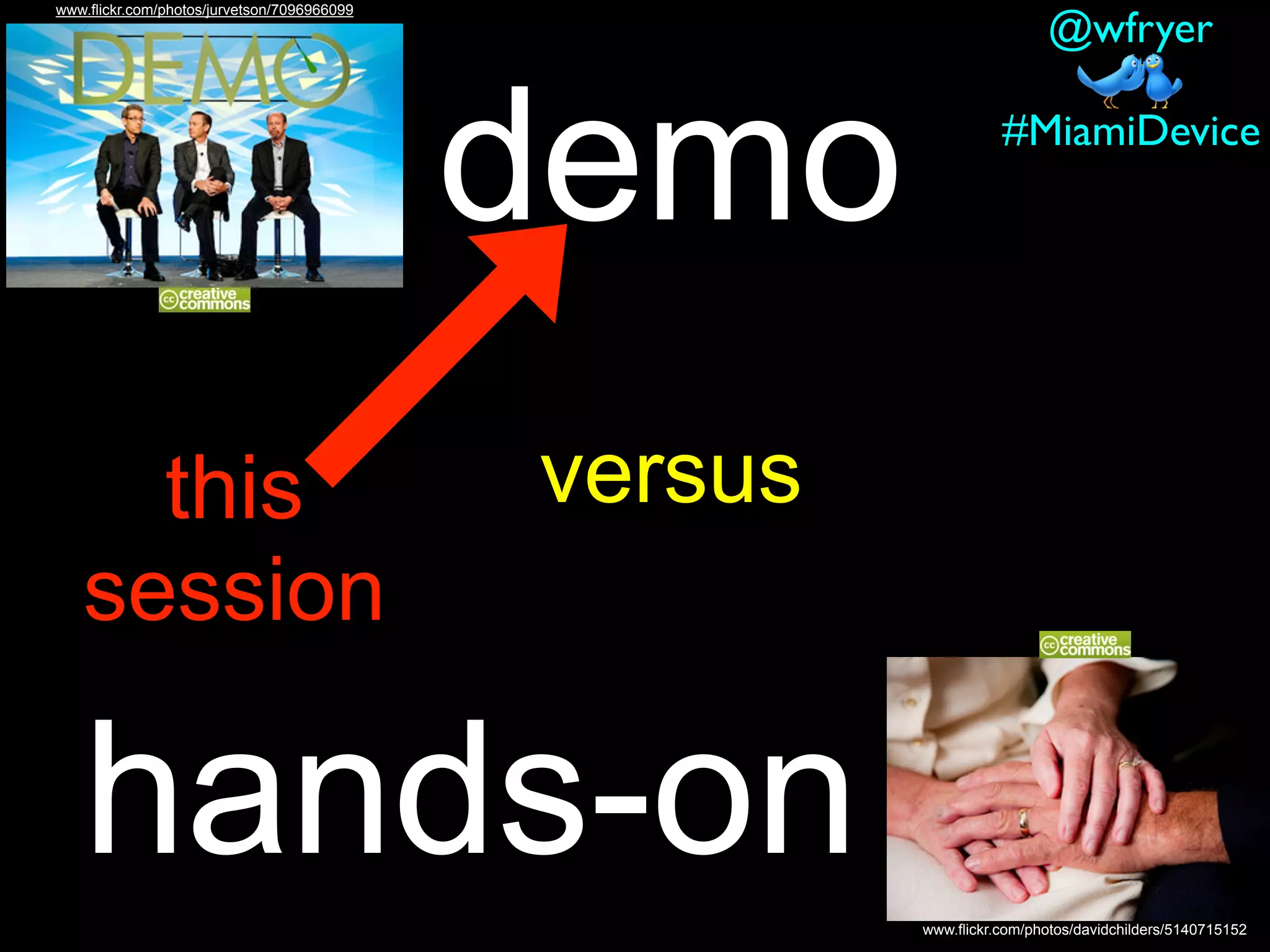
versus
hands-on www.flickr.com/photos/davidchilders/5140715152
www.flickr.com/photos/jurvetson/7096966099
demo
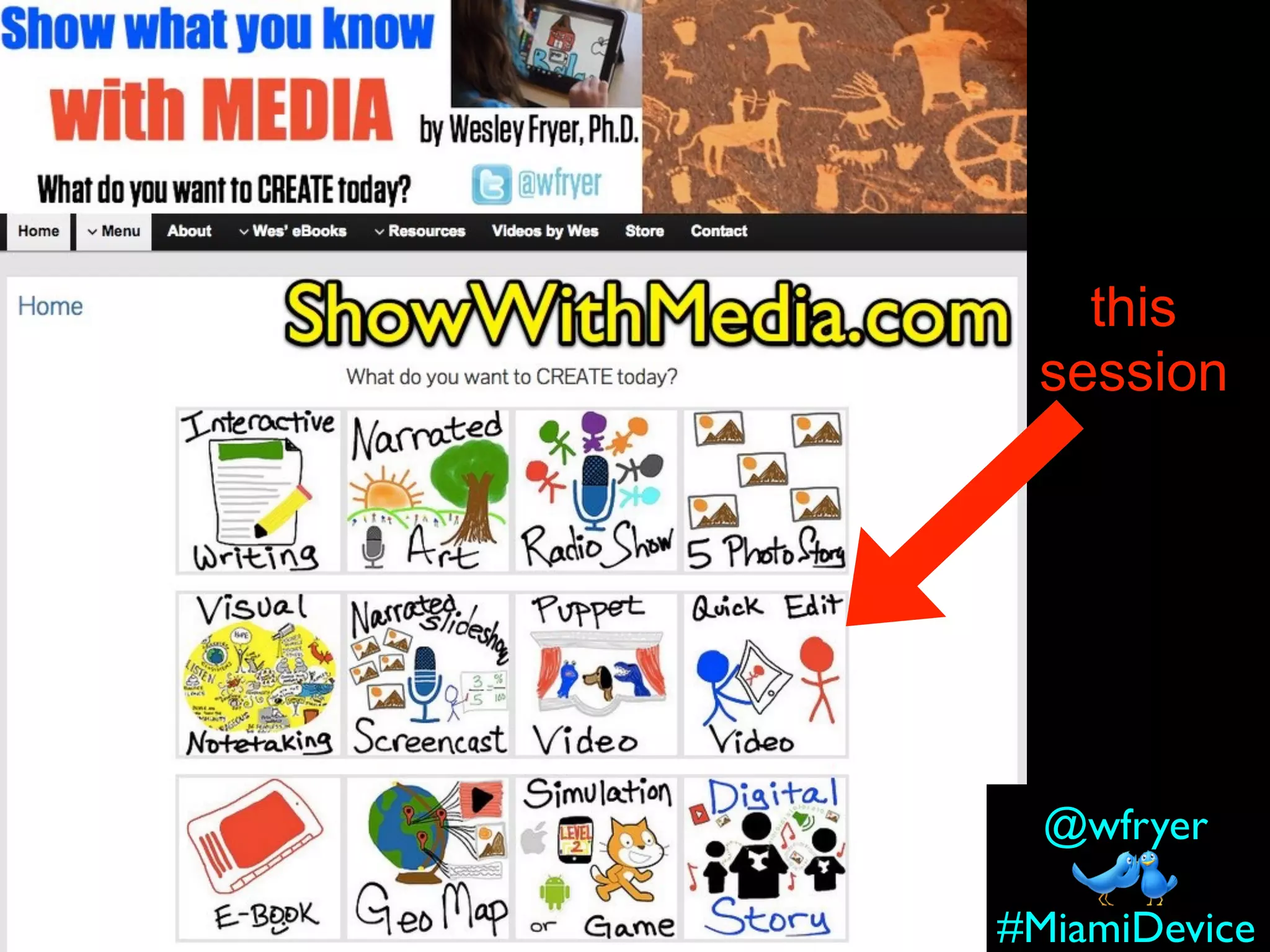
this
session
#MiamiDevice
@wfryer
#MiamiDevice@wfryer
#MiamiDevice
@wfryer
this
session
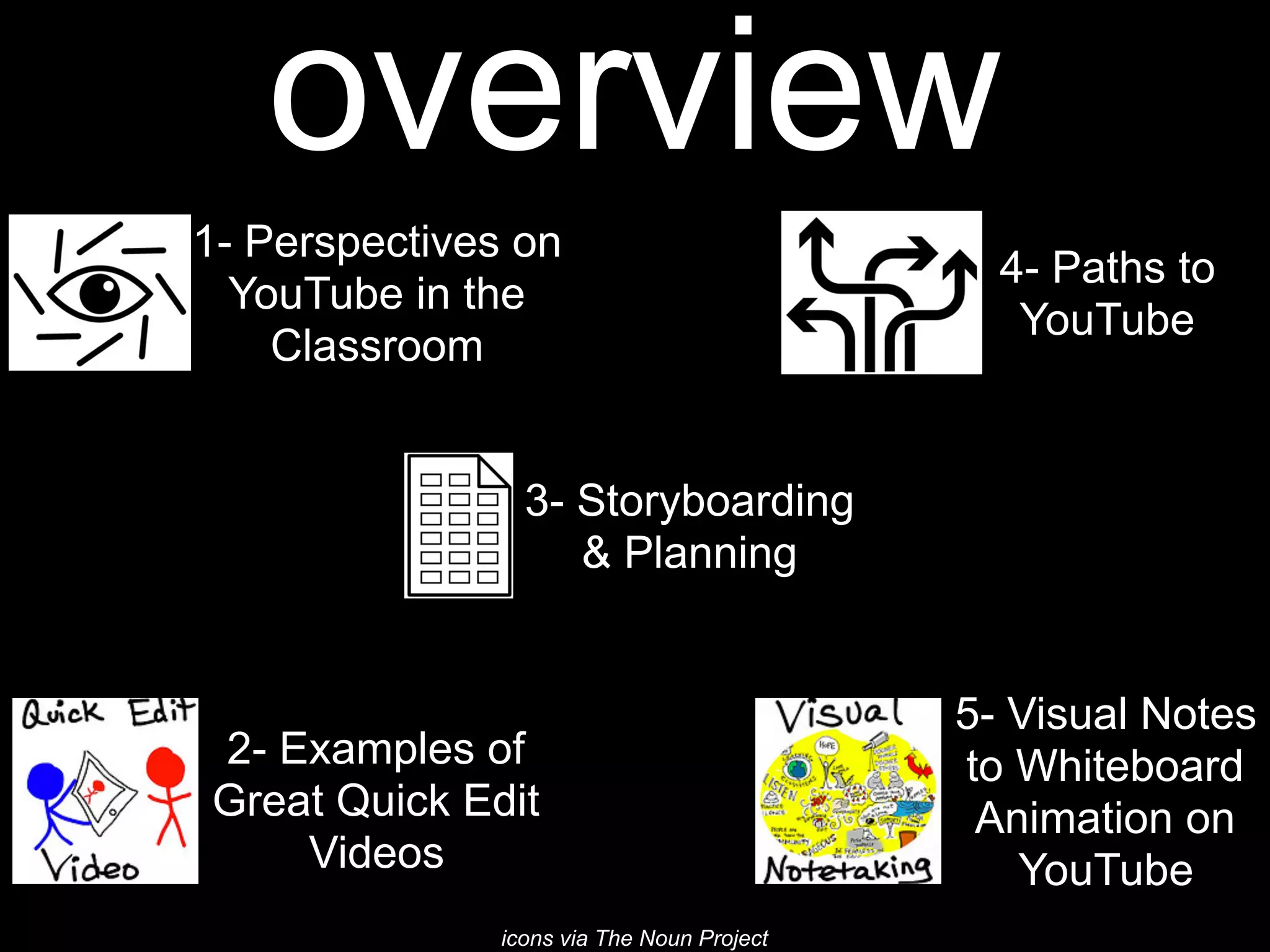
overview
1- Perspectives on
YouTube in the
Classroom
2- Examples of
Great Quick Edit
Videos
3- Storyboarding
& Planning
4- Paths to
YouTube
icons via The Noun Project
1- Perspectives on
YouTube in the Classroom
icon via The Noun Project#MiamiDevice@wfryer
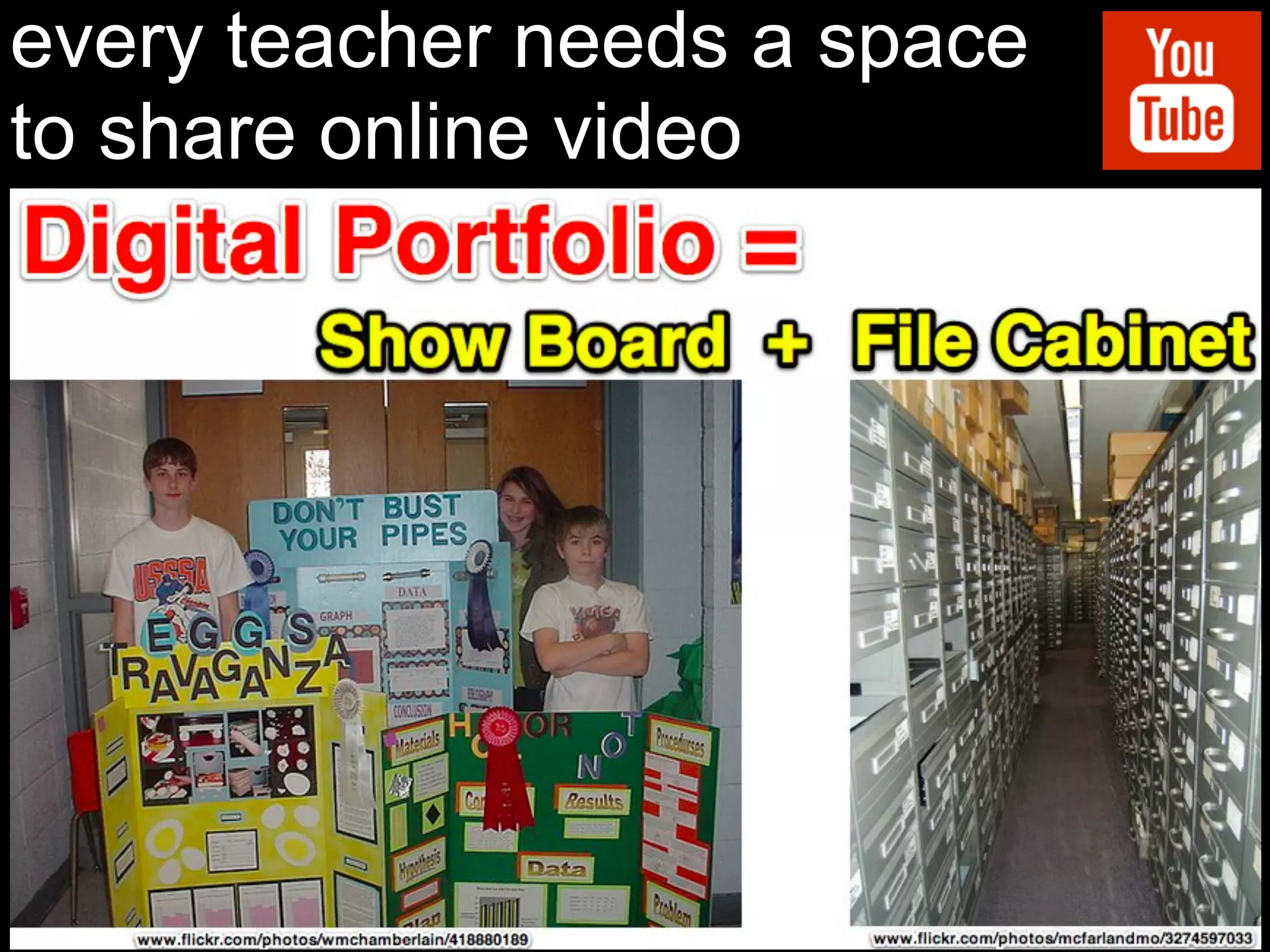
every teacher needs a space
to share online video
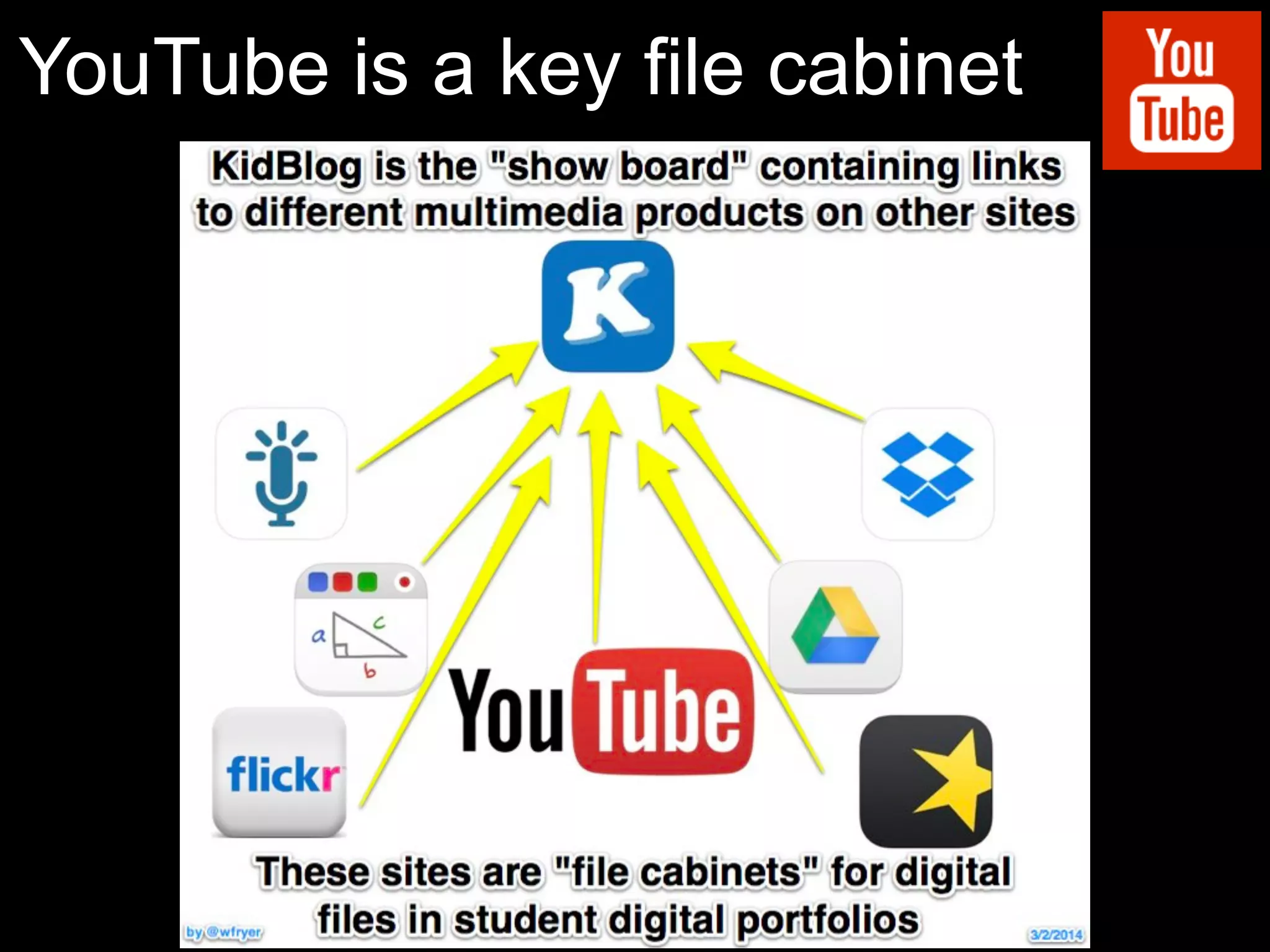
YouTube is a key file cabinet
www.flickr.com/photos/wwworks/2866289715/
How do I turn in a video?
icon via The Noun Project
no email
turn in!icon via The Noun Project
#MiamiDevice
@wfryer
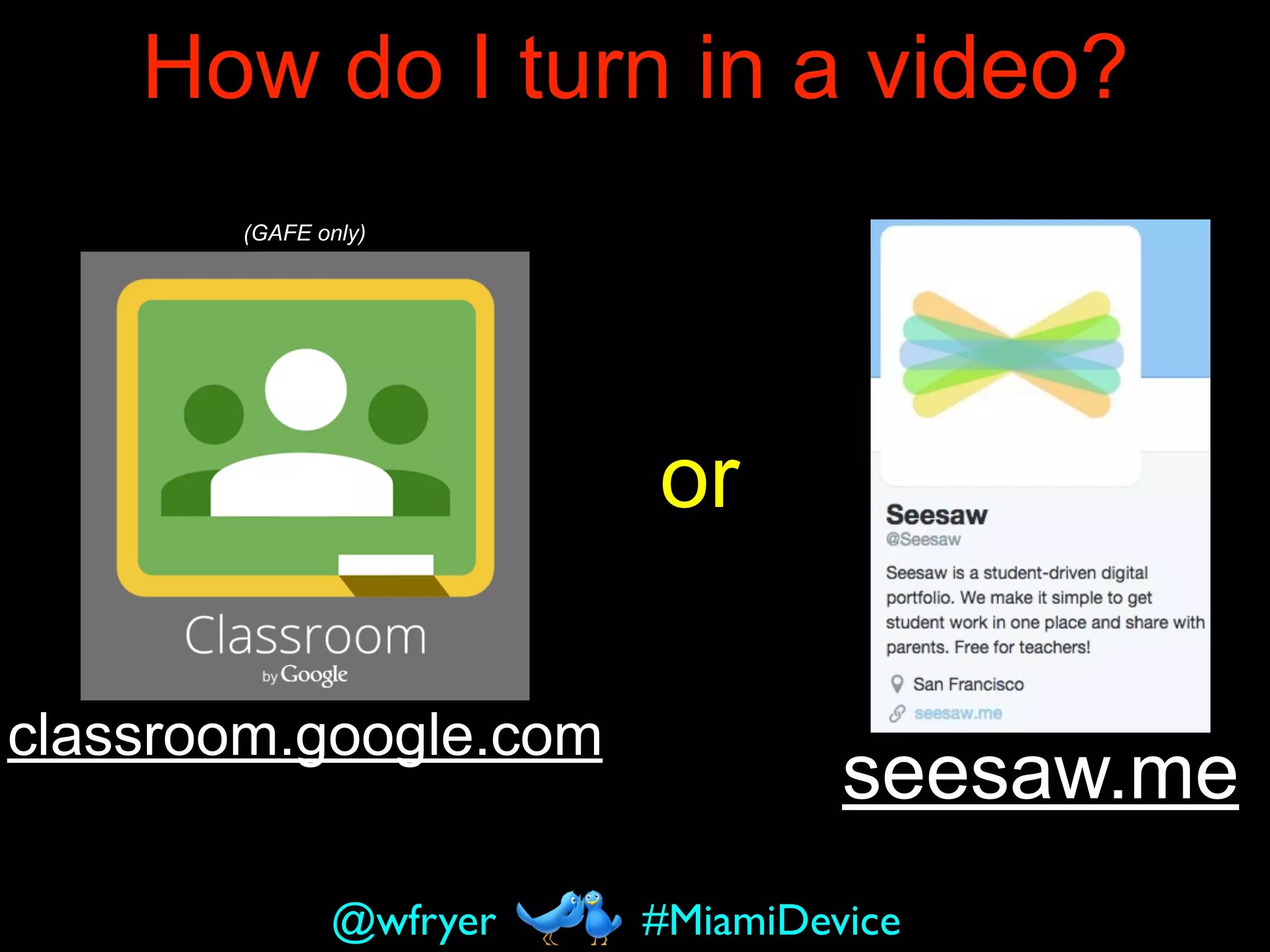
How do I turn in a video?
seesaw.me
classroom.google.com
(GAFE only)
#MiamiDevice@wfryer
or
problem with these?
seesaw.me
classroom.google.com
(GAFE only)
#MiamiDevice@wfryer
orPRIVATE
icon via The Noun Project
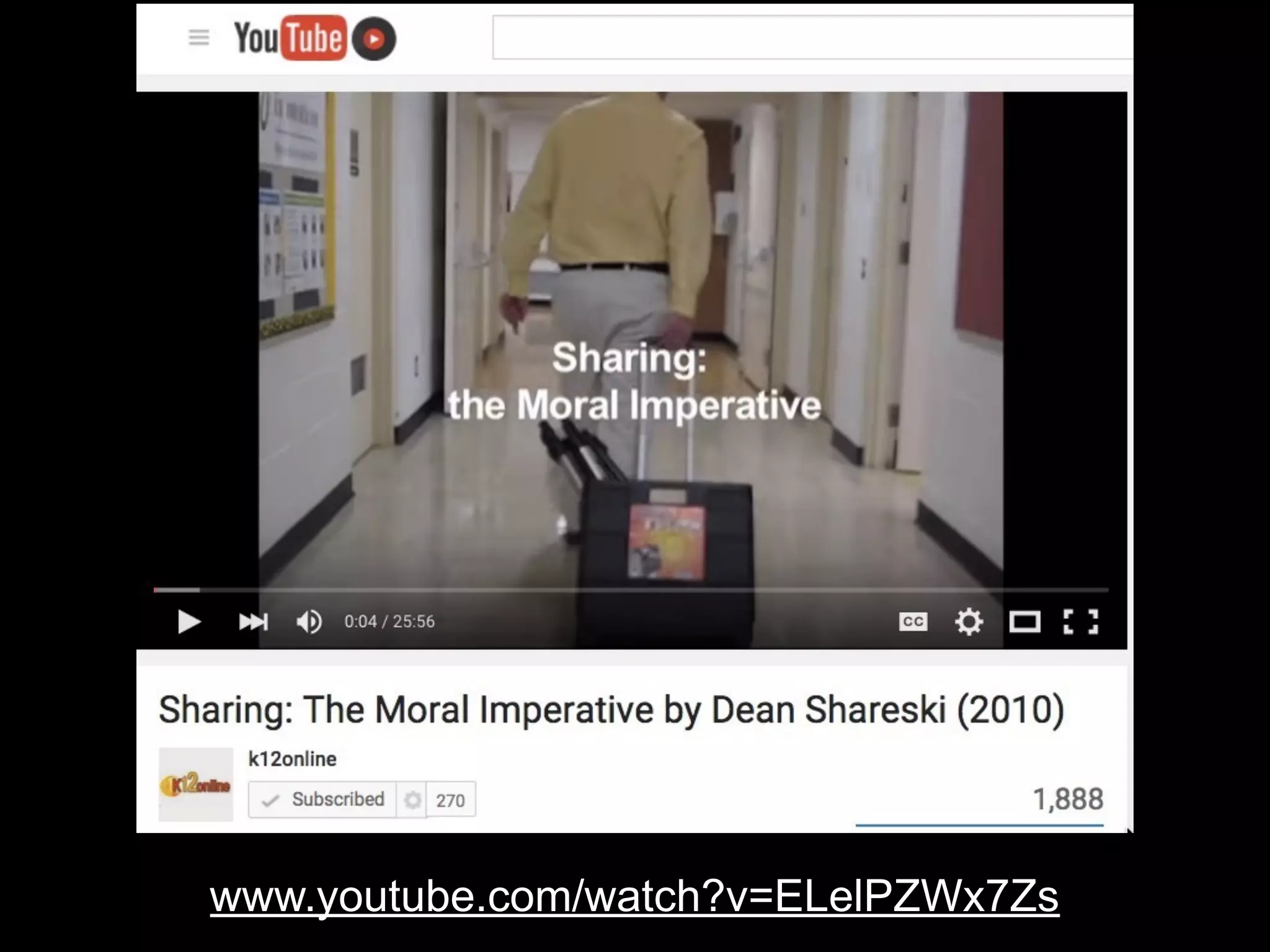
www.youtube.com/watch?v=ELelPZWx7Zs
http://www.iconarchive.com/show/cute-social-2014-icons-by-designbolts/Share-icon.html
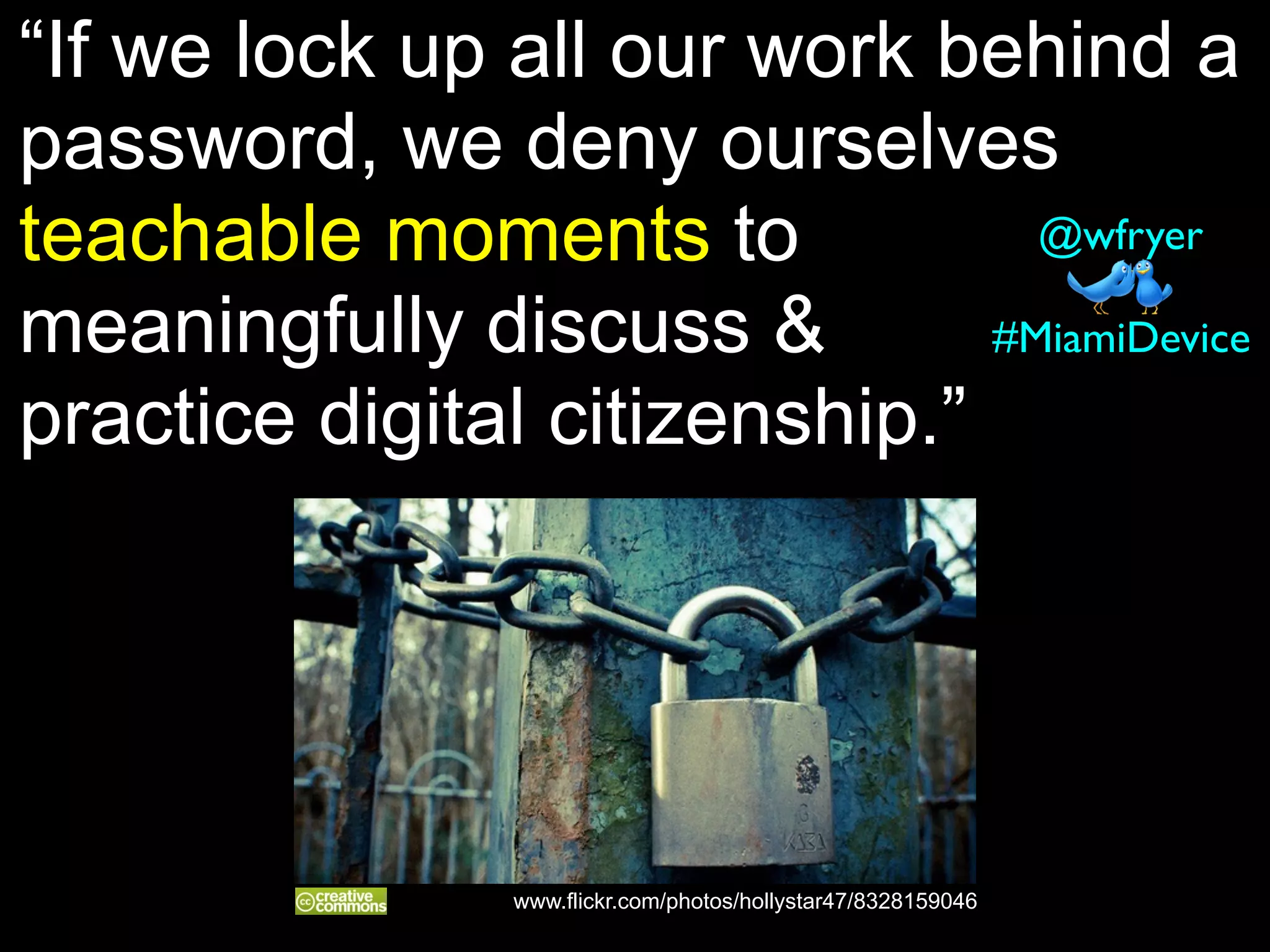
“If we lock up all our work behind a
password, we deny ourselves
teachable moments to
meaningfully discuss &
practice digital citizenship.”
#MiamiDevice
@wfryer
www.flickr.com/photos/hollystar47/8328159046
You Need a
Classroom
YouTube Channel
“YouTube
provides globally
accessible
hosting for an
unlimited number
of high definition,
mobile-friendly,
videos for FREE”
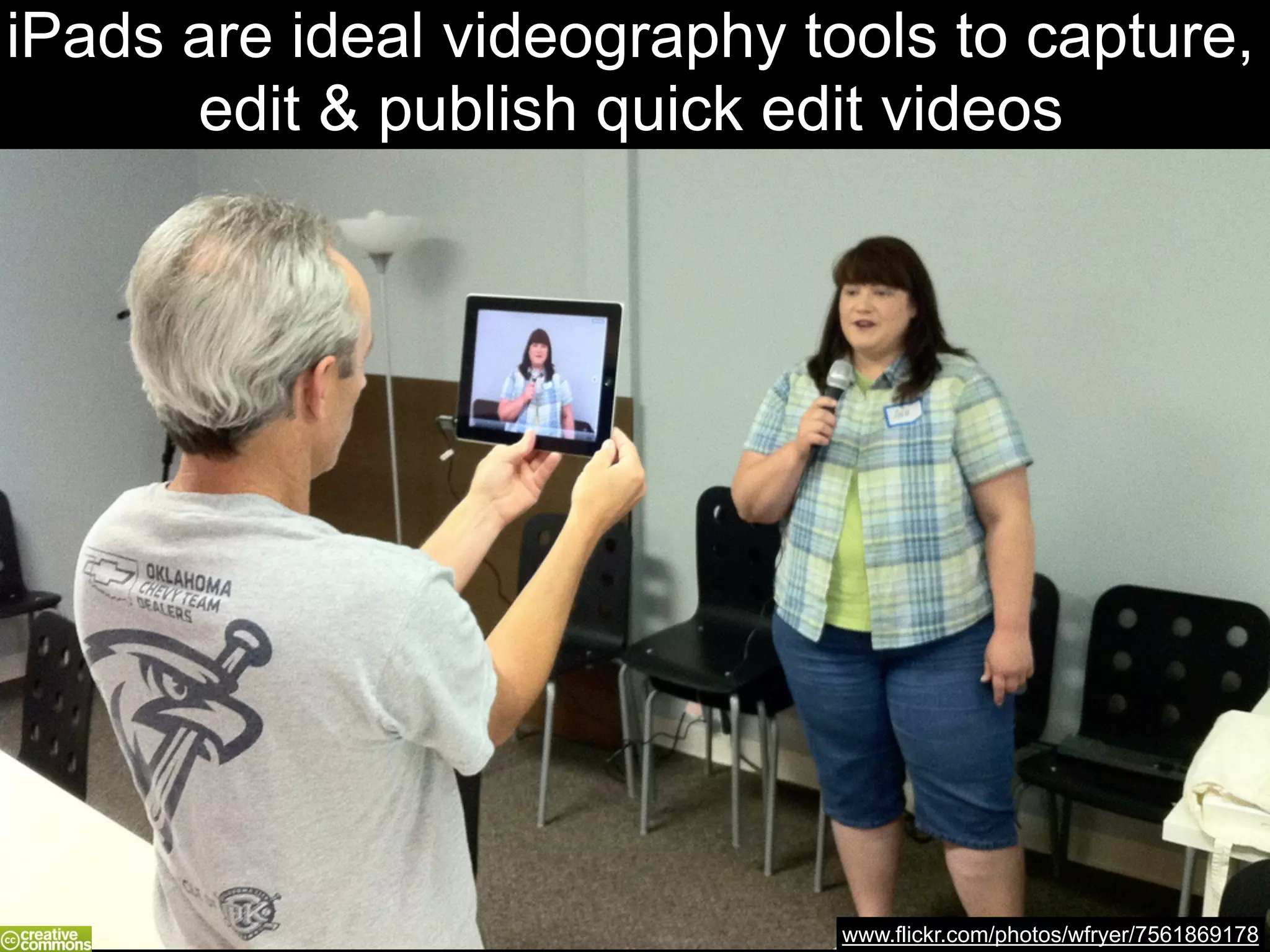
www.flickr.com/photos/wfryer/7561869178
iPads are ideal videography tools to capture,
edit & publish quick edit videos
2- Examples of
Great Quick
Edit Videos
#MiamiDevice@wfryer
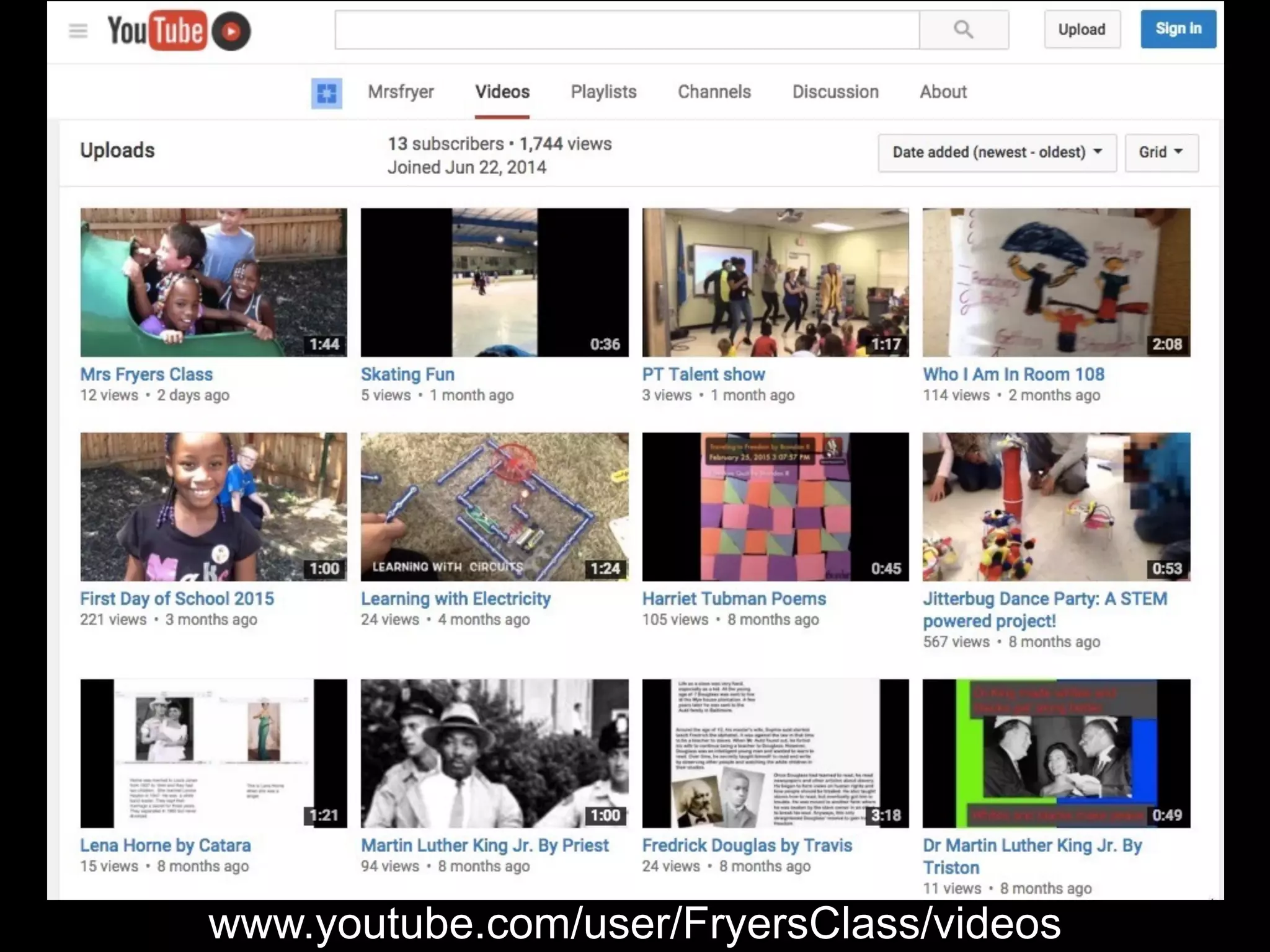
www.youtube.com/user/FryersClass/videos
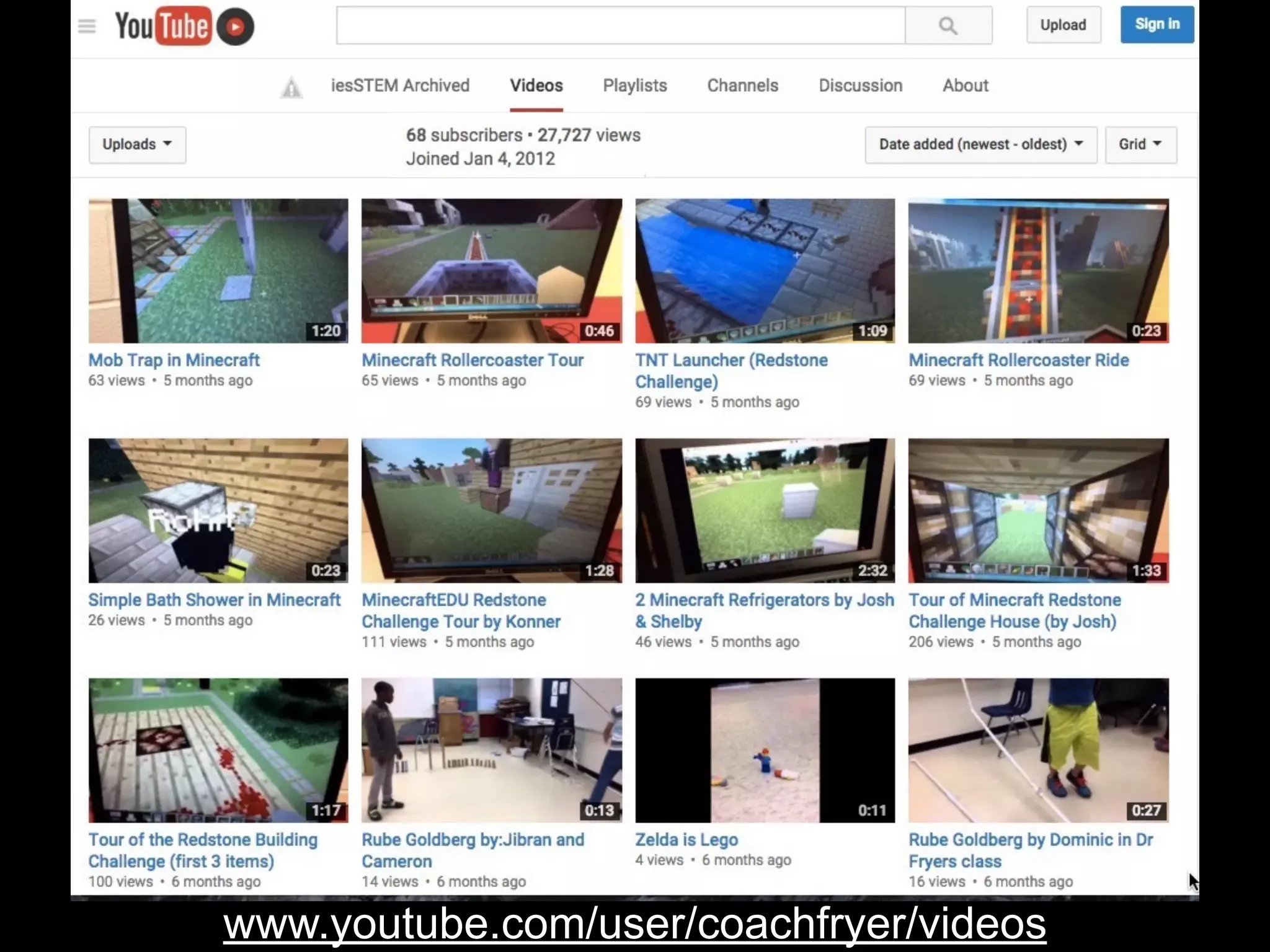
www.youtube.com/user/coachfryer/videos
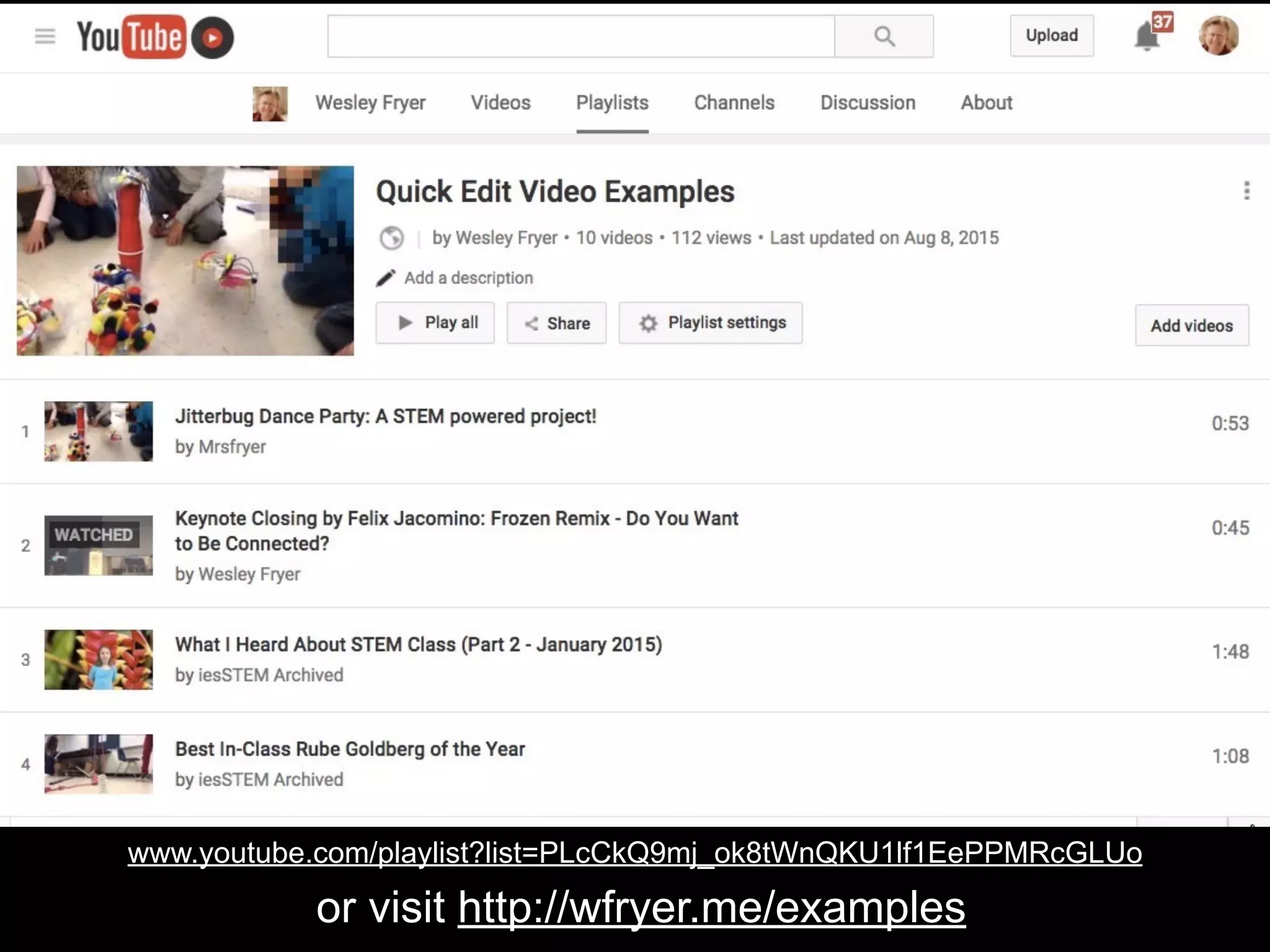
www.youtube.com/playlist?list=PLcCkQ9mj_ok8tWnQKU1lf1EePPMRcGLUo
or visit http://wfryer.me/examples
3-
Storyboarding
& Planning
#MiamiDevice@wfryer icon via The Noun Project
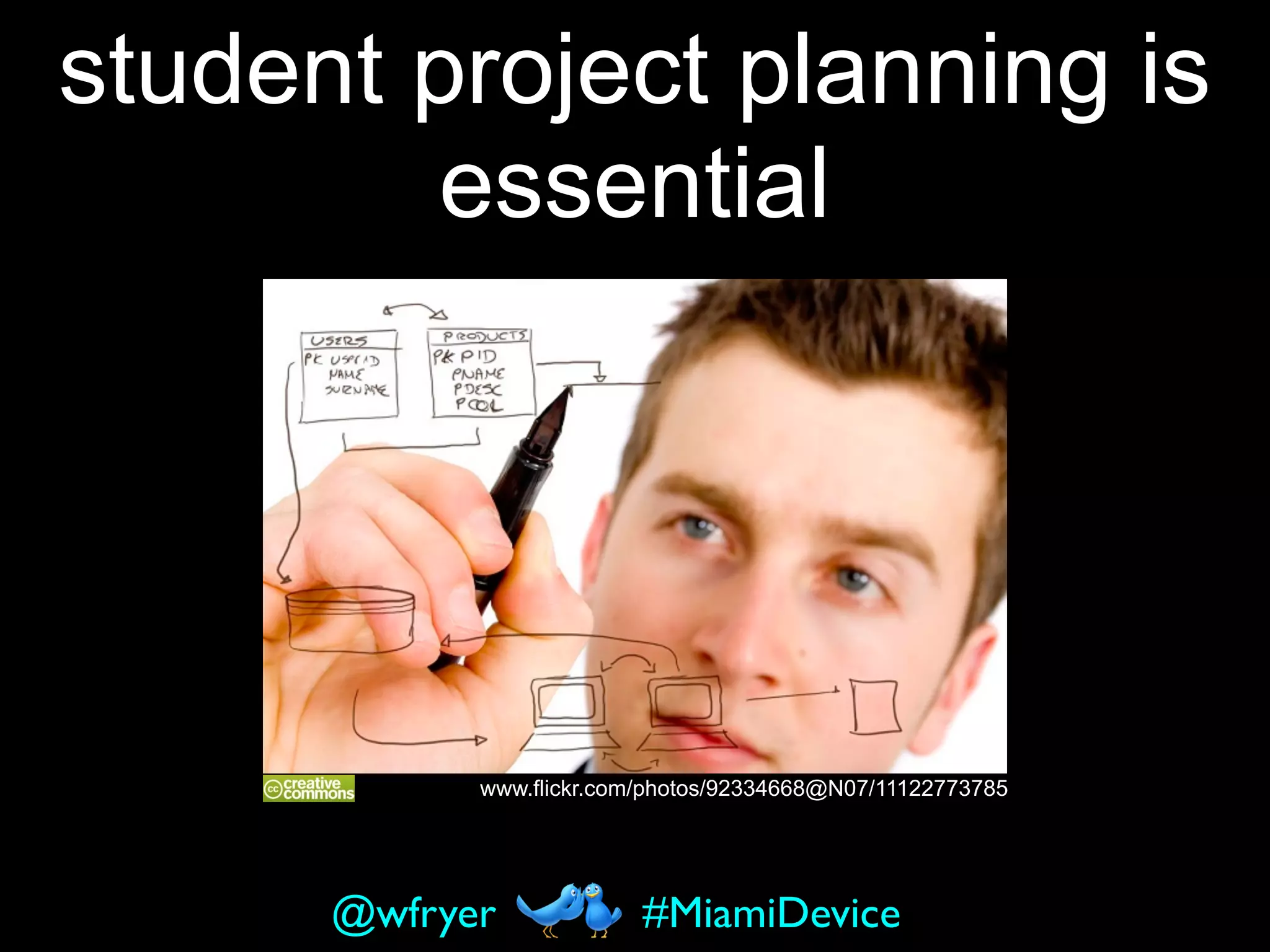
www.flickr.com/photos/92334668@N07/11122773785
student project planning is
essential
#MiamiDevice@wfryer
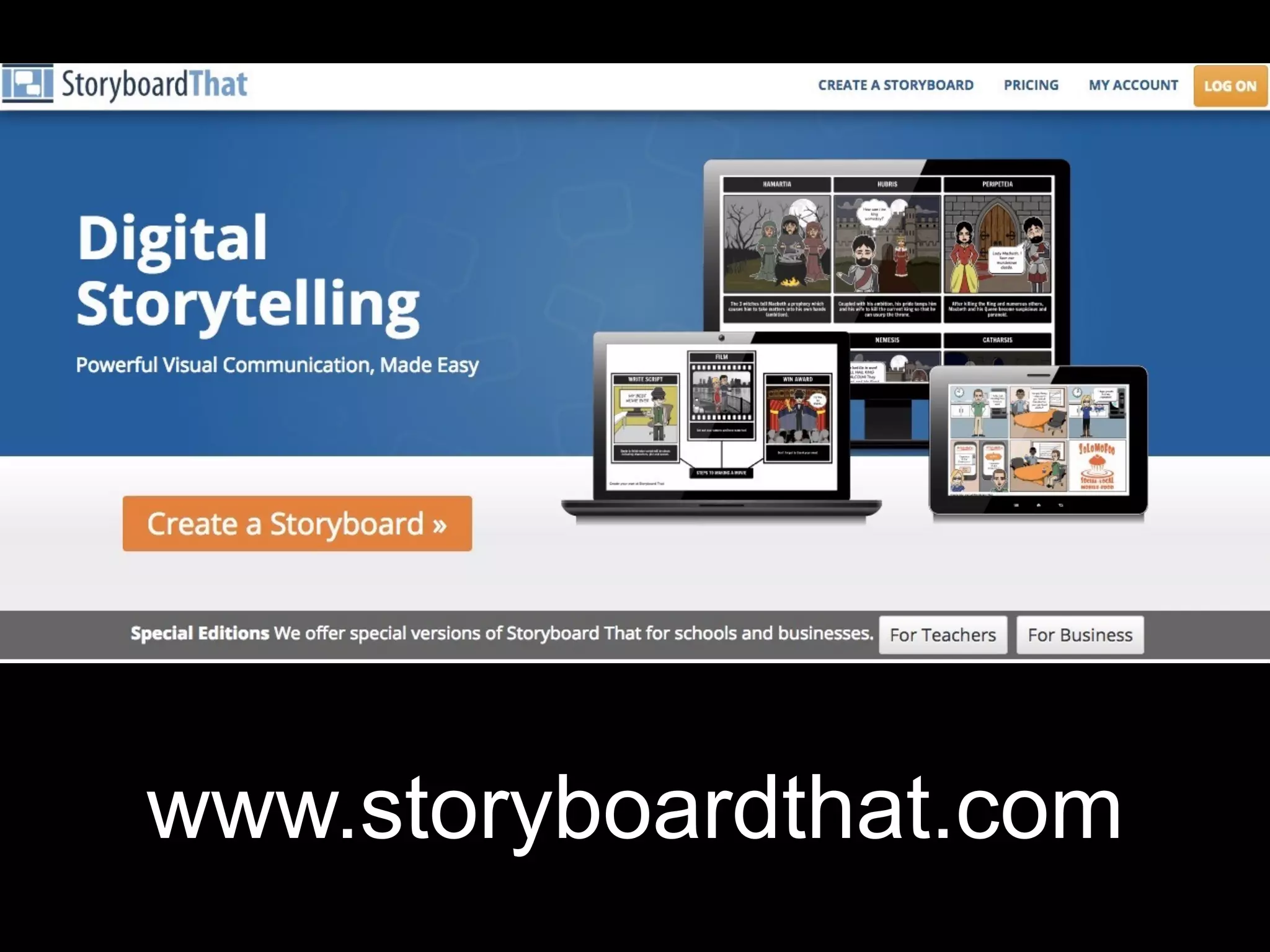
www.storyboardthat.com
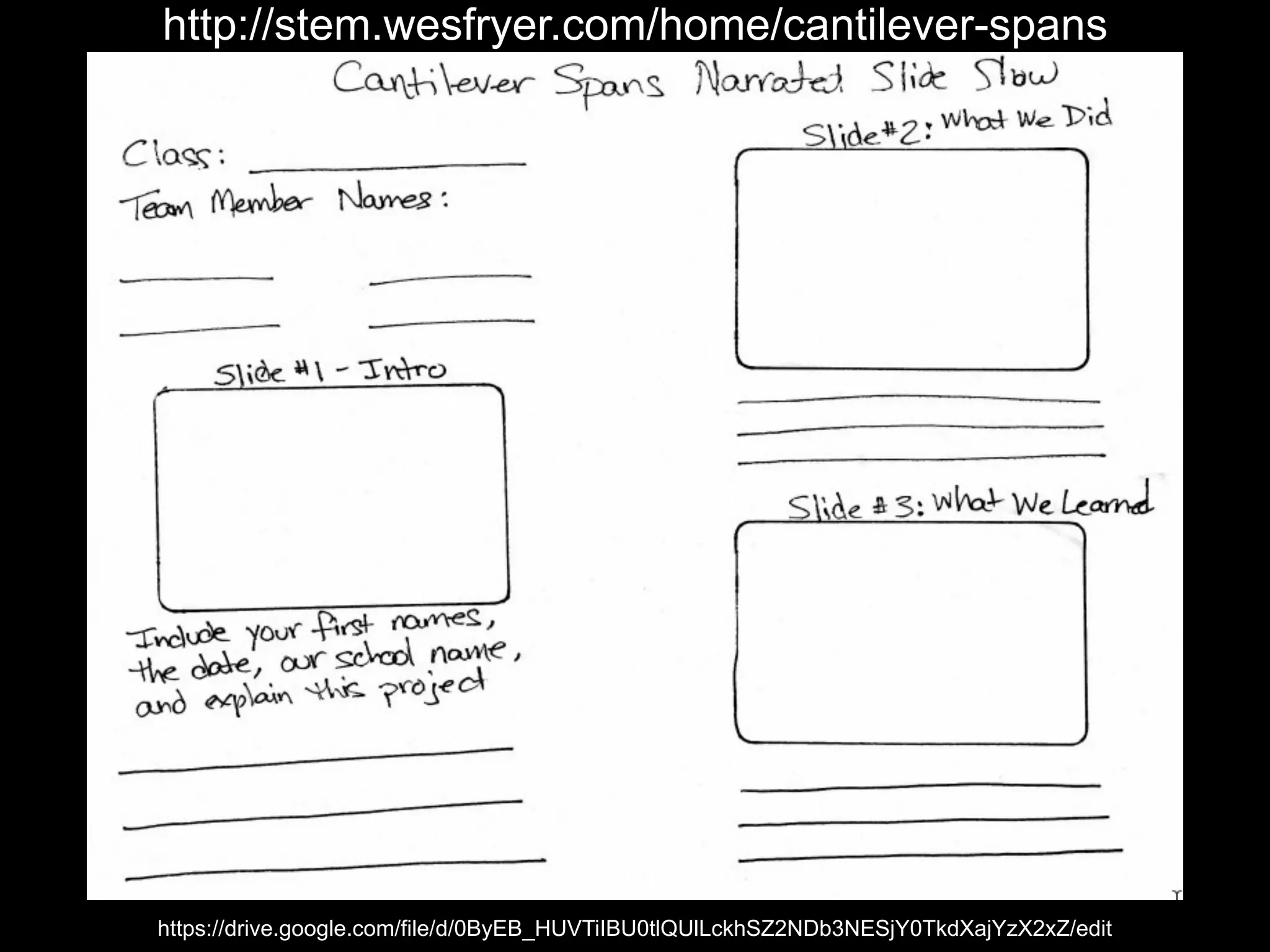
https://drive.google.com/file/d/0ByEB_HUVTiIBU0tlQUlLckhSZ2NDb3NESjY0TkdXajYzX2xZ/edit
http://stem.wesfryer.com/home/cantilever-spans
4- Paths
to
YouTube
#MiamiDevice@wfryer
The camera roll is the
iPad app “common
denominator”
#MiamiDevice@wfryer
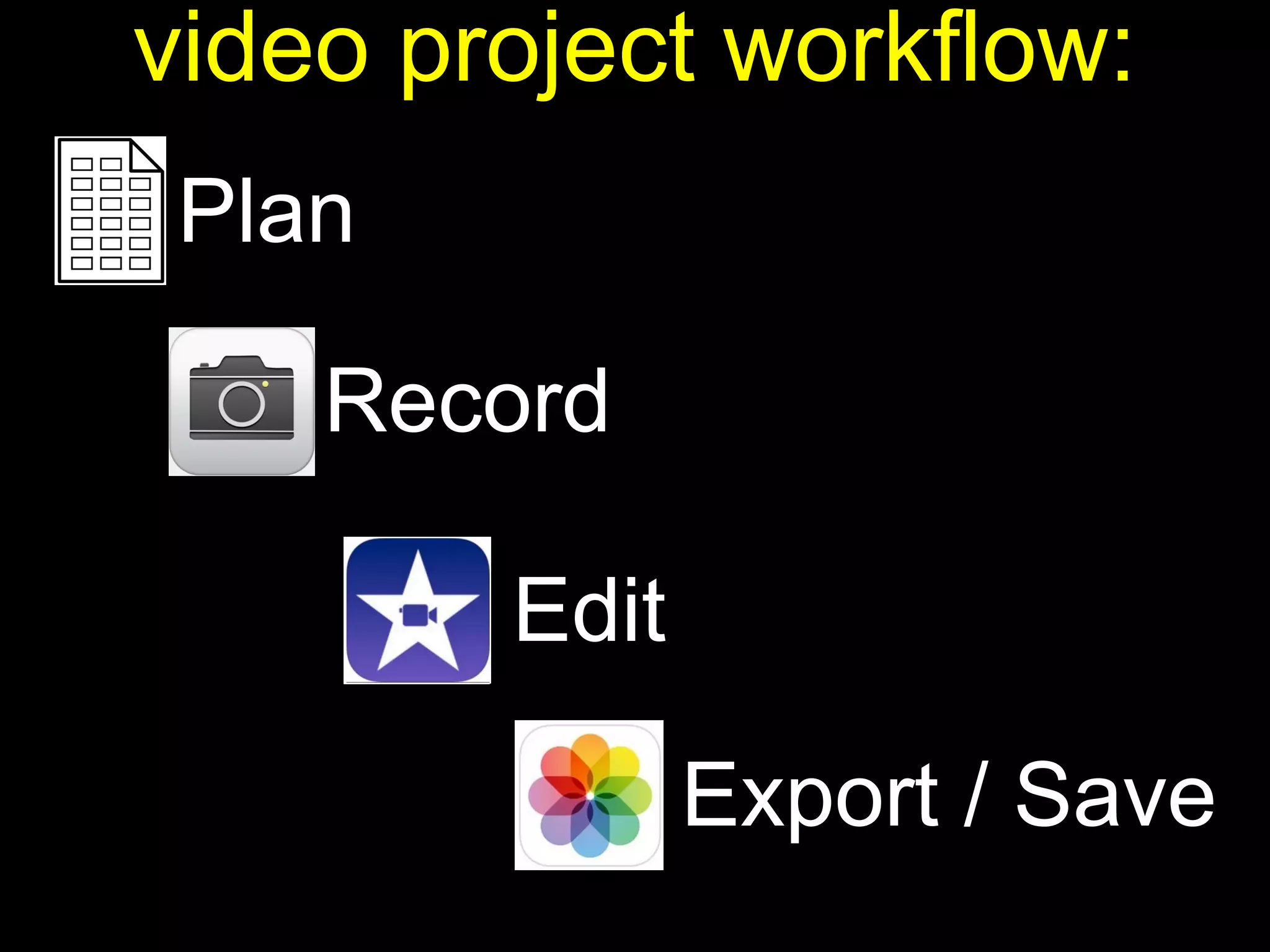
Plan
video project workflow:
Record
Edit
Export / Save
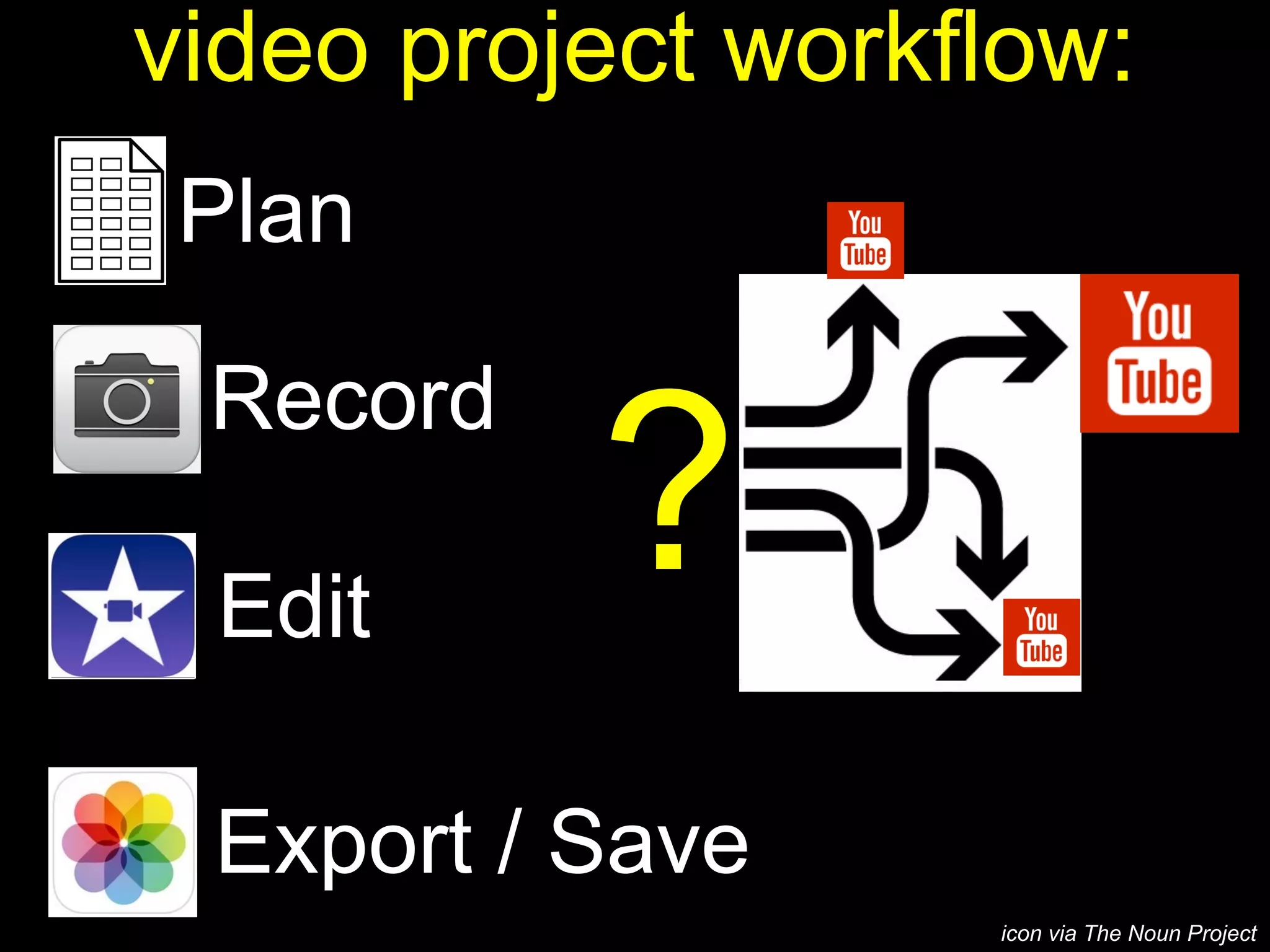
Plan
video project workflow:
Record
Edit
Export / Save
?
icon via The Noun Project
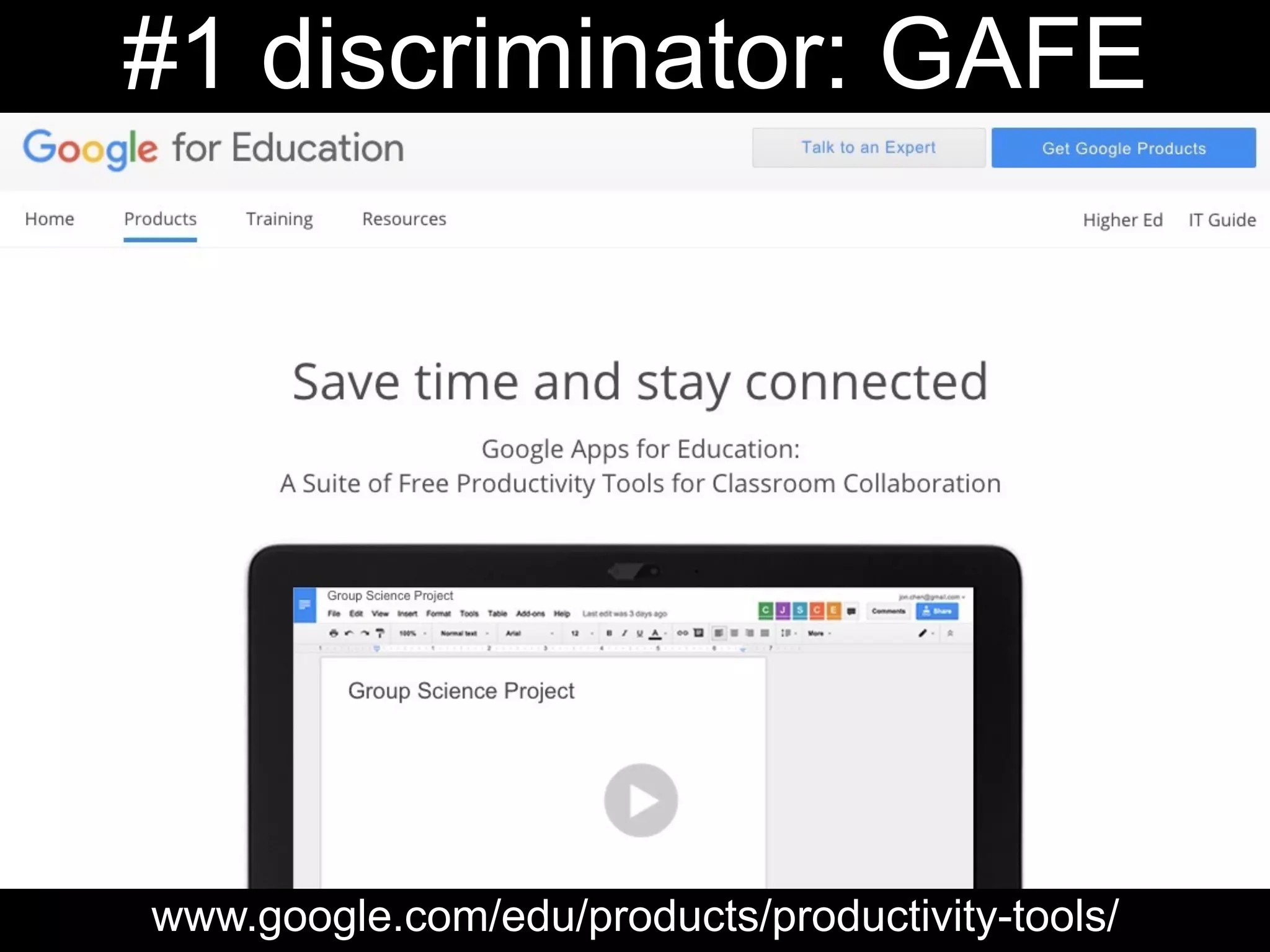
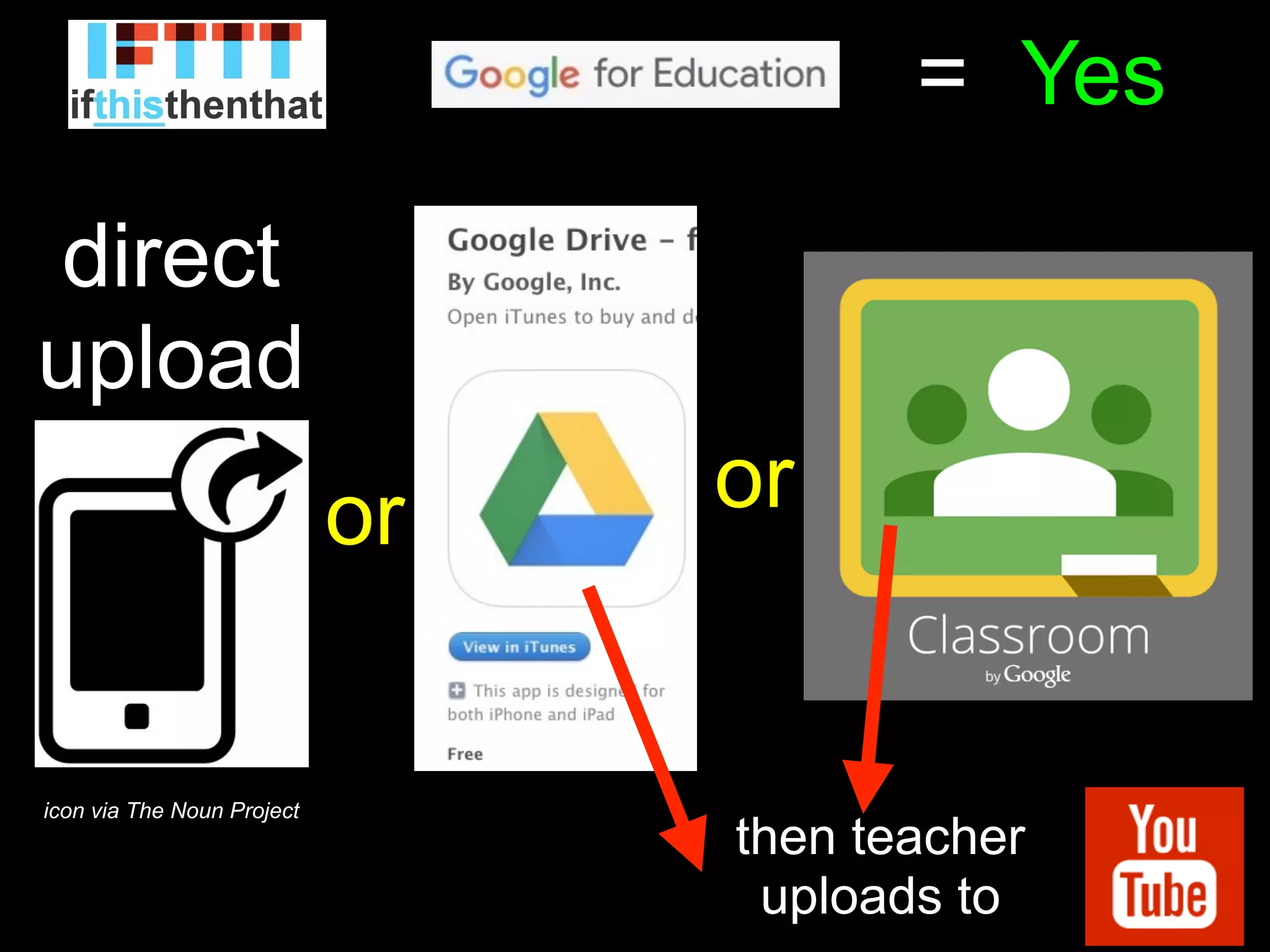
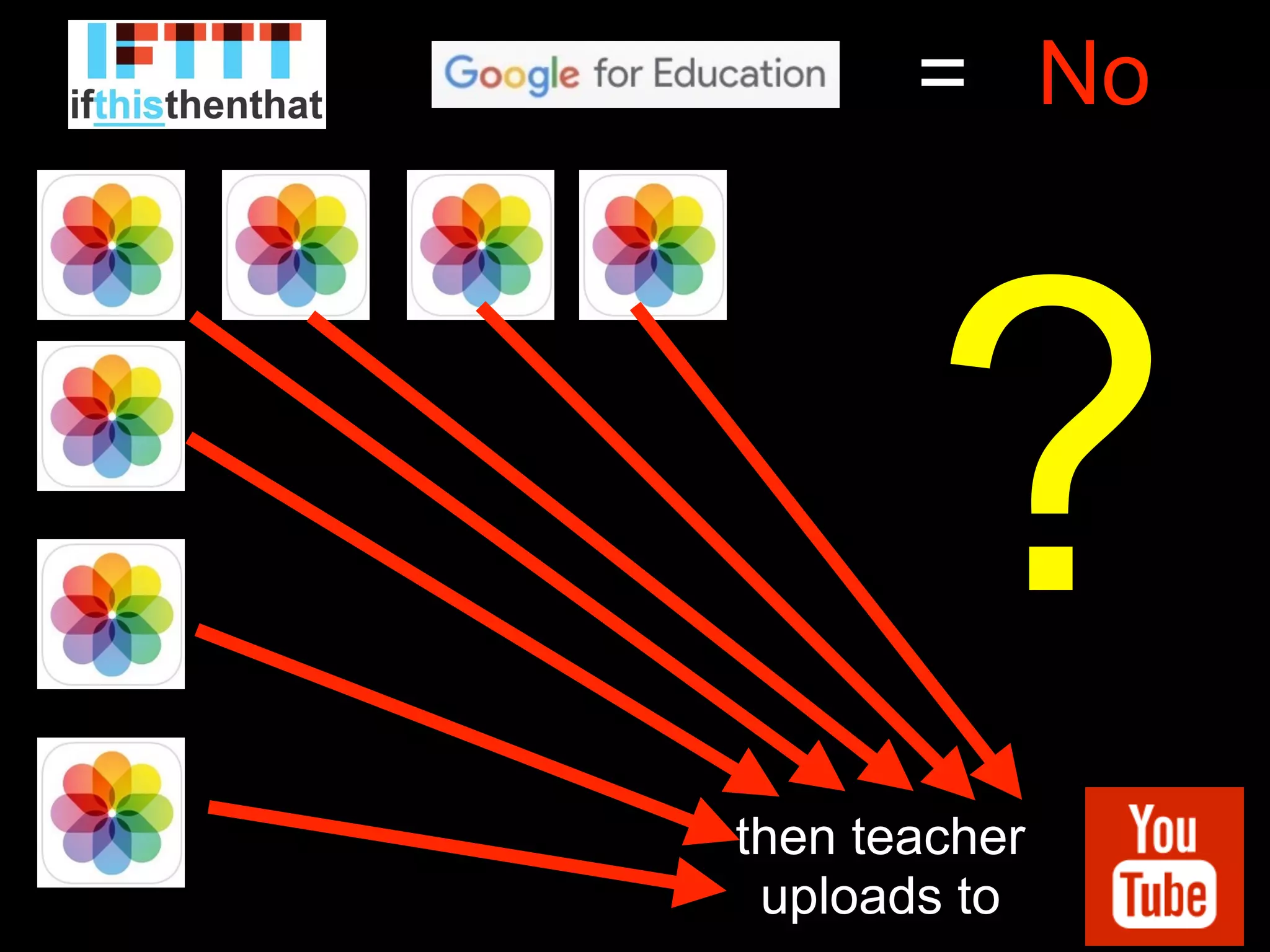
#1 discriminator: GAFE
www.google.com/edu/products/productivity-tools/
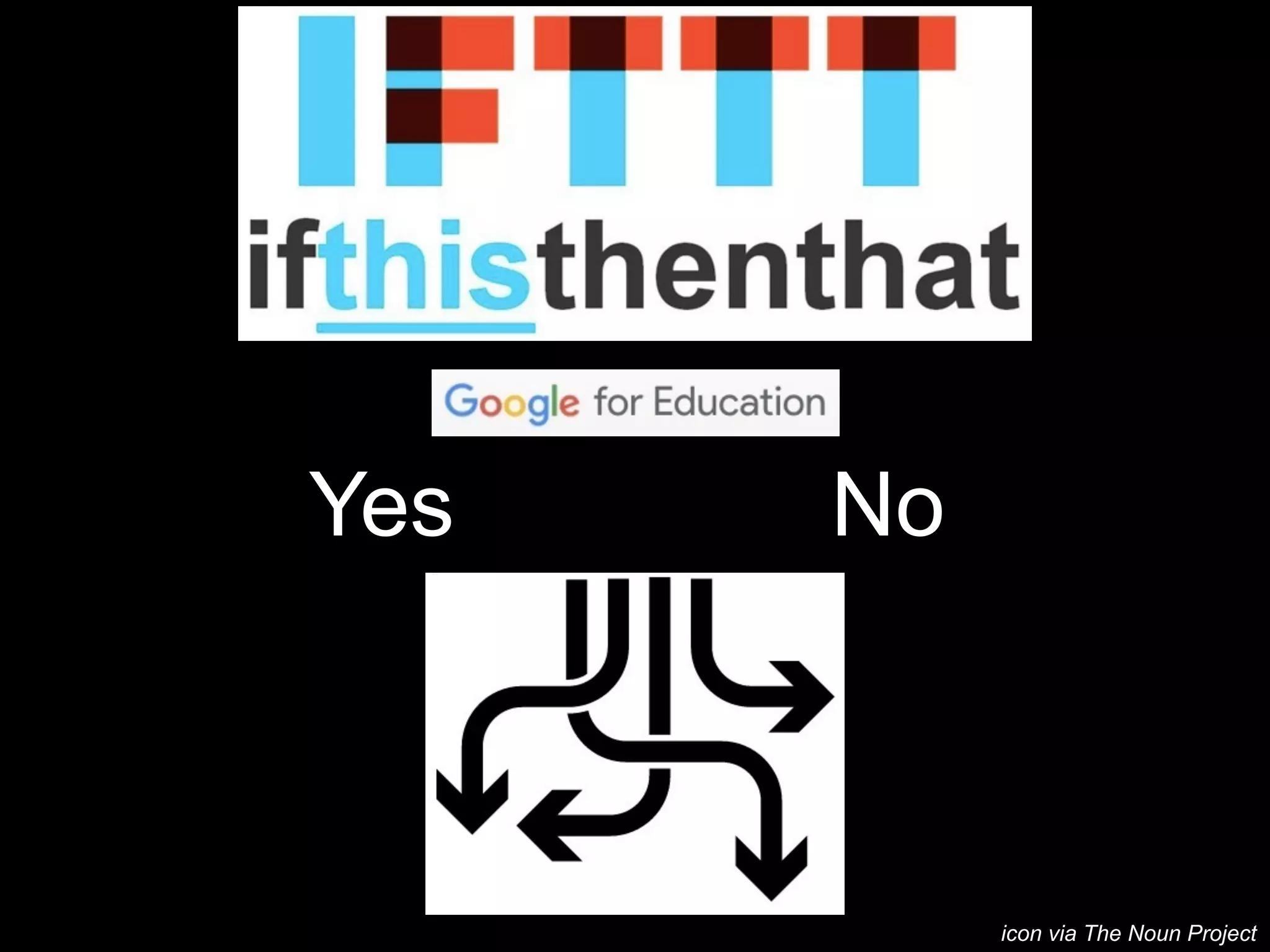
Yes No
icon via The Noun Project
Yes=
icon via The Noun Project
direct
upload
or or
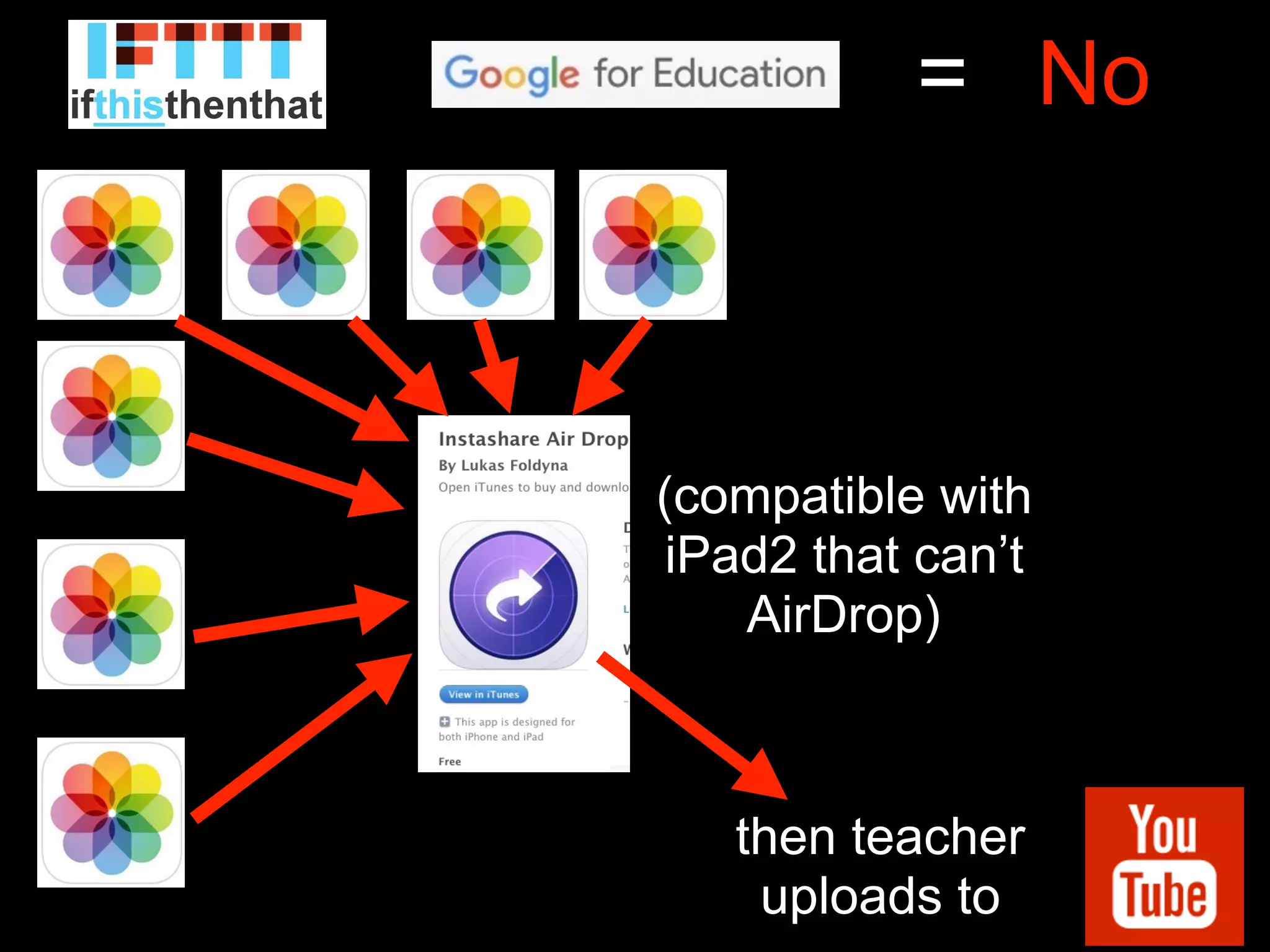
then teacher
uploads to
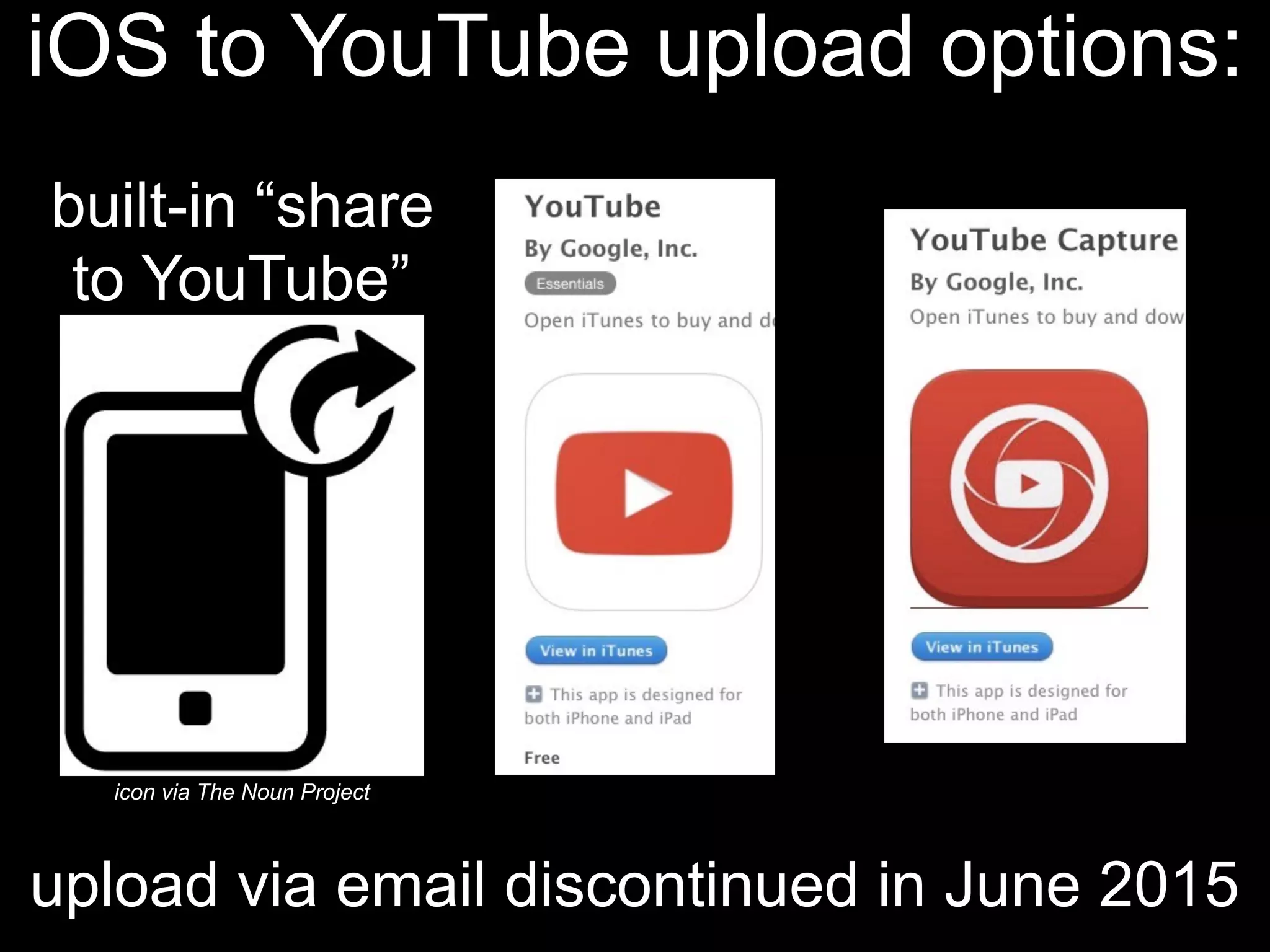
iOS to YouTube upload options:
upload via email discontinued in June 2015
icon via The Noun Project
built-in “share
to YouTube”
No=
then teacher
uploads to
?
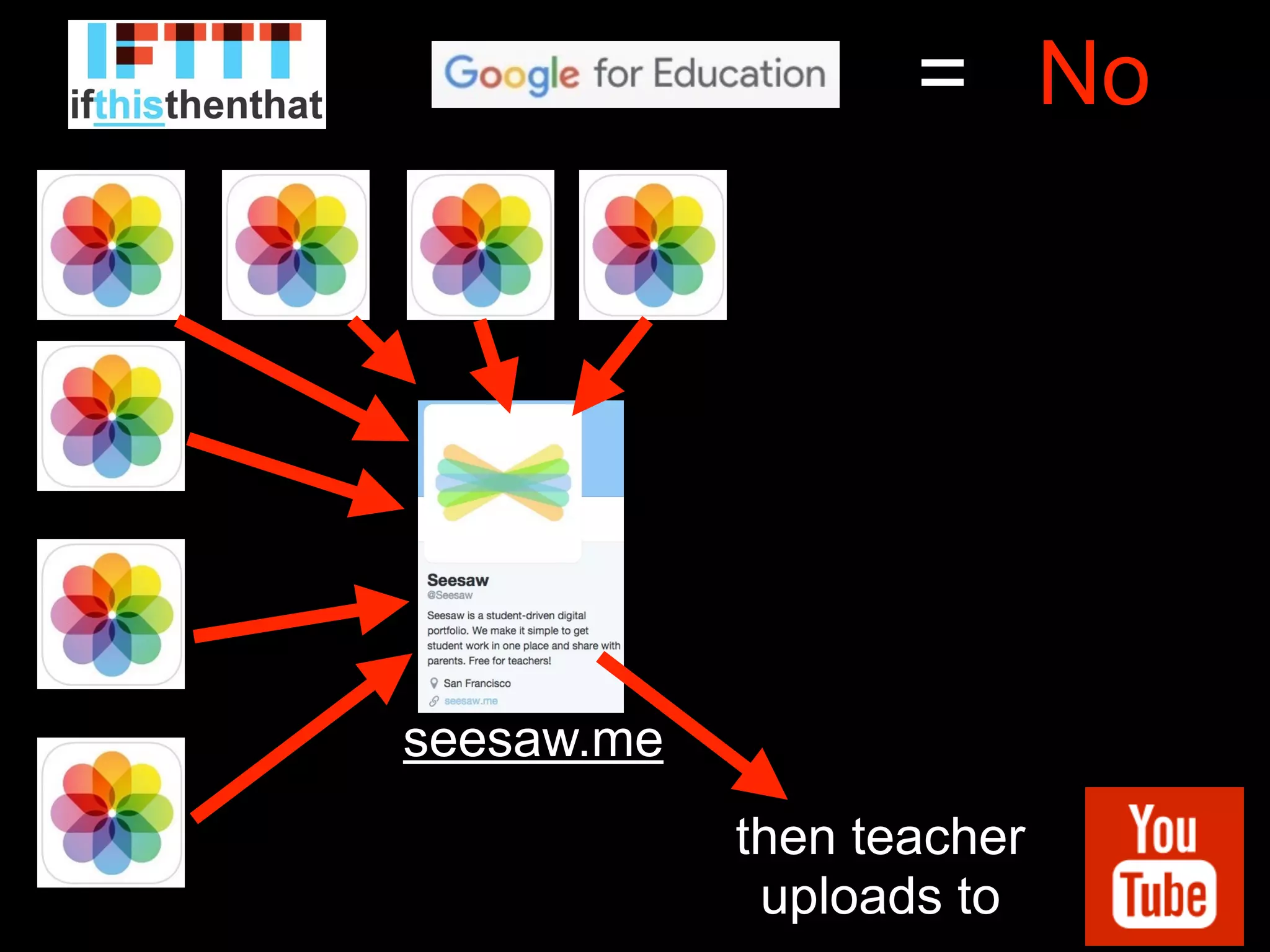
No=
then teacher
uploads to
seesaw.me
No=
then teacher
uploads to
(compatible with
iPad2 that can’t
AirDrop)
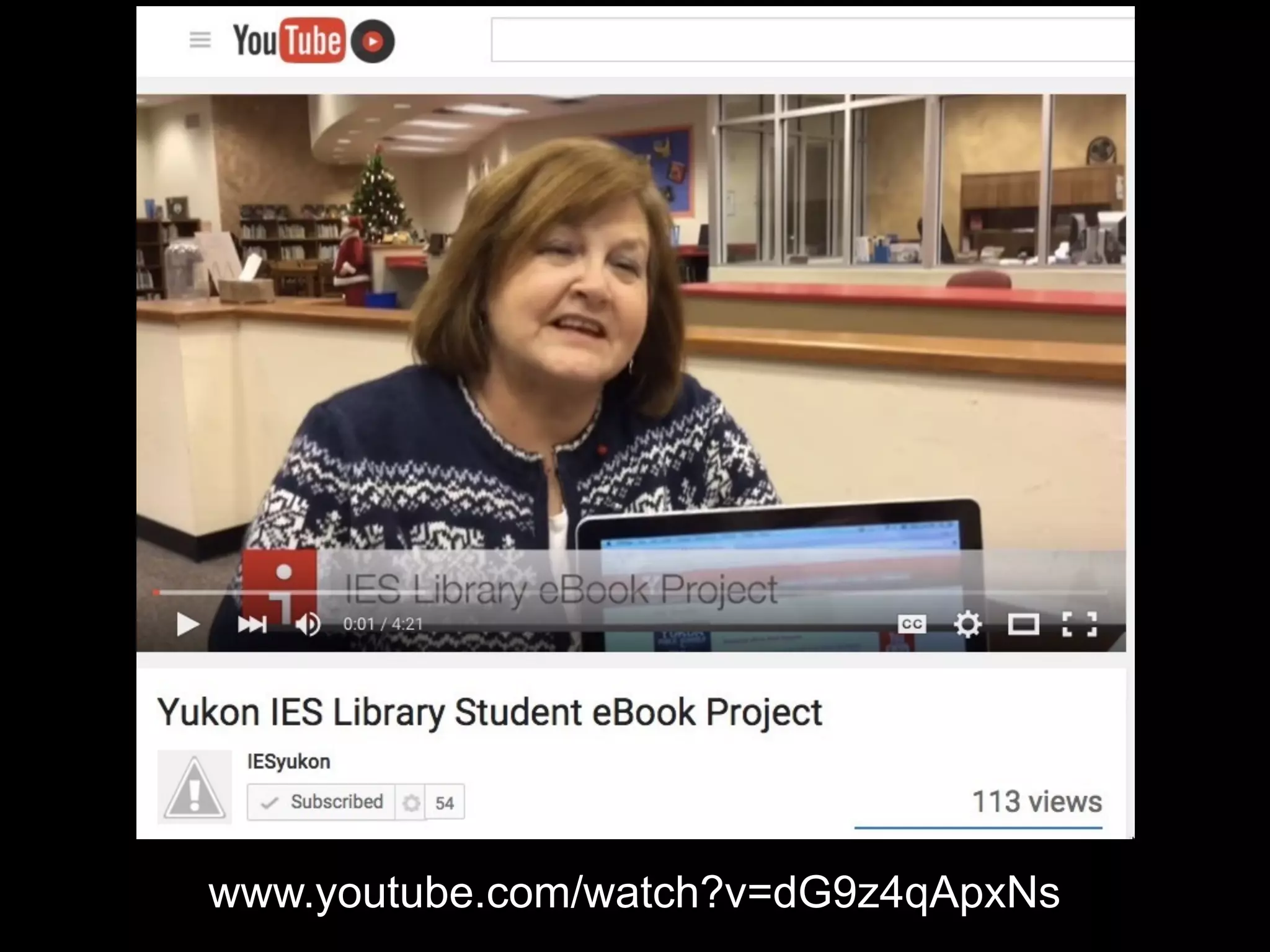
www.youtube.com/watch?v=dG9z4qApxNs
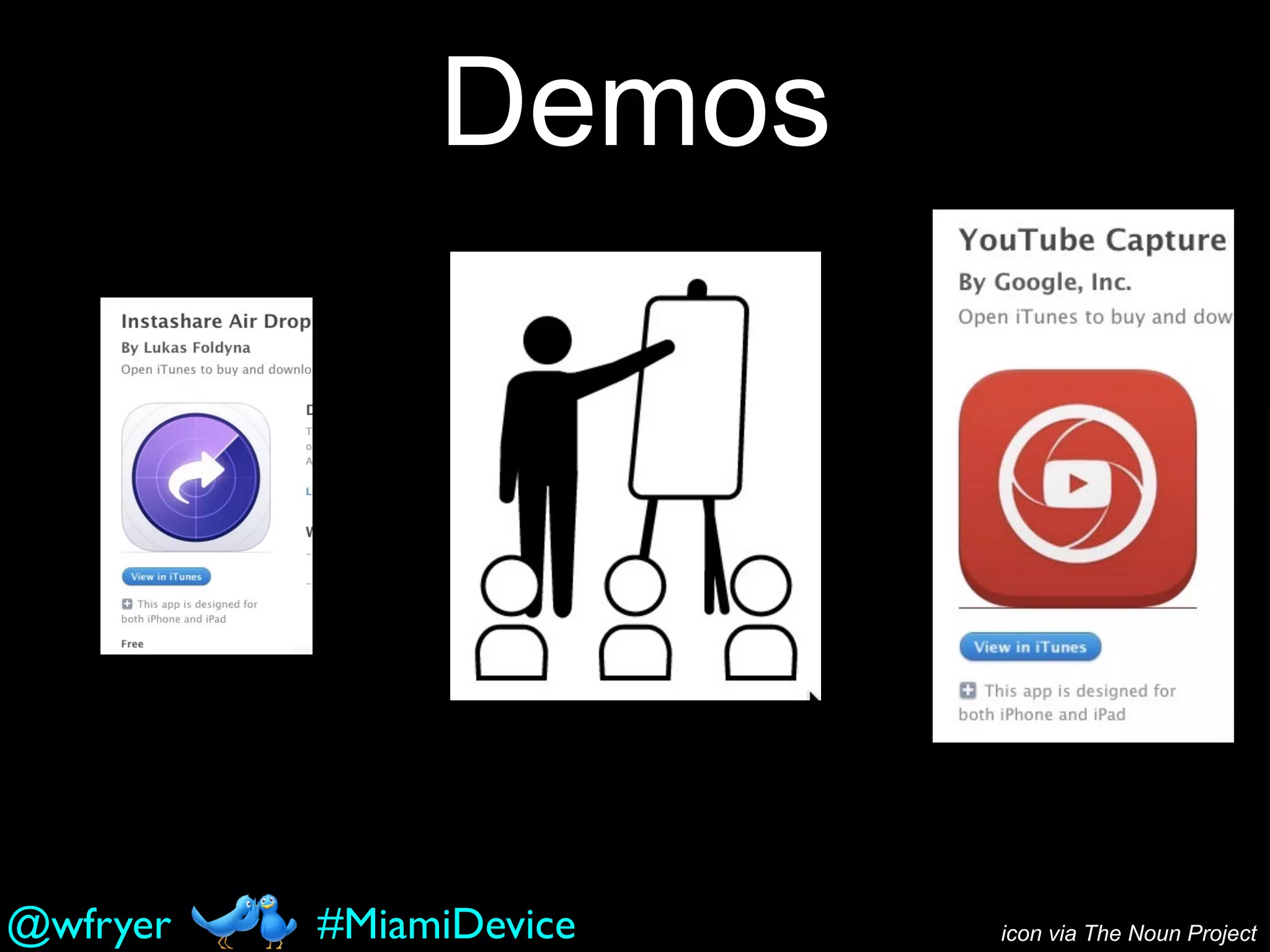
Demos
icon via The Noun Project#MiamiDevice@wfryer
by Wesley Fryer, Ph.D.
App Smashing to
YouTube
ShowWithMedia.comNovember 13, 2015
Coconut Grove, FL
#MiamiDevice

App Smashing to YouTube (Miami Device 2015)