Apache Ant

  Overview


             04.24.2012
Agenda

▪ What’s Ant, and why to use it
▪ Installing and executing Ant
▪ Ant terminology and concepts
▪ Core Ant tasks
▪ Demo
What’s ANT?

▪ Ant is a Java-based build tool with the full
  portability of pure Java code.

▪ According to Ant's original author, James
  Duncan Davidson. The name is an acronym
  for "Another Neat Tool".
What’s ANT?

▪ Ant is implemented in Java.
▪ Ant is Open Source, maintained by Apache.
▪ Ant is cross platform and portable.
▪ Ant is not a programming language.
Ant is Operating System and
Language Neutral
▪ Builds run on both Windows and UNIX/Linux systems
▪ Should run anywhere a Java VM runs
▪ Build targets can still do OS-specific tasks
▪ Works with anything that can be done from the command
  line
▪ Easy to extend (with Java)
▪ It is possible to extend with other languages as long as
  they have Java bindings but in practice, most people use
  Java to extend Ant
What can Ant do?
▪ Ant can get source code from version control
   – CVS, Subversion, Synergy, Perforce, ClearCase and
     many more
▪ Ant can compile source code
▪ Ant can run unit tests
   – JUnit3, JUnit4, TestNG, or any arbitrary test application
▪ Ant can package compiled code and resources
   – jars, wars, ears, tars, zips, whatever
Build Automation
▪   Automated build procedures are a best practice
▪   Manual procedures are mistake prone
▪   Automated builds are self documenting
▪   Automated builds improve productivity
▪   Automated builds can be triggered by other tools
     – Nightly builds using cron
     – Continous integration using CruiseControl
Download Ant
▪ Apache Ant is a software tool for automating software
  build processes. It is similar to Make but is implemented
  using the Java language, requires the Java platform, and is
  best suited to building Java projects.
                                          -Wikipedia

▪ Website to Download Windows Ant
  http://code.google.com/p/winant/
  Download Apache Ant
  http://ant.apache.org/bindownload.cgi
Setup
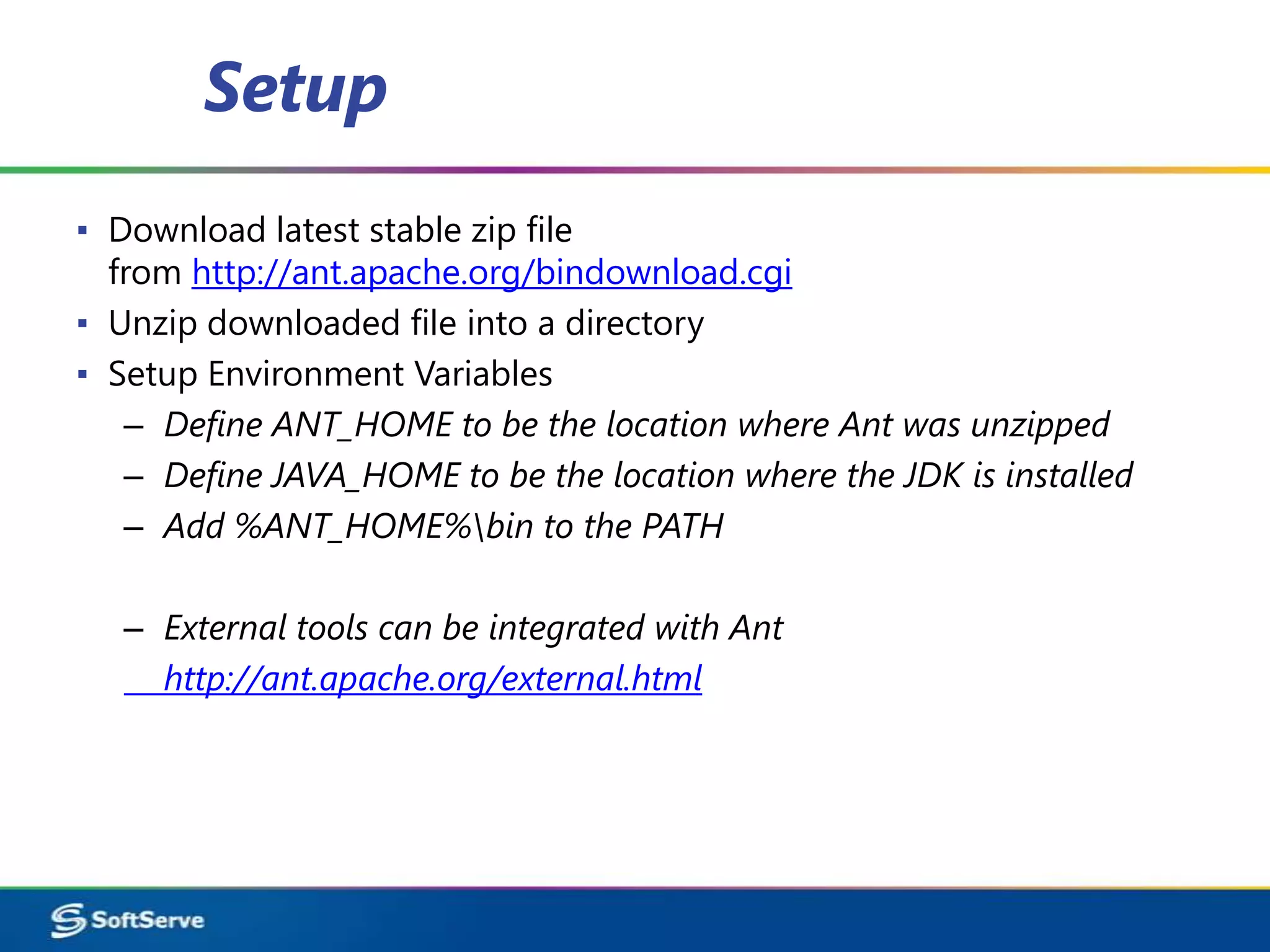
▪ Download latest stable zip file
  from http://ant.apache.org/bindownload.cgi
▪ Unzip downloaded file into a directory
▪ Setup Environment Variables
   – Define ANT_HOME to be the location where Ant was unzipped
   – Define JAVA_HOME to be the location where the JDK is installed
   – Add %ANT_HOME%bin to the PATH

   – External tools can be integrated with Ant
     http://ant.apache.org/external.html
The structure of a typical build.xml
                 file
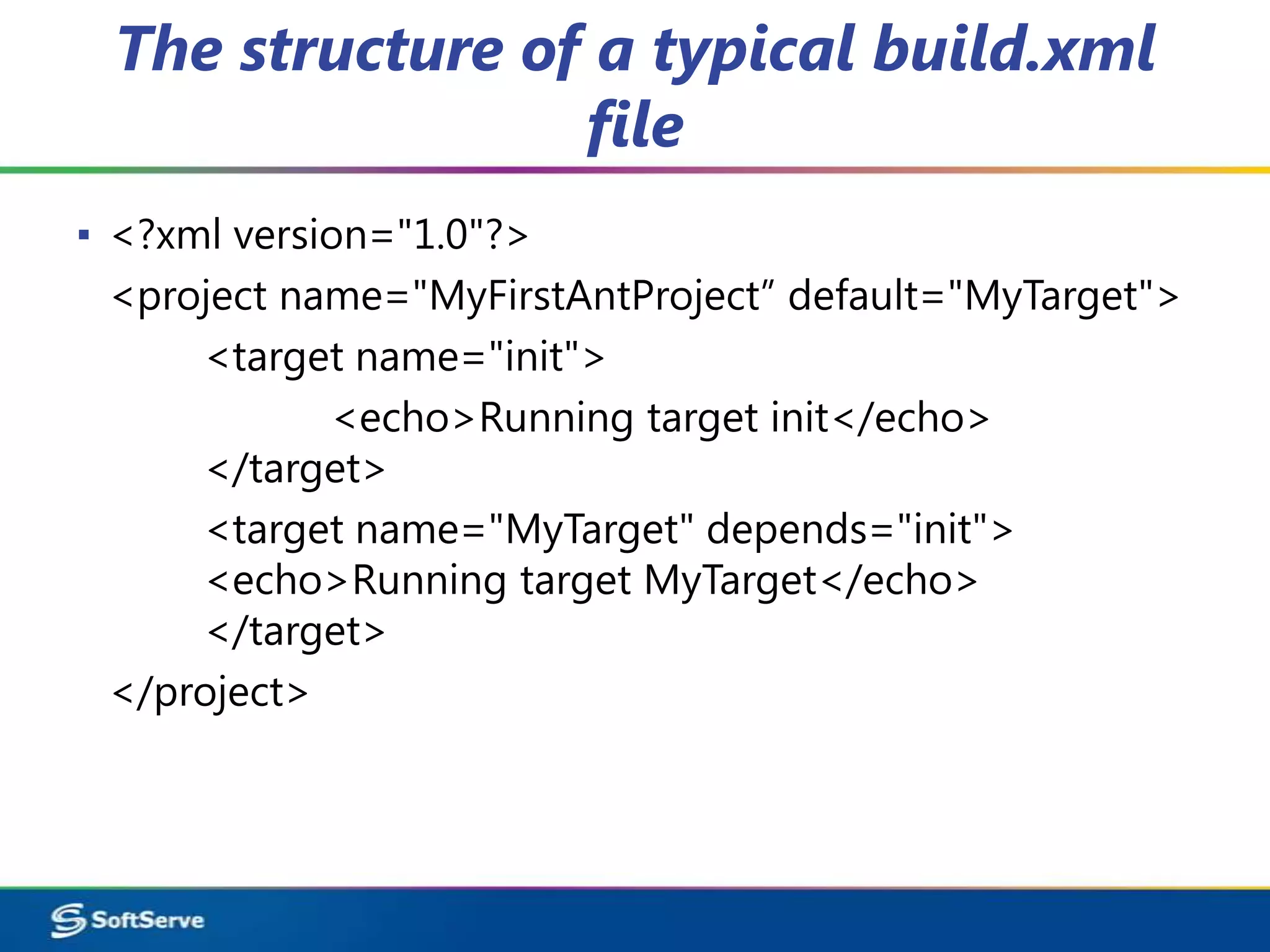
▪ <?xml version="1.0"?>
  <project name="MyFirstAntProject” default="MyTarget">
      <target name="init">
             <echo>Running target init</echo>
      </target>
      <target name="MyTarget" depends="init">
      <echo>Running target MyTarget</echo>
      </target>
  </project>
Here are a few things to note:

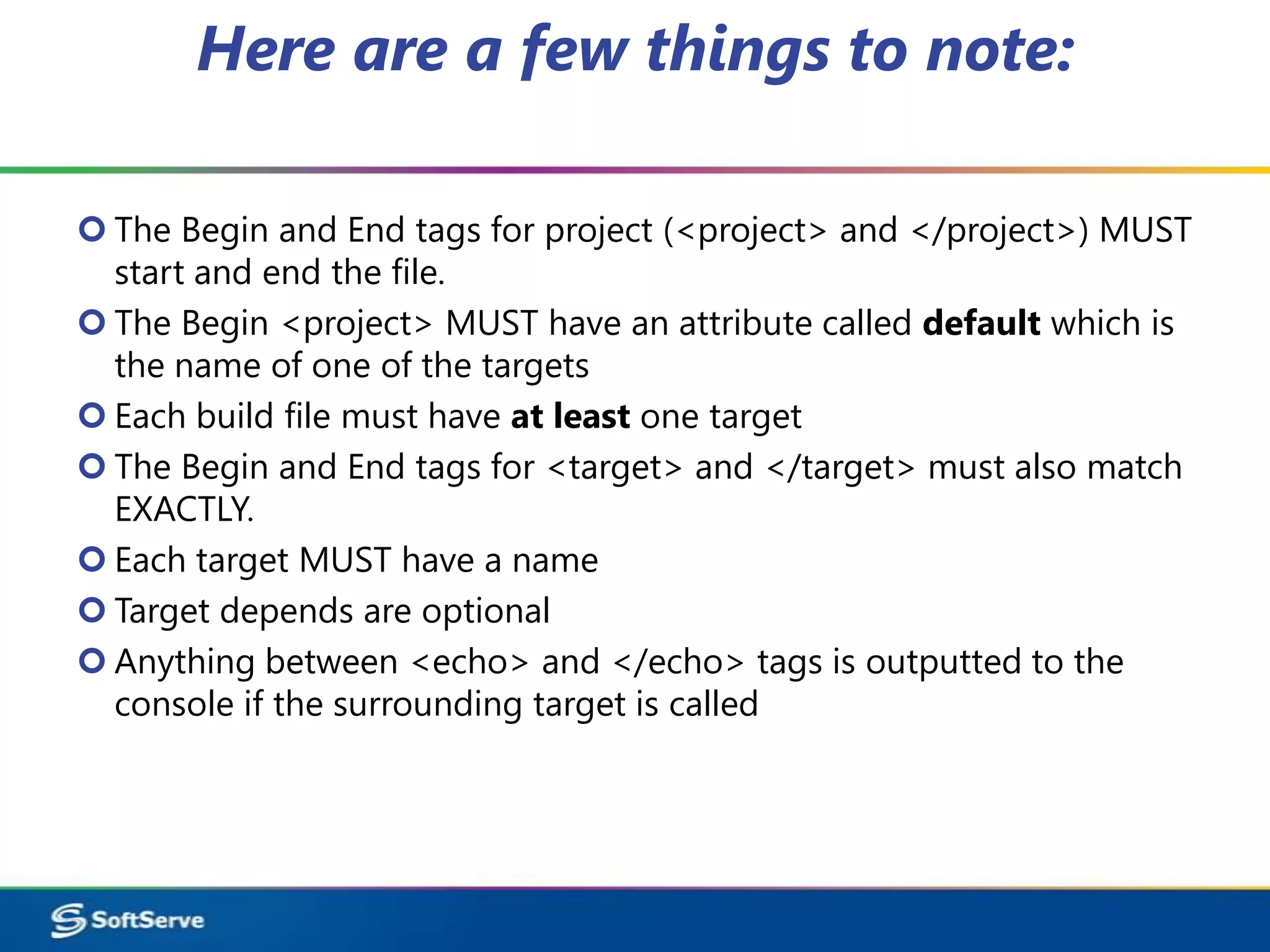
 The Begin and End tags for project (<project> and </project>) MUST
  start and end the file.
 The Begin <project> MUST have an attribute called default which is
  the name of one of the targets
 Each build file must have at least one target
 The Begin and End tags for <target> and </target> must also match
  EXACTLY.
 Each target MUST have a name
 Target depends are optional
 Anything between <echo> and </echo> tags is outputted to the
  console if the surrounding target is called
You can execute this from a DOS or UNIX command
 prompt by creating a file called build.xml and typing:
 -Ant
Ant will search for the build file in the current directory
 and run the build.xml file:
 -Sample Output
  Buildfile: C:AntClassLab01build.xml
  init:
          [echo] Running target init
  MyTarget:
          [echo] Running target MyTarget
  BUILD SUCCESSFUL
  Total time: 188 milliseconds
Ant Terminology
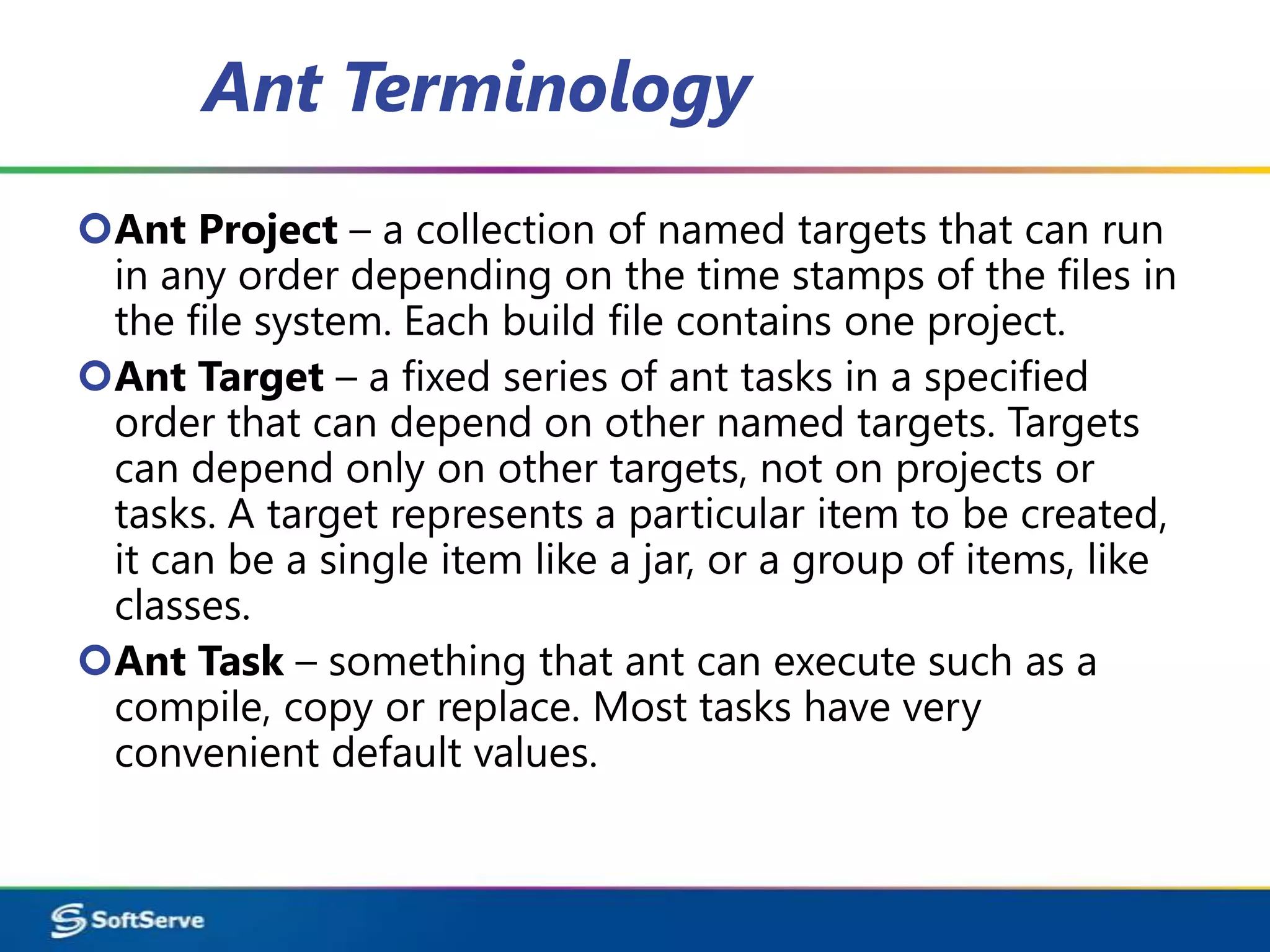
Ant Project – a collection of named targets that can run
 in any order depending on the time stamps of the files in
 the file system. Each build file contains one project.
Ant Target – a fixed series of ant tasks in a specified
 order that can depend on other named targets. Targets
 can depend only on other targets, not on projects or
 tasks. A target represents a particular item to be created,
 it can be a single item like a jar, or a group of items, like
 classes.
Ant Task – something that ant can execute such as a
 compile, copy or replace. Most tasks have very
 convenient default values.
Ant Project

▪ <project> is the top level element in an Ant script
▪ <project> has three optional attributes:
name: the name of the project
default: the default target to use when no
  target is supplied
basedir: the base directory from which all path
  calculations are don
Target
▪ Each project defines zero or more targets
▪ A target is a set of tasks you want to be executed
▪ When starting Ant, you can select which target(s) you
  want to have executed
▪ When no target is given, the project's default is used
▪ Targets can be conditionally executed (using if/unless)
▪ A target can depend on other targets
▪ Target dependencies are transitive
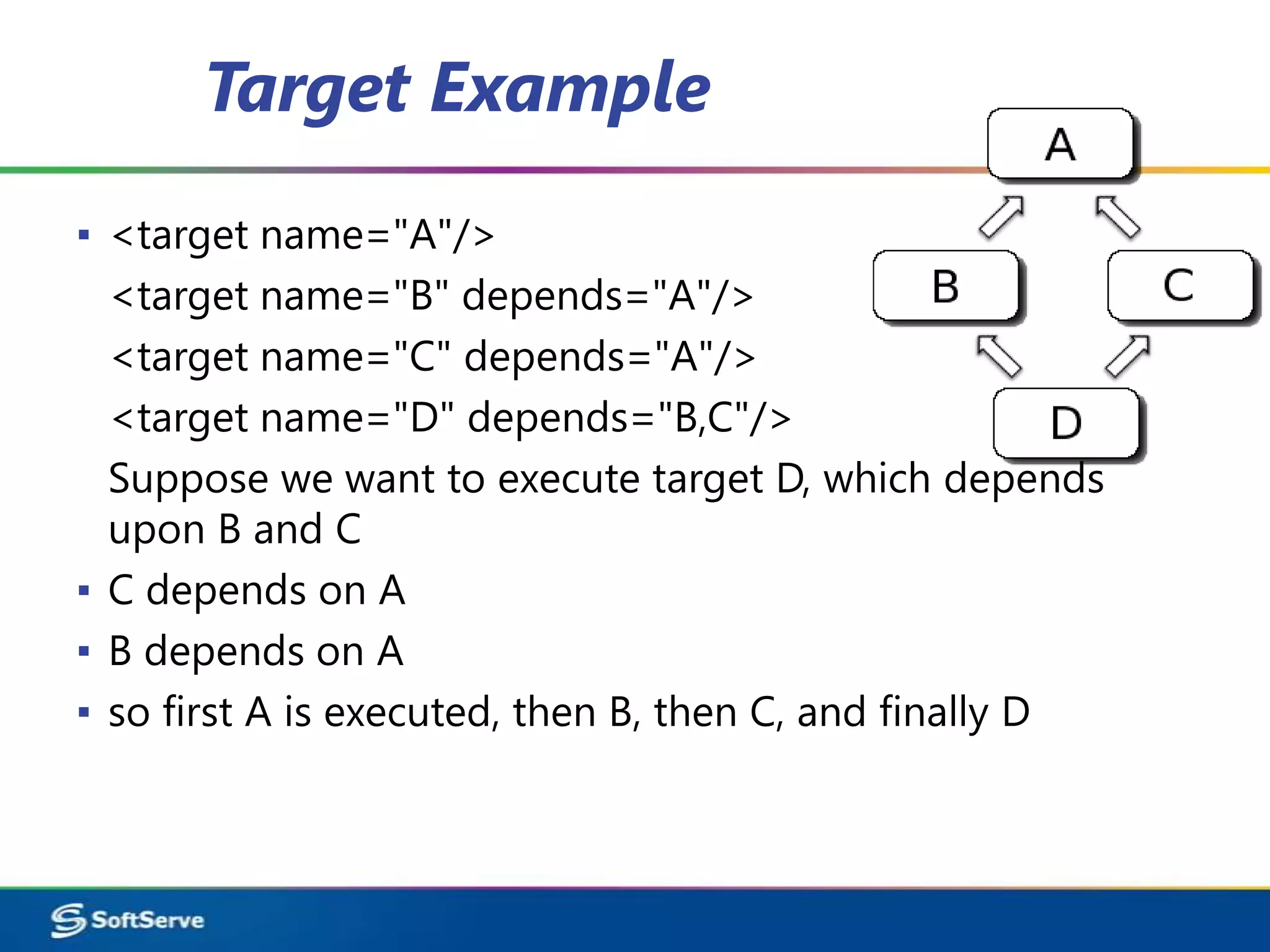
Target Example
▪ <target name="A"/>
  <target name="B" depends="A"/>
  <target name="C" depends="A"/>
  <target name="D" depends="B,C"/>
  Suppose we want to execute target D, which depends
  upon B and C
▪ C depends on A
▪ B depends on A
▪ so first A is executed, then B, then C, and finally D
Tasks
       File Tasks:
▪ <copy>, <concat>, <delete>, <filter>, <fixcrlf>, <get>
        COMPILE TASKS:
   <javac>
▪        Compiles the specified source file(s) within the running (Ant) VM, or in
    another VM if the fork attribute is specified.
   <apt>
▪          Runs the annotation processor tool (apt), and then optionally compiles
    the original code, and any generated source code.
   <rmic>
▪           Runs the rmic compiler
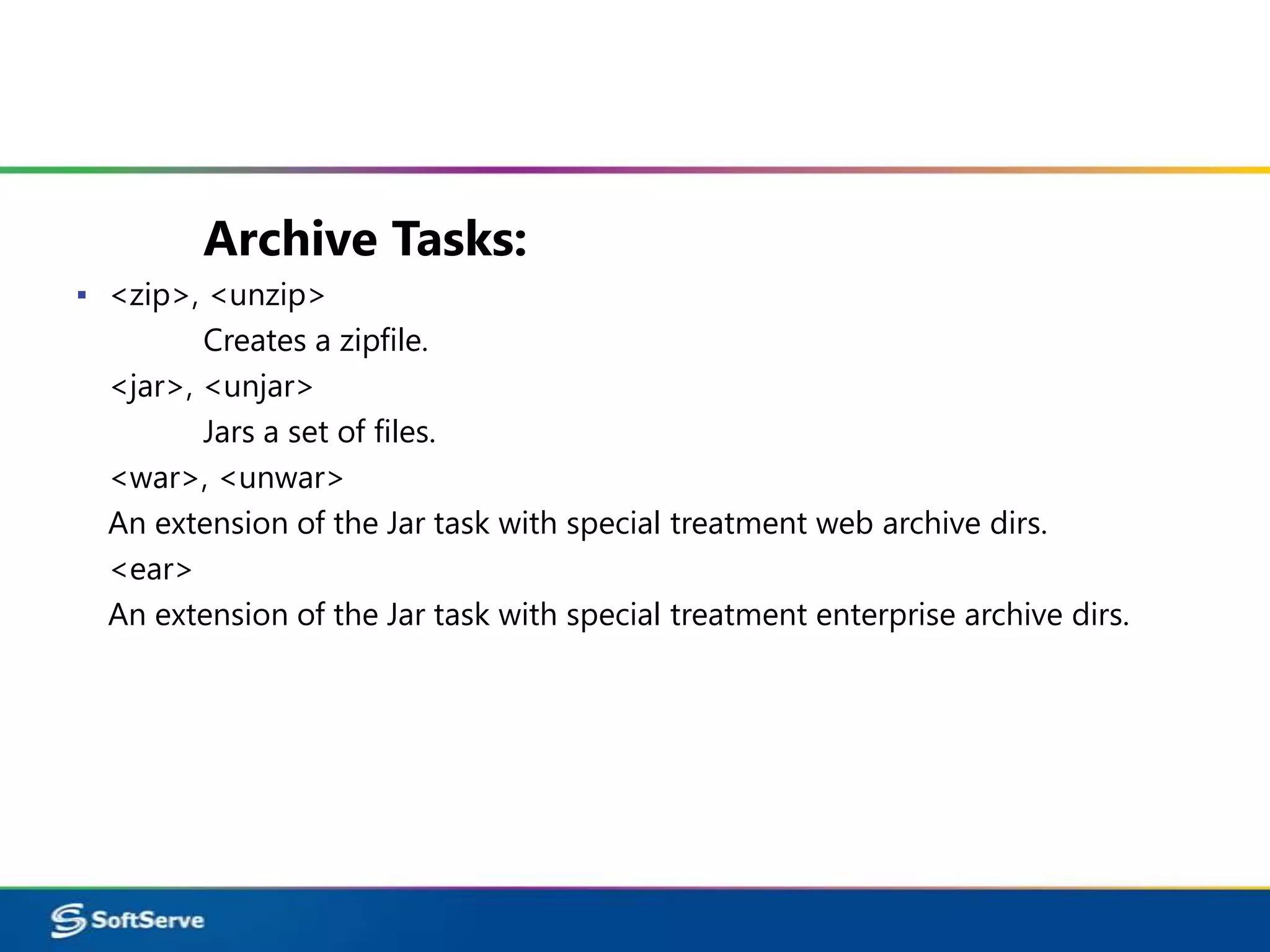
Archive Tasks:
▪ <zip>, <unzip>
         Creates a zipfile.
  <jar>, <unjar>
         Jars a set of files.
  <war>, <unwar>
  An extension of the Jar task with special treatment web archive dirs.
  <ear>
  An extension of the Jar task with special treatment enterprise archive dirs.
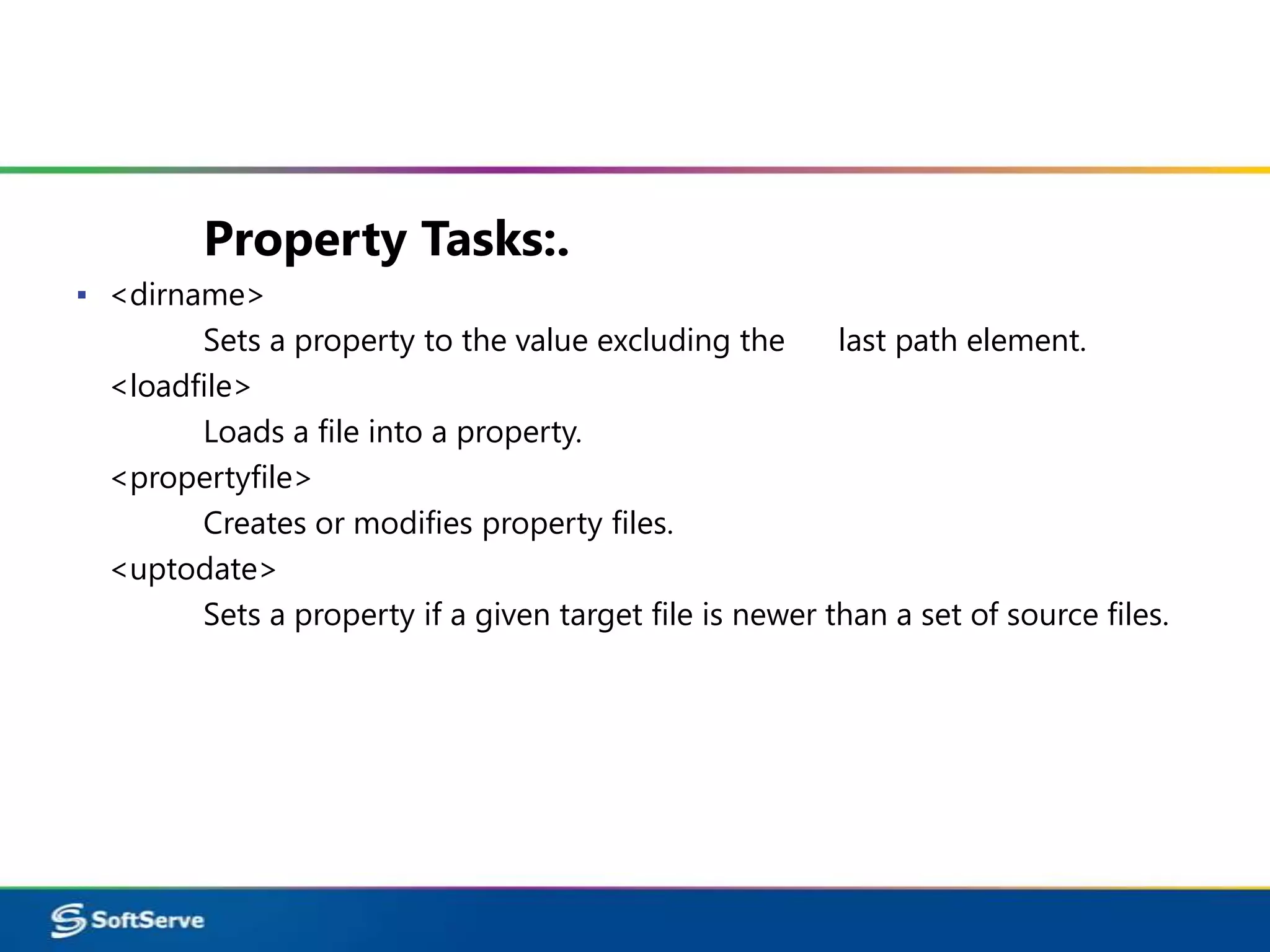
Property Tasks:.
▪ <dirname>
        Sets a property to the value excluding the       last path element.
  <loadfile>
        Loads a file into a property.
  <propertyfile>
        Creates or modifies property files.
  <uptodate>
        Sets a property if a given target file is newer than a set of source files.
▪ Optionally you can also pass ant the name of the
  target to run as a command line argument
  - ant init


▪ Ant does not have variables like in most standard
  programming languages. Ant has a structure
  called properties.
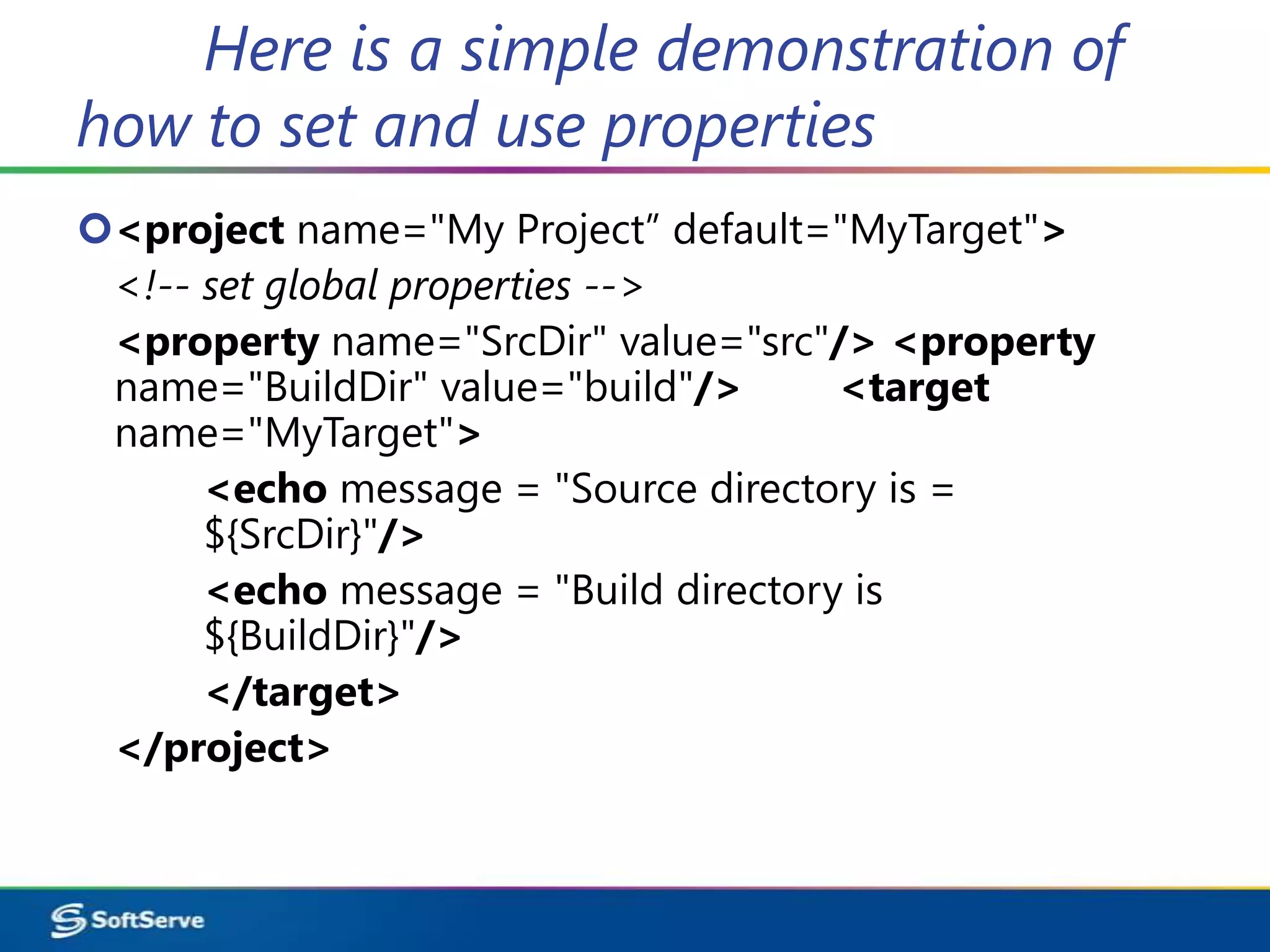
Here is a simple demonstration of
how to set and use properties
<project name="My Project” default="MyTarget">
 <!-- set global properties -->
 <property name="SrcDir" value="src"/> <property
 name="BuildDir" value="build"/>      <target
 name="MyTarget">
      <echo message = "Source directory is =
      ${SrcDir}"/>
      <echo message = "Build directory is
      ${BuildDir}"/>
      </target>
 </project>
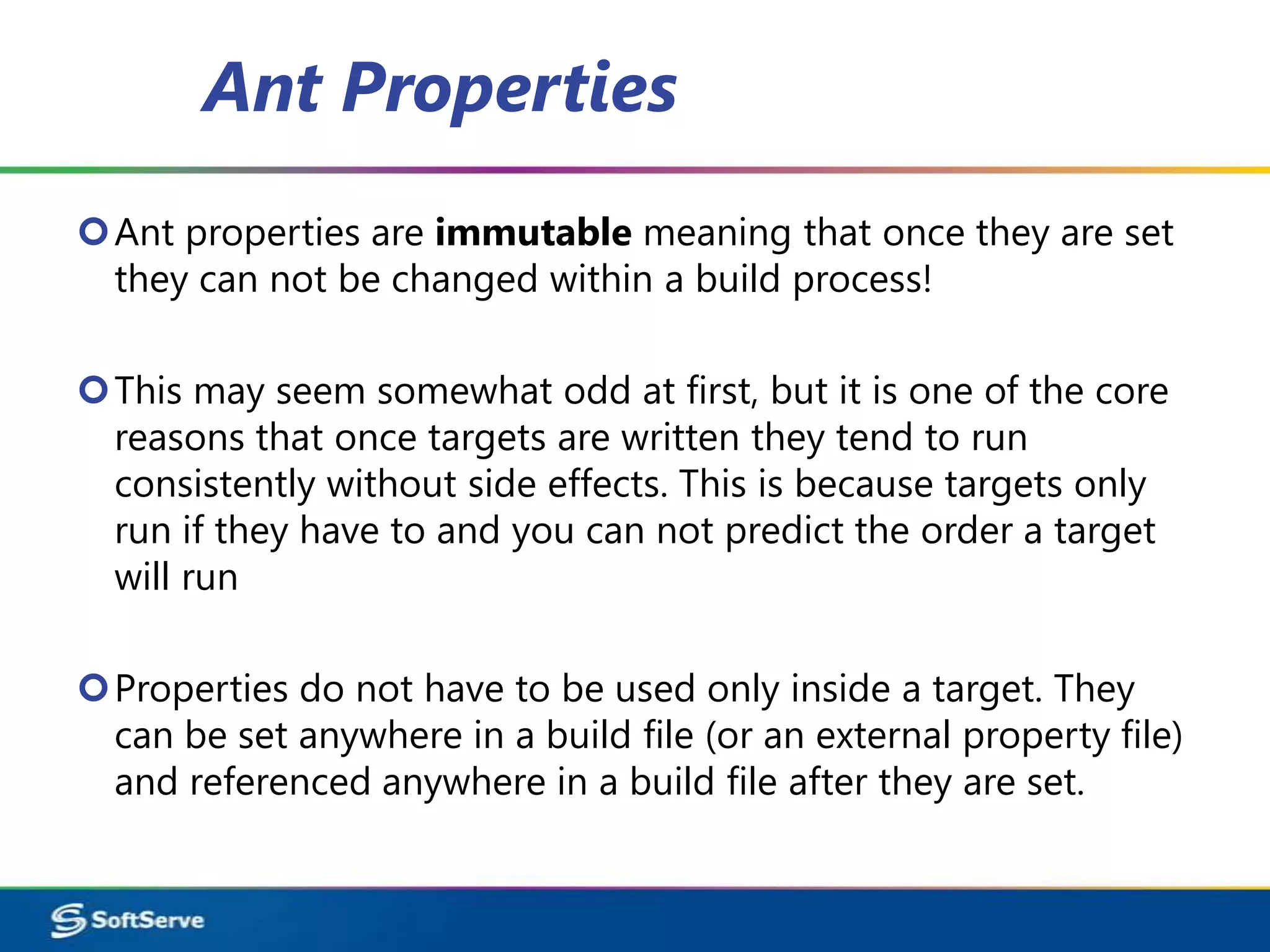
Ant Properties
Ant properties are immutable meaning that once they are set
 they can not be changed within a build process!

This may seem somewhat odd at first, but it is one of the core
 reasons that once targets are written they tend to run
 consistently without side effects. This is because targets only
 run if they have to and you can not predict the order a target
 will run

Properties do not have to be used only inside a target. They
 can be set anywhere in a build file (or an external property file)
 and referenced anywhere in a build file after they are set.
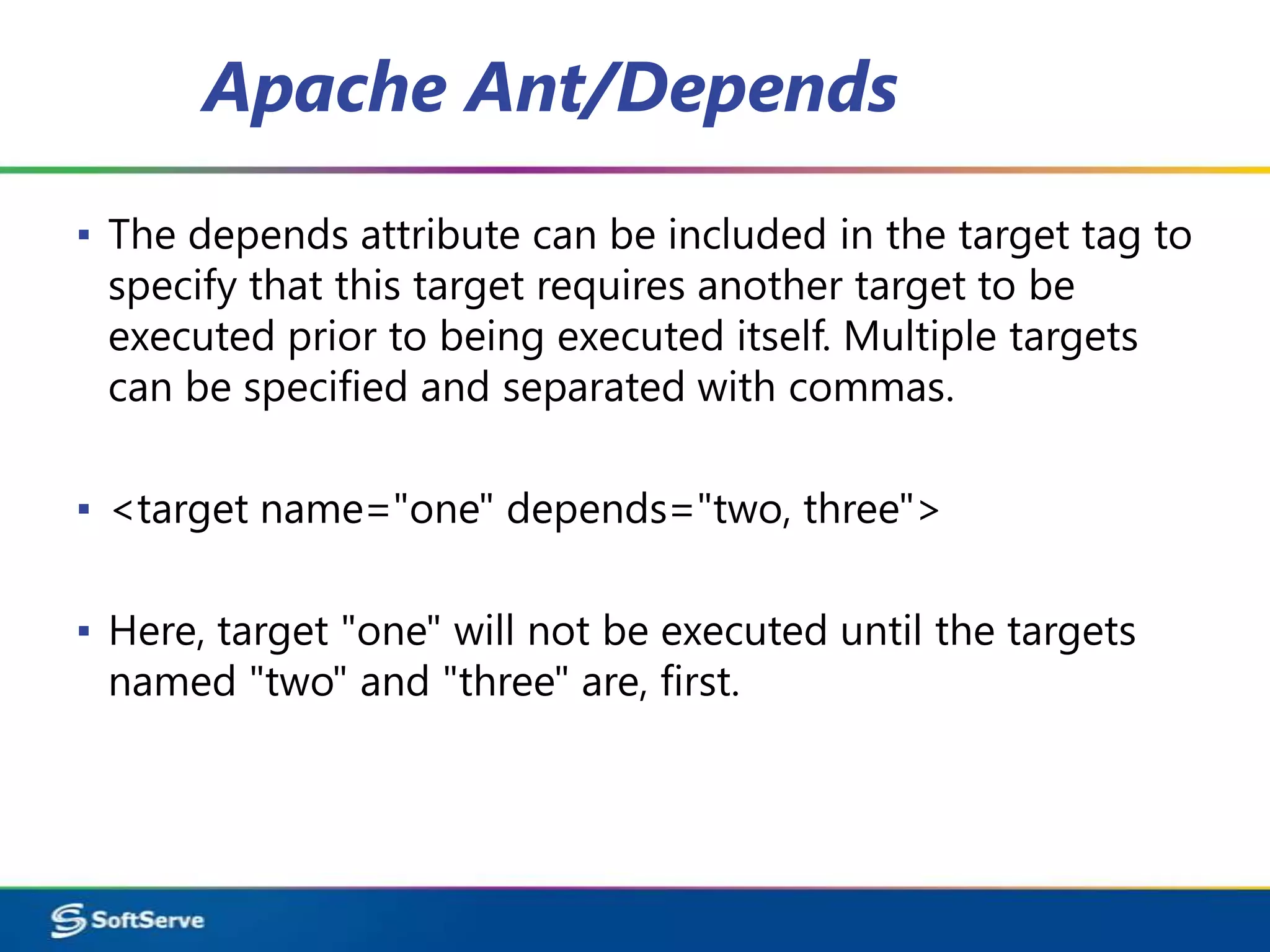
Apache Ant/Depends
▪ The depends attribute can be included in the target tag to
  specify that this target requires another target to be
  executed prior to being executed itself. Multiple targets
  can be specified and separated with commas.

▪ <target name="one" depends="two, three">

▪ Here, target "one" will not be executed until the targets
  named "two" and "three" are, first.
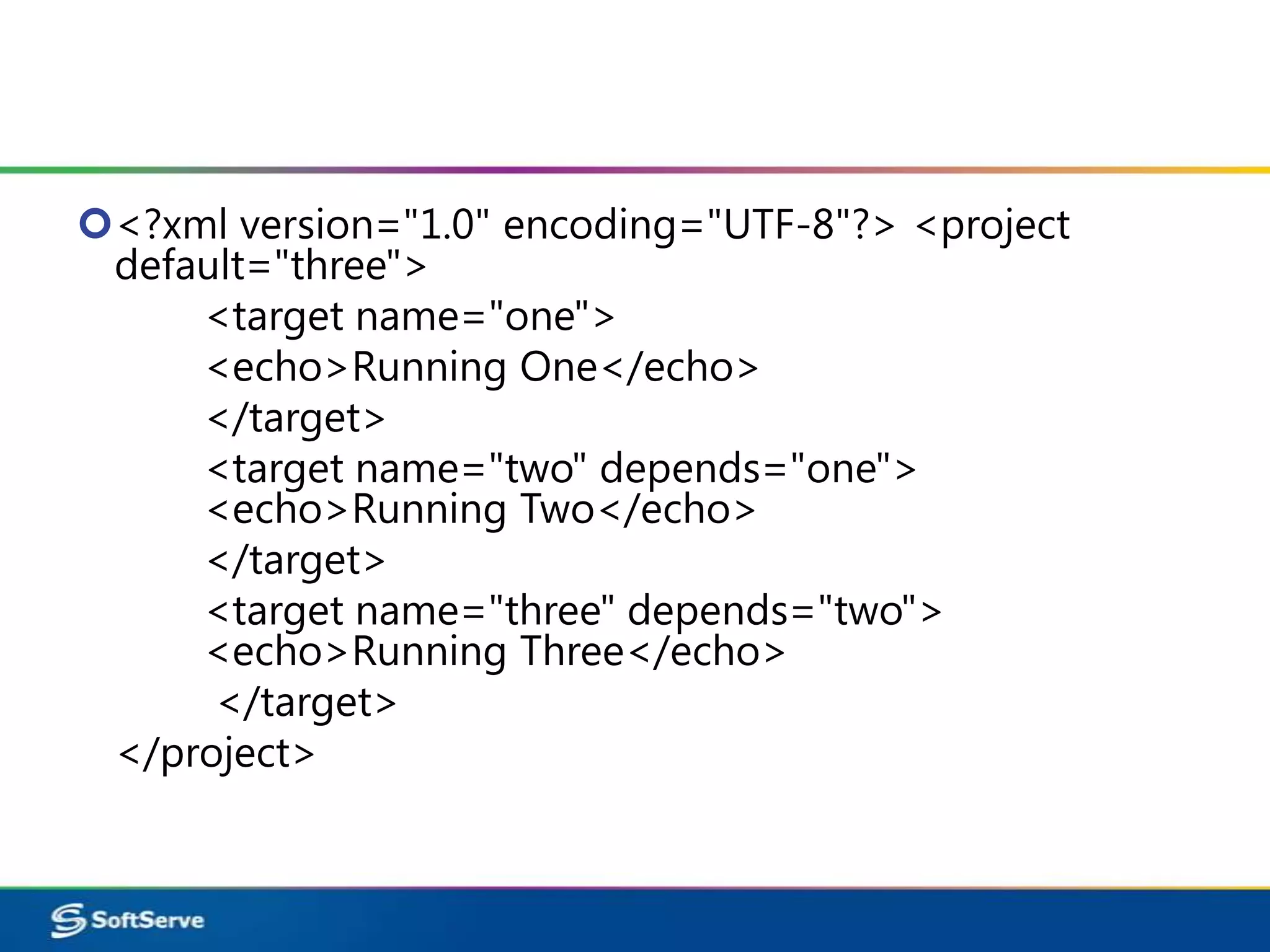
<?xml version="1.0" encoding="UTF-8"?> <project
 default="three">
     <target name="one">
     <echo>Running One</echo>
     </target>
     <target name="two" depends="one">
     <echo>Running Two</echo>
     </target>
     <target name="three" depends="two">
     <echo>Running Three</echo>
      </target>
 </project>
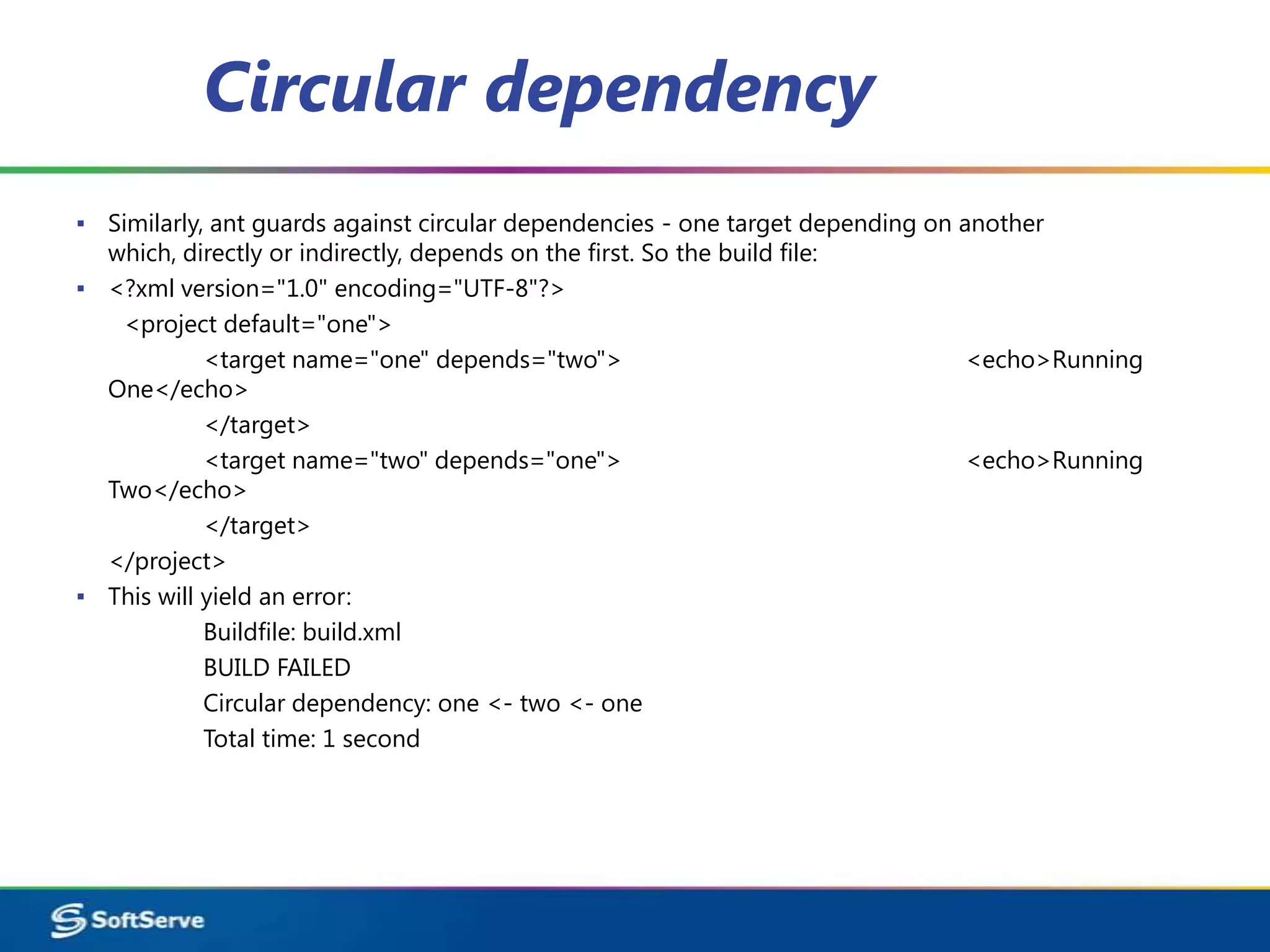
Circular dependency
▪ Similarly, ant guards against circular dependencies - one target depending on another
  which, directly or indirectly, depends on the first. So the build file:
▪ <?xml version="1.0" encoding="UTF-8"?>
   <project default="one">
            <target name="one" depends="two">                                    <echo>Running
  One</echo>
            </target>
            <target name="two" depends="one">                                    <echo>Running
  Two</echo>
            </target>
  </project>
▪ This will yield an error:
            Buildfile: build.xml
            BUILD FAILED
            Circular dependency: one <- two <- one
            Total time: 1 second
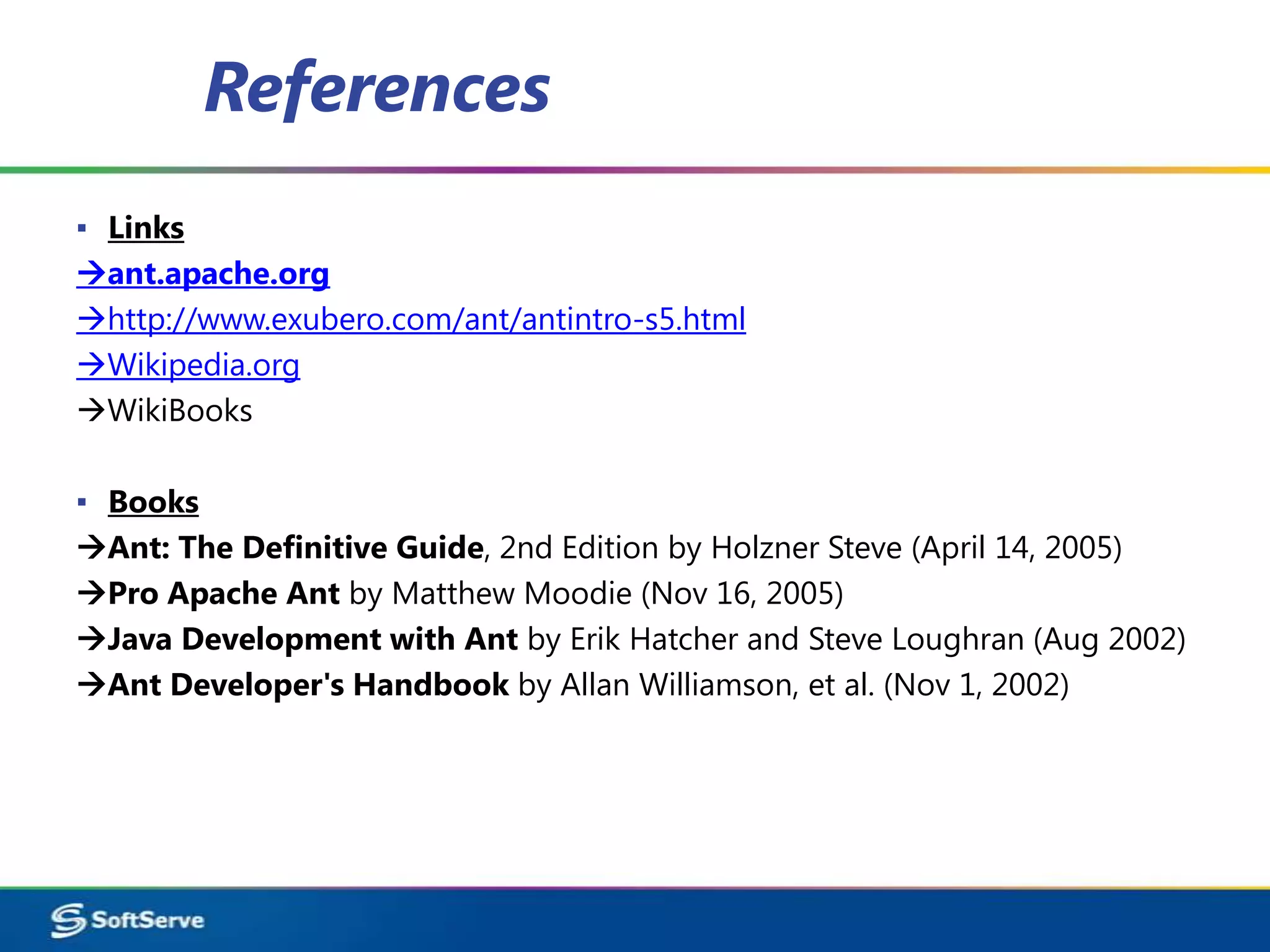
References
▪ Links
ant.apache.org
http://www.exubero.com/ant/antintro-s5.html
Wikipedia.org
WikiBooks

▪ Books
Ant: The Definitive Guide, 2nd Edition by Holzner Steve (April 14, 2005)
Pro Apache Ant by Matthew Moodie (Nov 16, 2005)
Java Development with Ant by Erik Hatcher and Steve Loughran (Aug 2002)
Ant Developer's Handbook by Allan Williamson, et al. (Nov 1, 2002)
Questions
Apache ant

Apache ant

  • 1.
    Apache Ant Overview 04.24.2012
  • 2.
    Agenda ▪ What’s Ant,and why to use it ▪ Installing and executing Ant ▪ Ant terminology and concepts ▪ Core Ant tasks ▪ Demo
  • 3.
    What’s ANT? ▪ Antis a Java-based build tool with the full portability of pure Java code. ▪ According to Ant's original author, James Duncan Davidson. The name is an acronym for "Another Neat Tool".
  • 4.
    What’s ANT? ▪ Antis implemented in Java. ▪ Ant is Open Source, maintained by Apache. ▪ Ant is cross platform and portable. ▪ Ant is not a programming language.
  • 5.
    Ant is OperatingSystem and Language Neutral ▪ Builds run on both Windows and UNIX/Linux systems ▪ Should run anywhere a Java VM runs ▪ Build targets can still do OS-specific tasks ▪ Works with anything that can be done from the command line ▪ Easy to extend (with Java) ▪ It is possible to extend with other languages as long as they have Java bindings but in practice, most people use Java to extend Ant
  • 6.
    What can Antdo? ▪ Ant can get source code from version control – CVS, Subversion, Synergy, Perforce, ClearCase and many more ▪ Ant can compile source code ▪ Ant can run unit tests – JUnit3, JUnit4, TestNG, or any arbitrary test application ▪ Ant can package compiled code and resources – jars, wars, ears, tars, zips, whatever
  • 7.
    Build Automation ▪ Automated build procedures are a best practice ▪ Manual procedures are mistake prone ▪ Automated builds are self documenting ▪ Automated builds improve productivity ▪ Automated builds can be triggered by other tools – Nightly builds using cron – Continous integration using CruiseControl
  • 8.
    Download Ant ▪ ApacheAnt is a software tool for automating software build processes. It is similar to Make but is implemented using the Java language, requires the Java platform, and is best suited to building Java projects. -Wikipedia ▪ Website to Download Windows Ant http://code.google.com/p/winant/ Download Apache Ant http://ant.apache.org/bindownload.cgi
  • 9.
    Setup ▪ Download lateststable zip file from http://ant.apache.org/bindownload.cgi ▪ Unzip downloaded file into a directory ▪ Setup Environment Variables – Define ANT_HOME to be the location where Ant was unzipped – Define JAVA_HOME to be the location where the JDK is installed – Add %ANT_HOME%bin to the PATH – External tools can be integrated with Ant http://ant.apache.org/external.html
  • 10.
    The structure ofa typical build.xml file ▪ <?xml version="1.0"?> <project name="MyFirstAntProject” default="MyTarget"> <target name="init"> <echo>Running target init</echo> </target> <target name="MyTarget" depends="init"> <echo>Running target MyTarget</echo> </target> </project>
  • 11.
    Here are afew things to note:  The Begin and End tags for project (<project> and </project>) MUST start and end the file.  The Begin <project> MUST have an attribute called default which is the name of one of the targets  Each build file must have at least one target  The Begin and End tags for <target> and </target> must also match EXACTLY.  Each target MUST have a name  Target depends are optional  Anything between <echo> and </echo> tags is outputted to the console if the surrounding target is called
  • 12.
    You can executethis from a DOS or UNIX command prompt by creating a file called build.xml and typing: -Ant Ant will search for the build file in the current directory and run the build.xml file: -Sample Output Buildfile: C:AntClassLab01build.xml init: [echo] Running target init MyTarget: [echo] Running target MyTarget BUILD SUCCESSFUL Total time: 188 milliseconds
  • 13.
    Ant Terminology Ant Project– a collection of named targets that can run in any order depending on the time stamps of the files in the file system. Each build file contains one project. Ant Target – a fixed series of ant tasks in a specified order that can depend on other named targets. Targets can depend only on other targets, not on projects or tasks. A target represents a particular item to be created, it can be a single item like a jar, or a group of items, like classes. Ant Task – something that ant can execute such as a compile, copy or replace. Most tasks have very convenient default values.
  • 14.
    Ant Project ▪ <project>is the top level element in an Ant script ▪ <project> has three optional attributes: name: the name of the project default: the default target to use when no target is supplied basedir: the base directory from which all path calculations are don
  • 15.
    Target ▪ Each projectdefines zero or more targets ▪ A target is a set of tasks you want to be executed ▪ When starting Ant, you can select which target(s) you want to have executed ▪ When no target is given, the project's default is used ▪ Targets can be conditionally executed (using if/unless) ▪ A target can depend on other targets ▪ Target dependencies are transitive
  • 16.
    Target Example ▪ <targetname="A"/> <target name="B" depends="A"/> <target name="C" depends="A"/> <target name="D" depends="B,C"/> Suppose we want to execute target D, which depends upon B and C ▪ C depends on A ▪ B depends on A ▪ so first A is executed, then B, then C, and finally D
  • 17.
    Tasks File Tasks: ▪ <copy>, <concat>, <delete>, <filter>, <fixcrlf>, <get> COMPILE TASKS:  <javac> ▪ Compiles the specified source file(s) within the running (Ant) VM, or in another VM if the fork attribute is specified.  <apt> ▪ Runs the annotation processor tool (apt), and then optionally compiles the original code, and any generated source code.  <rmic> ▪ Runs the rmic compiler
  • 18.
    Archive Tasks: ▪ <zip>,<unzip> Creates a zipfile. <jar>, <unjar> Jars a set of files. <war>, <unwar> An extension of the Jar task with special treatment web archive dirs. <ear> An extension of the Jar task with special treatment enterprise archive dirs.
  • 19.
    Property Tasks:. ▪ <dirname> Sets a property to the value excluding the last path element. <loadfile> Loads a file into a property. <propertyfile> Creates or modifies property files. <uptodate> Sets a property if a given target file is newer than a set of source files.
  • 20.
    ▪ Optionally youcan also pass ant the name of the target to run as a command line argument - ant init ▪ Ant does not have variables like in most standard programming languages. Ant has a structure called properties.
  • 21.
    Here is asimple demonstration of how to set and use properties <project name="My Project” default="MyTarget"> <!-- set global properties --> <property name="SrcDir" value="src"/> <property name="BuildDir" value="build"/> <target name="MyTarget"> <echo message = "Source directory is = ${SrcDir}"/> <echo message = "Build directory is ${BuildDir}"/> </target> </project>
  • 22.
    Ant Properties Ant propertiesare immutable meaning that once they are set they can not be changed within a build process! This may seem somewhat odd at first, but it is one of the core reasons that once targets are written they tend to run consistently without side effects. This is because targets only run if they have to and you can not predict the order a target will run Properties do not have to be used only inside a target. They can be set anywhere in a build file (or an external property file) and referenced anywhere in a build file after they are set.
  • 23.
    Apache Ant/Depends ▪ Thedepends attribute can be included in the target tag to specify that this target requires another target to be executed prior to being executed itself. Multiple targets can be specified and separated with commas. ▪ <target name="one" depends="two, three"> ▪ Here, target "one" will not be executed until the targets named "two" and "three" are, first.
  • 24.
    <?xml version="1.0" encoding="UTF-8"?><project default="three"> <target name="one"> <echo>Running One</echo> </target> <target name="two" depends="one"> <echo>Running Two</echo> </target> <target name="three" depends="two"> <echo>Running Three</echo> </target> </project>
  • 25.
    Circular dependency ▪ Similarly,ant guards against circular dependencies - one target depending on another which, directly or indirectly, depends on the first. So the build file: ▪ <?xml version="1.0" encoding="UTF-8"?> <project default="one"> <target name="one" depends="two"> <echo>Running One</echo> </target> <target name="two" depends="one"> <echo>Running Two</echo> </target> </project> ▪ This will yield an error: Buildfile: build.xml BUILD FAILED Circular dependency: one <- two <- one Total time: 1 second
  • 26.
    References ▪ Links ant.apache.org http://www.exubero.com/ant/antintro-s5.html Wikipedia.org WikiBooks ▪ Books Ant:The Definitive Guide, 2nd Edition by Holzner Steve (April 14, 2005) Pro Apache Ant by Matthew Moodie (Nov 16, 2005) Java Development with Ant by Erik Hatcher and Steve Loughran (Aug 2002) Ant Developer's Handbook by Allan Williamson, et al. (Nov 1, 2002)
  • 27.