Download to read offline
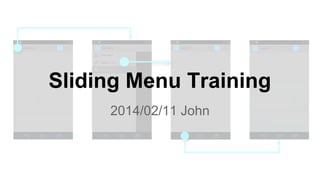
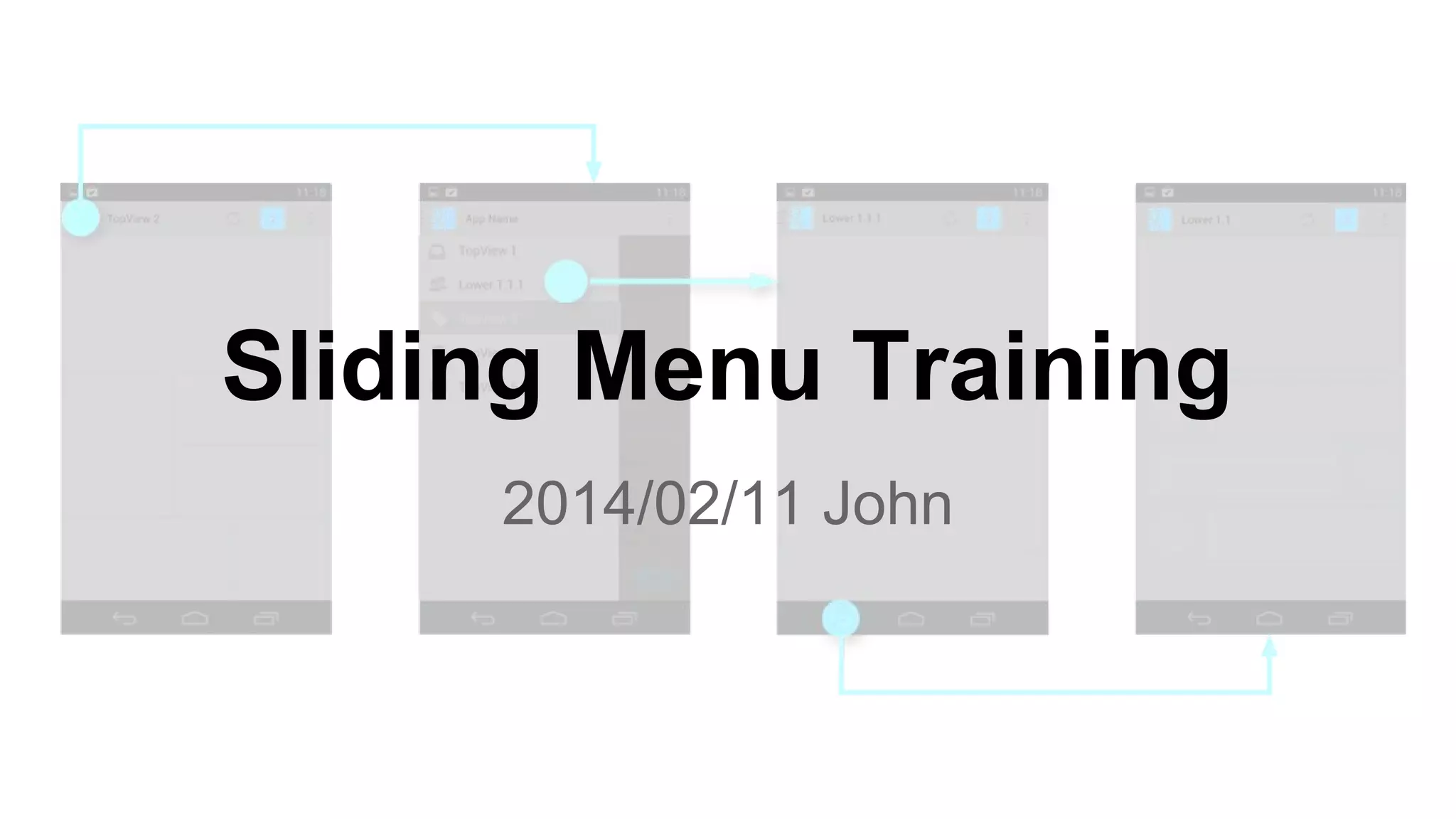

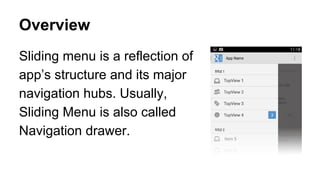
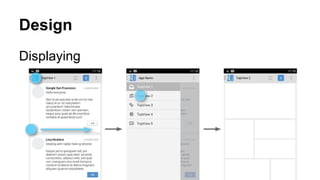
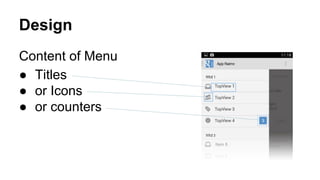
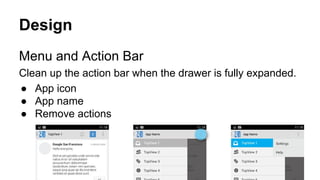
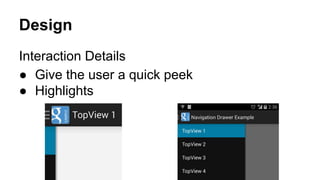
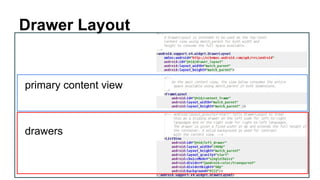
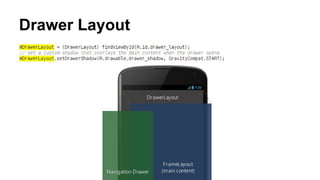
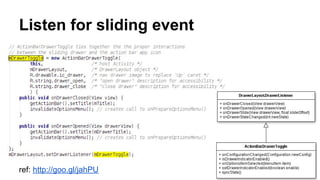

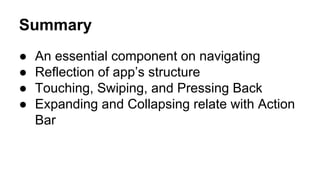
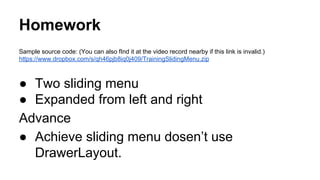

This document provides an overview and instructions for implementing a sliding menu navigation component. It discusses the design considerations for the menu content and interaction with the action bar. Technical details are given for using DrawerLayout to position the menu and main content views as well as handling click and slide events. The summary restates the importance of navigation and how the sliding menu reflects the app's structure. Homework involves expanding the sample code to include dual sliding menus from the left and right without using DrawerLayout.


![Lecture Slides for Preferences and Menus [Android ]](https://cdn.slidesharecdn.com/ss_thumbnails/09-prefandmenu-111012094105-phpapp02-thumbnail.jpg?width=640&height=640&fit=bounds)


![Polymer [ बहुलक ] Chemistry Notes PDF - Irfanullah Mehar - JJ Sir Chemistry.pdf](https://cdn.slidesharecdn.com/ss_thumbnails/polymerchemistrynotespdf-irfanullahmehar-jjsirchemistry-260210172118-3f9b37f7-thumbnail.jpg?width=640&height=640&fit=bounds)


