An introduction to infrastructure
management with SaltStack
Aurélien Géron - 06/2013
Overview
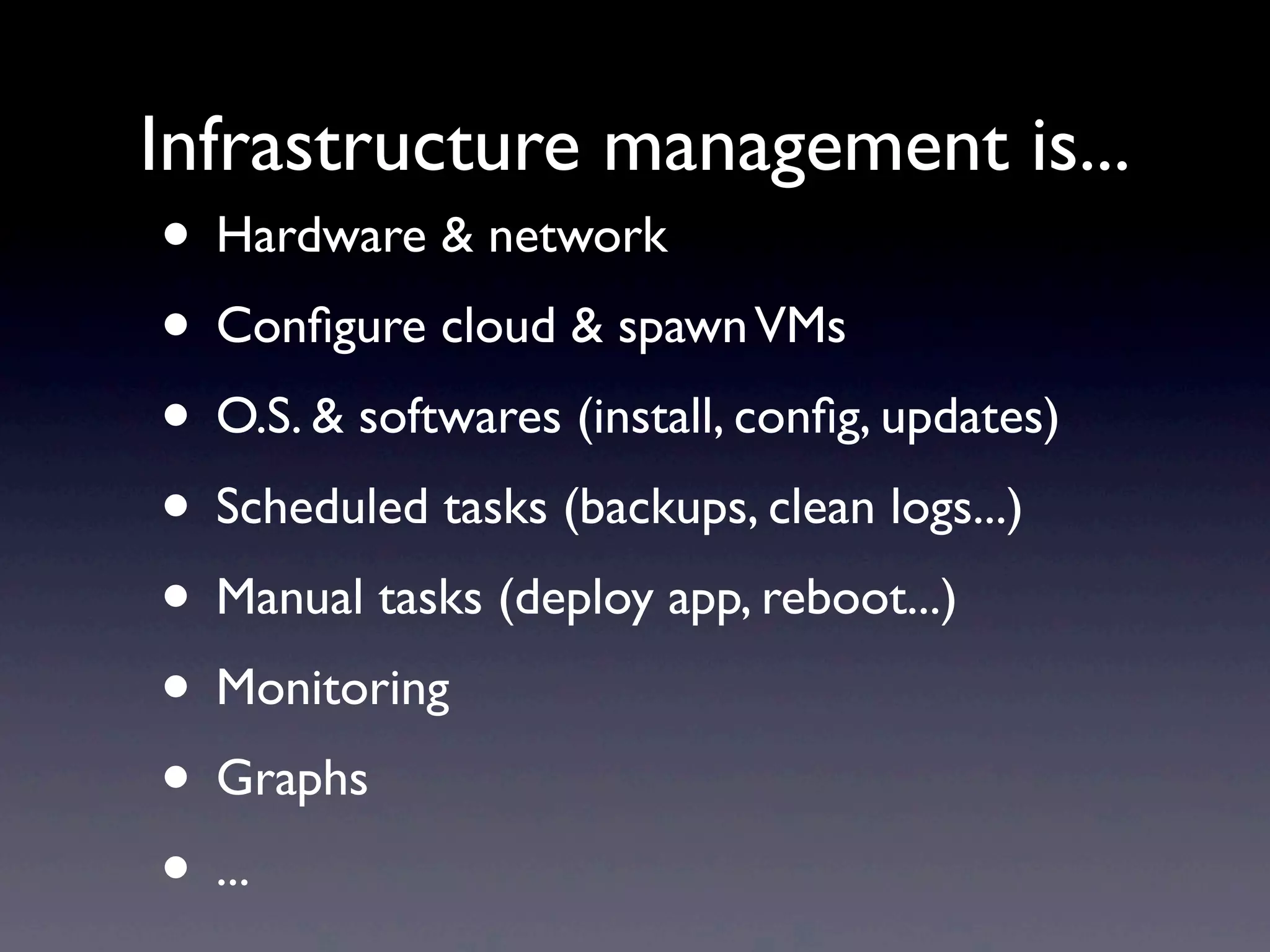
• Hardware & network
• Configure cloud & spawnVMs
• O.S. & softwares (install, config, updates)
• Scheduled tasks (backups, clean logs...)
• Manual tasks (deploy app, reboot...)
• Monitoring
• Graphs
• ...
Infrastructure management is...
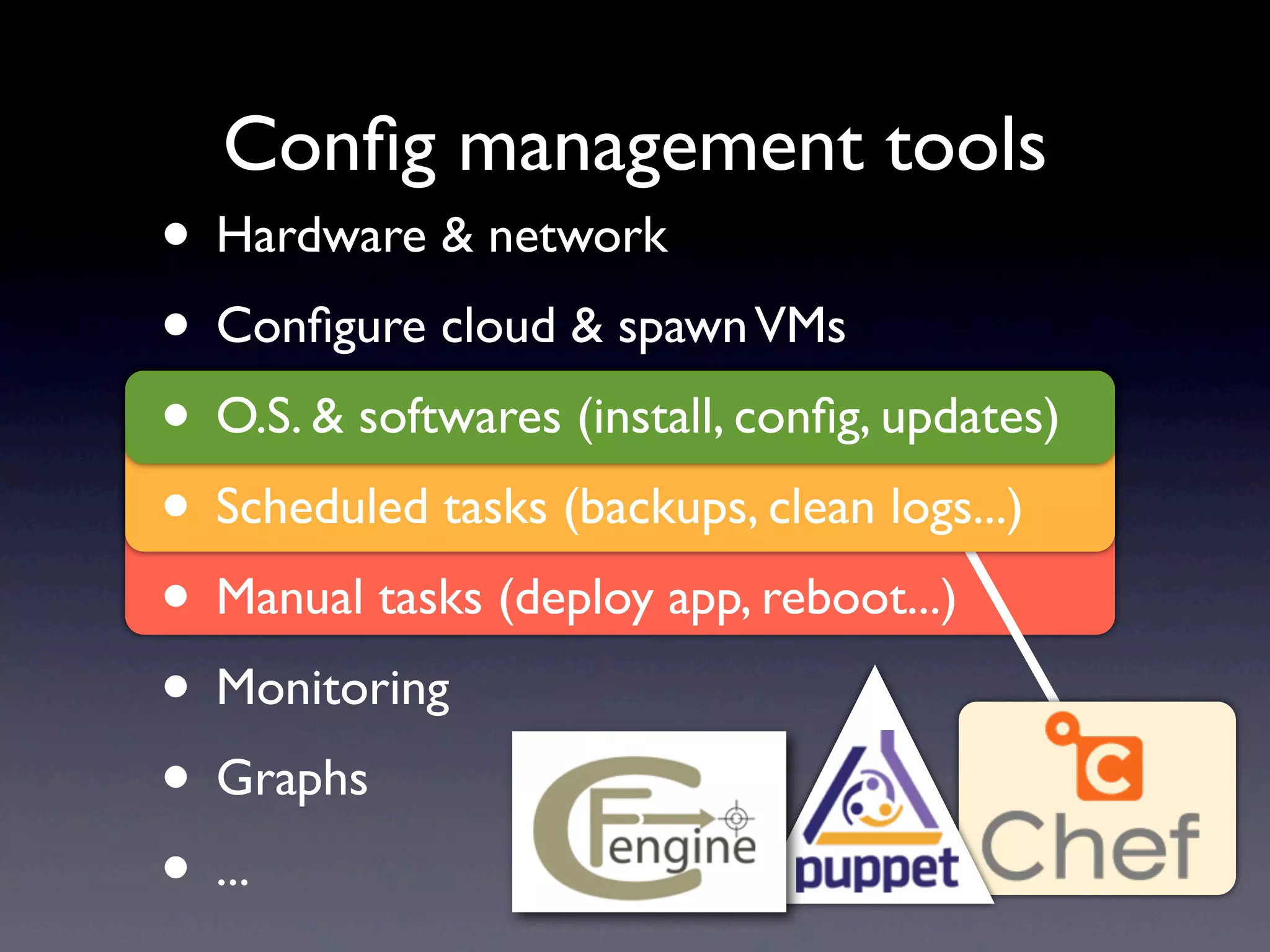
Config management tools
• Hardware & network
• Configure cloud & spawnVMs
• O.S. & softwares (install, config, updates)
• Scheduled tasks (backups, clean logs...)
• Manual tasks (deploy app, reboot...)
• Monitoring
• Graphs
• ...
• Hardware & network
• Configure cloud & spawnVMs
• O.S. & softwares (install, config, updates)
• Scheduled tasks (backups, clean logs...)
• Manual tasks (deploy app, reboot...)
• Monitoring
• Graphs
• ...
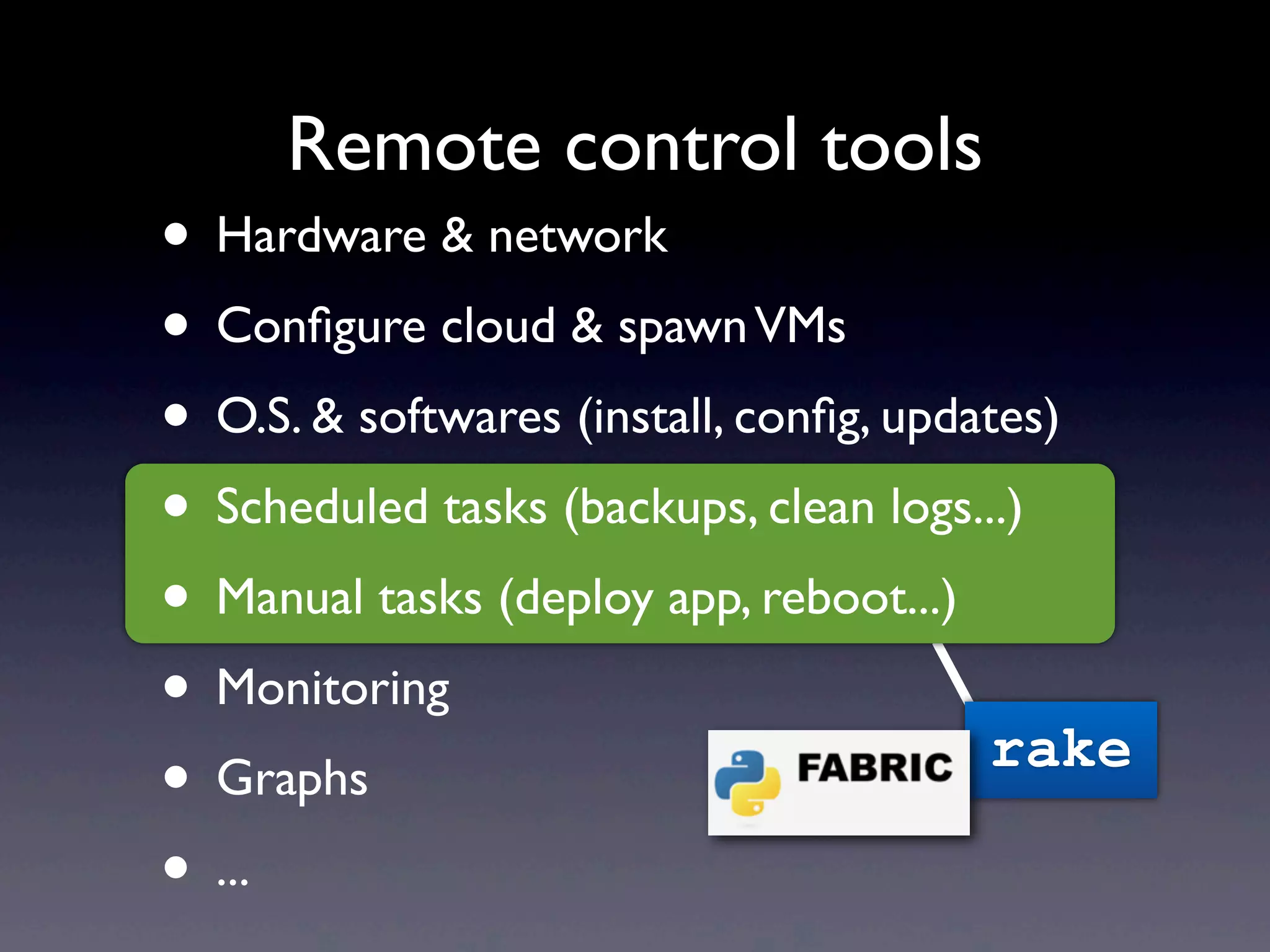
Remote control tools
rake
• Hardware & network
• Configure cloud & spawnVMs
• O.S. & softwares (install, config, updates)
• Scheduled tasks (backups, clean logs...)
• Manual tasks (deploy app, reboot...)
• Monitoring
• Graphs
• ...
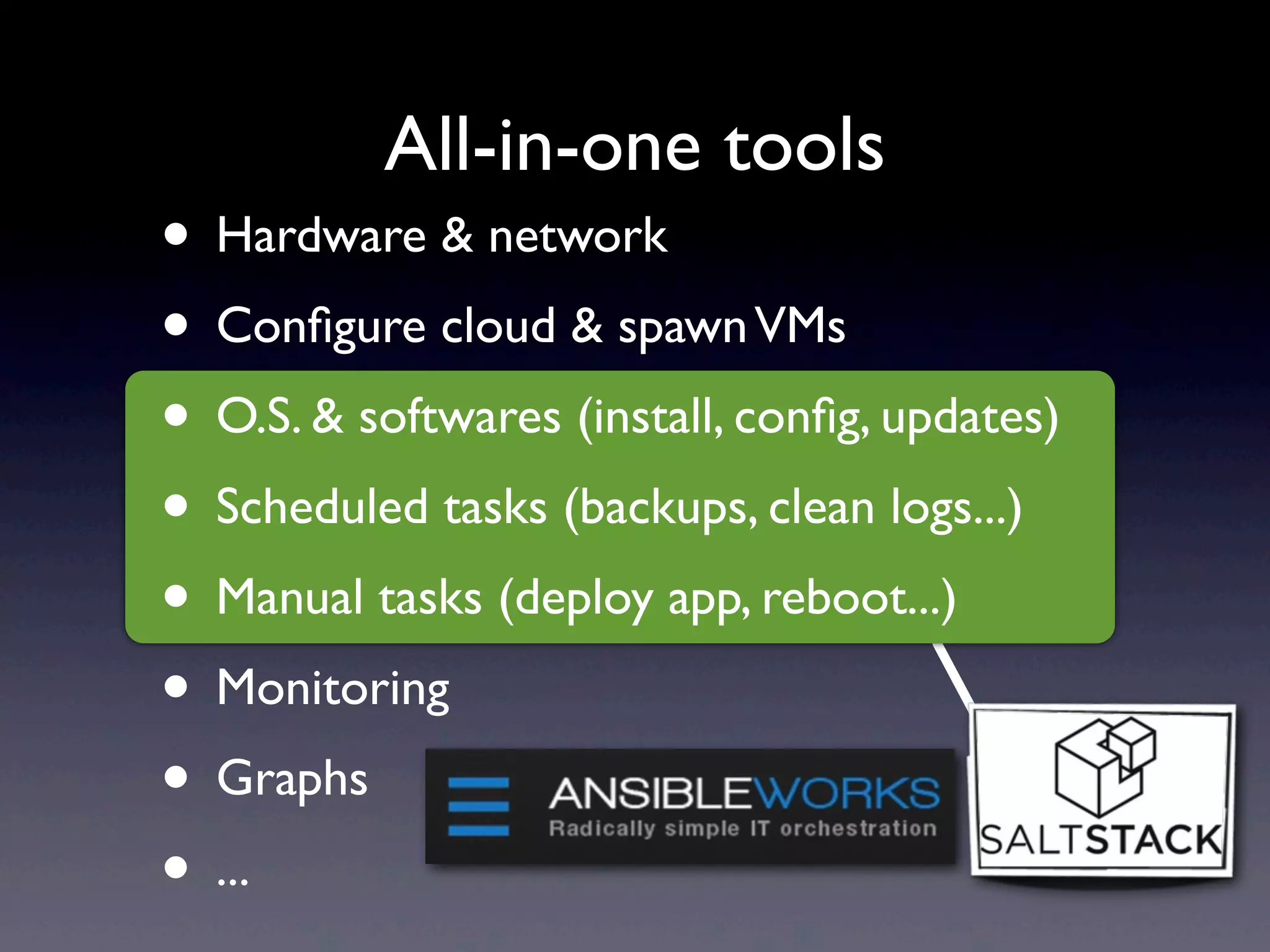
All-in-one tools
• Hardware & network
• Configure cloud & spawnVMs
• O.S. & softwares (install, config, updates)
• Scheduled tasks (backups, clean logs...)
• Manual tasks (deploy app, reboot...)
• Monitoring
• Graphs
• ...
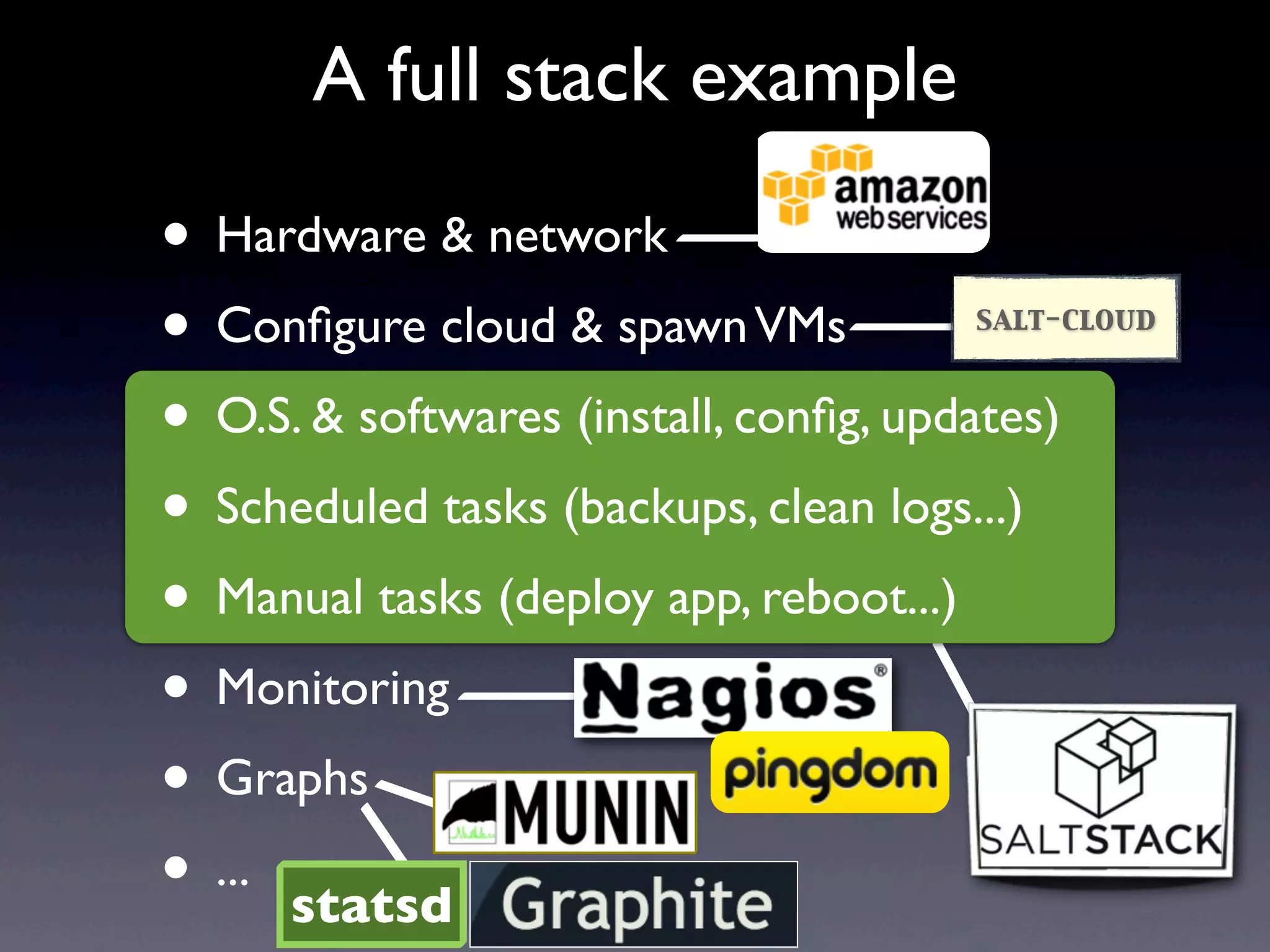
A full stack example
statsd
salt-cloud
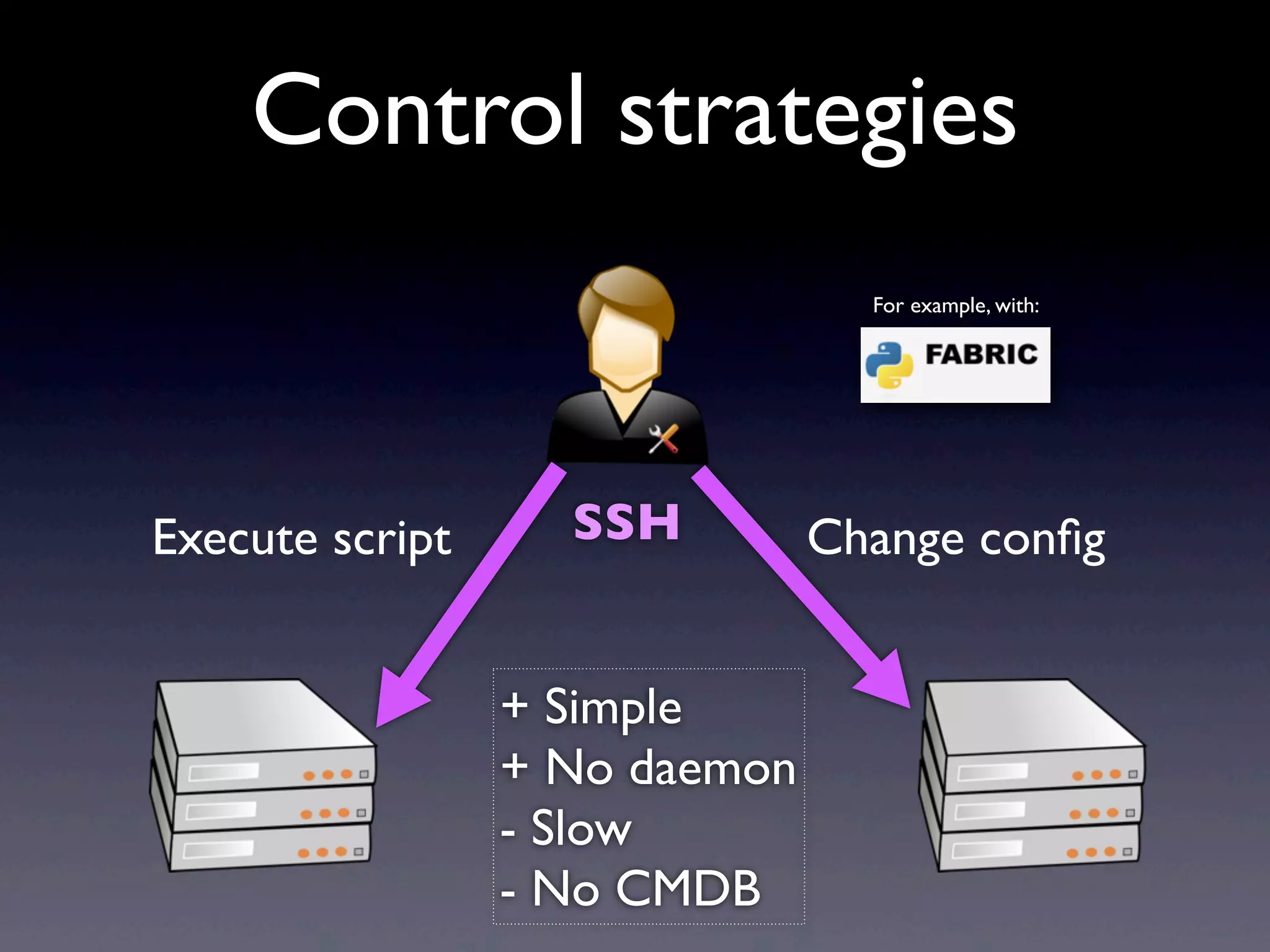
Change configExecute script SSH
For example, with:
Control strategies
+ Simple
+ No daemon
- Slow
- No CMDB
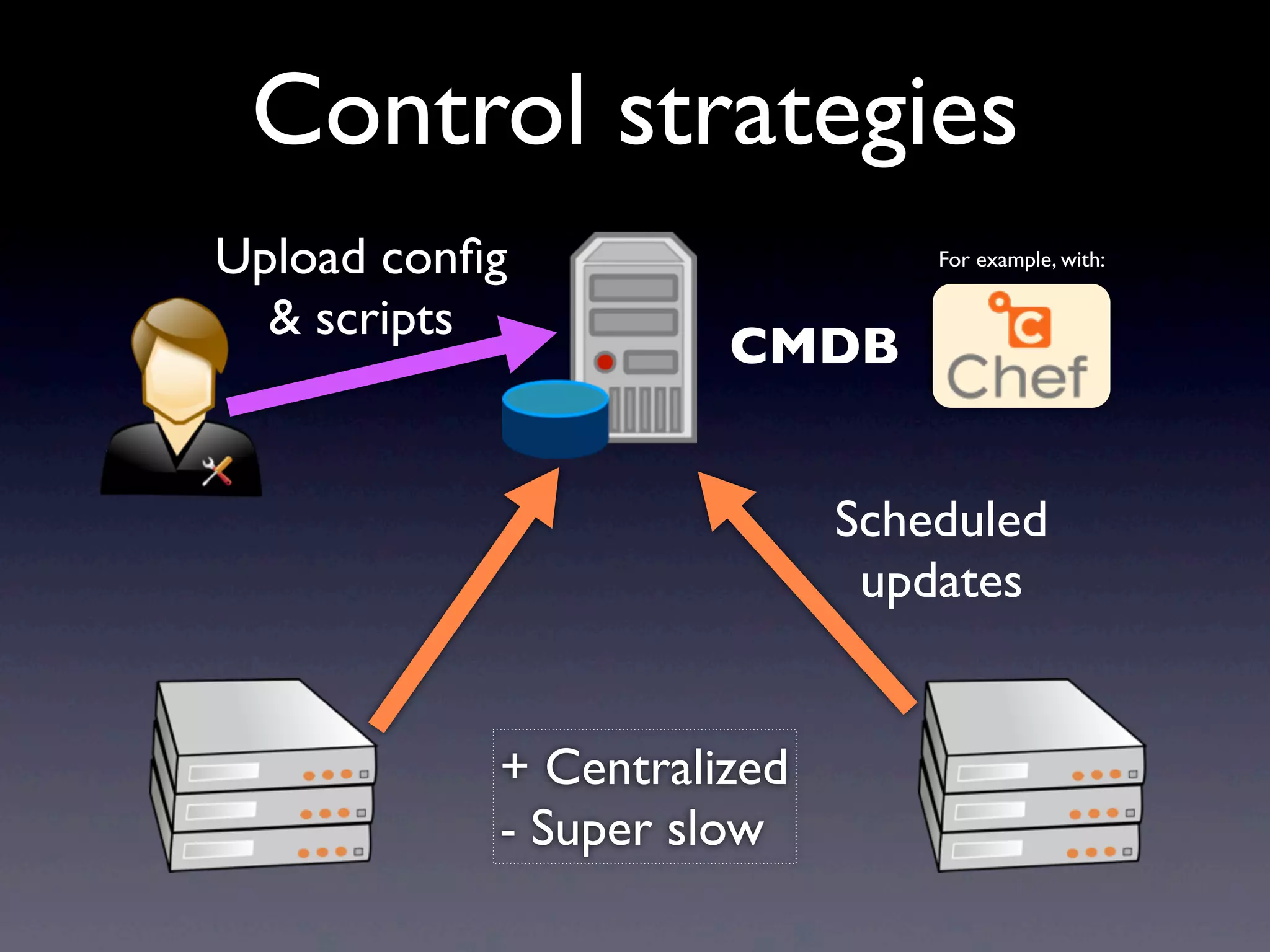
Scheduled
updates
CMDB
Upload config
& scripts
For example, with:
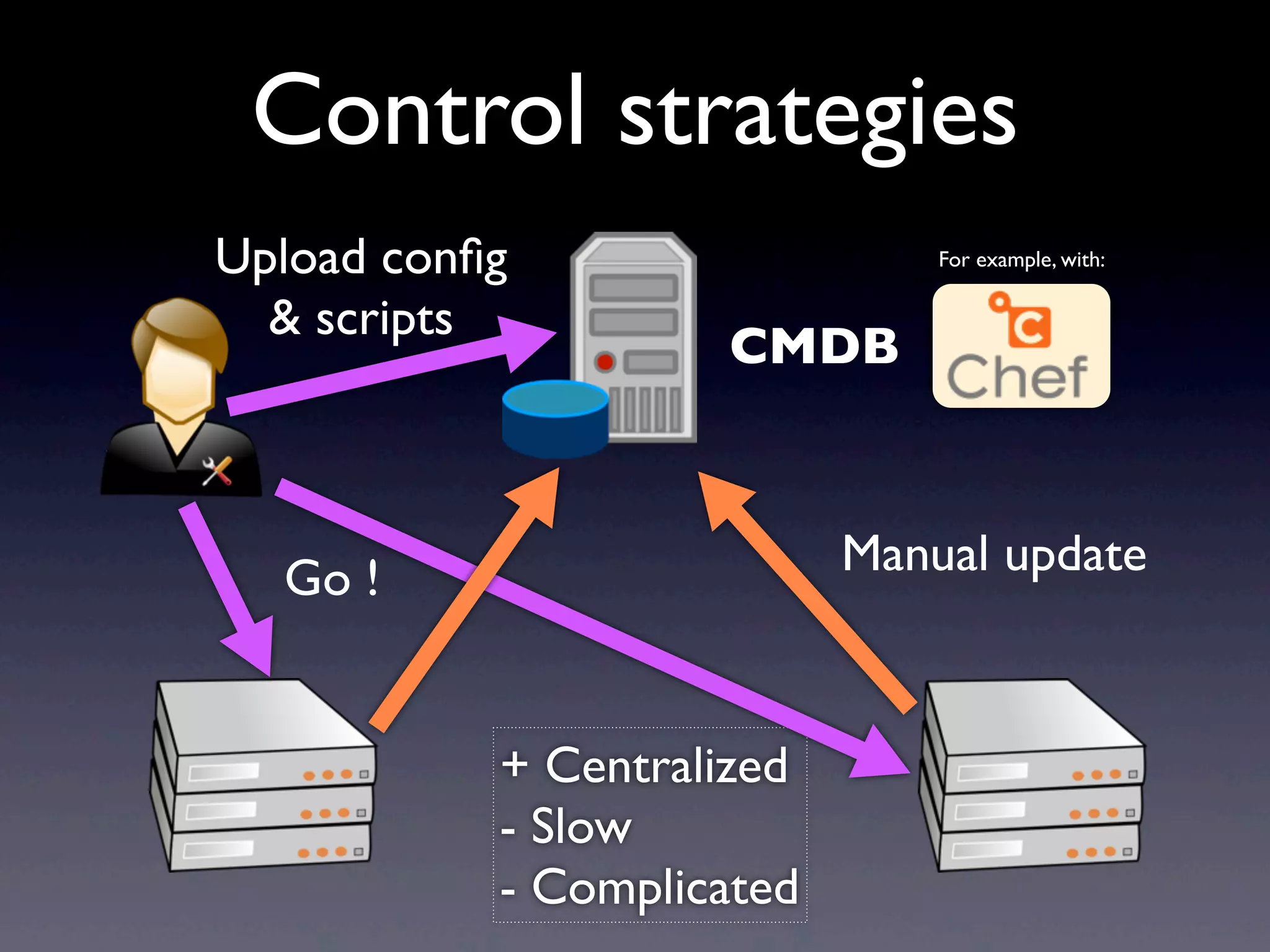
Control strategies
+ Centralized
- Super slow
Manual update
CMDB
Go !
Control strategies
Upload config
& scripts
+ Centralized
- Slow
- Complicated
For example, with:
CMDB
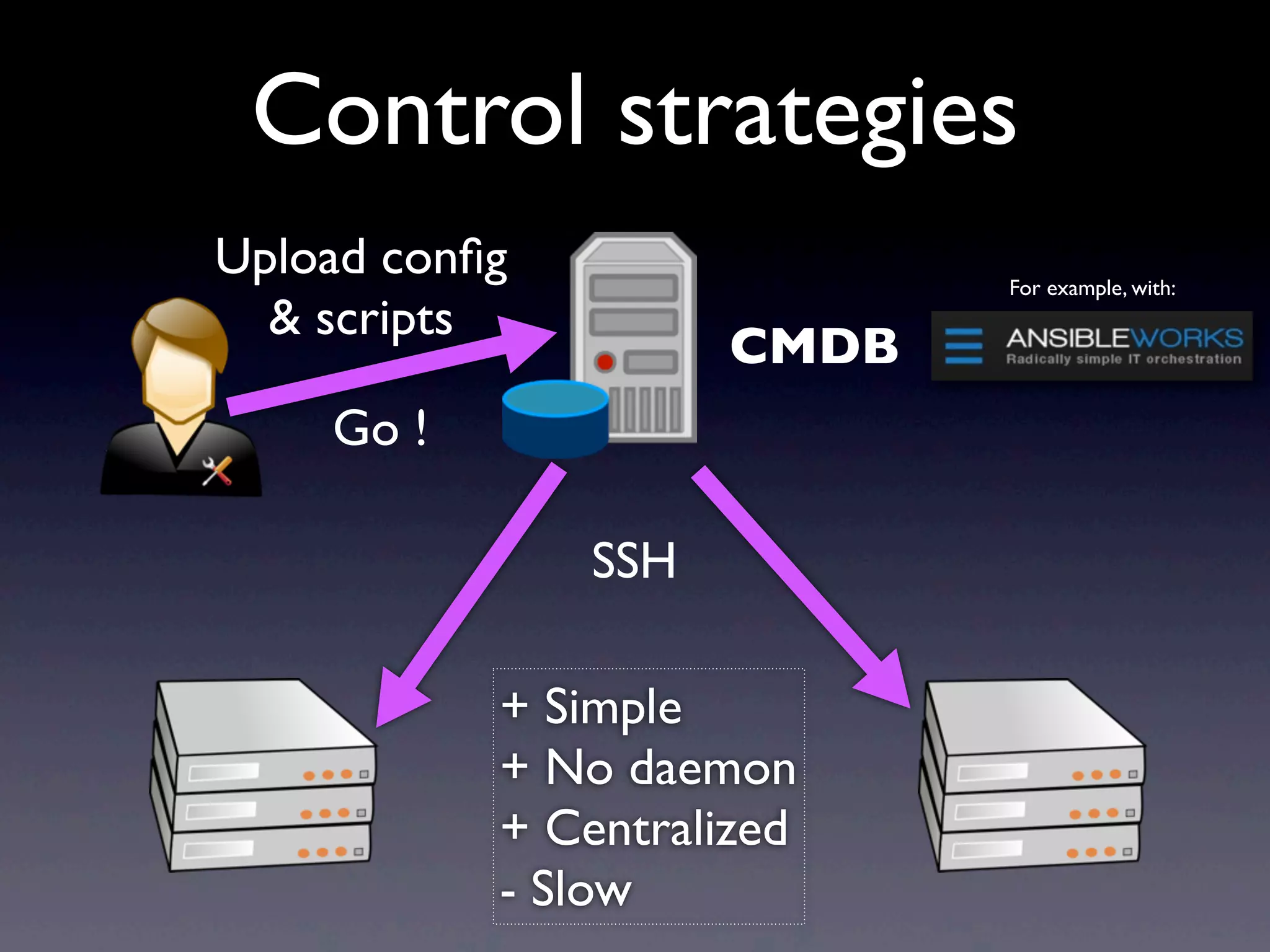
Upload config
& scripts
Go !
SSH
For example, with:
Control strategies
+ Simple
+ No daemon
+ Centralized
- Slow
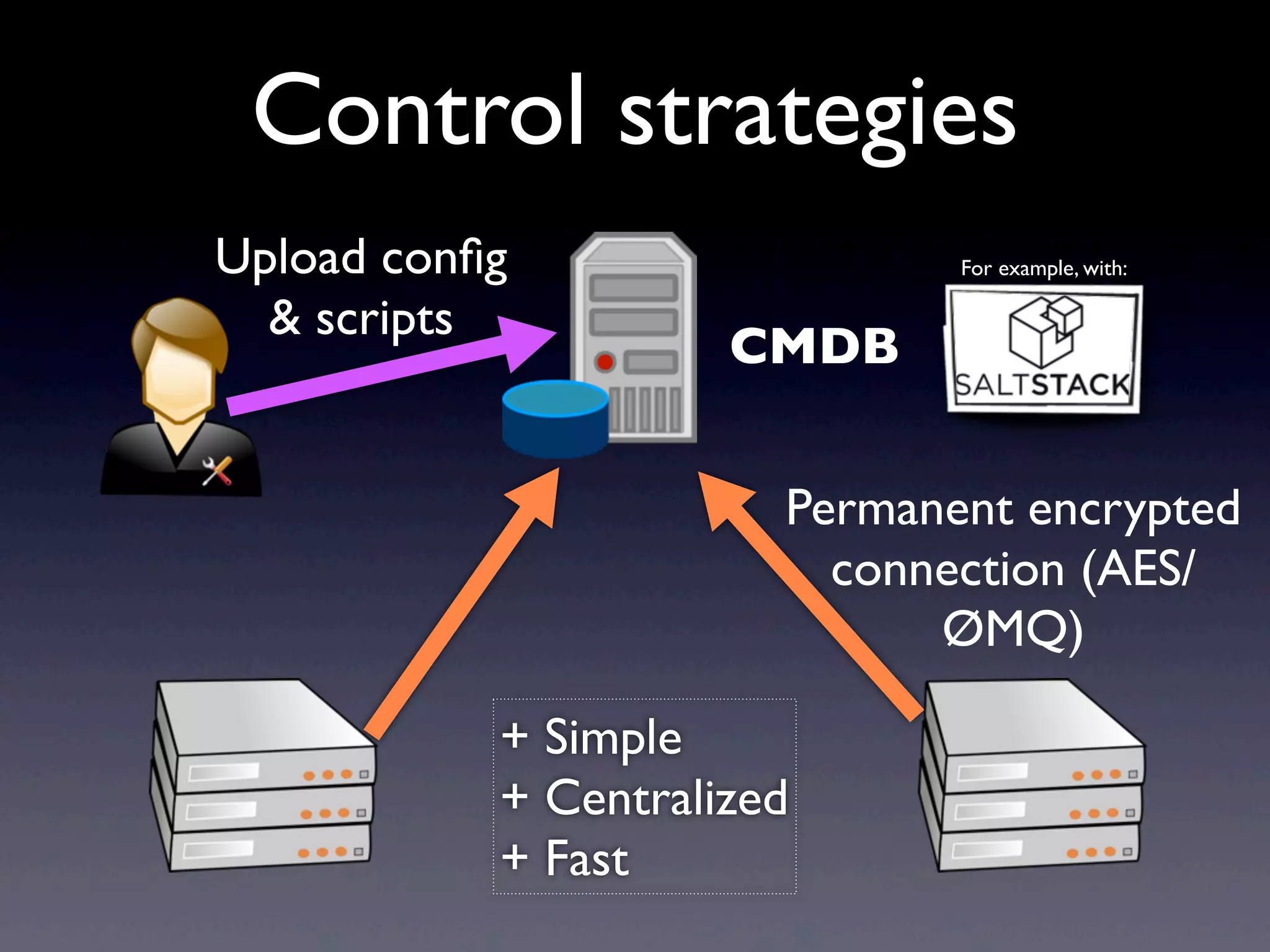
Control strategies
Permanent encrypted
connection (AES/
ØMQ)
CMDB
Upload config
& scripts
For example, with:
+ Simple
+ Centralized
+ Fast
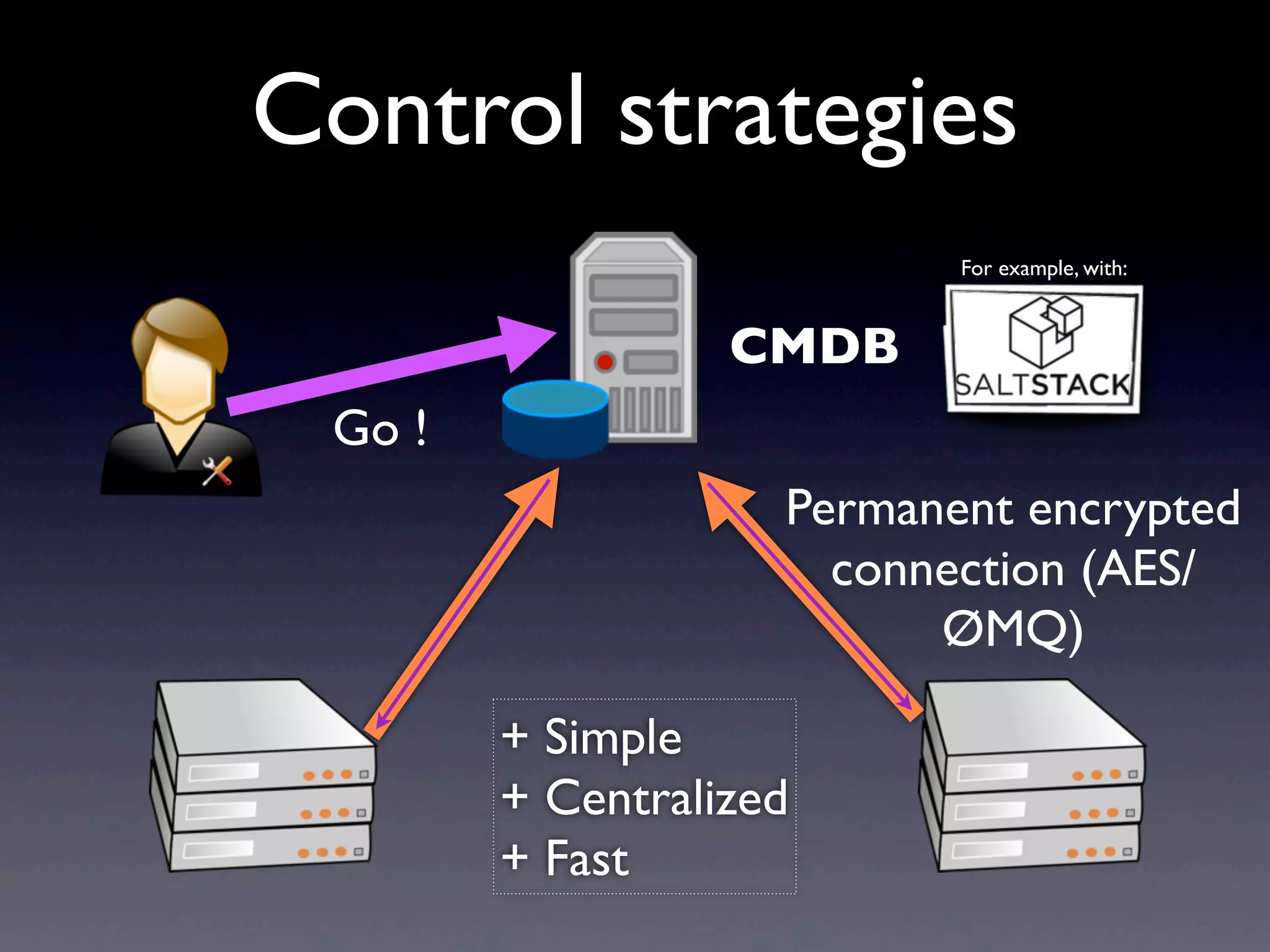
Control strategies
Permanent encrypted
connection (AES/
ØMQ)
CMDB
Go !
For example, with:
+ Simple
+ Centralized
+ Fast
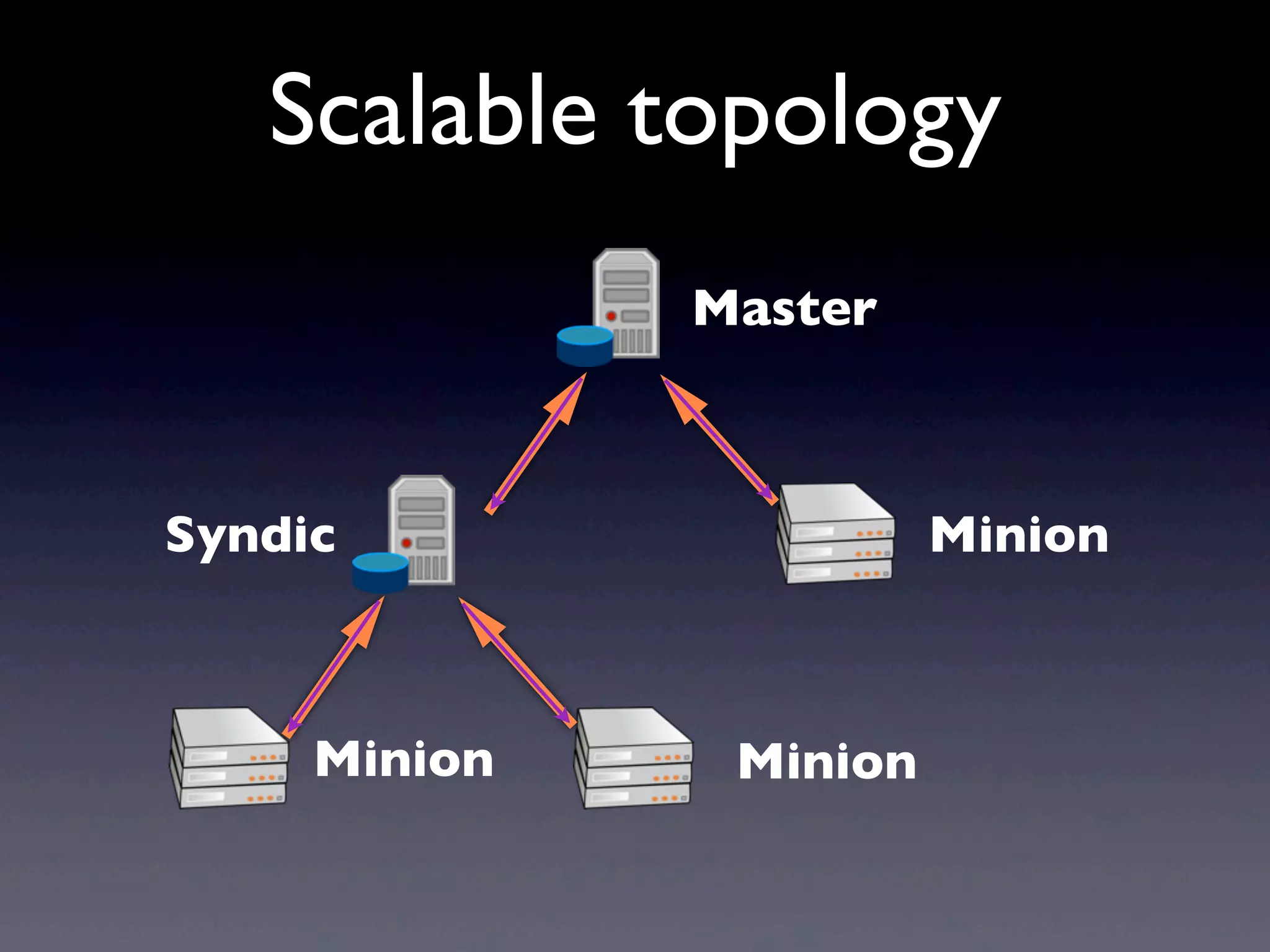
Scalable topology
Master
MinionSyndic
MinionMinion
Enough with the
overview, let’s get our
hands dirty now!
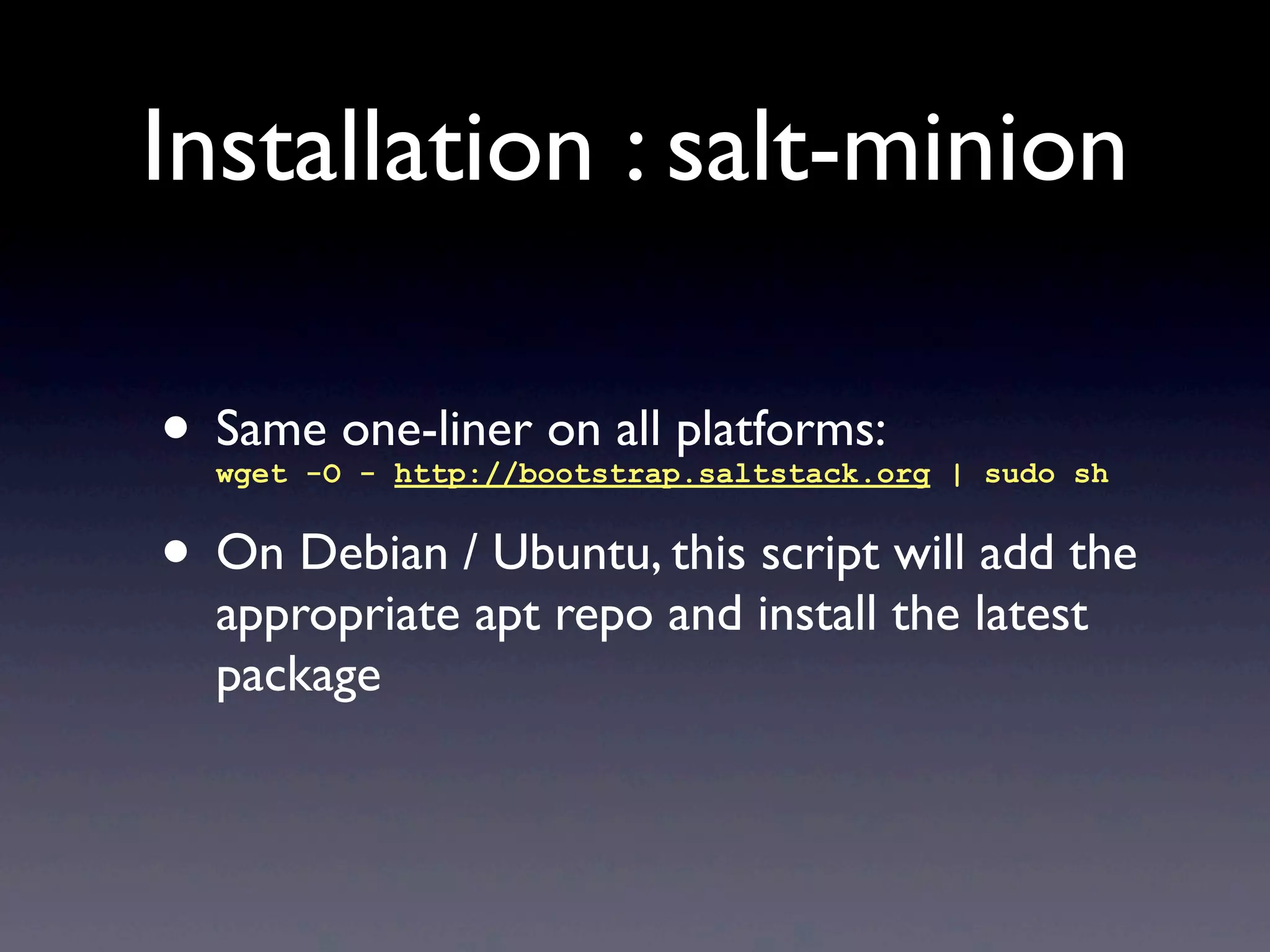
Installation : salt-minion
• Same one-liner on all platforms:
wget -O - http://bootstrap.saltstack.org | sudo sh
• On Debian / Ubuntu, this script will add the
appropriate apt repo and install the latest
package
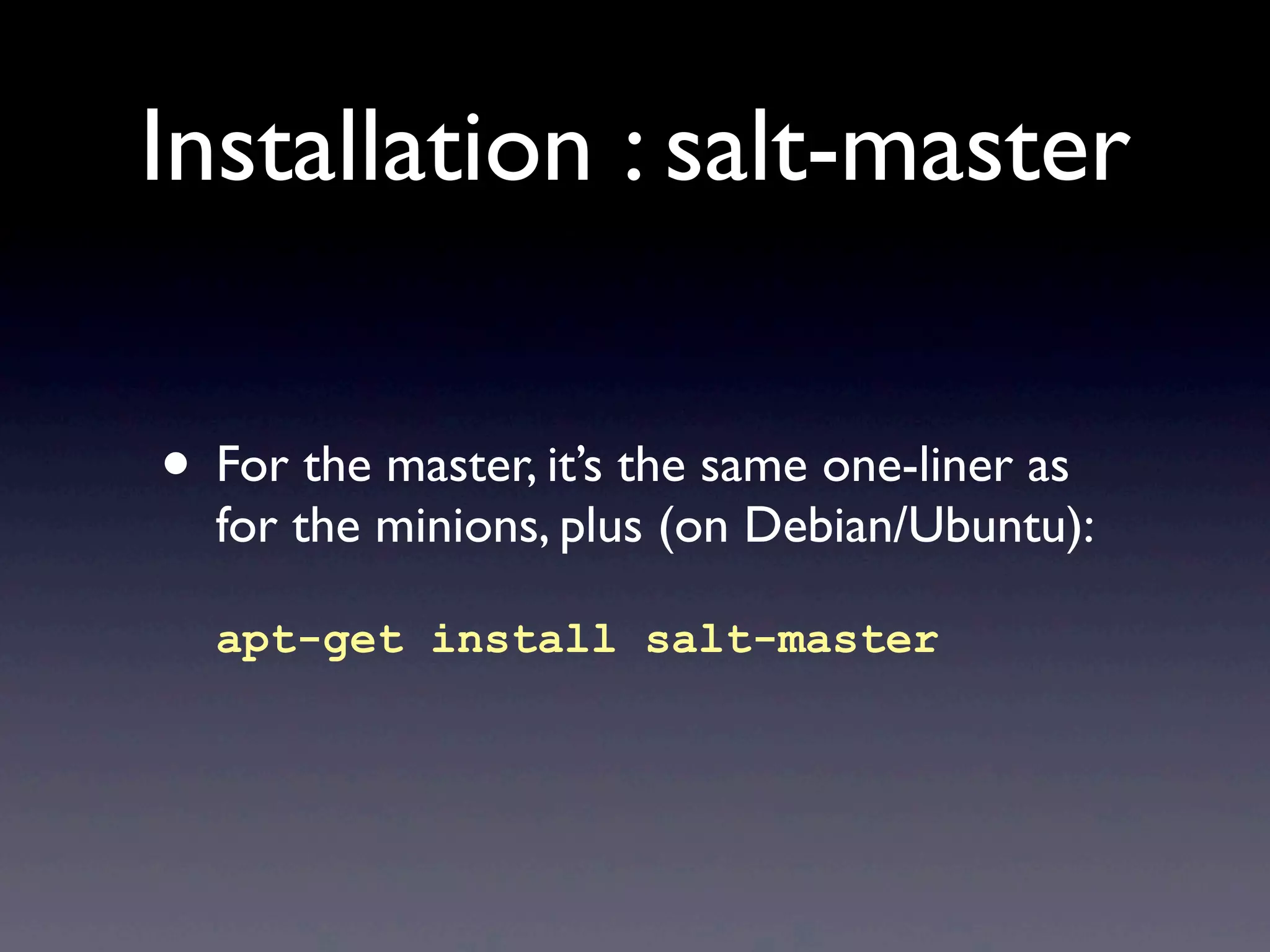
Installation : salt-master
• For the master, it’s the same one-liner as
for the minions, plus (on Debian/Ubuntu):
apt-get install salt-master
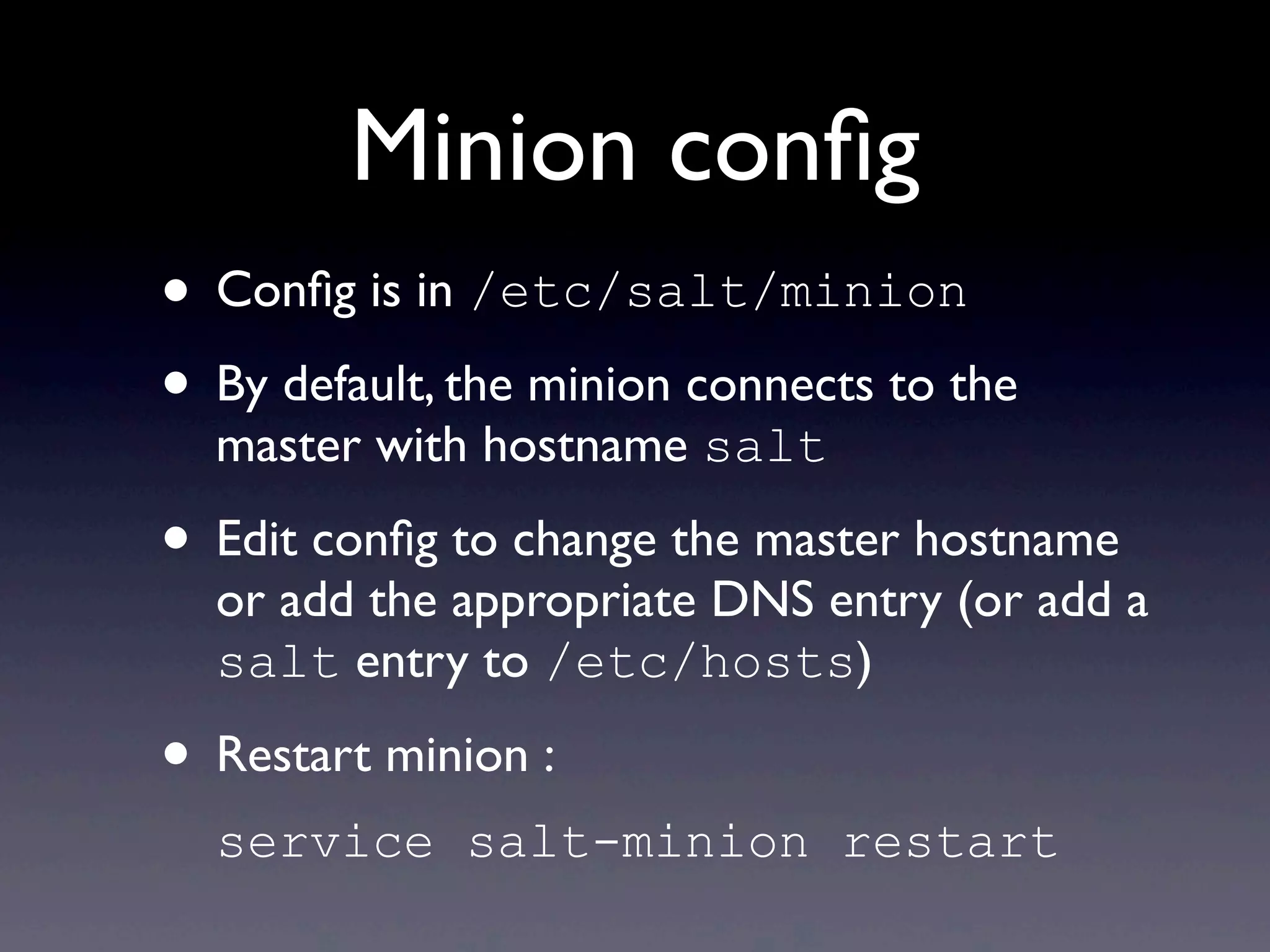
Minion config
• Config is in /etc/salt/minion
• By default, the minion connects to the
master with hostname salt
• Edit config to change the master hostname
or add the appropriate DNS entry (or add a
salt entry to /etc/hosts)
• Restart minion :
service salt-minion restart
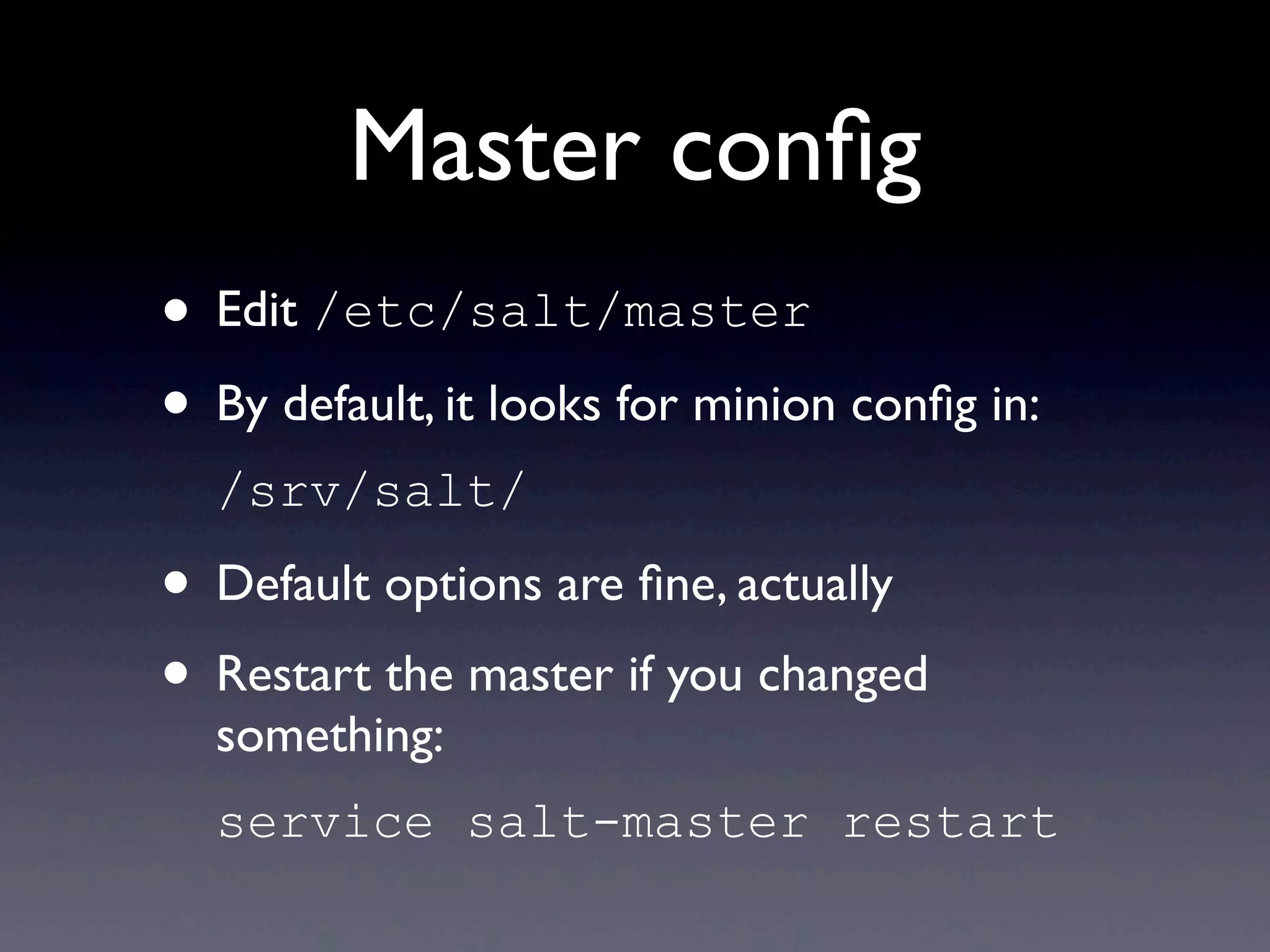
Master config
• Edit /etc/salt/master
• By default, it looks for minion config in:
/srv/salt/
• Default options are fine, actually
• Restart the master if you changed
something:
service salt-master restart
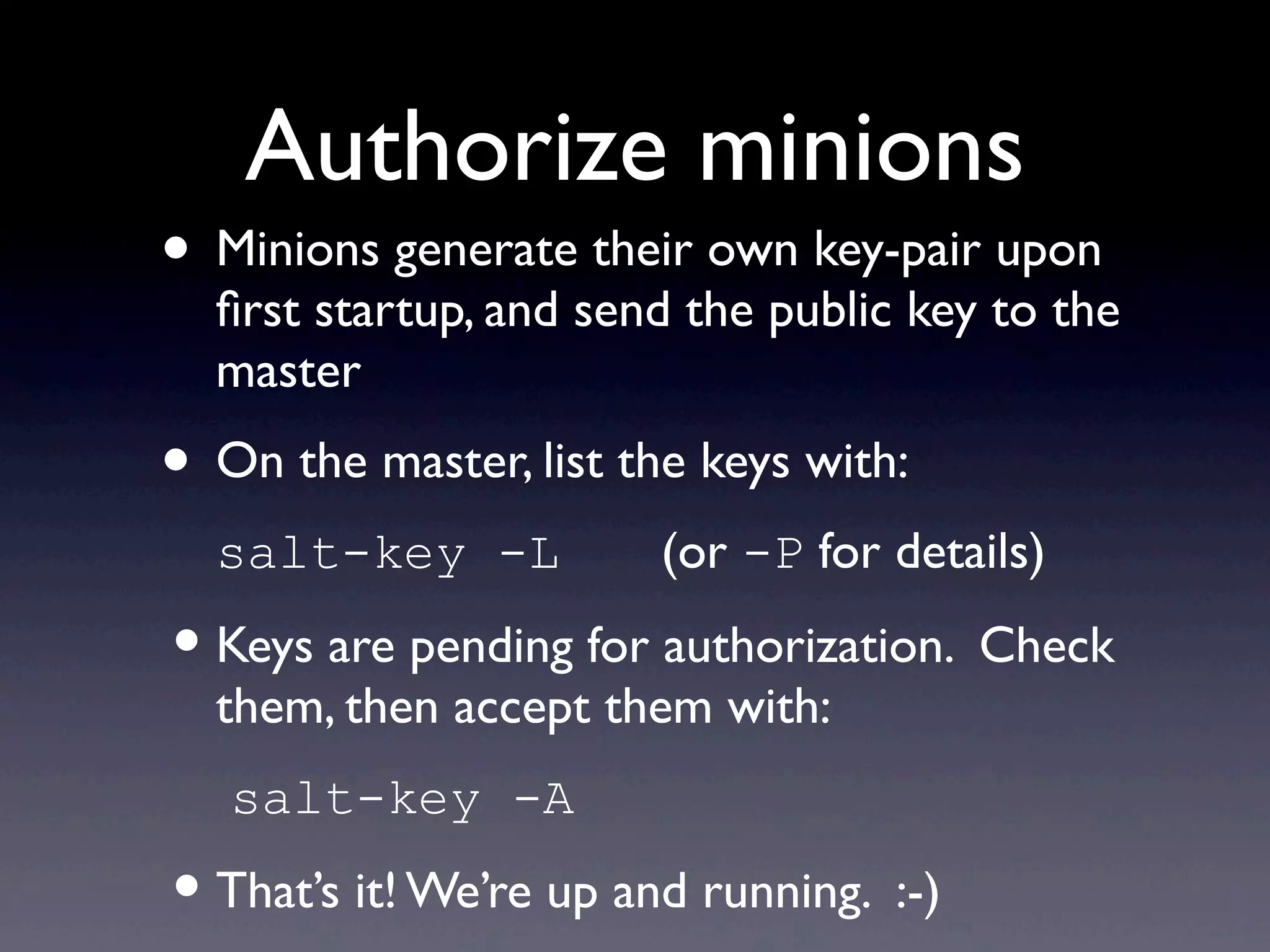
Authorize minions
• Minions generate their own key-pair upon
first startup, and send the public key to the
master
• On the master, list the keys with:
salt-key -L (or -P for details)
•Keys are pending for authorization. Check
them, then accept them with:
salt-key -A
•That’s it! We’re up and running. :-)
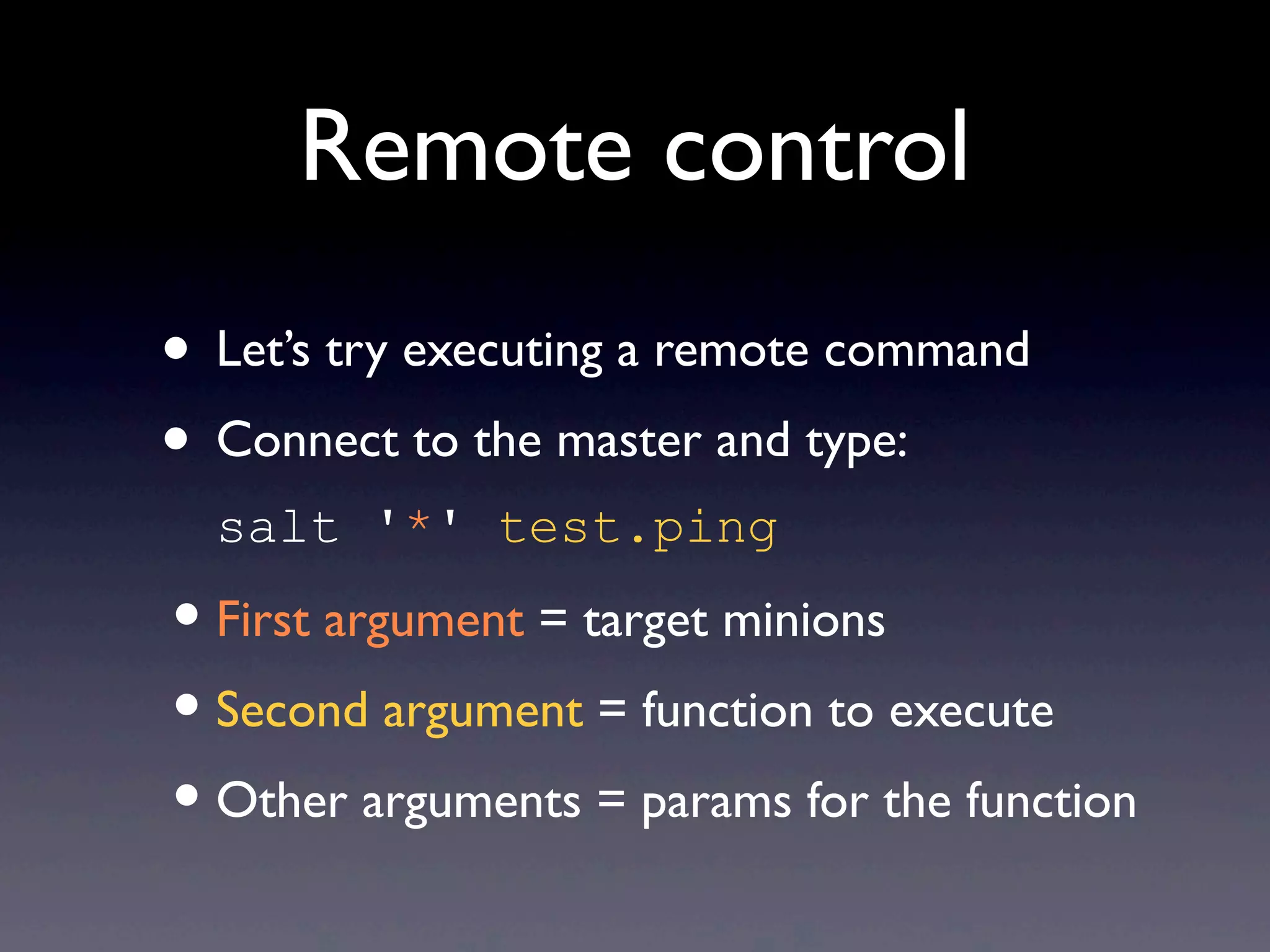
Remote control
• Let’s try executing a remote command
• Connect to the master and type:
salt '*' test.ping
•First argument = target minions
•Second argument = function to execute
•Other arguments = params for the function
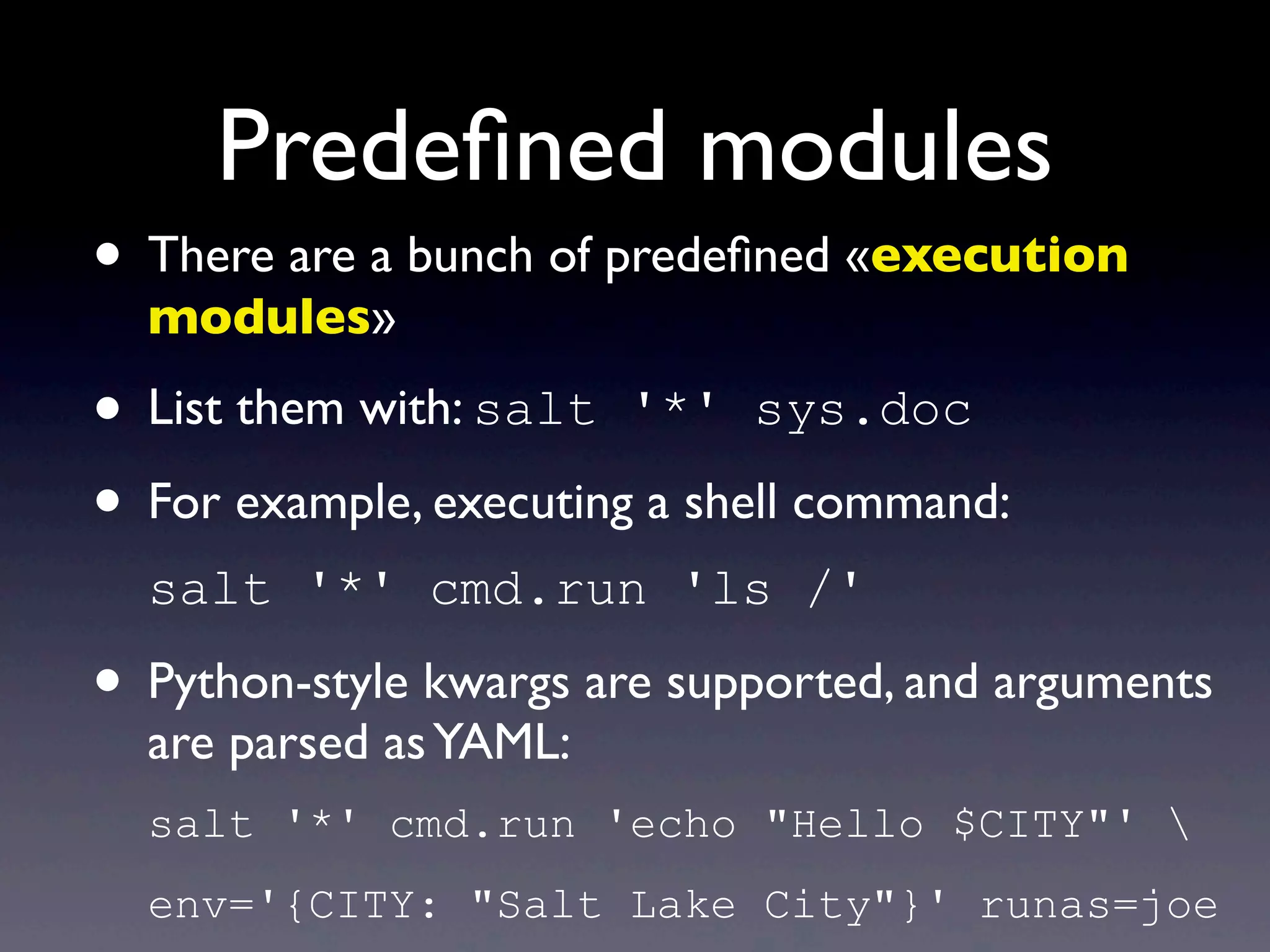
Predefined modules
• There are a bunch of predefined «execution
modules»
• List them with: salt '*' sys.doc
• For example, executing a shell command:
salt '*' cmd.run 'ls /'
• Python-style kwargs are supported, and arguments
are parsed asYAML:
salt '*' cmd.run 'echo "Hello $CITY"' 
env='{CITY: "Salt Lake City"}' runas=joe
Running a script
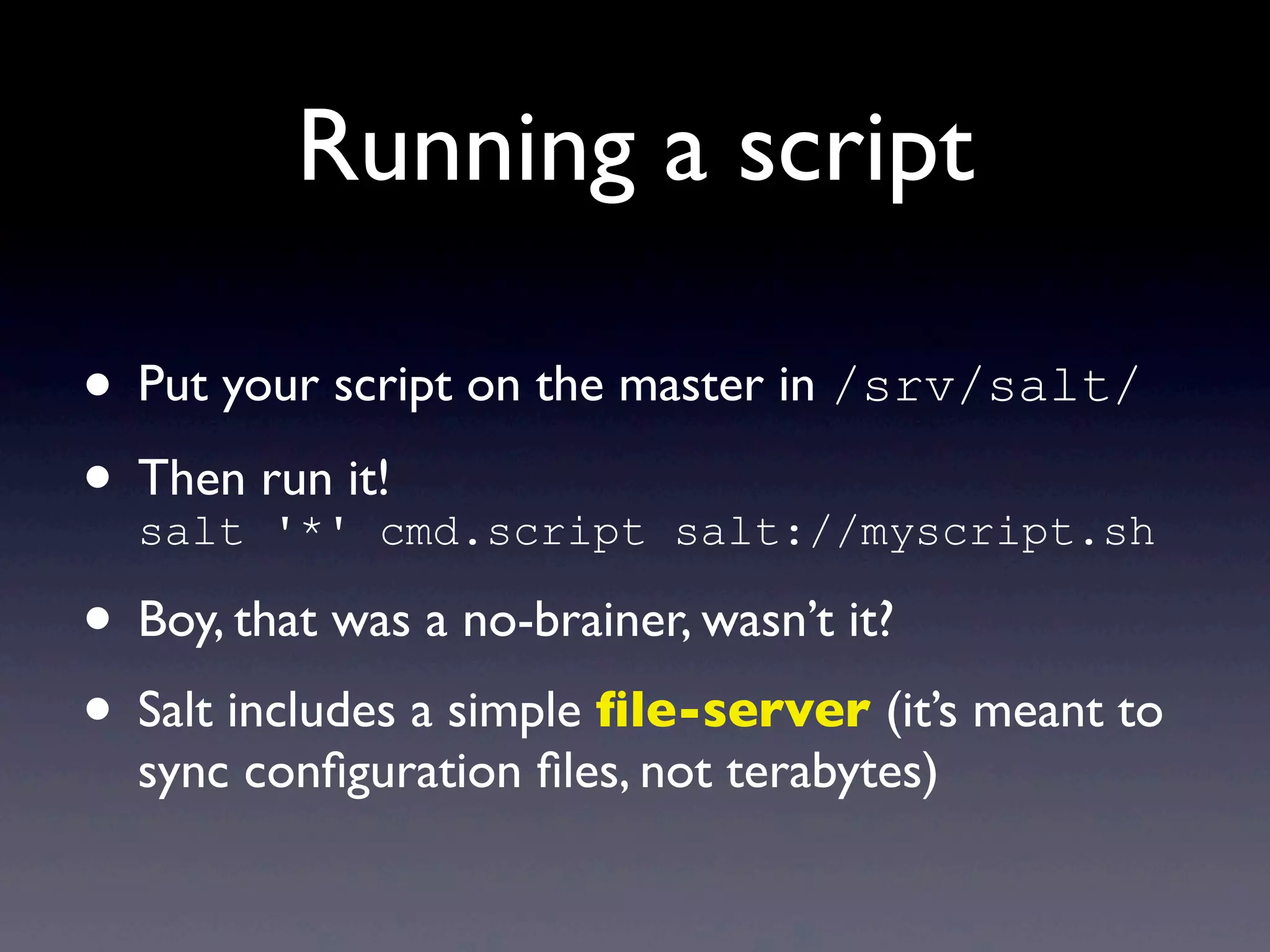
• Put your script on the master in /srv/salt/
• Then run it!
salt '*' cmd.script salt://myscript.sh
• Boy, that was a no-brainer, wasn’t it?
• Salt includes a simple file-server (it’s meant to
sync configuration files, not terabytes)
Specifying targets
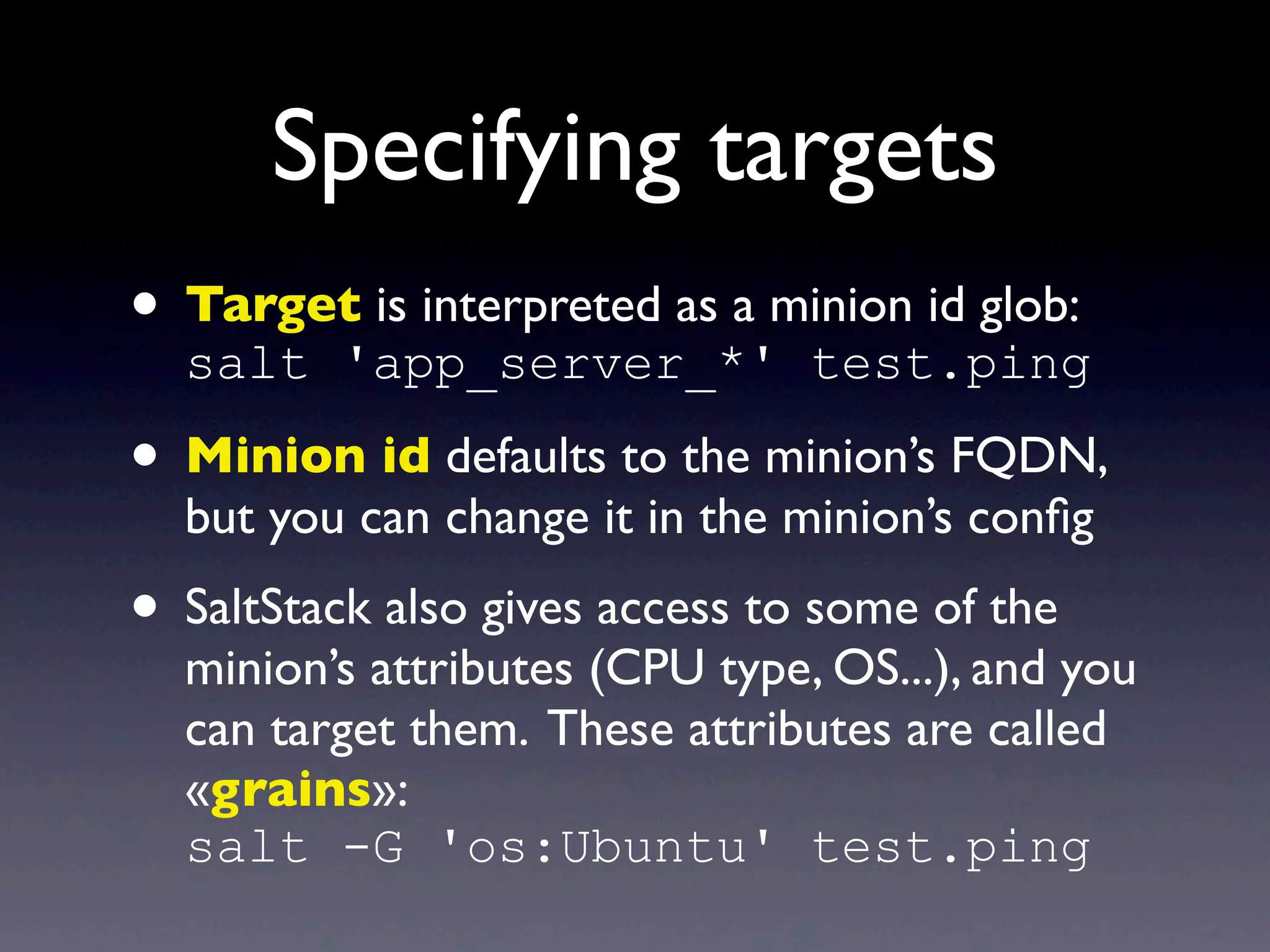
• Target is interpreted as a minion id glob:
salt 'app_server_*' test.ping
• Minion id defaults to the minion’s FQDN,
but you can change it in the minion’s config
• SaltStack also gives access to some of the
minion’s attributes (CPU type, OS...), and you
can target them. These attributes are called
«grains»:
salt -G 'os:Ubuntu' test.ping
Specifying targets
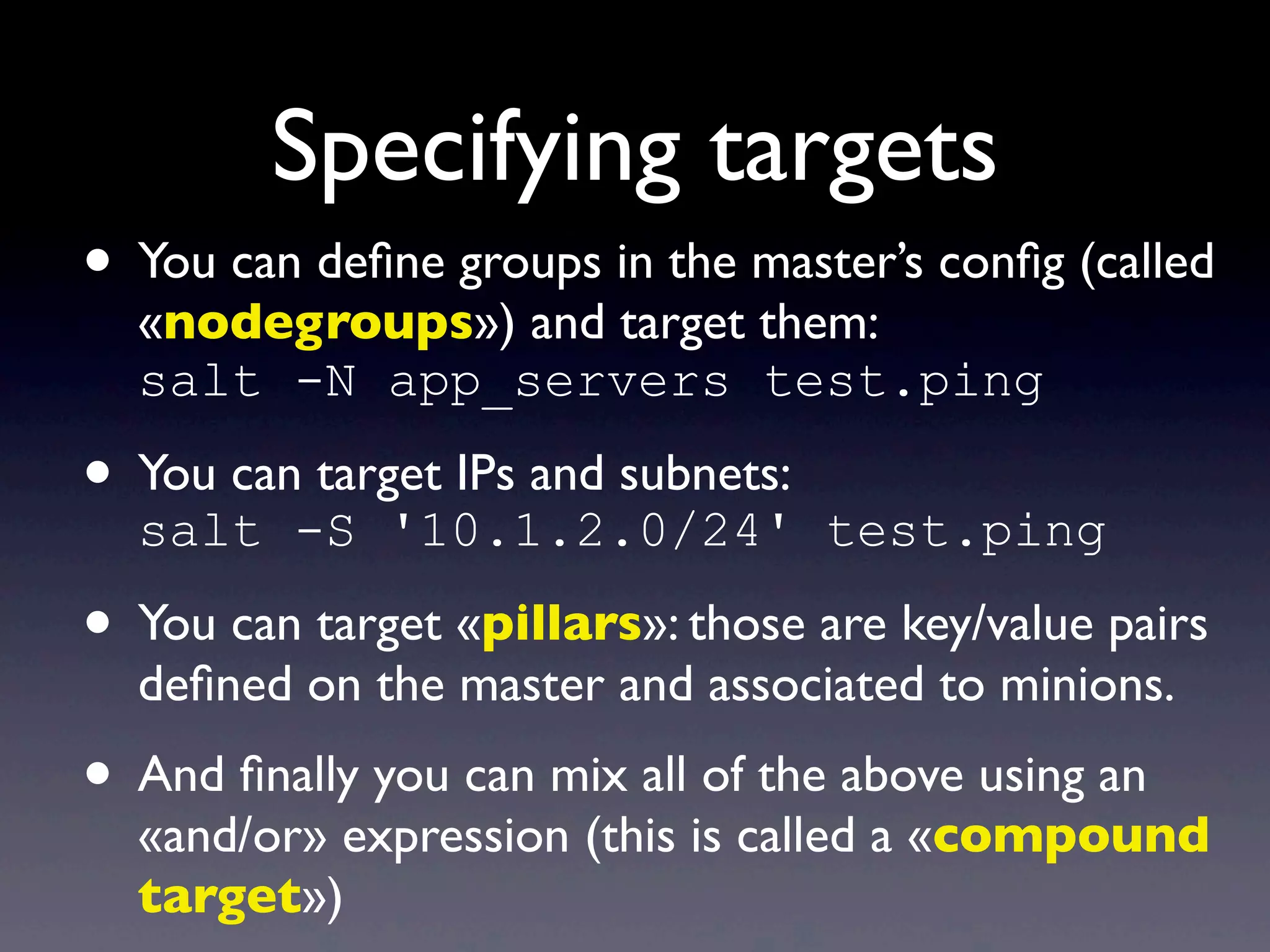
• You can define groups in the master’s config (called
«nodegroups») and target them:
salt -N app_servers test.ping
• You can target IPs and subnets:
salt -S '10.1.2.0/24' test.ping
• You can target «pillars»: those are key/value pairs
defined on the master and associated to minions.
• And finally you can mix all of the above using an
«and/or» expression (this is called a «compound
target»)
Home-made modules
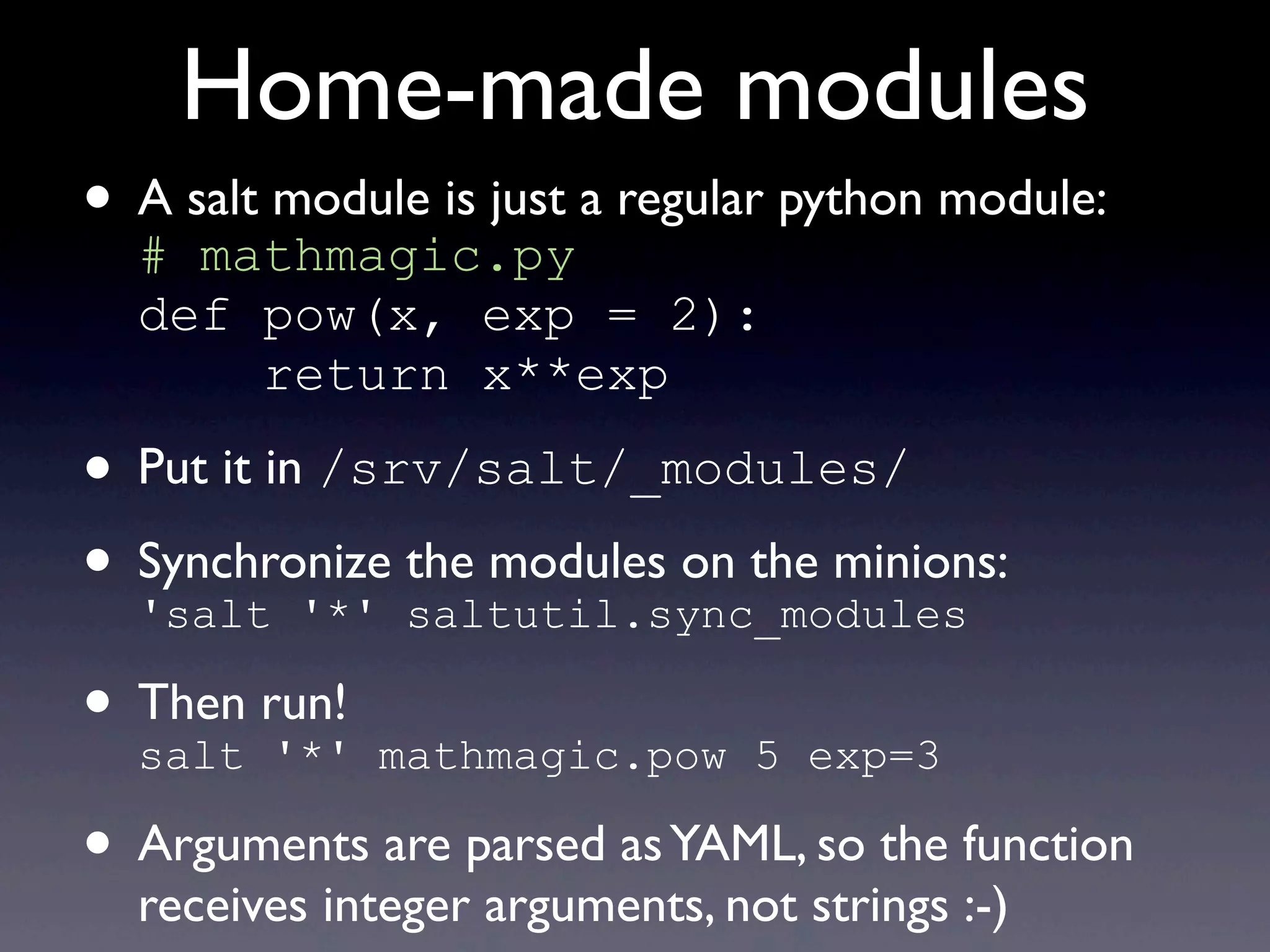
• A salt module is just a regular python module:
# mathmagic.py
def pow(x, exp = 2):
return x**exp
• Put it in /srv/salt/_modules/
• Synchronize the modules on the minions:
'salt '*' saltutil.sync_modules
• Then run!
salt '*' mathmagic.pow 5 exp=3
• Arguments are parsed asYAML, so the function
receives integer arguments, not strings :-)
Salt states
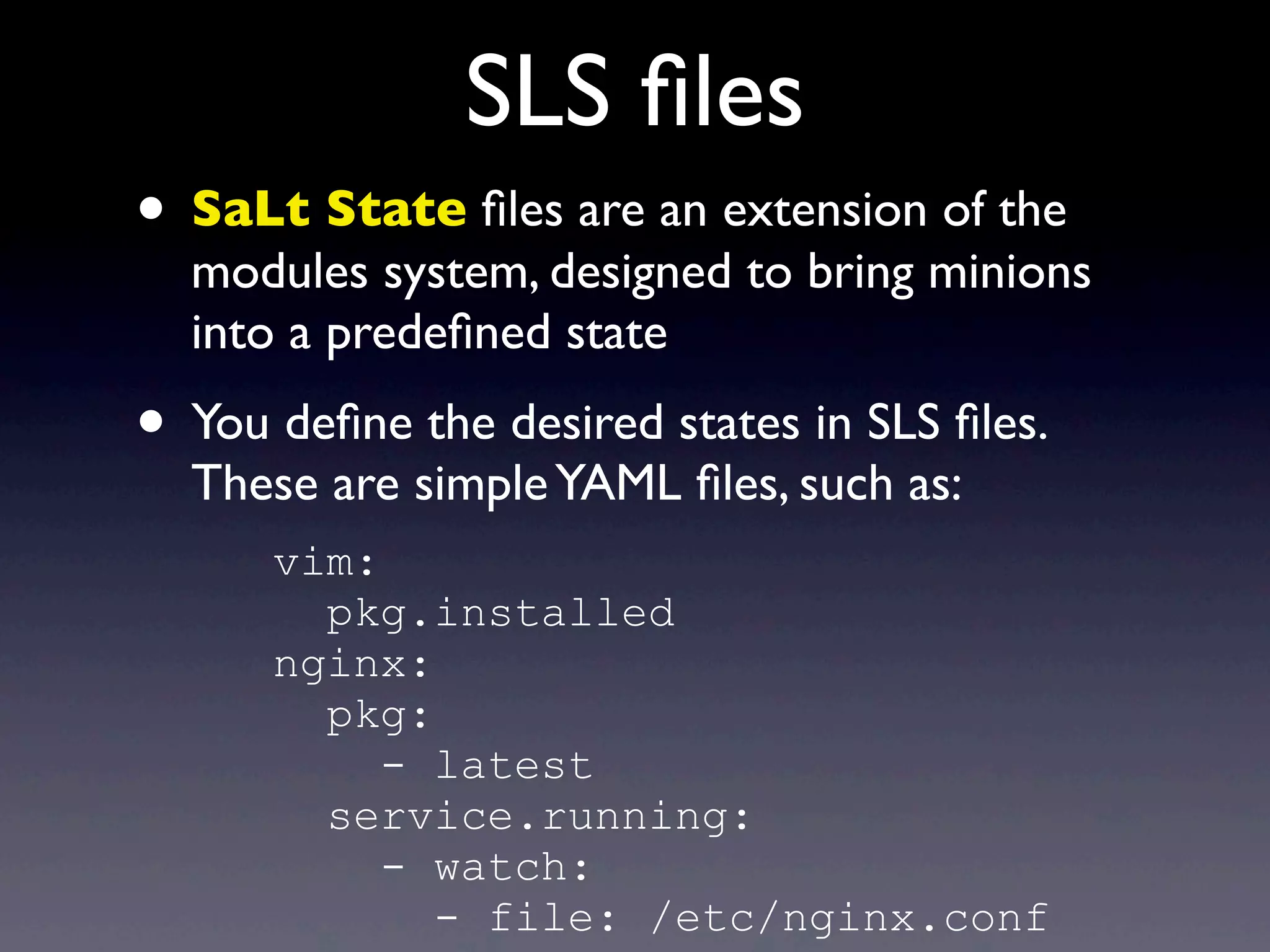
SLS files
• SaLt State files are an extension of the
modules system, designed to bring minions
into a predefined state
• You define the desired states in SLS files.
These are simpleYAML files, such as:
vim:
pkg.installed
nginx:
pkg:
- latest
service.running:
- watch:
- file: /etc/nginx.conf
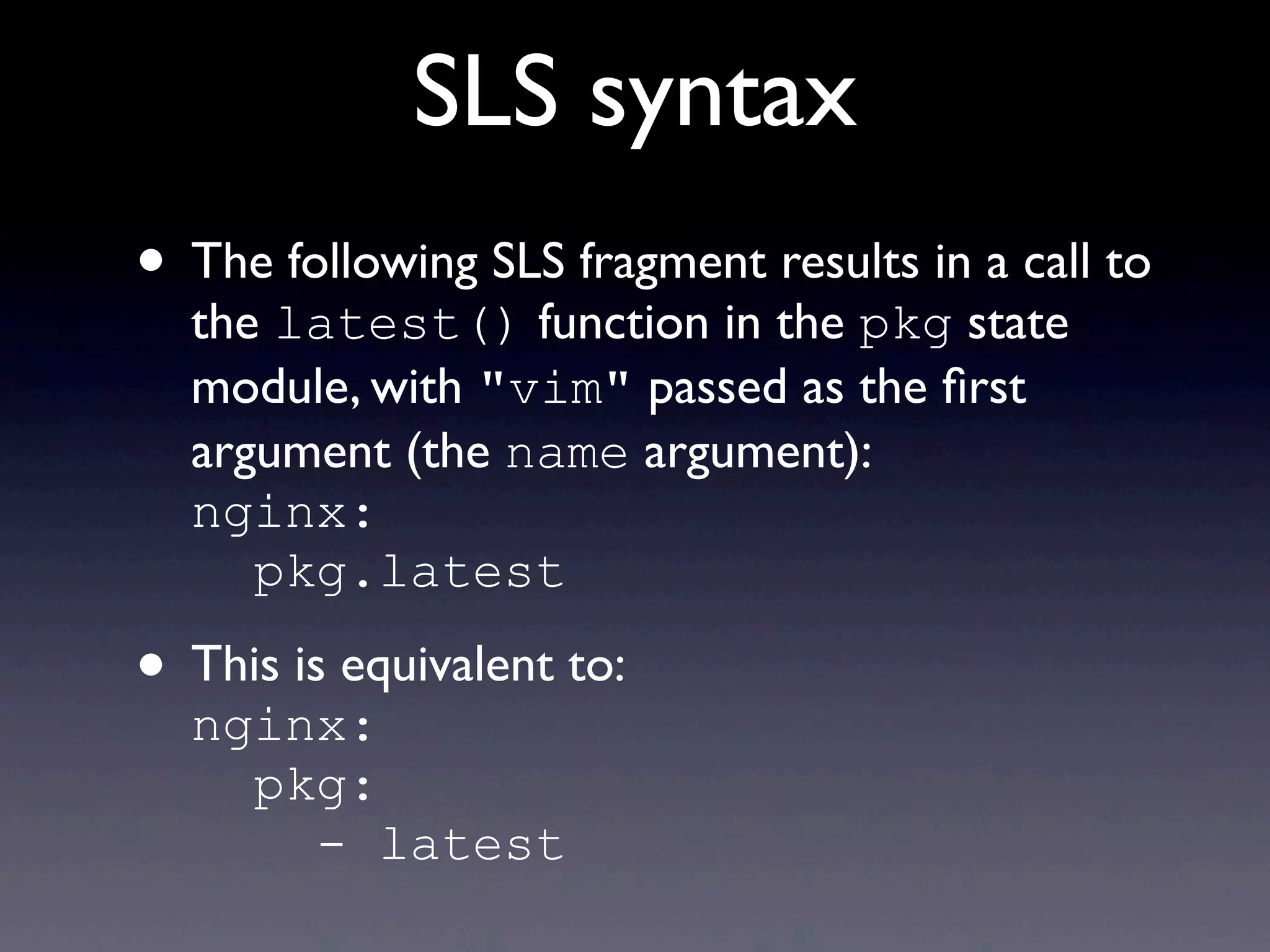
SLS syntax
• The following SLS fragment results in a call to
the latest() function in the pkg state
module, with "vim" passed as the first
argument (the name argument):
nginx:
pkg.latest
• This is equivalent to:
nginx:
pkg:
- latest
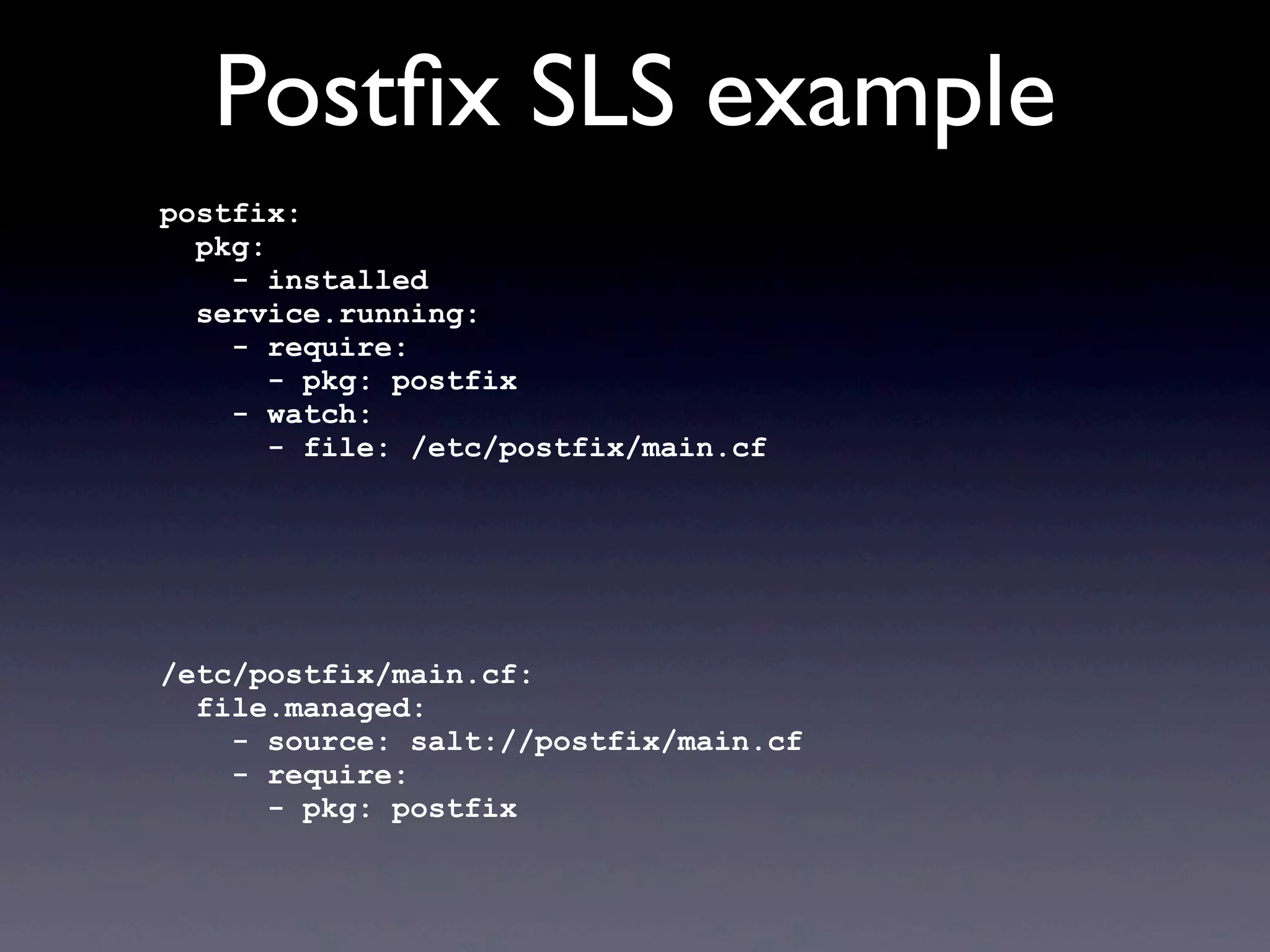
Postfix SLS example
postfix:
pkg:
- installed
service.running:
- require:
- pkg: postfix
- watch:
- file: /etc/postfix/main.cf
/etc/postfix/main.cf:
file.managed:
- source: salt://postfix/main.cf
- require:
- pkg: postfix
Postfix SLS example
postfix:
pkg:
- installed
service.running:
- require:
- pkg: postfix
- watch:
- file: /etc/postfix/main.cf
/etc/postfix/main.cf:
file.managed:
- source: salt://postfix/main.cf
- require:
- pkg: postfix
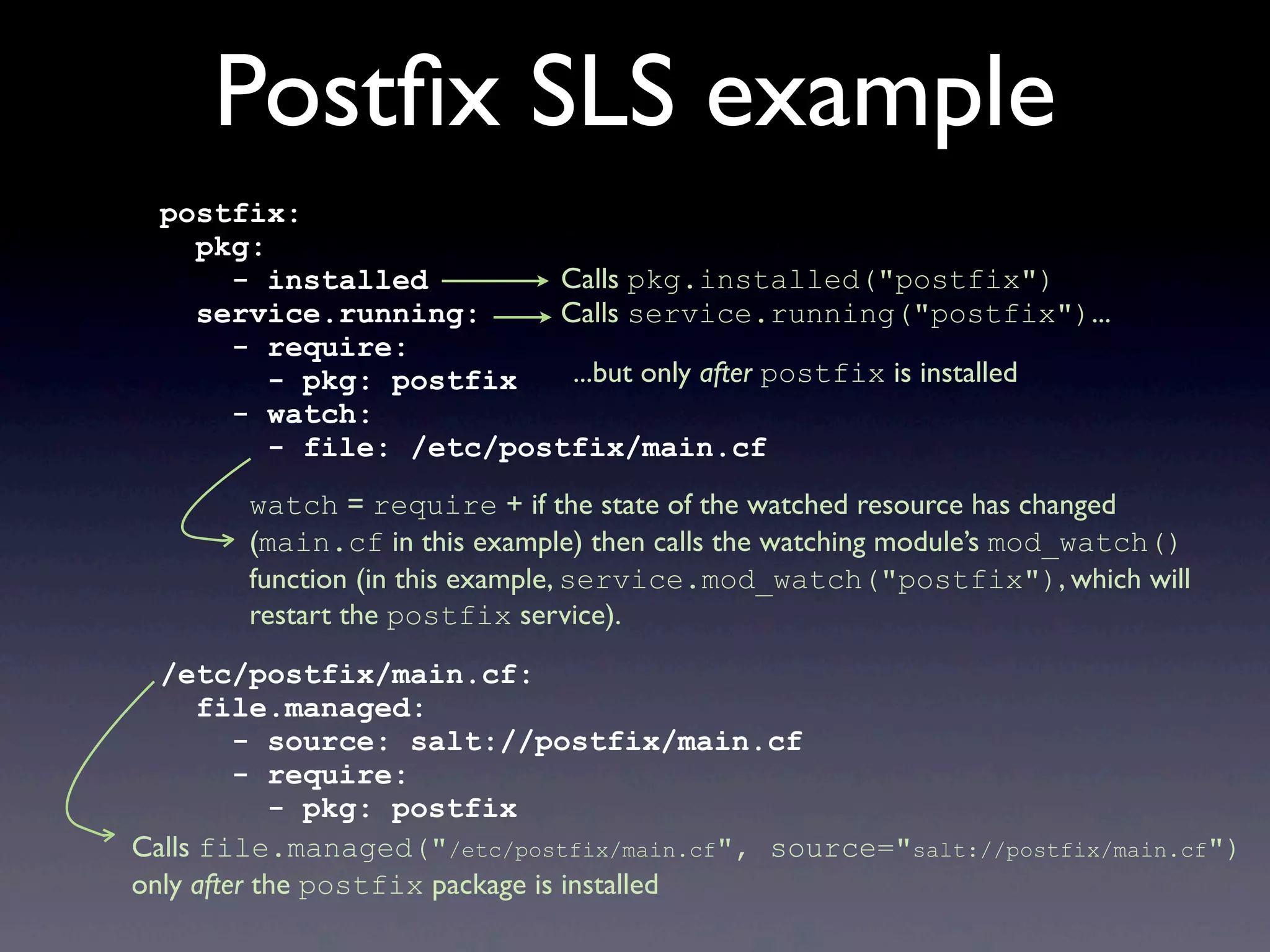
Calls pkg.installed("postfix")
Calls service.running("postfix")...
...but only after postfix is installed
watch = require + if the state of the watched resource has changed
(main.cf in this example) then calls the watching module’s mod_watch()
function (in this example, service.mod_watch("postfix"), which will
restart the postfix service).
Calls file.managed("/etc/postfix/main.cf", source="salt://postfix/main.cf")
only after the postfix package is installed
Postfix SLS example
postfix:
pkg:
- installed
service.running:
- require:
- pkg: postfix
- watch:
- file: postfix_main_cf
postfix_main_cf:
file.managed:
- name: /etc/postfix/main.cf
- source: salt://postfix/main.cf
- require:
- pkg: postfix
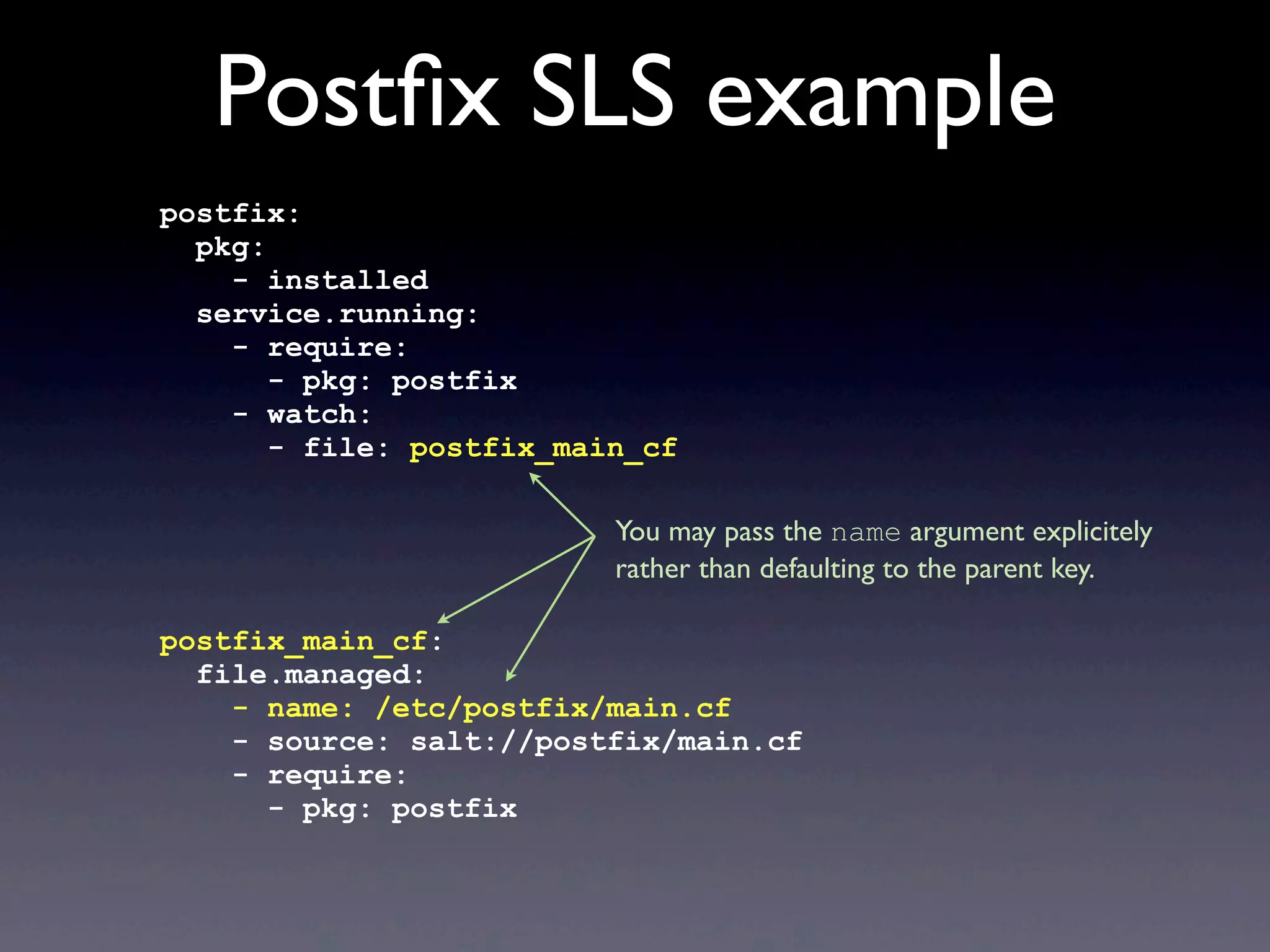
You may pass the name argument explicitely
rather than defaulting to the parent key.
SLS templates
• The SLS files go through a (configurable)
template engine, by default jinja
• This gives SLS files a lot of flexibility, for example:
{% set motd = ['/etc/motd'] %}
{% if grains['os'] == 'Debian' %}
{% set motd = ['/etc/motd.tail', '/var/run/motd'] %}
{% endif %}
{% for motdfile in motd %}
{{ motdfile }}:
file.managed:
- source: salt://motd
{% endfor %}
Config files templates
• The configuration files themselves can be
rendered through a template engine:
/etc/motd:
file.managed:
- source: salt://motd
- template: jinja
- defaults:
message: 'Foo'
{% if grains['os'] == 'FreeBSD' %}
- context:
message: 'Bar'
{% endif %}
The motd file is actually a jinja template. In this
example, it is passed the message variable and it can
render it using the jinja syntax: {{ message }}
file.managed allows two dictionaries
to be passed as arguments to the template:
defaults and context. Values in
context override those in defaults.
Applying an SLS file
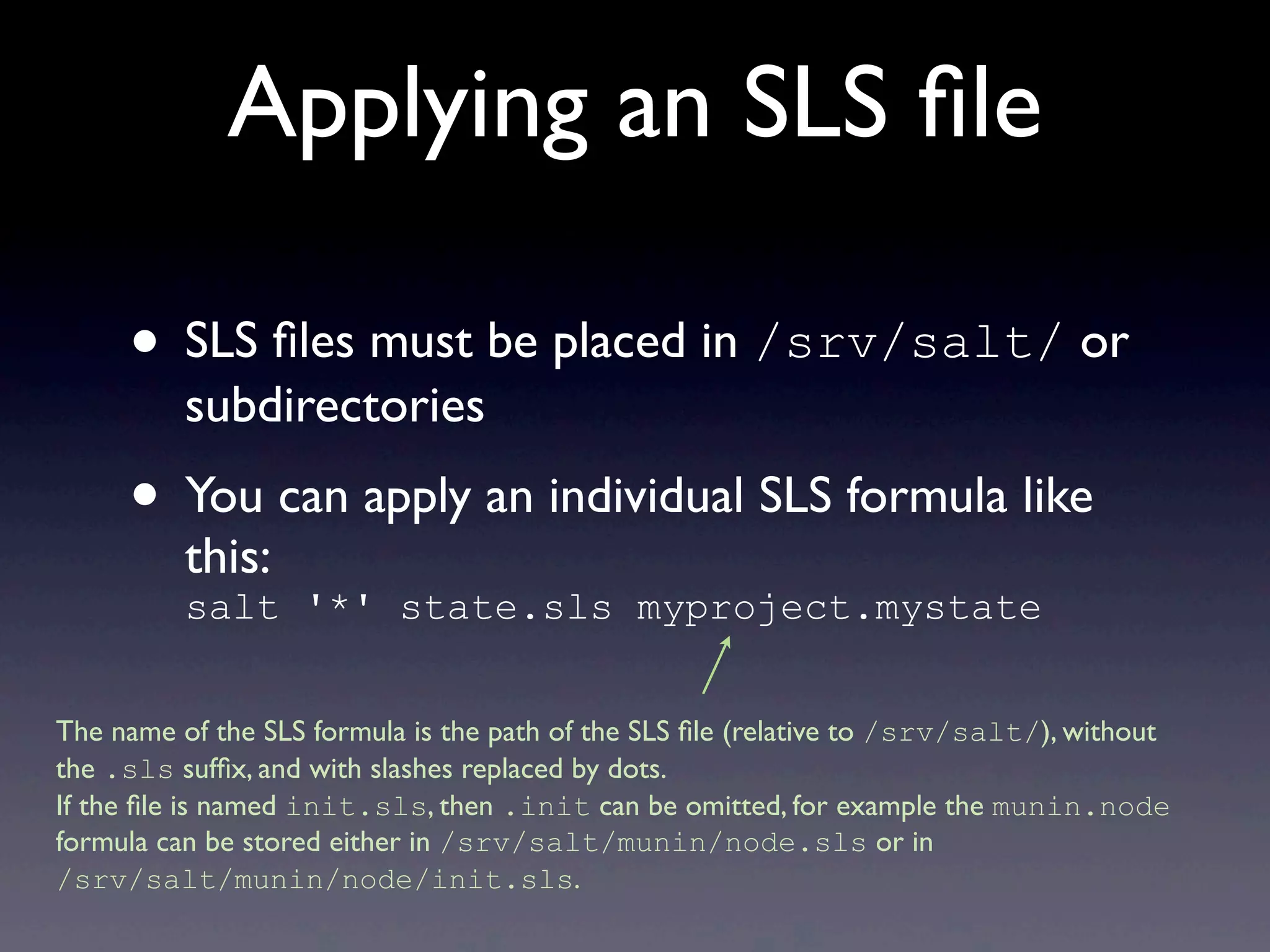
• SLS files must be placed in /srv/salt/ or
subdirectories
• You can apply an individual SLS formula like
this:
salt '*' state.sls myproject.mystate
The name of the SLS formula is the path of the SLS file (relative to /srv/salt/), without
the .sls suffix, and with slashes replaced by dots.
If the file is named init.sls, then .init can be omitted, for example the munin.node
formula can be stored either in /srv/salt/munin/node.sls or in
/srv/salt/munin/node/init.sls.
The «top» file
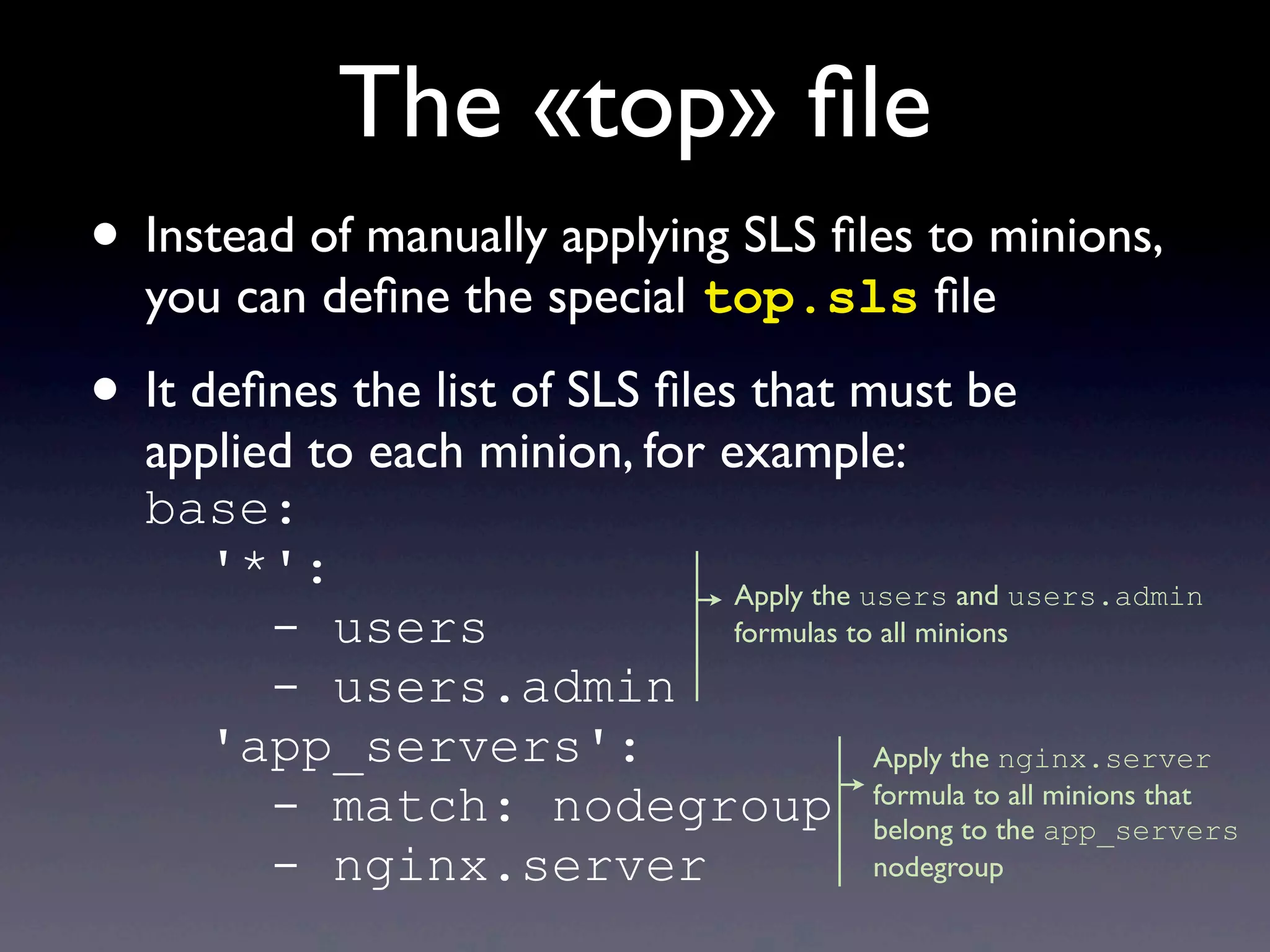
• Instead of manually applying SLS files to minions,
you can define the special top.sls file
• It defines the list of SLS files that must be
applied to each minion, for example:
base:
'*':
- users
- users.admin
'app_servers':
- match: nodegroup
- nginx.server
Apply the users and users.admin
formulas to all minions
Apply the nginx.server
formula to all minions that
belong to the app_servers
nodegroup
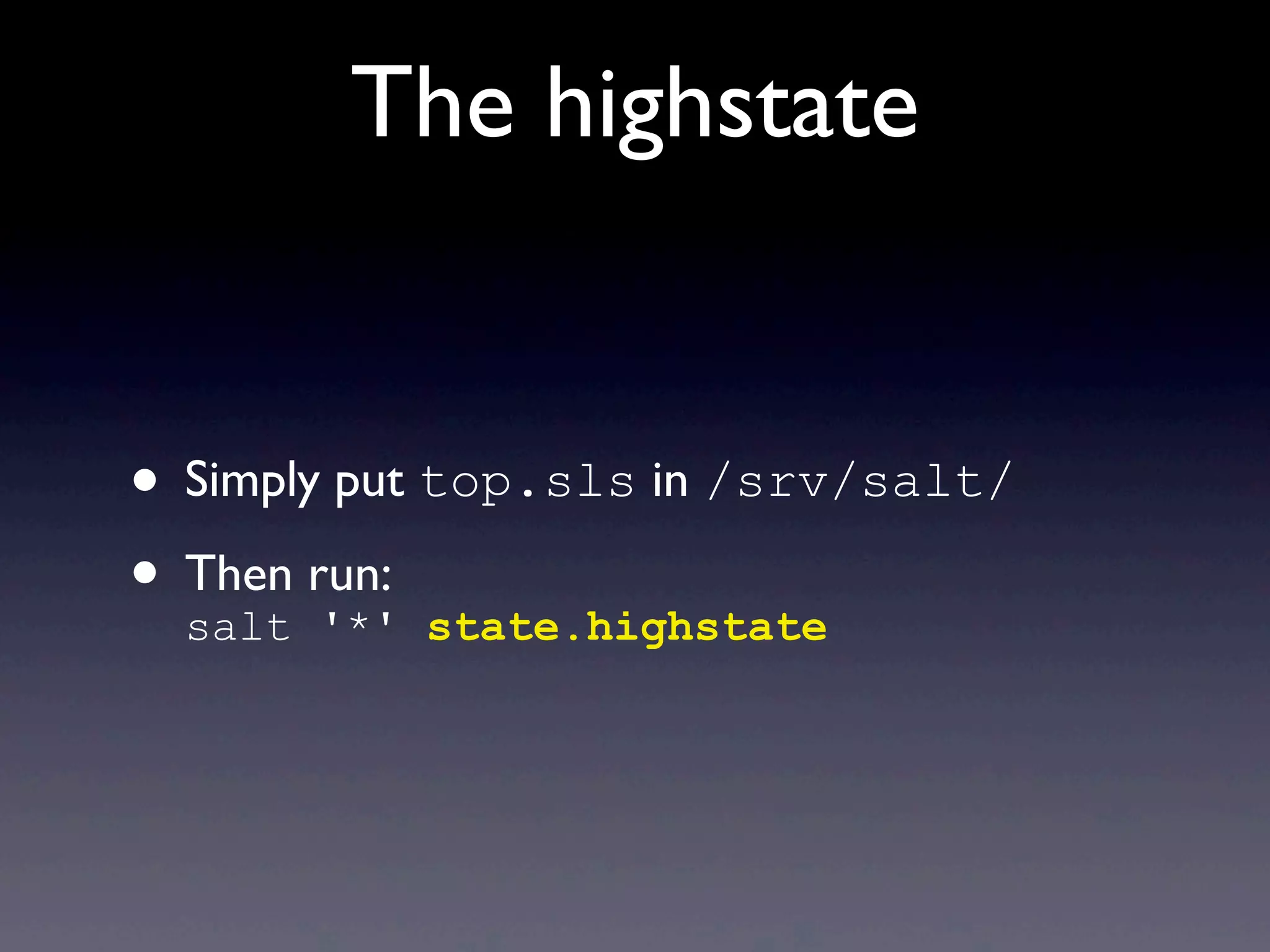
The highstate
• Simply put top.sls in /srv/salt/
• Then run:
salt '*' state.highstate
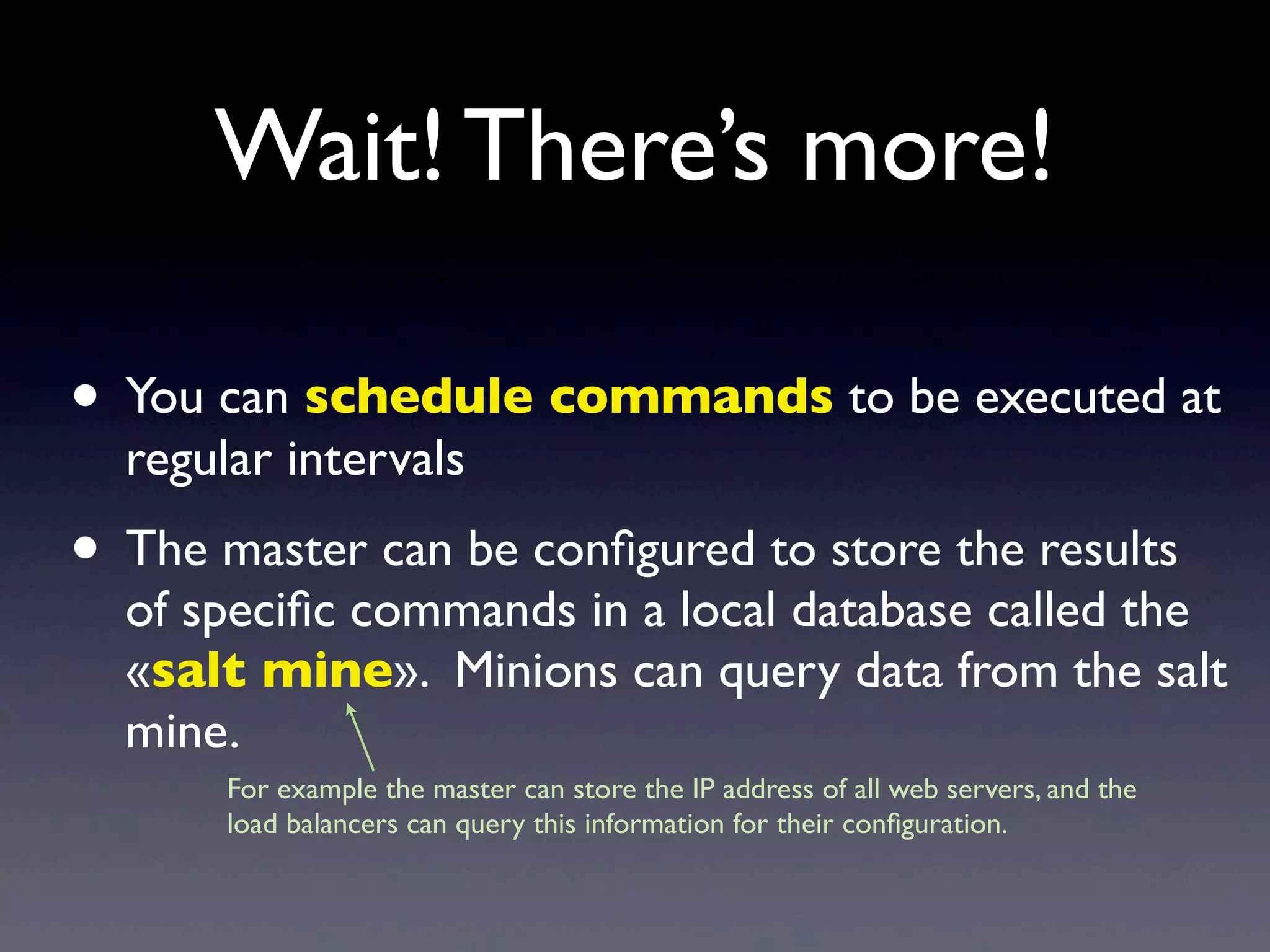
Wait! There’s more!
Wait! There’s more!
• You can schedule commands to be executed at
regular intervals
• The master can be configured to store the results
of specific commands in a local database called the
«salt mine». Minions can query data from the salt
mine.
For example the master can store the IP address of all web servers, and the
load balancers can query this information for their configuration.
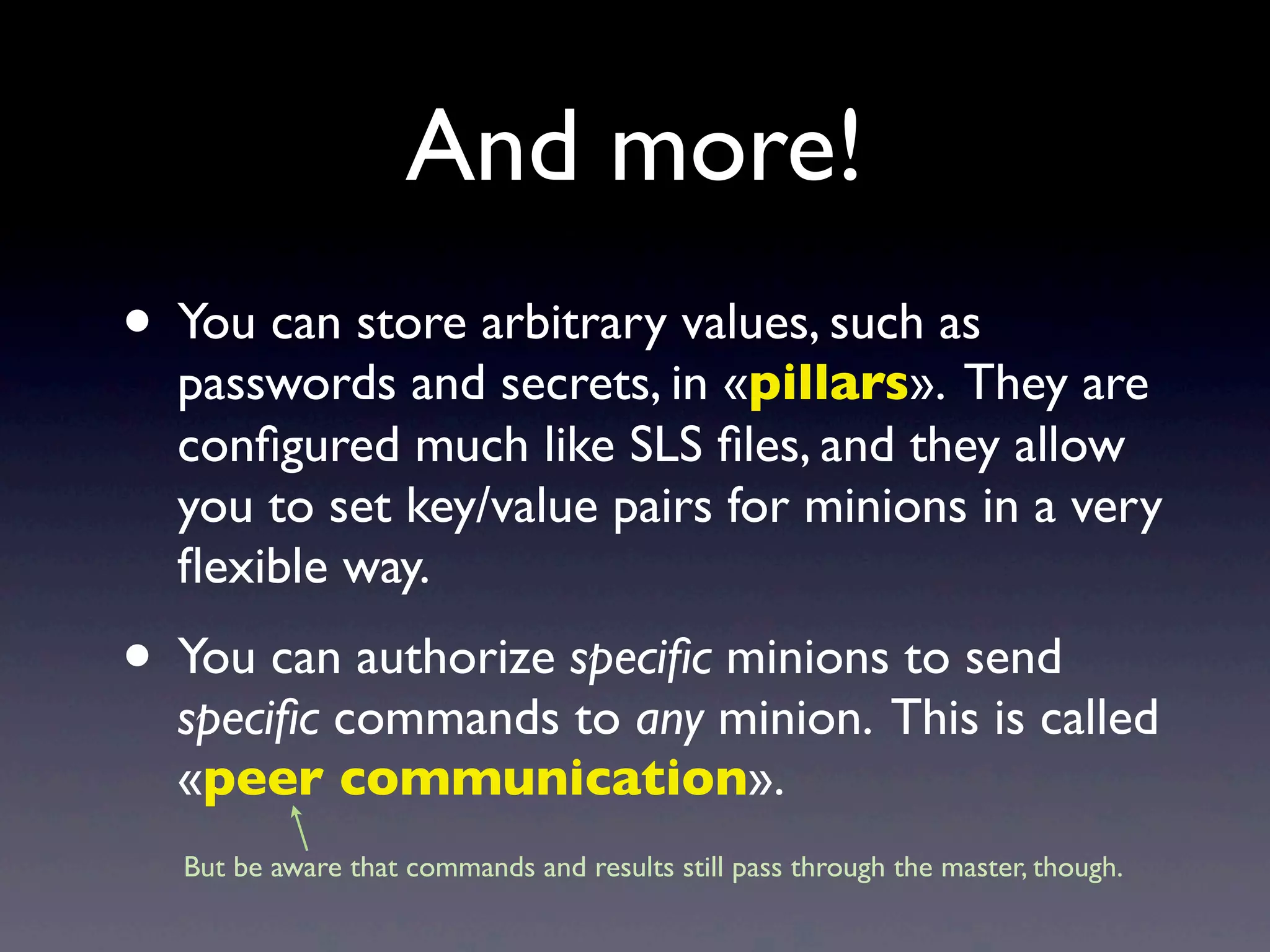
And more!
• You can store arbitrary values, such as
passwords and secrets, in «pillars». They are
configured much like SLS files, and they allow
you to set key/value pairs for minions in a very
flexible way.
• You can authorize specific minions to send
specific commands to any minion. This is called
«peer communication».
But be aware that commands and results still pass through the master, though.
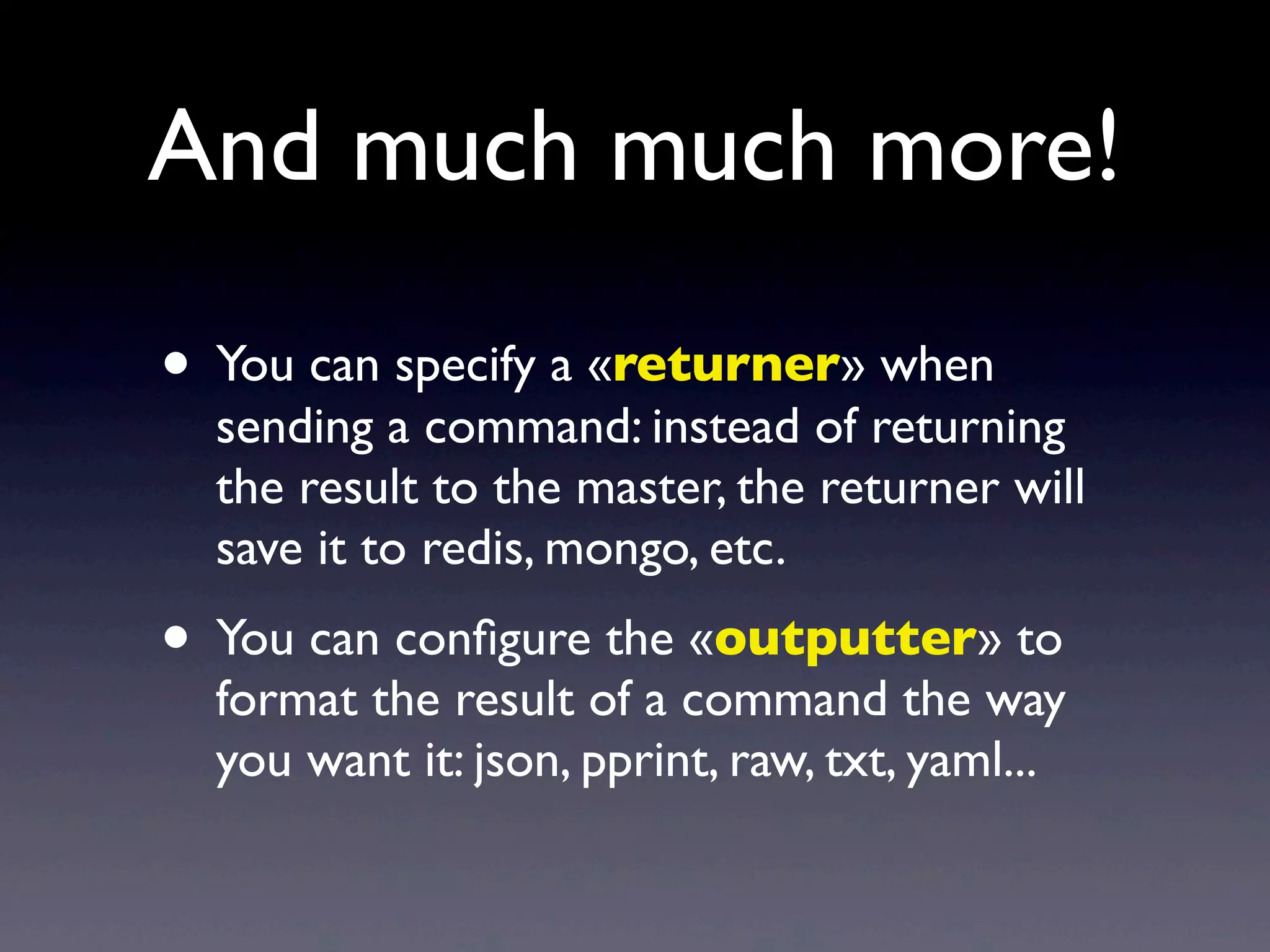
• You can specify a «returner» when
sending a command: instead of returning
the result to the master, the returner will
save it to redis, mongo, etc.
• You can configure the «outputter» to
format the result of a command the way
you want it: json, pprint, raw, txt, yaml...
And much much more!
And much much more!
• There’s an API so you can do everything
programmatically.
• There’s an event framework that
allows you to trigger events: you define
reactors as SLS files that define how each
minion should react.
And lots more!
• SLS files go through a configurable
renderer which applies Jinja /YAML by
default, but you can use any other
renderer, not just in python.
• SLS declarations can include or extend
other SLS declarations.
Some links
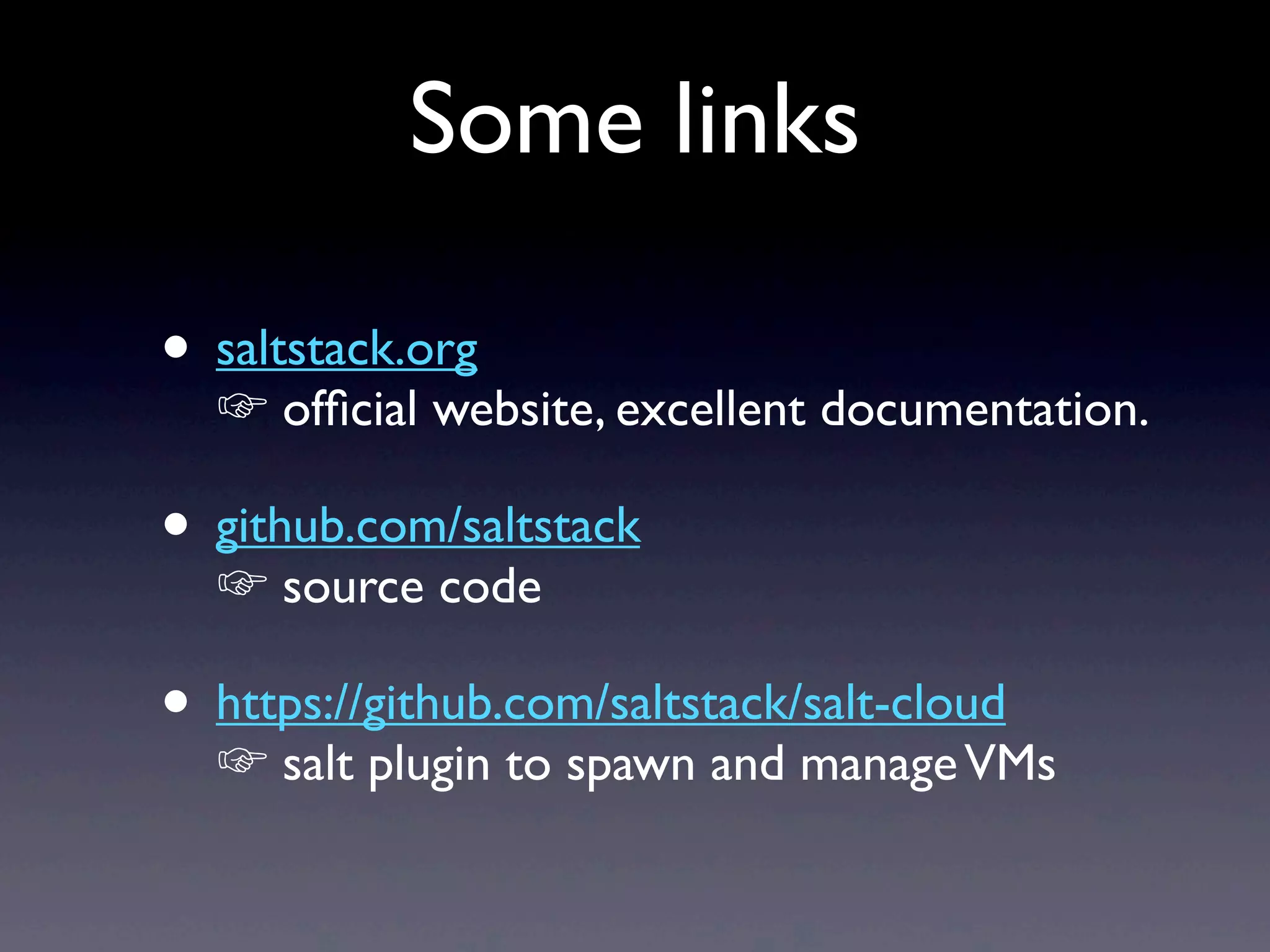
• saltstack.org
☞ official website, excellent documentation.
• github.com/saltstack
☞ source code
• https://github.com/saltstack/salt-cloud
☞ salt plugin to spawn and manageVMs
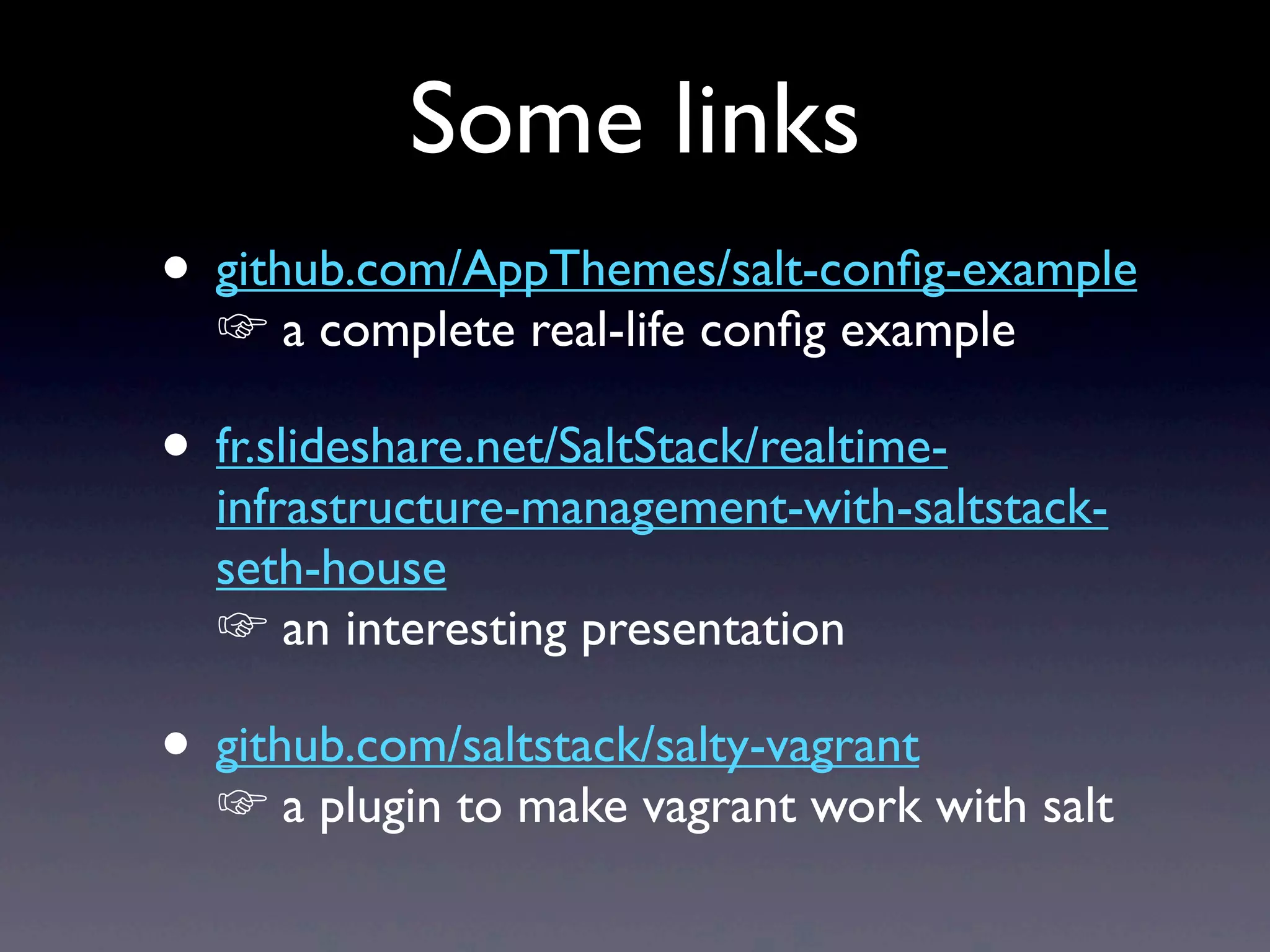
• github.com/AppThemes/salt-config-example
☞ a complete real-life config example
• fr.slideshare.net/SaltStack/realtime-
infrastructure-management-with-saltstack-
seth-house
☞ an interesting presentation
• github.com/saltstack/salty-vagrant
☞ a plugin to make vagrant work with salt
Some links
Questions ?

A user's perspective on SaltStack and other configuration management tools

  • 1.
    An introduction toinfrastructure management with SaltStack Aurélien Géron - 06/2013
  • 2.
  • 3.
    • Hardware &network • Configure cloud & spawnVMs • O.S. & softwares (install, config, updates) • Scheduled tasks (backups, clean logs...) • Manual tasks (deploy app, reboot...) • Monitoring • Graphs • ... Infrastructure management is...
  • 4.
    Config management tools •Hardware & network • Configure cloud & spawnVMs • O.S. & softwares (install, config, updates) • Scheduled tasks (backups, clean logs...) • Manual tasks (deploy app, reboot...) • Monitoring • Graphs • ...
  • 5.
    • Hardware &network • Configure cloud & spawnVMs • O.S. & softwares (install, config, updates) • Scheduled tasks (backups, clean logs...) • Manual tasks (deploy app, reboot...) • Monitoring • Graphs • ... Remote control tools rake
  • 6.
    • Hardware &network • Configure cloud & spawnVMs • O.S. & softwares (install, config, updates) • Scheduled tasks (backups, clean logs...) • Manual tasks (deploy app, reboot...) • Monitoring • Graphs • ... All-in-one tools
  • 7.
    • Hardware &network • Configure cloud & spawnVMs • O.S. & softwares (install, config, updates) • Scheduled tasks (backups, clean logs...) • Manual tasks (deploy app, reboot...) • Monitoring • Graphs • ... A full stack example statsd salt-cloud
  • 8.
    Change configExecute scriptSSH For example, with: Control strategies + Simple + No daemon - Slow - No CMDB
  • 9.
    Scheduled updates CMDB Upload config & scripts Forexample, with: Control strategies + Centralized - Super slow
  • 10.
    Manual update CMDB Go ! Controlstrategies Upload config & scripts + Centralized - Slow - Complicated For example, with:
  • 11.
    CMDB Upload config & scripts Go! SSH For example, with: Control strategies + Simple + No daemon + Centralized - Slow
  • 12.
    Control strategies Permanent encrypted connection(AES/ ØMQ) CMDB Upload config & scripts For example, with: + Simple + Centralized + Fast
  • 13.
    Control strategies Permanent encrypted connection(AES/ ØMQ) CMDB Go ! For example, with: + Simple + Centralized + Fast
  • 14.
  • 15.
    Enough with the overview,let’s get our hands dirty now!
  • 16.
    Installation : salt-minion •Same one-liner on all platforms: wget -O - http://bootstrap.saltstack.org | sudo sh • On Debian / Ubuntu, this script will add the appropriate apt repo and install the latest package
  • 17.
    Installation : salt-master •For the master, it’s the same one-liner as for the minions, plus (on Debian/Ubuntu): apt-get install salt-master
  • 18.
    Minion config • Configis in /etc/salt/minion • By default, the minion connects to the master with hostname salt • Edit config to change the master hostname or add the appropriate DNS entry (or add a salt entry to /etc/hosts) • Restart minion : service salt-minion restart
  • 19.
    Master config • Edit/etc/salt/master • By default, it looks for minion config in: /srv/salt/ • Default options are fine, actually • Restart the master if you changed something: service salt-master restart
  • 20.
    Authorize minions • Minionsgenerate their own key-pair upon first startup, and send the public key to the master • On the master, list the keys with: salt-key -L (or -P for details) •Keys are pending for authorization. Check them, then accept them with: salt-key -A •That’s it! We’re up and running. :-)
  • 21.
    Remote control • Let’stry executing a remote command • Connect to the master and type: salt '*' test.ping •First argument = target minions •Second argument = function to execute •Other arguments = params for the function
  • 22.
    Predefined modules • Thereare a bunch of predefined «execution modules» • List them with: salt '*' sys.doc • For example, executing a shell command: salt '*' cmd.run 'ls /' • Python-style kwargs are supported, and arguments are parsed asYAML: salt '*' cmd.run 'echo "Hello $CITY"' env='{CITY: "Salt Lake City"}' runas=joe
  • 23.
    Running a script •Put your script on the master in /srv/salt/ • Then run it! salt '*' cmd.script salt://myscript.sh • Boy, that was a no-brainer, wasn’t it? • Salt includes a simple file-server (it’s meant to sync configuration files, not terabytes)
  • 24.
    Specifying targets • Targetis interpreted as a minion id glob: salt 'app_server_*' test.ping • Minion id defaults to the minion’s FQDN, but you can change it in the minion’s config • SaltStack also gives access to some of the minion’s attributes (CPU type, OS...), and you can target them. These attributes are called «grains»: salt -G 'os:Ubuntu' test.ping
  • 25.
    Specifying targets • Youcan define groups in the master’s config (called «nodegroups») and target them: salt -N app_servers test.ping • You can target IPs and subnets: salt -S '10.1.2.0/24' test.ping • You can target «pillars»: those are key/value pairs defined on the master and associated to minions. • And finally you can mix all of the above using an «and/or» expression (this is called a «compound target»)
  • 26.
    Home-made modules • Asalt module is just a regular python module: # mathmagic.py def pow(x, exp = 2): return x**exp • Put it in /srv/salt/_modules/ • Synchronize the modules on the minions: 'salt '*' saltutil.sync_modules • Then run! salt '*' mathmagic.pow 5 exp=3 • Arguments are parsed asYAML, so the function receives integer arguments, not strings :-)
  • 27.
  • 28.
    SLS files • SaLtState files are an extension of the modules system, designed to bring minions into a predefined state • You define the desired states in SLS files. These are simpleYAML files, such as: vim: pkg.installed nginx: pkg: - latest service.running: - watch: - file: /etc/nginx.conf
  • 29.
    SLS syntax • Thefollowing SLS fragment results in a call to the latest() function in the pkg state module, with "vim" passed as the first argument (the name argument): nginx: pkg.latest • This is equivalent to: nginx: pkg: - latest
  • 30.
    Postfix SLS example postfix: pkg: -installed service.running: - require: - pkg: postfix - watch: - file: /etc/postfix/main.cf /etc/postfix/main.cf: file.managed: - source: salt://postfix/main.cf - require: - pkg: postfix
  • 31.
    Postfix SLS example postfix: pkg: -installed service.running: - require: - pkg: postfix - watch: - file: /etc/postfix/main.cf /etc/postfix/main.cf: file.managed: - source: salt://postfix/main.cf - require: - pkg: postfix Calls pkg.installed("postfix") Calls service.running("postfix")... ...but only after postfix is installed watch = require + if the state of the watched resource has changed (main.cf in this example) then calls the watching module’s mod_watch() function (in this example, service.mod_watch("postfix"), which will restart the postfix service). Calls file.managed("/etc/postfix/main.cf", source="salt://postfix/main.cf") only after the postfix package is installed
  • 32.
    Postfix SLS example postfix: pkg: -installed service.running: - require: - pkg: postfix - watch: - file: postfix_main_cf postfix_main_cf: file.managed: - name: /etc/postfix/main.cf - source: salt://postfix/main.cf - require: - pkg: postfix You may pass the name argument explicitely rather than defaulting to the parent key.
  • 33.
    SLS templates • TheSLS files go through a (configurable) template engine, by default jinja • This gives SLS files a lot of flexibility, for example: {% set motd = ['/etc/motd'] %} {% if grains['os'] == 'Debian' %} {% set motd = ['/etc/motd.tail', '/var/run/motd'] %} {% endif %} {% for motdfile in motd %} {{ motdfile }}: file.managed: - source: salt://motd {% endfor %}
  • 34.
    Config files templates •The configuration files themselves can be rendered through a template engine: /etc/motd: file.managed: - source: salt://motd - template: jinja - defaults: message: 'Foo' {% if grains['os'] == 'FreeBSD' %} - context: message: 'Bar' {% endif %} The motd file is actually a jinja template. In this example, it is passed the message variable and it can render it using the jinja syntax: {{ message }} file.managed allows two dictionaries to be passed as arguments to the template: defaults and context. Values in context override those in defaults.
  • 35.
    Applying an SLSfile • SLS files must be placed in /srv/salt/ or subdirectories • You can apply an individual SLS formula like this: salt '*' state.sls myproject.mystate The name of the SLS formula is the path of the SLS file (relative to /srv/salt/), without the .sls suffix, and with slashes replaced by dots. If the file is named init.sls, then .init can be omitted, for example the munin.node formula can be stored either in /srv/salt/munin/node.sls or in /srv/salt/munin/node/init.sls.
  • 36.
    The «top» file •Instead of manually applying SLS files to minions, you can define the special top.sls file • It defines the list of SLS files that must be applied to each minion, for example: base: '*': - users - users.admin 'app_servers': - match: nodegroup - nginx.server Apply the users and users.admin formulas to all minions Apply the nginx.server formula to all minions that belong to the app_servers nodegroup
  • 37.
    The highstate • Simplyput top.sls in /srv/salt/ • Then run: salt '*' state.highstate
  • 38.
  • 39.
    Wait! There’s more! •You can schedule commands to be executed at regular intervals • The master can be configured to store the results of specific commands in a local database called the «salt mine». Minions can query data from the salt mine. For example the master can store the IP address of all web servers, and the load balancers can query this information for their configuration.
  • 40.
    And more! • Youcan store arbitrary values, such as passwords and secrets, in «pillars». They are configured much like SLS files, and they allow you to set key/value pairs for minions in a very flexible way. • You can authorize specific minions to send specific commands to any minion. This is called «peer communication». But be aware that commands and results still pass through the master, though.
  • 41.
    • You canspecify a «returner» when sending a command: instead of returning the result to the master, the returner will save it to redis, mongo, etc. • You can configure the «outputter» to format the result of a command the way you want it: json, pprint, raw, txt, yaml... And much much more!
  • 42.
    And much muchmore! • There’s an API so you can do everything programmatically. • There’s an event framework that allows you to trigger events: you define reactors as SLS files that define how each minion should react.
  • 43.
    And lots more! •SLS files go through a configurable renderer which applies Jinja /YAML by default, but you can use any other renderer, not just in python. • SLS declarations can include or extend other SLS declarations.
  • 44.
    Some links • saltstack.org ☞official website, excellent documentation. • github.com/saltstack ☞ source code • https://github.com/saltstack/salt-cloud ☞ salt plugin to spawn and manageVMs
  • 45.
    • github.com/AppThemes/salt-config-example ☞ acomplete real-life config example • fr.slideshare.net/SaltStack/realtime- infrastructure-management-with-saltstack- seth-house ☞ an interesting presentation • github.com/saltstack/salty-vagrant ☞ a plugin to make vagrant work with salt Some links
  • 46.