An Introduction to User
Experience Design
By Elena Donets
UI or UX?
Definition

 A user interface, also called a "UI" or
simply an "interface," is the means in
which a person controls a software
application or hardware device.
 User experience (UX) involves a
person's behaviors, attitudes, and
emotions about using a particular
product, system or service.
 GUI – Graphic User Interface
The Difference

UI or UX?

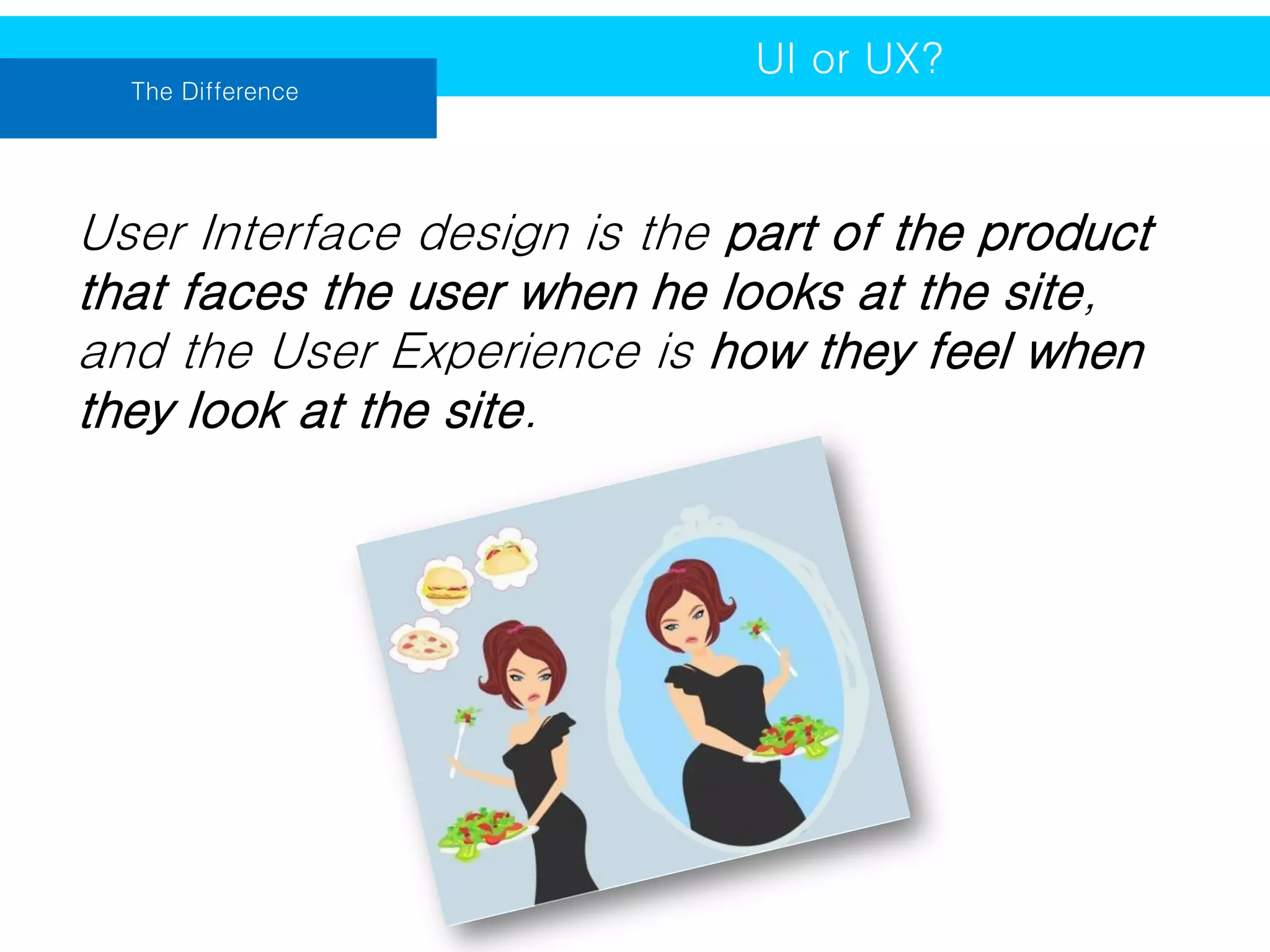
User Interface design is the part of the product
that faces the user when he looks at the site,
and the User Experience is how they feel when
they look at the site.
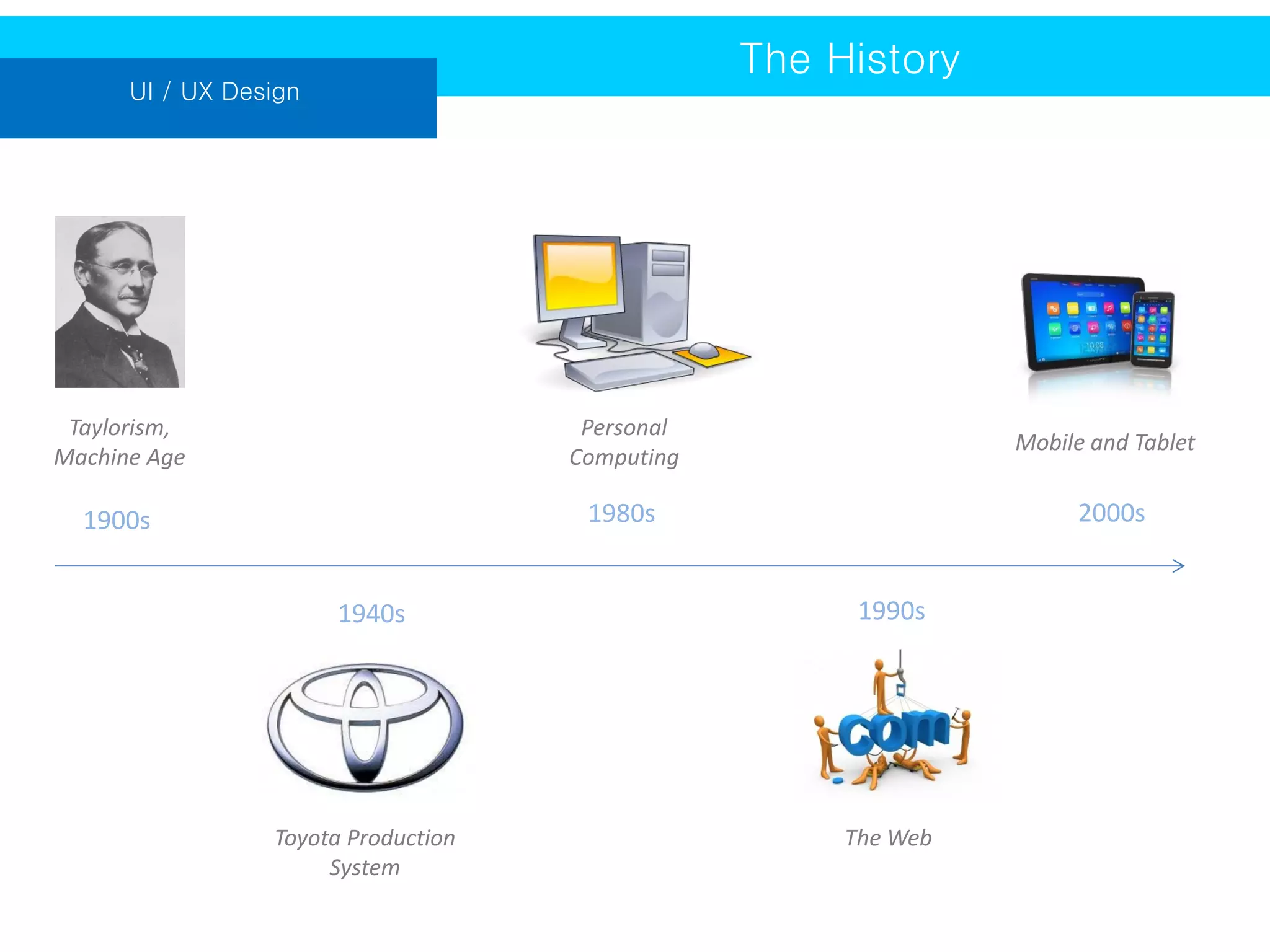
The History

UI / UX Design

Taylorism,
Machine Age

Personal
Computing

Mobile and Tablet

1900s

1980s

2000s

1940s

1990s

Toyota Production
System

The Web
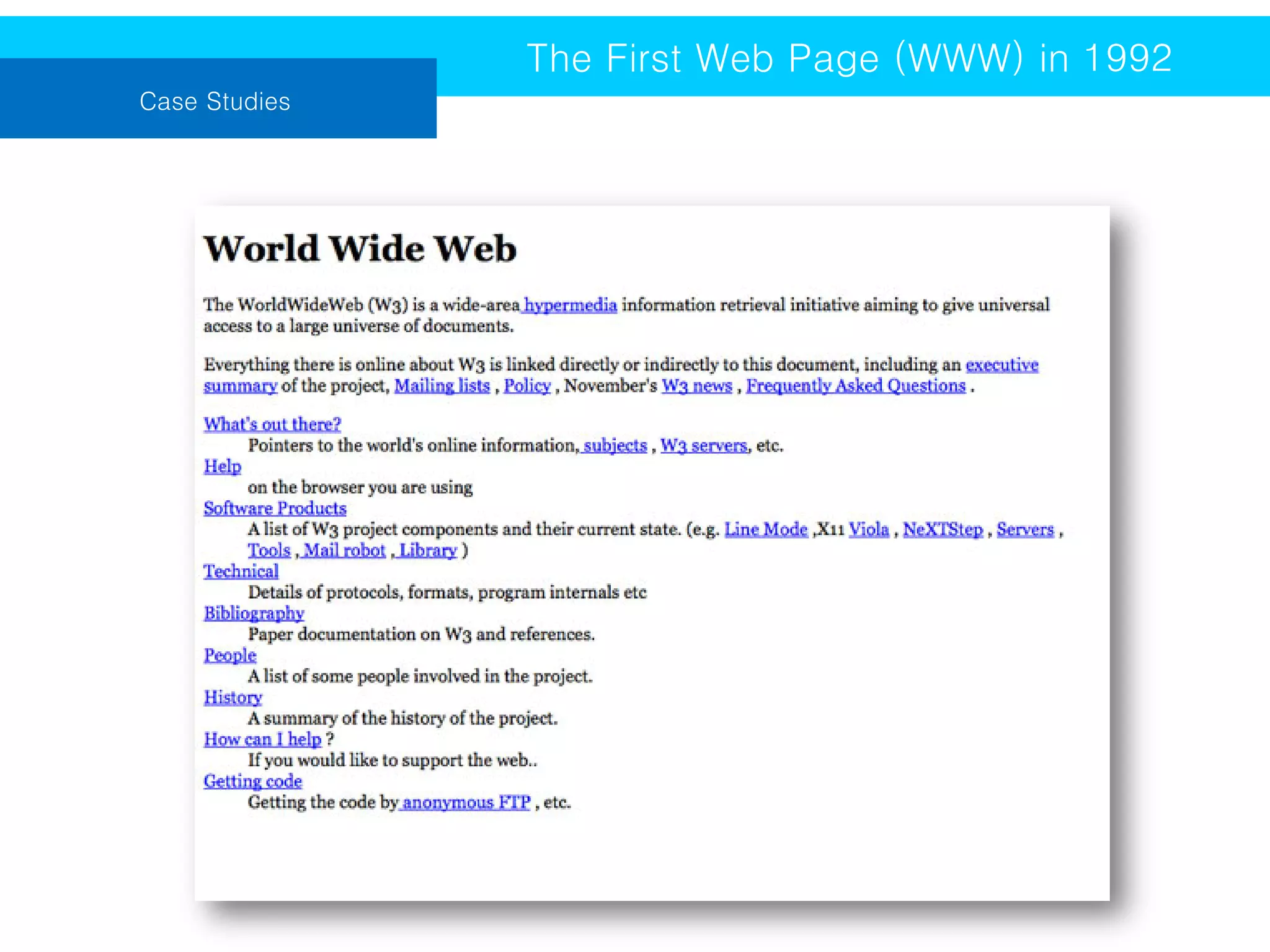
The First Web Page (WWW) in 1992
Case Studies
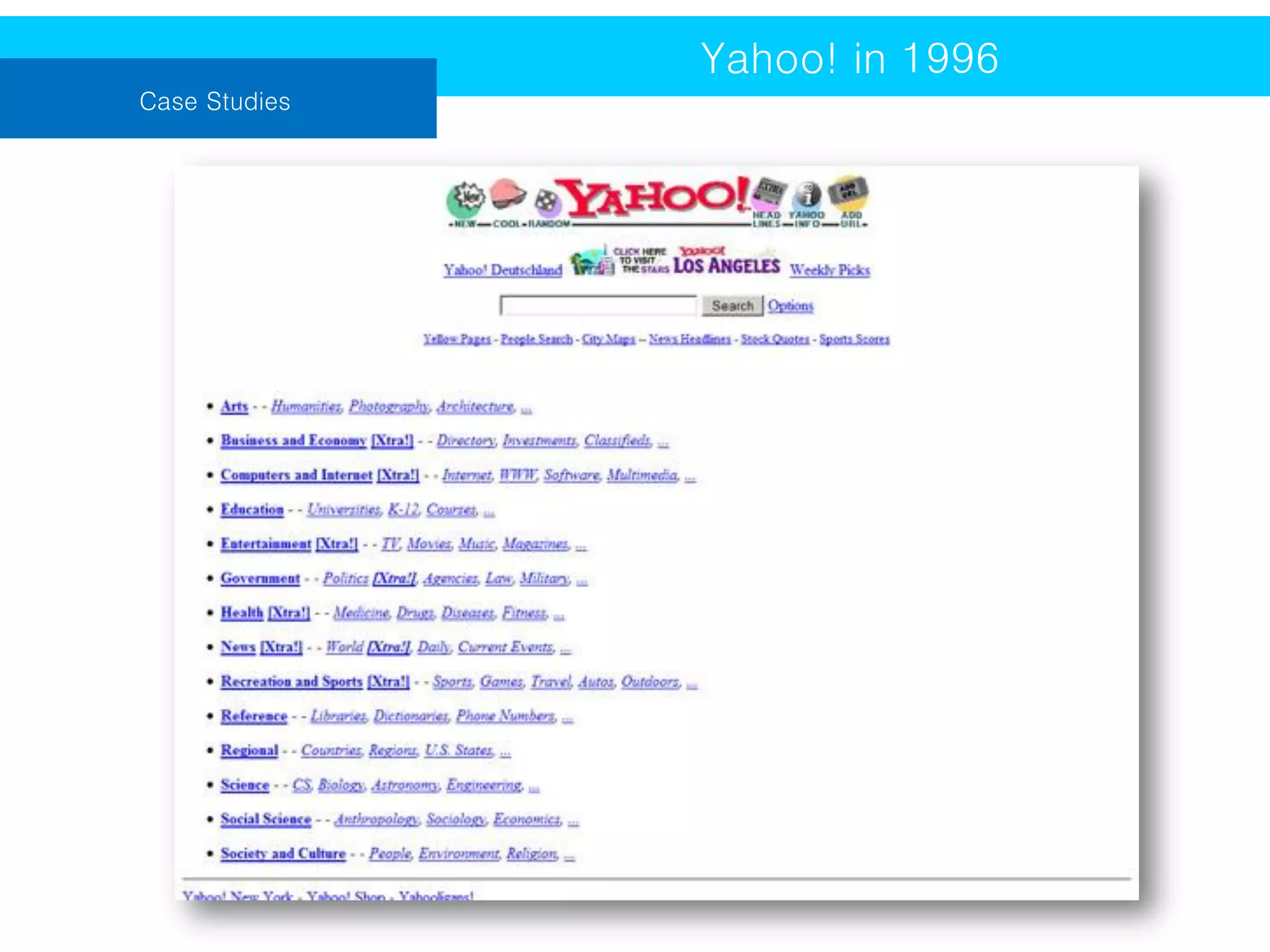
Yahoo! in 1996
Case Studies
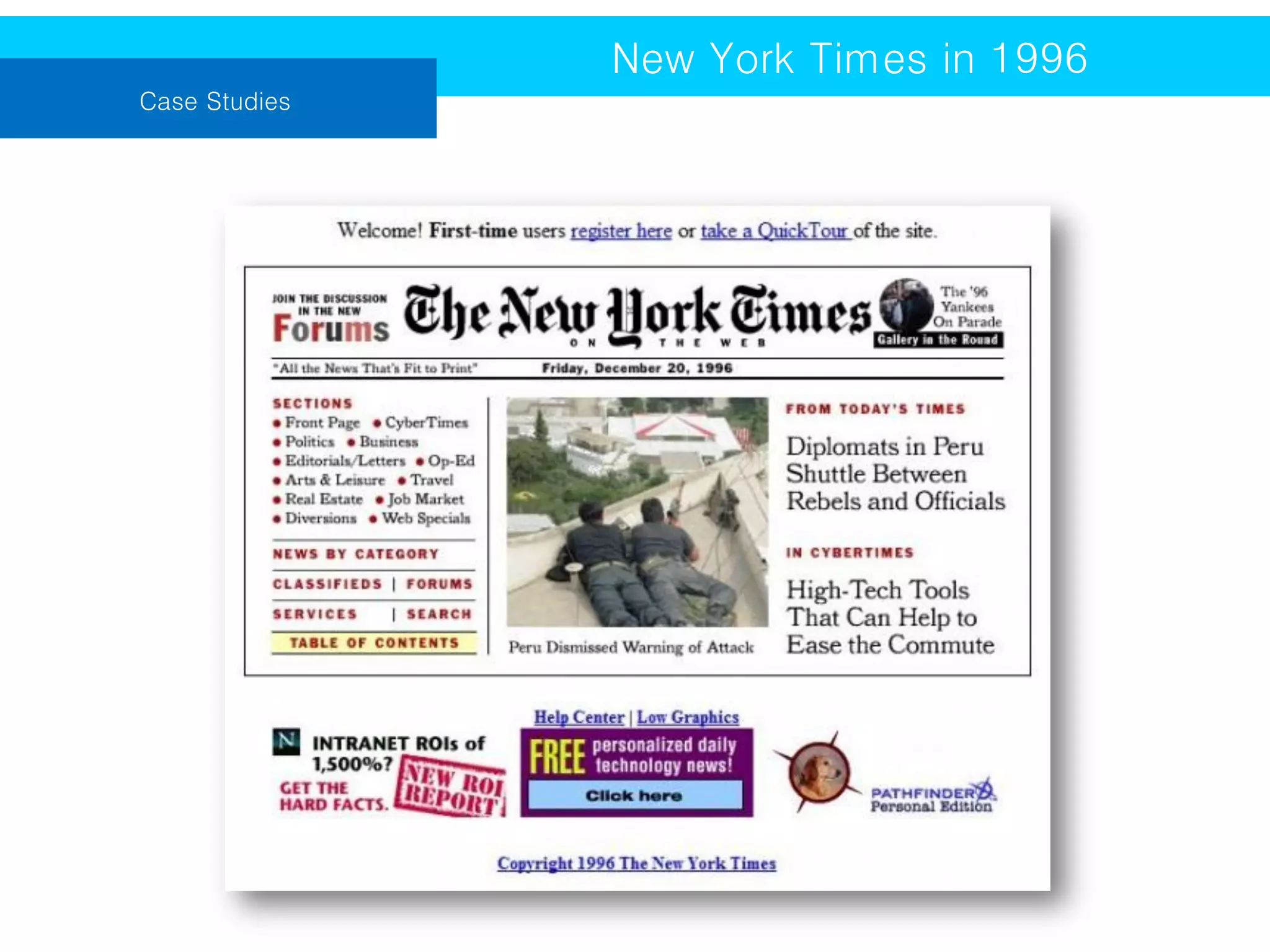
New York Times in 1996
Case Studies
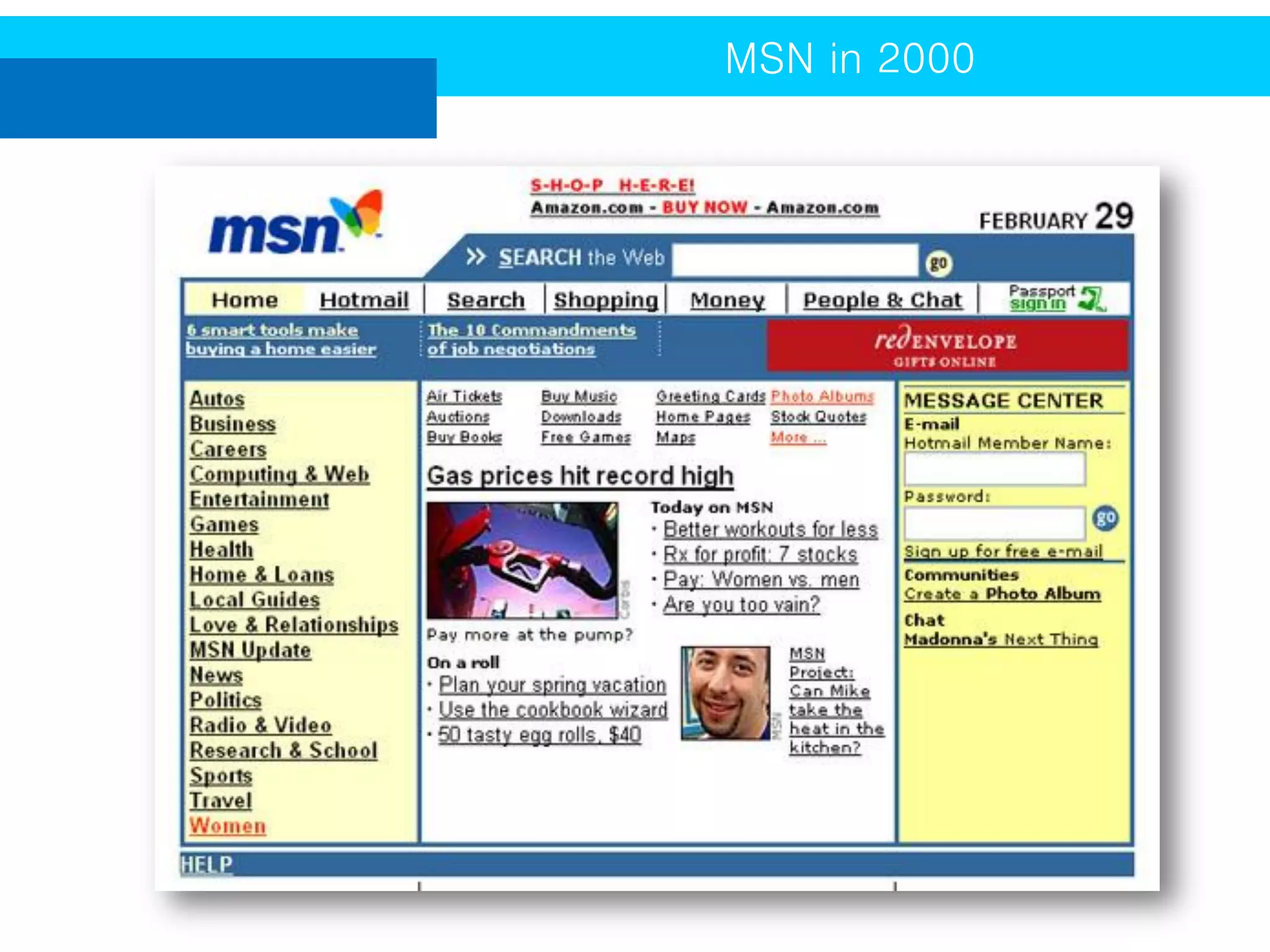
MSN in 2000
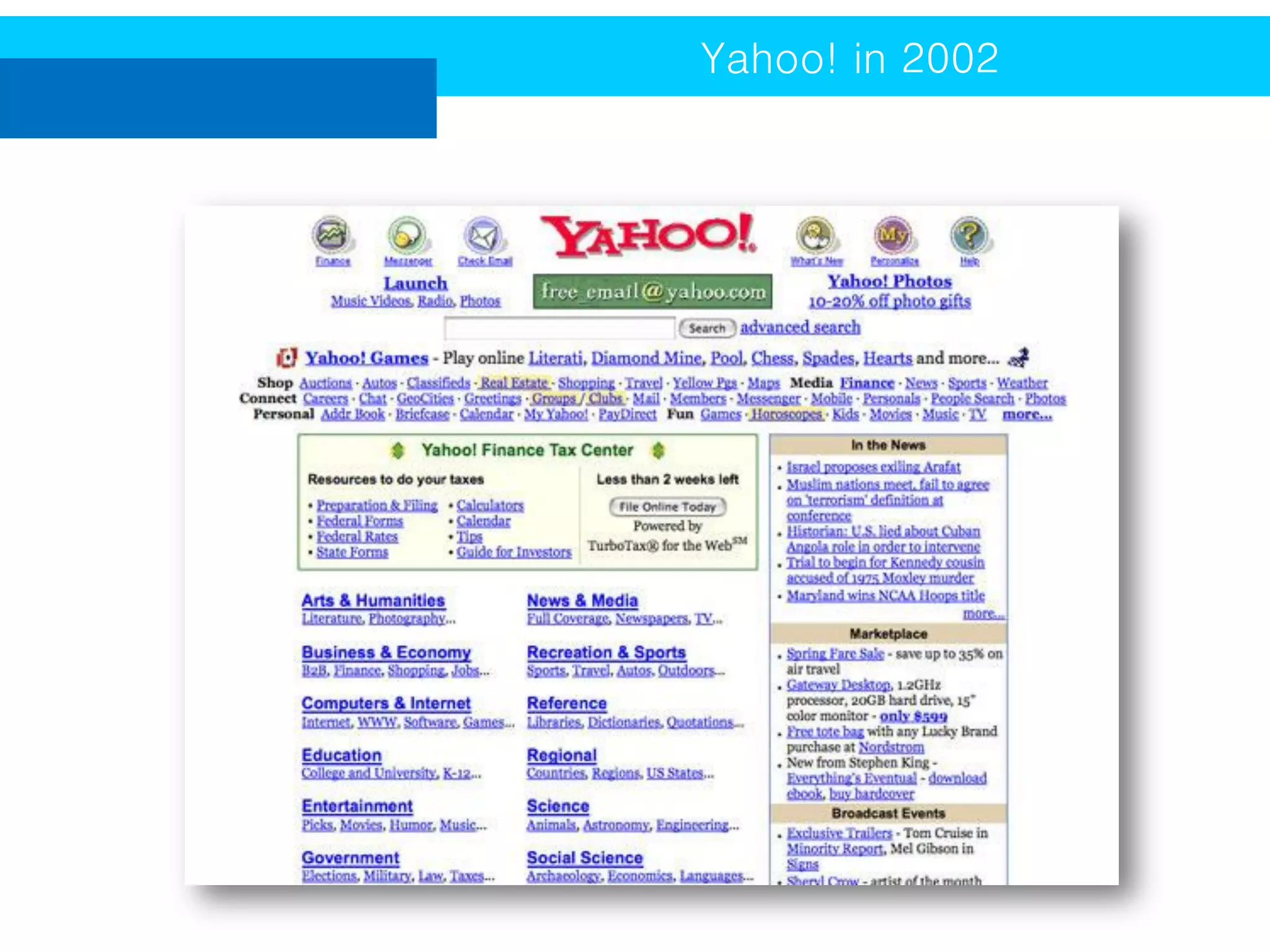
Yahoo! in 2002
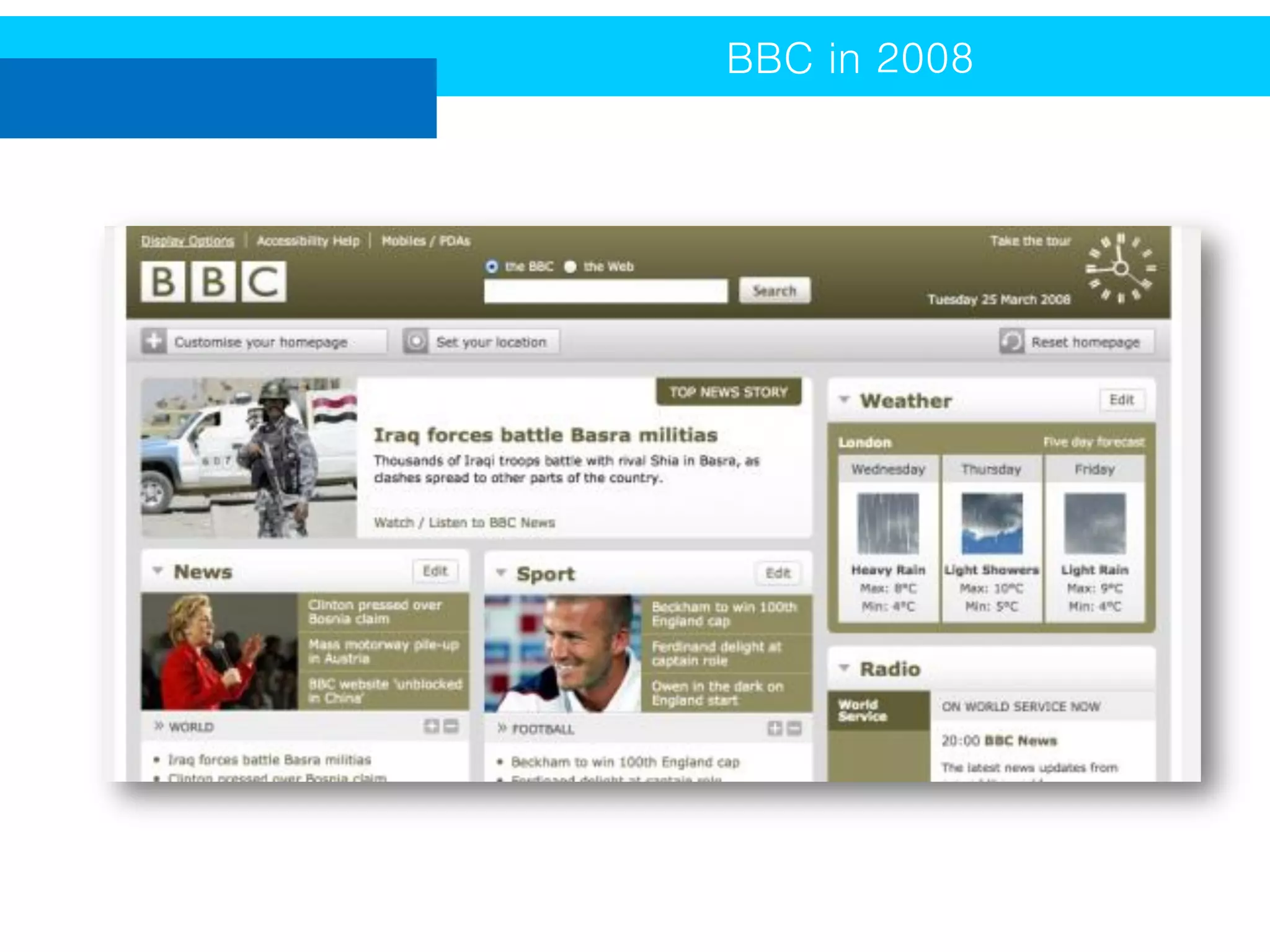
BBC in 2008
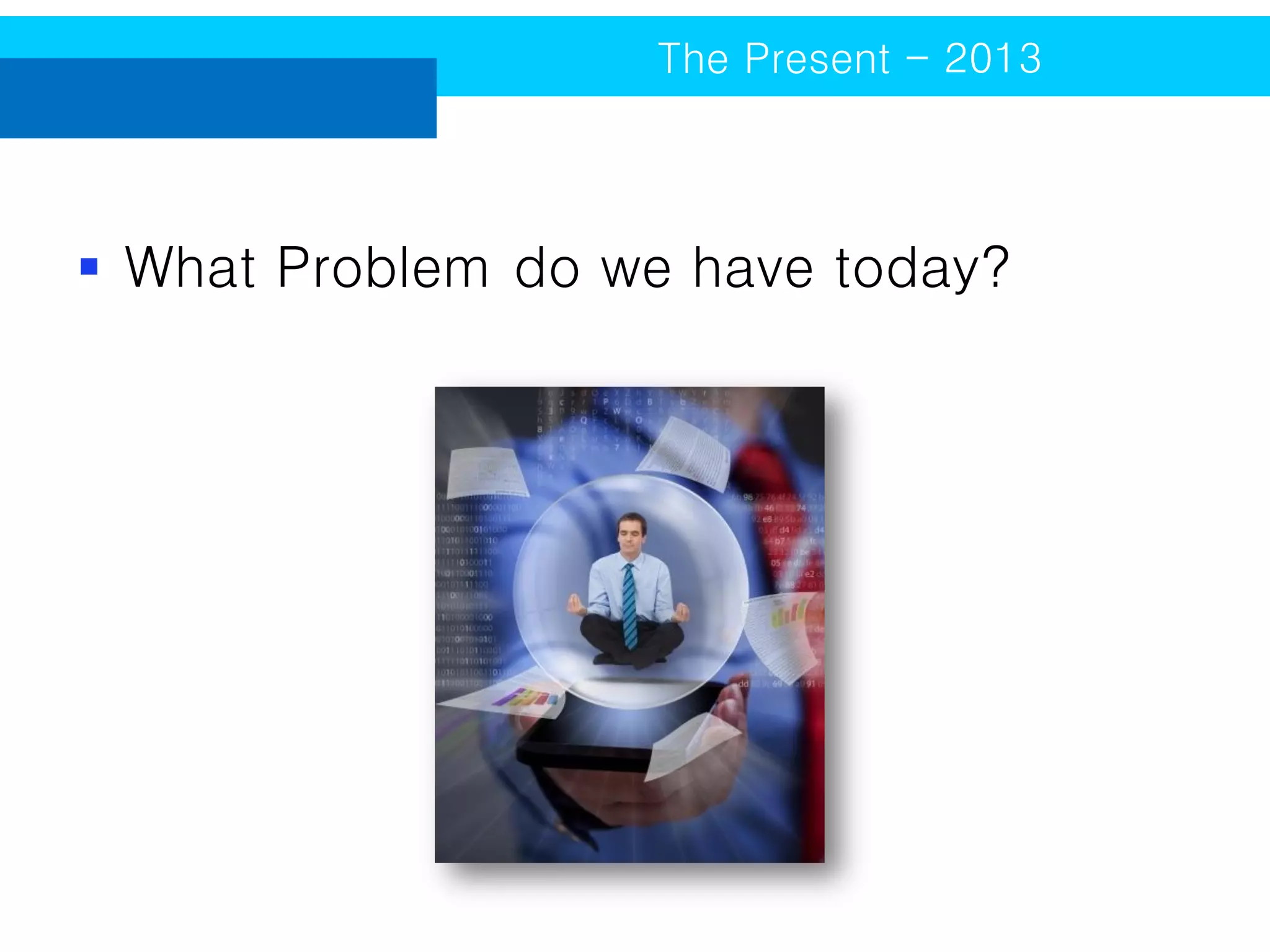
The Present - 2013

 What Problem do we have today?
Responsive Web Design (RWD)

The Present - 2013

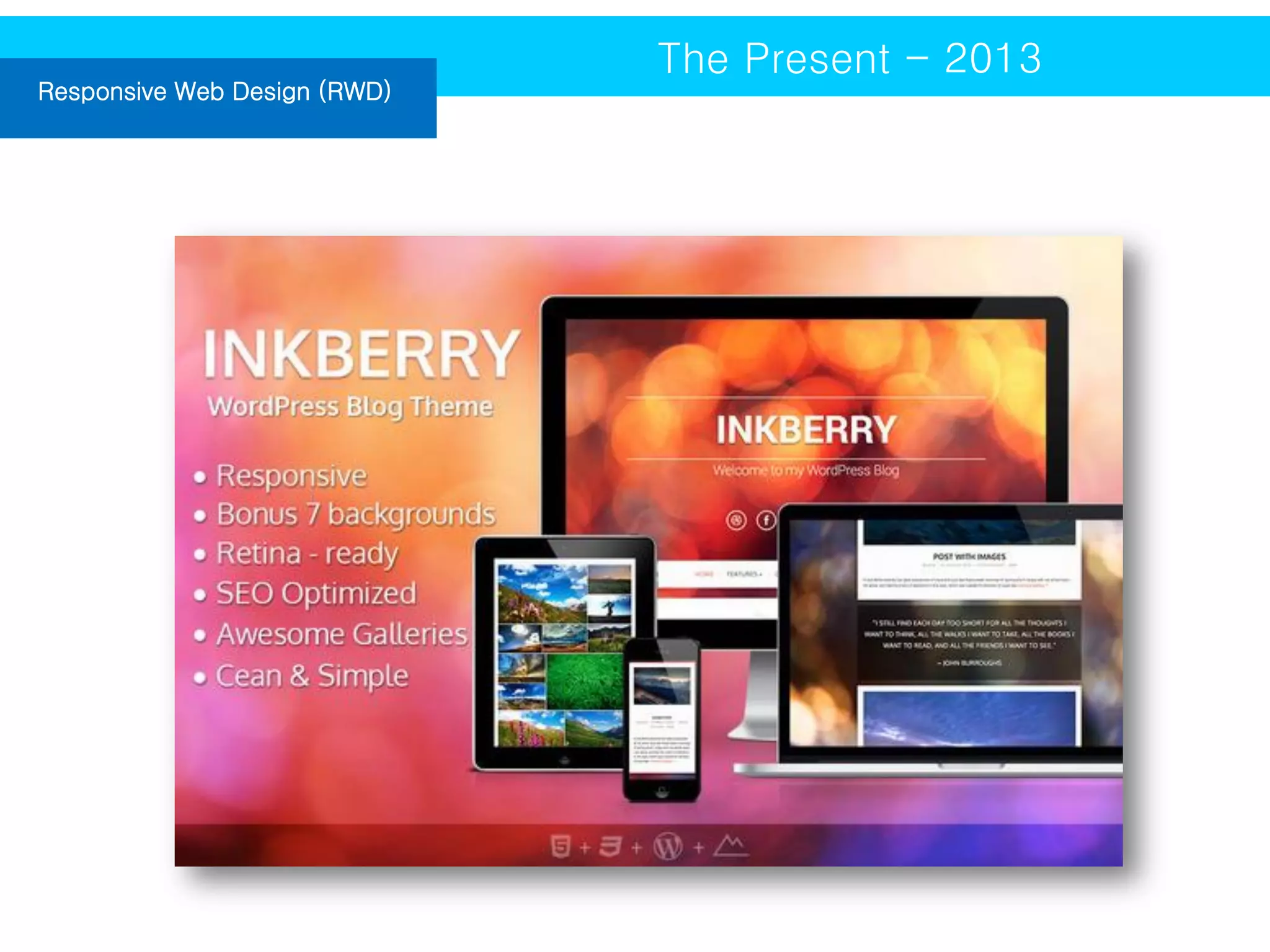
RWD allows users to better read and
experience the web from their laptop or
desktop, as well as, tablet and cell phone.
Responsive web templates are designed
to look great on a variety of different
screen sizes, so anyone can view your site
in a crisp and clear manner where ever
they go.
Responsive Web Design (RWD)

The Present - 2013
Flat Design

The Present - 2013

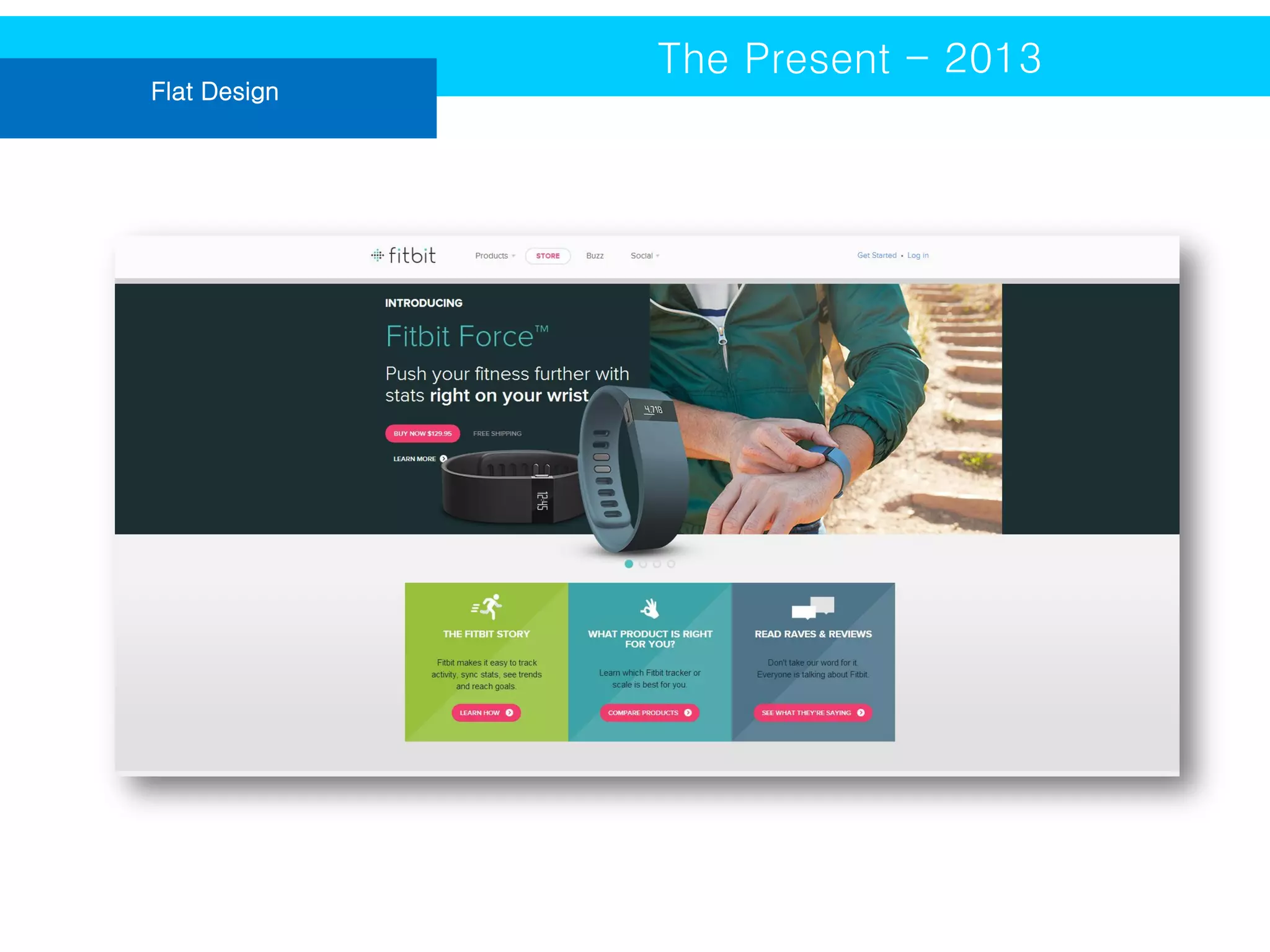
A website with flat design lacks gradients,
but incorporates solid colors, white space,
and crisp typography.
Flat Design

The Present - 2013
Parallax

The Present - 2013

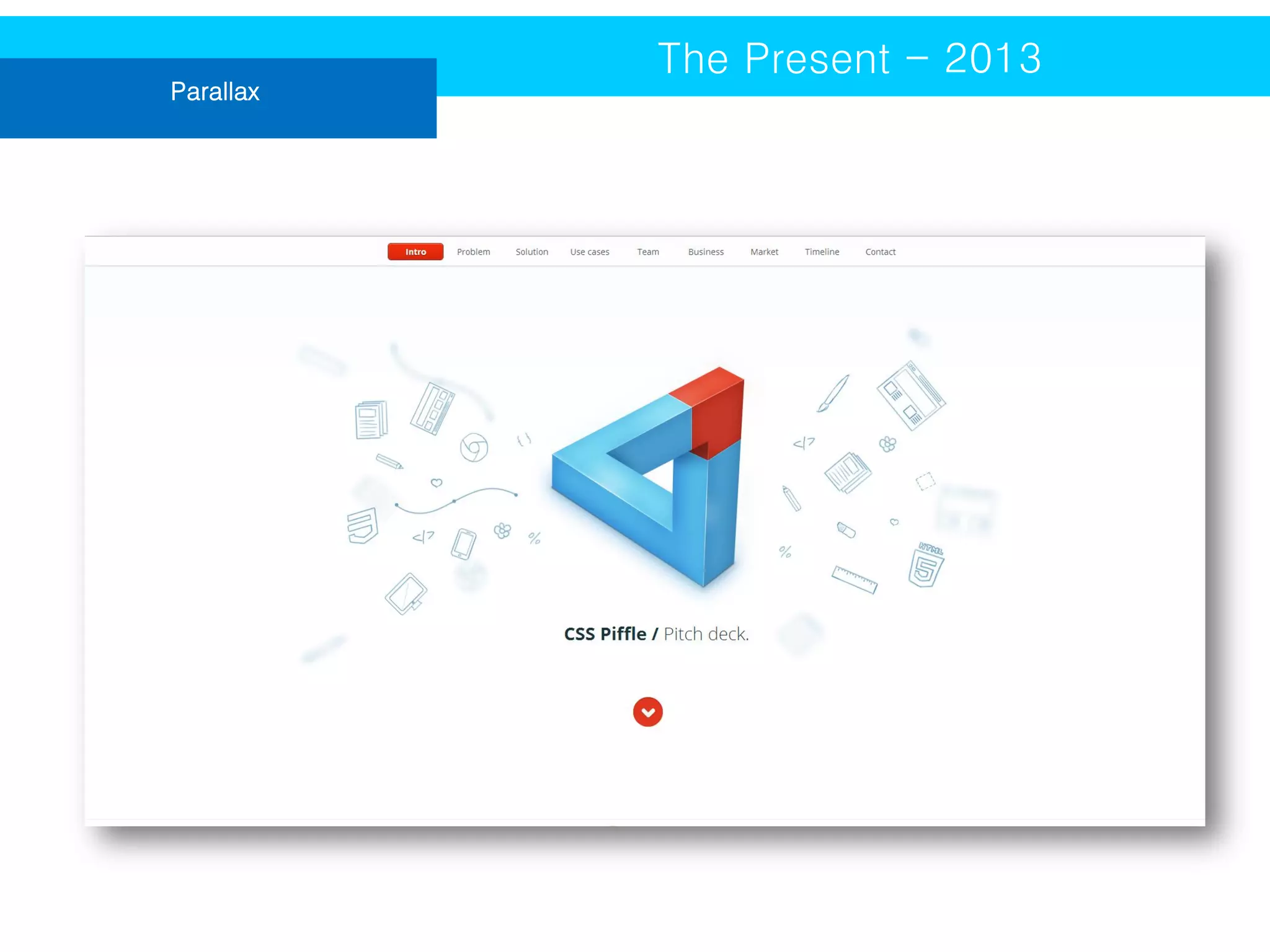
The Parallax web design trend has grown in popularity
because it creates an illusion of depth (or a faux-3D
effect) as you scroll through the webpage. Various
images on the site will move at different speeds or
change in size or at dimension to the site.
Parallax

The Present - 2013
Full-Screen Photo Launch Pages

The Present - 2013

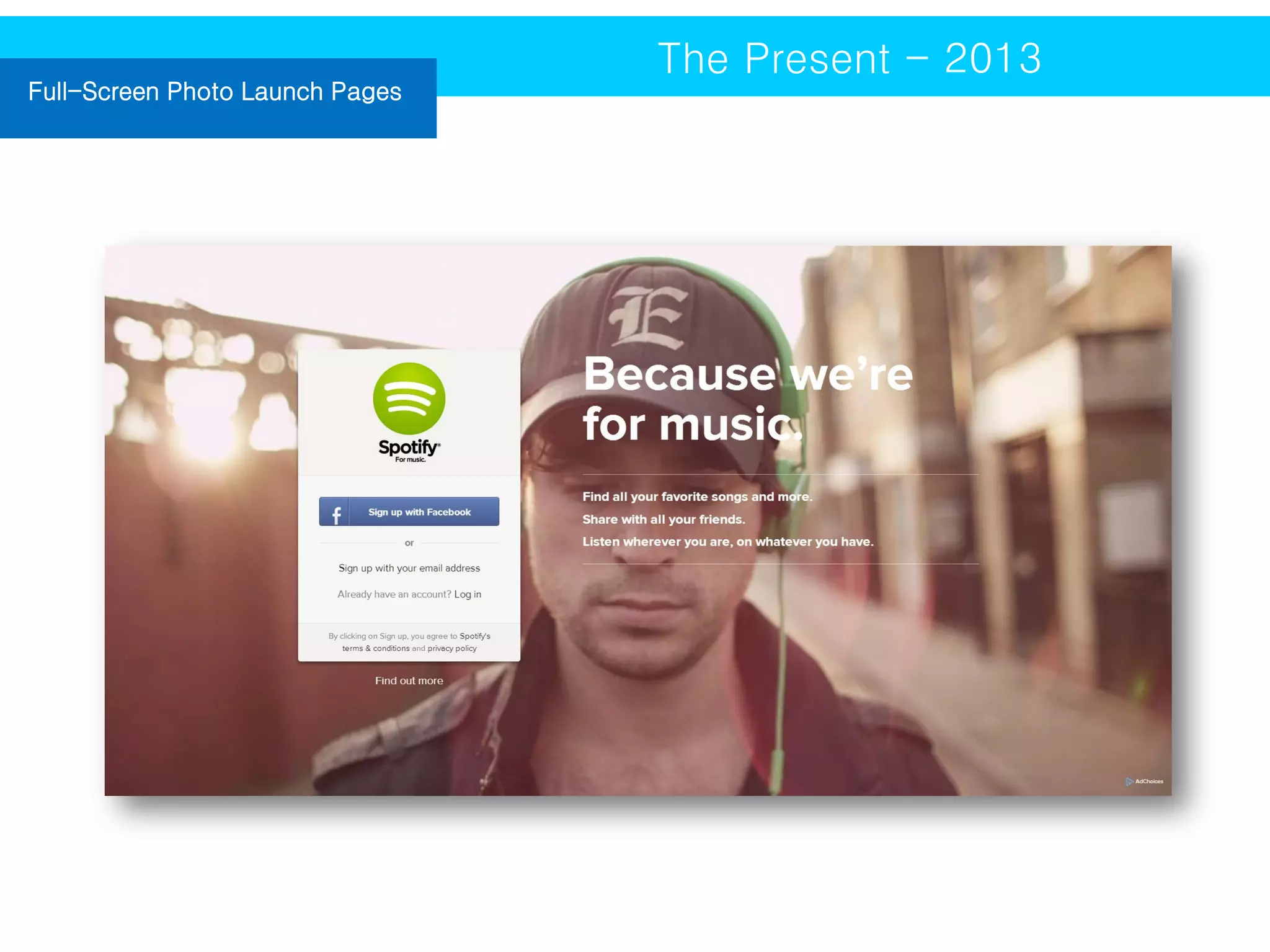
If you want to convey a powerful message
on your site, utilize a full-screen photo
launch page. Your viewers will be
immediately transported into another world
of your creation.
Full-Screen Photo Launch Pages

The Present - 2013
Advanced Page Scrolling and
Navigation

The Present - 2013

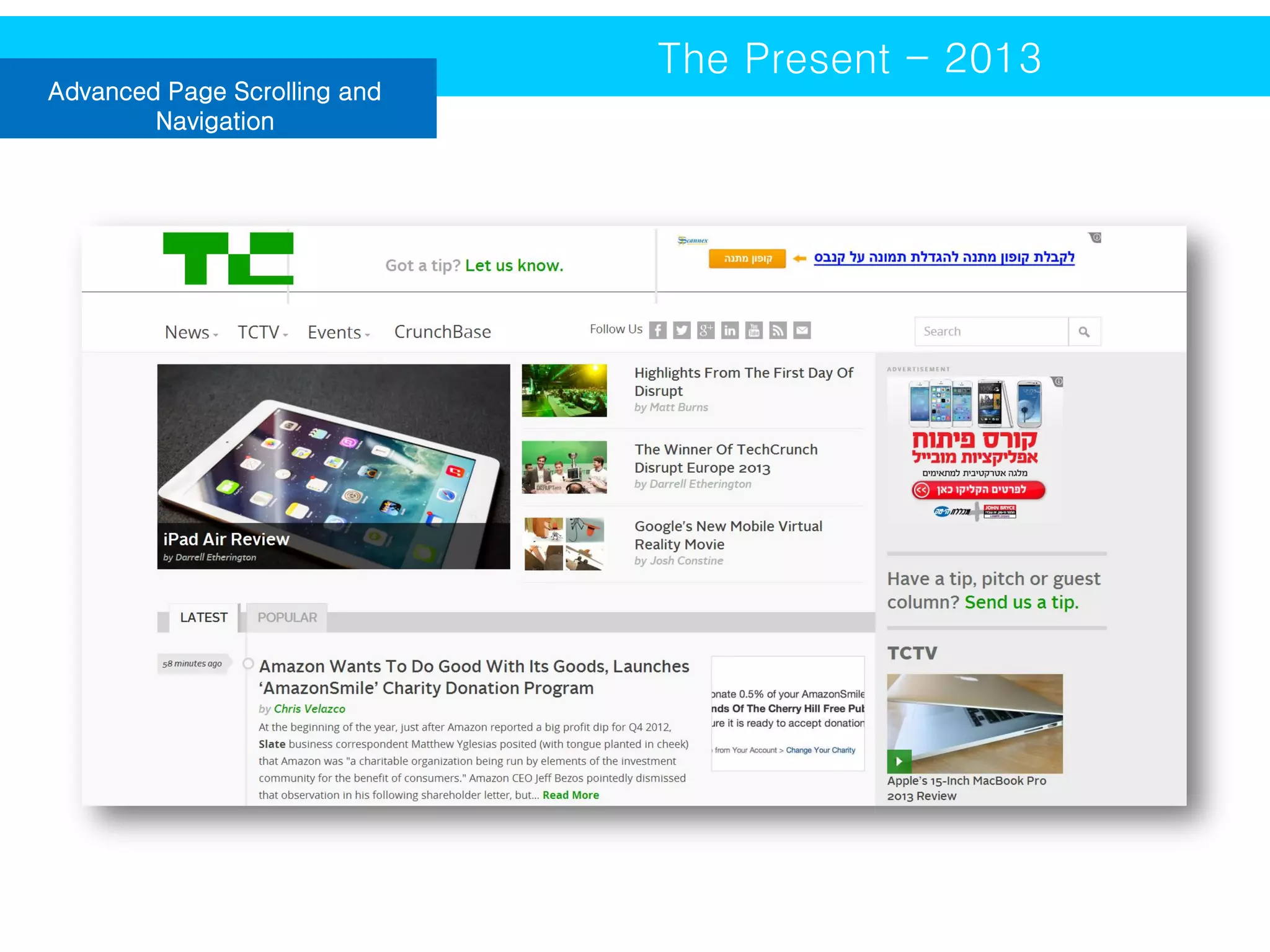
The navigation panels we have seen on certain apps
are now being integrated into websites, because of
their interactive nature. More and more websites are
offering these enhanced scrolling and navigation
panels to help users navigate websites in a fun and
effective way.
Advanced Page Scrolling and
Navigation

The Present - 2013
THE UX DESIGN PROCESS
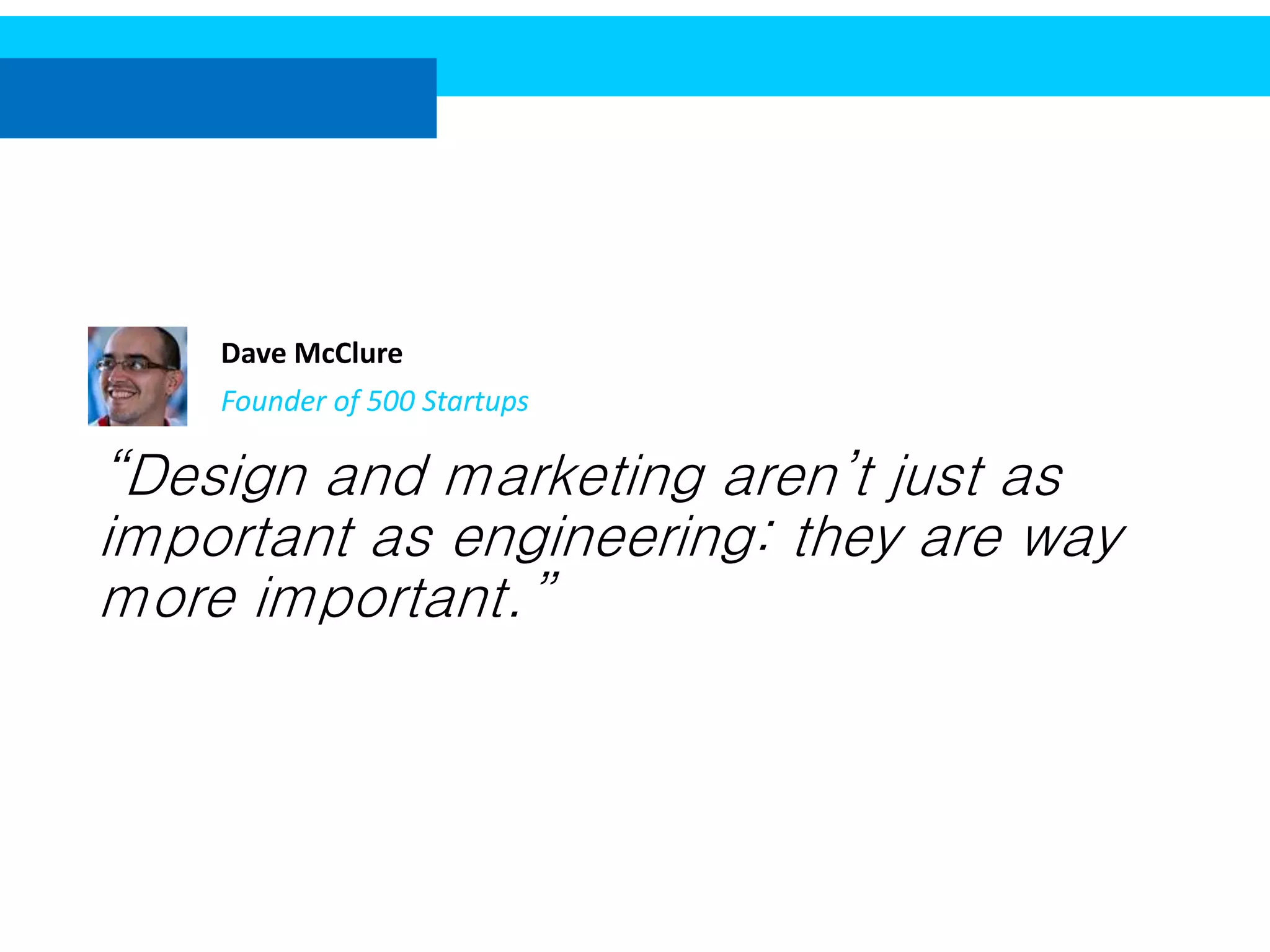
Dave McClure
Founder of 500 Startups

“Design and marketing aren’t just as
important as engineering: they are way
more important.”
UX is the air successful startups breathe...
As a UX designer you’re not only interested in a usable
door handle. You want to create something that will
encourage people to open doors and will provide a
unique experience.
(Marcin Treder, UX Design for Startups)
Step 1 : Define your users
Step 2 : Define your product
In the age of user experience design your startup needs
to focus on users’ problems rather than on technology
only.
Step 3 : Research

Don’t daydream, don’t say “my mom wouldn’t get it”, or “well I would use it!” - reach
out to your customers and ask them what their thoughts are.
(Marcin Treder, UX Design for Startups)
Step 4 : User Testing
THE UX DESIGN TOOLS
Prototype

The UX Design Tools

A prototype is a middle-to-high fidelity
representation of the final product, which
simulates user interface interaction.

• Axure http://axure.com
• FluidUI http://fluidui.com
• Hotgloo http://hotgloo.com
• iRise http://irise.com
• Just In Mind http://justinmind.com
• Pidoco http://pidoco.com
Mockup

The UX Design Tools

The term ‘mockup’ was used for years in
regard to high fidelity, static, design
representation. It’s a kind of draft (or even
a final version!) of visual design used to
get a buy-in from stakeholders.

10 Completely Free Wireframe and Mockup Applications
Economic and behavioral
metrics

The UX Design Tools
Usability Testing

The UX Design Tools
A/B testing

The UX Design Tools

“A design isn’t finished until somebody is
using it”

• Adobe Test and Target
http://www.adobe.com/products/testandta
rget.html
• Artisan http://useartisan.com
• GlobalMaxer http://www.globalmaxer.com
• Optimizely http://optimizely.com
• Visual Website Optimiser
http://visualwebsiteoptimizer.com
Thank you

Elena Donets
elenado@startau.co.il

An introduction to user experience design

  • 1.
    An Introduction toUser Experience Design By Elena Donets
  • 2.
    UI or UX? Definition A user interface, also called a "UI" or simply an "interface," is the means in which a person controls a software application or hardware device.  User experience (UX) involves a person's behaviors, attitudes, and emotions about using a particular product, system or service.  GUI – Graphic User Interface
  • 3.
    The Difference UI orUX? User Interface design is the part of the product that faces the user when he looks at the site, and the User Experience is how they feel when they look at the site.
  • 4.
    The History UI /UX Design Taylorism, Machine Age Personal Computing Mobile and Tablet 1900s 1980s 2000s 1940s 1990s Toyota Production System The Web
  • 5.
    The First WebPage (WWW) in 1992 Case Studies
  • 6.
  • 7.
    New York Timesin 1996 Case Studies
  • 8.
  • 9.
  • 10.
  • 11.
    The Present -2013  What Problem do we have today?
  • 12.
    Responsive Web Design(RWD) The Present - 2013 RWD allows users to better read and experience the web from their laptop or desktop, as well as, tablet and cell phone. Responsive web templates are designed to look great on a variety of different screen sizes, so anyone can view your site in a crisp and clear manner where ever they go.
  • 13.
    Responsive Web Design(RWD) The Present - 2013
  • 14.
    Flat Design The Present- 2013 A website with flat design lacks gradients, but incorporates solid colors, white space, and crisp typography.
  • 15.
  • 16.
    Parallax The Present -2013 The Parallax web design trend has grown in popularity because it creates an illusion of depth (or a faux-3D effect) as you scroll through the webpage. Various images on the site will move at different speeds or change in size or at dimension to the site.
  • 17.
  • 18.
    Full-Screen Photo LaunchPages The Present - 2013 If you want to convey a powerful message on your site, utilize a full-screen photo launch page. Your viewers will be immediately transported into another world of your creation.
  • 19.
    Full-Screen Photo LaunchPages The Present - 2013
  • 20.
    Advanced Page Scrollingand Navigation The Present - 2013 The navigation panels we have seen on certain apps are now being integrated into websites, because of their interactive nature. More and more websites are offering these enhanced scrolling and navigation panels to help users navigate websites in a fun and effective way.
  • 21.
    Advanced Page Scrollingand Navigation The Present - 2013
  • 22.
  • 23.
    Dave McClure Founder of500 Startups “Design and marketing aren’t just as important as engineering: they are way more important.”
  • 24.
    UX is theair successful startups breathe... As a UX designer you’re not only interested in a usable door handle. You want to create something that will encourage people to open doors and will provide a unique experience. (Marcin Treder, UX Design for Startups)
  • 25.
    Step 1 :Define your users
  • 26.
    Step 2 :Define your product
  • 27.
    In the ageof user experience design your startup needs to focus on users’ problems rather than on technology only.
  • 28.
    Step 3 :Research Don’t daydream, don’t say “my mom wouldn’t get it”, or “well I would use it!” - reach out to your customers and ask them what their thoughts are. (Marcin Treder, UX Design for Startups)
  • 29.
    Step 4 :User Testing
  • 30.
  • 31.
    Prototype The UX DesignTools A prototype is a middle-to-high fidelity representation of the final product, which simulates user interface interaction. • Axure http://axure.com • FluidUI http://fluidui.com • Hotgloo http://hotgloo.com • iRise http://irise.com • Just In Mind http://justinmind.com • Pidoco http://pidoco.com
  • 32.
    Mockup The UX DesignTools The term ‘mockup’ was used for years in regard to high fidelity, static, design representation. It’s a kind of draft (or even a final version!) of visual design used to get a buy-in from stakeholders. 10 Completely Free Wireframe and Mockup Applications
  • 33.
  • 34.
  • 35.
    A/B testing The UXDesign Tools “A design isn’t finished until somebody is using it” • Adobe Test and Target http://www.adobe.com/products/testandta rget.html • Artisan http://useartisan.com • GlobalMaxer http://www.globalmaxer.com • Optimizely http://optimizely.com • Visual Website Optimiser http://visualwebsiteoptimizer.com
  • 36.