
June 21, 2017 www.snipe.co.in 1
June 21, 2017 www.snipe.co.in 2
AJAX
June 21, 2017 www.snipe.co.in 3
Agenda
1. What is Rich User Experience ?
2. Rich Internet Application (RIA) Technologies
3. AJAX: Real-life examples & Usage cases
4. What is and Why AJAX?
5. Technologies used in AJAX
6. Anatomy of AJAX operation
7. XMLHttpRequest Methods & Properties
8. DOM APIs & InnerHTML
9. AJAX Security
10.JavaScript debugging tools
June 21, 2017 www.snipe.co.in 4
Rich Internet Application (RIA)
The RIA-concept: more easily described than defined
RIA is a multimedia web application, combining:
• Richness of information
- without overload.
• Richness of views
- flexibility.
• Richness of interactivity
- UI of desktop applications.
• Rich user experience:
- Easy to use, a pleasure for both newbie's and experienced users.
-Direct response (preloading, client-side processing).
• Emphasis on visualization and direct manipulation
- precedence of visuals over text.
• Shallow page hierarchy
- preferably single page design.
June 21, 2017 www.snipe.co.in 5
RIA Technologies
• Applet
• Macromedia Flash/Air
• Java Web Start
• DHTML
• DHTML with Hidden IFrame
• Ajax
• Sliverlight (Windows only)
• JavaFX (Java Platform)
June 21, 2017 www.snipe.co.in 6
AJAX: Real-life Examples
• Google maps
- http://maps.google.com/
• Google Suggest
- http://www.google.com/webhp?complete=1&hl=en
• NetFlix
- http://www.netflix.com/BrowseSelection?lnkctr=nmhbs
• Gmail
- http://gmail.com
• Yahoo Maps (new)
- http://maps.yahoo.com/
• Many more are popping everywhere
June 21, 2017 www.snipe.co.in 7
Key Aspects of Google Maps
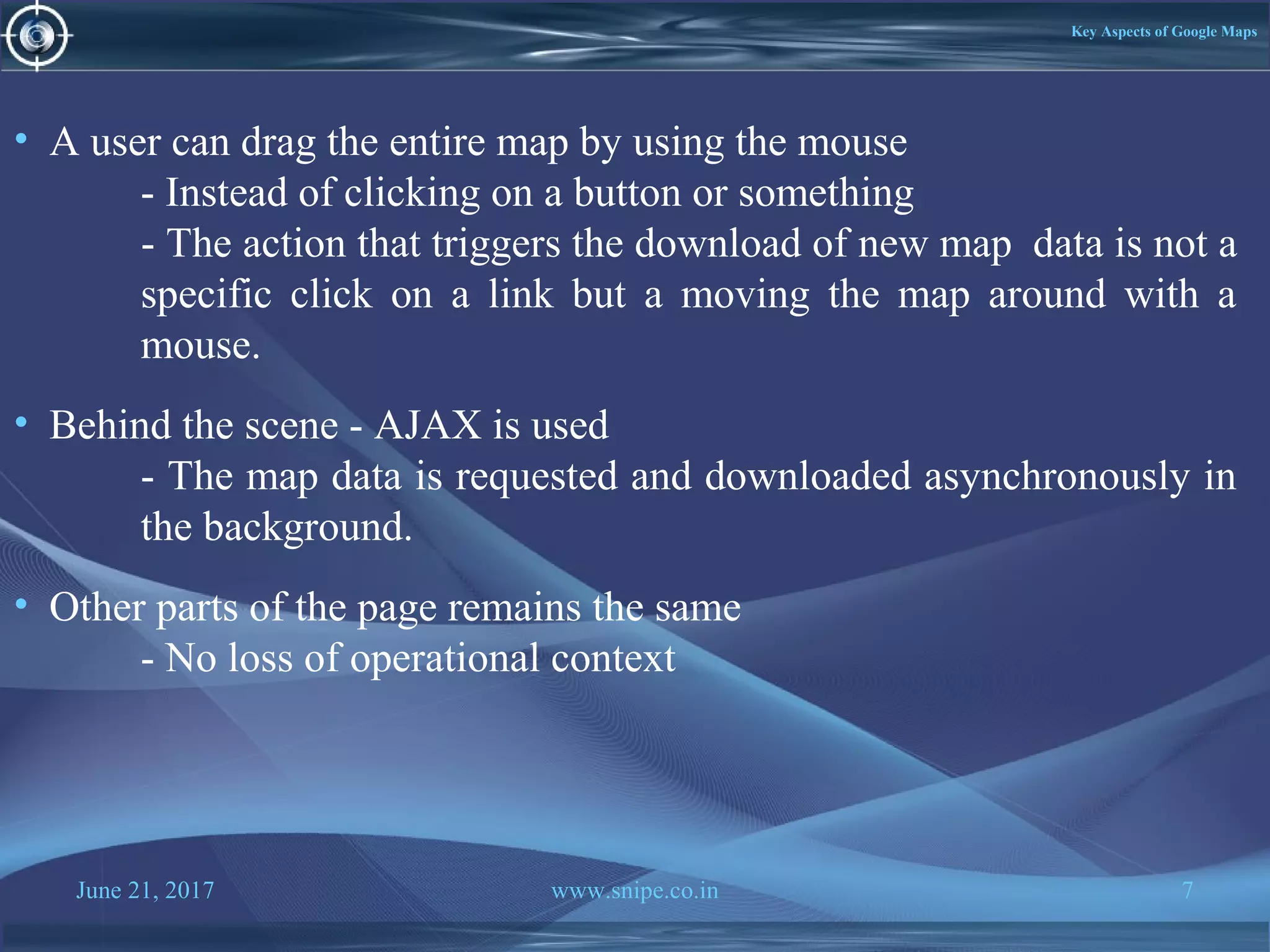
• A user can drag the entire map by using the mouse
- Instead of clicking on a button or something
- The action that triggers the download of new map data is not a
specific click on a link but a moving the map around with a
mouse.
• Behind the scene - AJAX is used
- The map data is requested and downloaded asynchronously in
the background.
• Other parts of the page remains the same
- No loss of operational context
June 21, 2017 www.snipe.co.in 8
Usage cases for AJAX
• Real-time server-side input form data validation
- User IDs, serial numbers, postal codes
- Removes the need to have validation logic at both client
side for user responsiveness and at server side for
security and other reasons.
• Auto-completion
- Email address, name, or city name may be auto-
completed as the user types.
• Master detail operation
- Based on a user selection, more detailed information can
be fetched and displayed.
June 21, 2017 www.snipe.co.in 9
Usage cases for AJAX
• Advanced GUI widgets and controls
- Controls such as tree controls, menus, and progress bars may be
provided that do not require page refreshes.
• Refreshing data
- HTML pages may poll data from a server for up-to-date data
such as scores, stock quotes, weather, or application-specific
data.
June 21, 2017 www.snipe.co.in 10
What is and Why AJAX?
Defining AJAX?
• AJAX = Asynchronous JavaScript and XML.
• AJAX is a technique for creating fast and dynamic web pages.
• AJAX allows web pages to be updated asynchronously by exchanging
small amounts of data with the server behind the scenes. This means that it
is possible to update parts of a web page, without reloading the whole
page.
June 21, 2017 www.snipe.co.in 11
Why AJAX?
• Intuitive and natural user interaction
- No clicking required.
- Mouse movement is a sufficient event trigger.
• "Partial screen update" replaces the "click, wait, and refresh" user
interaction model
- Only user interface elements that contain new information are
updated asynchronously (no interruption to user operation)
- The rest of the user interface remains displayed without
interruption (no loss of operational context).
• Data-driven (as opposed to page-driven)
- UI is handled in the client while the server provides data.
June 21, 2017 www.snipe.co.in 12
Why AJAX?
• Asynchronous communication replaces "synchronous request/response
model.“
- A user can continue to use the application while the client
program requests information from the server in the background.
- Separation of displaying from data fetching
June 21, 2017 www.snipe.co.in 13
Technologies Used in AJAX
• Javascript
- Loosely typed scripting language.
- JavaScript function is called when an event in a page occurs.
- Glue for the whole AJAX operation.
• DOM
- Represents the structure of XML and HTML documents.
- API for accessing and manipulating structured documents.
• CSS
- Allows for a clear separation of the presentation style from
the content and may be changed programmatically by
JavaScript.
• XMLHttpRequest
- JavaScript object that performs asynchronous interaction with
the server.
June 21, 2017 www.snipe.co.in 14
XMLHttpRequest
• JavaScript object
• Adopted by modern browsers
- Mozilla™, Firefox, Safari, and Opera.
• Communicates with a server via standard HTTP GET/POST.
• XMLHttpRequest object works in the background for performing
asynchronous communication with the backend server.
- Does not interrupt user operation
June 21, 2017 www.snipe.co.in 15
Anatomy Of
AJAX Interaction
using “Data Validation”
Sample Application
June 21, 2017 www.snipe.co.in 16
June 21, 2017 www.snipe.co.in 17
Steps of AJAX Operation
1. A client event occurs
2. An XMLHttpRequest object is created
3. The XMLHttpRequest object is configured
4. The XMLHttpRequest object makes an async. request
5. The ValidateServlet returns an XML document
containing the result
6. The XMLHttpRequest object calls the callback() function
and processes the result
7. The HTML DOM is updated
June 21, 2017 www.snipe.co.in 18
1. A Client event occurs
A JavaScript function is called as the result of an event.
Example:
validateUserId(): JavaScript function is mapped as a event handler to a
onkeyup event on input form field whose id is set to “userid”
< input type = "text"
size = "20"
id = "userid"
name = "id"
onkeyup = "validateUserId();“ >
June 21, 2017 www.snipe.co.in 19
2. An XMLHttpRequest object is created
var req;
function initRequest() {
if (window.XMLHttpRequest) {
req = new XMLHttpRequest();
} else if (window.ActiveXObject) {
isIE = true;
req = new ActiveXObject ("Microsoft.XMLHTTP");
}
}
function validateUserId() {
initRequest();
req.onreadystatechange = processRequest;
if (!target) target = document.getElementById ("userid");
var url = "validate?id=" + escape(target.value);
req.open ("GET", url, true);
req.send (null);
}
June 21, 2017 www.snipe.co.in 20
3. An XMLHttpRequest object is configured with a callback
function
var req;
function initRequest() {
if (window.XMLHttpRequest) {
req = new XMLHttpRequest();
} else if (window.ActiveXObject) {
isIE = true;
req = new ActiveXObject("Microsoft.XMLHTTP");
}
}
function validateUserId() {
initRequest();
req.onreadystatechange = processRequest; // callback function
if (!target) target = document.getElementById ("userid");
var url = "validate?id=" + escape(target.value);
req.open("GET", url, true);
req.send (null);
}
June 21, 2017 www.snipe.co.in 21
4. XMLHttpRequest object makes an asynchronous request
function initRequest() {
if (window.XMLHttpRequest) {
req = new XMLHttpRequest();
} else if (window.ActiveXObject) {
isIE = true;
req = new ActiveXObject("Microsoft.XMLHTTP");
}
}
function validateUserId() {
initRequest();
req.onreadystatechange = processRequest;
if (!target) target = document.getElementById("userid");
var url = "validate?id=" + escape(target.value);
req.open("GET", url, true);
req.send(null);
}
• URL is set to validate?id=greg
June 21, 2017 www.snipe.co.in 22
5. The ValidateServlet returns an XML document containing the
results (Server)
public void doGet(HttpServletRequest request, HttpServletResponse response)
throws IOException, ServletException {
String targetId = request.getParameter("id");
if ((targetId != null) && !accounts.containsKey(targetId.trim())) {
response.setContentType ("text/xml");
response.setHeader ("Cache-Control", "no-cache");
response.getWriter().write ("<valid>true</valid>");
} else {
response.setContentType("text/xml");
response.setHeader("Cache-Control", "no-cache");
response.getWriter().write ("<valid>false</valid>");
}
}
June 21, 2017 www.snipe.co.in 23
6. XMLHttpRequest object calls callback() function and processes
the result
The XMLHttpRequest object was configured to call the
processRequest() function when there is a state change to the readyState
of the XMLHttpRequest object
function processRequest() {
if (req.readyState == 4) {
if (req.status == 200) {
var message = ...;
...
June 21, 2017 www.snipe.co.in 24
7. The HTML DOM is updated
• JavaScript technology gets a reference to any element in a page using
DOM API.
• The recommended way to gain a reference to an element is to call
- document.getElementById ("userIdMessage"), where
"userIdMessage" is the ID attribute of an element appearing
in the HTML document.
• JavaScript technology may now be used to modify the element's
attributes; modify the element's style properties; or add, remove, or
modify child elements.
June 21, 2017 www.snipe.co.in 25
1. <script type="text/javascript">
2. function setMessageUsingDOM(message) {
3. var userMessageElement = document.getElementById("userIdMessage");
4. var messageText;
5. if (message == "false") {
6. userMessageElement.style.color = "red";
7. messageText = "Invalid User Id";
8. } else {
1. userMessageElement.style.color = "green";
2. messageText = "Valid User Id";
3. }
12. var messageBody = document.createTextNode(messageText);
June 21, 2017 www.snipe.co.in 26
13. // if the messageBody element has been created simple replace it otherwise
14. // append the new element
15. if (userMessageElement.childNodes[0]) {
16. userMessageElement.replaceChild(messageBody,
17. userMessageElement.childNodes[0]);
18. } else {
19. userMessageElement.appendChild(messageBody);
19. }
20.}
22.</script>
23.<body>
24. <div id="userIdMessage"></div>
25.</body>
June 21, 2017 www.snipe.co.in 27
AJAX:
XMLHttpRequest
Methods & Properties
June 21, 2017 www.snipe.co.in 28
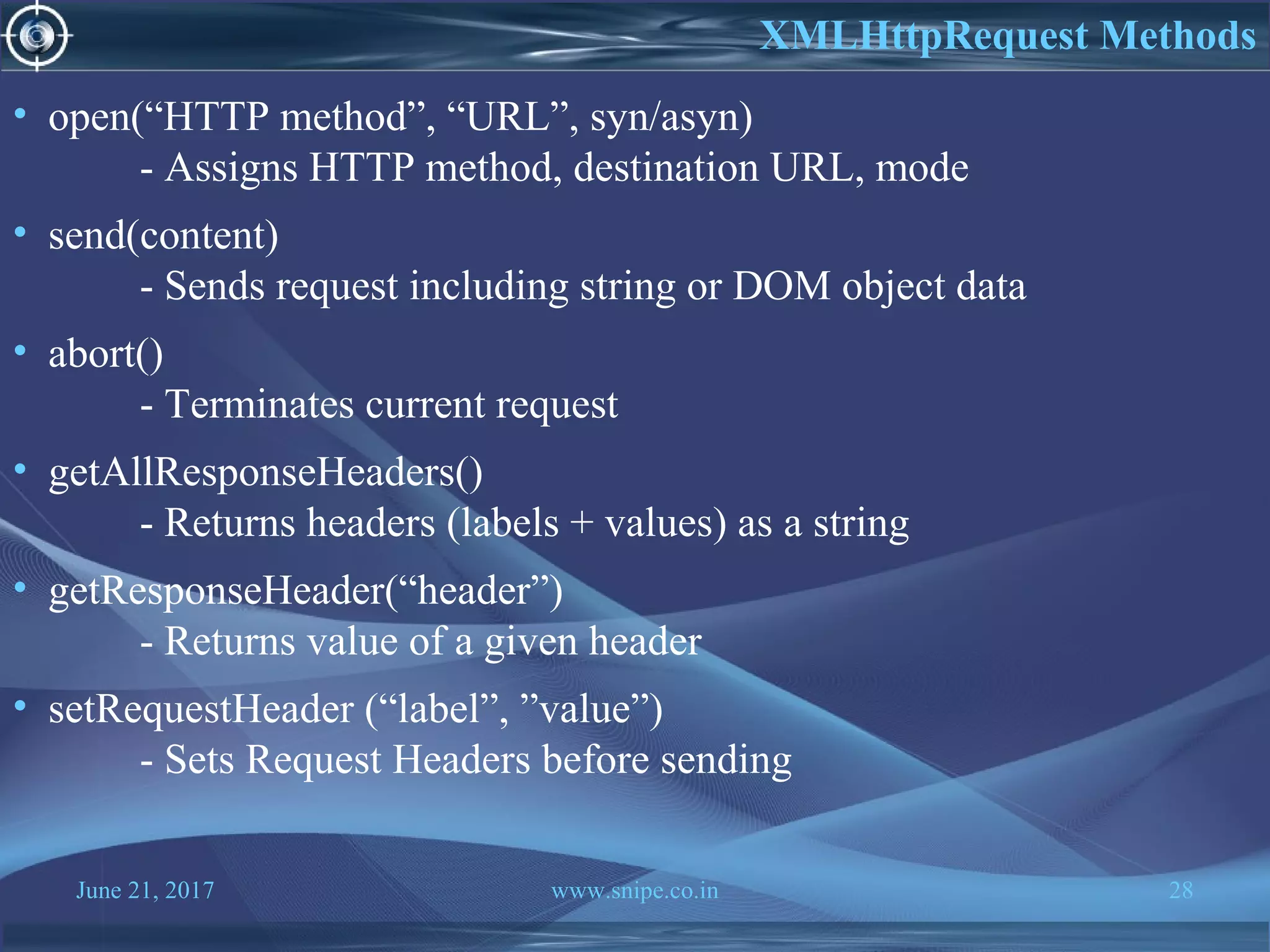
• open(“HTTP method”, “URL”, syn/asyn)
- Assigns HTTP method, destination URL, mode
• send(content)
- Sends request including string or DOM object data
• abort()
- Terminates current request
• getAllResponseHeaders()
- Returns headers (labels + values) as a string
• getResponseHeader(“header”)
- Returns value of a given header
• setRequestHeader (“label”, ”value”)
- Sets Request Headers before sending
XMLHttpRequest Methods
June 21, 2017 www.snipe.co.in 29
• onreadystatechange
- Set with an JavaScript event handler that fires at each state
change.
• readyState – current status of request.
0 = uninitialized
1 = loading
2 = loaded
3 = interactive (some data has been returned)
4 = complete
• status
- HTTP Status returned from server: 200 = OK.
XML HttpRequest Properties
June 21, 2017 www.snipe.co.in 30
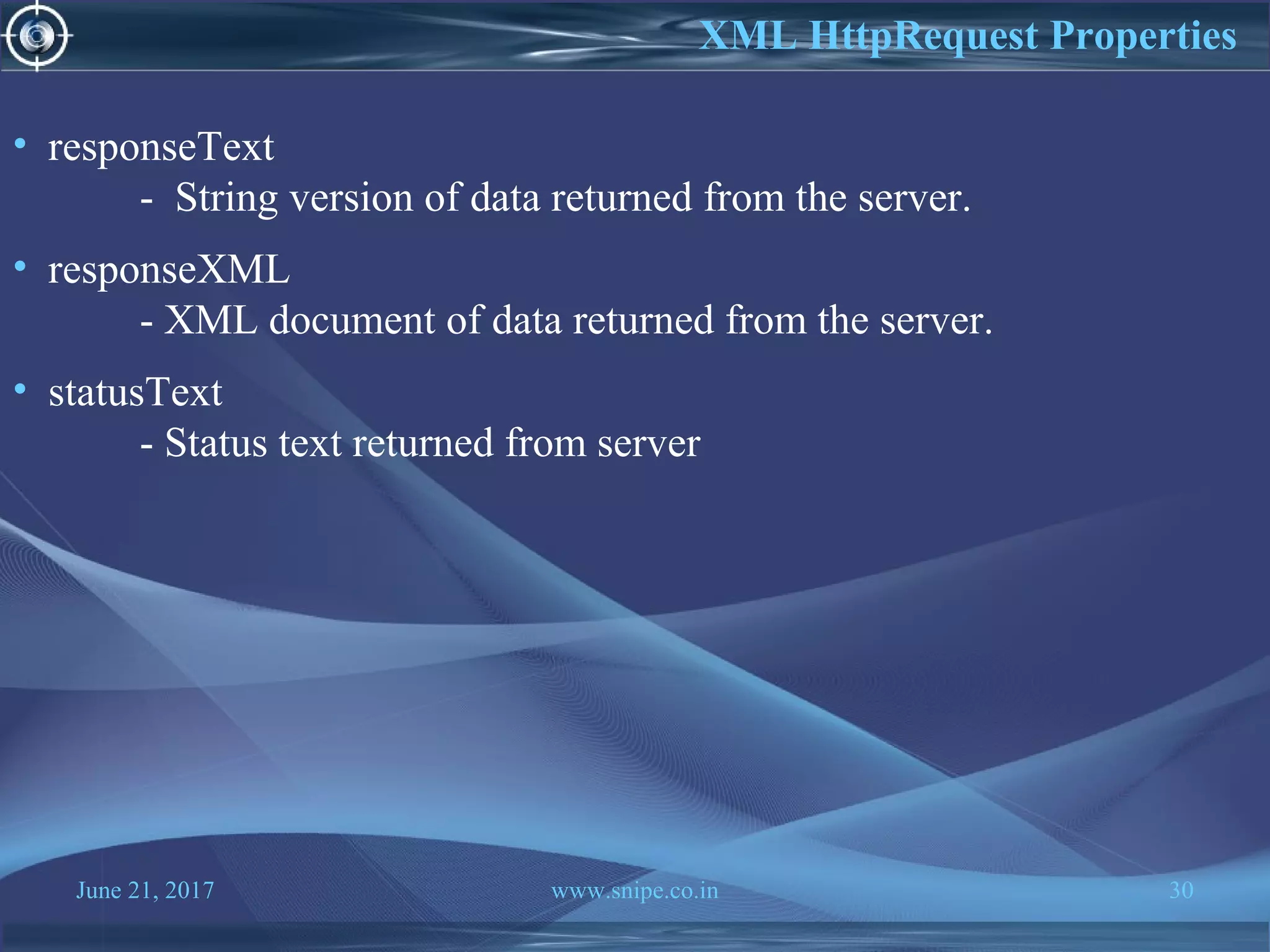
• responseText
- String version of data returned from the server.
• responseXML
- XML document of data returned from the server.
• statusText
- Status text returned from server
XML HttpRequest Properties
June 21, 2017 www.snipe.co.in 31
Do I have To Use
XmlHttpRequest to
Write Ajax application?
June 21, 2017 www.snipe.co.in 32
• In general, you are going to use Ajax frameworks and toolkits.
• These toolkits provide higher-level API, which hides the complexity of
XmlHttpRequest.
Ajax Frameworks and Toolkits
Thank You

Ajax

  • 1.
    June 21, 2017www.snipe.co.in 1
  • 2.
    June 21, 2017www.snipe.co.in 2 AJAX
  • 3.
    June 21, 2017www.snipe.co.in 3 Agenda 1. What is Rich User Experience ? 2. Rich Internet Application (RIA) Technologies 3. AJAX: Real-life examples & Usage cases 4. What is and Why AJAX? 5. Technologies used in AJAX 6. Anatomy of AJAX operation 7. XMLHttpRequest Methods & Properties 8. DOM APIs & InnerHTML 9. AJAX Security 10.JavaScript debugging tools
  • 4.
    June 21, 2017www.snipe.co.in 4 Rich Internet Application (RIA) The RIA-concept: more easily described than defined RIA is a multimedia web application, combining: • Richness of information - without overload. • Richness of views - flexibility. • Richness of interactivity - UI of desktop applications. • Rich user experience: - Easy to use, a pleasure for both newbie's and experienced users. -Direct response (preloading, client-side processing). • Emphasis on visualization and direct manipulation - precedence of visuals over text. • Shallow page hierarchy - preferably single page design.
  • 5.
    June 21, 2017www.snipe.co.in 5 RIA Technologies • Applet • Macromedia Flash/Air • Java Web Start • DHTML • DHTML with Hidden IFrame • Ajax • Sliverlight (Windows only) • JavaFX (Java Platform)
  • 6.
    June 21, 2017www.snipe.co.in 6 AJAX: Real-life Examples • Google maps - http://maps.google.com/ • Google Suggest - http://www.google.com/webhp?complete=1&hl=en • NetFlix - http://www.netflix.com/BrowseSelection?lnkctr=nmhbs • Gmail - http://gmail.com • Yahoo Maps (new) - http://maps.yahoo.com/ • Many more are popping everywhere
  • 7.
    June 21, 2017www.snipe.co.in 7 Key Aspects of Google Maps • A user can drag the entire map by using the mouse - Instead of clicking on a button or something - The action that triggers the download of new map data is not a specific click on a link but a moving the map around with a mouse. • Behind the scene - AJAX is used - The map data is requested and downloaded asynchronously in the background. • Other parts of the page remains the same - No loss of operational context
  • 8.
    June 21, 2017www.snipe.co.in 8 Usage cases for AJAX • Real-time server-side input form data validation - User IDs, serial numbers, postal codes - Removes the need to have validation logic at both client side for user responsiveness and at server side for security and other reasons. • Auto-completion - Email address, name, or city name may be auto- completed as the user types. • Master detail operation - Based on a user selection, more detailed information can be fetched and displayed.
  • 9.
    June 21, 2017www.snipe.co.in 9 Usage cases for AJAX • Advanced GUI widgets and controls - Controls such as tree controls, menus, and progress bars may be provided that do not require page refreshes. • Refreshing data - HTML pages may poll data from a server for up-to-date data such as scores, stock quotes, weather, or application-specific data.
  • 10.
    June 21, 2017www.snipe.co.in 10 What is and Why AJAX? Defining AJAX? • AJAX = Asynchronous JavaScript and XML. • AJAX is a technique for creating fast and dynamic web pages. • AJAX allows web pages to be updated asynchronously by exchanging small amounts of data with the server behind the scenes. This means that it is possible to update parts of a web page, without reloading the whole page.
  • 11.
    June 21, 2017www.snipe.co.in 11 Why AJAX? • Intuitive and natural user interaction - No clicking required. - Mouse movement is a sufficient event trigger. • "Partial screen update" replaces the "click, wait, and refresh" user interaction model - Only user interface elements that contain new information are updated asynchronously (no interruption to user operation) - The rest of the user interface remains displayed without interruption (no loss of operational context). • Data-driven (as opposed to page-driven) - UI is handled in the client while the server provides data.
  • 12.
    June 21, 2017www.snipe.co.in 12 Why AJAX? • Asynchronous communication replaces "synchronous request/response model.“ - A user can continue to use the application while the client program requests information from the server in the background. - Separation of displaying from data fetching
  • 13.
    June 21, 2017www.snipe.co.in 13 Technologies Used in AJAX • Javascript - Loosely typed scripting language. - JavaScript function is called when an event in a page occurs. - Glue for the whole AJAX operation. • DOM - Represents the structure of XML and HTML documents. - API for accessing and manipulating structured documents. • CSS - Allows for a clear separation of the presentation style from the content and may be changed programmatically by JavaScript. • XMLHttpRequest - JavaScript object that performs asynchronous interaction with the server.
  • 14.
    June 21, 2017www.snipe.co.in 14 XMLHttpRequest • JavaScript object • Adopted by modern browsers - Mozilla™, Firefox, Safari, and Opera. • Communicates with a server via standard HTTP GET/POST. • XMLHttpRequest object works in the background for performing asynchronous communication with the backend server. - Does not interrupt user operation
  • 15.
    June 21, 2017www.snipe.co.in 15 Anatomy Of AJAX Interaction using “Data Validation” Sample Application
  • 16.
    June 21, 2017www.snipe.co.in 16
  • 17.
    June 21, 2017www.snipe.co.in 17 Steps of AJAX Operation 1. A client event occurs 2. An XMLHttpRequest object is created 3. The XMLHttpRequest object is configured 4. The XMLHttpRequest object makes an async. request 5. The ValidateServlet returns an XML document containing the result 6. The XMLHttpRequest object calls the callback() function and processes the result 7. The HTML DOM is updated
  • 18.
    June 21, 2017www.snipe.co.in 18 1. A Client event occurs A JavaScript function is called as the result of an event. Example: validateUserId(): JavaScript function is mapped as a event handler to a onkeyup event on input form field whose id is set to “userid” < input type = "text" size = "20" id = "userid" name = "id" onkeyup = "validateUserId();“ >
  • 19.
    June 21, 2017www.snipe.co.in 19 2. An XMLHttpRequest object is created var req; function initRequest() { if (window.XMLHttpRequest) { req = new XMLHttpRequest(); } else if (window.ActiveXObject) { isIE = true; req = new ActiveXObject ("Microsoft.XMLHTTP"); } } function validateUserId() { initRequest(); req.onreadystatechange = processRequest; if (!target) target = document.getElementById ("userid"); var url = "validate?id=" + escape(target.value); req.open ("GET", url, true); req.send (null); }
  • 20.
    June 21, 2017www.snipe.co.in 20 3. An XMLHttpRequest object is configured with a callback function var req; function initRequest() { if (window.XMLHttpRequest) { req = new XMLHttpRequest(); } else if (window.ActiveXObject) { isIE = true; req = new ActiveXObject("Microsoft.XMLHTTP"); } } function validateUserId() { initRequest(); req.onreadystatechange = processRequest; // callback function if (!target) target = document.getElementById ("userid"); var url = "validate?id=" + escape(target.value); req.open("GET", url, true); req.send (null); }
  • 21.
    June 21, 2017www.snipe.co.in 21 4. XMLHttpRequest object makes an asynchronous request function initRequest() { if (window.XMLHttpRequest) { req = new XMLHttpRequest(); } else if (window.ActiveXObject) { isIE = true; req = new ActiveXObject("Microsoft.XMLHTTP"); } } function validateUserId() { initRequest(); req.onreadystatechange = processRequest; if (!target) target = document.getElementById("userid"); var url = "validate?id=" + escape(target.value); req.open("GET", url, true); req.send(null); } • URL is set to validate?id=greg
  • 22.
    June 21, 2017www.snipe.co.in 22 5. The ValidateServlet returns an XML document containing the results (Server) public void doGet(HttpServletRequest request, HttpServletResponse response) throws IOException, ServletException { String targetId = request.getParameter("id"); if ((targetId != null) && !accounts.containsKey(targetId.trim())) { response.setContentType ("text/xml"); response.setHeader ("Cache-Control", "no-cache"); response.getWriter().write ("<valid>true</valid>"); } else { response.setContentType("text/xml"); response.setHeader("Cache-Control", "no-cache"); response.getWriter().write ("<valid>false</valid>"); } }
  • 23.
    June 21, 2017www.snipe.co.in 23 6. XMLHttpRequest object calls callback() function and processes the result The XMLHttpRequest object was configured to call the processRequest() function when there is a state change to the readyState of the XMLHttpRequest object function processRequest() { if (req.readyState == 4) { if (req.status == 200) { var message = ...; ...
  • 24.
    June 21, 2017www.snipe.co.in 24 7. The HTML DOM is updated • JavaScript technology gets a reference to any element in a page using DOM API. • The recommended way to gain a reference to an element is to call - document.getElementById ("userIdMessage"), where "userIdMessage" is the ID attribute of an element appearing in the HTML document. • JavaScript technology may now be used to modify the element's attributes; modify the element's style properties; or add, remove, or modify child elements.
  • 25.
    June 21, 2017www.snipe.co.in 25 1. <script type="text/javascript"> 2. function setMessageUsingDOM(message) { 3. var userMessageElement = document.getElementById("userIdMessage"); 4. var messageText; 5. if (message == "false") { 6. userMessageElement.style.color = "red"; 7. messageText = "Invalid User Id"; 8. } else { 1. userMessageElement.style.color = "green"; 2. messageText = "Valid User Id"; 3. } 12. var messageBody = document.createTextNode(messageText);
  • 26.
    June 21, 2017www.snipe.co.in 26 13. // if the messageBody element has been created simple replace it otherwise 14. // append the new element 15. if (userMessageElement.childNodes[0]) { 16. userMessageElement.replaceChild(messageBody, 17. userMessageElement.childNodes[0]); 18. } else { 19. userMessageElement.appendChild(messageBody); 19. } 20.} 22.</script> 23.<body> 24. <div id="userIdMessage"></div> 25.</body>
  • 27.
    June 21, 2017www.snipe.co.in 27 AJAX: XMLHttpRequest Methods & Properties
  • 28.
    June 21, 2017www.snipe.co.in 28 • open(“HTTP method”, “URL”, syn/asyn) - Assigns HTTP method, destination URL, mode • send(content) - Sends request including string or DOM object data • abort() - Terminates current request • getAllResponseHeaders() - Returns headers (labels + values) as a string • getResponseHeader(“header”) - Returns value of a given header • setRequestHeader (“label”, ”value”) - Sets Request Headers before sending XMLHttpRequest Methods
  • 29.
    June 21, 2017www.snipe.co.in 29 • onreadystatechange - Set with an JavaScript event handler that fires at each state change. • readyState – current status of request. 0 = uninitialized 1 = loading 2 = loaded 3 = interactive (some data has been returned) 4 = complete • status - HTTP Status returned from server: 200 = OK. XML HttpRequest Properties
  • 30.
    June 21, 2017www.snipe.co.in 30 • responseText - String version of data returned from the server. • responseXML - XML document of data returned from the server. • statusText - Status text returned from server XML HttpRequest Properties
  • 31.
    June 21, 2017www.snipe.co.in 31 Do I have To Use XmlHttpRequest to Write Ajax application?
  • 32.
    June 21, 2017www.snipe.co.in 32 • In general, you are going to use Ajax frameworks and toolkits. • These toolkits provide higher-level API, which hides the complexity of XmlHttpRequest. Ajax Frameworks and Toolkits
  • 33.