Download to read offline


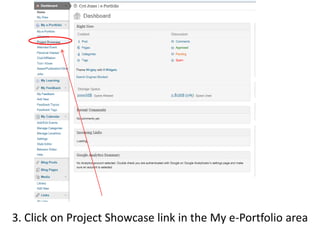
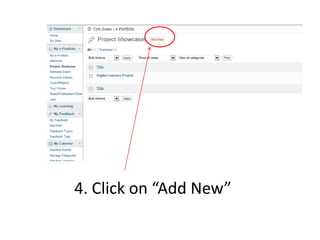
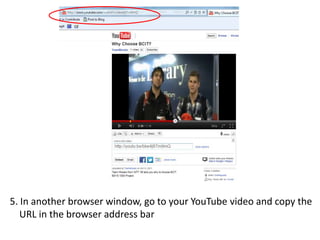
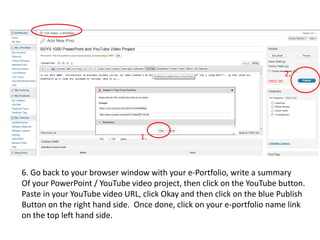
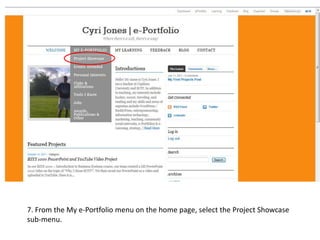
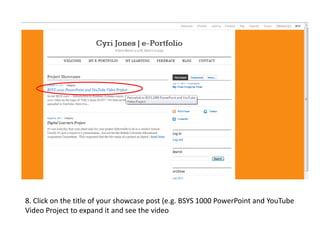
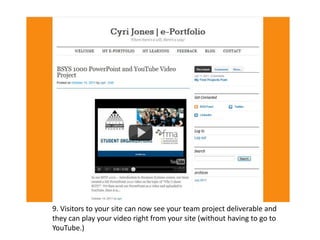

This 9 step document provides instructions for adding a YouTube video to an e-portfolio site project showcase area. The steps include logging into the e-portfolio site, navigating to the project showcase section, clicking add new, copying the YouTube URL, pasting the URL into the e-portfolio while providing a summary, publishing the changes, and then viewing the added video project from the site showcase section.


