Download to read offline

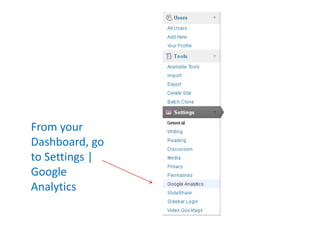
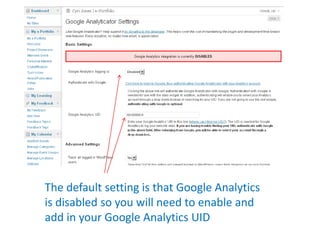
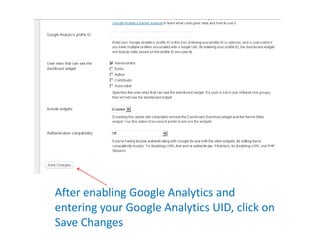
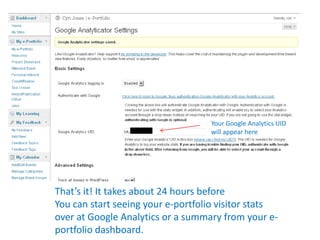

To set up Google Analytics tracking on a ZEN Portfolio, navigate to Settings > Google Analytics in the dashboard. Google Analytics is disabled by default, so enable it and add your Google Analytics UID. After saving changes, it may take up to 24 hours to begin seeing visitor stats in Google Analytics or on the portfolio dashboard. The ZEN Portfolio uses the Google Analyticator WordPress plugin to integrate with Google Analytics.


