Download to read offline



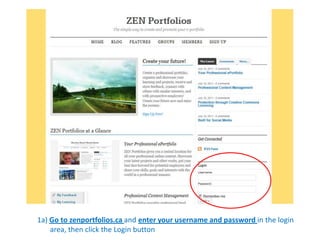
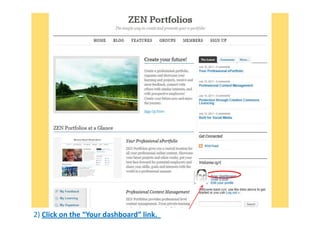
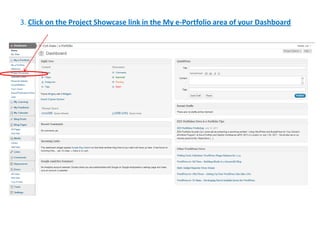
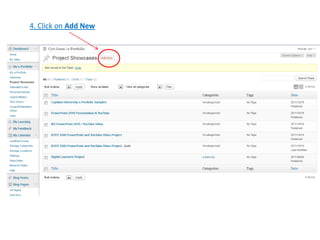
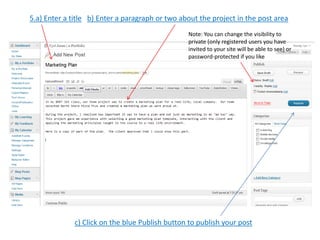
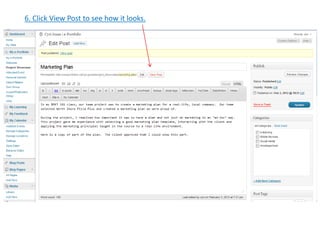
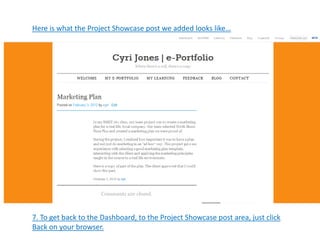

The document provides instructions for adding a project showcase posting to a ZEN Portfolios site in 7 steps: 1) Log in to the site, 2) Click "Your dashboard", 3) Click "Project Showcase", 4) Click "Add New", 5) Enter a title and description and set visibility, 6) Click "Publish", 7) Use the browser back button to return to the dashboard. Adding posts gets easier with practice and provides experience using the popular WordPress platform.


