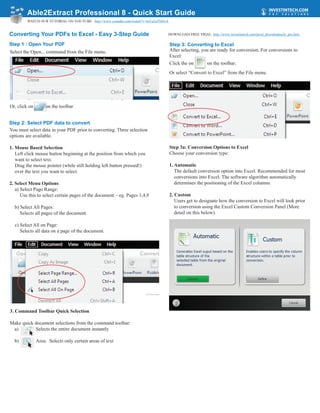
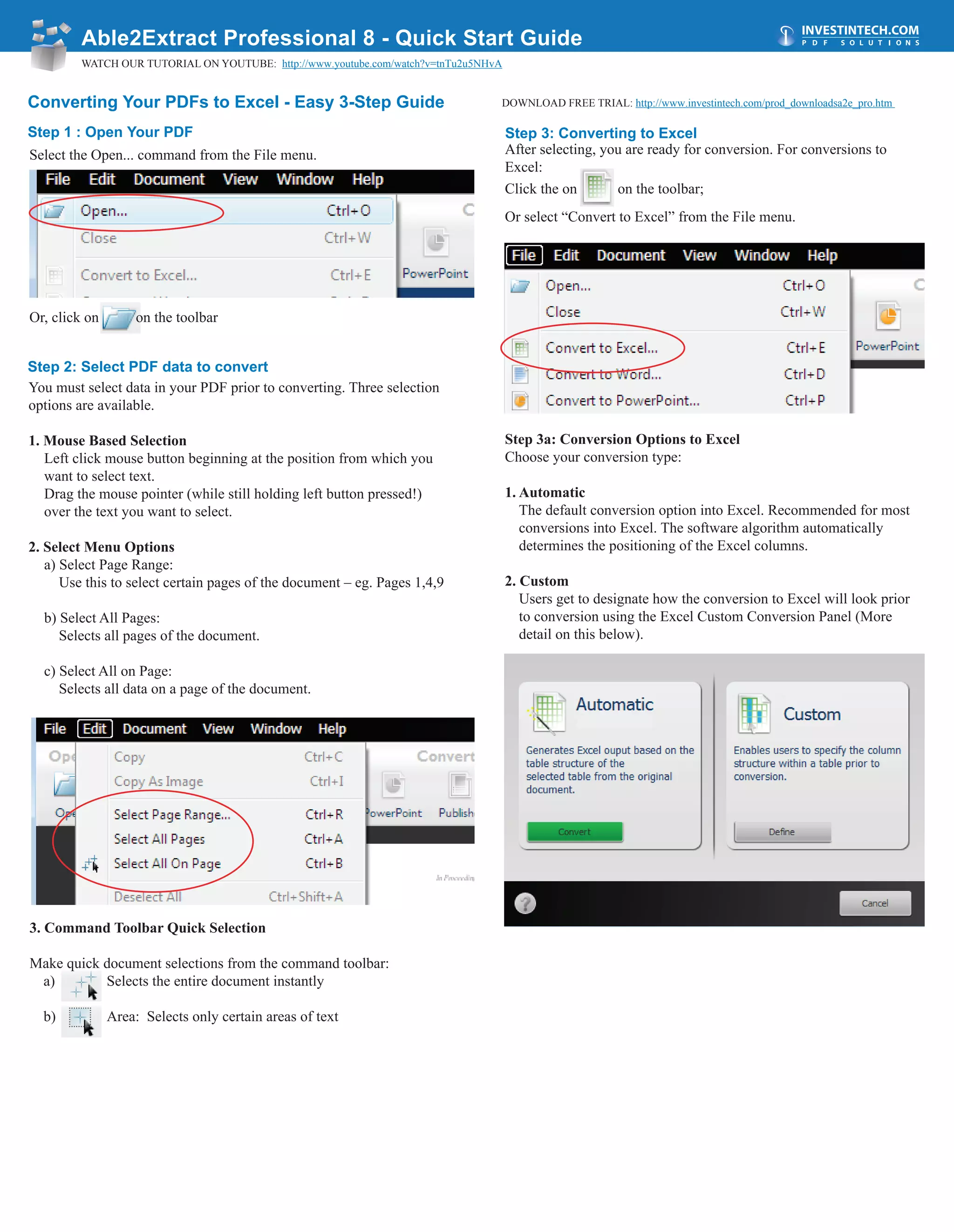
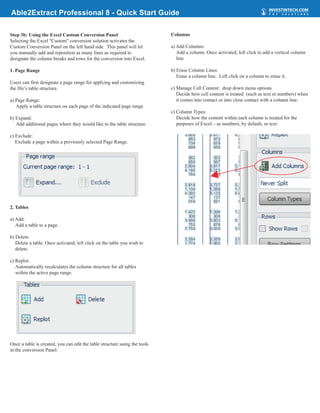
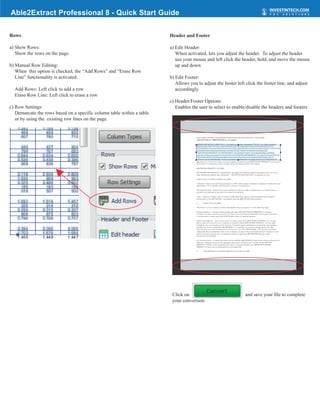
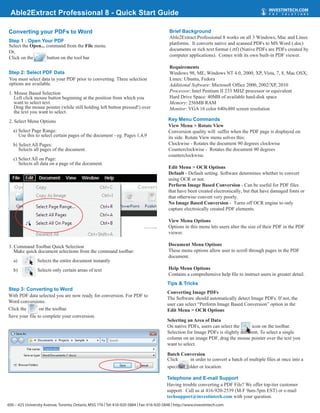
This document provides a 3-step guide to converting PDFs to Excel using Able2Extract Professional 8 software:
Step 1 is to open the PDF file. Step 2 is to select the text or data in the PDF that should be converted. Step 3 is to click the "Convert to Excel" button to begin the conversion process and save the converted file. The document also briefly outlines converting PDFs to Word using a similar 3-step process and provides some tips on selecting text and performing batch conversions.