David
Banes and
E.A. Draffan
AAC Introductory
Overview
2
Communication
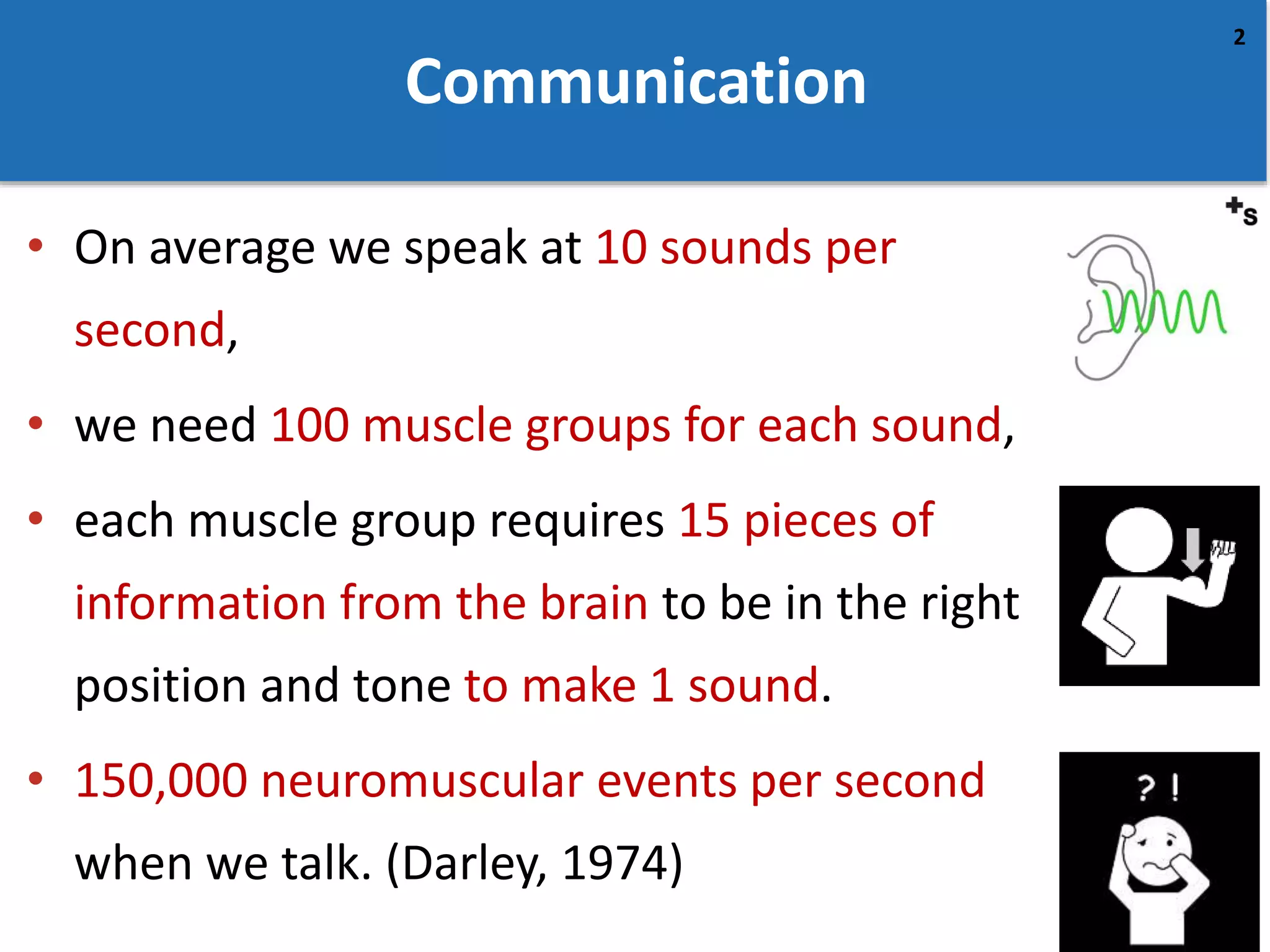
• On average we speak at 10 sounds per
second,
• we need 100 muscle groups for each sound,
• each muscle group requires 15 pieces of
information from the brain to be in the right
position and tone to make 1 sound.
• 150,000 neuromuscular events per second
when we talk. (Darley, 1974)
3
Expression
• People average 140-206 words
per minute
• Communication aid user - 12-
50 words per minute
• “An AAC technique does not
result in instant
communication any more than
providing a piano results in an
instant musician.” (Beukleman
and Garrett, 1988)
4
Augmentative and Alternative
Communication (AAC)
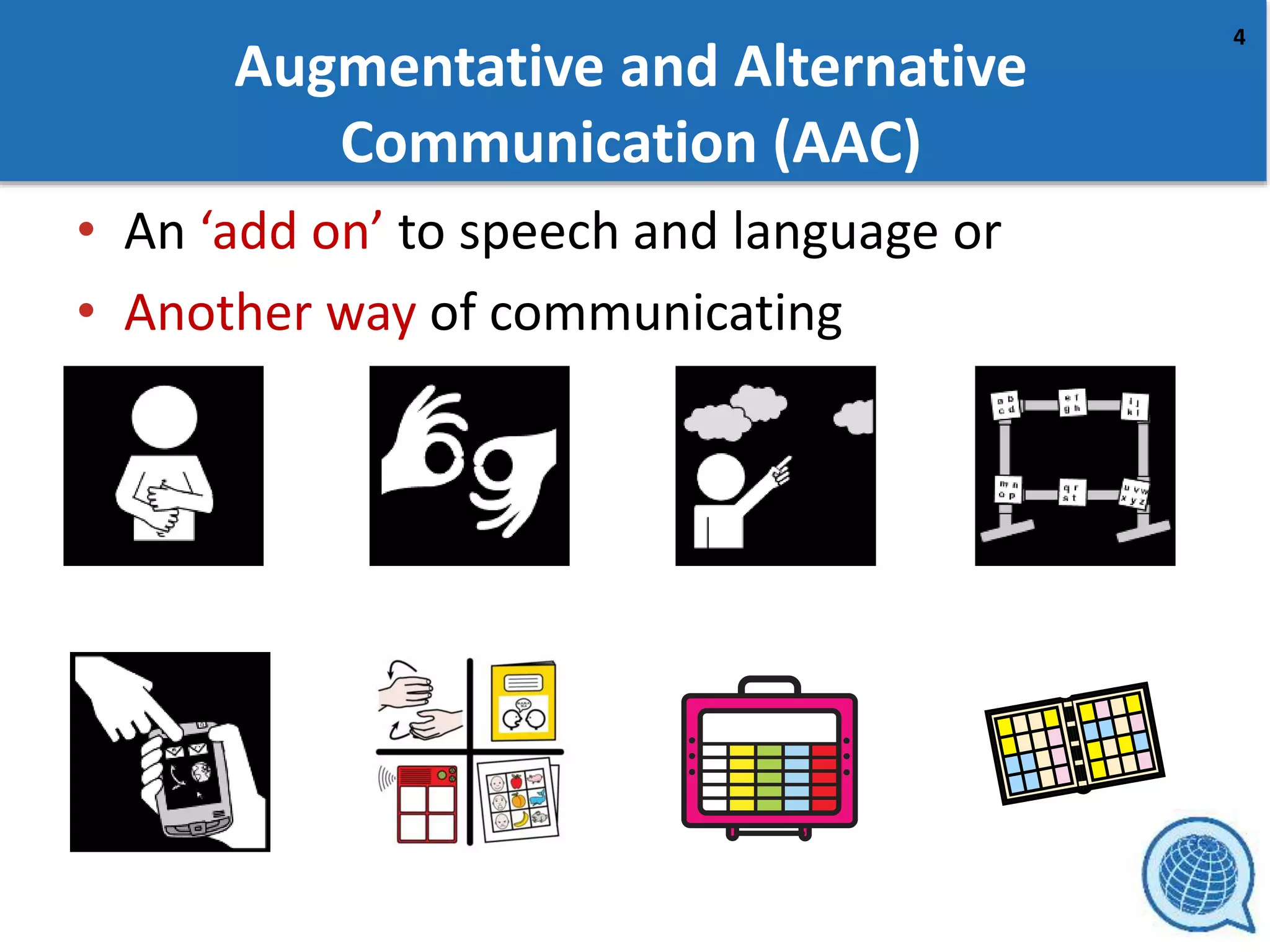
• An ‘add on’ to speech and language or
• Another way of communicating
5
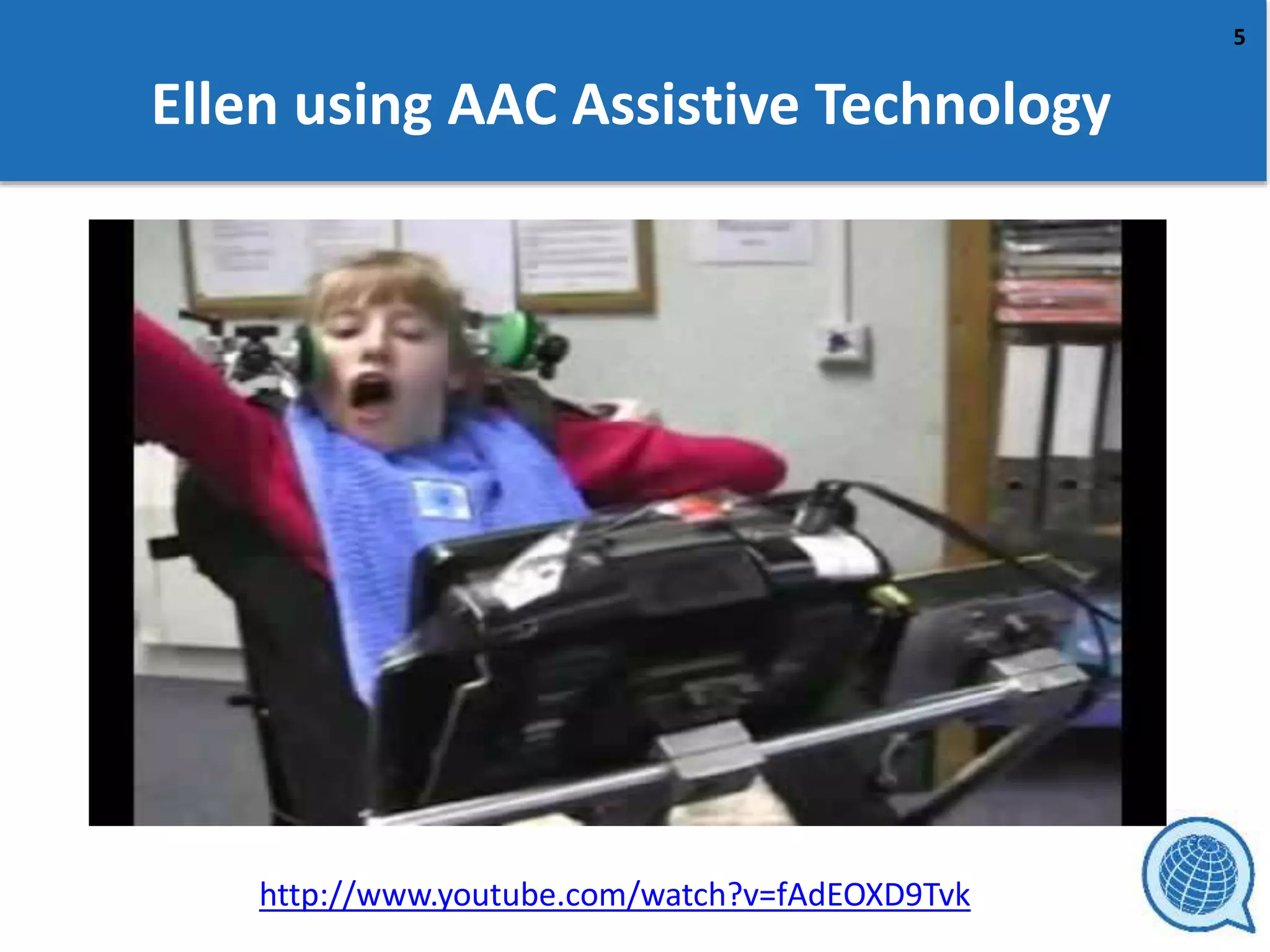
Ellen using AAC Assistive Technology
http://www.youtube.com/watch?v=fAdEOXD9Tvk
6
Who uses AAC?
• AAC may be used if someone has
– a congenital disability (born with communication
difficulties and/or cognitive impairments) – teaching
skills, building generative language
– acquired brain damage (e.g. head injury) - rehabilitate
– degenerative disorder(e.g. Motor Neuron Disease or
ALS) - preserve
This affects the type and way AAC is used
7
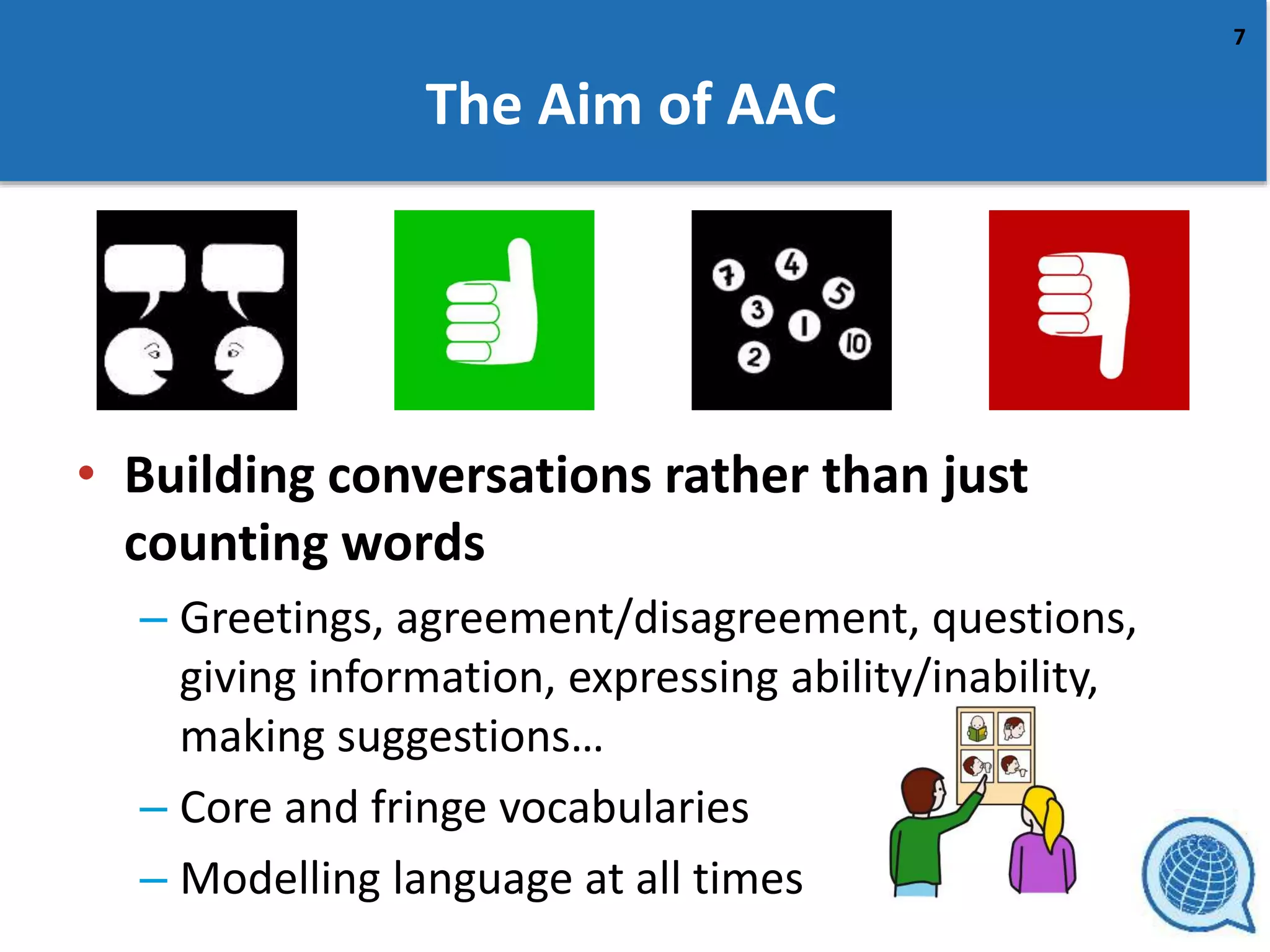
The Aim of AAC
• Building conversations rather than just
counting words
– Greetings, agreement/disagreement, questions,
giving information, expressing ability/inability,
making suggestions…
– Core and fringe vocabularies
– Modelling language at all times
8
Practising Modelling with Core Words
https://youtu.be/QmuBaL-xWfw
9
The AAC journey
• Functional language – needs and wants
• Meaningful language – understanding and
using words
• Creating language - grammar, changing word
shapes e.g. plurals and placement depending
on context
• Sounds of language – reading and writing
10
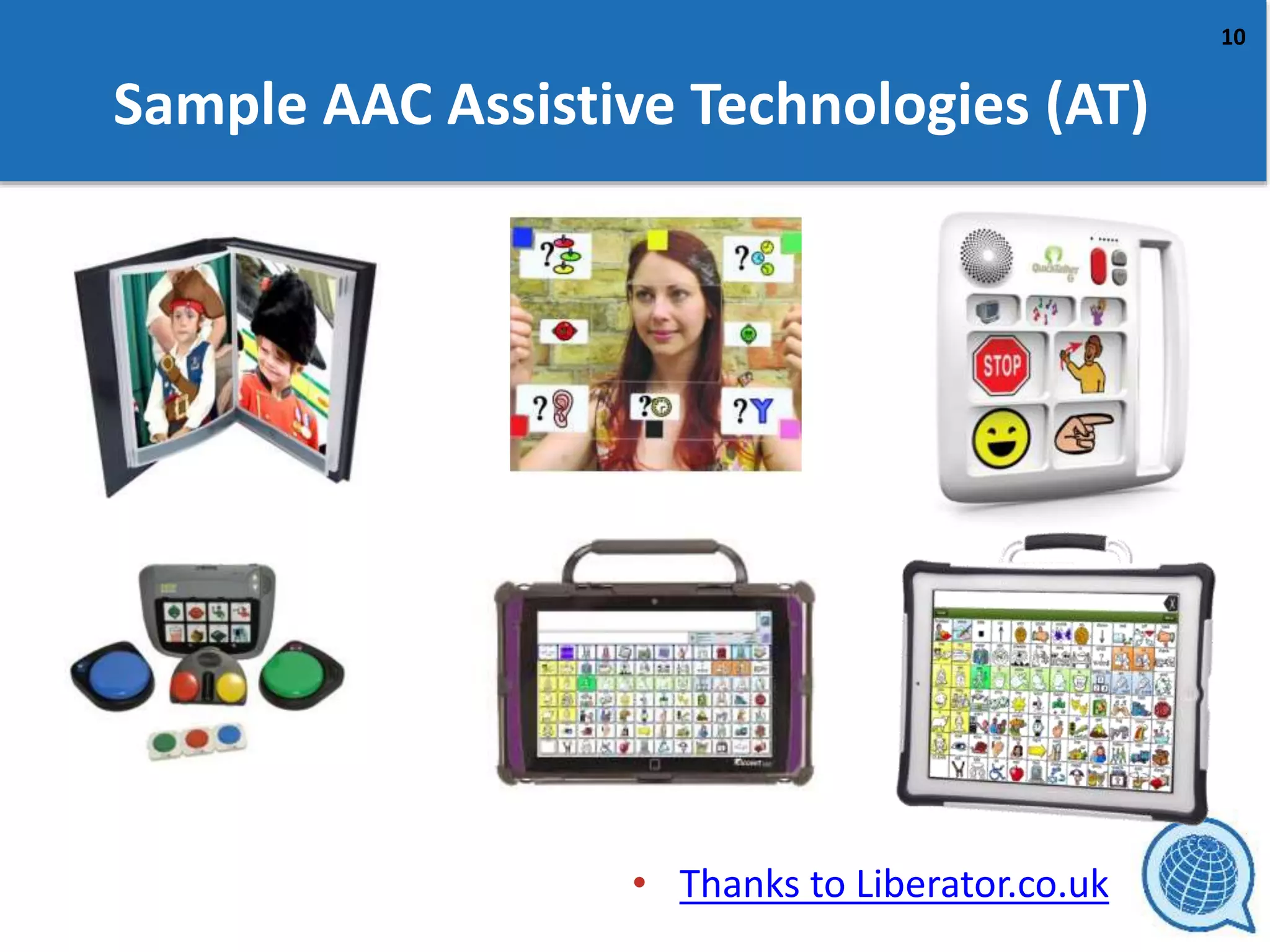
Sample AAC Assistive Technologies (AT)
• Thanks to Liberator.co.uk
11
Static compared to Dynamic AAC Assistive
Technologies
Pros
• Fixed in a matrix
• Available at all times
• Easier to learn positions
of symbols
• Easy to work between
computer and paper
based systems.
• Can be used to make up a
series of phrases.
Cons
• Same symbols may be used
in different situations or
combined.
• Overlays have to be
changed if alternatives
required
• Large vocabularies need
larger screens and symbols
become harder to target.
12
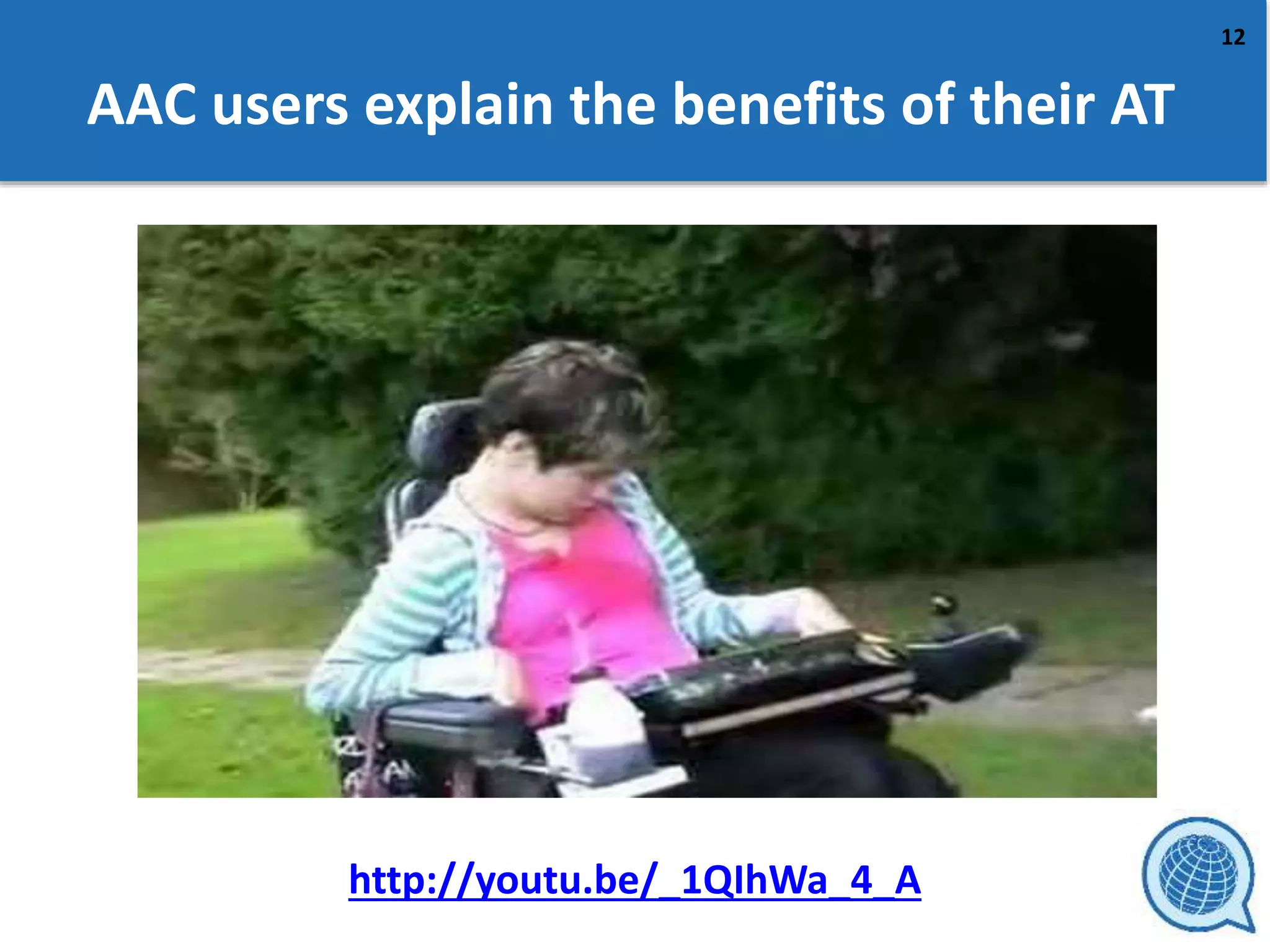
AAC users explain the benefits of their AT
http://youtu.be/_1QIhWa_4_A
From the Global Symbols Team
https://globalsymbols.com
David’s YouTube video “3
Minute thoughts 3 - What is
AAC ?”
Thank you

AAC Symbol introductory Overview

  • 1.
    David Banes and E.A. Draffan AACIntroductory Overview
  • 2.
    2 Communication • On averagewe speak at 10 sounds per second, • we need 100 muscle groups for each sound, • each muscle group requires 15 pieces of information from the brain to be in the right position and tone to make 1 sound. • 150,000 neuromuscular events per second when we talk. (Darley, 1974)
  • 3.
    3 Expression • People average140-206 words per minute • Communication aid user - 12- 50 words per minute • “An AAC technique does not result in instant communication any more than providing a piano results in an instant musician.” (Beukleman and Garrett, 1988)
  • 4.
    4 Augmentative and Alternative Communication(AAC) • An ‘add on’ to speech and language or • Another way of communicating
  • 5.
    5 Ellen using AACAssistive Technology http://www.youtube.com/watch?v=fAdEOXD9Tvk
  • 6.
    6 Who uses AAC? •AAC may be used if someone has – a congenital disability (born with communication difficulties and/or cognitive impairments) – teaching skills, building generative language – acquired brain damage (e.g. head injury) - rehabilitate – degenerative disorder(e.g. Motor Neuron Disease or ALS) - preserve This affects the type and way AAC is used
  • 7.
    7 The Aim ofAAC • Building conversations rather than just counting words – Greetings, agreement/disagreement, questions, giving information, expressing ability/inability, making suggestions… – Core and fringe vocabularies – Modelling language at all times
  • 8.
    8 Practising Modelling withCore Words https://youtu.be/QmuBaL-xWfw
  • 9.
    9 The AAC journey •Functional language – needs and wants • Meaningful language – understanding and using words • Creating language - grammar, changing word shapes e.g. plurals and placement depending on context • Sounds of language – reading and writing
  • 10.
    10 Sample AAC AssistiveTechnologies (AT) • Thanks to Liberator.co.uk
  • 11.
    11 Static compared toDynamic AAC Assistive Technologies Pros • Fixed in a matrix • Available at all times • Easier to learn positions of symbols • Easy to work between computer and paper based systems. • Can be used to make up a series of phrases. Cons • Same symbols may be used in different situations or combined. • Overlays have to be changed if alternatives required • Large vocabularies need larger screens and symbols become harder to target.
  • 12.
    12 AAC users explainthe benefits of their AT http://youtu.be/_1QIhWa_4_A
  • 13.
    From the GlobalSymbols Team https://globalsymbols.com David’s YouTube video “3 Minute thoughts 3 - What is AAC ?” Thank you

Editor's Notes

  • #8 Create Improve Adapt Re-use Share Increase Access Flexible Localise Personalise Open Licence