Getting Started with Google

  Geek Girl Conference Hyannis
              2012
Why Google?
• Best in class
• Free
• Updates and upgrades are implemented
  automatically
• Tons of tools
• Makes sharing easy
• Interconnects your files
• Web accessible
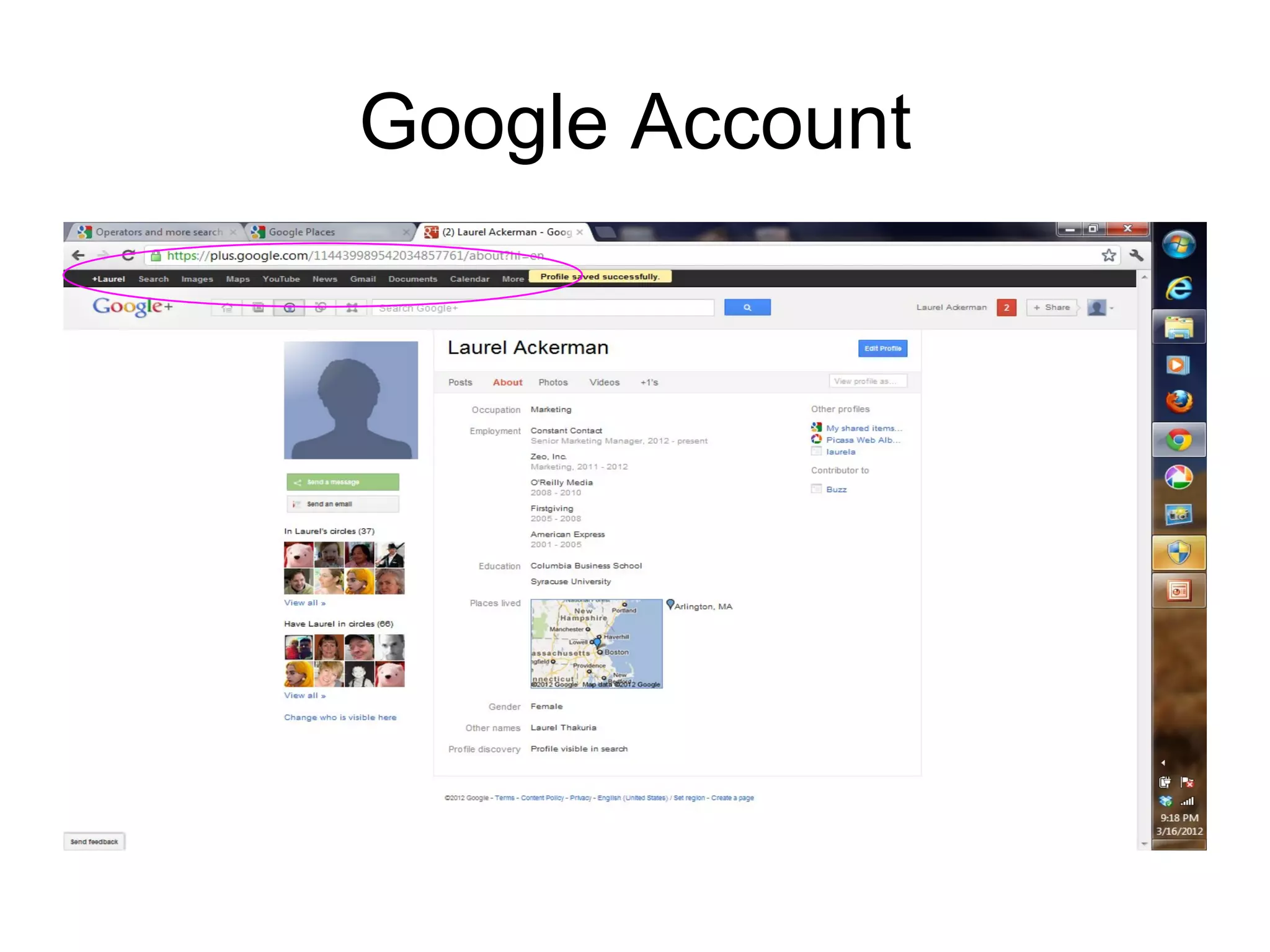
Google Account
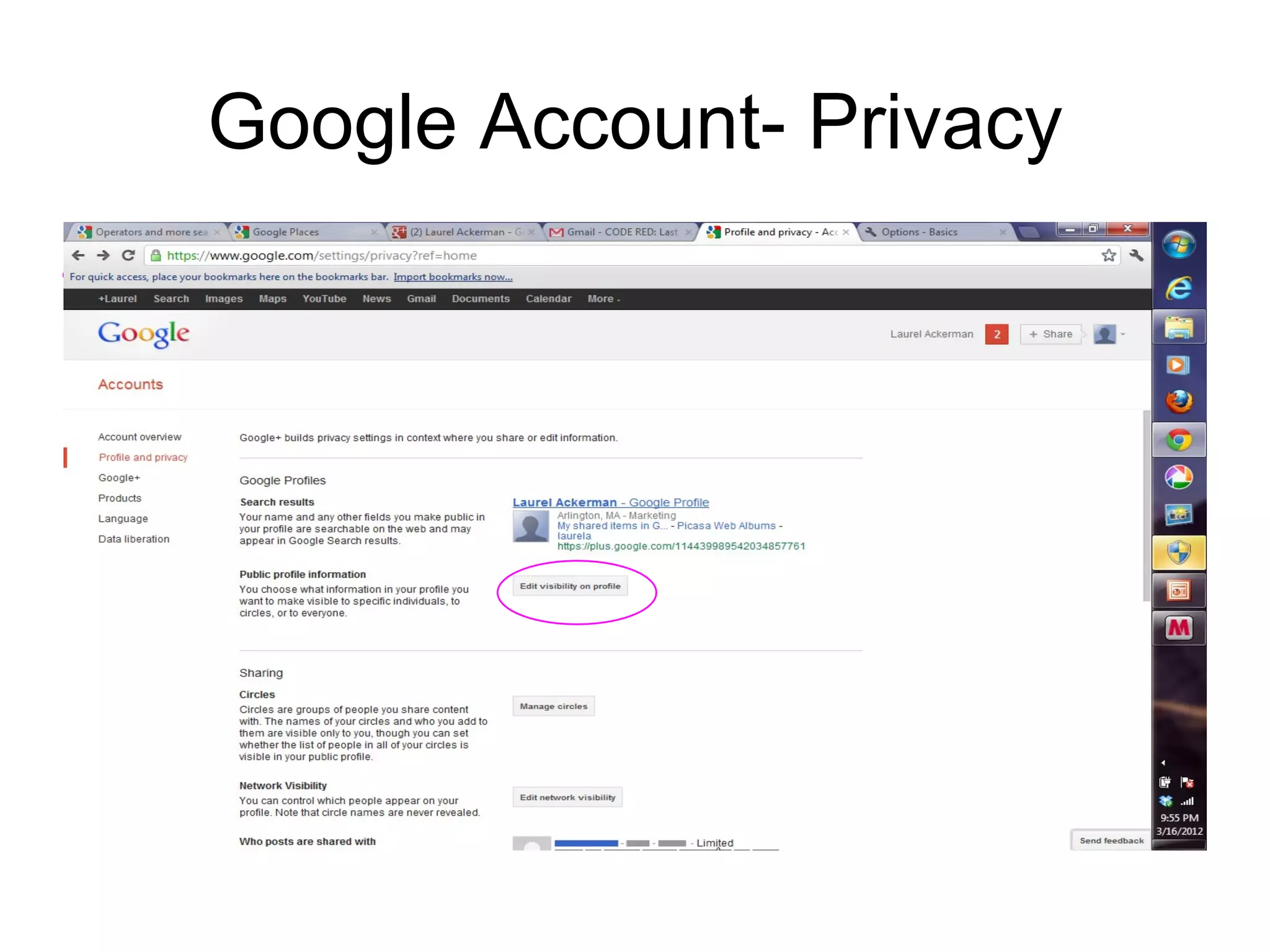
Google Account- Privacy
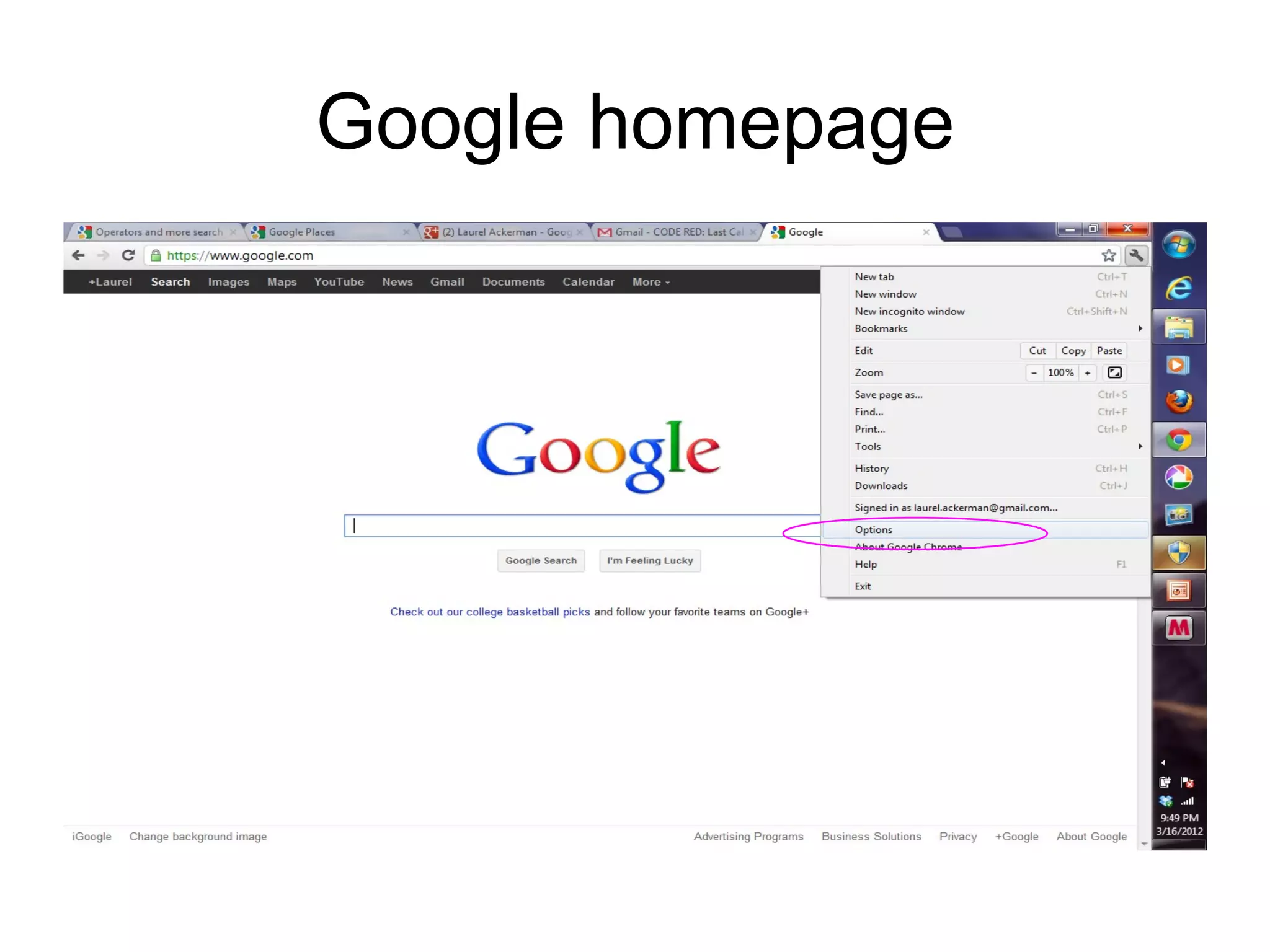
Google homepage
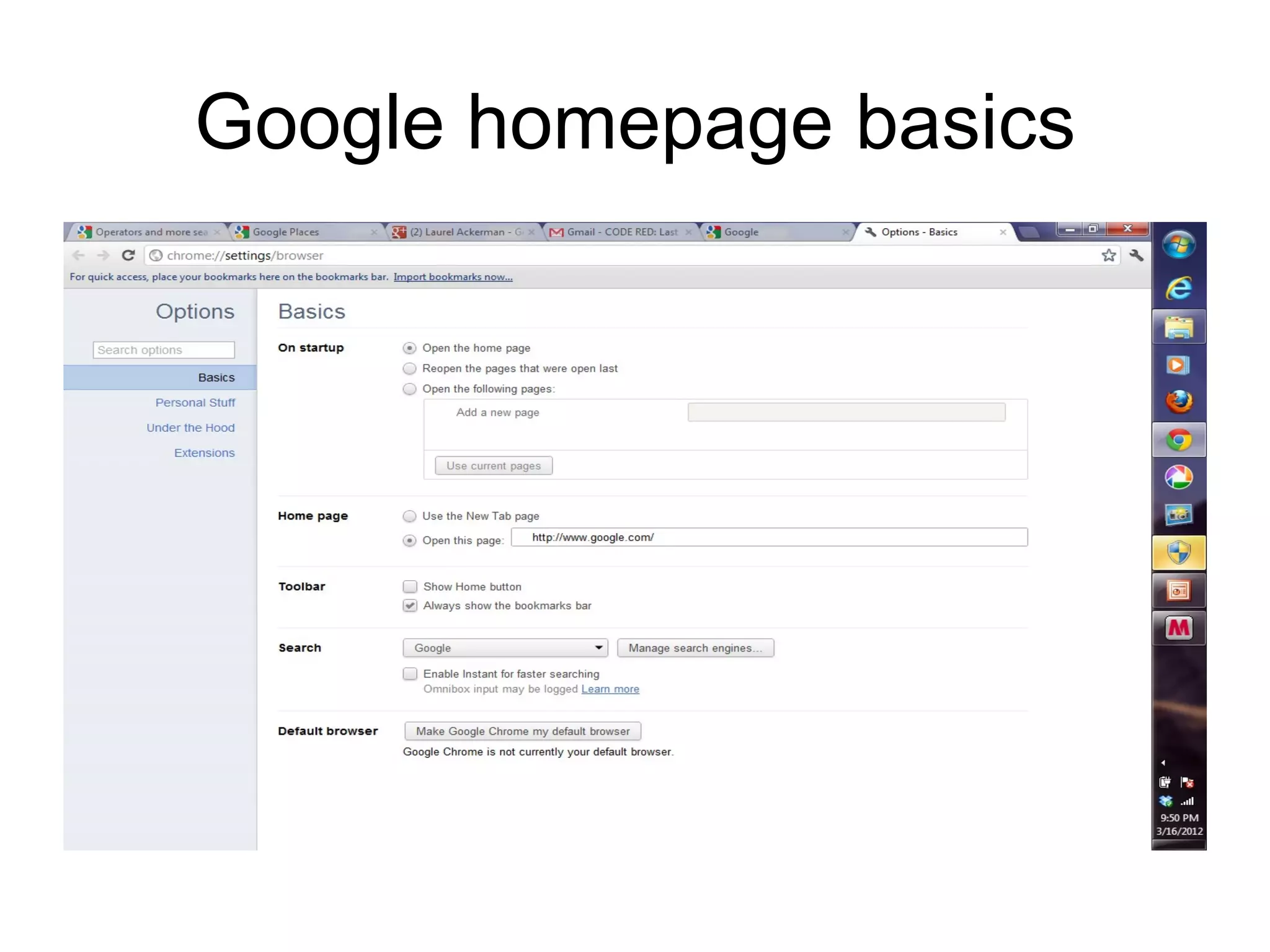
Google homepage basics
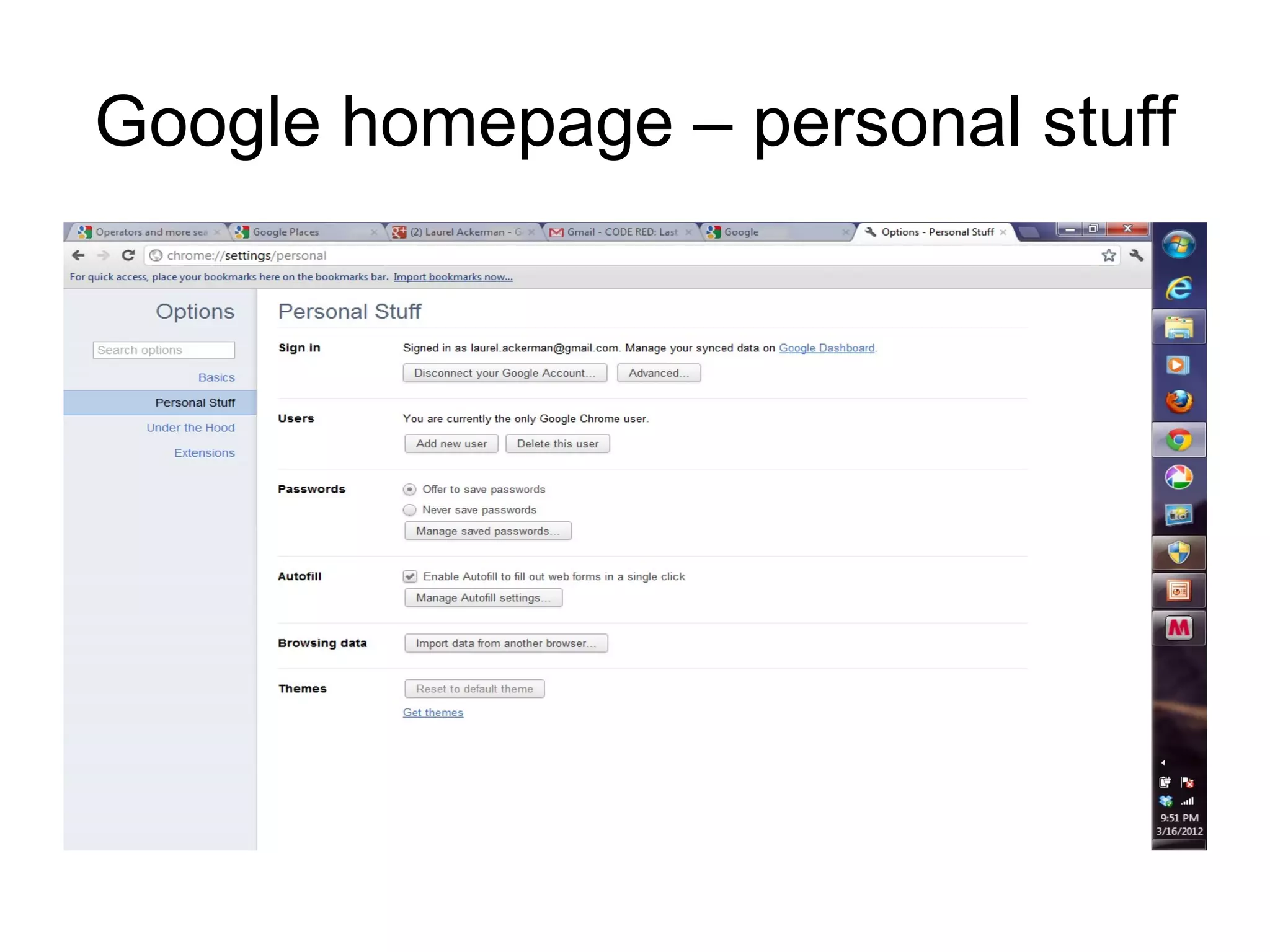
Google homepage – personal stuff
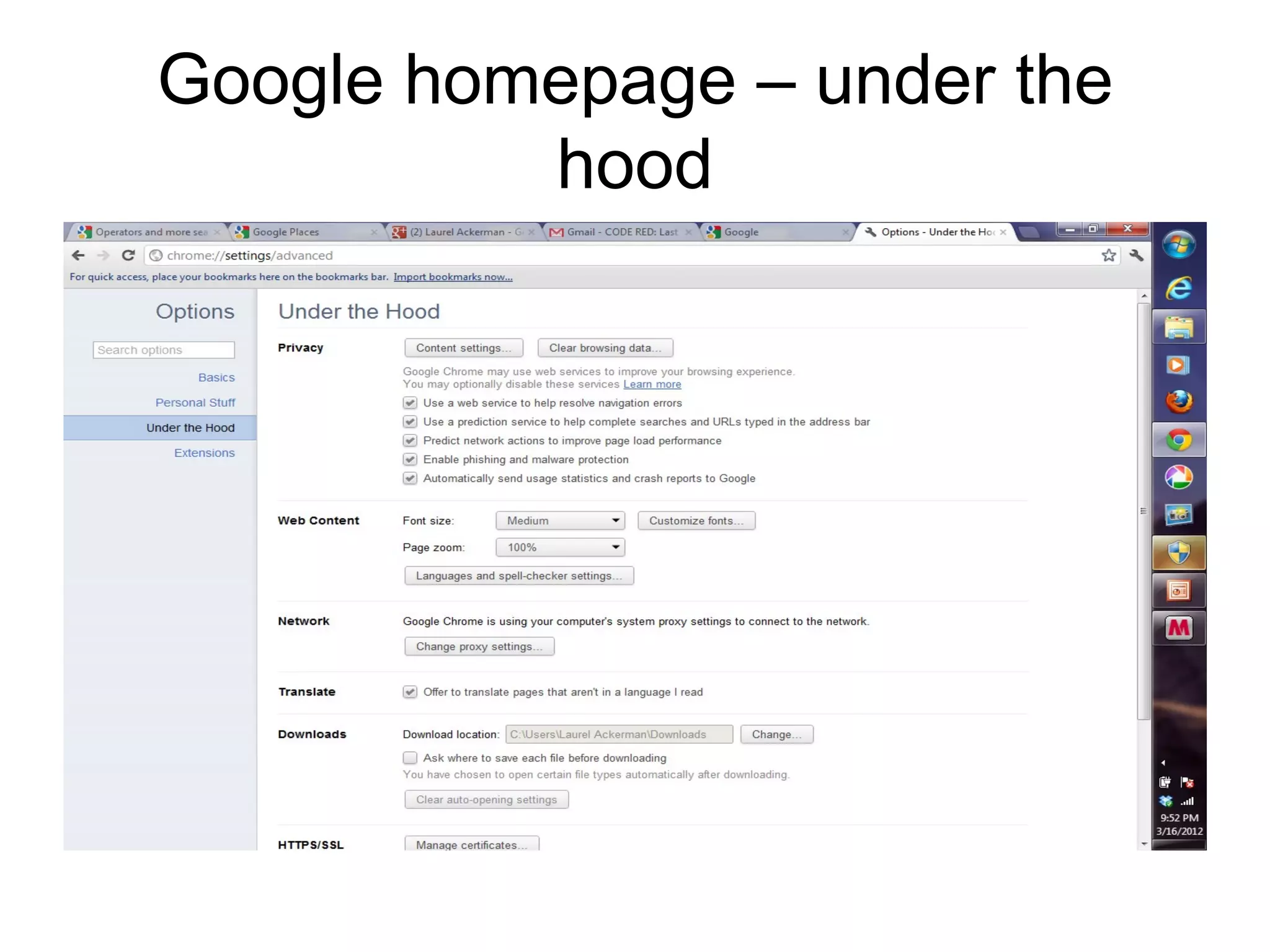
Google homepage – under the
          hood
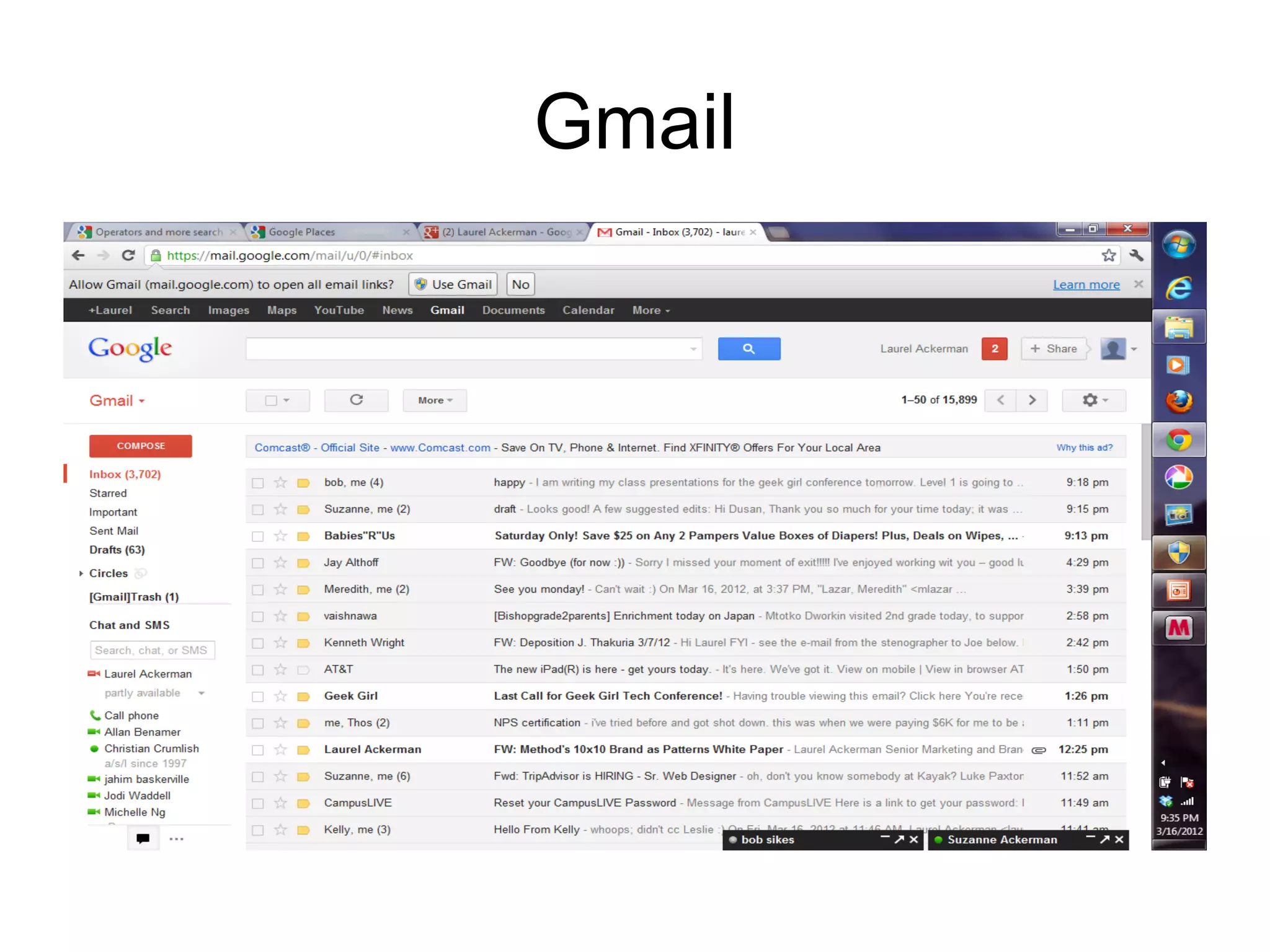
Gmail
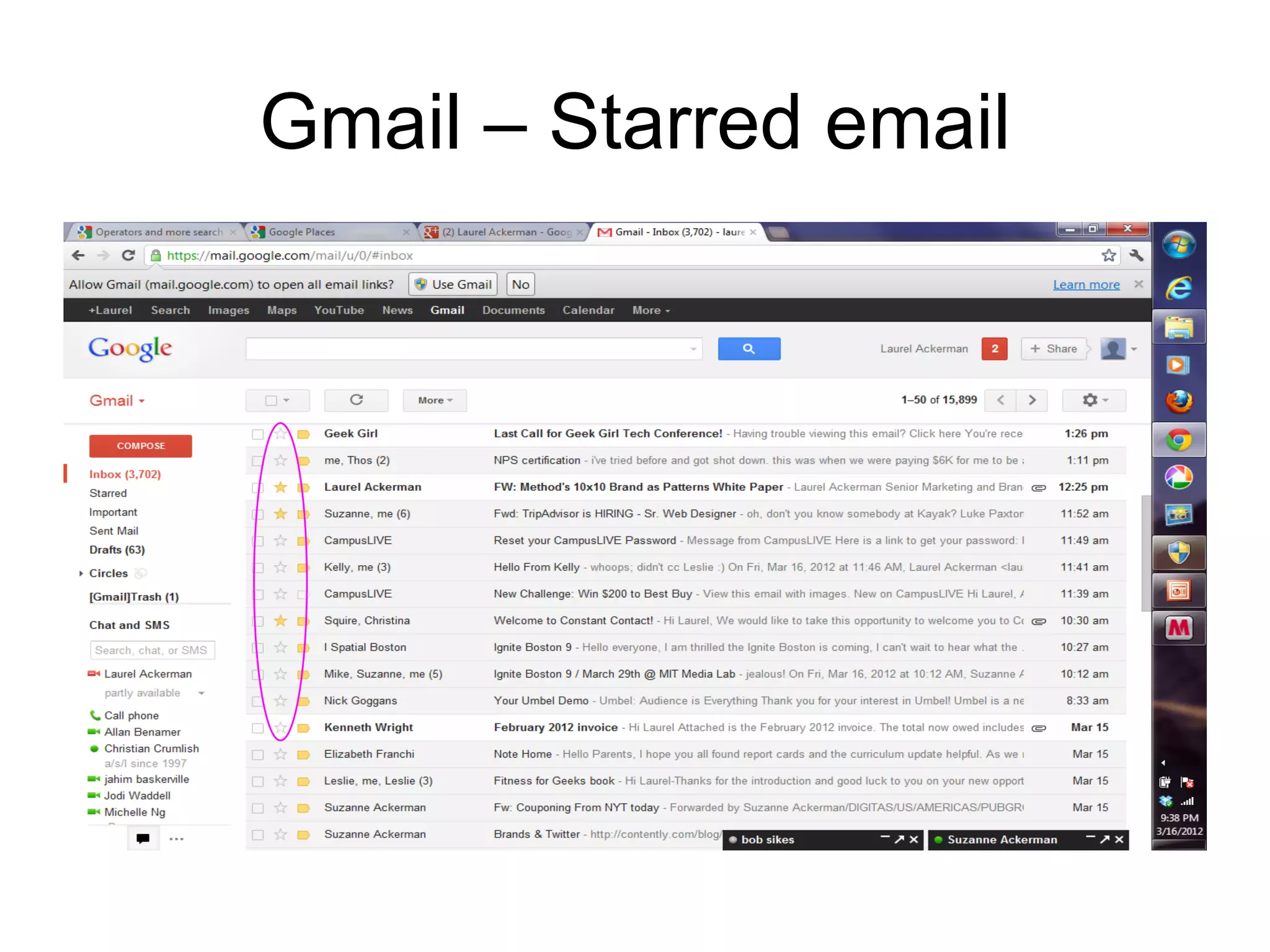
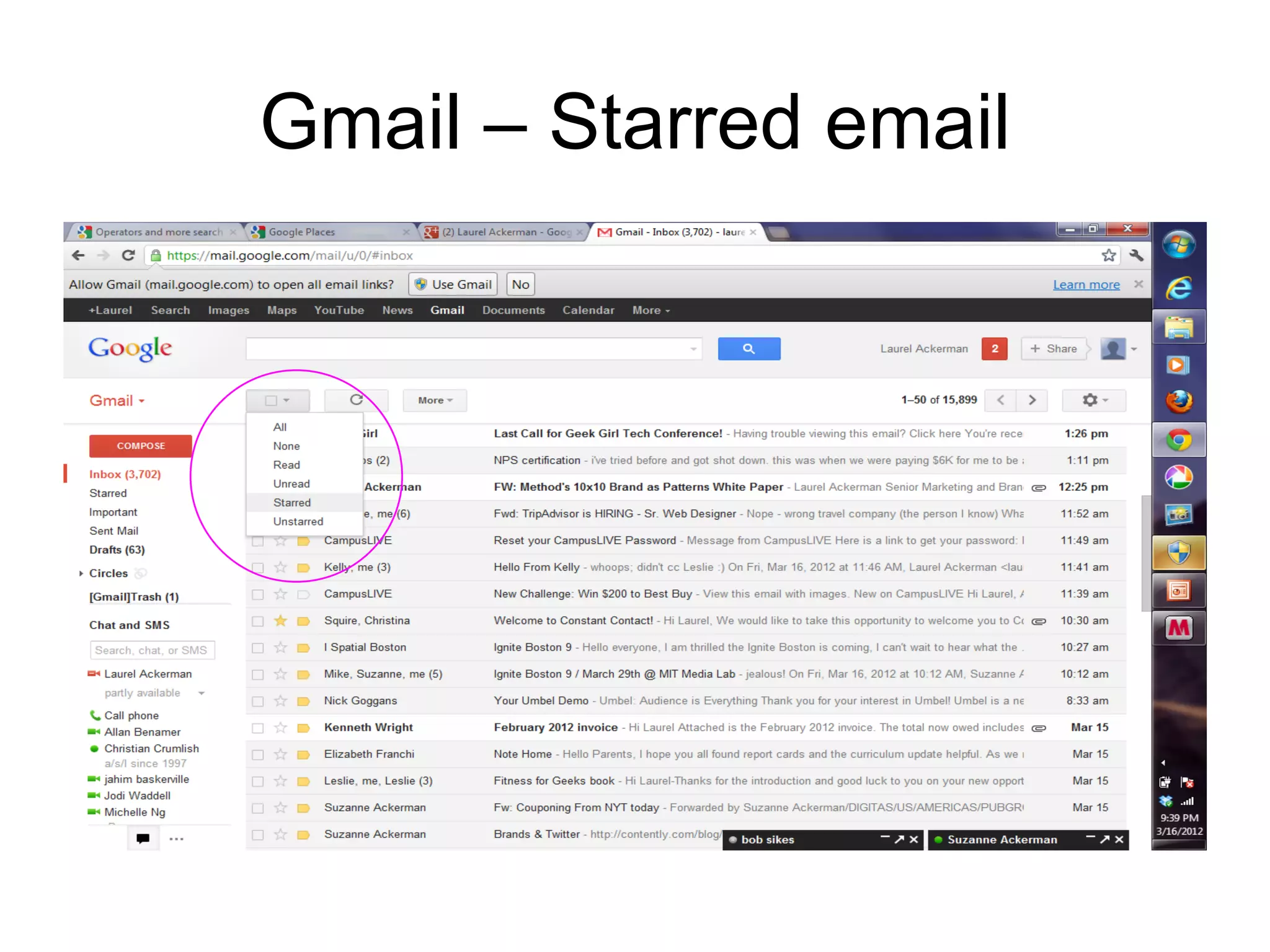
Gmail – Starred email
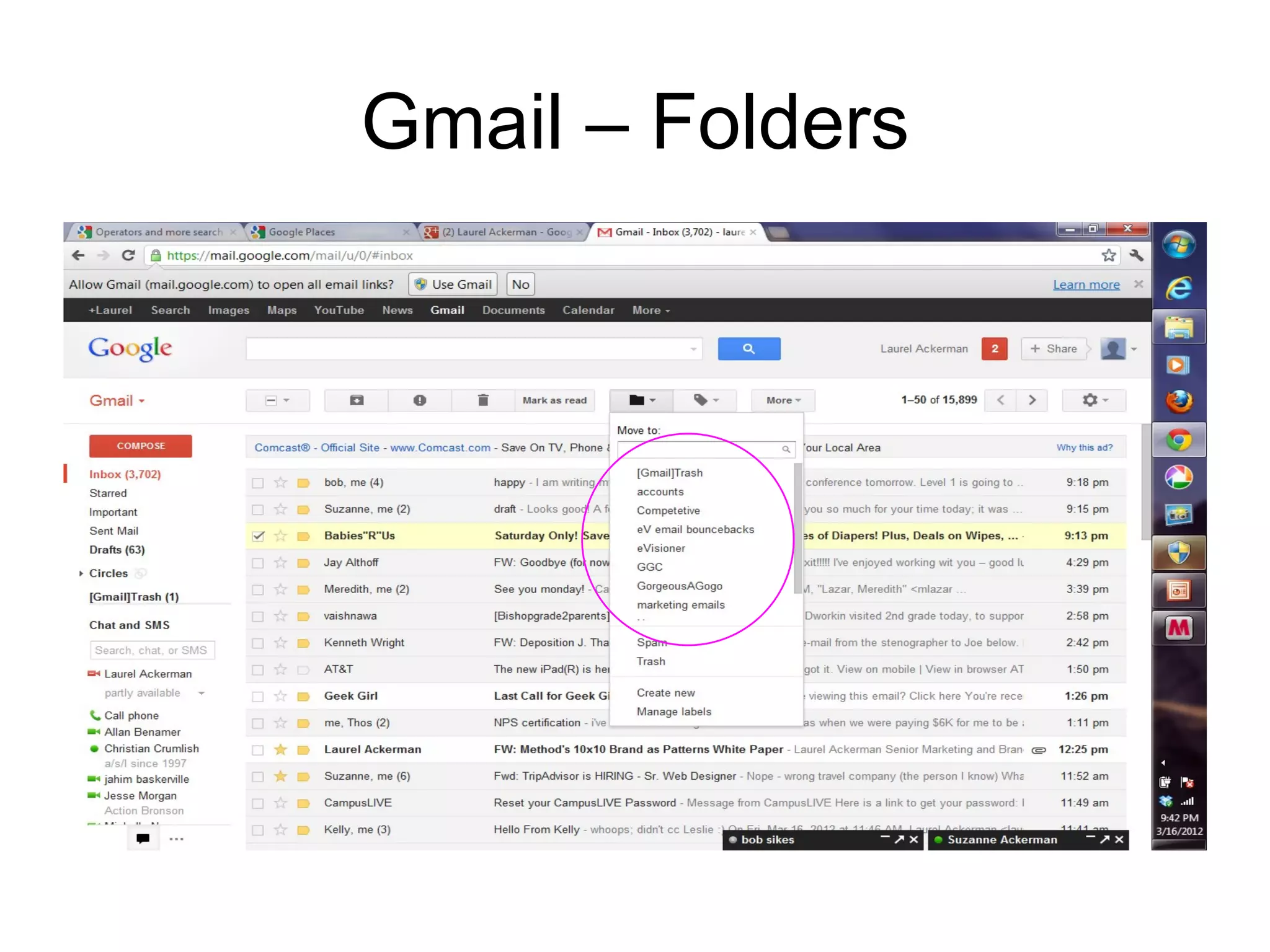
Gmail – Folders
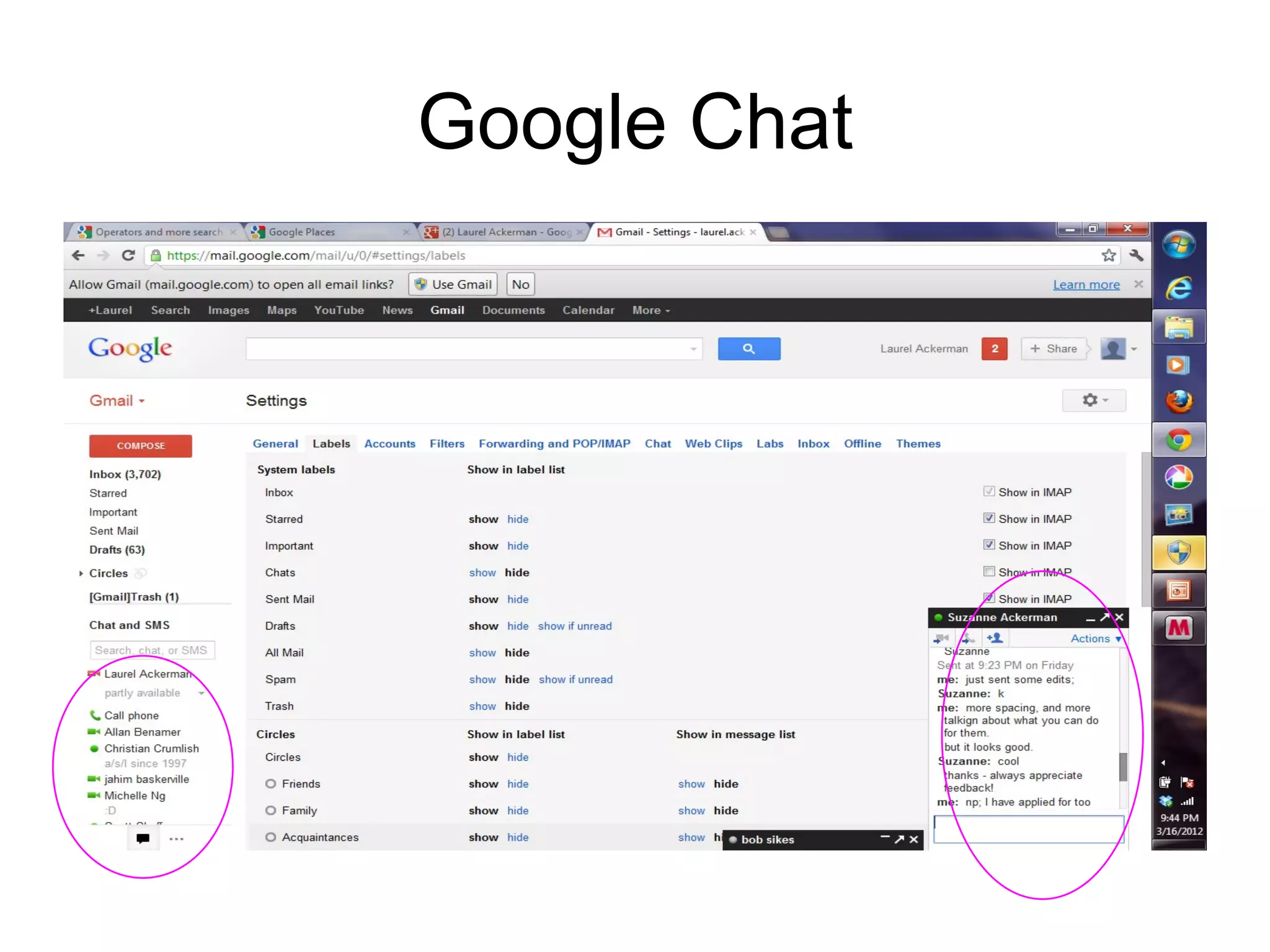
Google Chat
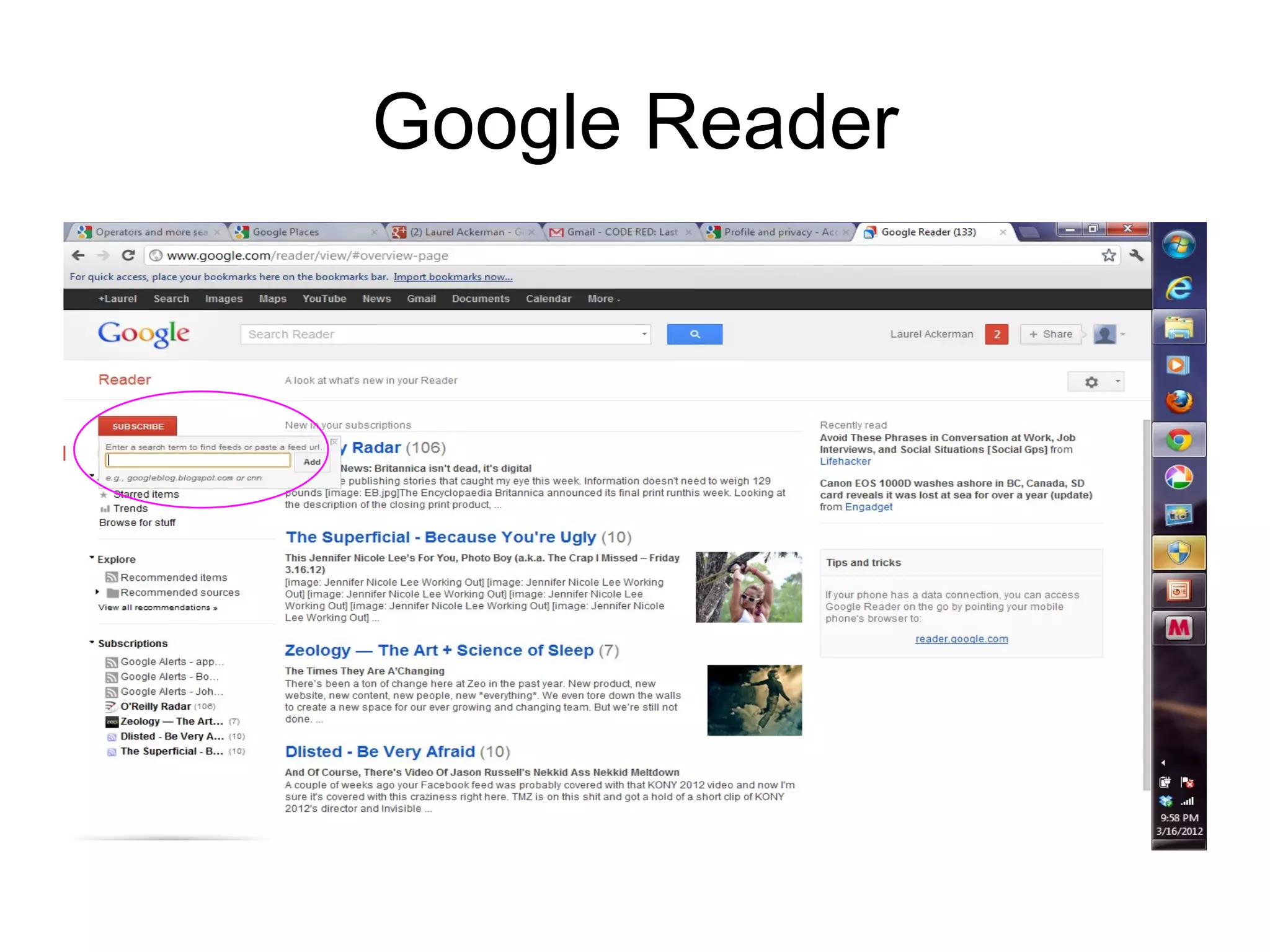
Google Reader
Google Maps
•   Find simplest route
•   Find shortcuts
•   Go from A to B to C
•   Avoid traffic
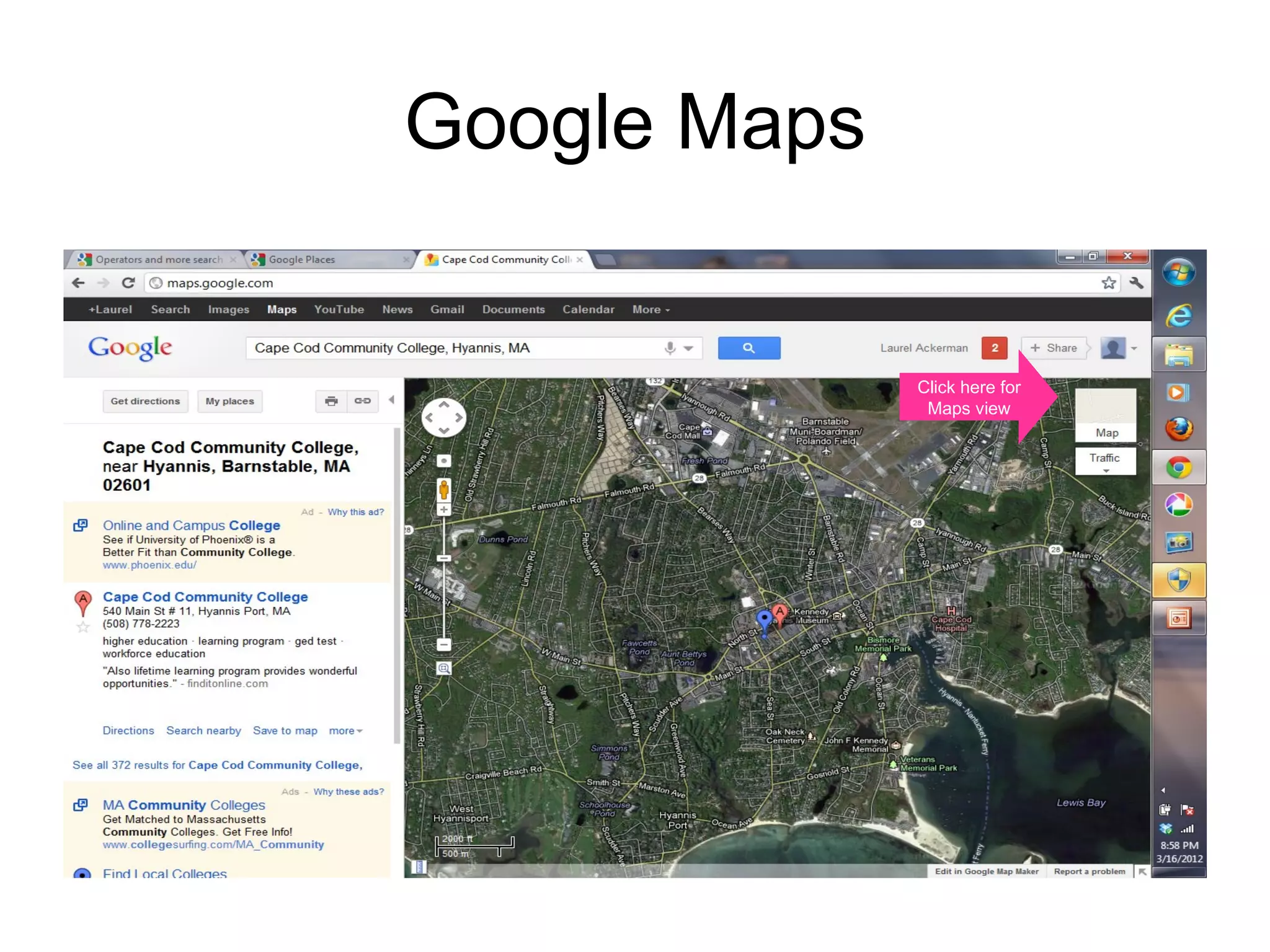
Google Maps


                           Click here for
                            Maps view


 http://maps.google.com/
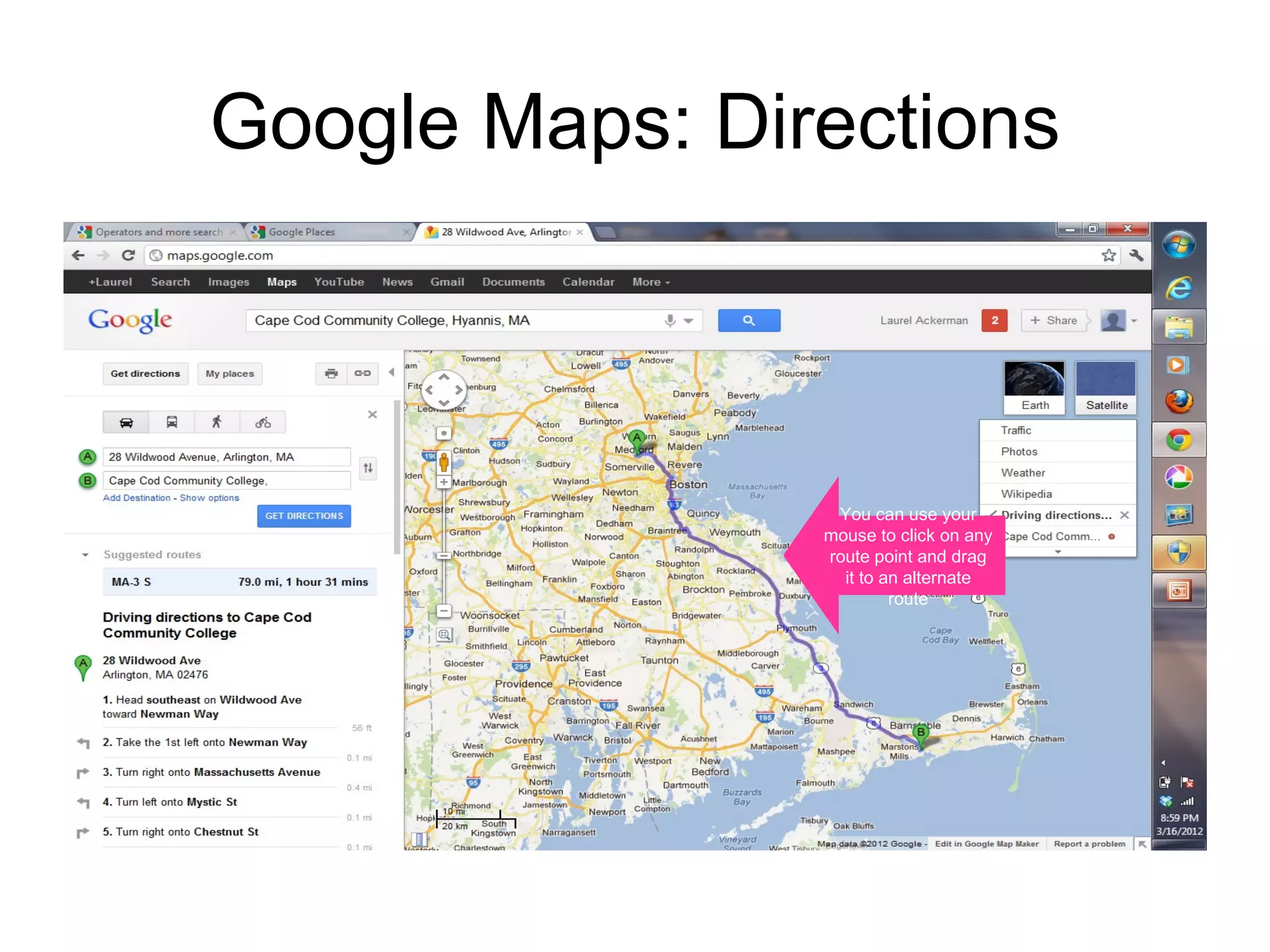
Google Maps: Directions


                 You can use your
                mouse to click on any
                route point and drag
                  it to an alternate
                         route
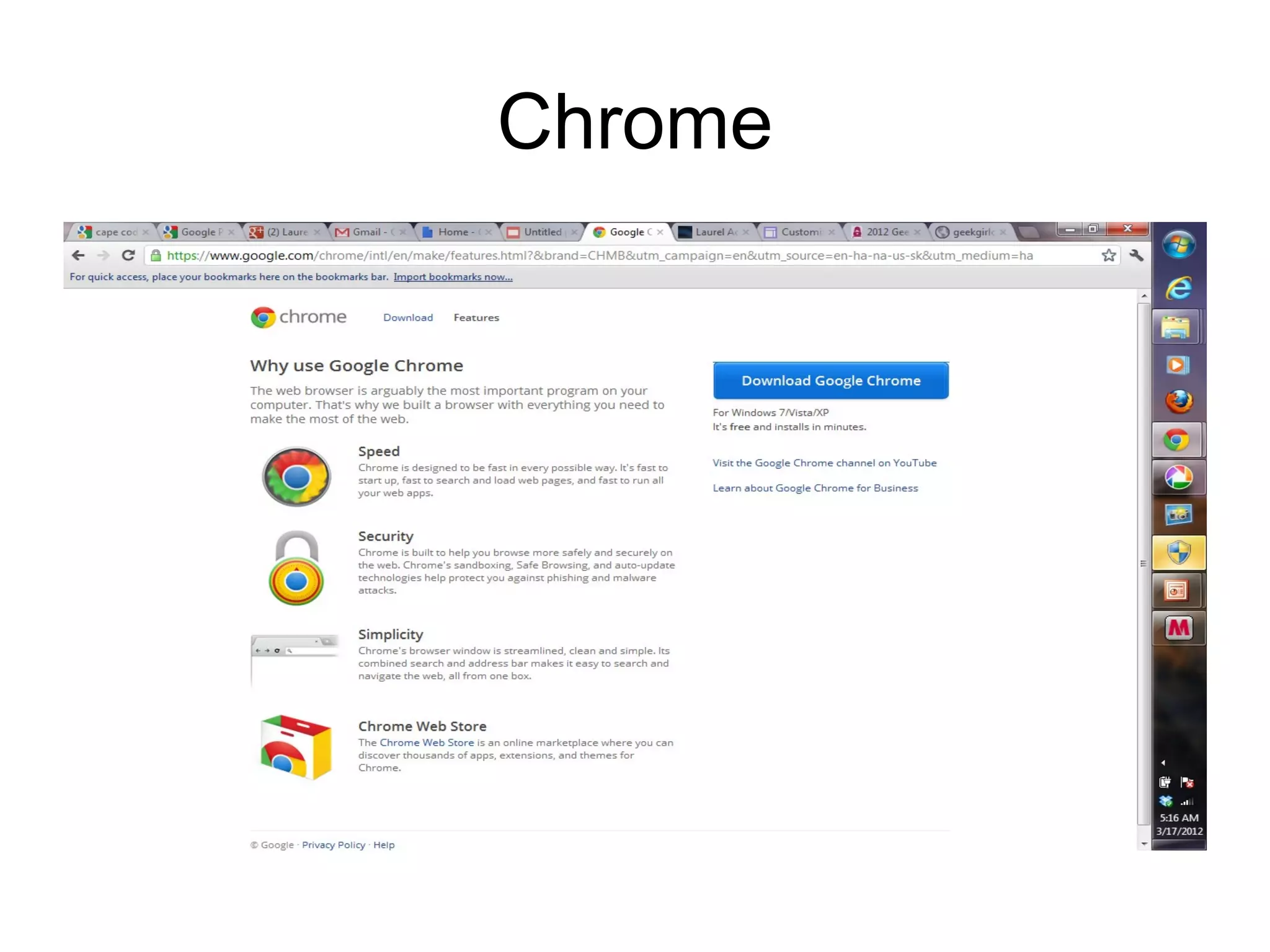
Chrome for browsing
• Free
• Fast (lightweight)
• Ties in to your other Google activities
Chrome
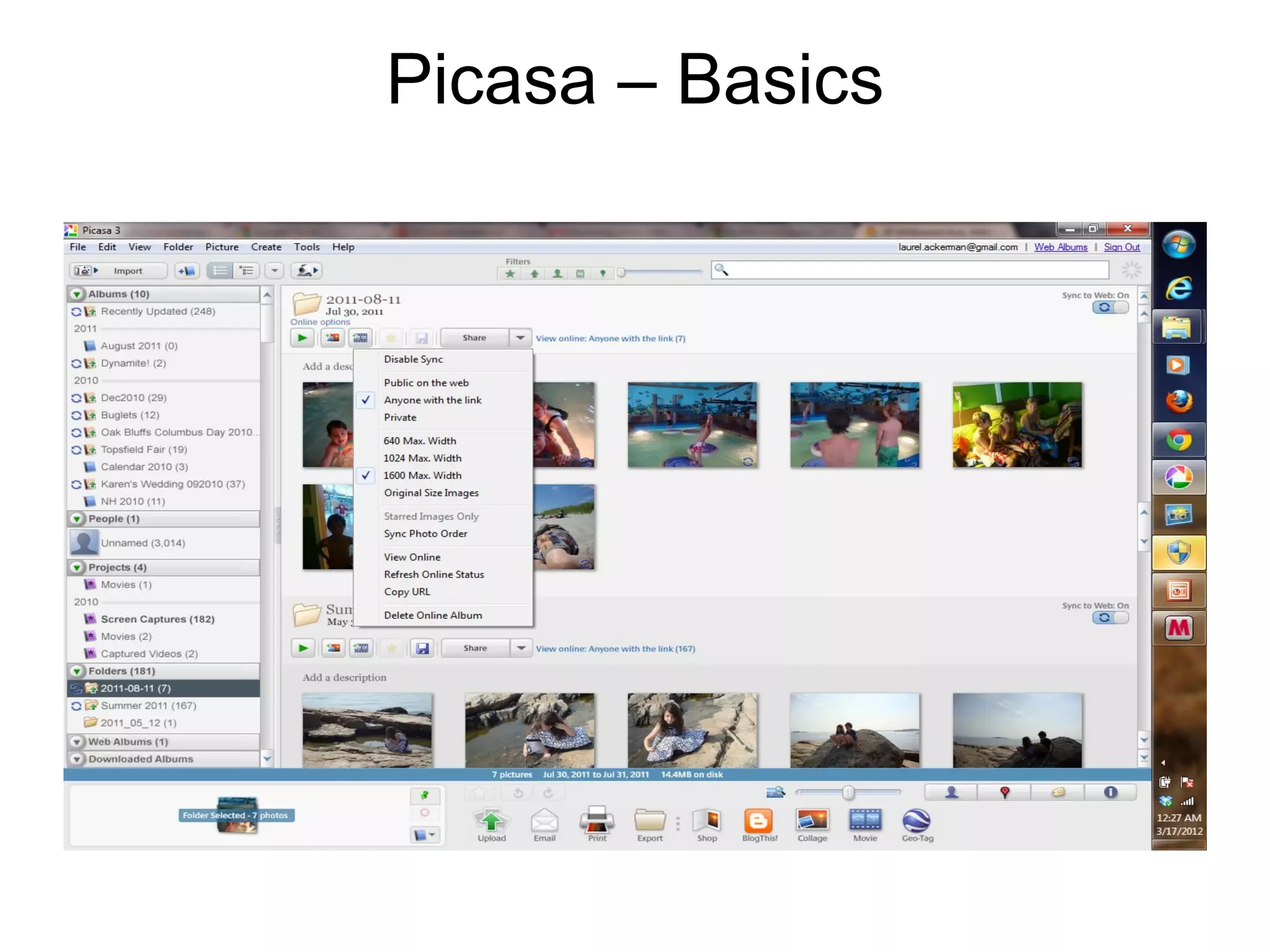
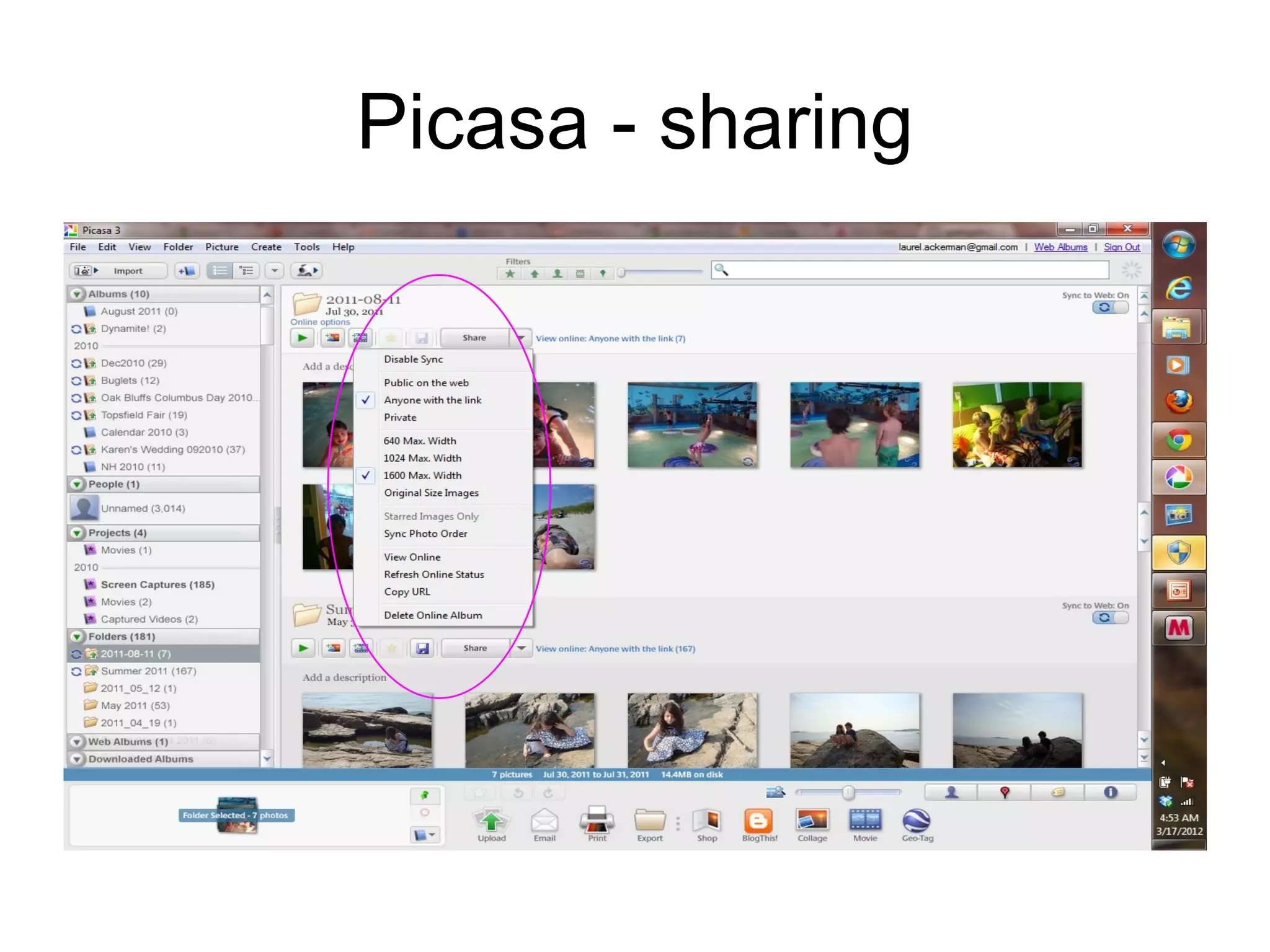
Picasa! Why to use
• Photo album management
• Easy sharing and privacy controls
Picasa – Basics
Picasa - sharing
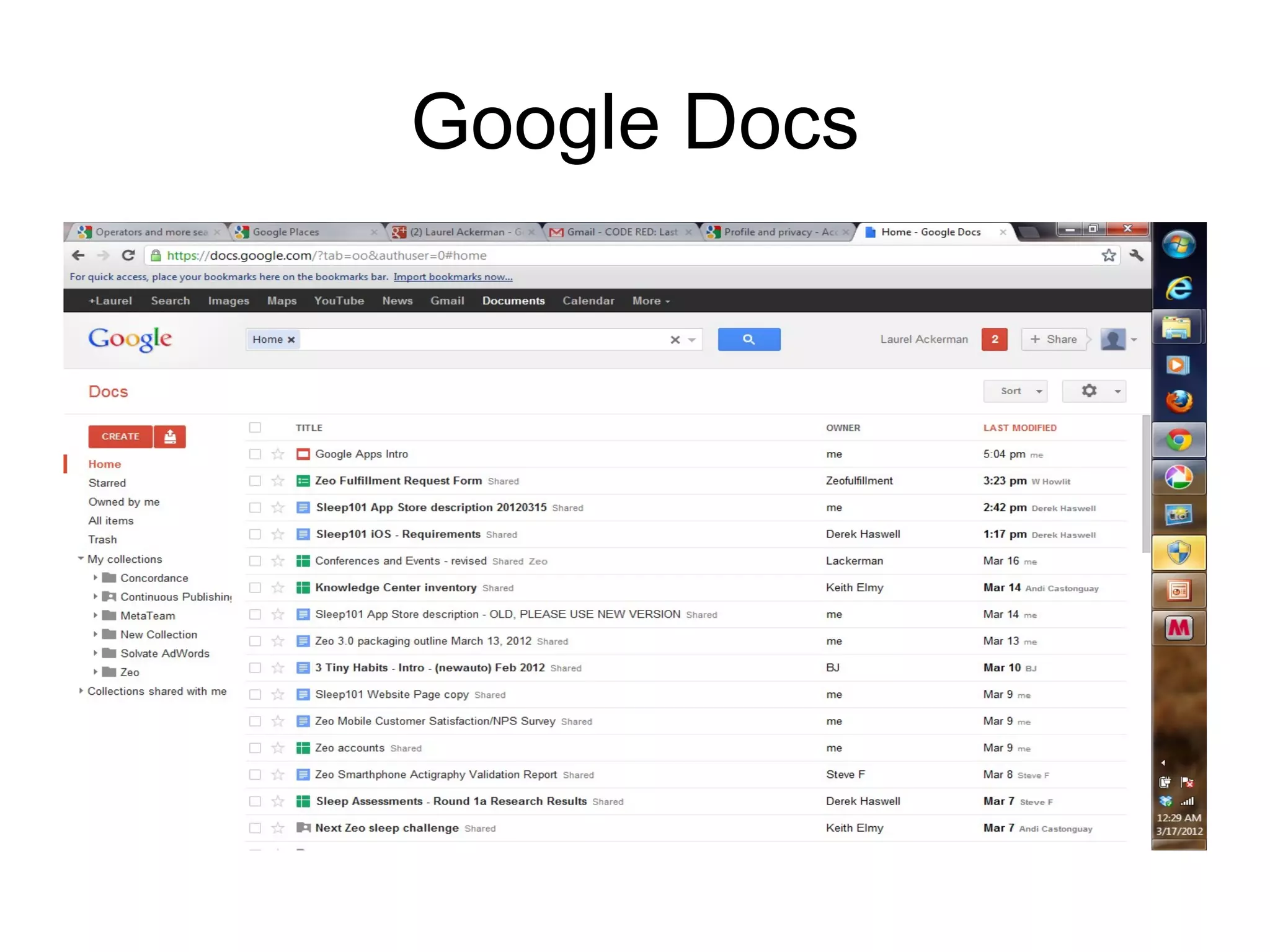
Google Docs
•   Free
•   Constantly updated
•   Shareable/Collaborative
•   Downloadable
•   Web access
Google Docs
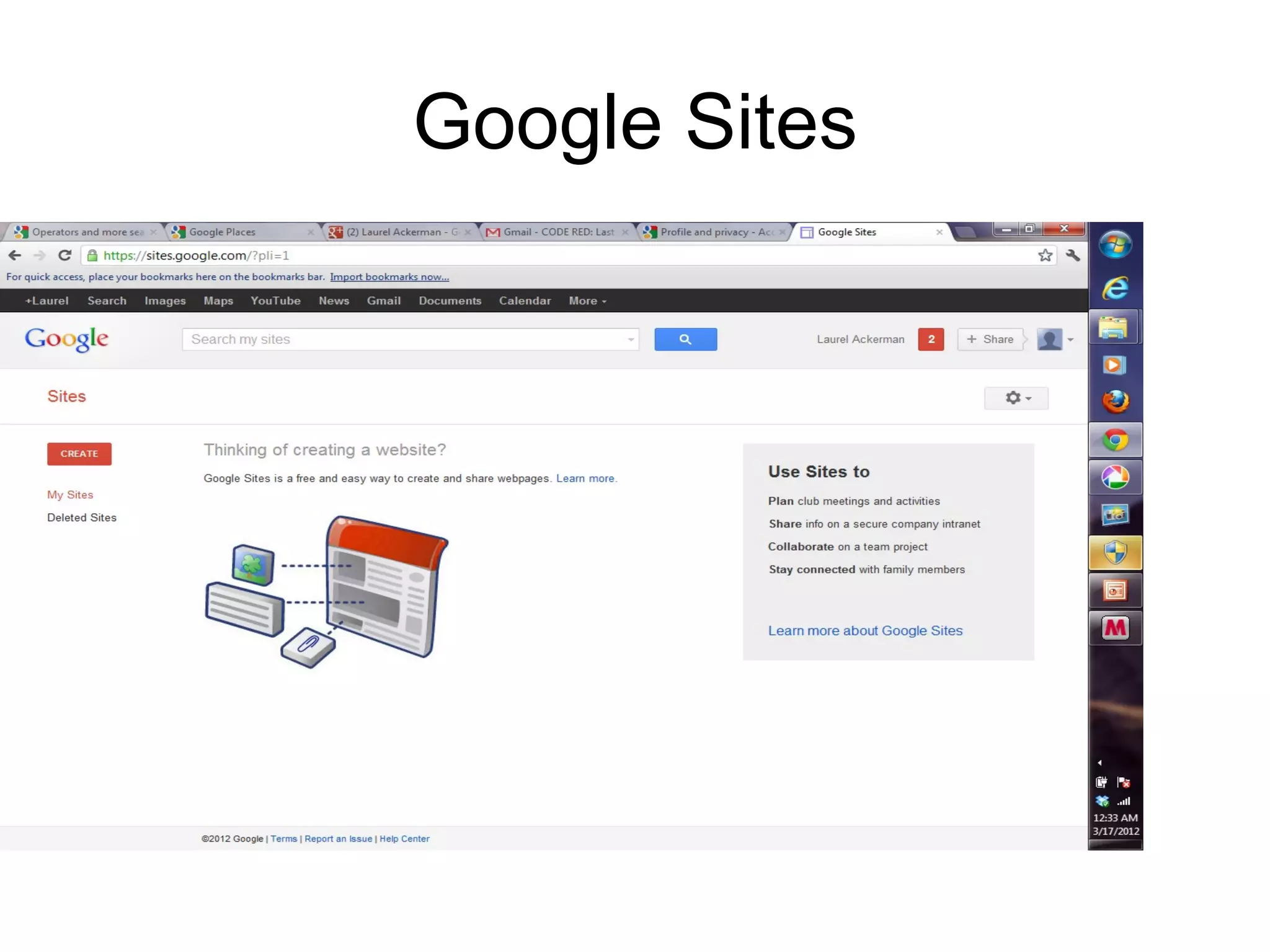
Google Sites
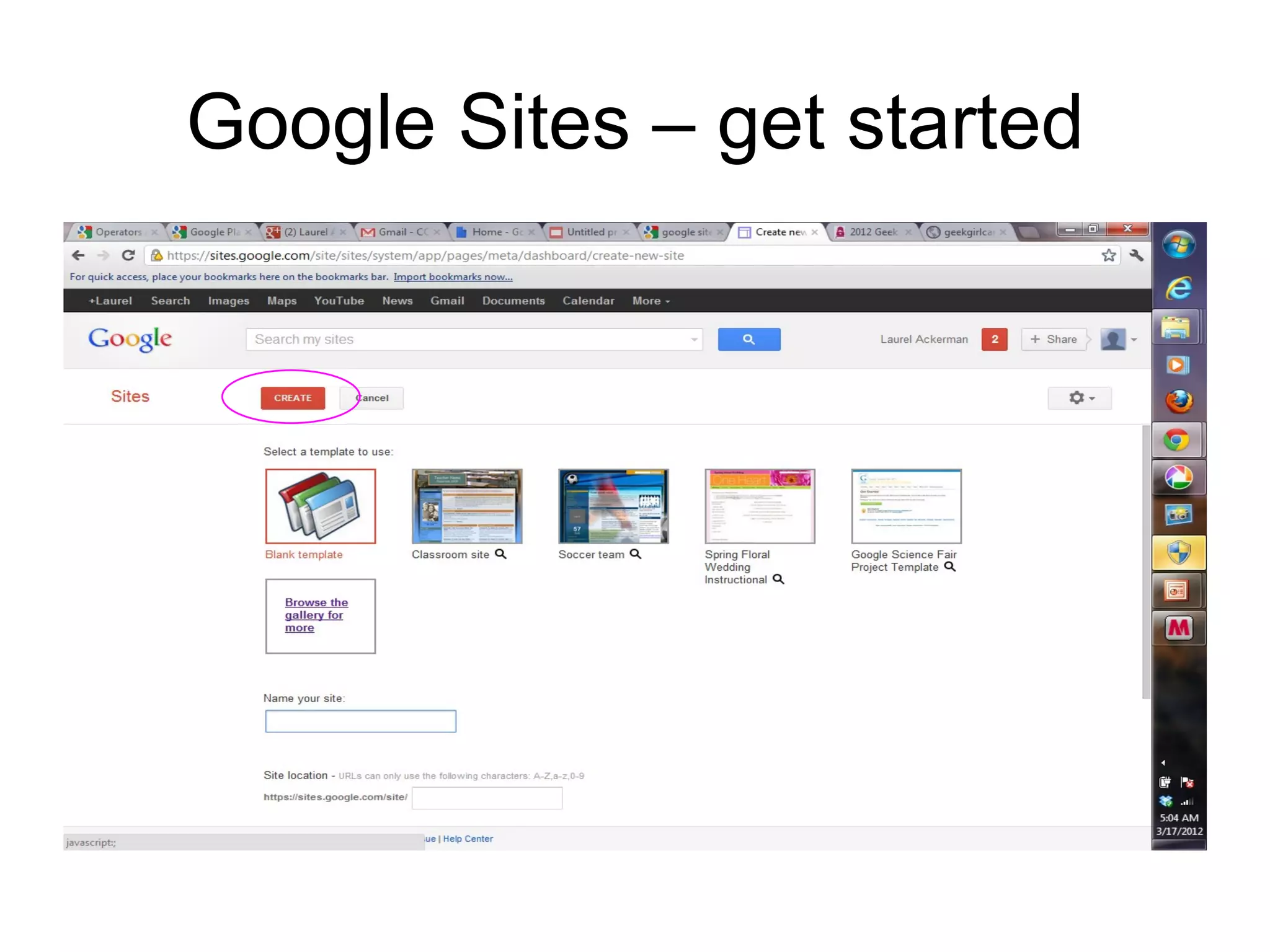
Google Sites – get started
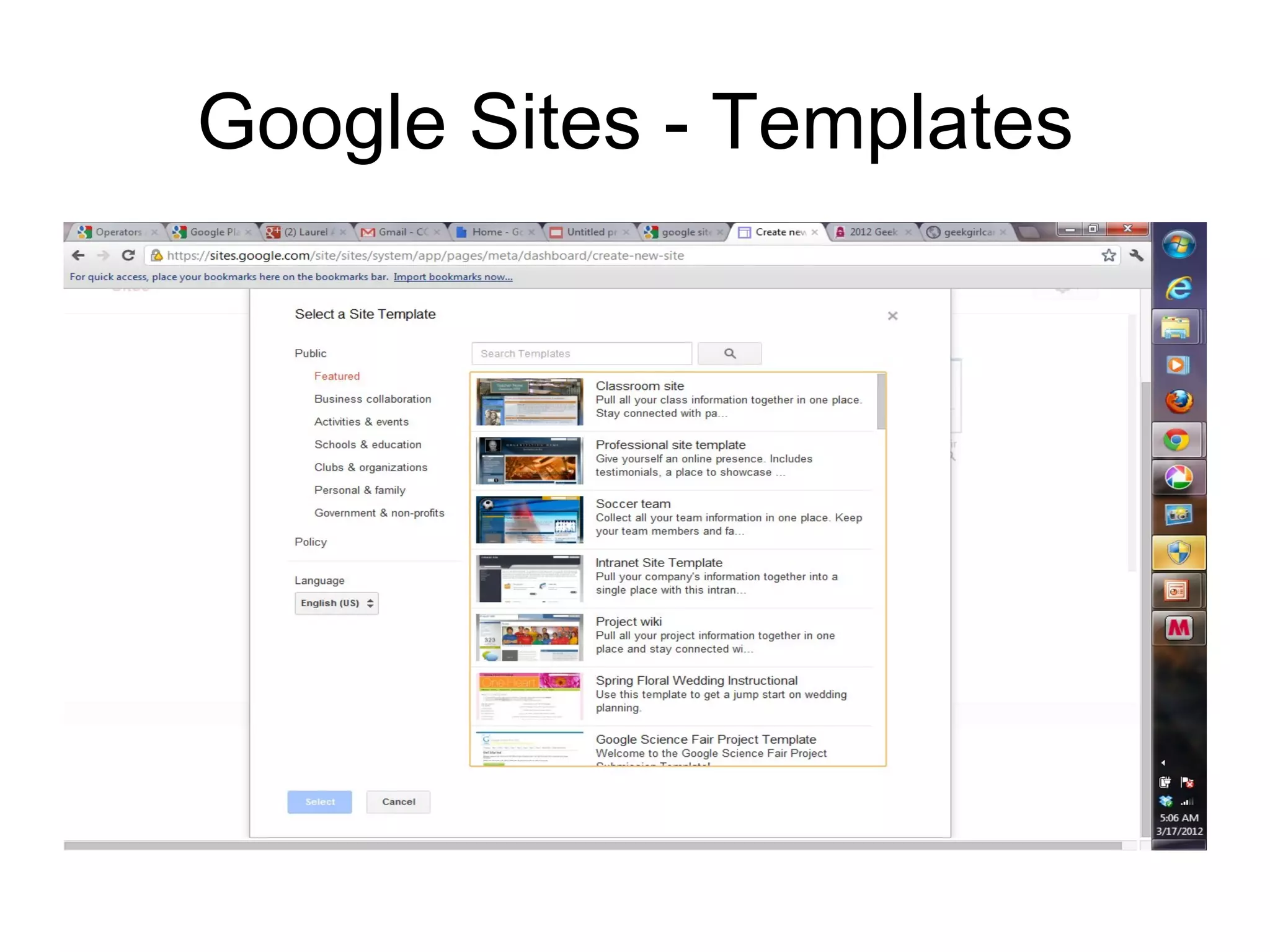
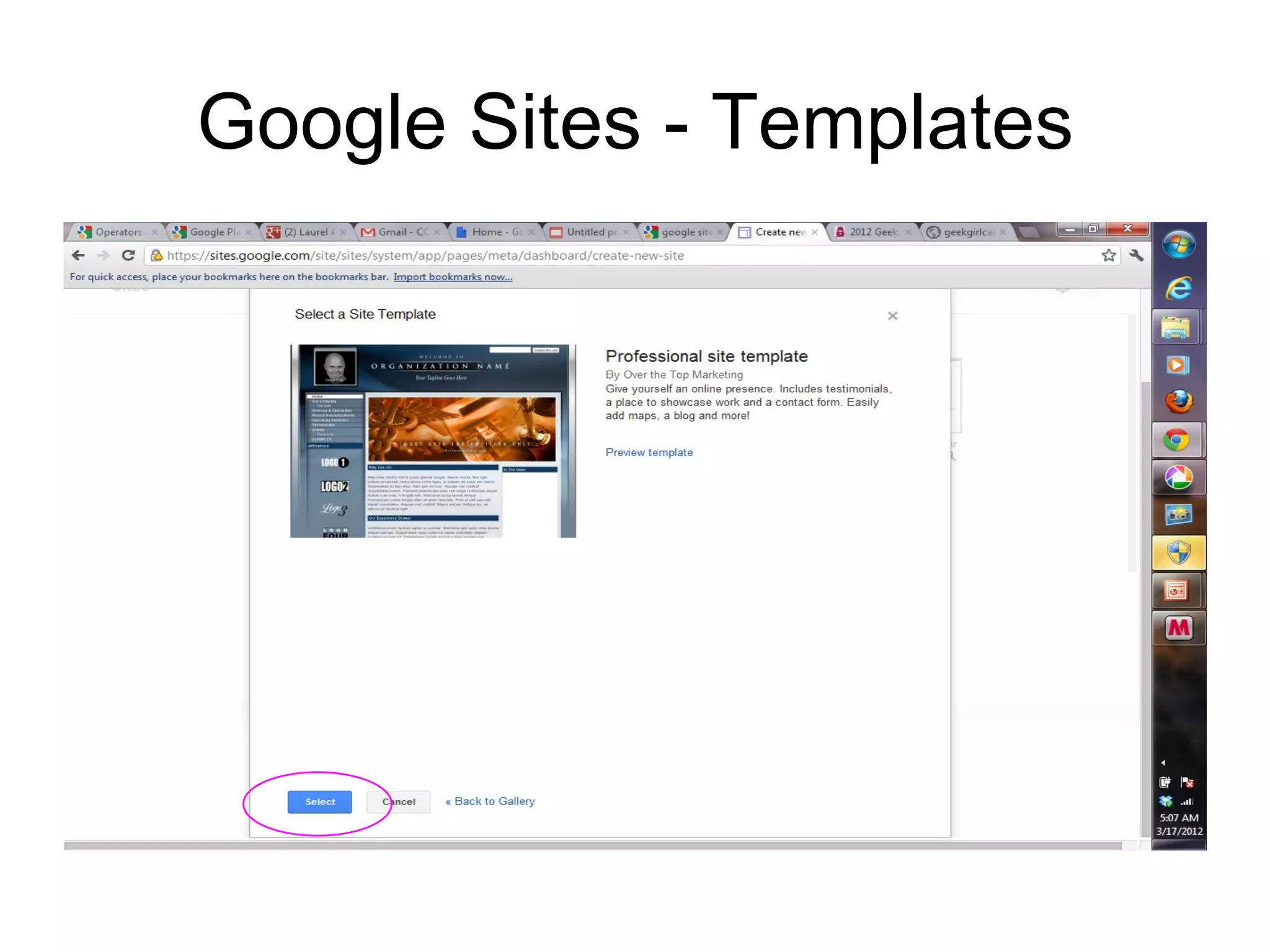
Google Sites - Templates
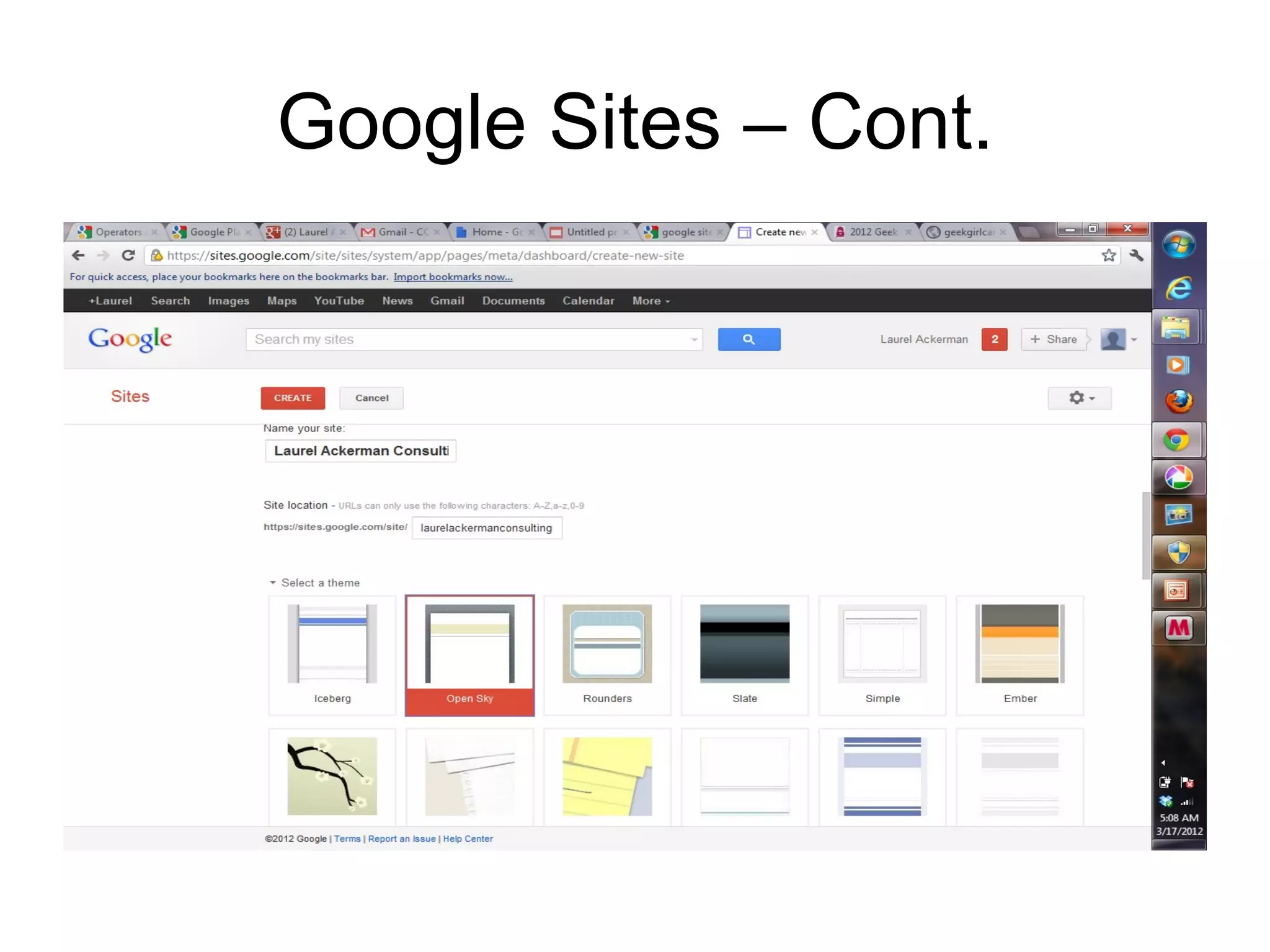
Google Sites – Cont.
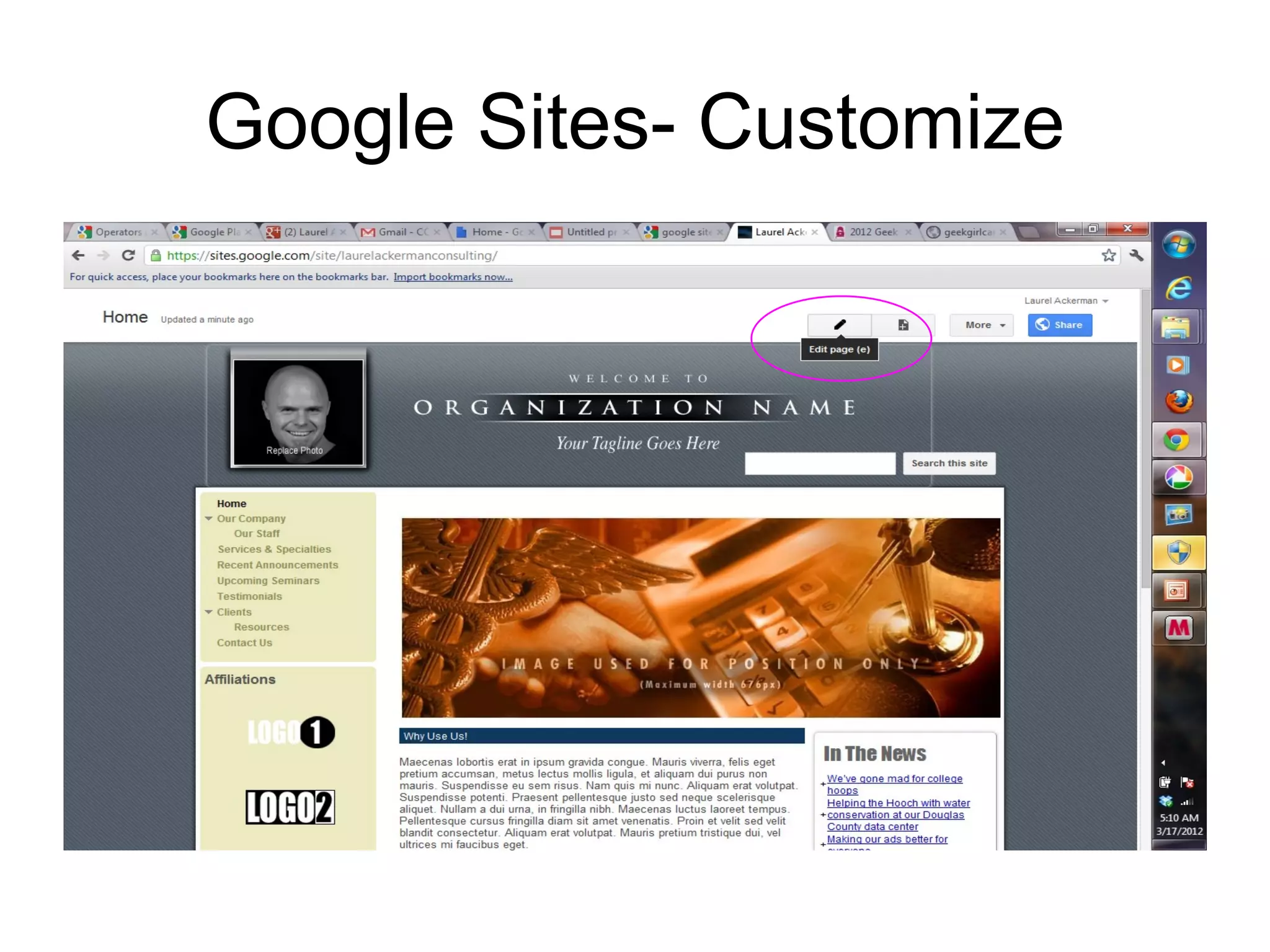
Google Sites- Customize

Google i la_2012

Editor's Notes

  • #5 This does not mean that Google doesn’t get this information. Another topic.
  • #10 Organize your email into folders
  • #11 Easily flag emails to find later
  • #12 Easily flag emails to find later
  • #13 Easily flag emails to find later
  • #17 Find directions to/from a location. Locate businesses near an address. View roads, satellite, or a hybrid. Use scroll wheel to zoom in/out. Drag route (purple line) to change the route or add stops. More: http:// maps.google.com /support/?hl=en
  • #18 Find directions to/from a location. Locate businesses near an address. View roads, satellite, or a hybrid. Use scroll wheel to zoom in/out. Drag route (purple line) to change the route or add stops. More: http:// maps.google.com /support/?hl=en
  • #20 When you download Chrome browser or Chrome Frame, or when you use them to contact Google’s servers, Google receives standard log information  including your machine’s IP address and one or more cookies. You can configure Google Chrome to not send  cookies  to Google or other sites. Learn more about  configuring cookies and site data  in Google Chrome browser.