

Ansible Berlin Meetup, @danvaida
Ansible Berlin meetup
01/17
Ansible Berlin Meetup, @danvaida
STOP!
Highly opinionated
content ahead!
Press any key to
continue…
Ansible Berlin Meetup, @danvaida
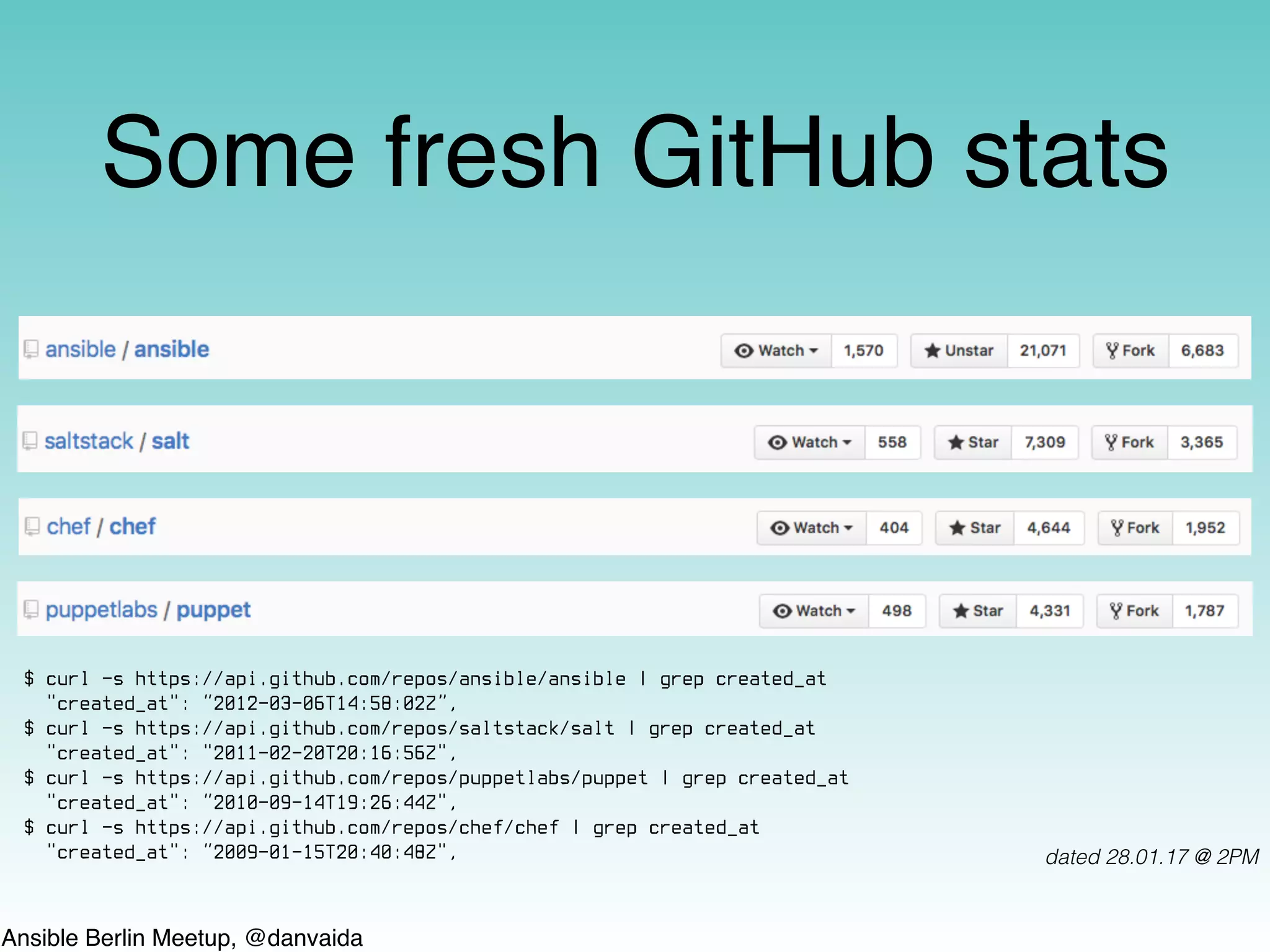
Some fresh GitHub stats
dated 28.01.17 @ 2PM
$ curl -s https://api.github.com/repos/ansible/ansible | grep created_at
"created_at": “2012-03-06T14:58:02Z”,
$ curl -s https://api.github.com/repos/saltstack/salt | grep created_at
"created_at": "2011-02-20T20:16:56Z",
$ curl -s https://api.github.com/repos/puppetlabs/puppet | grep created_at
"created_at": “2010-09-14T19:26:44Z",
$ curl -s https://api.github.com/repos/chef/chef | grep created_at
"created_at": “2009-01-15T20:40:48Z",
Ansible Berlin Meetup, @danvaida
How can Ansible help?
It can:
be used for provisioning almost any part of your IT
infrastructure
do configuration management on just about anything
fit right into your CI workflows for continuous-everything
orchestrate complex application deployments (yes, even of
s-e-r-v-e-r-l-e-s-s apps*)
etc.
* You can provision an AWS S3 bucket and upload a NodeJS app or a static website there.
Ansible Berlin Meetup, @danvaida
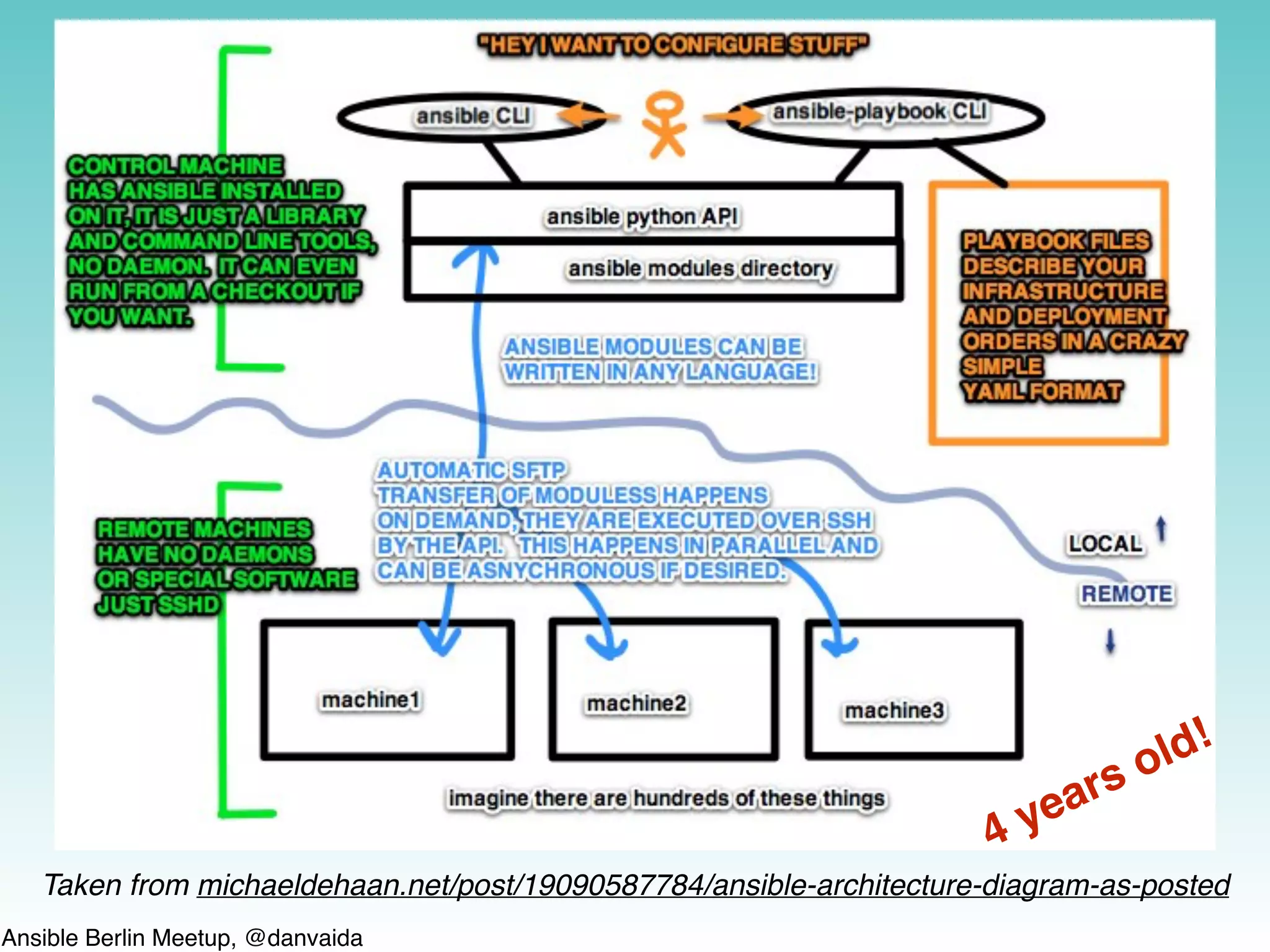
Taken from michaeldehaan.net/post/19090587784/ansible-architecture-diagram-as-posted
4 years old!
Ansible Berlin Meetup, @danvaida
Thank you Ansible
• For helping me to successfully & completely bridge the gap between Devs and
SysAdmins in 4 companies, over the course of almost 4 years
• For not using XML
• For powerful ad-hoc, reusable one-liners
• For not having a DSL
• For having such a gentle learning curve and fast getting-started process
• For not using agents/daemons with SSLTLS certificates on custom ports
• For offering idempotence (i.e. ƒ(ƒ(x)) ≡ ƒ(x)) and helpful dry-runs
• For continuously expanding & improving the support for cloud providers (esp. AWS)
Ansible Berlin Meetup, @danvaida
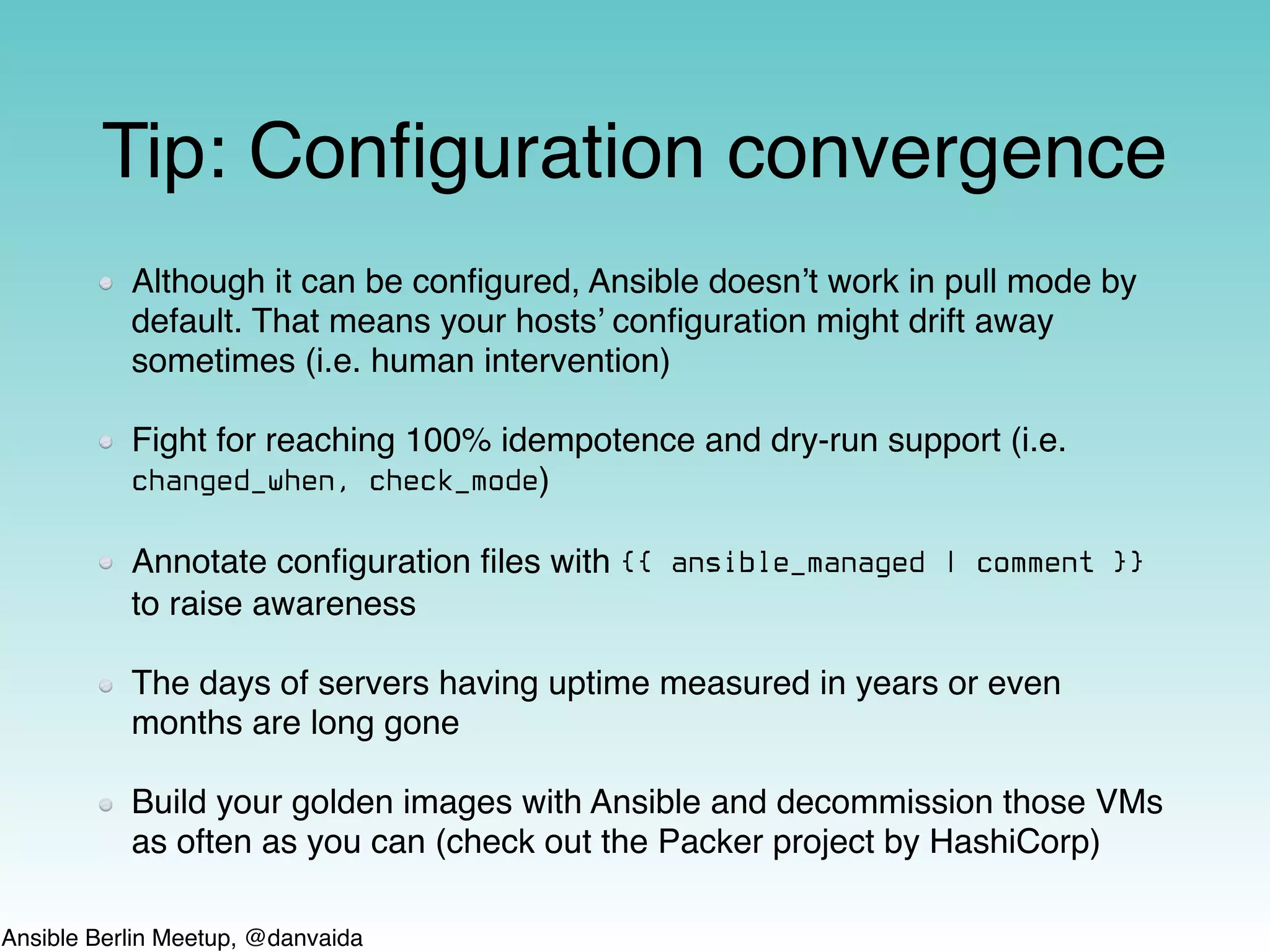
Tip: Configuration convergence
Although it can be configured, Ansible doesn’t work in pull mode by
default. That means your hosts’ configuration might drift away
sometimes (i.e. human intervention)
Fight for reaching 100% idempotence and dry-run support (i.e.
changed_when, check_mode)
Annotate configuration files with {{ ansible_managed | comment }}
to raise awareness
The days of servers having uptime measured in years or even
months are long gone
Build your golden images with Ansible and decommission those VMs
as often as you can (check out the Packer project by HashiCorp)
Ansible Berlin Meetup, @danvaida
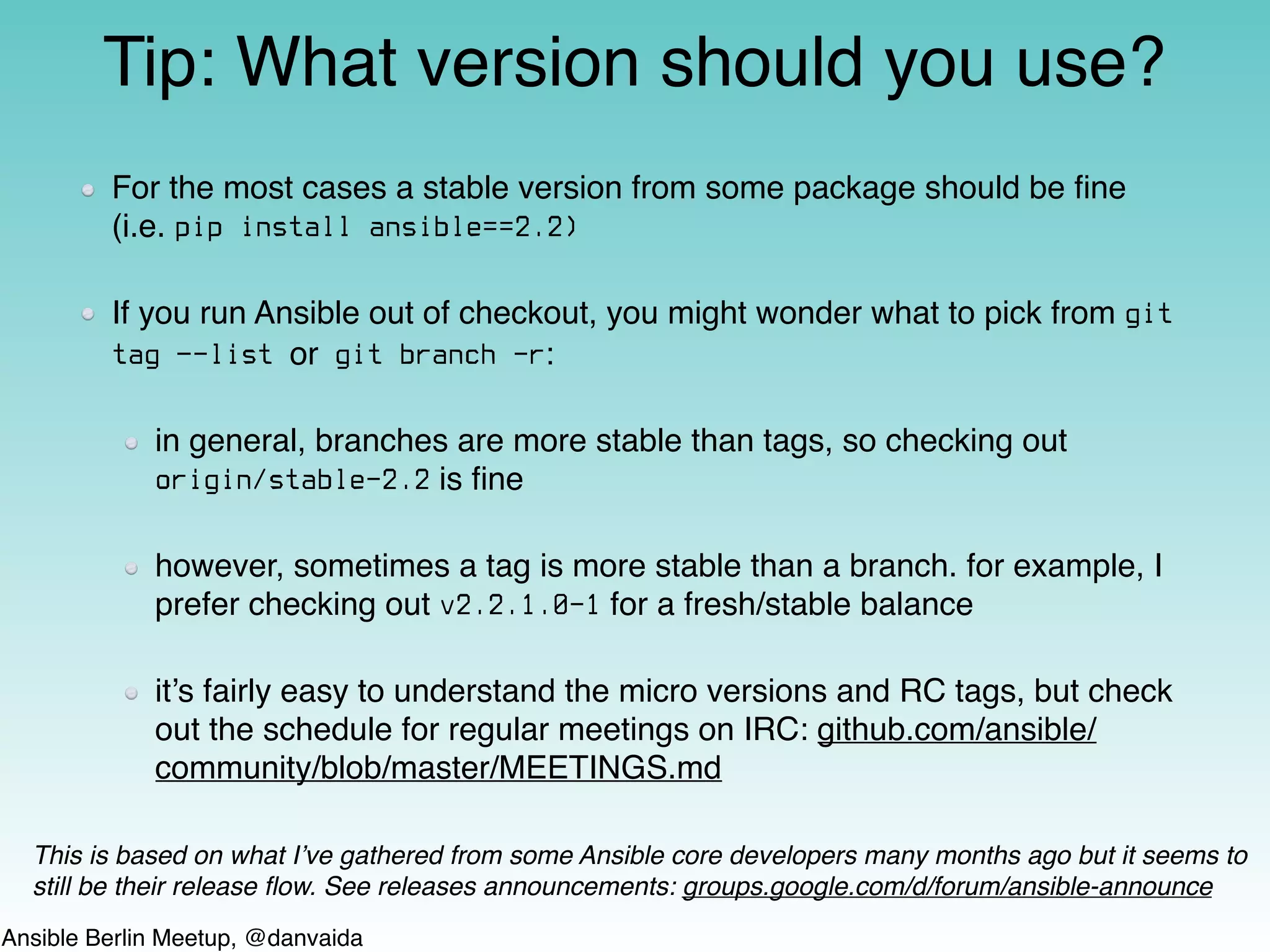
For the most cases a stable version from some package should be fine
(i.e. pip install ansible==2.2)
If you run Ansible out of checkout, you might wonder what to pick from git
tag —-list or git branch -r:
in general, branches are more stable than tags, so checking out
origin/stable-2.2 is fine
however, sometimes a tag is more stable than a branch. for example, I
prefer checking out v2.2.1.0-1 for a fresh/stable balance
it’s fairly easy to understand the micro versions and RC tags, but check
out the schedule for regular meetings on IRC: github.com/ansible/
community/blob/master/MEETINGS.md
Tip: What version should you use?
This is based on what I’ve gathered from some Ansible core developers many months ago but it seems to
still be their release flow. See releases announcements: groups.google.com/d/forum/ansible-announce
Ansible Berlin Meetup, @danvaida
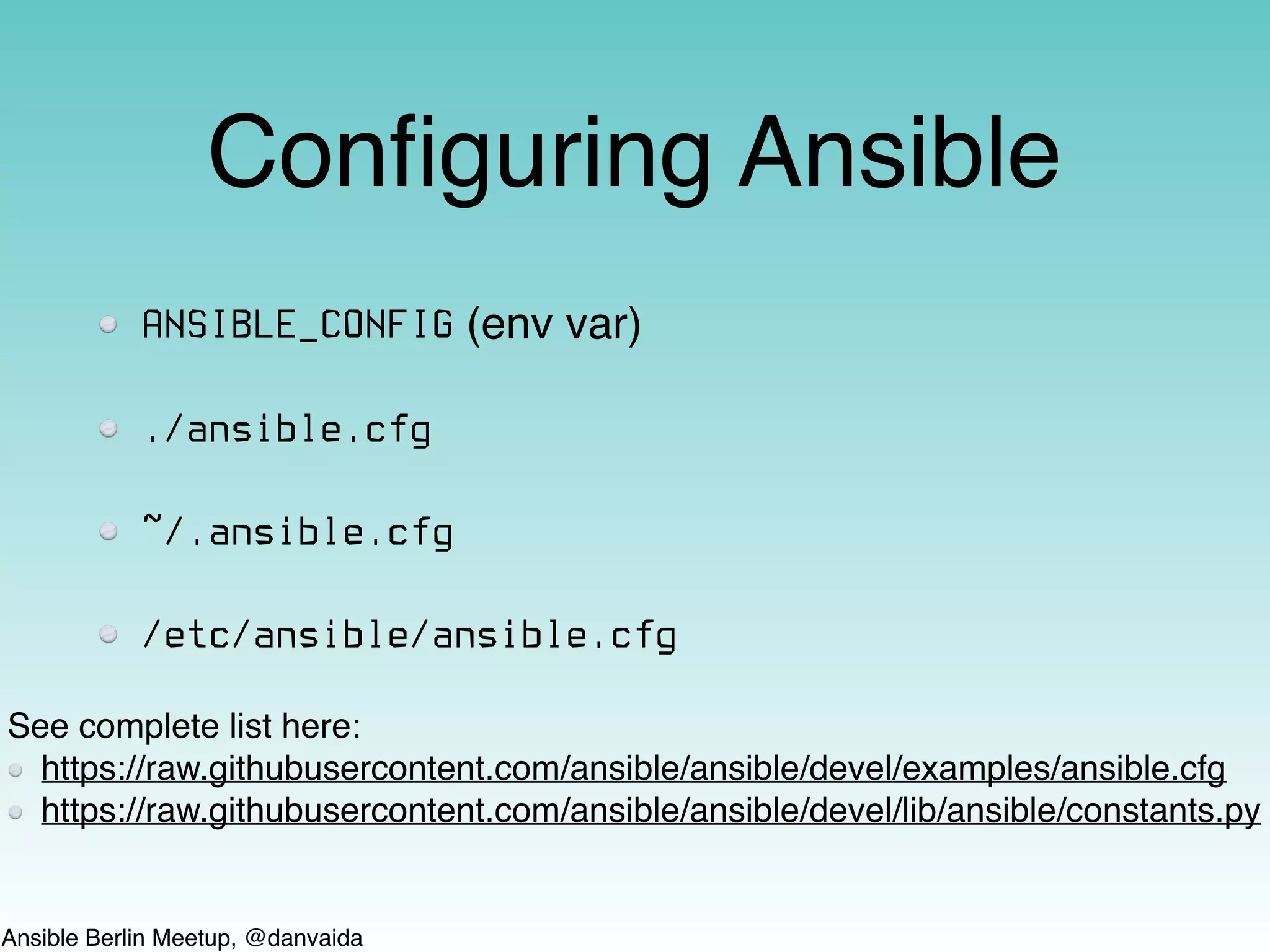
Configuring Ansible
ANSIBLE_CONFIG (env var)
./ansible.cfg
~/.ansible.cfg
/etc/ansible/ansible.cfg
See complete list here:
https://raw.githubusercontent.com/ansible/ansible/devel/examples/ansible.cfg
https://raw.githubusercontent.com/ansible/ansible/devel/lib/ansible/constants.py
Ansible Berlin Meetup, @danvaida
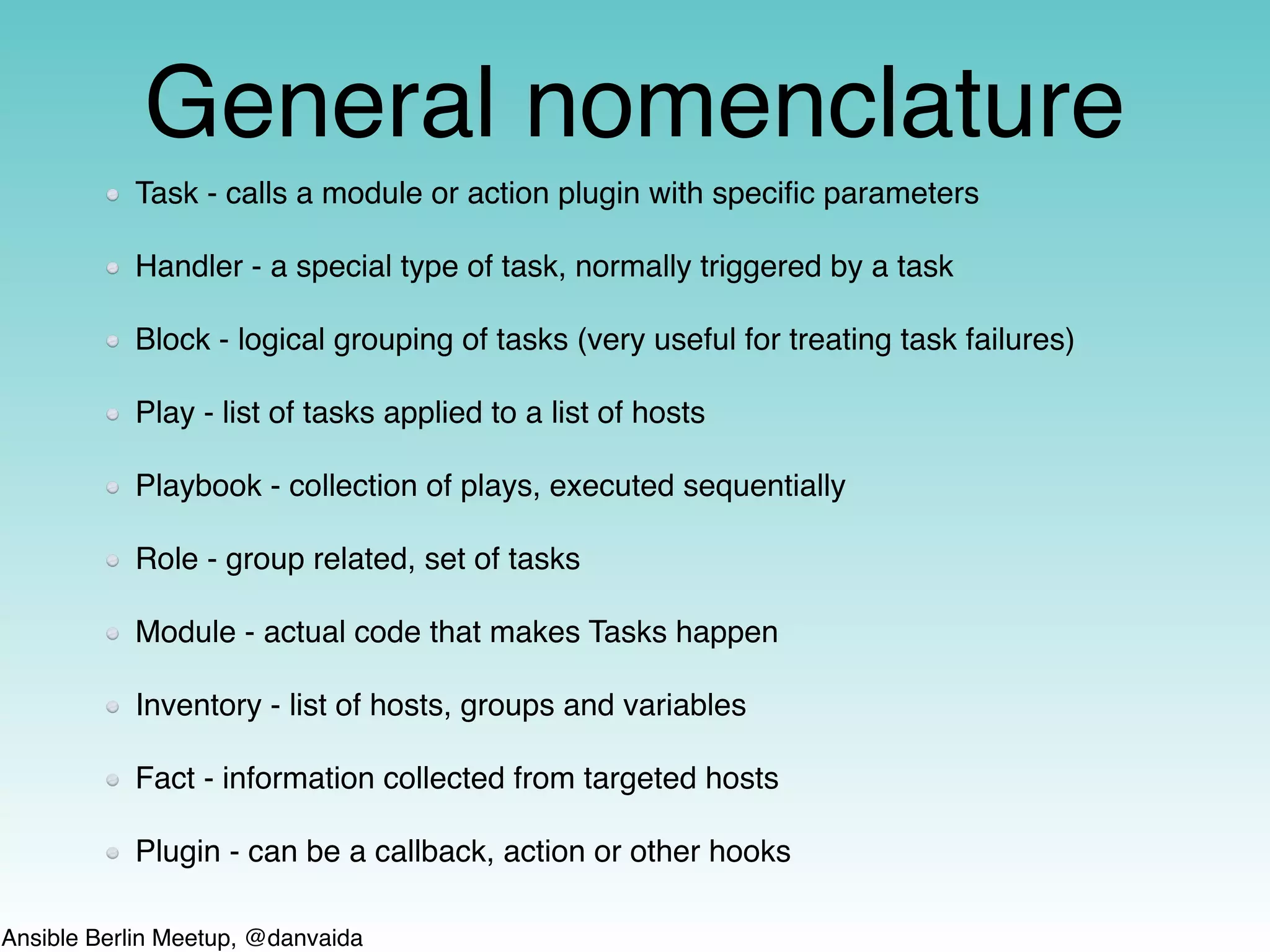
General nomenclature
Task - calls a module or action plugin with specific parameters
Handler - a special type of task, normally triggered by a task
Block - logical grouping of tasks (very useful for treating task failures)
Play - list of tasks applied to a list of hosts
Playbook - collection of plays, executed sequentially
Role - group related, set of tasks
Module - actual code that makes Tasks happen
Inventory - list of hosts, groups and variables
Fact - information collected from targeted hosts
Plugin - can be a callback, action or other hooks
Ansible Berlin Meetup, @danvaida
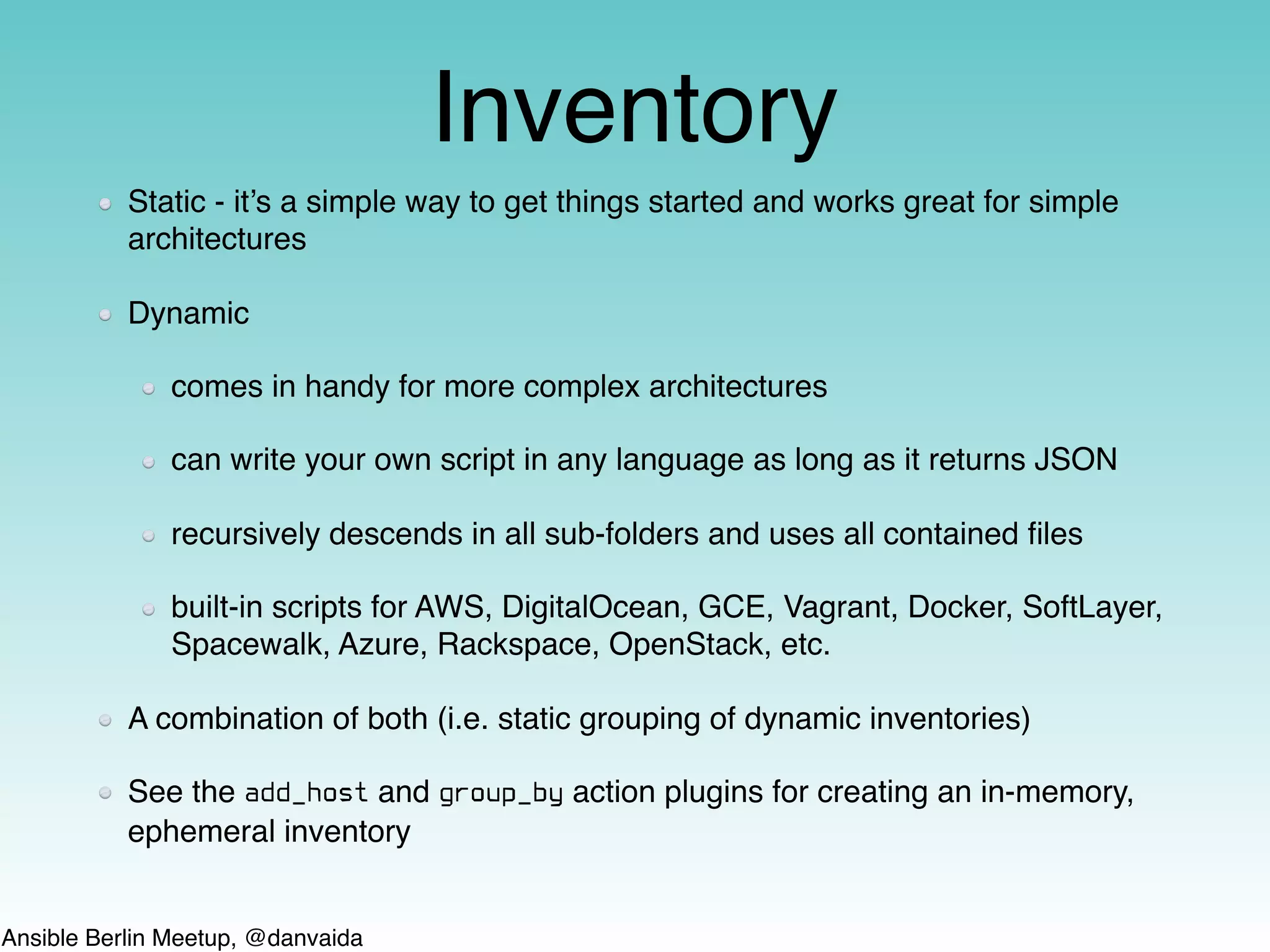
Inventory
Static - it’s a simple way to get things started and works great for simple
architectures
Dynamic
comes in handy for more complex architectures
can write your own script in any language as long as it returns JSON
recursively descends in all sub-folders and uses all contained files
built-in scripts for AWS, DigitalOcean, GCE, Vagrant, Docker, SoftLayer,
Spacewalk, Azure, Rackspace, OpenStack, etc.
A combination of both (i.e. static grouping of dynamic inventories)
See the add_host and group_by action plugins for creating an in-memory,
ephemeral inventory
Ansible Berlin Meetup, @danvaida
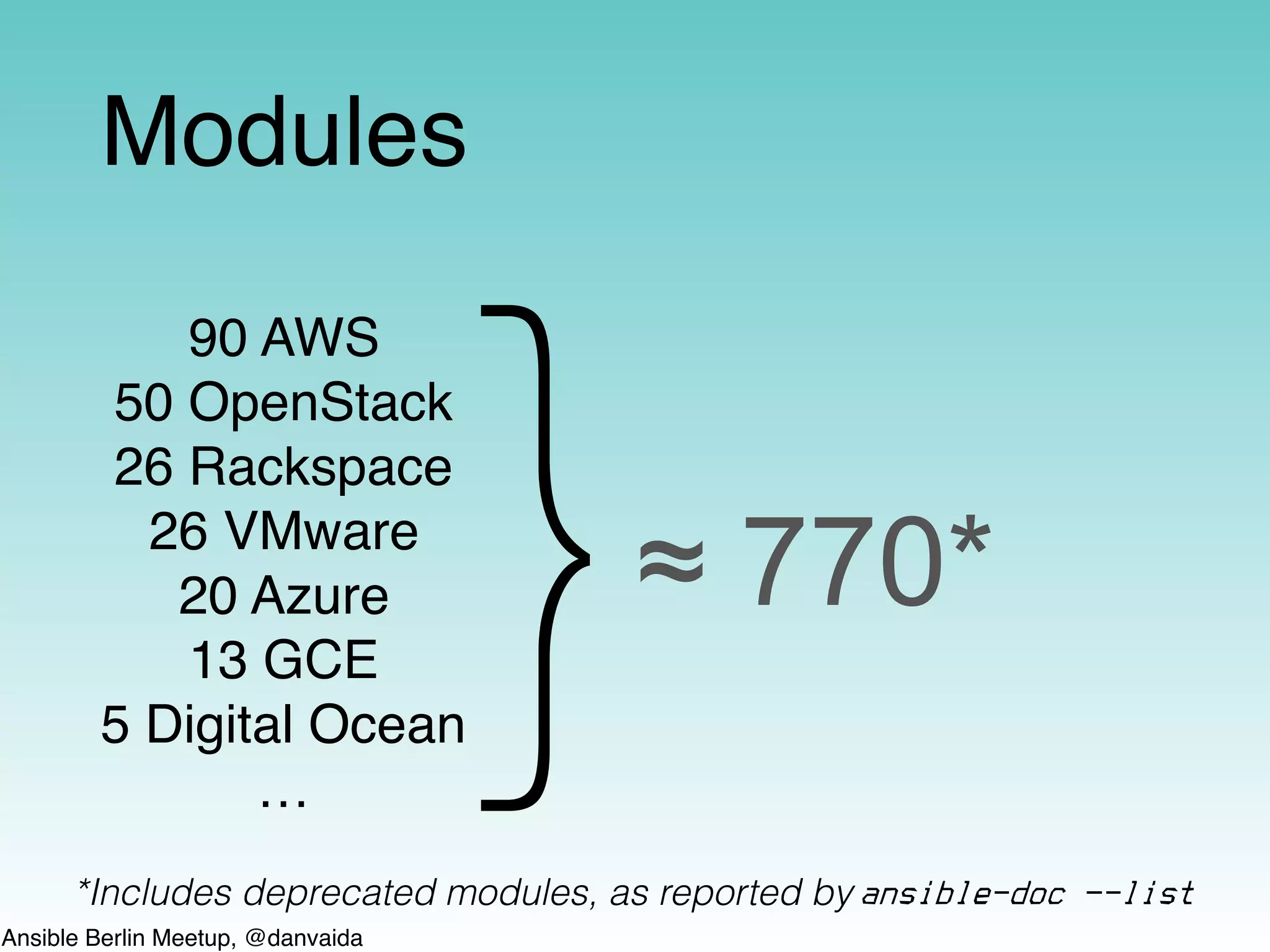
Modules
90 AWS
50 OpenStack
26 Rackspace
26 VMware
20 Azure
13 GCE
5 Digital Ocean
…
}≈ 770*
*Includes deprecated modules, as reported by ansible-doc —-list
Ansible Berlin Meetup, @danvaida
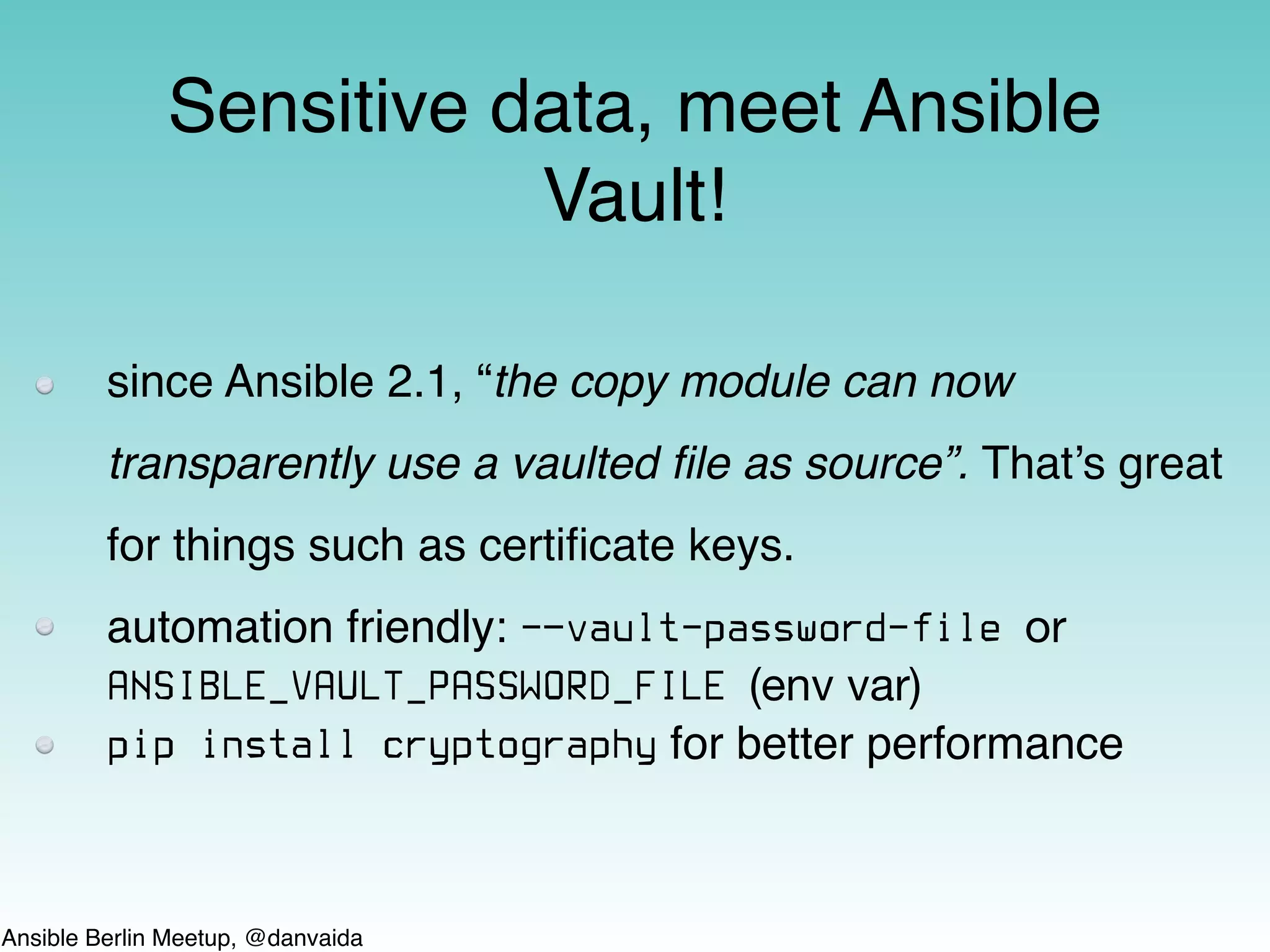
since Ansible 2.1, “the copy module can now
transparently use a vaulted file as source”. That’s great
for things such as certificate keys.
automation friendly: -—vault-password-file or
ANSIBLE_VAULT_PASSWORD_FILE (env var)
pip install cryptography for better performance
Sensitive data, meet Ansible
Vault!
Ansible Berlin Meetup, @danvaida
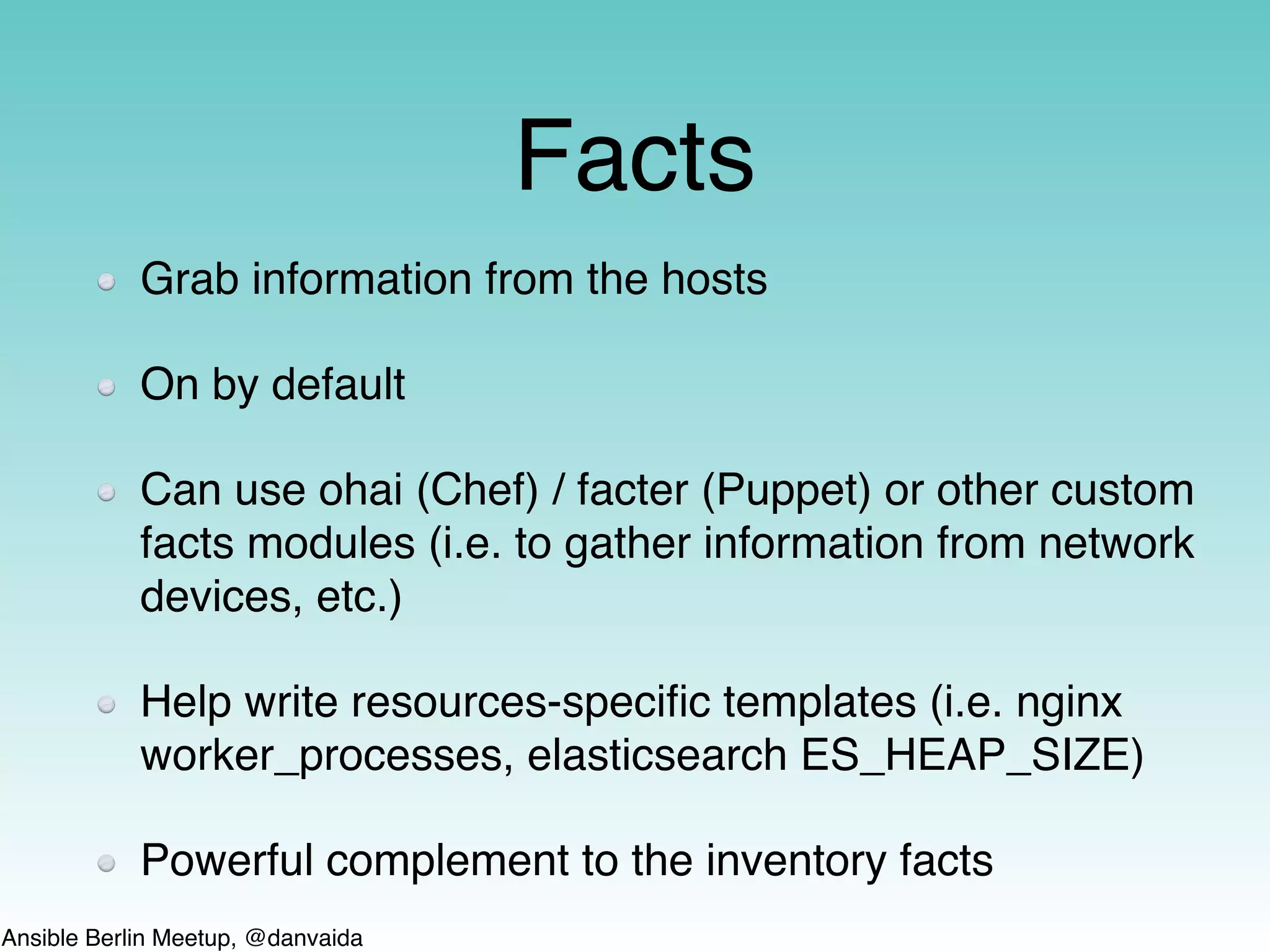
Facts
Grab information from the hosts
On by default
Can use ohai (Chef) / facter (Puppet) or other custom
facts modules (i.e. to gather information from network
devices, etc.)
Help write resources-specific templates (i.e. nginx
worker_processes, elasticsearch ES_HEAP_SIZE)
Powerful complement to the inventory facts
Ansible Berlin Meetup, @danvaida
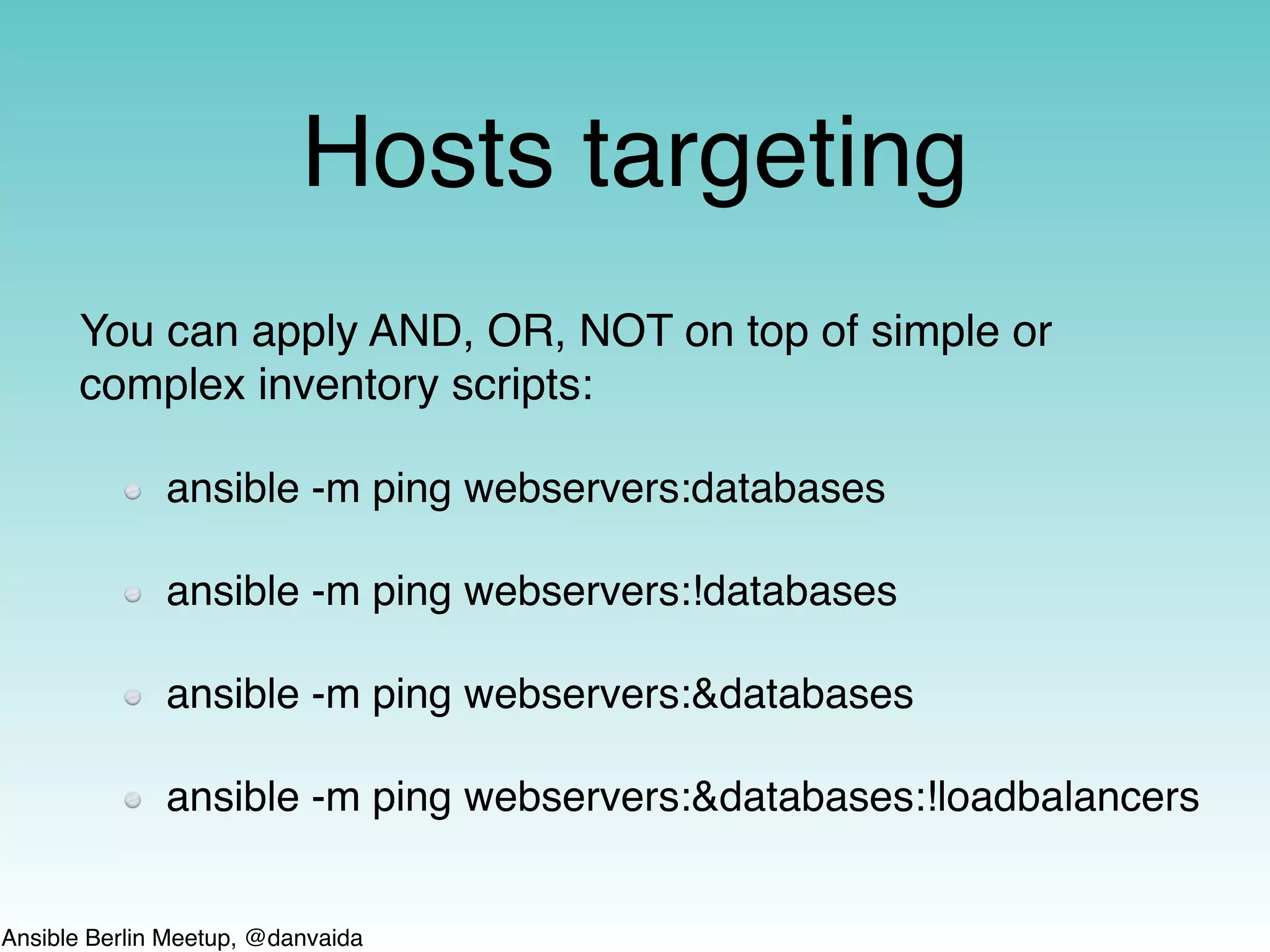
Hosts targeting
You can apply AND, OR, NOT on top of simple or
complex inventory scripts:
ansible -m ping webservers:databases
ansible -m ping webservers:!databases
ansible -m ping webservers:&databases
ansible -m ping webservers:&databases:!loadbalancers
Ansible Berlin Meetup, @danvaida
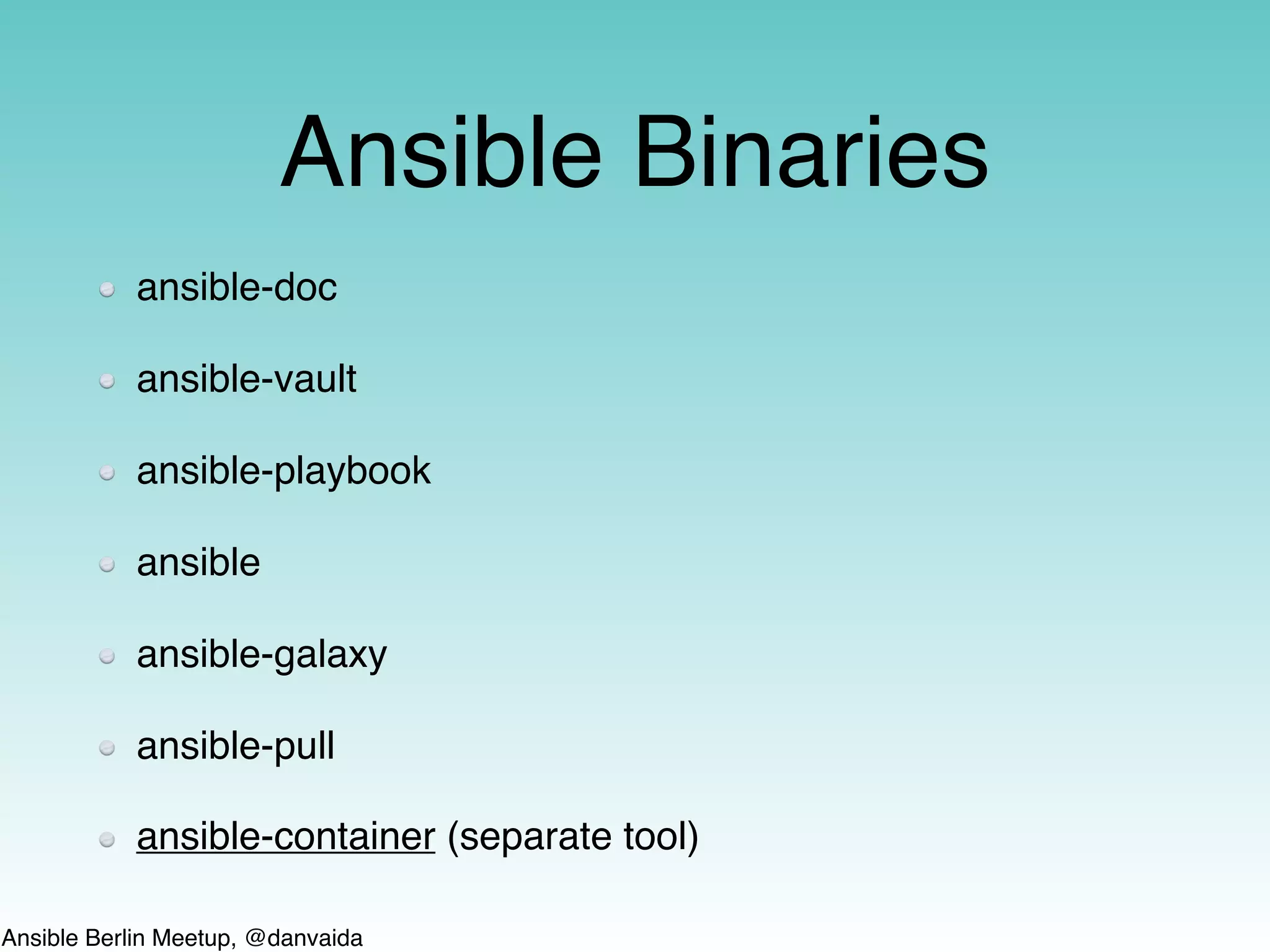
Ansible Binaries
ansible-doc
ansible-vault
ansible-playbook
ansible
ansible-galaxy
ansible-pull
ansible-container (separate tool)
Ansible Berlin Meetup, @danvaida
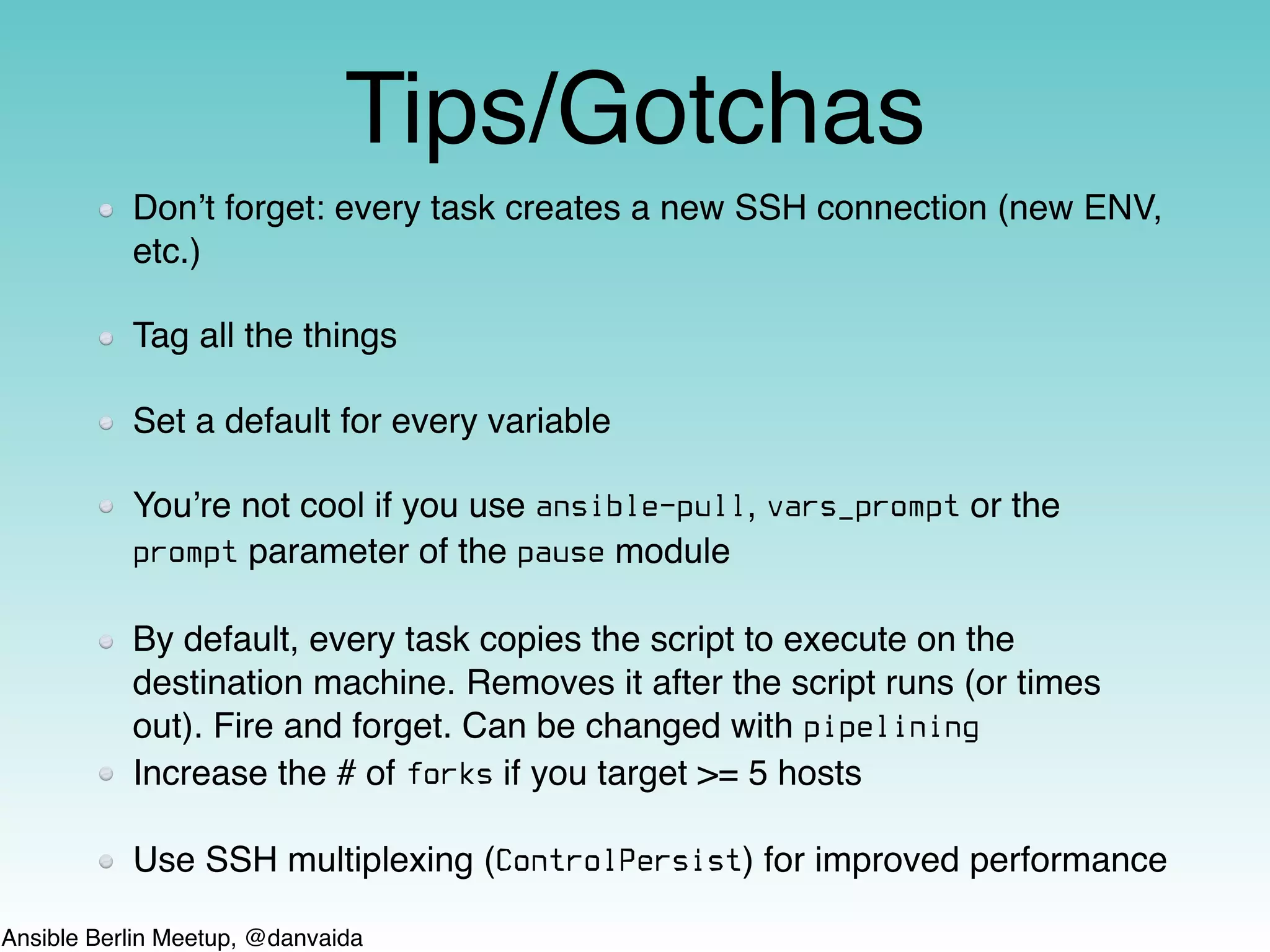
Tips/Gotchas
Don’t forget: every task creates a new SSH connection (new ENV,
etc.)
Tag all the things
Set a default for every variable
You’re not cool if you use ansible-pull, vars_prompt or the
prompt parameter of the pause module
By default, every task copies the script to execute on the
destination machine. Removes it after the script runs (or times
out). Fire and forget. Can be changed with pipelining
Increase the # of forks if you target >= 5 hosts
Use SSH multiplexing (ControlPersist) for improved performance
Ansible Berlin Meetup, @danvaida
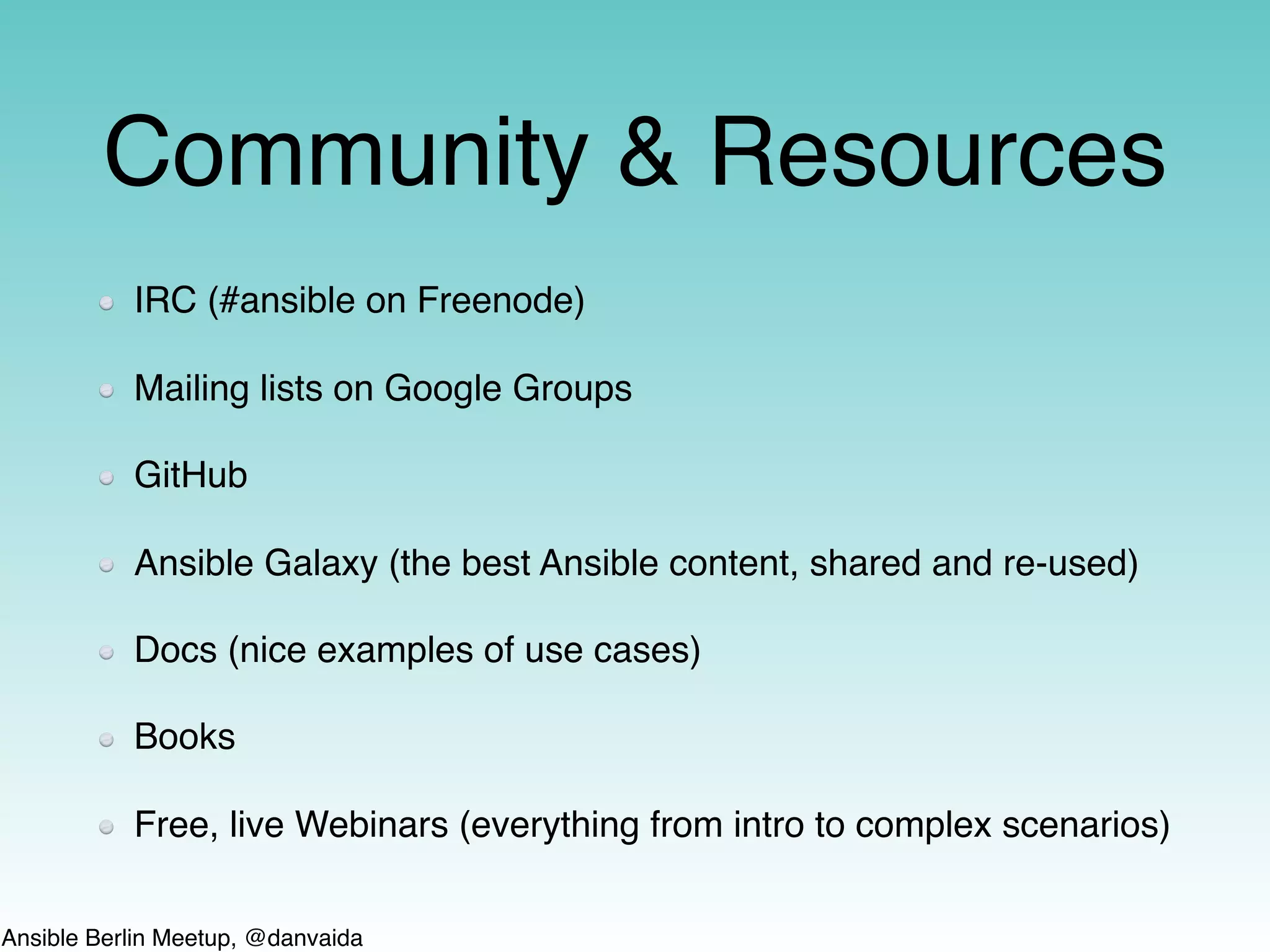
Community & Resources
IRC (#ansible on Freenode)
Mailing lists on Google Groups
GitHub
Ansible Galaxy (the best Ansible content, shared and re-used)
Docs (nice examples of use cases)
Books
Free, live Webinars (everything from intro to complex scenarios)
Ansible Berlin Meetup, @danvaida
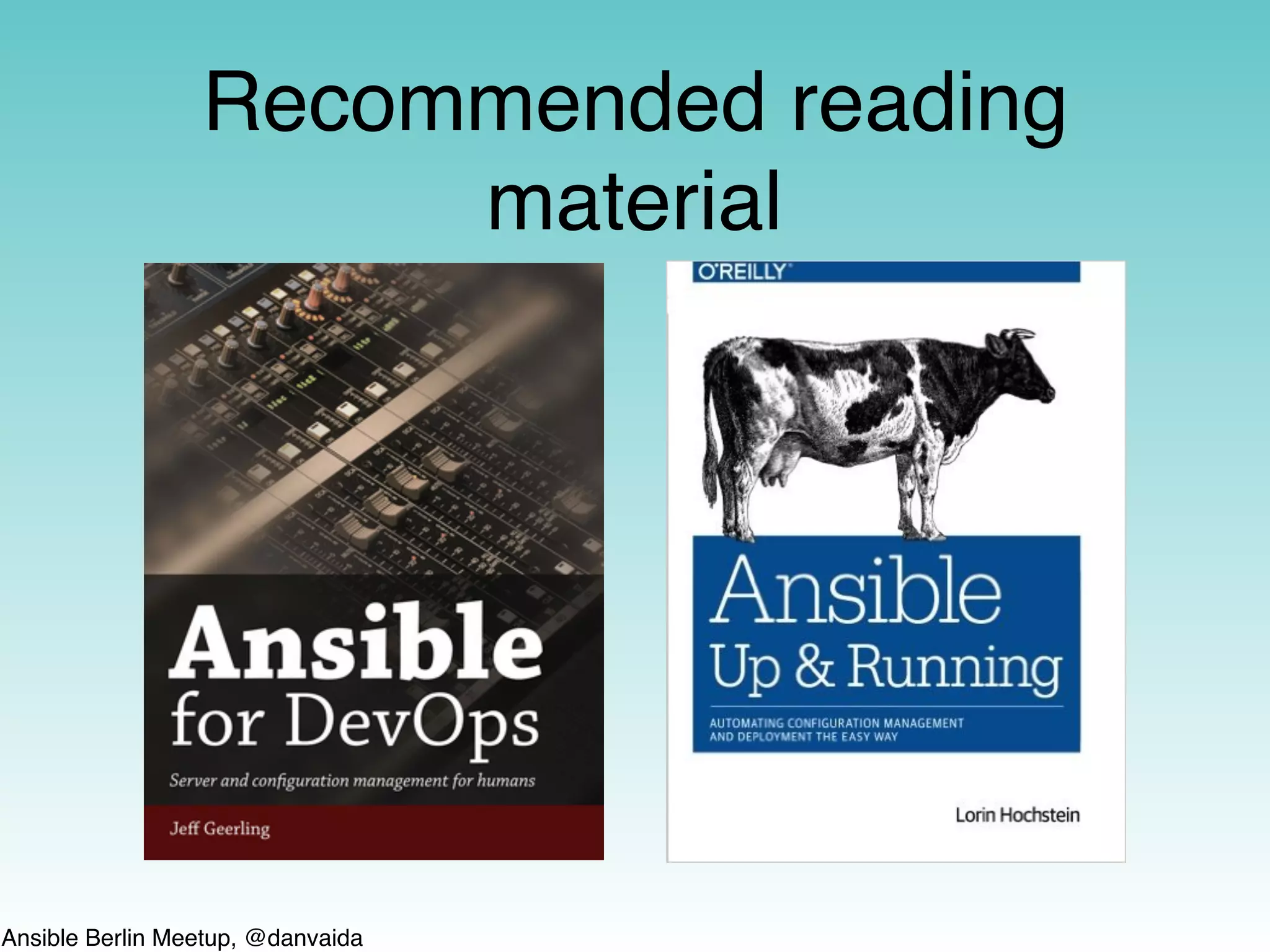
Recommended reading
material

A quick intro to Ansible

  • 1.
    Ansible Berlin Meetup,@danvaida Ansible Berlin meetup 01/17
  • 2.
    Ansible Berlin Meetup,@danvaida STOP! Highly opinionated content ahead! Press any key to continue…
  • 3.
    Ansible Berlin Meetup,@danvaida Some fresh GitHub stats dated 28.01.17 @ 2PM $ curl -s https://api.github.com/repos/ansible/ansible | grep created_at "created_at": “2012-03-06T14:58:02Z”, $ curl -s https://api.github.com/repos/saltstack/salt | grep created_at "created_at": "2011-02-20T20:16:56Z", $ curl -s https://api.github.com/repos/puppetlabs/puppet | grep created_at "created_at": “2010-09-14T19:26:44Z", $ curl -s https://api.github.com/repos/chef/chef | grep created_at "created_at": “2009-01-15T20:40:48Z",
  • 4.
    Ansible Berlin Meetup,@danvaida How can Ansible help? It can: be used for provisioning almost any part of your IT infrastructure do configuration management on just about anything fit right into your CI workflows for continuous-everything orchestrate complex application deployments (yes, even of s-e-r-v-e-r-l-e-s-s apps*) etc. * You can provision an AWS S3 bucket and upload a NodeJS app or a static website there.
  • 5.
    Ansible Berlin Meetup,@danvaida Taken from michaeldehaan.net/post/19090587784/ansible-architecture-diagram-as-posted 4 years old!
  • 6.
    Ansible Berlin Meetup,@danvaida Thank you Ansible • For helping me to successfully & completely bridge the gap between Devs and SysAdmins in 4 companies, over the course of almost 4 years • For not using XML • For powerful ad-hoc, reusable one-liners • For not having a DSL • For having such a gentle learning curve and fast getting-started process • For not using agents/daemons with SSLTLS certificates on custom ports • For offering idempotence (i.e. ƒ(ƒ(x)) ≡ ƒ(x)) and helpful dry-runs • For continuously expanding & improving the support for cloud providers (esp. AWS)
  • 7.
    Ansible Berlin Meetup,@danvaida Tip: Configuration convergence Although it can be configured, Ansible doesn’t work in pull mode by default. That means your hosts’ configuration might drift away sometimes (i.e. human intervention) Fight for reaching 100% idempotence and dry-run support (i.e. changed_when, check_mode) Annotate configuration files with {{ ansible_managed | comment }} to raise awareness The days of servers having uptime measured in years or even months are long gone Build your golden images with Ansible and decommission those VMs as often as you can (check out the Packer project by HashiCorp)
  • 8.
    Ansible Berlin Meetup,@danvaida For the most cases a stable version from some package should be fine (i.e. pip install ansible==2.2) If you run Ansible out of checkout, you might wonder what to pick from git tag —-list or git branch -r: in general, branches are more stable than tags, so checking out origin/stable-2.2 is fine however, sometimes a tag is more stable than a branch. for example, I prefer checking out v2.2.1.0-1 for a fresh/stable balance it’s fairly easy to understand the micro versions and RC tags, but check out the schedule for regular meetings on IRC: github.com/ansible/ community/blob/master/MEETINGS.md Tip: What version should you use? This is based on what I’ve gathered from some Ansible core developers many months ago but it seems to still be their release flow. See releases announcements: groups.google.com/d/forum/ansible-announce
  • 9.
    Ansible Berlin Meetup,@danvaida Configuring Ansible ANSIBLE_CONFIG (env var) ./ansible.cfg ~/.ansible.cfg /etc/ansible/ansible.cfg See complete list here: https://raw.githubusercontent.com/ansible/ansible/devel/examples/ansible.cfg https://raw.githubusercontent.com/ansible/ansible/devel/lib/ansible/constants.py
  • 10.
    Ansible Berlin Meetup,@danvaida General nomenclature Task - calls a module or action plugin with specific parameters Handler - a special type of task, normally triggered by a task Block - logical grouping of tasks (very useful for treating task failures) Play - list of tasks applied to a list of hosts Playbook - collection of plays, executed sequentially Role - group related, set of tasks Module - actual code that makes Tasks happen Inventory - list of hosts, groups and variables Fact - information collected from targeted hosts Plugin - can be a callback, action or other hooks
  • 11.
    Ansible Berlin Meetup,@danvaida Inventory Static - it’s a simple way to get things started and works great for simple architectures Dynamic comes in handy for more complex architectures can write your own script in any language as long as it returns JSON recursively descends in all sub-folders and uses all contained files built-in scripts for AWS, DigitalOcean, GCE, Vagrant, Docker, SoftLayer, Spacewalk, Azure, Rackspace, OpenStack, etc. A combination of both (i.e. static grouping of dynamic inventories) See the add_host and group_by action plugins for creating an in-memory, ephemeral inventory
  • 12.
    Ansible Berlin Meetup,@danvaida Modules 90 AWS 50 OpenStack 26 Rackspace 26 VMware 20 Azure 13 GCE 5 Digital Ocean … }≈ 770* *Includes deprecated modules, as reported by ansible-doc —-list
  • 13.
    Ansible Berlin Meetup,@danvaida since Ansible 2.1, “the copy module can now transparently use a vaulted file as source”. That’s great for things such as certificate keys. automation friendly: -—vault-password-file or ANSIBLE_VAULT_PASSWORD_FILE (env var) pip install cryptography for better performance Sensitive data, meet Ansible Vault!
  • 14.
    Ansible Berlin Meetup,@danvaida Facts Grab information from the hosts On by default Can use ohai (Chef) / facter (Puppet) or other custom facts modules (i.e. to gather information from network devices, etc.) Help write resources-specific templates (i.e. nginx worker_processes, elasticsearch ES_HEAP_SIZE) Powerful complement to the inventory facts
  • 15.
    Ansible Berlin Meetup,@danvaida Hosts targeting You can apply AND, OR, NOT on top of simple or complex inventory scripts: ansible -m ping webservers:databases ansible -m ping webservers:!databases ansible -m ping webservers:&databases ansible -m ping webservers:&databases:!loadbalancers
  • 16.
    Ansible Berlin Meetup,@danvaida Ansible Binaries ansible-doc ansible-vault ansible-playbook ansible ansible-galaxy ansible-pull ansible-container (separate tool)
  • 17.
    Ansible Berlin Meetup,@danvaida Tips/Gotchas Don’t forget: every task creates a new SSH connection (new ENV, etc.) Tag all the things Set a default for every variable You’re not cool if you use ansible-pull, vars_prompt or the prompt parameter of the pause module By default, every task copies the script to execute on the destination machine. Removes it after the script runs (or times out). Fire and forget. Can be changed with pipelining Increase the # of forks if you target >= 5 hosts Use SSH multiplexing (ControlPersist) for improved performance
  • 18.
    Ansible Berlin Meetup,@danvaida Community & Resources IRC (#ansible on Freenode) Mailing lists on Google Groups GitHub Ansible Galaxy (the best Ansible content, shared and re-used) Docs (nice examples of use cases) Books Free, live Webinars (everything from intro to complex scenarios)
  • 19.
    Ansible Berlin Meetup,@danvaida Recommended reading material