Mobile-First Index
Table of Contents
What is The Google Algorithm?
What About The Mobile First-Index?
Why is Google Doing This?
Who will be Affected?
Universal Truths of Mobile
Mobile-First Checklist
Mobile Content & Navigation
Structured Data
Site Search
Form Entry
Usability
What is The Google Algorithm?
A system utilized by Google to choose what information
to show to a user on search result pages.
Core Ranking Algorithm (approx. 10,000 signals)
Local Filters (Pigeon and hummingbird)
Content Filter(Panda)
Link/Web Spam Filter(Penguin)
Rank Brain Machine Learning(Algorithmic Update)
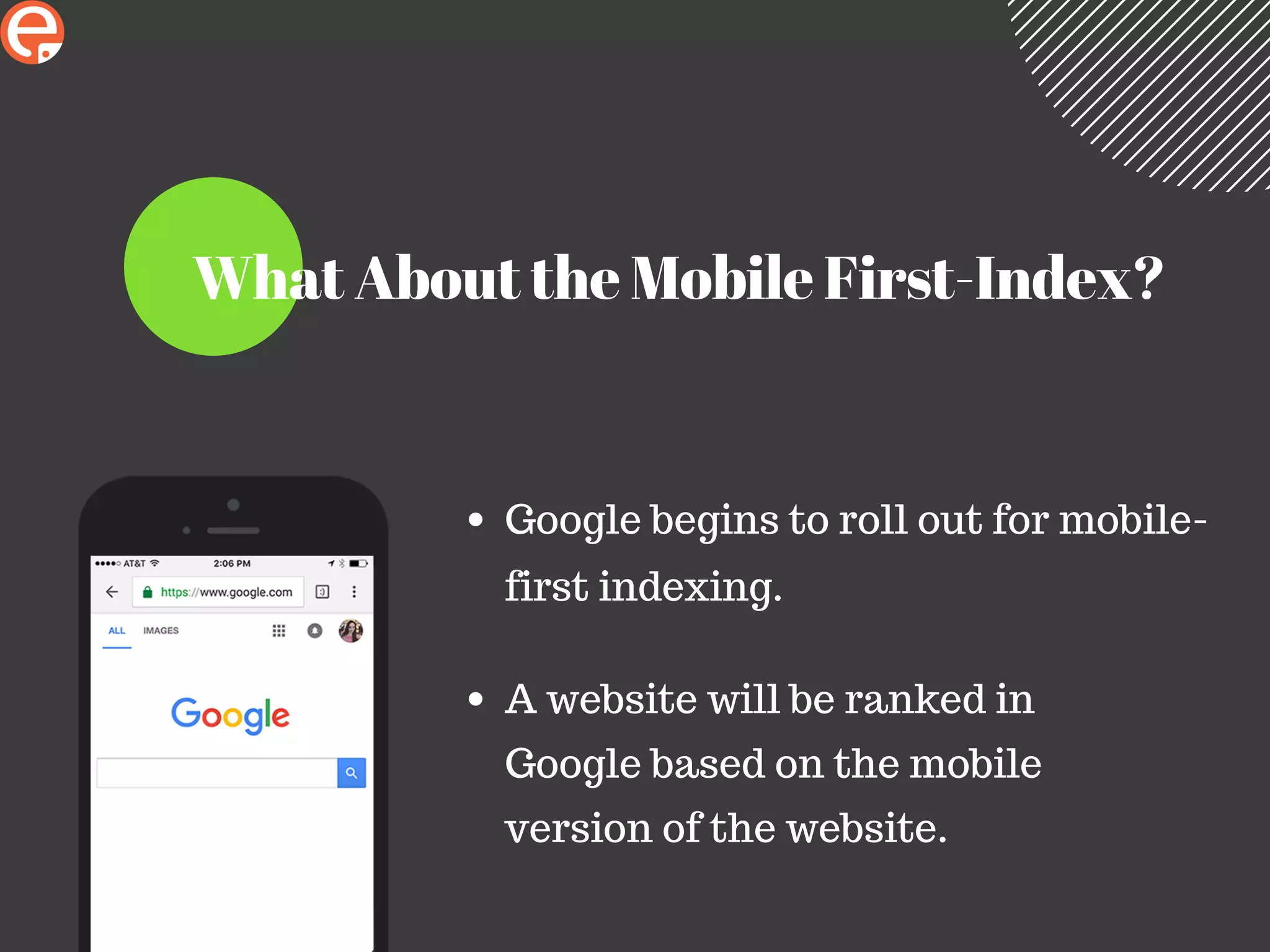
What About the Mobile First-Index?
Google begins to roll out for mobile-
first indexing.
A website will be ranked in
Google based on the mobile
version of the website.
Why is Google Doing This?
More than 60% of Google searches are mobile.
Frustrating for users when unable to access "full
site".
Forces us to stop treating mobile as an
afterthought.
Aligns with other recent changes to SERPs.
If Google is modifying their own site for
mobile, then we should, too....
Back Then
7 map-pack results
Side bar
layout(designed for
desktop)
3 ads at top of page
Now
3 map-pack results
1 column layout
4 ads at top of page
Who will be Affected?
m.website.com will be hit the hardest if the mobile site
contains less content, meta, markup language,etc.
PRO TIP : claim both example.com and m.example.com
in Webmaster Tools.
Fully responsive sites will be largely unaffected.
Universal Truths of Mobile
Less is more.
Responsive does not mean treat both screens as the same.
Your users are not thinking about what device they are on,
so think for them .
Tablets are not mobile devices.
Speed Matters : "74% of users will bounce if your mobile
website takes longer than 5 seconds to load."
Mobile-First Checklist
Mobile Content and Navigation
Structured Data
Site Search
Form Entry
Usability
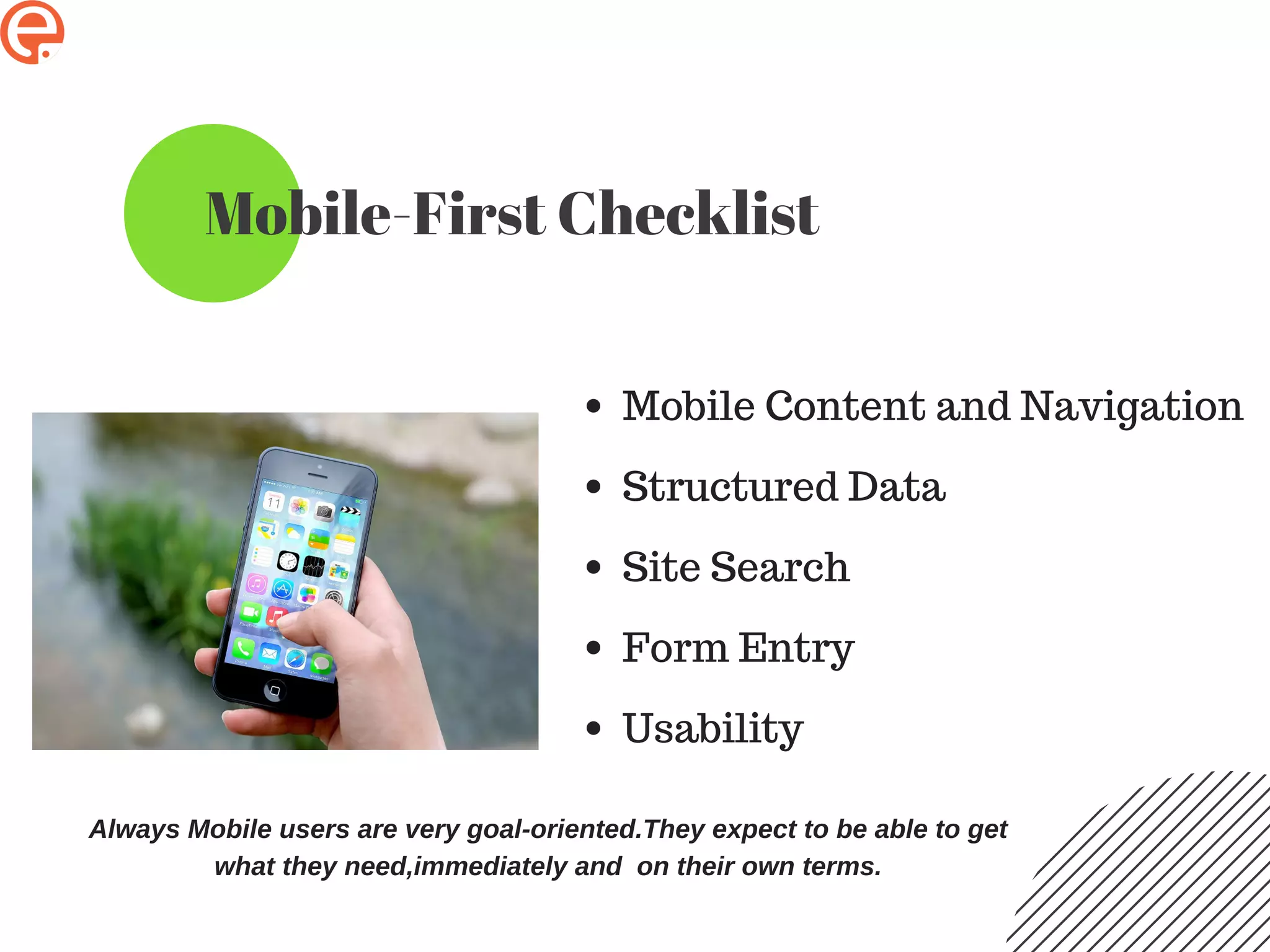
Always Mobile users are very goal-oriented.They expect to be able to get
what they need,immediately and on their own terms.
Mobile Content & Navigation
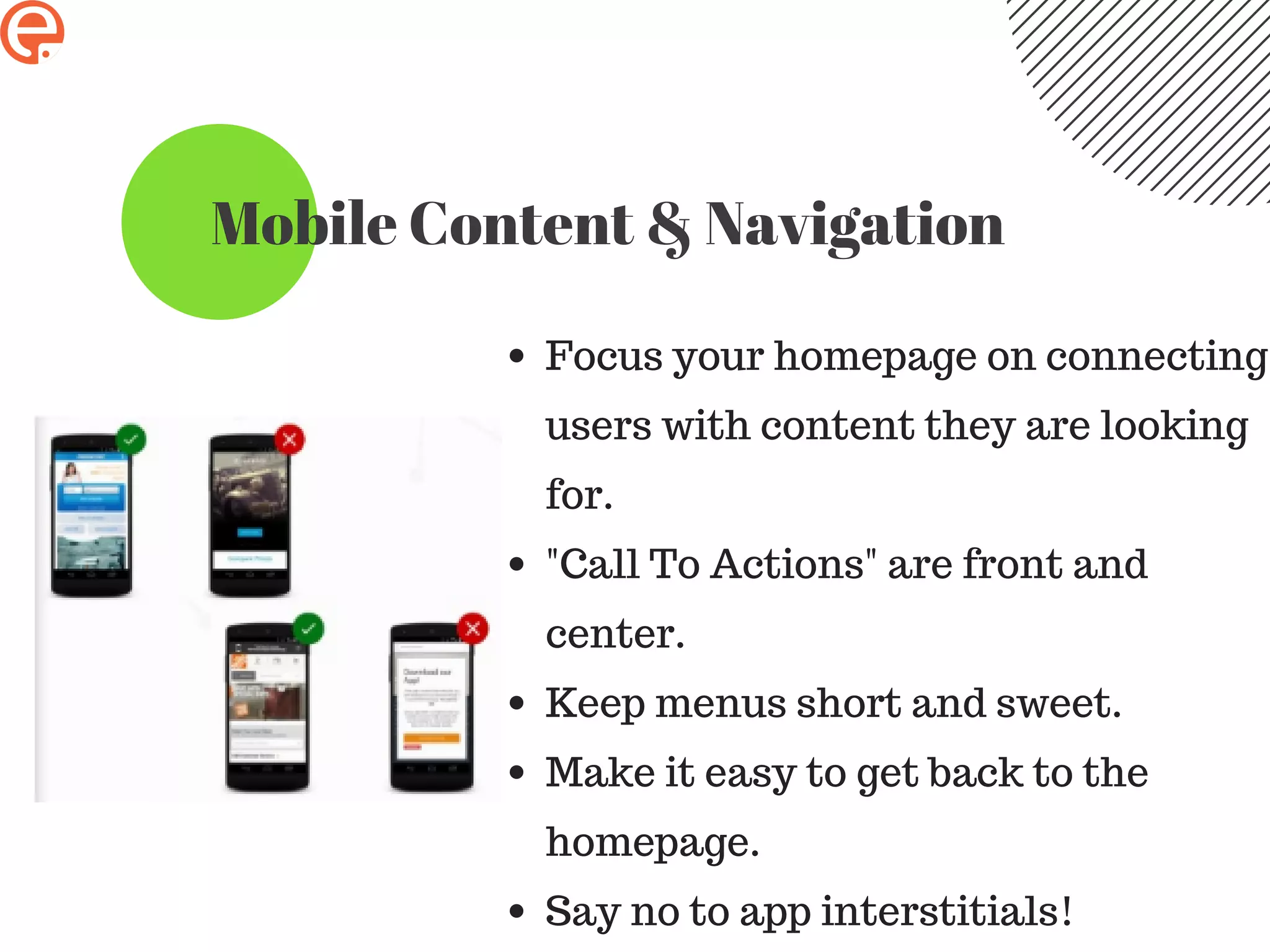
Focus your homepage on connecting
users with content they are looking
for.
"Call To Actions" are front and
center.
Keep menus short and sweet.
Make it easy to get back to the
homepage.
Say no to app interstitials!
Structured Data
Serve structured markup for
both the desktop and mobile
versions.
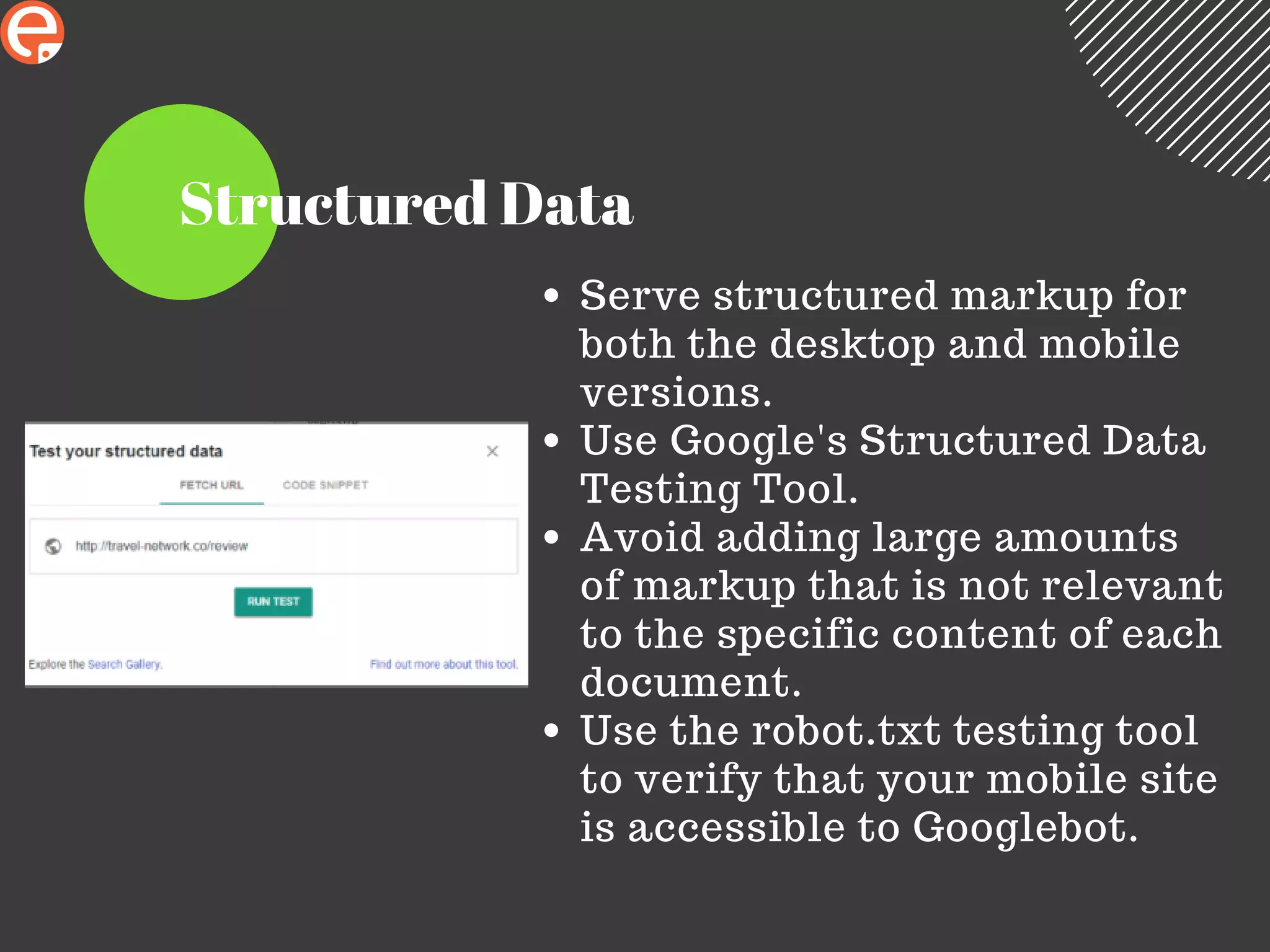
Use Google's Structured Data
Testing Tool.
Avoid adding large amounts
of markup that is not relevant
to the specific content of each
document.
Use the robot.txt testing tool
to verify that your mobile site
is accessible to Googlebot.
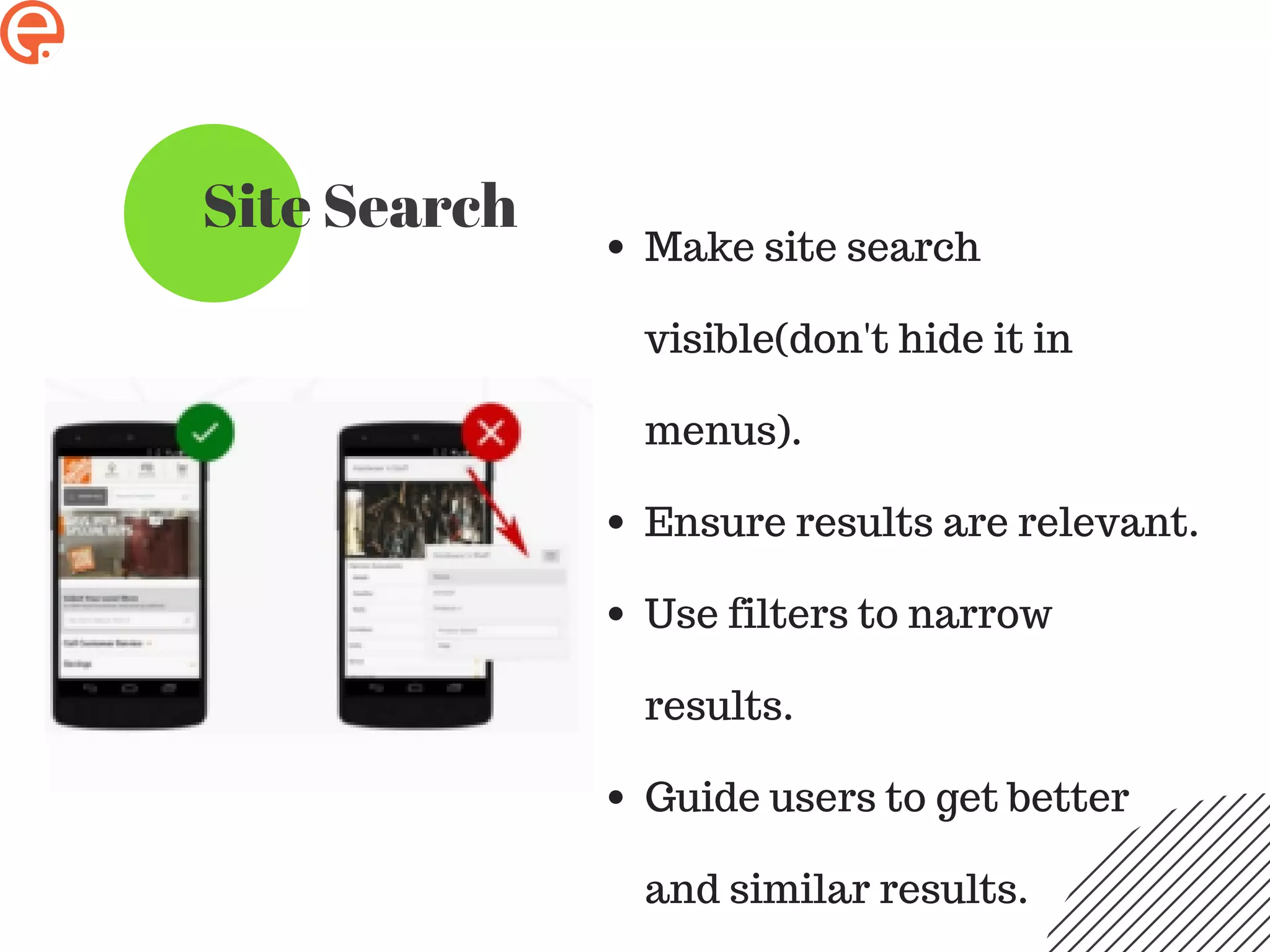
Site Search
Make site search
visible(don't hide it in
menus).
Ensure results are relevant.
Use filters to narrow
results.
Guide users to get better
and similar results.
Form Entry
Streamline information entry.
Choose simple input.
Design efficient forms.
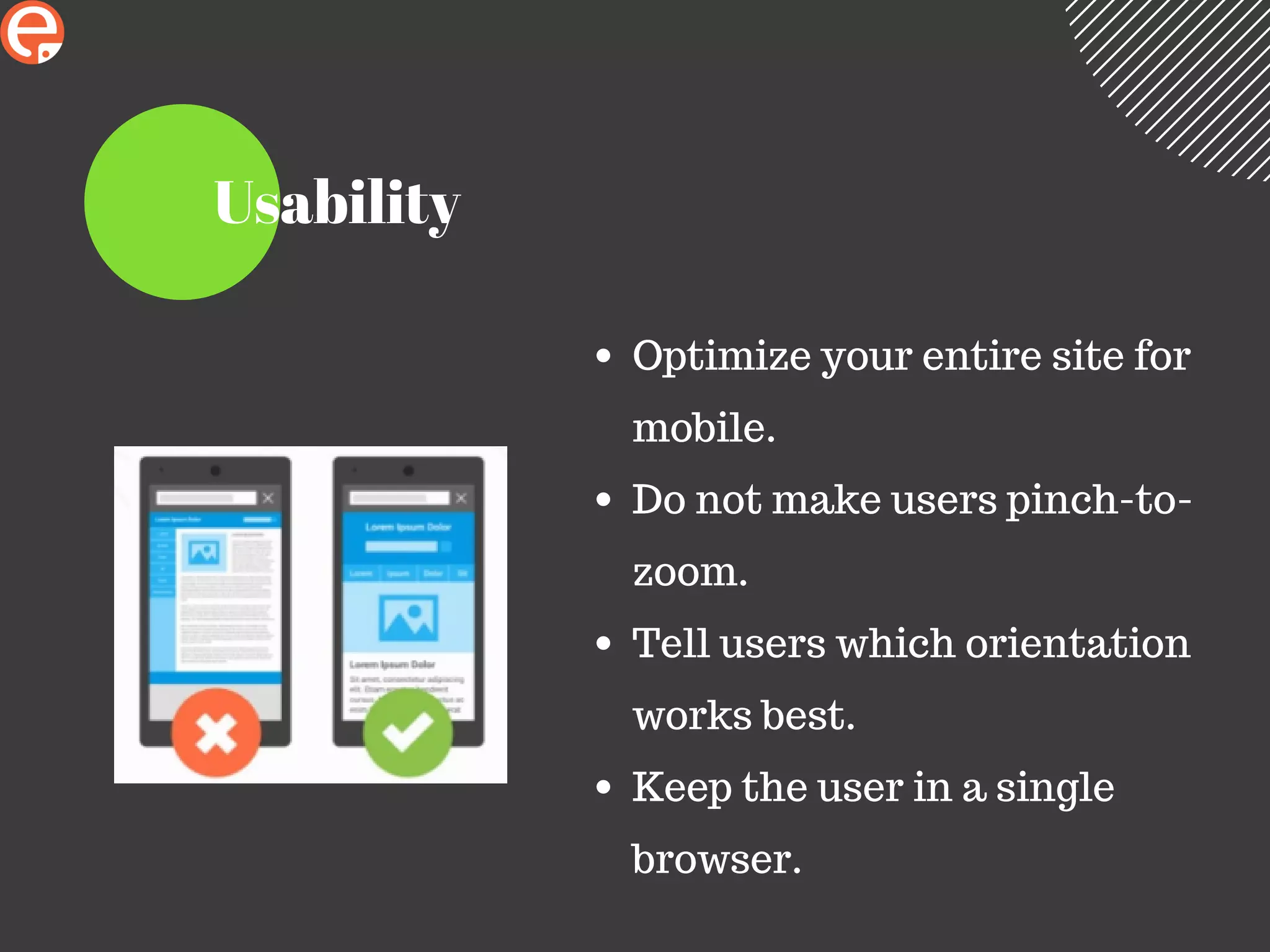
Usability
Optimize your entire site for
mobile.
Do not make users pinch-to-
zoom.
Tell users which orientation
works best.
Keep the user in a single
browser.
Most Important Things to keep in mind
Mobile users are extremely objective oriented.They
expect to get what they need immediately and on their
own terms.
Best SEO Courses in Bangalore
Thank You

A complete guide about Google Mobile First Index

  • 1.
  • 2.
    Table of Contents Whatis The Google Algorithm? What About The Mobile First-Index? Why is Google Doing This? Who will be Affected? Universal Truths of Mobile Mobile-First Checklist Mobile Content & Navigation Structured Data Site Search Form Entry Usability
  • 3.
    What is TheGoogle Algorithm? A system utilized by Google to choose what information to show to a user on search result pages. Core Ranking Algorithm (approx. 10,000 signals) Local Filters (Pigeon and hummingbird) Content Filter(Panda) Link/Web Spam Filter(Penguin) Rank Brain Machine Learning(Algorithmic Update)
  • 4.
    What About theMobile First-Index? Google begins to roll out for mobile- first indexing. A website will be ranked in Google based on the mobile version of the website.
  • 5.
    Why is GoogleDoing This? More than 60% of Google searches are mobile. Frustrating for users when unable to access "full site". Forces us to stop treating mobile as an afterthought. Aligns with other recent changes to SERPs.
  • 6.
    If Google ismodifying their own site for mobile, then we should, too....
  • 7.
    Back Then 7 map-packresults Side bar layout(designed for desktop) 3 ads at top of page
  • 8.
    Now 3 map-pack results 1column layout 4 ads at top of page
  • 9.
    Who will beAffected? m.website.com will be hit the hardest if the mobile site contains less content, meta, markup language,etc. PRO TIP : claim both example.com and m.example.com in Webmaster Tools. Fully responsive sites will be largely unaffected.
  • 10.
    Universal Truths ofMobile Less is more. Responsive does not mean treat both screens as the same. Your users are not thinking about what device they are on, so think for them . Tablets are not mobile devices. Speed Matters : "74% of users will bounce if your mobile website takes longer than 5 seconds to load."
  • 11.
    Mobile-First Checklist Mobile Contentand Navigation Structured Data Site Search Form Entry Usability Always Mobile users are very goal-oriented.They expect to be able to get what they need,immediately and on their own terms.
  • 12.
    Mobile Content &Navigation Focus your homepage on connecting users with content they are looking for. "Call To Actions" are front and center. Keep menus short and sweet. Make it easy to get back to the homepage. Say no to app interstitials!
  • 13.
    Structured Data Serve structuredmarkup for both the desktop and mobile versions. Use Google's Structured Data Testing Tool. Avoid adding large amounts of markup that is not relevant to the specific content of each document. Use the robot.txt testing tool to verify that your mobile site is accessible to Googlebot.
  • 14.
    Site Search Make sitesearch visible(don't hide it in menus). Ensure results are relevant. Use filters to narrow results. Guide users to get better and similar results.
  • 15.
    Form Entry Streamline informationentry. Choose simple input. Design efficient forms.
  • 16.
    Usability Optimize your entiresite for mobile. Do not make users pinch-to- zoom. Tell users which orientation works best. Keep the user in a single browser.
  • 17.
    Most Important Thingsto keep in mind Mobile users are extremely objective oriented.They expect to get what they need immediately and on their own terms.
  • 18.
    Best SEO Coursesin Bangalore Thank You