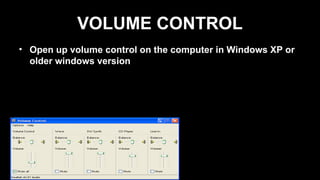
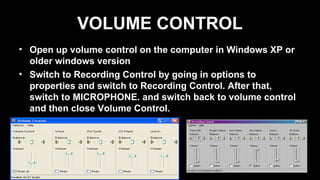
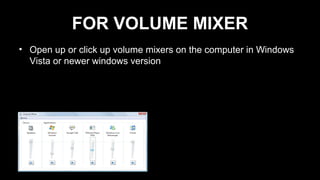
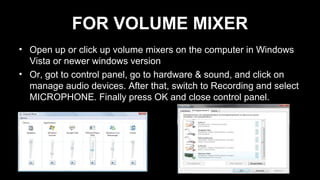
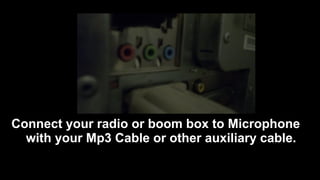
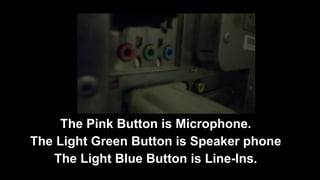
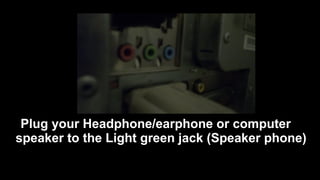
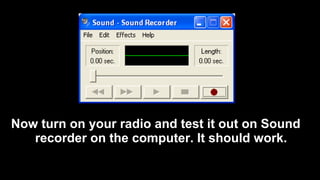
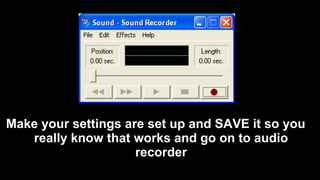
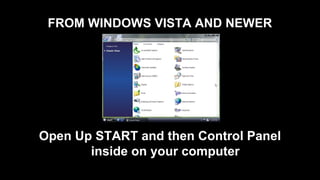
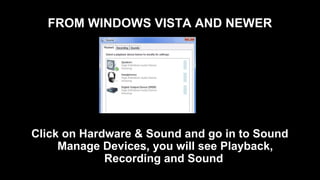
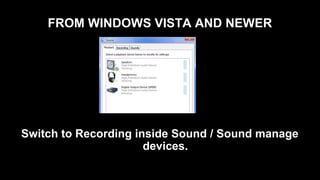
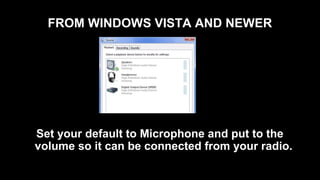
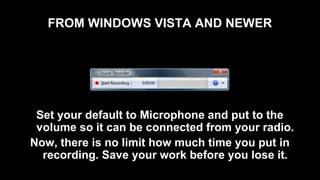
This document provides instructions for connecting an audio source like a radio to a computer microphone input to record audio. It describes opening the volume control panel and selecting the microphone input in Windows XP and older or Vista and newer. It then explains connecting an audio cable from the radio to the computer microphone jack, selecting the default recording device as the microphone, and testing the recording in a sound recorder application. Finally, it gives directions for playing an audio tape through the connected radio during recording to digitize tapes onto the computer.